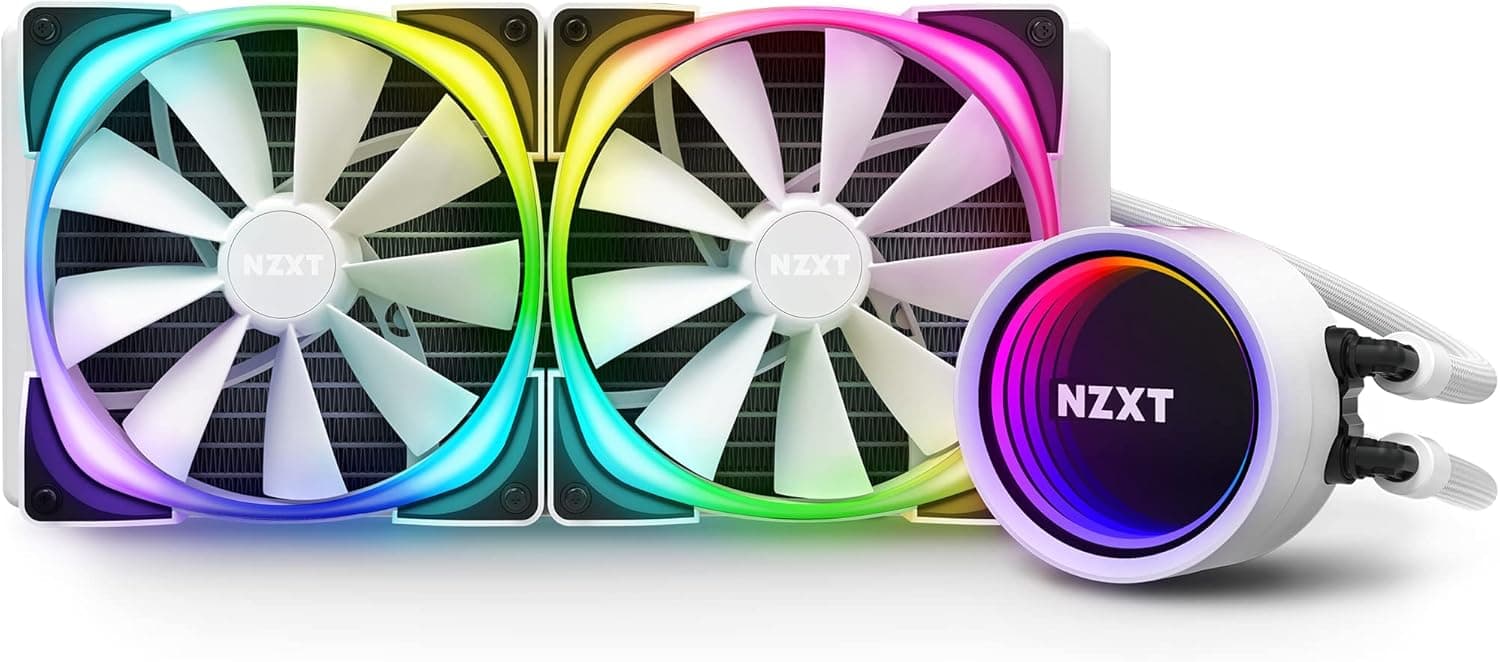
This article looks at the NZXT KRAKEN X63 (RL-KRX63-R1): where it performs, and where you have to compromise.
Overview
The NZXT KRAKEN X63 is an all-in-one (AIO) liquid CPU cooler built around a 280mm radiator. In short, it suits builders running hot 8-to-16-core CPUs who want more thermal headroom than air cooling at lower fan speeds.
The hard prerequisite is a case that actually accepts a 280mm radiator — skip that check and the build stops the moment you open the box.
It belongs to the Kraken X-3 generation introduced in 2020, and its signature feature is the infinity-mirror RGB ring on the pump head. Whether it is worth the money often comes down to how much you value that look and unified NZXT CAM control, rather than raw cooling numbers.
Amazon.co.jp shows 430 reviews averaging 4.4 out of 5 (88% positive, captured 2026-06-02).
That is a strong score, but review counts tell you about satisfaction, not about whether it fits your case.
What Choosing 280mm Actually Means
AIO coolers cluster at 120 / 240 / 280 / 360mm. A 280mm uses two 140mm fans, giving more surface area than a 240mm and cooling close to a 360mm in a shorter overall length.
Bigger fans move the same air at lower RPM, so noise usually favours 280mm over 240mm.
The catch is case support. A 360mm fits most cases with triple-120mm front or top mounts, but 280mm needs mounting holes at the 140mm spacing, which plenty of cases lack.
"Bigger covers smaller" does not apply here.
| Criterion | 240mm | 280mm (this cooler) | 360mm |
|---|---|---|---|
| Fans | 2× 120mm | 2× 140mm | 3× 120mm |
| Thermal headroom | Standard | High | Highest |
| Noise at load | Standard | Often better | Good |
| Case support | Wide | Narrower | Wide |
The 280mm sits at a balance point, but the usual reason to pick it is practical: your case supports 280mm and cannot take (or you do not want) a 360mm.
Compatibility
Start with the socket. Kraken X-3 coolers shipped supporting Intel LGA 115x / 1200 and 2066 plus AMD AM4.
LGA 1700 needs a separate NZXT bracket kit, and not every unit includes it — if your CPU is LGA 1700, confirm the bundled accessories on the product page before ordering. AM5 generally reuses the AM4 mounting mechanism, but verify that on the listing too.
Next, the case. A 280mm radiator is roughly 315mm long and adds about 25mm of fan height on top of radiator thickness.
For a top mount, check clearance against VRM heatsinks and tall memory modules. Micro-ATX cases and builds with a raised PSU shroud are the usual trouble spots.
Tube routing gets overlooked. X-3 tubing is generously long but fairly stiff, so the exit direction depends on how you orient the pump head.
The pump cap can be rotated to keep the logo upright, but decide radiator position and tube direction before you start bolting things in.
Power requirements are light: SATA power for the pump, a fan header, and a free internal USB 2.0 header for CAM.
That last one catches first-time AIO builders out.
Product Info
Model RL-KRX63-R1 pairs a 280mm radiator with two 140mm fans. Fan speed is typically quoted in the 500–1800rpm range as a guideline; check the product page for exact figures.
The pump head carries the infinity-mirror RGB ring, with lighting and pump/fan curves handled in NZXT CAM.
Pricing was ¥10,480 on Amazon.co.jp (captured 2026-06-12) and $94.99 from an eBay US marketplace listing (captured 2026-07-15).
This is an older product, so clearance pricing appears and swings are wider than for new releases. Both figures are point-in-time — check the current price on the listing before buying.
Note that the listing's spec table also contained data unrelated to this cooler (monitor-arm load ratings, VESA patterns, desk thickness). None of those numbers were used here.
More on that below.
Living With CAM
X-3 coolers route pump speed, fan curves, and RGB through NZXT CAM. That means fine control effectively requires CAM running in the background.
BIOS fan control gets you partway, but not pump tuning or pump-head lighting. If you avoid resident vendor software, treat this as a real cost.
For quiet operation, set the pump to a fixed mid-to-high speed and bias fans toward a low curve. The 280mm surface area keeps coolant temperature stable at everyday loads, so this split works well.
Running the fans flat out produces obvious airflow noise from two 140mm blades and is not a practical daily setting.
One honest caveat: any AIO can develop pump whine depending on the unit. Air coolers do not carry that risk.
Alternatives
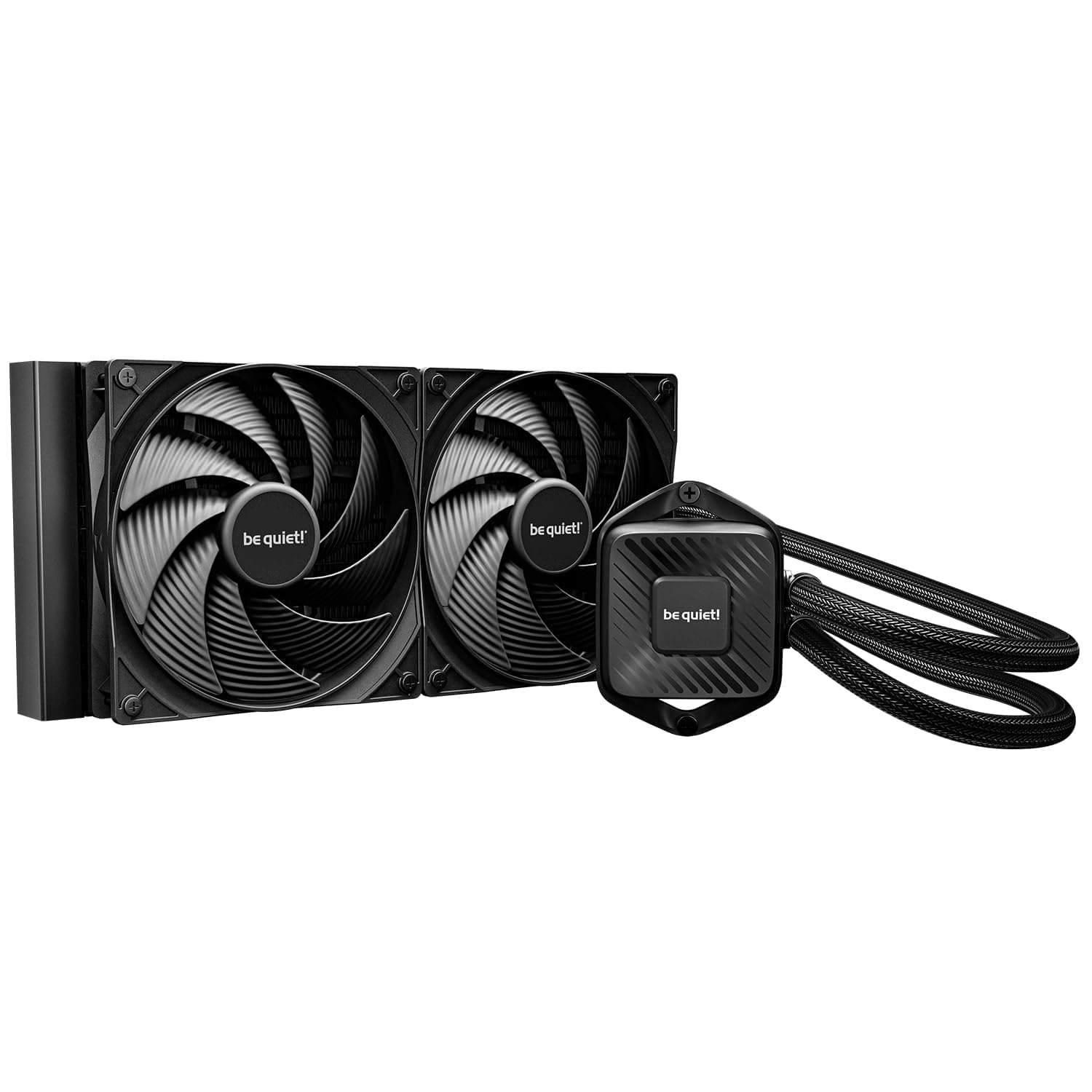
In the same 280mm class, be quiet!'s Pure Loop 280mm is the quiet-first alternative.
If you want more headroom and an LCD, a 360mm like the iCUE LINK H150i LCD is the step up; ARCTIC's Liquid Freezer II 360 is the value pick.
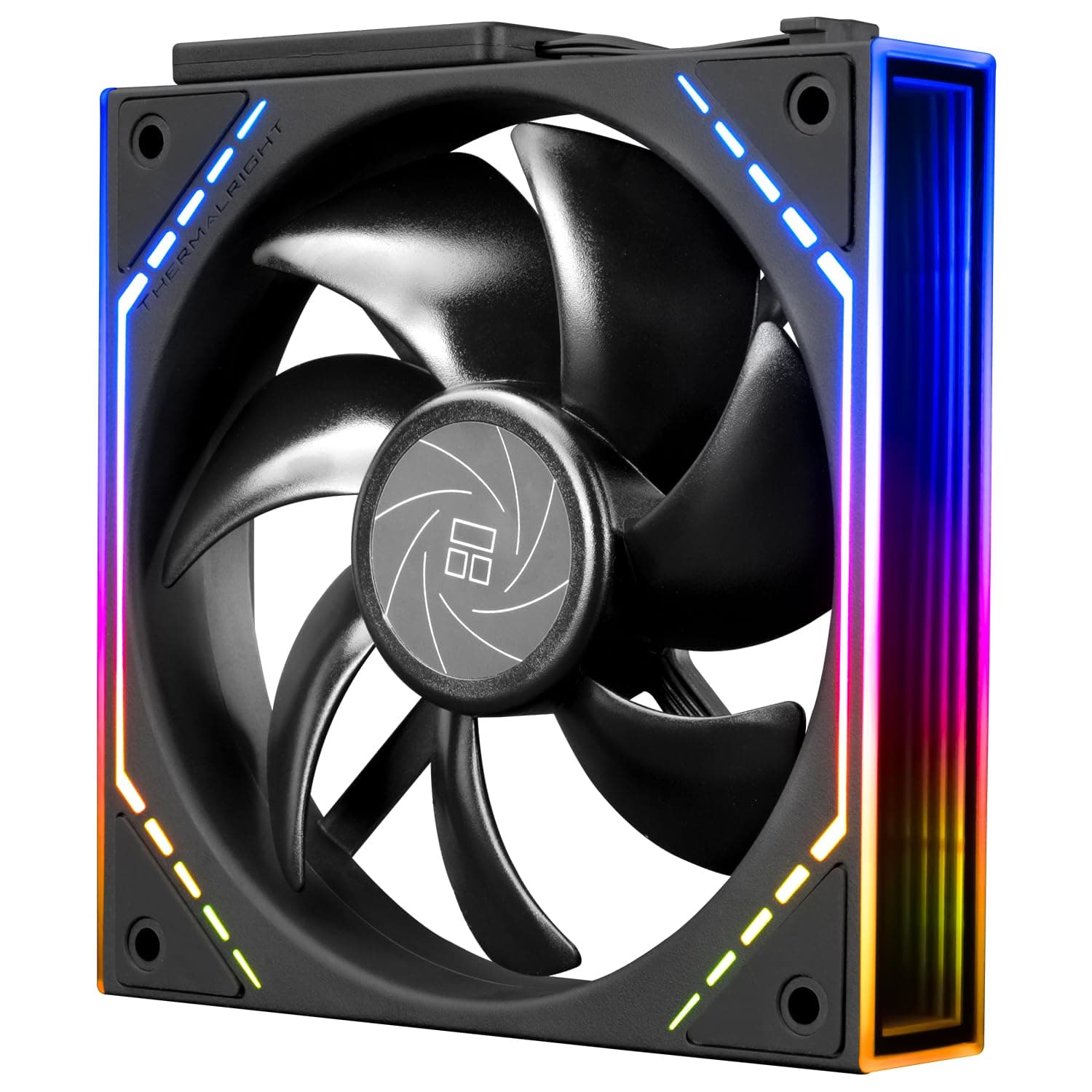
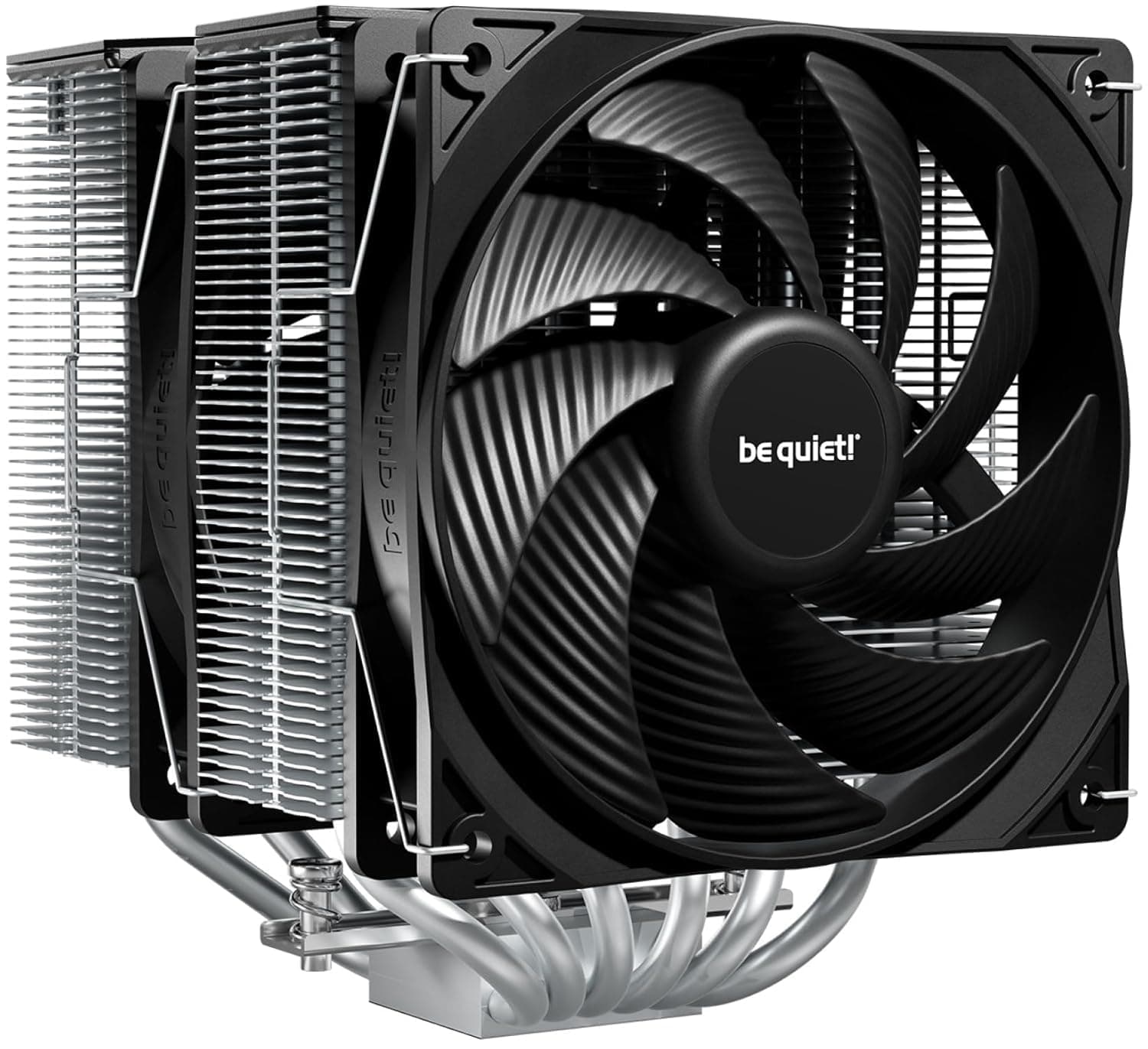
The real competition is air. A dual-tower cooler like the Thermalright Peerless Assassin costs far less, has no pump to fail, and needs no software — often landing close in temperatures.
Framed as "how much am I paying for looks and layout," the decision gets easier.
Within the family, the previous Kraken X62 is the same 280mm class with a different pump-head design. If it turns up cheap and you do not care about the aesthetic, the practical gap is small.
Best Use Cases
Best for hot multi-core CPUs in a case you have already confirmed takes a 280mm radiator. In sustained loads like video encoding or compiling, the extra surface area shows up as lower fan speeds rather than lower peak temperatures.
It also suits glass-panel builds where the pump head is visible and you want lighting unified through CAM.
If your CPU is a mid-range 6-core part, 280mm is clearly overkill — put the difference into another component.
Before You Buy
Most importantly: this product listing contained information belonging to a different product. The spec table listed monitor-arm figures (11.3kg load capacity, VESA 75×100mm, 75mm desk thickness) and the description text described that product too.
Those values were deliberately excluded here. You will hit the same inconsistency on the page, so confirm the product from the images, title, and model number RL-KRX63-R1 before ordering. For the same reason, treat the review average and count as indicative only — a listing with mixed data may carry reviews from another item.
On case fit: a 280mm does not automatically go where a 240mm goes. You need mount points at 140mm fan spacing.
Check your case spec sheet for explicit 280mm radiator support. This is the single most common AIO buying mistake.
On LGA 1700: if the bracket is not bundled, you will need to source the kit separately and cannot build until it arrives. Used and grey-import units are more likely to be missing accessories, so read the included-items list.
On software: accept that NZXT CAM will be resident. If you dislike stacking vendor RGB utilities, that is a genuine drawback.
Finally, treat an AIO as a consumable. The pump is a moving part, and over several years its failure probability exceeds an air cooler's.
Confirm the warranty at purchase; if you want years of hands-off use, a large air cooler is often the happier choice.
FAQ
Q. Will it fit a case rated for 240mm? A.
Only if the mounting slots also match 140mm fan spacing. Look for explicit 280mm radiator support in the case specs.
Q. Does it work with LGA 1700? A.
NZXT offers an LGA 1700 bracket, but inclusion varies by unit. Confirm the bundle on the product page first.
Q. Can I skip NZXT CAM? A.
It will cool without it, but pump speed, fan curves, and RGB are designed around CAM. If you avoid resident software, consider another cooler.
Q. How much better is it than air cooling? A.
Mainly in sustained heavy loads, where the headroom becomes lower noise. At typical mid-range CPU loads, a top air cooler is often indistinguishable.
Q. Does it need refilling? A.
It is a sealed unit and user refilling is not intended. Expect gradual coolant loss over many years and treat it as a consumable.
Product Disclosure (Amazon)
- ASIN: B08MB7GN6D
- Note: This article covers a manufacturer-made product based on Amazon listing details.