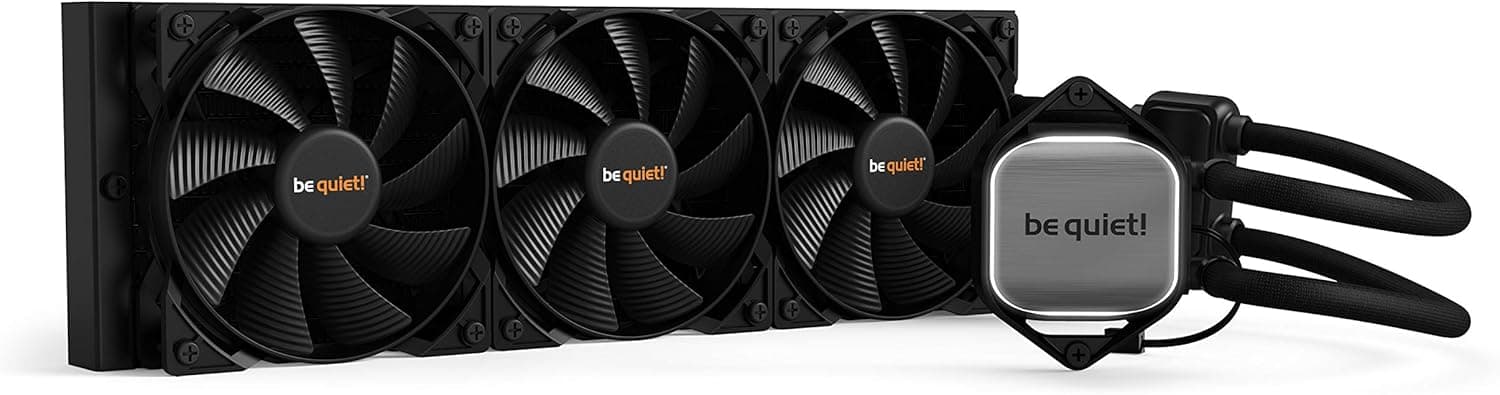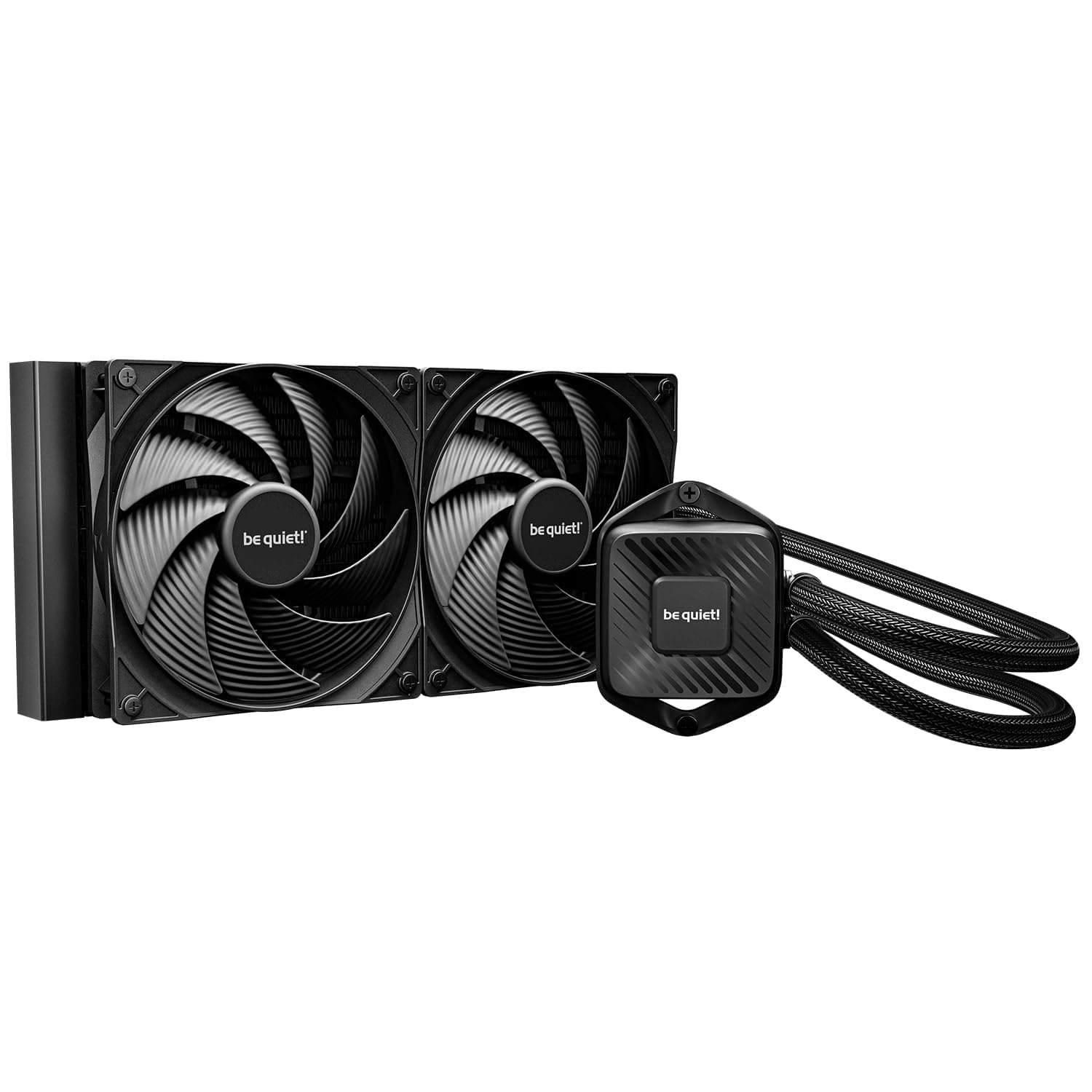
The be quiet! PURE LOOP 3 280mm is an all-in-one cooler for people whose first requirement is "not loud." This article works through what the spec numbers actually mean in a real build, which cases will take it, and who should not buy it.
Overview
The be quiet! PURE LOOP 3 280mm is a 280mm all-in-one CPU liquid cooler from the German PC component manufacturer be quiet!.
It comes equipped with the company's renowned PURE WINGS 3 PWM fans and a PWM-controlled pump that adjusts speed based on CPU load. It supports a wide range of sockets, including Intel's latest LGA1851 and AMD's AM5.
The short version: this product optimizes for how quietly it moves a given amount of heat, not for the highest possible cooling ceiling. Rated noise is 36.6 dBA, the 140mm fans top out at 1800 rpm, and the pump at 5500 rpm.
An 1800 rpm ceiling on a 140mm fan is modest for this class, which tells you the design is not meant to brute-force temperatures. On Amazon.co.jp it holds 4.7 out of 5 stars across 76 reviews (about 94% positive, captured 4 June 2026) - a small sample, but a consistent one.
Quick Answer by Use Case
| If you are | Good fit? | Why |
|---|---|---|
| Building a quiet PC used late at night | Yes | PWM pump and 140mm fans make low-rpm operation practical |
| Gaming on a mid-to-high-end CPU | Yes | A 280mm radiator leaves comfortable headroom |
| Running all-core loads 24/7 | Partly | The 1800 rpm ceiling favors quiet over peak cooling |
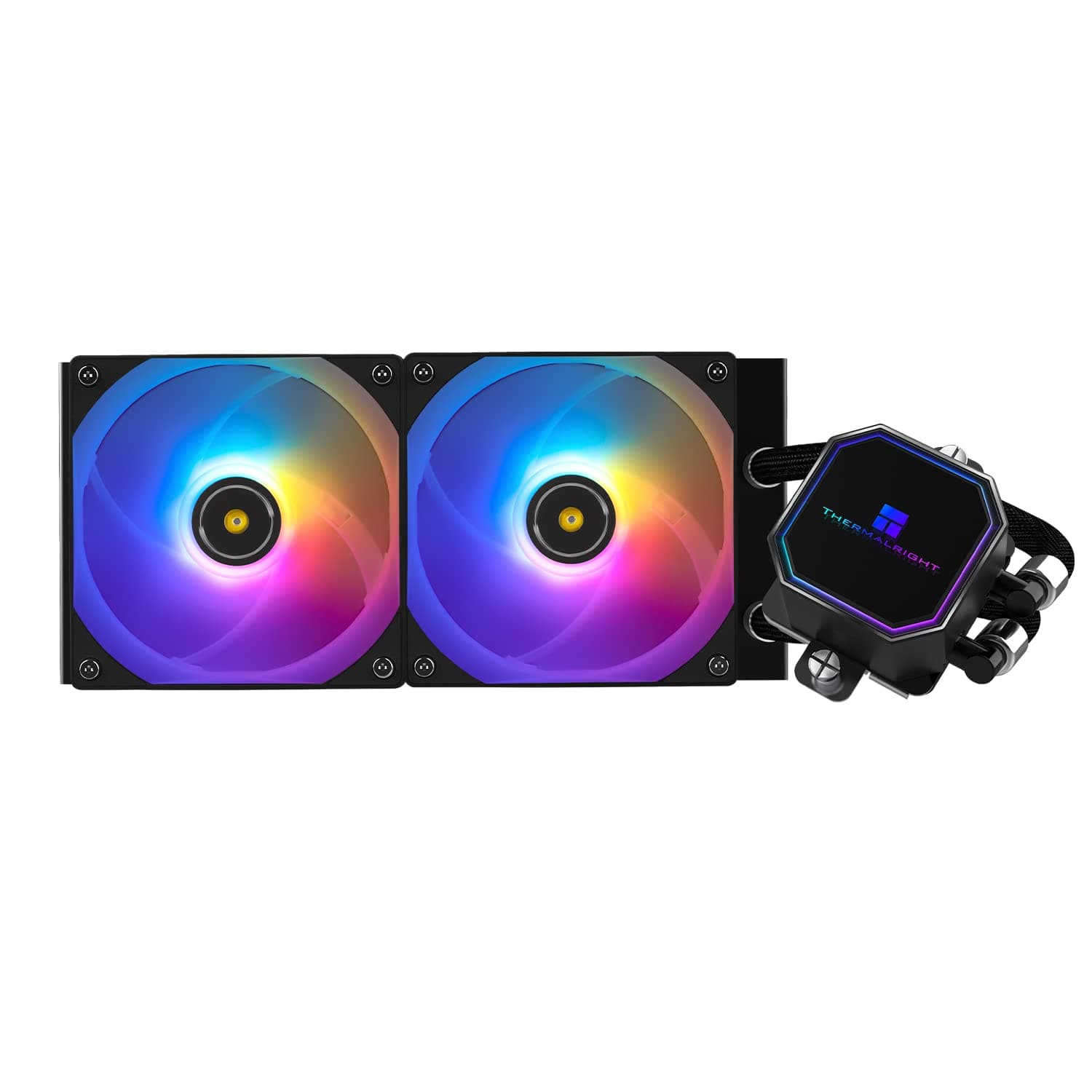
| Wanting RGB or an LCD block | No | This is a plain black, non-illuminated cooler |
| Using a mini tower | No | A 317mm radiator will not fit most small cases |
The "partly" and "no" rows are not performance criticisms - they mean your goal is misaligned with the design. The last two rows are the classic reasons a cooler gets returned.
Compatibility Guide
Supported sockets are Intel LGA1851, LGA1700, LGA1200, LGA1150, LGA1151, LGA1155, and AMD AM4 and AM5. Native LGA1851 support means no hunting for a separate bracket on Intel's current platform, and the older socket coverage means the cooler can follow you to a future build.
Sockets not on that list - Threadripper platforms, LGA2066 and similar - are not supported.
Physical fit is the real hurdle. The unit measures 317 x 140 x 52 mm, standard for a 280mm radiator.
Even when a case claims 280mm support, three things commonly interfere. First, top-mount clearance to the top edge of the motherboard: with a 52mm radiator plus a typical 25mm fan, you need roughly 77mm of depth.
Second, memory height, if the radiator overhangs the DIMM slots. Third, front-mount obstructions such as 3.5-inch drive cages and cable routing bulges.
Both the fans and the pump connect via 4-pin PWM. Use the AIO_PUMP header for the pump if your board has one.
If not, put the pump on CPU_FAN and the fans on CHA_FAN, then set the pump to a high fixed speed and let only the fans track CPU temperature. Letting pump speed chase temperature produces a rising and falling tone that is more noticeable than a steady one.
Product Info
Key specs: 280mm radiator, 140mm fans, 1800 rpm maximum fan speed, 5500 rpm maximum pump speed, 36.6 dBA rated noise, 317 x 140 x 52 mm dimensions, and a 3-year warranty.
Treat 36.6 dBA as a worst case measured at full fan speed; in normal use PWM control keeps the fans well below that, and how quiet the machine feels comes down to your fan curve.
As captured on 12 June 2026, the listed price on Amazon.co.jp was 15,055 yen.
That is a normal-to-slightly-affordable level for a 280mm AIO, typically a few thousand yen under comparable RGB models. Cooler prices move often with sales and exchange rates, so check the product page for the current figure.
A marketplace listing recorded a figure more than double the domestic price; that most likely reflects import pricing or a mis-captured product, and should not be read as this cooler's street price.
The box includes Intel and AMD mounting hardware, thermal paste, and fan clips, so nothing extra is required to build. The 3-year warranty does not mean the cooler expires in three years - with an AIO, pump life effectively sets service life, and the warranty term is best read as the manufacturer's stated floor.
How It Compares
A 280mm radiator is shorter than a 360mm unit, so it fits more cases, and 140mm fans move the same air at lower rpm than 120mm fans. For a quiet-first build that trade is sound.
If raw cooling is the priority, thicker radiators and higher-rpm fans post better numbers; the 1800 rpm ceiling here is deliberately conservative, so this is not the pick for squeezing the last few degrees out of an overclock.
Against a good dual-tower air cooler, air usually wins on price and has no pump to fail. The reasons to choose liquid are moving CPU heat straight out of the case, keeping the area around the RAM and VRM physically clear, and a cleaner look.
If none of those matter to you, air is the more rational purchase.
Living With It
In a quiet build, the fan curve decides the outcome more than the cooler does. A curve that stays low until roughly 70 C and then ramps hard tends to sound better than one that constantly steps up and down during gaming, where load fluctuates second to second.
Mounting the radiator as top exhaust also keeps warmed air from re-entering the case.
Pump noise varies most between individual units. A gurgling sound after assembly is usually trapped air rather than a defect.
Running the system at idle for a few hours, or gently tilting the case so bubbles migrate toward the radiator, resolves it in most cases - try that before requesting a replacement.
Installation Notes
Confirm from the case spec sheet where a 280mm radiator mounts and how much total thickness is allowed.
Fit the radiator and fans into the case first, then attach the CPU block.
The reverse order strains the tubing. 3.
Mounting hardware is split by socket family. Check the bag markings before opening so LGA1851/1700 and AM5 parts do not get mixed.
- A pea-sized dot or a thin line of paste is enough.
More does not cool better. 5.
Pump to AIO_PUMP, fans to CPU_FAN or CHA_FAN, then set the pump high and fixed in BIOS.
Best Use Cases
This cooler is ideal for users building a silent PC. be quiet!'s engineering keeps noise low at idle and under gaming or video-editing loads, which matters most when the machine sits on the desk and fan noise would otherwise reach a microphone.
Support for Intel's LGA1851 and AMD's AM5 also makes it a sensible choice for a new build on a current platform, and the 280mm radiator has enough capacity for Core i9 and Ryzen 9 class chips under typical workloads. The broad socket list means it can carry over to your next motherboard.
And because it is plain black with no lighting, it is one of the few strong options for an all-monotone build with no RGB.
Before You Buy
The people who should skip this are easy to identify. First, anyone who wants lighting: there is no ARGB and no display on the block.
Second, anyone who has not measured their case. A 317mm radiator does not go into a mini tower and does not always clear memory or VRM heatsinks even in a mid tower that claims 280mm support - this is the single most common AIO mistake.
Third, anyone chasing peak cooling: with sustained all-core loads, a higher-rpm or larger-area cooler will simply do better.
There are trade-offs to accept. An AIO has a pump, which is one more moving part than air cooling has, and against a similarly priced dual-tower air cooler the temperature gap is often small.
You are paying for quiet operation, heat routing, and appearance. AIOs are essentially maintenance-free, but as sealed loops they can lose a little coolant over several years, so plan around that rather than expecting indefinite performance.
One more thing: listing data on retail pages is often generated automatically and does not always match the product. Socket lists and prices have been wrong on real listings, and marketplace sellers sometimes post figures far off the domestic street price.
Before ordering, confirm from the product photos and title that you are looking at the 280mm PURE LOOP 3 - the 240mm version and the older Pure Loop and PURE LOOP 2 models frequently appear alongside it.
FAQ
Q. Do I need a separate bracket for LGA1851?
A. No. LGA1851 is on the supported socket list and the included mounting kit covers it.
Q. Is 36.6 dBA loud in practice? A.
That is the rated figure at the full 1800 rpm. Under normal gaming loads PWM control keeps the fans well below maximum, and perceived noise depends heavily on your BIOS fan curve.
Q. Will it fit any mid tower? A.
Most mid towers and larger will take it, but you need a 317 x 140 mm mounting area plus depth for the 52mm radiator and the fans (typically 25mm). Check your case spec sheet for radiator positions and allowed thickness.
Q. Is it enough for a Core i9 or Ryzen 9? A.
For typical gaming and video editing, yes - a 280mm radiator provides adequate area. For long sustained all-core work or unlocked power limits, a larger or higher-rpm cooler has more margin.
Q. Which header should the pump use? A.
AIO_PUMP if available. Otherwise CPU_FAN, with the pump set to a high fixed speed and the fans set to track temperature.
Q. How long is the warranty?
A. Three years, with domestic distributor support when purchased through official channels in Japan.
Product Disclosure (Amazon)
- ASIN: B0FNMP513T
- Note: This article covers a manufacturer-made product based on Amazon listing details.