Overview
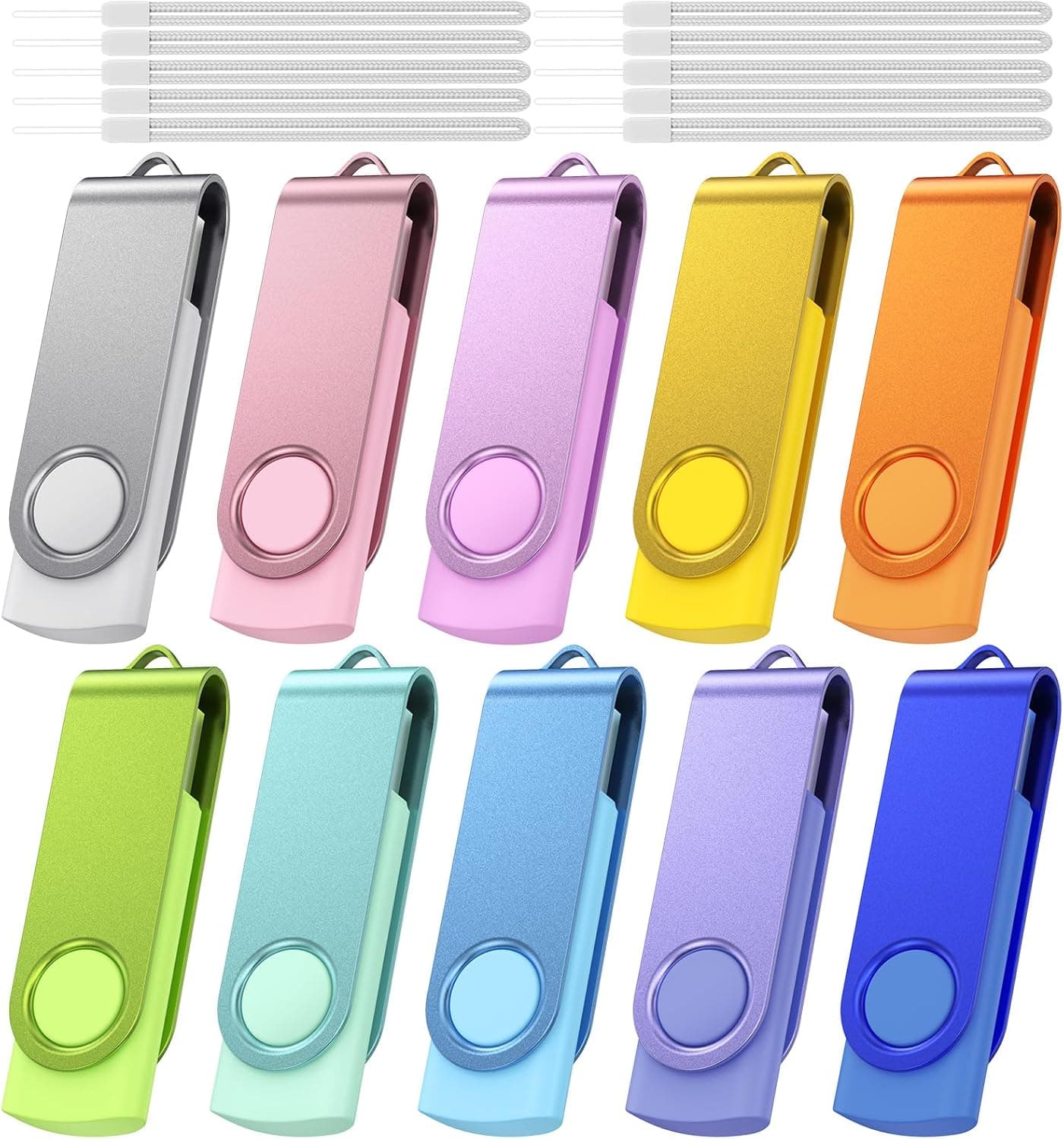
The Kepmem 16GB USB 2.0 Flash Drive is a bulk pack of ten 16GB drives.
The short verdict: this is not a product for someone who wants one good drive, it is for someone who needs to hand the same files to many people, or who wants spares scattered everywhere. Read speeds top out at 15MB/s and writes at 8MB/s, so speed is clearly not the selling point.
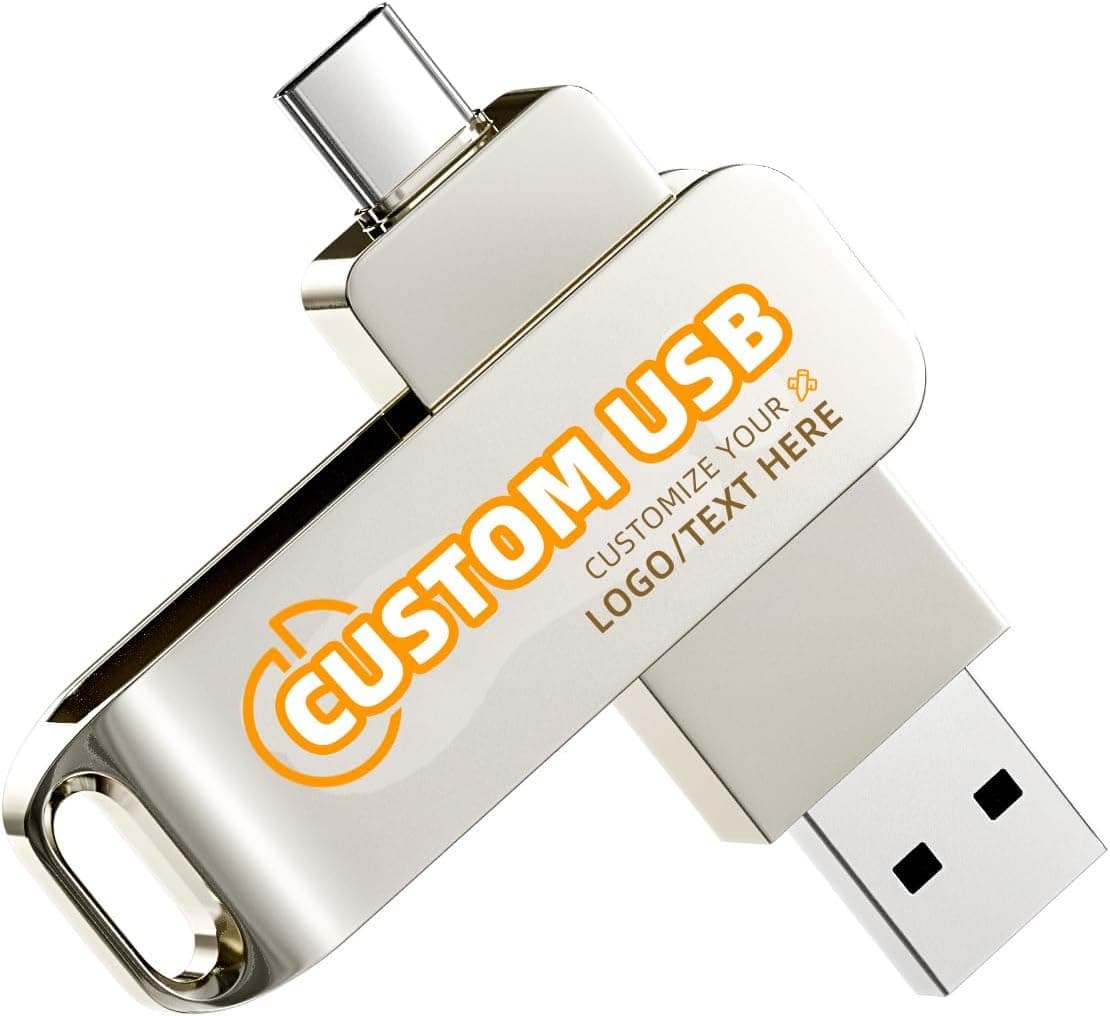
The design highlight is the rotating, cap-less body. An aluminium clip swivels 360 degrees to cover the connector, which removes the classic failure mode of losing a cap.
The shell is ABS plastic and an LED blinks during transfers. No drivers are needed; it is plug-and-play.
As of the 30 May 2026 capture, Amazon.co.jp shows 57 reviews at 4.6 out of 5 stars (92% positive).
That is a small sample, but a steady one for a budget bulk pack.
Compatibility Guide
The stated OS support is Windows 7/8/10/11/12/Vista/XP/Unix/2000/98/ME/NT, Linux and Mac OS. In practice that means "anything that speaks USB mass storage", which is exactly where this product shines: old office PCs, industrial terminals and car head units that reject modern USB 3.x drives.
The interface is USB 2.0 with backward compatibility to USB 1.1.
It will physically fit a USB 3.x port, but it still runs at USB 2.0 speeds there.
Note also that USB 2.0's theoretical ceiling is around 60MB/s, so the 15MB/s figure is limited by the controller and flash, not the port.
| Environment | Works? | Notes |
|---|---|---|
| Windows PC (USB 2.0/3.x) | Yes | No drivers required |
| Mac | Yes | Fine as shipped; NTFS would make it read-only |
| Linux | Yes | Auto-mounts |
| TV / car audio | Yes | Subject to the device's format and capacity limits |
| USB-C devices | Adapter | Needs a dongle or hub |
There is no USB-C plug here. If a MacBook or an Android phone is part of the plan, budget for an adapter or buy a Type-C drive instead.
One physical caveat: rotating bodies are slightly thicker than flat drives. On laptops with tightly spaced ports, or recessed car-audio sockets, the drive may block a neighbouring port or fail to seat fully.
Check the target device before buying ten of them.
Product Info
| Spec | Value |
|---|---|
| Capacity | 16 GB |
| Interface | USB 2.0 |
| Read speed | Up to 15 MB/s |
| Write speed | Up to 8 MB/s |
| In the box | 10 drives, 10 lanyards |
The listed price was ¥7,403 on Amazon.co.jp as captured on 30 May 2026, which works out to roughly ¥740 per drive.
Prices move and sales happen, so confirm the current figure on the product page; the reasoning below assumes that captured price.
That per-unit number is the whole decision. A single 16GB USB 3.2 drive costs about the same or a little more and is several times faster, so for "one drive I use daily" this loses outright.
For "ten drives I give away" it wins, and the ten bundled lanyards make the intended use obvious.
Some arithmetic helps set expectations. At the quoted 8MB/s write speed, 1GB takes roughly two minutes, 4GB takes eight to nine minutes, and filling all 16GB takes over half an hour.
Many small files make it slower still. Documents and PDFs feel instant; one video file buys you a coffee break.
Best Use Cases
- Teachers and trainers distributing material — lecture slides, assignments, templates. Light files, many recipients, no pain if a drive never comes back.
- Companies preparing event giveaways — a colourful ten-pack is enough for a trade-show handout, and it is a cheap way to trial the workflow before ordering branded units.
- Anyone who wants spares everywhere — car, backpack, desk drawer, a parent's PC. Low unit cost means losing one is not an event.
- People supporting legacy hardware — USB 2.0 plus small capacity is often the combination that stubborn car stereos and older machines actually accept.
Before You Buy
Skip it if your files are large. This is the main warning.
8MB/s writes are simply too slow for video, RAW photo folders, OS installer images or whole-folder copies. Expecting to "just hand over a 4GB file" and then waiting ten minutes is the most common disappointment here.
Do not make it your only backup. Cheap bulk flash is a category with real unit-to-unit variation, and failure rates climb with insertion cycles.
Treat these as carriers, not archives: keep the original on a PC or in the cloud and let the drive hold a copy.
Watch the filesystem limits. If the drive ships as FAT32, no single file over 4GB can be written, so a large video will fail to copy even with space free.
That is the format, not a fault. Reformatting to exFAT fixes it but can break compatibility with older players, so decide which device matters first.
Understand the 16GB figure. Your OS will report roughly 14-and-change GB usable.
That is the standard difference in how capacity is calculated, not a defect.
Managing ten drives is harder than it sounds. Decide up front how you will tell them apart — a readme file at the root, a physical label, or one colour per purpose.
And always wipe returned drives before handing them to the next person; leftover files from the previous holder are a recurring embarrassment.
Not for confidential data. There is no hardware encryption.
If what you are carrying matters, encrypt the files yourself or buy a drive built for it.
About the Amazon listing details. On budget bulk products, listing metadata such as manufacturer, model number and accessories is sometimes inaccurate or mismatched.
Do not rely on the registration fields alone; confirm from the images and title that you are buying the ten-pack and the 16GB capacity.
How It Compares
Against a single cap-less USB 3.1 drive of the same 16GB capacity, the character is completely different.
The single 3.x drive wins on speed and confidence; this pack wins on count and unit price.
One drive for daily personal use, or ten drives for ten people — that framing answers the question.
If the goal is backing up an iPhone or iPad directly, an MFi-certified drive with a Lightning or USB-C plug is required; this one physically cannot connect. Kepmem's pack targets standard USB-A hosts: PCs, TVs and car stereos.
FAQ
Q. Will a USB 3.0 port make it faster?
A. No. The drive itself is USB 2.0, so the ceiling stays at 15MB/s read and 8MB/s write.
Q. Does it work on a Mac out of the box? A.
Yes, as shipped. Avoid NTFS if you move between Windows and macOS — exFAT is the safe choice.
Q. It shows about 14GB instead of 16GB. Is it faulty? A.
No. That gap comes from how capacity is calculated and applies to flash drives generally.
Q. Can I store videos on it? A.
You can, but it is not practical. A few gigabytes takes close to ten minutes to write.
Choose a USB 3.x drive for video work.
Q. Are all ten drives the same colour? A.
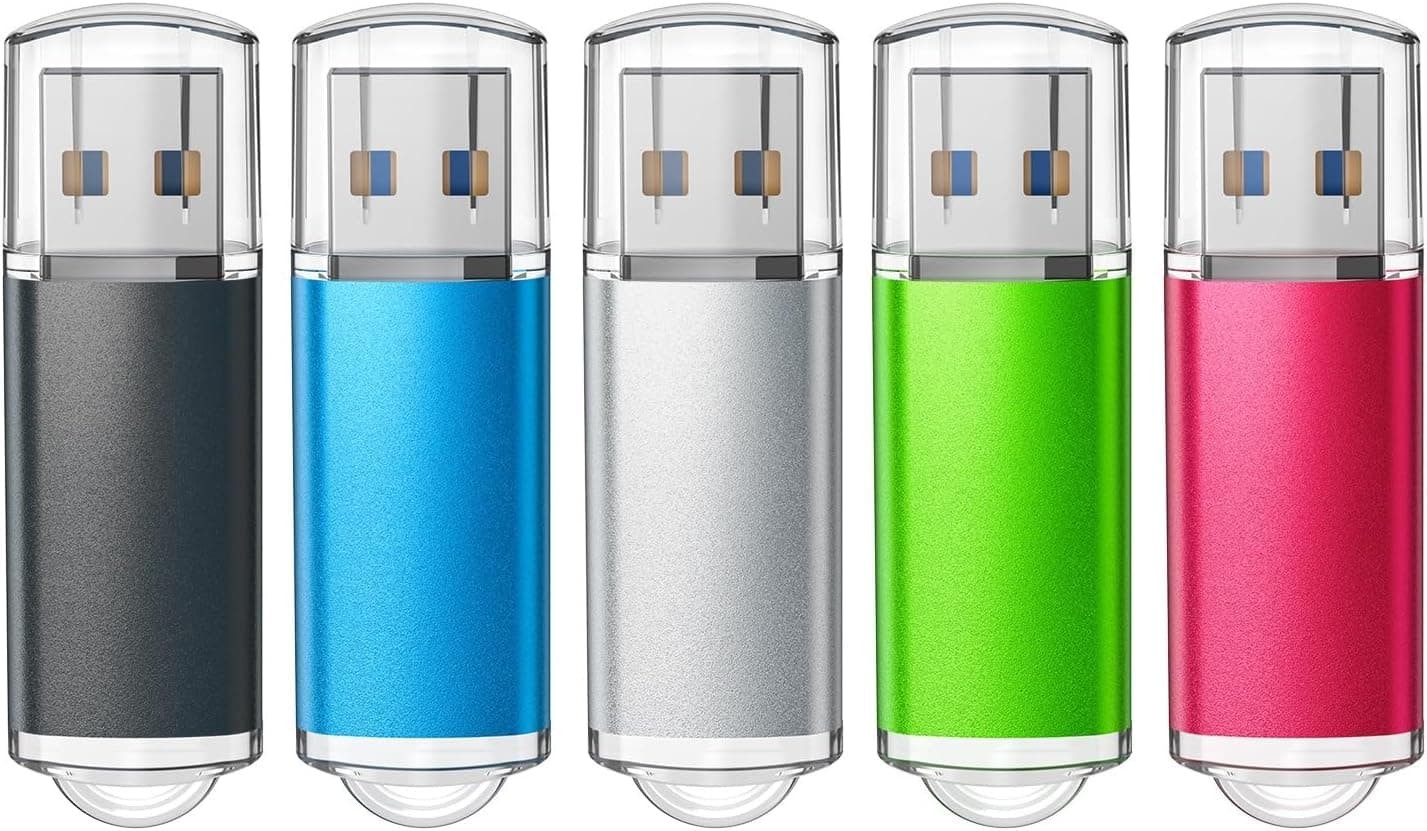
They are sold as a colourful ten-pack, which is handy for coding drives by purpose. Check the product page for the exact colour breakdown.
Q. Will it work in a car stereo or TV? A.
Generally yes, if the device reads USB mass storage. Check its manual for format and capacity limits, and remember the rotating body's extra thickness can foul a recessed port.