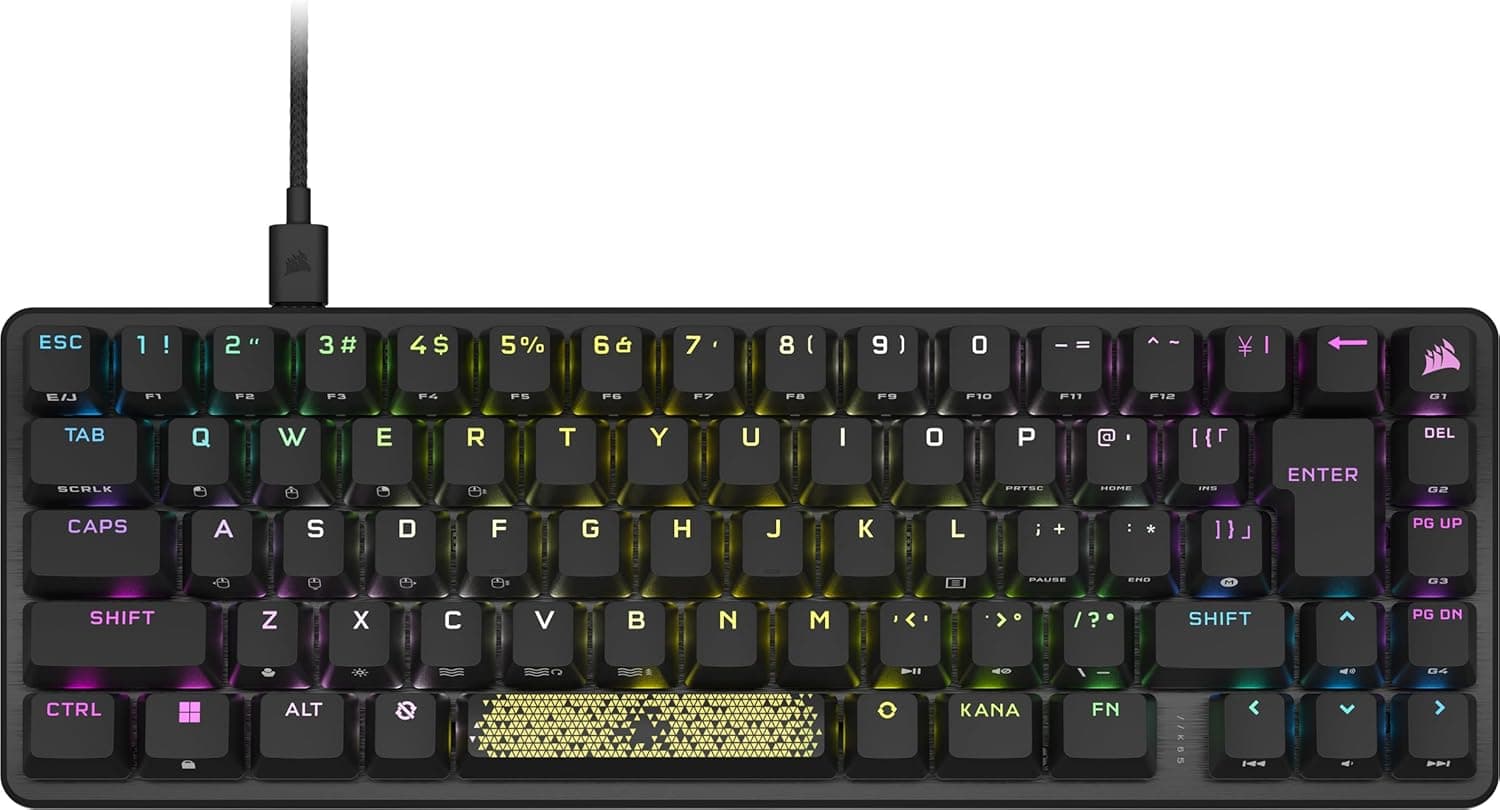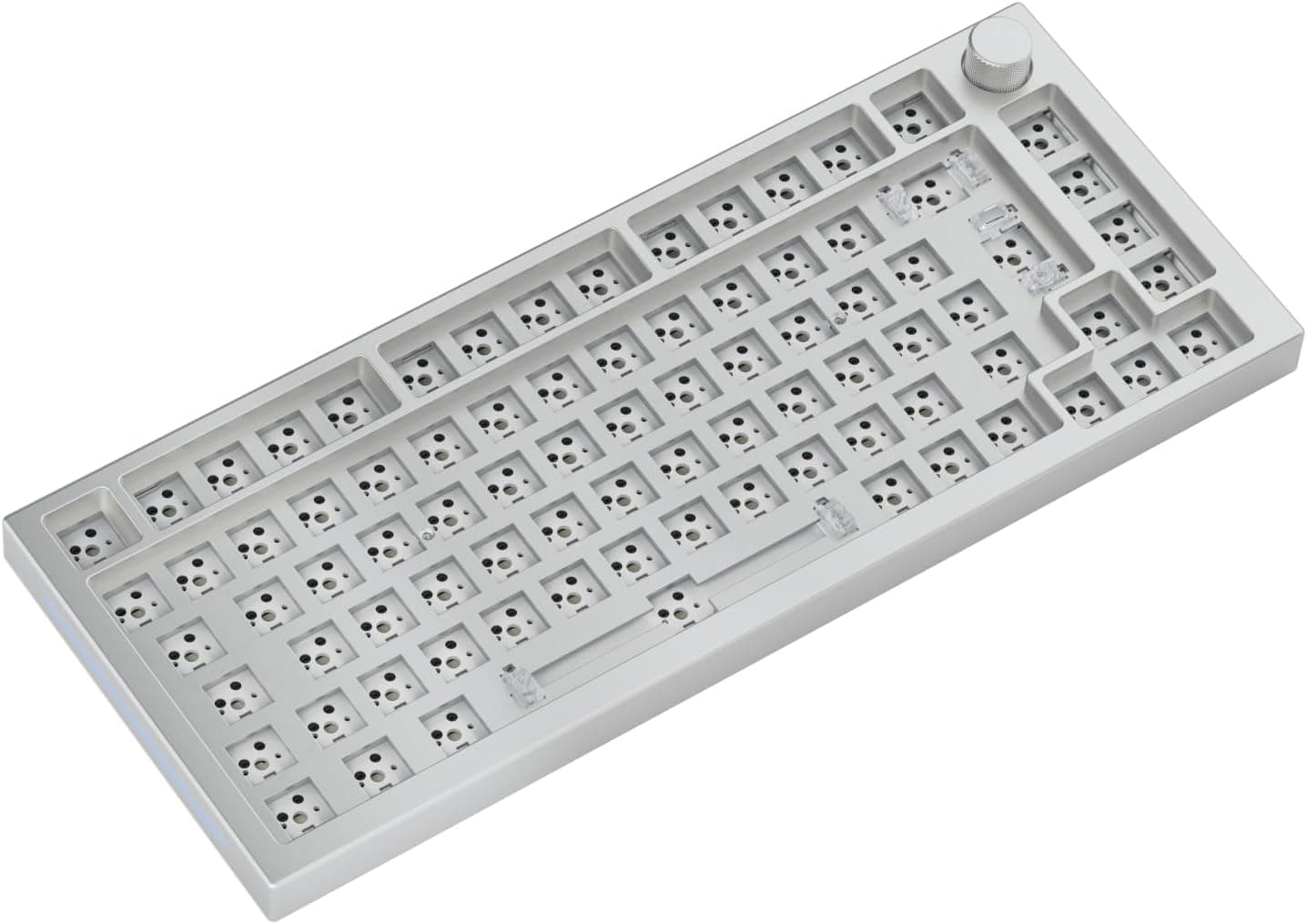
Overview
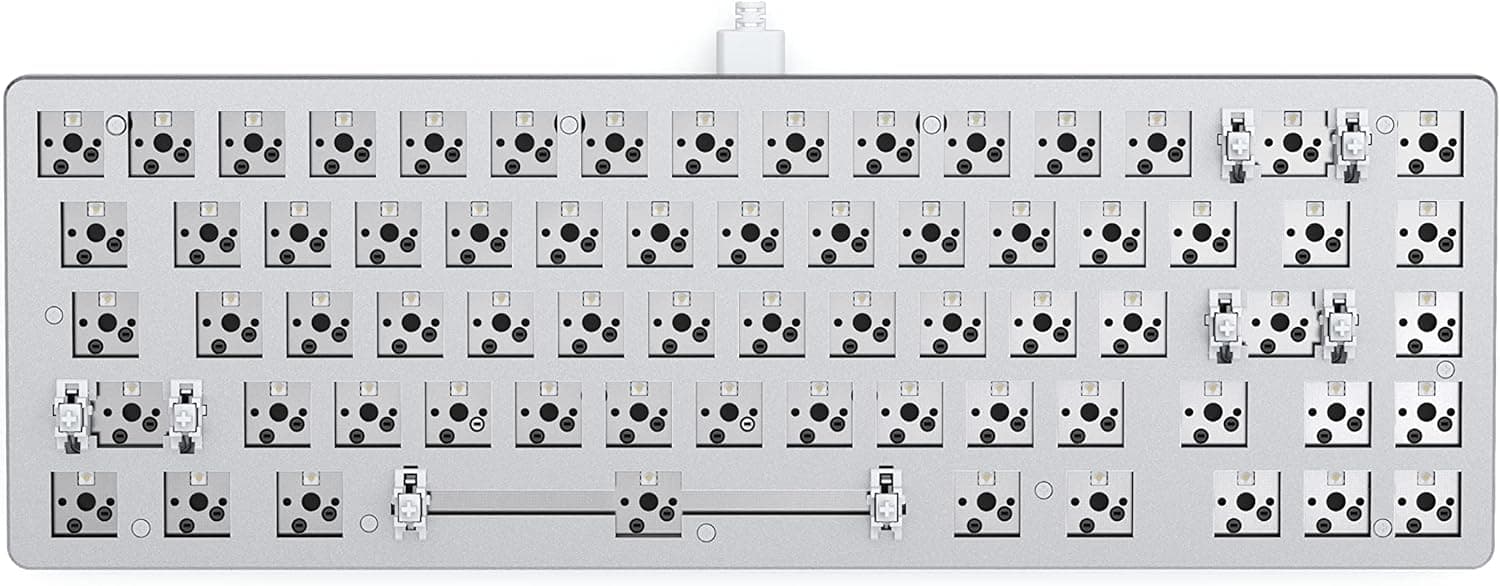
The Glorious GMMK PRO is sold as a barebones kit: an 83-key mechanical keyboard that ships without switches and without keycaps. The short verdict is that this is not a product for someone who wants a finished keyboard.
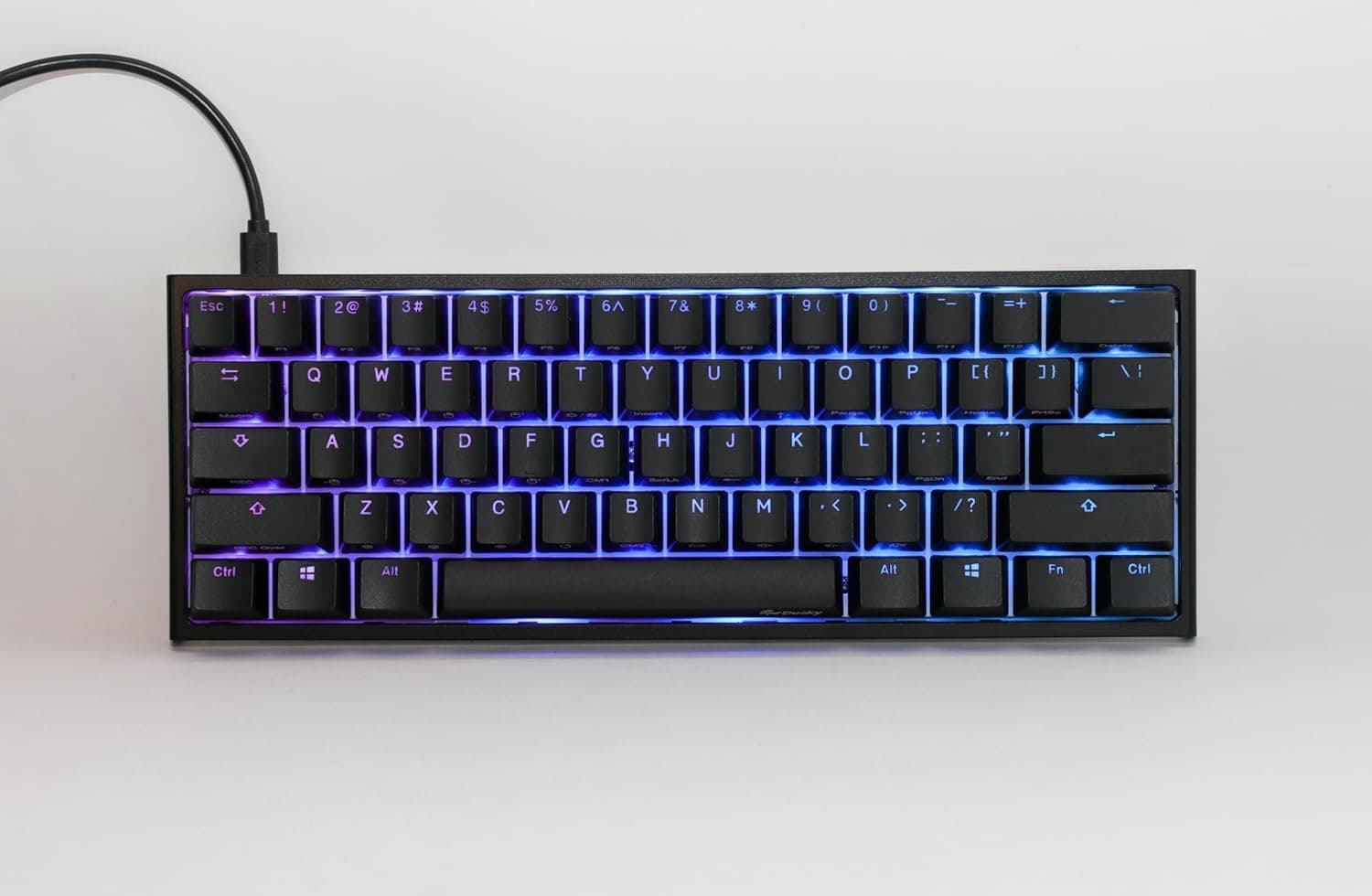
It is a foundation for people who want to choose their own typing feel and rebuild the board as many times as they like. An aluminum frame, full RGB backlighting and 5-pin hot-swap sockets make it one of the shortest paths into custom keyboards without ever touching a soldering iron.
Key specifications: 83-key compact layout, wired USB-C, support for 5-pin and 3-pin MX-compatible switches, White Ice colorway, model number KB616, and a 2-year warranty through the official Japanese distributor. Listed OS support covers Windows, Mac, PS4 and Xbox.
Ratings tell a more nuanced story. As captured on 28 May 2026, the listing showed 74 reviews averaging 3.8 out of 5 (roughly 76% positive).
That is not a sign of a bad product so much as a sign that some buyers did not realize they were purchasing a barebones kit, mixed with the usual variance in stabilizer and knob quality. This article explains where that gap comes from.
What "Barebones" Actually Means
Barebones means the board is not a working keyboard out of the box. Open the package and you cannot type a single character.
At minimum you must buy two more things.
| What you must add | Quantity | Notes |
|---|---|---|
| Key switches | Enough for 83 keys (buy ~90) | MX-compatible, 5-pin or 3-pin. Linear, tactile or clicky |
| Keycaps | A set covering 83 keys | MX cross-stem. A full kit with extra sizes is safest |
Switches are usually sold in packs of 70 or 90, so a single pack may not fill all 83 sockets. Check the pack count before ordering.
For keycaps, compact layouts often use non-standard widths on the right shift and bottom rows, so look at the kit contents, not just the key count.
In practice the real cost is not the board alone. Budget meaningfully more for switches and caps, or you will be surprised.
Compatibility Guide
Connection and platforms. Wired USB-C only; there is no wireless mode.
The cable is detachable, which matters for long-term ownership since a damaged cable does not mean a dead keyboard. Listed compatibility covers Windows, Mac, PS4 and Xbox, but console support really means "works in titles that accept keyboard input" — verify per game.
On Mac, the Command/Option ordering differs from Windows, so plan on remapping either in the OS or in the configuration software.
Switch compatibility. The hot-swap sockets take both 5-pin and 3-pin MX-style switches, including Cherry MX, Gateron and Kailh.
Two mistakes are common. First, clipping the extra legs off a 5-pin switch unnecessarily — this board accepts 5-pin, so leave them on.
Second, pressing in a switch whose metal pins are already bent, which crushes the pin inside the socket and kills that one key. Sight down each switch from the side before inserting it; that single habit prevents most problems.
Keycap compatibility. Any MX cross-stem keycap will mount.
Profile (Cherry, OEM, SA and so on) changes typing feel considerably; Cherry or OEM is the safe first choice.
Desk space. The 83-key layout is narrower than a tenkeyless board, freeing room for mouse movement.
The spec sheet lists 332 x 330 x 32 mm, but that depth figure looks like it may include packaging rather than the board itself, so confirm actual dimensions on the product page if your desk is tight. Aluminum boards also sit fairly tall at the front edge, so plan on a palm rest.
Product Info
Model KB616, White Ice colorway, aluminum frame, 2-year warranty via the official Japanese distributor. Warranty length matters more than usual here, because a barebones board is meant to be opened and rebuilt repeatedly.
Pricing needs a caveat. The captured data shows ¥9,900 on the domestic listing as of 28 May 2026, and $199.95 on an overseas marketplace as of 9 July 2026.
Those two figures do not line up for the same product. For an aluminum, hot-swap, rotary-knob barebones board, ¥9,900 is implausibly low — likely a capture error or a price pulled from a different variation such as a keycap or accessory listing.
This article therefore does not treat ¥9,900 as the real street price. Prices move a lot; check the product page for the current figure and confirm it applies to the barebones kit itself.
Reviews stood at 74 total, 3.8 out of 5, as of 28 May 2026.
That is a small sample, so reading what reviewers actually complain about is more useful than the star average.
How It Compares
| Option | Who it suits | What you accept |
|---|---|---|
| GMMK PRO barebones | You want to pick switches and caps yourself | Extra purchases required; unusable on day one |
| A prebuilt hot-swap board | You want to type today but swap later | If the bundled switches miss, you rebuy anyway |
| A wireless custom board | Fewer cables, multi-device switching | More variables: battery, pairing, latency |
The case for this board is aluminum rigidity plus freedom of configuration. Conversely, if you have no opinion about switches, there is little reason to buy a barebones kit. A prebuilt board will be cheaper, faster and more predictable.
Build Experience
Assembly is not difficult: check the stabilizers, press each switch in vertically with the pins straight, connect to a PC and test every key, then install the keycaps. The important part is testing all keys before the caps go on.
Discovering a dead key after installing 83 caps doubles the work. If a key does not register, pull that switch, inspect the pins, and try a known-good switch to isolate whether the fault is the switch or the PCB.
Aluminum cases tend to ring higher and harder than plastic ones. If quiet matters, plan for silent switches or added foam from the start.
Aluminum does not mean quiet — it means you will want to tune the sound.
Best Use Cases
This suits people curious about custom keyboards who do not want to solder. Hot-swap lets you try linear, decide it is wrong, and move to tactile without replacing the board.
It also fits FPS and MOBA players who want more mouse room, home workers with limited desk space, and anyone who enjoys detailed RGB work. The White Ice frame pairs easily with white or wood desks and with future keycap swaps.
Before You Buy
1. It does not work out of the box. This is the biggest trap, and probably a large part of why the average rating sits at 3.8.
Order switches and keycaps at the same time or your delivery day will be a paperweight.
2. Think in total cost. Board plus 83 switches plus a keycap set is the floor.
Switch grade and cap material (ABS vs PBT, dye-sub vs doubleshot) can nearly double the total.
3. Watch the price discrepancy. As noted above, the domestic and overseas figures do not reconcile.
When you open the listing, confirm via both the images and the title whether the price applies to the barebones kit, to caps or switches alone, or to a different model. Amazon listing metadata can carry another product's details.
4. No wireless. Wired USB-C only.
5. Do not expect quiet. Aluminum plus mechanical switches is a loud combination by default.
6. Compact layouts have a learning curve. Some keys (Delete, Home/End, parts of the function row) move onto an Fn layer.
If your day is Excel or CAD, a full-size board is the honest answer.
7. Verify the product. Listing data can be wrong, and barebones and bundled versions sometimes share a page.
Check images, title and variation selection before confirming the order.
FAQ
Q. Can I use it immediately?
A. No. It is barebones — you must supply 83 MX-compatible switches and a keycap set.
Q. How many switches do I need?
A. 83, and around 90 is safer to cover spares and mistakes. A 70-pack is not enough.
Q. Which switch type should I pick? A.
Linear or silent for quieter typing, tactile for feedback, clicky for audible clicks. If unsure, buy a small quantity of two types and compare.
Q. Is soldering required?
A. No. 5-pin and 3-pin MX switches press directly into the sockets.
Q. Does it work on PS5? A.
Stated support covers Windows, Mac, PS4 and Xbox. For anything else, check that platform's keyboard support before buying.
Q. Can I use a Japanese layout? A.
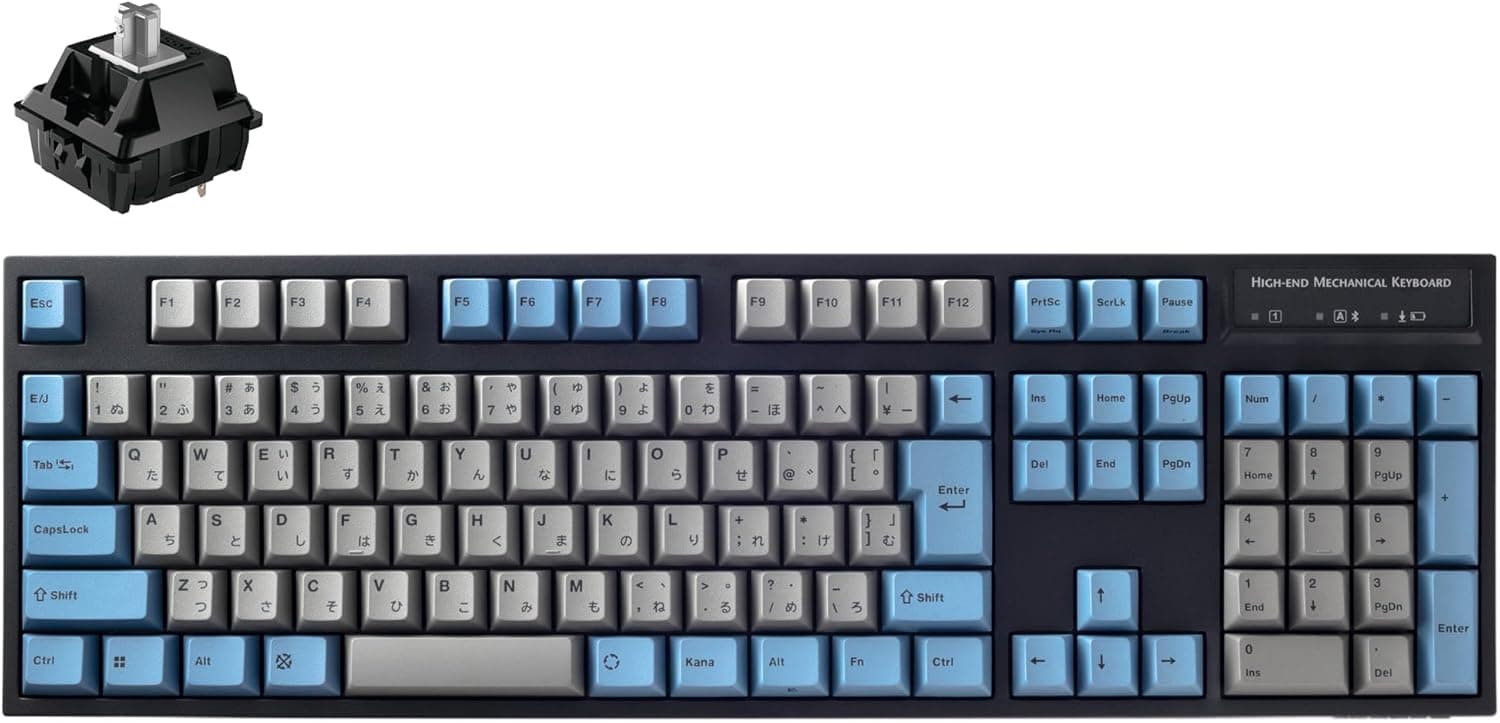
The board uses a compact ANSI-style layout, so JIS keycap sets are unlikely to fit. Confirm the key arrangement before ordering.
Q. Is there a warranty? A.
Yes, 2 years through the official Japanese distributor. Check the distributor's terms regarding disassembly and switch swaps.
Product Disclosure (Amazon)
- Manufacturer: GLORIOUS
- Seller: Amazon.co.jp
- Fulfilled by: Amazon.co.jp
- ASIN: B087SQL31P
- Note: This article covers a manufacturer-made product based on Amazon listing details.