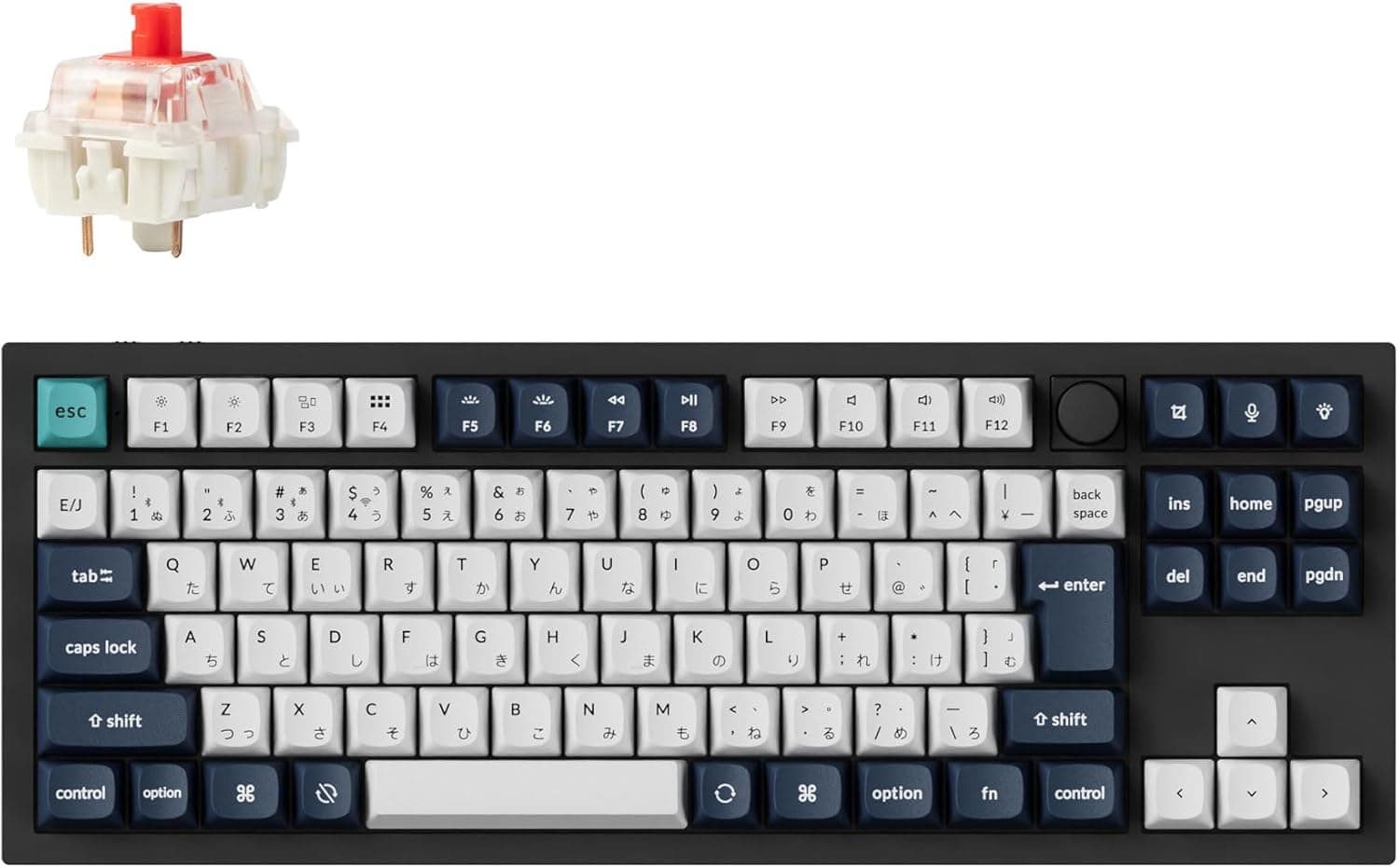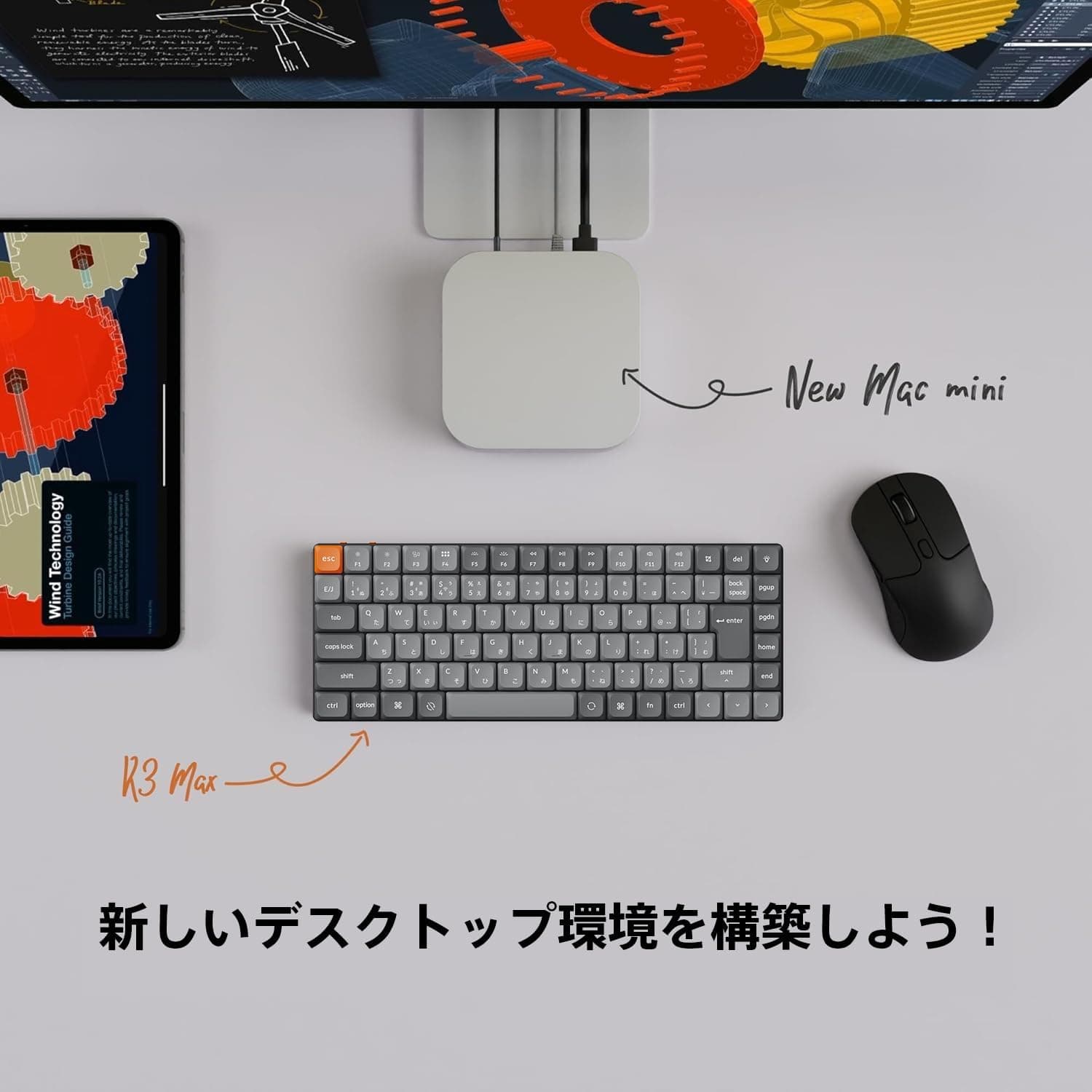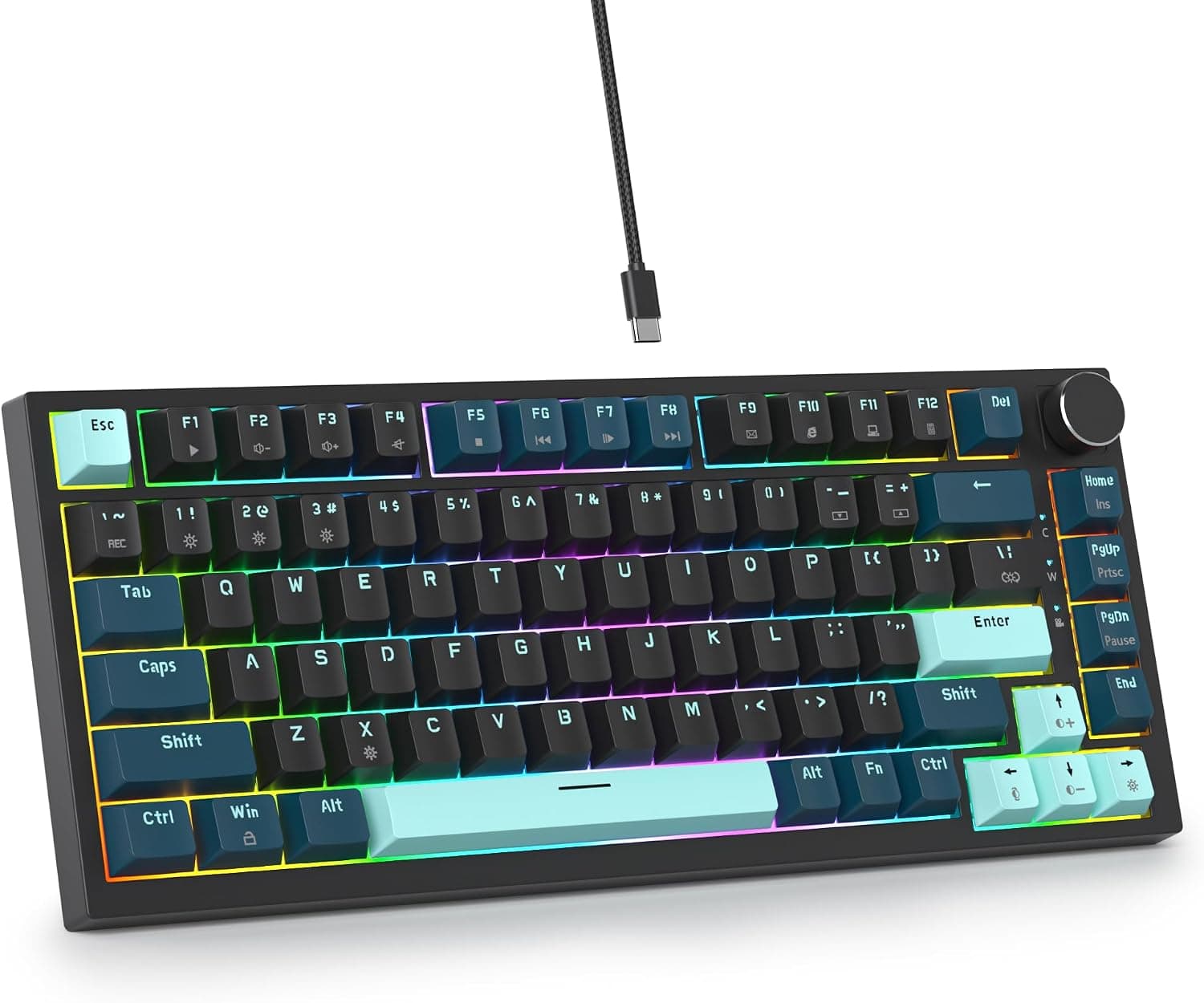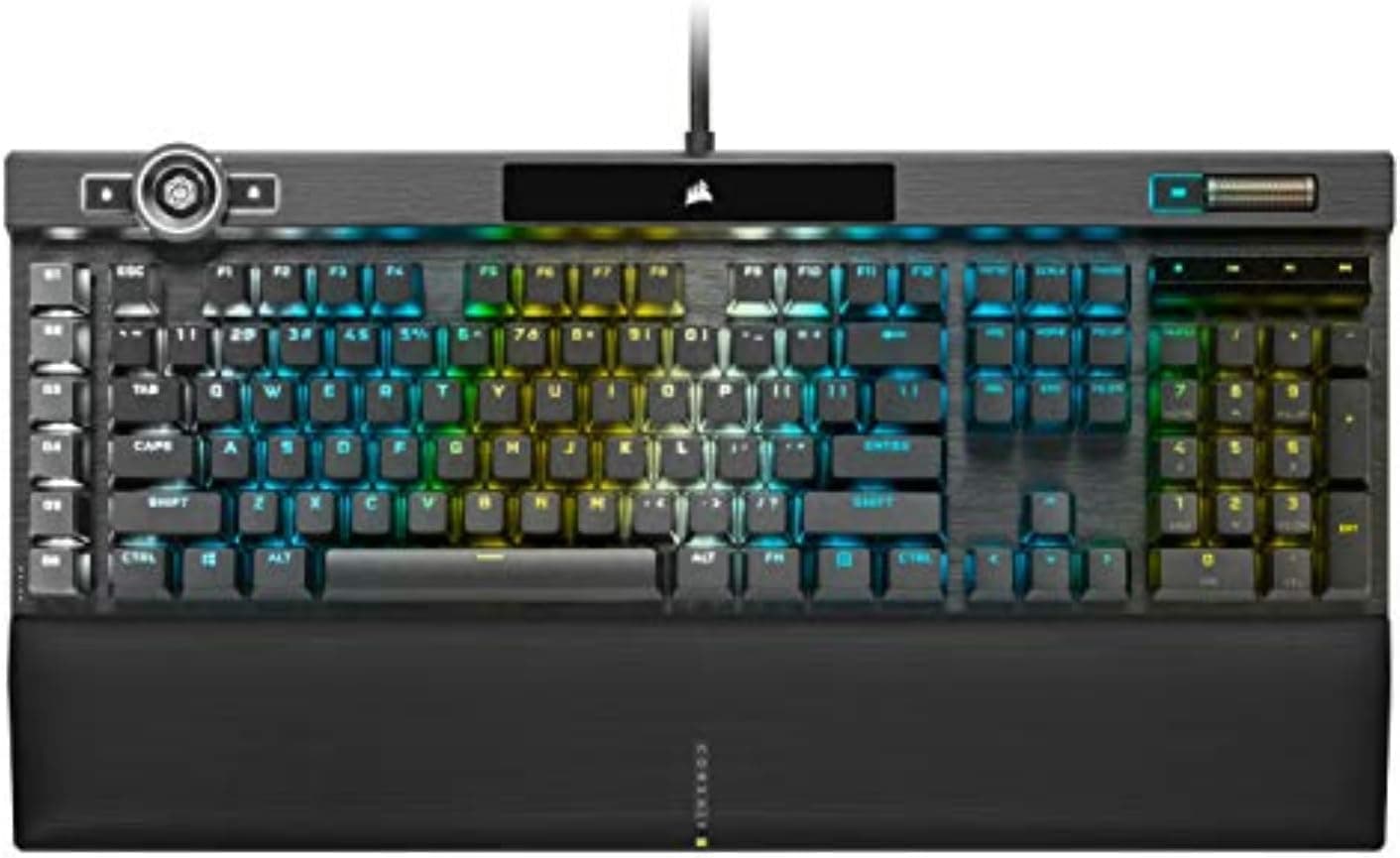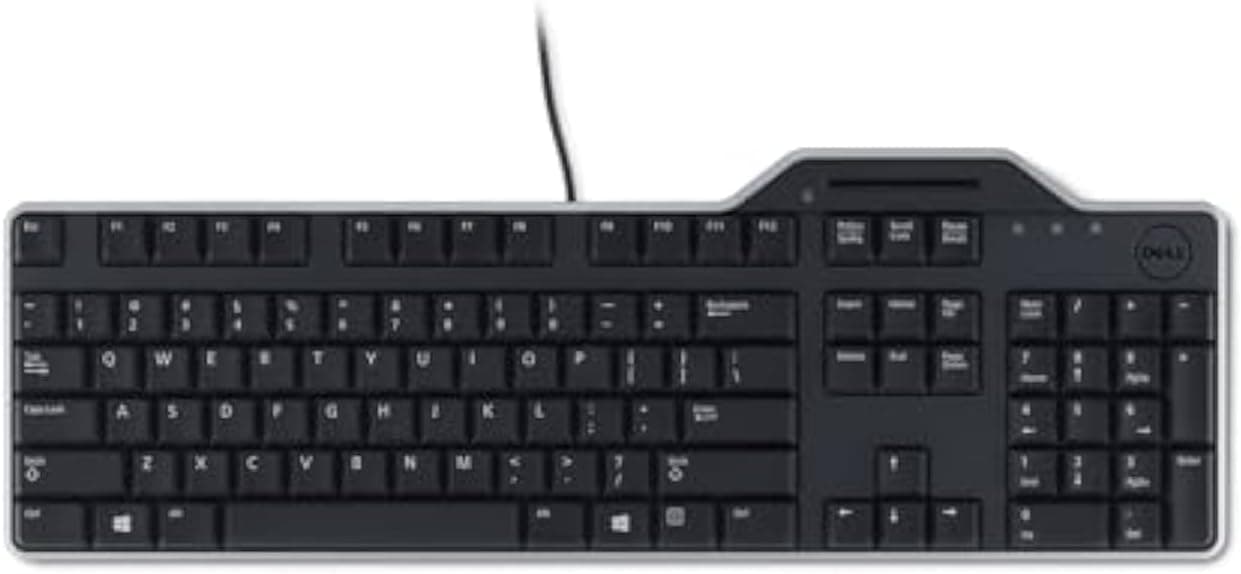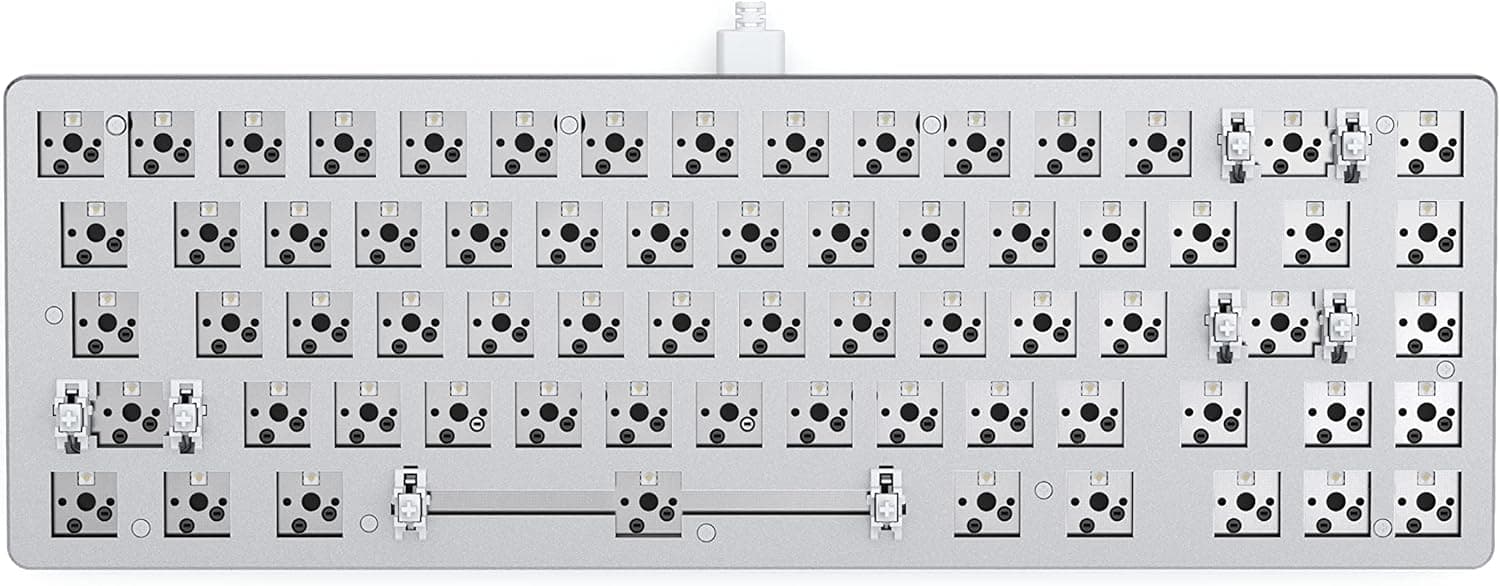
The GLORIOUS GMMK 2 Compact TKL (65%) Barebones ISO White is a keyboard kit that ships as a chassis only — no switches, no keycaps. This article covers what you still have to buy, what choosing an ISO layout actually means, and who should not buy this board.
Overview
This is a 65% mechanical keyboard kit with 5-pin hot-swap sockets. The box contains the case, PCB, plate and internal foam; the switches that define the feel, the keycaps your fingers touch, and the USB-C cable are all sourced separately.
It is not a finished keyboard — it is the skeleton of one.
The short verdict: it suits people who want to swap switches repeatedly, or who already own switches and keycaps. It does not suit people who want to type the moment the box opens, or who do not want to spend more after checkout.
Spec highlights are an aluminum top plate, per-key 16.8 million color RGB, Glorious CORE software support, and internal foam damping that reduces the case ping common to metal chassis.
What a 65% layout actually removes
65% means TKL minus the function row. Concretely:
| Keys | On a 65% |
|---|---|
| Numpad | Absent |
| F1–F12 | No physical keys; Fn layer |
| Arrow keys | Present as dedicated keys |
| Delete / Page Up / Page Down | Some remain in the right column |
| Print Screen / Scroll Lock / Pause | No physical keys |
Dedicated arrows are the point of 65%. They keep text editing and spreadsheets workable in a way 60% boards (Razer Huntsman Mini, Geeky GK61 and similar) do not.
The flip side: if you hit F2, F5 or F12 reflexively every day, expect weeks of adjustment. That is a layout-fit issue, not a quality issue.
Compatibility Guide
The stated compatibility is MX-style switches and keycaps. In practice:
- Switches: 5-pin MX-compatible switches drop in without soldering — Cherry, Gateron, Kailh, Glorious Panda, Akko and others. 3-pin switches generally work too, though the plastic guide legs may need clipping.
- Keycaps: Any MX cross-stem set fits mechanically, but see the ISO caveat below.
- Connection: Wired USB-C only. No wireless. The cable is described as not included, so have a USB-C cable ready.
- OS: Recognized as a standard HID keyboard on Windows, macOS and Linux. Check the official page for Glorious CORE's supported operating systems; on macOS you may need to remap modifiers in system settings.
- Desk space: A 65% is roughly two-thirds the width of a full-size board, which helps FPS players who need mouse room.
The ISO layout is the real compatibility trap. ISO uses a tall inverted-L Enter, a short left Shift, and one extra key beside it.
That differs physically from both ANSI and Japanese JIS boards. Any keycap set you buy must explicitly include ISO Enter and short left Shift — an ANSI-only set will leave those two positions unfilled.
This is the most common way buyers get burned here.
Product Info
On Amazon.co.jp the price was ¥17,113 as captured on 27 Aug 2026, and the same ¥17,113 on 31 May 2026, so pricing has been fairly stable.
An eBay US listing showed $162.81 as captured on 16 Jul 2026.
Both move with sales and stock, so confirm the current figure on the product page. Note also that the pricing label reads "Amazon US" while the link points to Amazon.co.jp — do not read the sales region off the label alone.
The Amazon.co.jp rating is 3.6 out of 5 (about 72%) from just 6 reviews, captured 1 Jun 2026.
Six reviews is too small a sample to treat as evidence of quality — one or two outliers move that average by half a star. Judge this board on its specification and your use case, not on the star count.
It is also plausible that some of those low scores come from buyers who did not realize "barebones" means no switches.
Budget honestly for the extras. A 65% needs roughly 68 switches; keycap sets range from a few thousand yen for basic PBT to well over ten thousand for brand sets, and you need a cable.
Realistically the total lands around 1.3–2x the kit price, and comparing this against finished keyboards without that math will mislead you.
| Item | Spec |
|---|---|
| Layout | 65% (Compact TKL) |
| Switch socket | 5-pin hot-swap |
| Connection | USB-C (wired) |
| Frame | Aluminum top plate |
| Backlight | 16.8M color RGB, per key |
| Software | Glorious CORE |
The aluminum top plate adds rigidity and reduces flex. Per-key RGB lets you color-code game bindings — but with opaque PBT caps, only the gaps between keys will glow.
Choose shine-through caps if you want lit legends.
Competitive Comparison
- Versus finished 60%/65% boards: Something like the HyperX Alloy Origins 60 works out of the box and is warrantied as a whole unit. The GMMK 2 trades that for the ability to fix a disliked switch by swapping it. Decide once, or keep experimenting.
- Versus optical boards: The Razer Huntsman Mini class sells speed, but you are locked to that maker's switches. Hot-swap MX wins on choice, not on raw latency.
- Versus wireless gasket boards: If a soft gasket feel and wireless matter most, a wired aluminum-plate kit is not your answer.
Best Use Cases
- Builders who want to try switches: linear, tactile and clicky on one board, no soldering.
- People who already own switches or keycaps: the extra-cost problem disappears and value jumps.
- Task-based switch swapping: quiet linears on call days, tactiles for focused work, no tools needed.
- FPS players short on desk space: 65% frees mouse room while keeping arrows.
- Anyone who already types on ISO: for European layouts this is the correct choice, not a compromise.
Before You Buy
You cannot type on it out of the box. Barebones means chassis only — switches, keycaps and a USB-C cable are extra, plus 30–60 minutes of assembly.
If that sounds tedious, a finished keyboard will make you happier.
ISO is a double hurdle in Japan. Your muscle memory is built on JIS, and ISO-compatible keycap sets are noticeably harder to source domestically than ANSI ones.
"Found the perfect keycaps, then discovered they had no ISO Enter" is the classic failure here.
There is no wireless. Wired USB-C only.
Accept the thin review data. 3.6 stars from 6 reviews tells you nothing reliable about long-term durability or unit variance.
Verify the listing yourself. This product is sold through a third-party marketplace storefront, and such listings sometimes carry mismatched manufacturer, model, layout (ISO/ANSI/JIS) or color metadata.
Because this SKU only works for you if all three of ISO, white and barebones are correct, check the product photos — a tall inverted-L Enter means ISO — and confirm the title says barebones before ordering.
One last note on cost. The kit looks cheap in isolation; compare total spend instead.
At that total, a higher-tier finished board is sometimes available for the same money. The reason to choose barebones is changeability, not a low entry price.
FAQ
Q. Can I use it right away? A.
No. You must buy switches, keycaps and a USB-C cable, then install the switches yourself.
No tools needed, but installing ~68 switches takes time.
Q. How many switches do I need? A.
Around 68 for a 65% layout. Buy a few spares for mistakes or failures, and confirm the exact key count on the product page.
Q. Do 3-pin switches work? A.
Usually yes in a 5-pin socket, though you may need to clip the plastic guide legs. Buy 5-pin if you want certainty.
Q. Will Japanese (JIS) keycaps fit? A.
No. This is ISO, which differs in key count and widths.
Buy a set explicitly marked ISO-compatible.
Q. Does it support Bluetooth or 2.4GHz?
A. No. Wired USB-C only.
Q. Does the RGB light up the legends? A.
It has per-key 16.8M color RGB, but opaque keycaps block the legends.
Use shine-through caps for lit letters.
Q. What does it cost? A.
¥17,113 on Amazon.co.jp as captured 27 Aug 2026.
Prices change, so check at purchase — and remember switches and keycaps are extra.
Product Disclosure (Amazon)
- Manufacturer: GLORIOUS
- Seller: ゆづきストア
- Fulfilled by: ゆづきストア
- ASIN: B096D78SFT
- Note: This article covers a manufacturer-made product based on Amazon listing details.