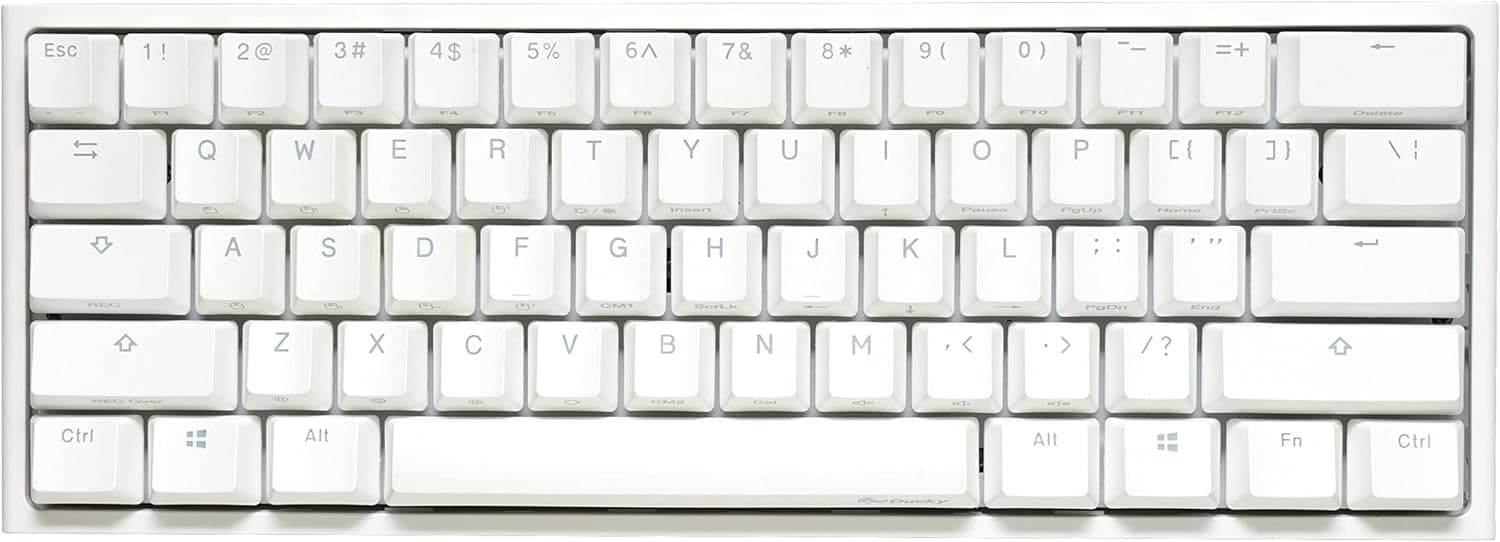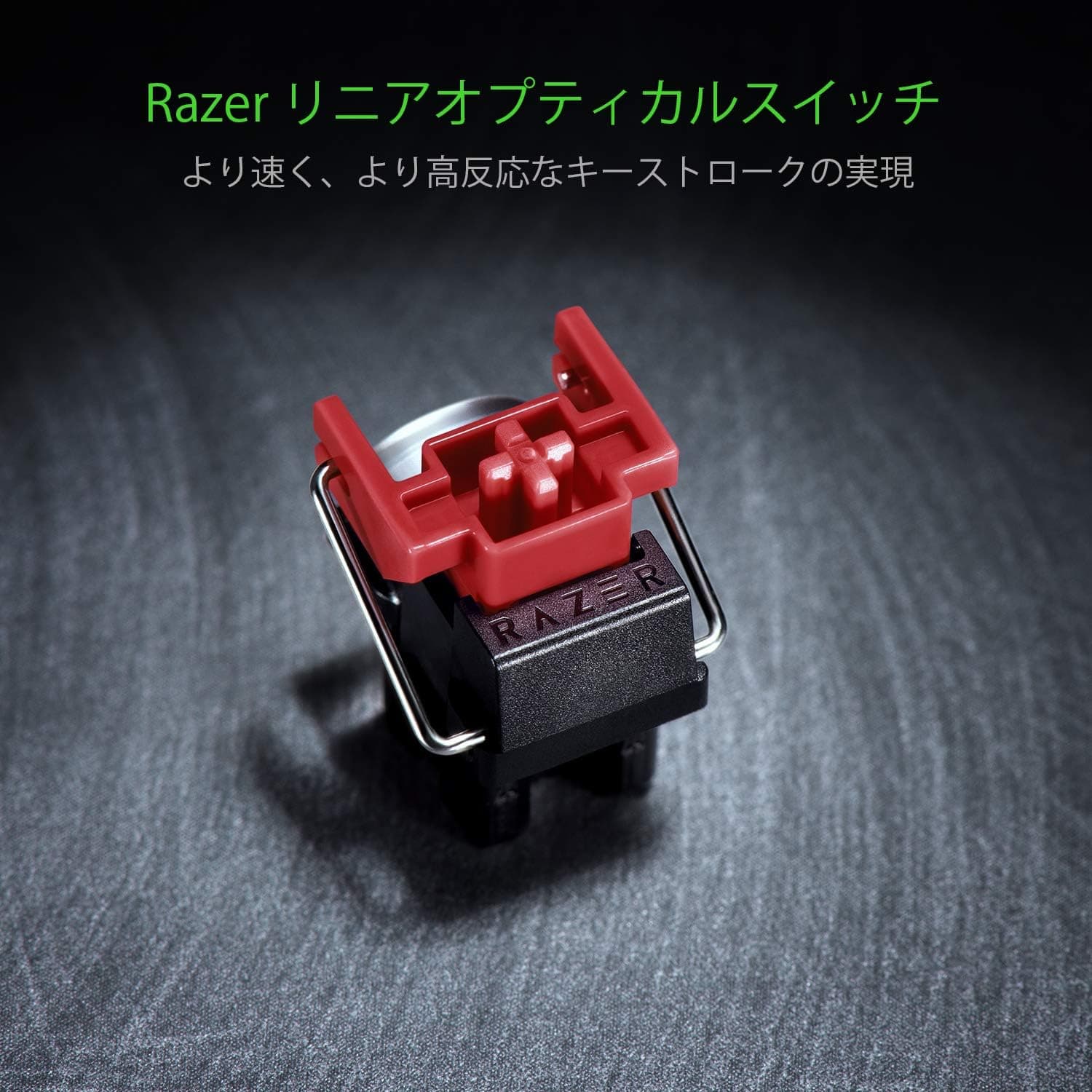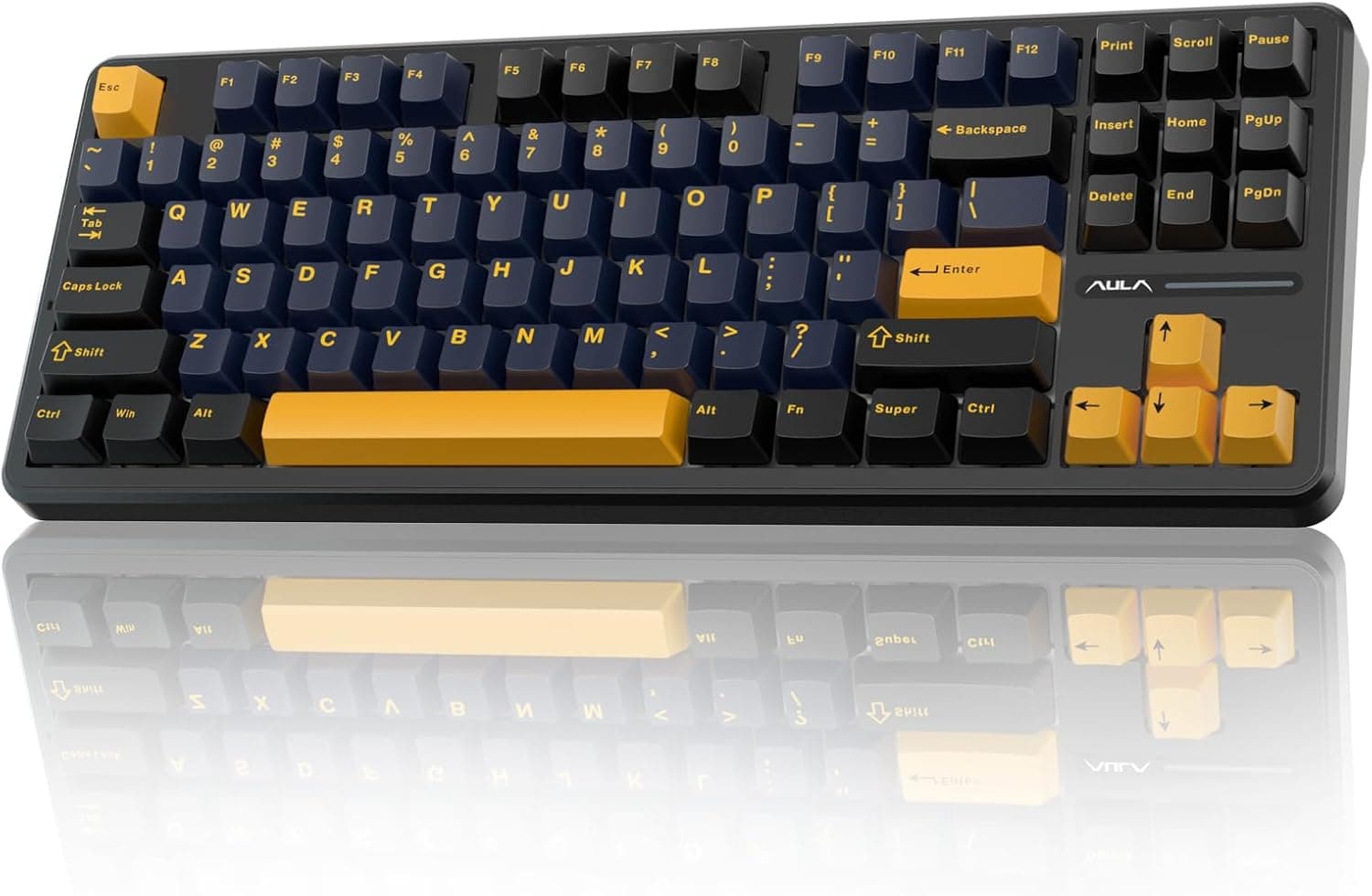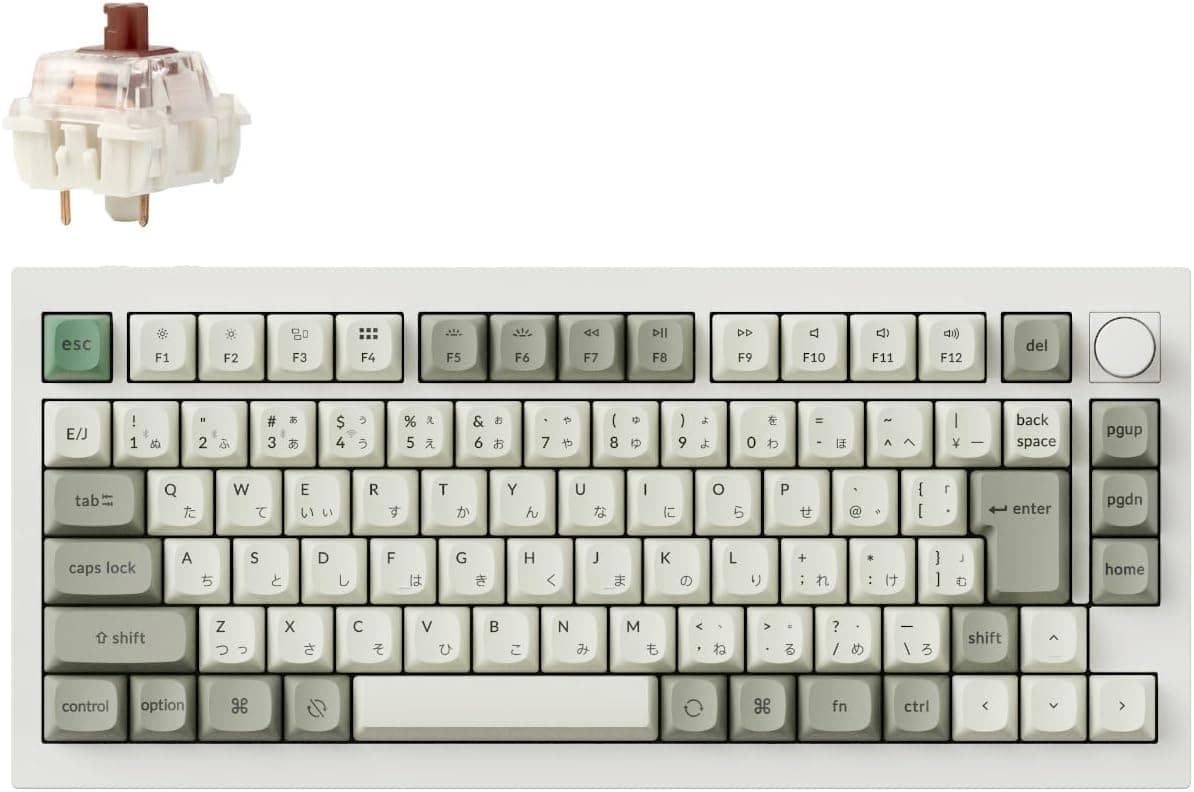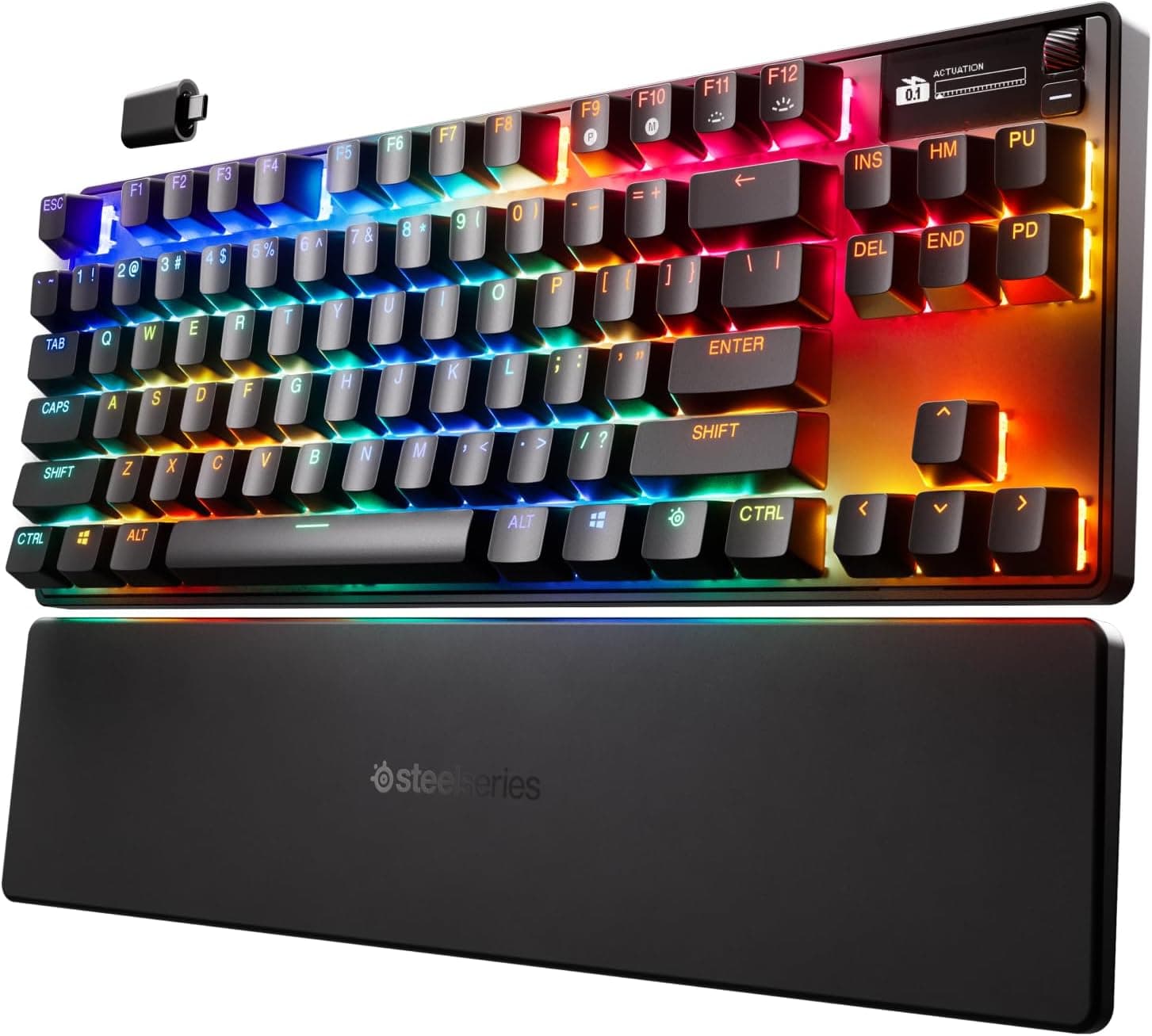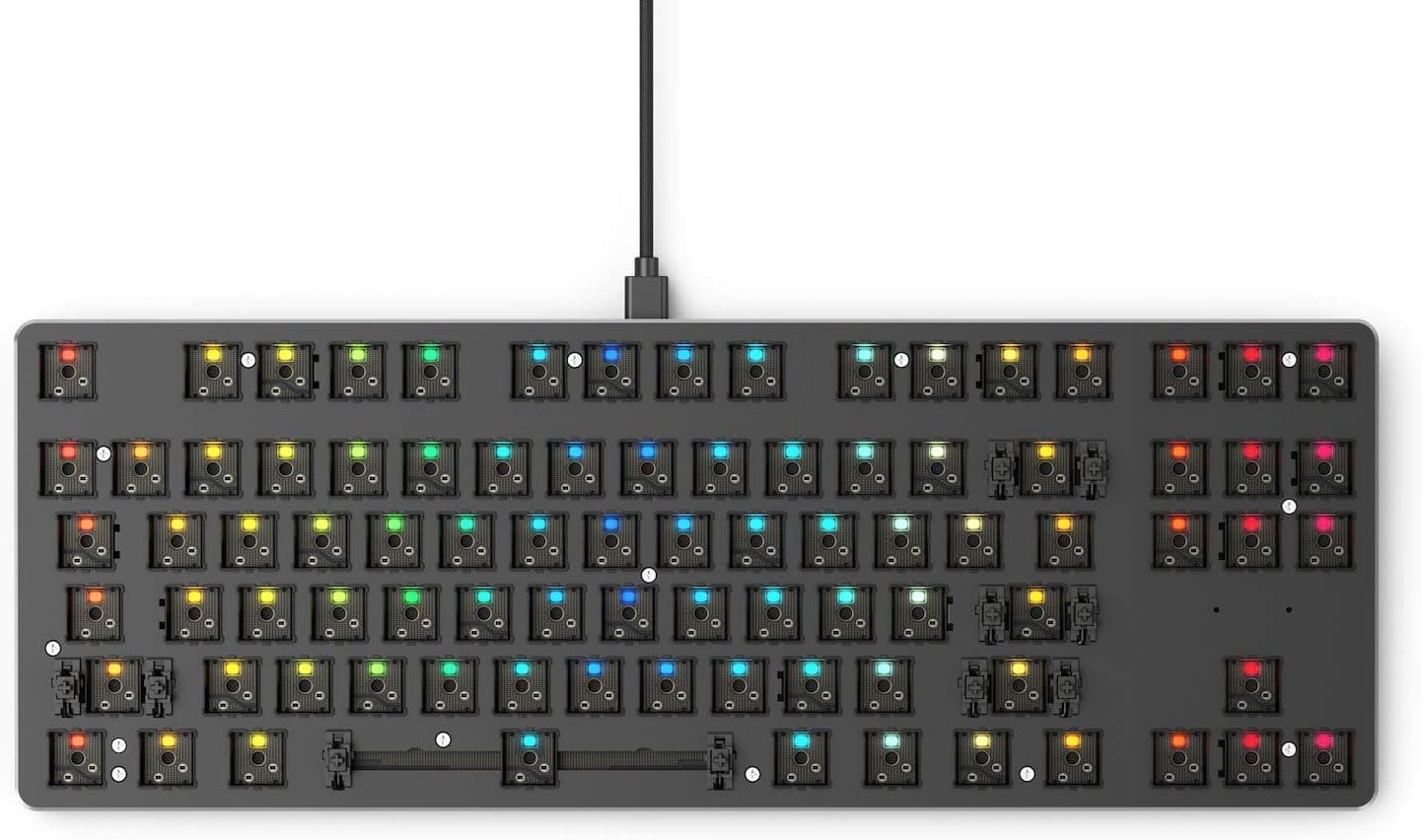
This article covers Glorious Glorious GMMK1 Mechanical Keyboard.
Overview
The Glorious GMMK1 is a hot-swappable mechanical keyboard that lets you swap switches without soldering. It adopts an 85% (TKL) layout that retains the function row and arrow keys, making it a practical choice for both gaming and typing. As the first hot-swappable gaming keyboard from Glorious, it has been a favorite among custom keyboard newcomers and veterans since its launch in 2017. This keyboard ships as a barebone unit — no switches or keycaps included. You can install any 3-pin MX-compatible switch (such as Gateron, Kailh, or Cherry MX) and pair it with most standard MX-style keycaps. Per-key RGB lighting can be customized through the Glorious Core software or directly via on-board hotkeys. The chassis combines a full aluminum top plate with an ABS plastic bottom shell for a rigid, solid typing feel. Connectivity is USB-C with a detachable braided cable. The package includes a keycap puller, a switch puller, a USB-C cable, and Glorious stickers.
Connectivity & Compatibility
The GMMK1 uses a detachable USB-C cable (braided) and supports any USB HID-compatible host: Windows PCs, Macs, and gaming consoles. There is no wireless capability. The default layout is US ANSI QWERTY, but other regional layouts (ISO, AZERTY, QWERTZ) are selectable via the keycap set you choose. Switch compatibility covers 3-pin, plate-mount MX-style switches from Gateron, Kailh, Cherry, and many others. 5-pin PCB-mount switches are not directly supported but can be used after clipping the two plastic alignment pins. Keycaps must be MX-compatible; the bottom row uses standard sizes, so most aftermarket keycap sets will fit without issues.
Product Info
The Glorious GMMK1 85% TKL barebone launched in 2017. It is priced around ¥12,000–14,000 in Japan, positioning it as an entry-level to mid-tier hot-swappable custom keyboard. The manufacturer provides a 1-year warranty. Included accessories: keyboard body, USB-C cable, keycap puller, switch puller, quick-start guide, and Glorious stickers. Switches and keycaps are sold separately. The keyboard is available through (domestic authentic product) and the official Glorious website.
Best Use Cases
Custom keyboard beginners Hot-swappable sockets eliminate the need for soldering, making the GMMK1 an ideal first step into the custom mechanical keyboard world. You can experiment with different switch types and keycap materials without committing to a soldering iron. However, the total cost will be higher than a pre-built board because you need to buy switches and keycaps separately. Gamers The TKL layout saves desk space while keeping the function and arrow rows accessible for FPS and strategy games. Swapping between linear (for gaming) and tactile (for typing) switches is quick and tool-free. Note that the GMMK1 is wired-only; if you prefer a cable-free setup, consider a wireless option instead. Typists and programmers With the right switch choice (e.g., silent linear or light tactile), the GMMK1 can produce a quiet, comfortable typing experience suitable for office environments. Since switches are not pre-installed, you can build a configuration that minimizes fatigue over long sessions. However, advanced remapping features are limited — the keyboard does not support QMK or VIA, so you rely on Glorious Core for key assignments. ## Alternatives
One direct competitor in the same price bracket is the Keychron C1 Pro (approximately 8,000–10,000 yen). It ships with Gateron switches pre-installed and offers a hot-swappable PCB, making it a ready-to-use package. The C1 Pro uses a steel top plate and white backlight, while the GMMK1 features a full aluminum top plate with per-key RGB — a better choice if aesthetics and build quality matter more than switch-included convenience. Another alternative is the Akko MOD 007 (around 15,000–18,000 yen). It uses a gasket-mounted structure for a softer, quieter typing sound and supports both 3-pin and 5-pin switches. It is more expensive and less readily available on Japan, but it offers greater customization flexibility via VIA compatibility. For pure simplicity and immediate availability, the GMMK1 remains the safer entry point.
Things to Consider
As a barebone keyboard, the GMMK1 requires you to purchase switches and keycaps separately — the total investment can exceed 10,000 yen, often matching or exceeding pre-built alternatives. It does not support 5-pin switches without modification, and the lack of QMK/VIA compatibility limits advanced remapping. If you plan to build a heavily customized layout or use silent gasket-mount boards, you may find the GMMK1 too basic. Also, while hot-swap sockets are beginner-friendly, you still need to be careful when inserting switches — bent pins can easily be damaged if you apply too much force. The Glorious Core software is functional but not as feature-rich as QMK-based tools. Despite these caveats, the GMMK1 remains a reliable, w
Product Disclosure (Amazon)
- Manufacturer: GLORIOUS
- Seller: Hinanon
- Fulfilled by: Hinanon
- ASIN: B01MSVHZTT
- Note: This article covers a manufacturer-made product based on Amazon listing details.