Overview
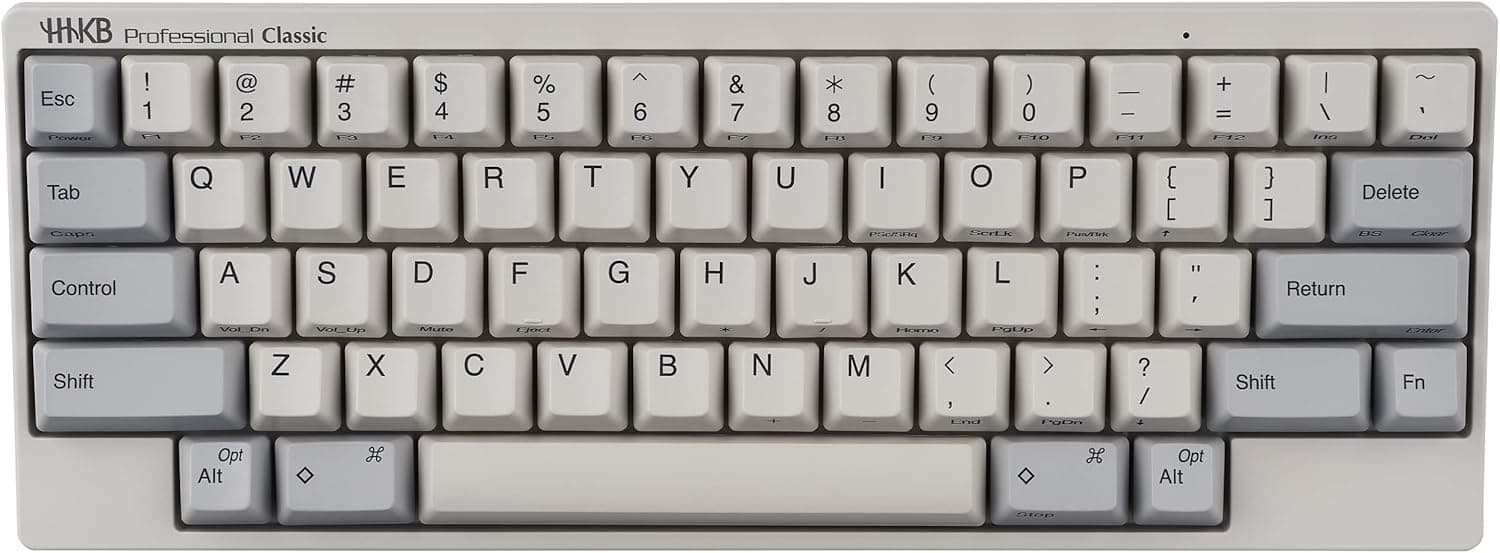
The PFU Happy Hacking Keyboard Professional Classic (English layout, white) is the purest expression of a single idea: remove keys, then spend everything on the ones that remain. It pairs electrostatic capacitive switches with a 60% chassis measuring 294 x 110 x 40 mm at roughly 530g, connected over USB Type-C.
On Amazon.co.jp it was listed at ¥26,950 as captured on June 9, 2026, with 194 reviews averaging 4.6 out of 5 (92% positive).
This is a tool for people whose job is typing. There is no RGB lighting, no macro software, no rapid trigger, and no wireless mode.
In exchange, essentially the entire price goes into feel and layout logic. Whether you can live without a dedicated arrow cluster is the single factor that decides how you will feel about it.
Compatibility Guide
Connectivity is a single USB Type-C port carrying both power and data over the included ~1.5m cable.
Windows, macOS and Linux are supported with no driver installation. If your PC only has USB-A, use the bundled cable or a standard Type-C adapter.
It works through USB hubs, but an underpowered bus-powered hub can cause flaky detection, so plug directly into the machine first when troubleshooting.
OS behaviour is set by DIP switches on the underside. Mac and Windows modes rearrange the modifier keys, and the Delete/BackSpace behaviour can be changed as well.
Because settings live in the keyboard itself, moving between a work Windows machine and a personal Mac requires no software. Note that DIP switches select from prepared combinations rather than offering full arbitrary remapping.
If free key reassignment matters to you, check the manufacturer's product page for how Classic differs from the higher-tier models before buying.
Physical fit is worth checking too. At 294mm wide it is roughly 5-10cm narrower than a typical TKL board, so it drops into keyboard trays and small desks easily.
The ~530g weight keeps it planted during hard typing, though it is not what anyone would call a lightweight daily carry.
| Spec | Value | What it means |
|---|---|---|
| Switch | Electrostatic capacitive | No physical contacts, so chatter is rare |
| Layout | English, 60% | No dedicated arrow cluster or function row |
| Interface | USB Type-C | Wired only; no Bluetooth |
| Dimensions | 294 x 110 x 40 mm | Narrower than TKL, mouse sits closer |
| Weight | ~530g | Desk-first; portable but not light |
| Rollover | N-key rollover | Simultaneous presses register reliably |
Product Info
Released in December 2019, it sits firmly in the high-end tier. The Amazon.co.jp price was ¥26,950 as captured on June 9, 2026.
An eBay US listing showed $309.00 as captured on July 13, 2026, but that reflects marked-up export stock and is rarely relevant if you can buy domestically.
All of these figures move with sales, exchange rates and stock, so confirm the current price on the product page before ordering.
The rating stands at 4.6 stars across 194 reviews (92% positive).
Where a ¥10,000 mechanical board often collects thousands of reviews, 194 tells you this is a niche product with a small but consistently satisfied audience. Warranty is one year from the manufacturer, and the box contains only the keyboard and a USB cable.
What It Actually Feels Like
Electrostatic capacitive switches do not click. They sink smoothly and register before you reach the bottom, so once you learn to stop bottoming out, finger strain drops noticeably.
If you came looking for the crisp bump of a blue or brown mechanical switch, this will feel wrong. Try one in person if you can.
The real hurdle is the arrow keys. HHKB puts arrows and the function row behind the Fn key, and your first few days will be slower.
Most users report returning to full speed within one to two weeks and then exceeding it, but that migration cost is real, so do not switch the week of a deadline. The Control key sitting where Caps Lock normally lives is excellent for Emacs bindings and terminal work, though Windows users with muscle memory for Ctrl+C and Ctrl+V will need to relearn.
How It Compares
The alternatives at this price split cleanly. Custom boards like the Keychron Q1 V2 offer hot-swap switches and full remapping, winning on tinkerability.
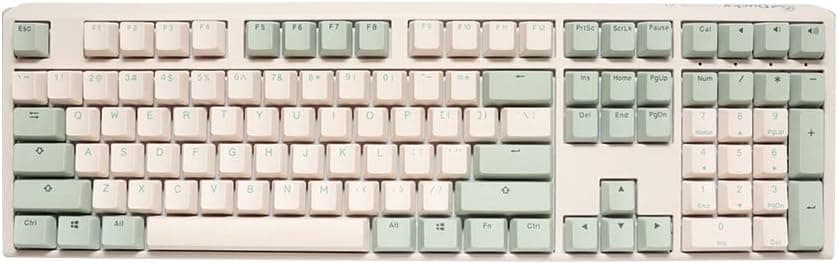
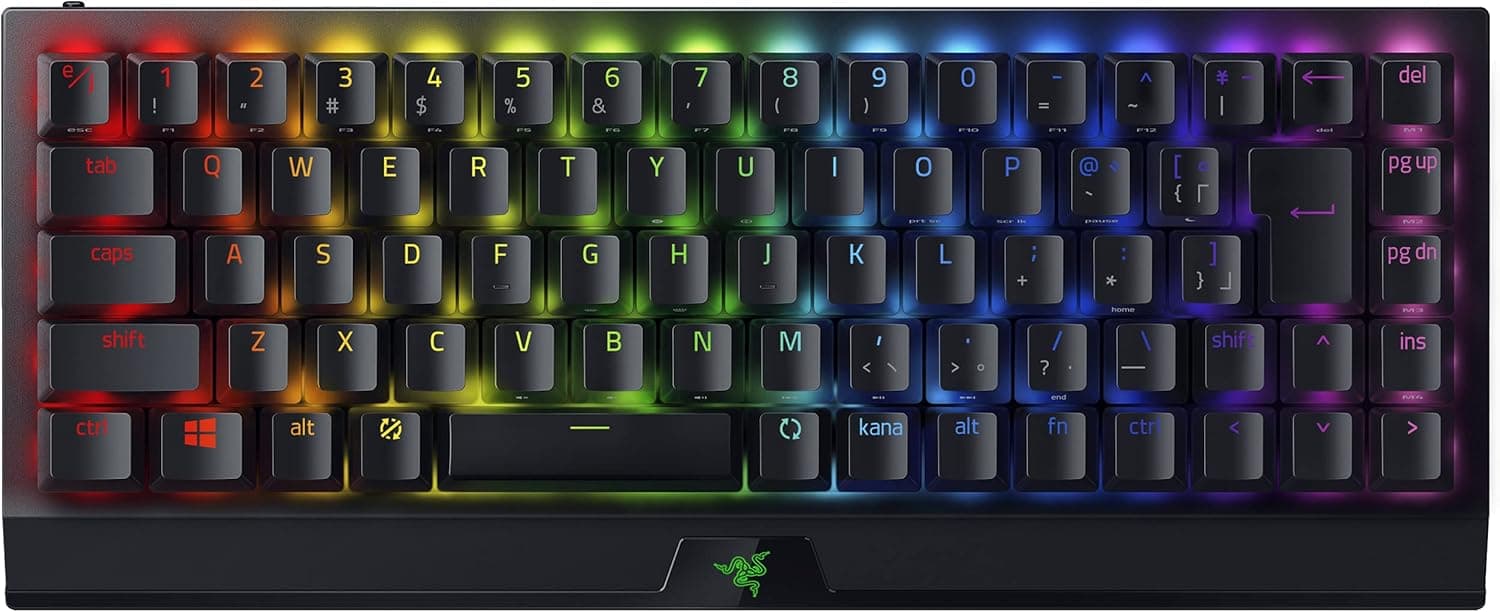
Wireless models such as the Keychron K4 Pro let you jump between phones, tablets and computers without cables. Gaming boards from Razer or Ducky win on actuation speed and software features.
What the Professional Classic offers instead is out-of-box completeness and a build meant to feel identical a decade from now. If modifying gear is part of the fun for you, this is the wrong keyboard.
If you want to buy once and stop thinking about it, the same trade-off becomes the selling point.
Best Use Cases
It suits anyone typing several hours a day, where a keyboard is work equipment rather than a consumable. The light actuation and pre-bottom-out registration measurably reduce finger and wrist load over long sessions.
It also suits cramped desks. At 294mm you can park the mouse right beside it instead of splaying your right shoulder outward, which quietly fixes a common source of shoulder strain.
Finally, it fits people moving between machines. Settings persist inside the keyboard, so Windows and macOS behave consistently even on locked-down work PCs where you cannot install utilities.
If you live in a terminal, Control on the Caps Lock row is a bonus.
Before You Buy
The most common regret is assuming it is wireless. It is wired USB Type-C only, with no Bluetooth.
If you want to pair with an iPad or keep cables off the desk, look at a different model entirely; this cannot be added later.
Next is keycap compatibility. The stem shape used by these capacitive switches differs from Cherry MX crosses, so ordinary MX keycap sets will not fit.
You need sets explicitly sold as HHKB-compatible, and that catalogue is far smaller than the MX world. Buying on the assumption that you will swap in your favourite caps later is a mistake.
Sound is another compromise. Classic is not the dampened, silenced variant, so it can be audible on calls or in open offices.
If quiet is your top priority, compare against the silenced higher-tier models first. Likewise, the missing arrow cluster and function row are a genuine nuisance for spreadsheet work (F2 to edit) and for games needing keys outside WASD.
I would not buy this as a primary gaming keyboard.
On pricing, HHKB sees a lot of parallel-import and overseas marketplace listings, so the same model number swings widely in price. Whether the one-year manufacturer warranty applies depends on the sales channel, so check whether the seller is the official store.
Lastly, listing metadata on shopping pages is sometimes wrong. English and Japanese layouts look similar but behave very differently, so confirm the Enter key shape and legends in the product photos before ordering.
FAQ
Q. Does it support Bluetooth or wireless?
A. No. It is wired USB Type-C only, using the included ~1.5m cable.
Q. Can I use aftermarket keycaps?
A. Standard Cherry MX keycaps do not fit. Choose sets explicitly listed as HHKB-compatible.
Q. Can I remap keys freely with software? A.
Classic is configured mainly through the underside DIP switches and is not designed around arbitrary remapping. Check the manufacturer's page for how higher-tier models differ if full remapping matters.
Q. Does it work on a Mac? A.
Yes. DIP switches select Mac modifier placement, and settings are stored in the keyboard, so sharing it with a Windows machine needs no reconfiguration.
Q. How bad is the lack of arrow keys? A.
Genuinely awkward at first. Arrows live behind Fn, and one to two weeks is a realistic adjustment period, longer if you use spreadsheets or games heavily.
Q. Is it usable for gaming? A.
N-key rollover means simultaneous presses register fine, but with no dedicated arrows or function row I would not recommend it as a primary gaming board.
Product Disclosure (Amazon)
- Manufacturer: HHKB
- Seller: PFUダイレクト
- Fulfilled by: PFUダイレクト
- ASIN: B082TXQD1S
- Note: This article covers a manufacturer-made product based on Amazon listing details.