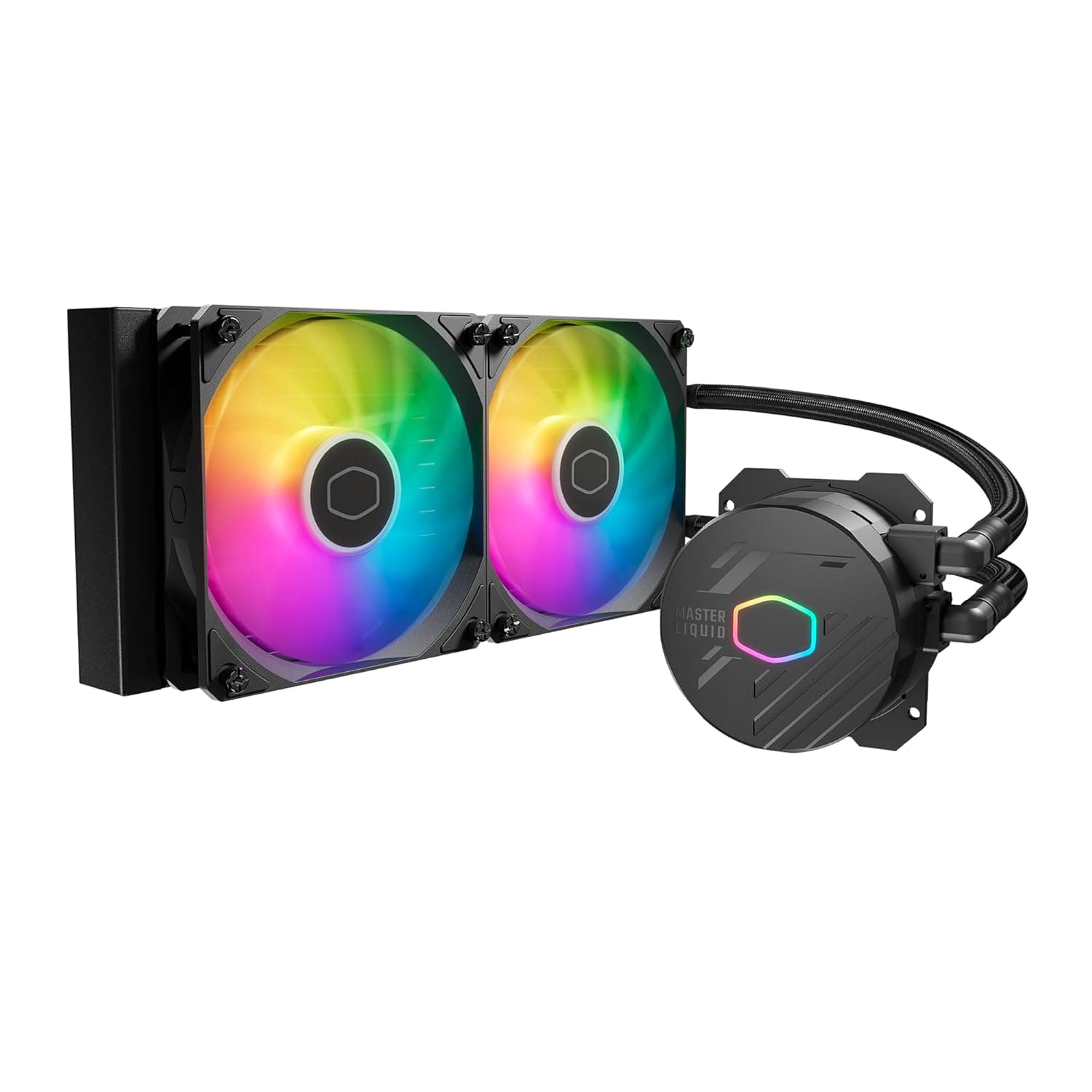
This article takes a closer look at the Cooler Master 240L Core AIO CPU liquid cooler, based on its published specifications and listing data.
Overview
The Cooler Master 240L Core AIO is an entry-to-mid-range all-in-one liquid CPU cooler pairing a 240mm radiator with two 120mm ARGB PWM fans and a patented Gen S dual-chamber pump. Supported sockets are AMD AM5 / AM4 and Intel LGA 1851 / LGA 1700.
The short version: it suits builders running a Ryzen 5/7 or Core i5/i7 class CPU at stock-ish settings who also want tidy ARGB lighting. It is not the cooler for people running a flagship CPU with power limits unlocked around the clock, nor for cases with tight radiator clearance — a 360mm AIO or a large dual-tower air cooler is the better answer there.
As captured on 31 May 2026, the listing showed 214 reviews at 4.5 out of 5 stars (90% positive).
Not a huge sample, but consistently well rated.
Reading the Key Specs
| Spec | Value | What it means in practice |
|---|---|---|
| Radiator size | 240mm | Two 120mm fan slots; fits most mid-towers front or top |
| Fan count | 2 | Push configuration as standard |
| Max fan speed | 1495 RPM | Modest for an AIO — it does not win on raw RPM |
| Noise level | 27.2 dBA | Rated at full speed; a quiet-leaning design |
| Pump power | 3.96 W / 12 V | Typical for an AIO pump |
| Dimensions | 33 x 23.9 x 13.7 cm | Appears to be packaged size — do not use it for clearance checks |
The 1495 RPM / 27.2 dBA pairing is the tell.
Many high-end AIOs push past 2000 RPM to buy cooling headroom; this one trades that ceiling for lower noise. Treat it as "quietly adequate" rather than "maximum performance," and expectations stay aligned with reality.
Compatibility Guide
Supported sockets are AMD AM5 / AM4 and Intel LGA 1851 / LGA 1700. AM5 and AM4 share a backplate, and LGA 1700 / 1851 share a mounting pattern, so one bracket set covers each side.
Anything not on that list — LGA 1200 / 115x, TR4 / sTRX4 — should be treated as unsupported. Buying this to extend the life of an older board will end in a bracket that does not fit.
You need three connections: a 3-pin pump power lead, PWM (4-pin) headers for the fans, and a 5V 3-pin addressable header for the ARGB. The 5V 3-pin ARGB header is not compatible with the 12V 4-pin RGB header, and the connectors look similar enough to mis-plug — doing so can destroy the LEDs.
Check your motherboard manual before ordering. Without an ARGB header the cooler still works; you simply cannot control the lighting.
Physically, a 240mm radiator fits the front or top of most mid-towers, but verify three things: VRM heatsink clearance for top mounting, drive-bay and front-fan clearance for front mounting, and tube routing if you use tall memory. Note that the listed 33 x 23.9 x 13.7 cm looks like packaged dimensions, so use the manufacturer's actual radiator measurements (including thickness) against your case's compatibility chart instead.
How Much Cooling to Expect
Published data covers fan speed, noise and pump power — no wattage or temperature figures — so no firm claims here. Generally, 240mm AIOs are considered comfortable for mid-range CPUs at stock settings, and gaming or bursty creative work should leave plenty of headroom.
Sustained full-load work (rendering, batch encoding, large builds) or overclocking with raised power limits is where the modest 1495 RPM ceiling shows. When cooling falls short you normally spin fans faster; this design deliberately leaves less of that margin.
If heavy sustained load is your main use, start at 360mm.
Product Info
Pricing was ¥19,784 on Amazon JP as captured on 31 May 2026, and $39.99 on eBay US as captured on 16 July 2026.
Both are point-in-time figures that move with sales, exchange rates and stock — always check the live listing. The gap between the two is not directly comparable, since overseas marketplace listings vary in condition, shipping and duties.
The package covers the 240mm radiator, two 120mm ARGB PWM fans, the Gen S dual-chamber pump, CryoFuze thermal paste and mounting hardware for both AMD and Intel. Bundled paste means you can build immediately, though keeping a spare tube for future remounts is wise.
Warranty length is not included in the data referenced here — confirm it on the manufacturer or retailer page.
Review standing, again as of 31 May 2026, was 214 reviews at 90% positive. Solid for the price bracket, but a smaller sample than long-running staple models, and AIO ratings do skew with unit variance and pump ageing.
How It Compares
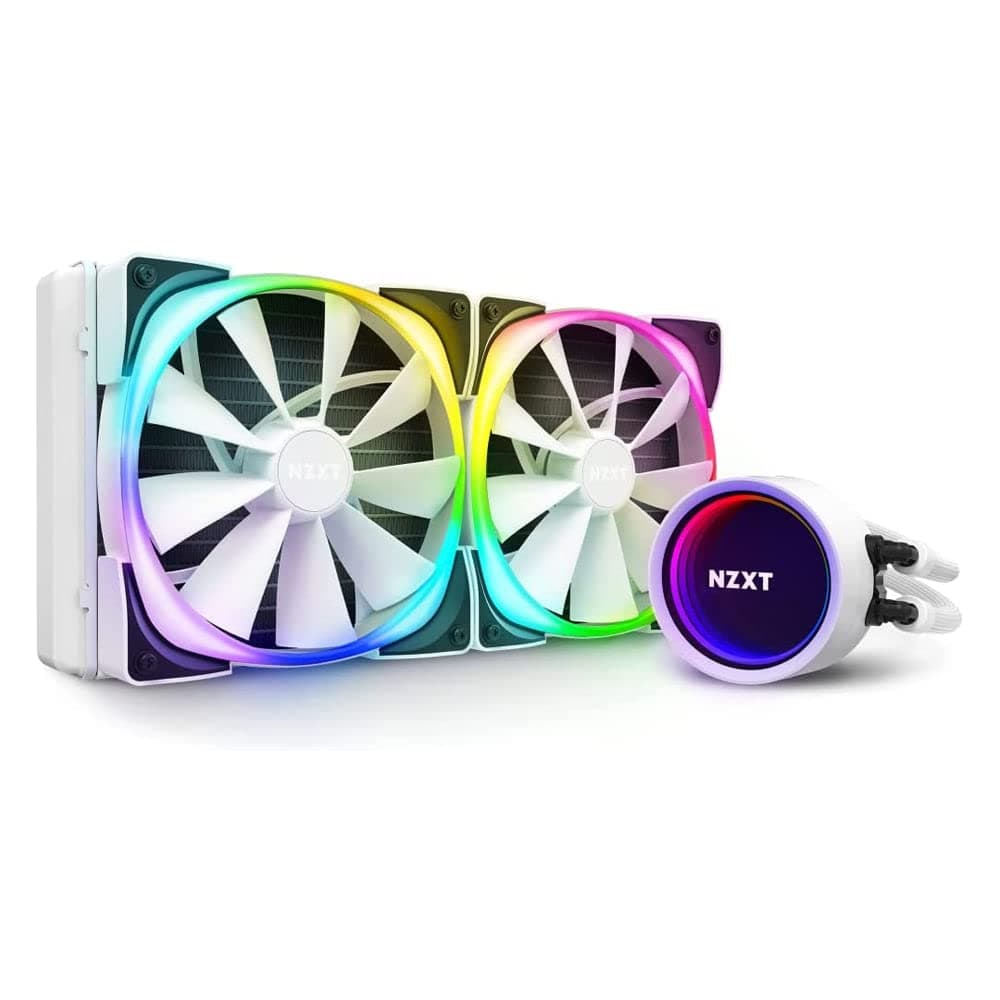
The 240mm market is crowded, including Cooler Master's own MasterLiquid Core II 240. The 240L Core AIO's position is "a straightforward Gen S pump plus ARGB fans at a restrained noise rating" — competent rather than distinctive.
Its real competition at this price is arguably a dual-tower air cooler: no pump to fail, similar cooling in many cases, often less money. You choose the AIO for clearance around the socket, freedom from memory and heatsink interference, and looks.
If none of those matter to you, air is the rational pick.
Best Use Cases
- First-time liquid cooling builders — a narrow, current-generation socket list means fewer mounting mistakes.
- Quiet-build users — 1495 RPM and 27.2 dBA point toward everyday quietness.
- Mid-range gaming builds — a sensible match for Ryzen 5/7 and Core i5/i7 at stock settings.
- Cramped socket areas — when a big air tower fouls memory or the side panel.
- ARGB builds — provided your board has a 5V 3-pin header.
Things to Check Before Buying
1. Confirm the ARGB header type. You need 5V 3-pin.
A board with only 12V 4-pin cannot drive the lighting, and mis-plugging risks damage.
2. Check clearance with real measurements. The 33 x 23.9 x 13.7 cm figure looks like box size.
Verify radiator plus fan thickness, top-mount VRM clearance and front-mount drive bays. Cases labelled "240mm compatible" can still fail on thickness.
3. Accept that an AIO is a wear item. Pumps are moving parts and can develop noise or degrade over years.
With air cooling you replace a fan; with an AIO you replace the unit.
4. Step up for sustained load or overclocking. The low RPM ceiling leaves little to fall back on when temperatures climb.
5. Do not trust listing metadata blindly. Retail pages sometimes swap model numbers, manufacturer names or bundled-accessory details between variants, and AIOs have many of them — 240 / 280 / 360, plain / ARGB / white.
Confirm from the product images, title and stated radiator size that the listing matches the model you want, and treat the live page as the authority on price.
6. Mind paste volume and screw order. Too much or too little CryoFuze both cost you degrees; tighten the bracket screws diagonally and gradually.
Most "my AIO does not cool" cases are mounting, not hardware.
FAQ
Q. Will it fit LGA 1200 or LGA 115x?
A. No. Only AM5 / AM4 and LGA 1851 / 1700 are listed. Improvised bracket swaps void support.
Q. Does it work without an ARGB header? A.
Cooling works normally; lighting control does not. Check the product page for a compatible external controller.
Q. Front or top radiator mounting? A.
Front intake feeds the radiator cool outside air and favours CPU temperature; top exhaust favours case and GPU temperature. Either way, an orientation that keeps the tubes low is generally preferred to avoid air reaching the pump.
Q. Which CPUs pair well with it? A.
Mid-range CPUs at stock settings are a comfortable match in general terms; the product's specific cooling wattage is not published, so nothing firmer can be claimed. For unlocked flagship parts, look at 360mm.
Q. What does it cost? A.
¥19,784 on Amazon JP as captured 31 May 2026 and $39.99 on eBay US as captured 16 July 2026 — point-in-time values that have likely changed.
Check the listing.
![CoolerMaster MasterLiquid Core II 240 Black ARGB X6G2 デュアルチャンバーポンプ採用「MasterLiquid Core II X6G2」シリーズ240mm水冷CPUクーラー ブラックモデル [MLW-D24M-A18PA-J1]](/_next/image?url=https%3A%2F%2Fm.media-amazon.com%2Fimages%2FI%2F514IPj3XBjL._SX466_.jpg&w=1920&q=75)
![GIGABYTE Z690 AORUS XTREME Rev. 1.0 マザーボード E-ATX [Intel Z690チップセット搭載] MB5567](/_next/image?url=https%3A%2F%2Fm.media-amazon.com%2Fimages%2FI%2F81clBZAVo5L._AC_SL1500_.jpg&w=1920&q=75)