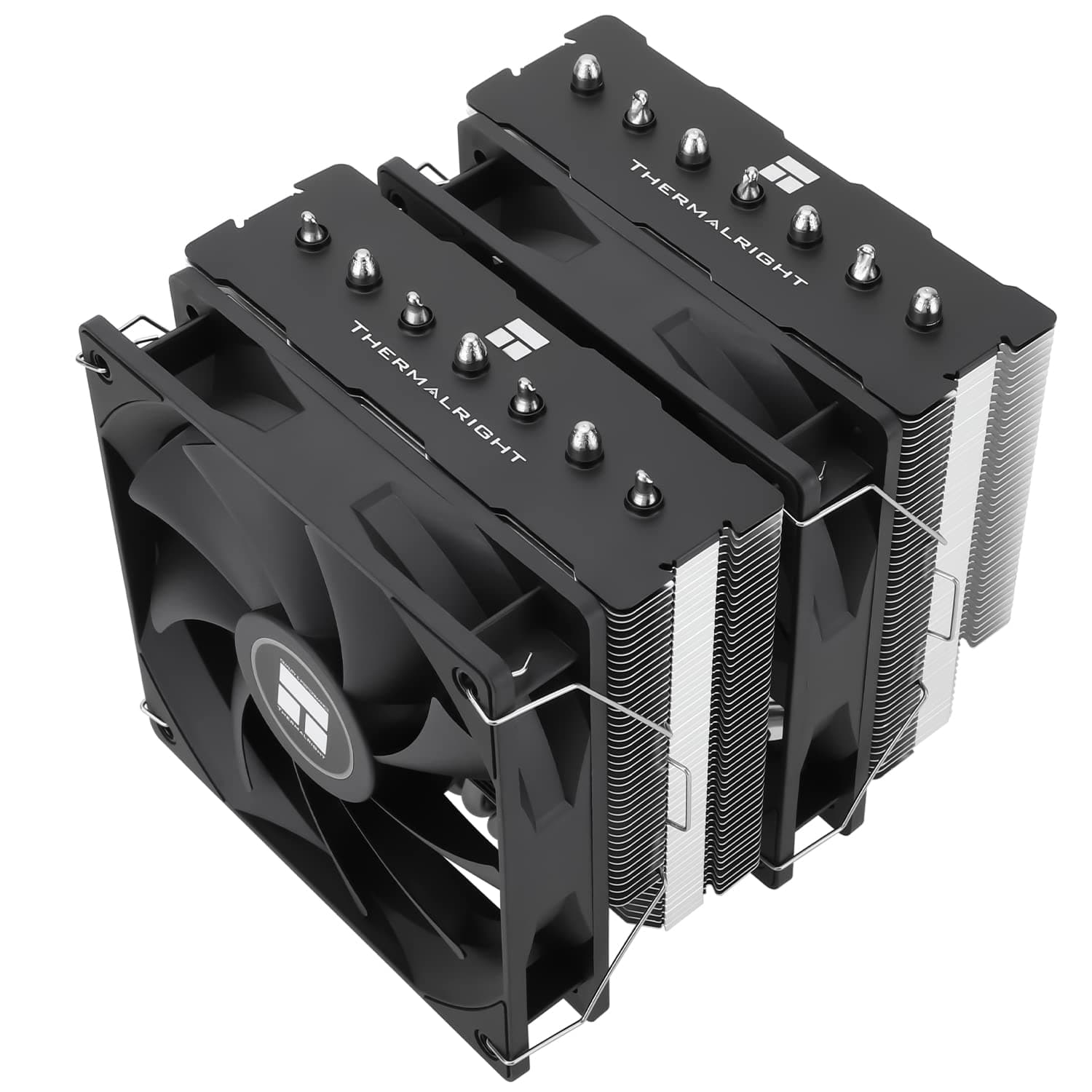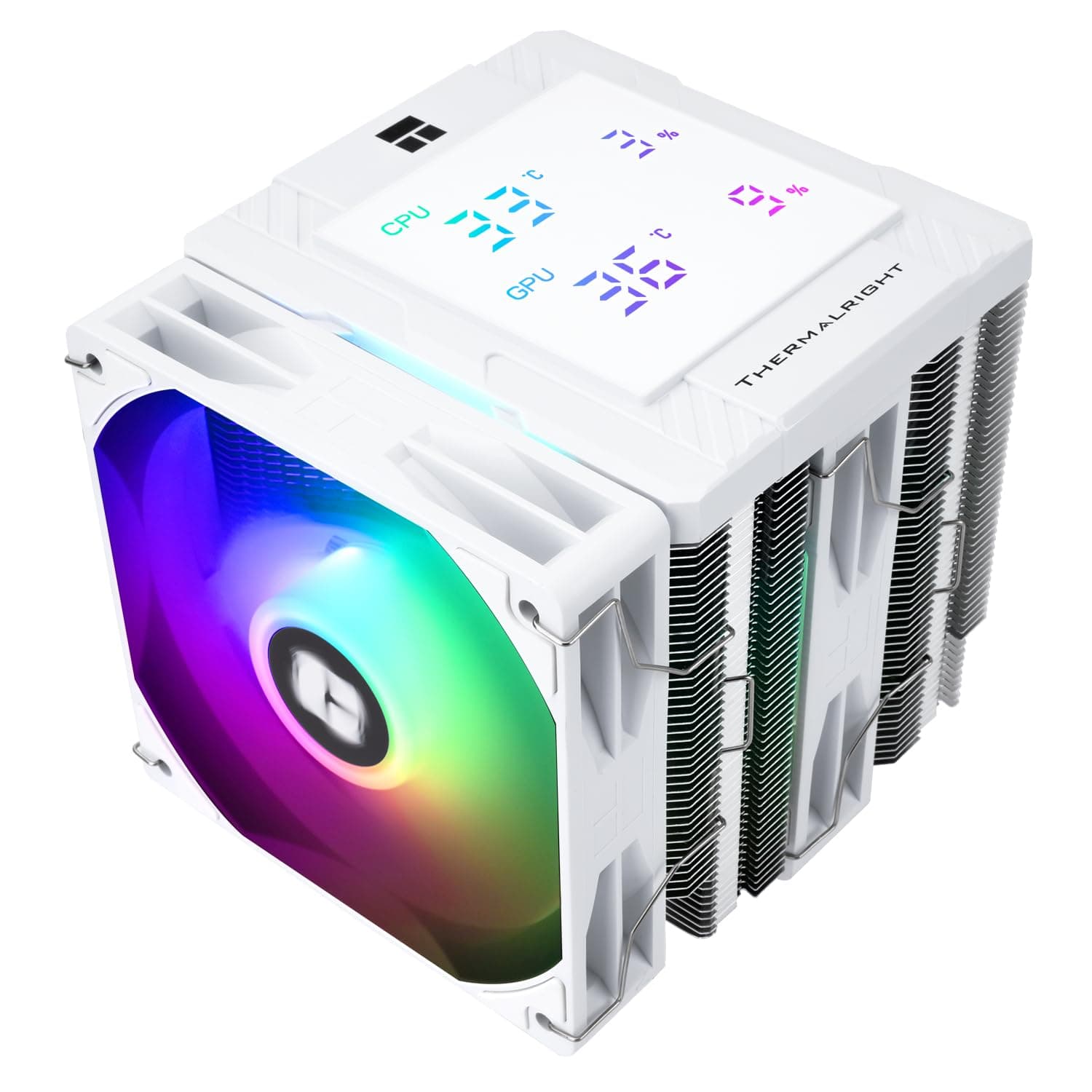
This article covers Thermalright Peerless Assassin 120 デジタル ARGB ホワイト CPUクーラー ダブルタワーとダブルファン冷却 CPUエアクーラー デジタルスクリーントップカバー AM4.
Overview
The Thermalright Peerless Assassin 120 Digital ARGB White is a dual-tower CPU air cooler that stands out with its magnetic digital display on the top cover. It shows real-time CPU and GPU temperature and usage data, giving you system status at a glance without opening monitoring software. Cooling is handled by six pure copper heat pipes and a copper base plate, paired with two 120mm fans spinning up to 1850 RPM. The fans deliver up to 88.89 CFM of airflow while keeping noise at or below 25.6 dBA. The all-white finish makes it a natural fit for white-themed PC builds. Positioned as a mid-range to high-end air cooler, the Peerless Assassin 120 Digital offers features usually found on more expensive models — digital display, ARGB lighting, and dual-tower design — at a price under $60. It's an excellent choice for gamers and content creators who want strong cooling without moving to liquid.
Compatibility Guide
Socket support covers Intel LGA1851/1700/1150/1151/1155/1156/1200 and AMD AM4/AM5. For AMD platforms, you must reuse the motherboard's stock backplate — it is not included with the cooler. Make sure you have it before starting installation. The cooler stands 162mm tall. Most mid-tower ATX cases will fit it, but always check your case's maximum CPU cooler height specification. Compact cases and some Mini-ITX enclosures may not have enough clearance. Memory clearance is generally good thanks to the offset fan design. Standard-height DDR4 and DDR5 modules fit without issue. Tall RAM kits with large heatsinks may interfere with the front fan slot, but you can shift the fan upward slightly or run a single-fan configuration.
Product Info
Released in late 2024, the Peerless Assassin 120 Digital ARGB White is priced around ¥8,798 (approx. $60) on Japan. Thermalright typically offers a 1-year warranty on their coolers. This cooler sits in the entry-level high-end segment — it competes with premium air coolers like the Noctua NH-D15 and be quiet! Dark Rock Pro 4 but costs significantly less. It's rated for CPUs up to 250W TDP, making it suitable for Core i7-14700K, Ryzen 9 7950X, and similar high-power processors.
Best Use Cases
White-themed PC builders: The all-white heatsink and ARGB fans create a clean, cohesive look. Pair with a white case, white motherboard, and white memory for a stunning build. Users who want real-time system monitoring: The magnetic digital display shows CPU/GPU temperature and usage without extra software. You can customize colors via the TRCC utility on Windows. Budget-conscious high-performance builders: At under $60, this cooler delivers dual-tower performance and digital display features that would cost twice as much from other brands. Ideal for allocating more budget to CPU or GPU. Quiet PC enthusiasts: With a maximum noise level of 25.6 dBA, it's quiet enough for most users. If you need absolute silence, consider a large AIO liquid cooler with a pump-off mode.
Things to Consider
The digital display requires the Thermalright TRCC software (Windows only) for full customization. Linux users will see the default color scheme only. At 162mm tall, this cooler won't fit in slim or compact cases. Always verify your case's CPU cooler clearance before purchasing. Some cases with side-panel fans or radiators may also cause interference. AMD AM5 installation can feel tight because you reuse the stock backplate. First-time builders should watch Thermalright's official installation video to avoid mistakes. ## FAQ
Q: Can this cooler handle the Ryzen 7 7800X3D? A: Yes, it supports AM5 and is rated for 250W TDP. The 7800X3D has a 120W TDP, so there's plenty of headroom. Note that 3D V-Cache CPUs report temperature differently, so the digital display values should be treated as approximate. Q: Will it interfere with tall RAM modules? A: Standard-height DDR4/DDR5 modules fit fine. Tall kits like Corsair Dominator Platinum may block the front fan slot. You can raise the fan slightly or run a single-fan configuration without significant performance loss. Q: Can I change what the digital display shows? A: Yes, the Thermalright TRCC software (Windows) lets you switch between CPU temperature, GPU temperature, and usage, and change the display color. The software is free to download from the official website.
Product Disclosure (Amazon)
- Manufacturer: THERMALRIGHT(サーマルライト)
- Seller: Amazon US
- Fulfilled by: Amazon US
- ASIN: B0DR8PSFHB
- Note: This article covers a manufacturer-made product based on Amazon listing details.