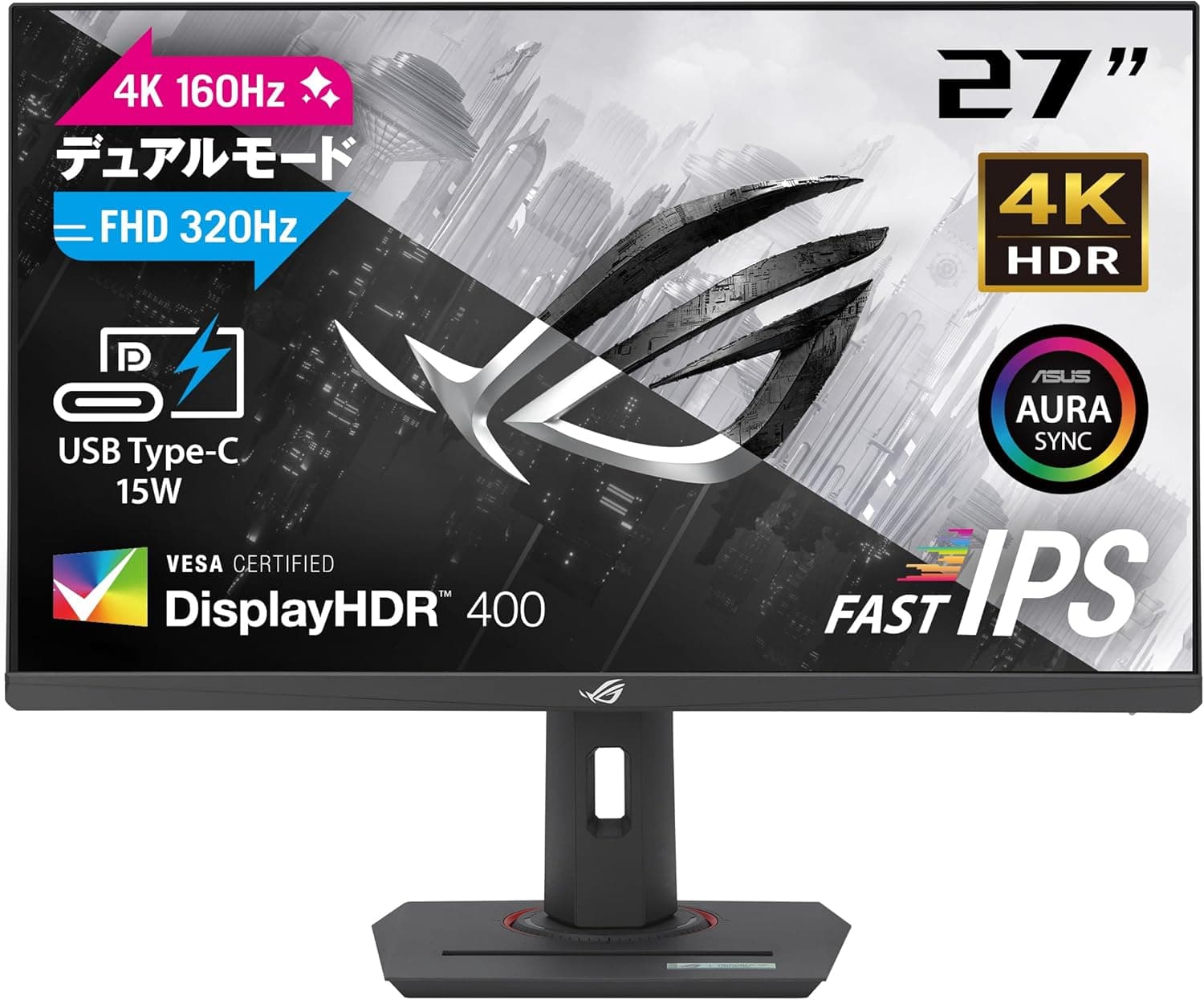
This article covers ASUS 4K ゲーミングモニター ROG Strix XG27UCG デュアルモード 黒 27インチ.
Overview
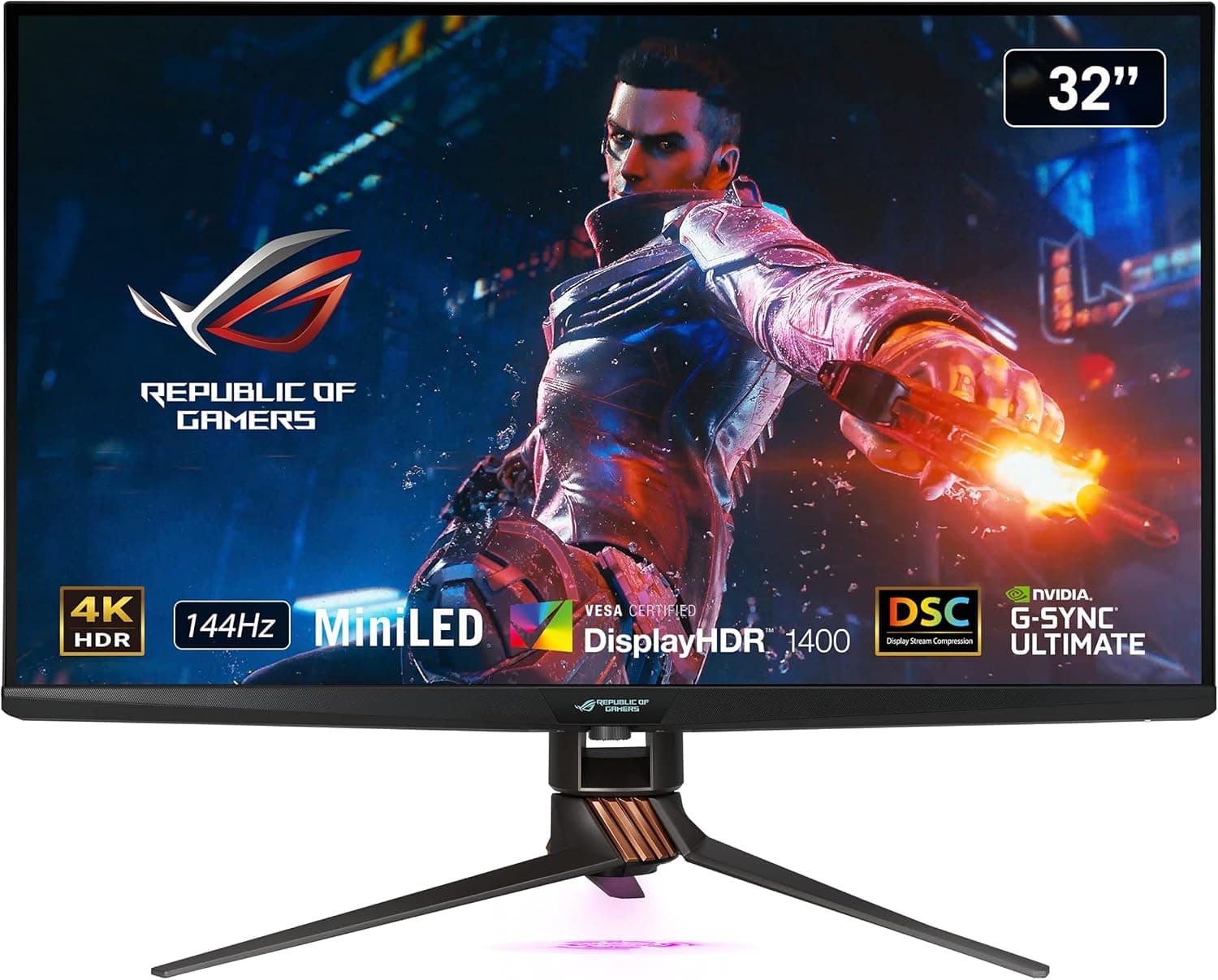
The ASUS ROG Strix XG27UCG is a 27-inch gaming monitor that stands out with its dual-mode capability: 4K at 160Hz and Full HD at 320Hz. Using a Fast IPS panel with 1ms GTG response time, it offers both stunning detail and buttery-smooth motion in a single display. The USB-C port supports DisplayPort Alt Mode with 15W power delivery, making it a convenient hub for laptops. Ergonomic adjustments (height, tilt, swivel, pivot) and VESA 100×100mm compatibility add to its versatility. Positioned as a high-end gaming monitor, the XG27UCG targets enthusiasts who want the best of both worlds: immersive 4K visuals and competitive-level high refresh rates. It competes with premium 4K 160Hz monitors but adds the unique ability to switch to 320Hz at 1080p without changing hardware.
Connectivity & Compatibility
The monitor features three video inputs: DisplayPort 1.4 (×1), HDMI 2.1 (×1), and USB-C with DP Alt Mode (×1). The HDMI 2.1 port supports 4K at 160Hz with DSC, making it fully compatible with PS5 and Xbox Series X. The USB-C port provides 15W Power Delivery—enough to charge a laptop slowly or keep peripherals powered via the monitor’s USB hub? Note: the monitor does not have additional USB-A ports, so it’s purely a video+PD connection. VESA 100×100mm mounting is supported, allowing easy attachment to monitor arms or wall brackets. The included stand is fully ergonomic but may take up more desk space compared to a clamp-on arm.
Product Info
Released in late 2024, the ROG Strix XG27UCG carries a street price of approximately ¥71,000 in Japan. It comes with a 3-year local warranty. Accessories include DisplayPort and HDMI cables, power cord, quick start guide, a ROG-branded pouch, and warranty card. In the market, this monitor is a niche high-tier product. Its dual-mode feature justifies the premium over standard 4K 160Hz monitors. Fast IPS technology ensures good color accuracy (100% sRGB claimed), though professional color work may require additional calibration.
Best Use Cases
Competitive Gamers: Switch to 320Hz Full HD for fast-paced shooters like Valorant or CS2, then back to 4K 160Hz for story-driven titles. One monitor covers both scenarios without sacrificing performance. Creative Professionals Who Game: The 4K resolution and Fast IPS panel provide sharp text and decent color for design work. Dual-mode lets you enjoy high-refresh gaming after work. Keep in mind that precise color-grading professionals may prefer a dedicated monitor with factory-calibrated DCI-P3. Laptop Users: Connect a single USB-C cable for video and charging (15W). Ideal for thin-and-light laptops that don’t need high power delivery. For gaming laptops drawing 100W+, an extra power adapter is necessary during heavy loads. Multi-Console Gamers: The HDMI 2.1 port supports one console at full bandwidth. If you own both PS5 and Xbox, consider an HDMI 2.1 switch. The DisplayPort input is PC-only; HDMI 2.1 is the preferred console connection.
Product Disclosure (Amazon)
- Manufacturer: Crucial(クルーシャル)
- ASIN: B07JWKKBVV
- Note: This article covers a manufacturer-made product based on Amazon listing details.