Overview
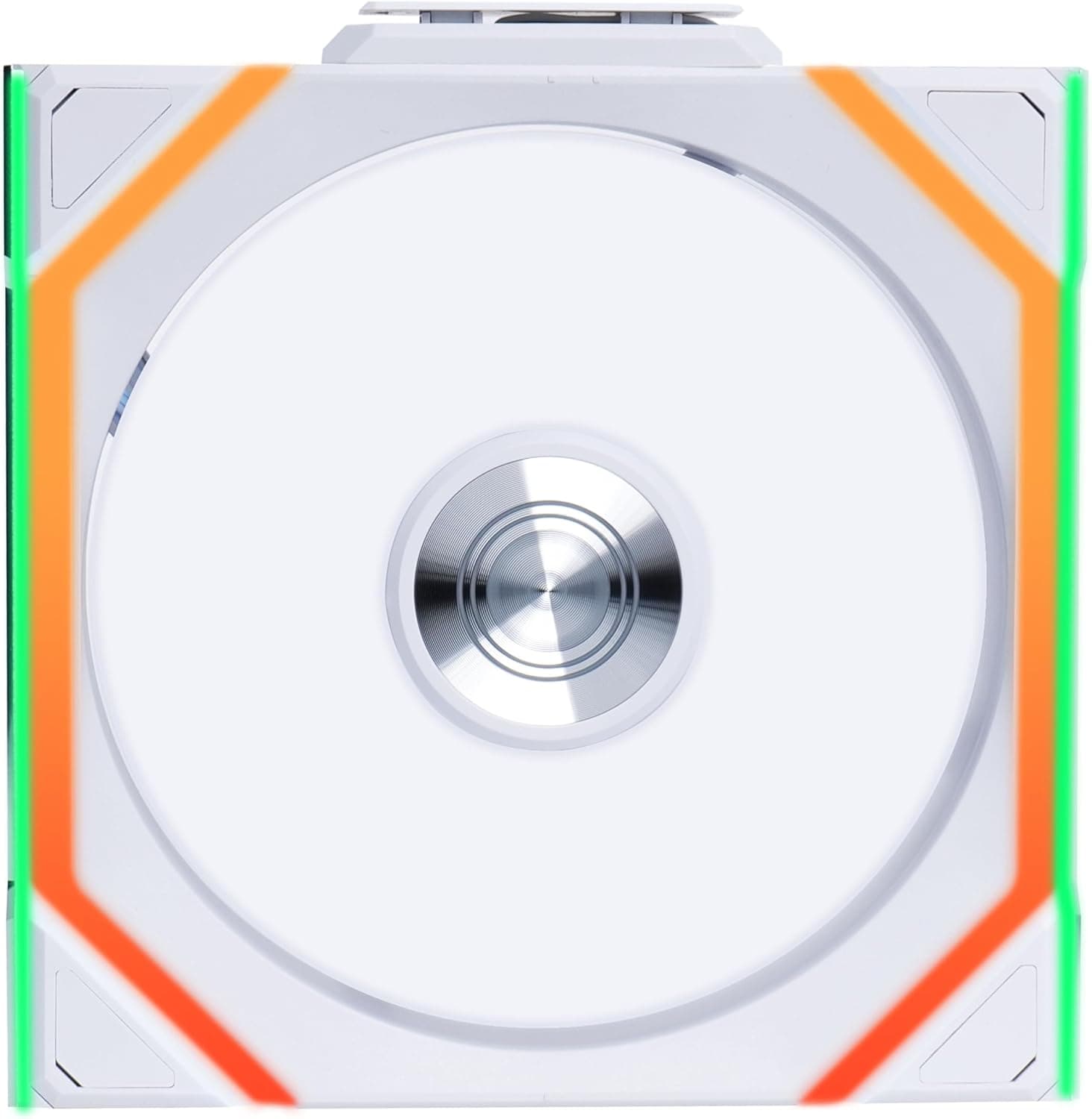
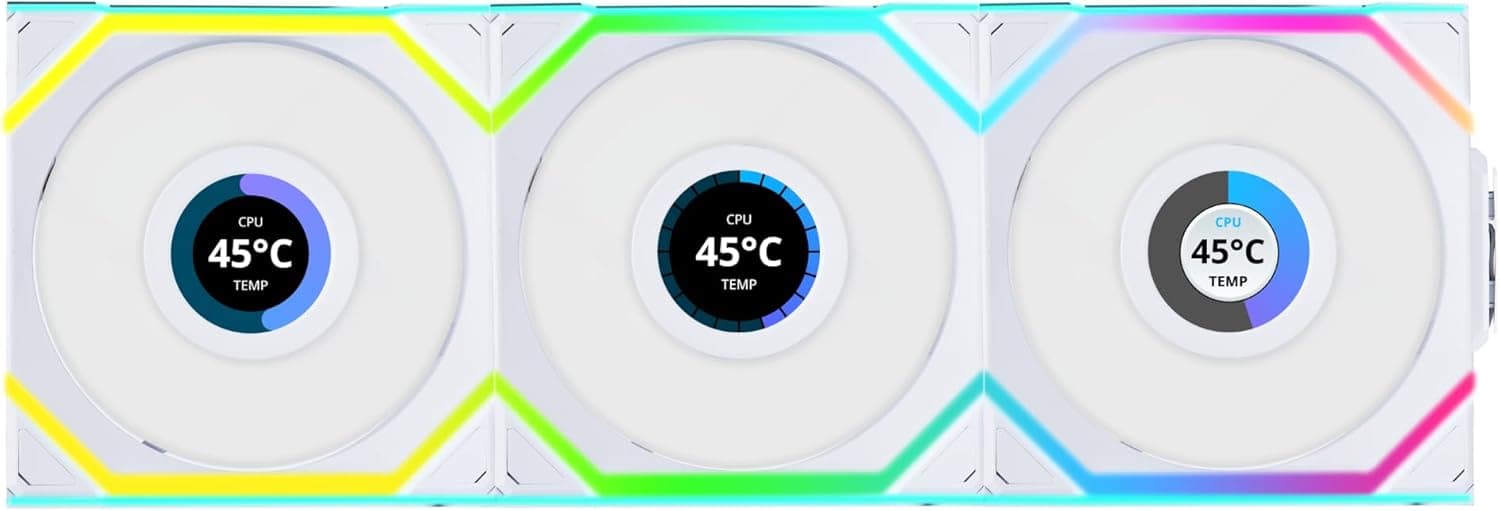
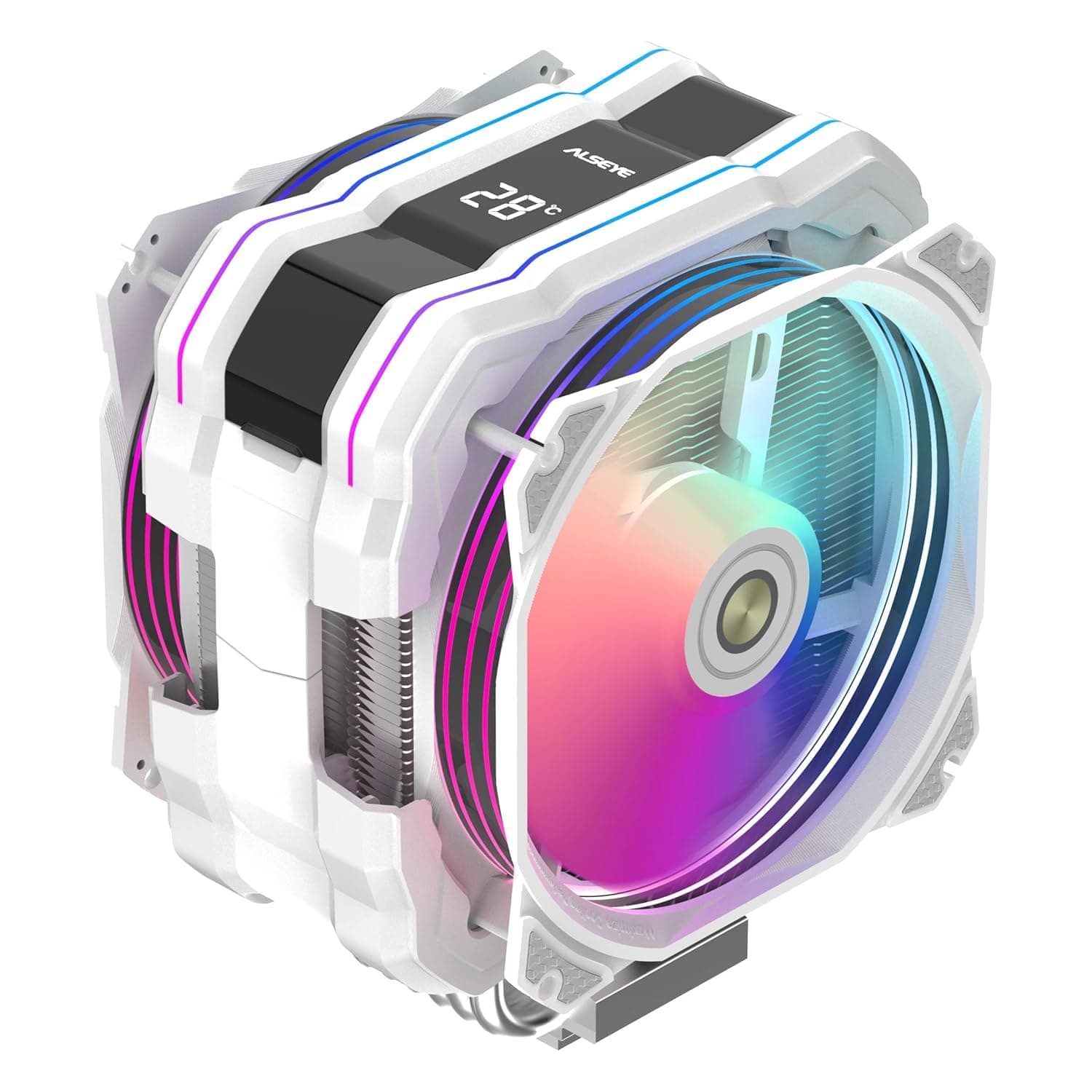
The ALSEYE M120D Plus is a white air CPU cooler for Intel LGA1700, built around six copper heatpipes and dual 120mm PWM/ARGB fans. Its defining feature is the temperature readout on top of the heatsink, which makes it a "show build" part as much as a cooling part.
On Amazon.co.jp it held a 4.4 out of 5 rating from 11 reviews as of June 2026 — good, but from a very small sample.
The short verdict: this cooler suits people building a white-themed mid-tower ATX system who want a mid-range CPU kept reasonably quiet, with RGB and a temperature display for looks. It is not the first pick for anyone running a high-end CPU at sustained full load, or for small-form-factor cases with tight height limits.
The reasons are spelled out below.
What the Temperature Display Actually Shows
The most common misunderstanding with display-equipped coolers is assuming the number equals CPU core temperature. On most such products, the readout comes from a sensor on the cooler itself — near the base or the heatsink — not from the CPU's internal thermal diode.
So it will not match what HWiNFO, Core Temp, or Ryzen Master report as Tjunction/Tctl.
The practical way to use it is as a change detector, not a measuring instrument: if idle readings creep up over months, that usually means degraded thermal paste, a stalled fan, or clogged case airflow. For real thermal management, keep monitoring software alongside it.
Treat the display as a convenient indicator and it becomes genuinely useful.
Orientation matters too. Because tower coolers can be mounted in different rotations, the digits may end up sideways or upside down depending on your case and airflow direction.
Check whether your case has a side window or a top-down view before you commit to a mounting orientation.
Compatibility Guide
The socket stated in the product name is Intel LGA1700 — the socket used by 12th through 14th generation Core CPUs (Alder Lake, Raptor Lake and its refresh), on Z690/B660/H610/Z790/B760 boards. Whether it also fits AM4, AM5, or the newer LGA1851 depends entirely on which brackets are in the box.
Check the listing's socket list before buying; "LGA1700 compatible" does not imply other brackets are included.
With air coolers, the failures are rarely about socket support. Three things cause most problems:
- Case cooler height limit — a dual-fan tower fits most mid-towers, but not slim or cube cases. Compare your case's "max CPU cooler height (mm)" against the cooler's height.
- RAM clearance — if the intake fan overhangs the DIMM slots, tall RGB memory forces you to raise the fan, which raises total height. Low-profile memory avoids the issue entirely.
- VRM and M.2 heatsink interference — high-end boards have bulky structures around the socket that can foul the base plate or heatpipes.
Fan control is straightforward: PWM fans go on the 4-pin CPU_FAN/CPU_OPT headers, so the board can regulate speed. ARGB needs a 5V 3-pin header (+5V / Data / blank / GND).
Plugging it into a 12V 4-pin RGB header can destroy the LEDs or the controller. This is the single most common beginner mistake — verify the header silkscreen (ARGB, ADD_HEADER) before connecting.
Boards without an ARGB header need an inline controller.
Product Info
rmation
As captured on 12 June 2026, the Amazon.co.jp price was ¥9,788.
Prices move constantly with sales and stock, so always check the current figure on the listing. The eBay entry is a search link, not a confirmed price.
That price sits at the top of the entry-to-mid air cooler bracket. The same budget also buys well-established dual-tower coolers and some 120mm-class AIOs.
In other words, this cooler is not competing purely on thermal efficiency — it is competing on the combination of white finish, dual ARGB fans, and a temperature display. If raw cooling per yen is your only metric, there are more proven options at the same price.
One caveat: at the time this data was collected, the spec table contained entries for an M.2 SSD enclosure (USB 3.2 Gen 2, 2230–2280 support, and so on).
Those are not this product's specifications and are not used here. Similar listing errors may persist on the store page, so verify dimensions, weight, and socket support against the manufacturer or the product images.
How to Read the Review Score
As of June 2026, the cooler shows 4.4 out of 5 from 11 reviews.
The average looks strong, but 11 is a tiny sample — one or two bad units would shift it noticeably. It is not enough evidence about defect rates or long-term durability.
The practical response when buying a low-review-count product: install it immediately on arrival, check that both fans spin and all LEDs light, and confirm the temperature display works — all within the return window. Display-equipped coolers add electronics, and dead or partial displays are a real failure mode.
Leaving the box unopened for weeks removes your ability to act.
Best Use Cases
Builders with a white-themed system get the clearest benefit. White dual-fan air coolers are not abundant, and getting ARGB plus a temperature readout at roughly the ten-thousand-yen mark is reasonable value when aesthetics matter.
Gaming PCs based on a Core i5-class CPU are a natural fit. That tier is comfortably handled by air cooling, with no pump lifespan or leak risk to worry about.
Long term, air is the lower-maintenance choice.
People bothered by pump noise, and anyone planning to keep the same PC for many years, also benefit — the only moving parts are the fans, and worn fans can simply be replaced.
Conversely, if you run a Core i9-class chip at 100% for hours of encoding, build in Mini-ITX or height-limited cases, or have no interest in lighting at all, this cooler's strengths do not apply. In the last case, a non-RGB performance model at the same price will simply cool better.
Before You Buy
1. "Six heatpipes, dual fans" does not mean high-end capable. Heatpipe count is only part of the story; fin area, base flatness, the pipe-to-base joining method, and fan static pressure decide real performance.
If the listing states a TDP rating, use it. If it does not, assume comfortable operation up to an i5 / Ryzen 5 class chip, with anything beyond depending on case airflow.
2. Measure height and RAM clearance first. The most common air-cooler failure is not weak cooling — it is the part physically not fitting.
Check the case's max cooler height, memory heatspreader height, and whether a tempered-glass side panel clears the fan.
3. Do not mix up ARGB header standards. 5V 3-pin and 12V 4-pin are not interchangeable, and some connectors will physically seat in the wrong header.
Read the motherboard manual first.
4. Listing data can be wrong. As noted, the collected data for this product included specifications belonging to an unrelated M.2 SSD enclosure.
Mismatched manufacturer names, model numbers, and ASINs are not rare on marketplace listings. When you open the product page, confirm the product from the images and title rather than trusting the registered text fields alone — especially socket support, cooler height, and fan size, since getting those wrong means the part will not install.
5. Check the paste and the backplate method. Bundled thermal paste quality varies; a separate quality paste can be worth a few degrees.
LGA1700 boards ship with a standard backplate, and whether the cooler reuses it or needs its own changes the install sequence. Mounting the cooler before the board goes into the case is far easier either way.
6. Quietness comes down to the fan curve. Dual fans move air at lower RPM, which helps acoustics, but peak-RPM noise varies by unit.
Setting a BIOS/UEFI curve that holds fans at 50–60% until around 60°C makes a large perceptual difference.
Frequently Asked Questions
Q. Will it fit LGA1851 (Core Ultra 200S) or AM5? A.
Only LGA1700 is stated in the product name. It depends on the included brackets — check the listing's socket list, and assume no support if it is not listed.
Q. The display reads differently from my monitoring software. Is it broken? A.
Usually not. The readout uses a cooler-side sensor with a different measurement point than CPU Tjunction.
Judge by deviation from your own baseline, not by absolute value.
Q. Can I run it without the RGB lighting? A.
Yes. Leave the ARGB connector unplugged and the fans still work normally from the 4-pin PWM header, or disable lighting in your motherboard's software.
Q. Air cooler or AIO? A.
Up to an i5 / Ryzen 5 class CPU, air is sufficient and carries no pump failure risk. For sustained i9-class loads, or to exhaust CPU heat directly out of the case, a 240mm or larger AIO has the advantage.
Q. Isn't 11 reviews too few? A.
Yes. The 4.4 average as of June 2026 is good, but the sample is too small to judge durability.
Test the unit immediately and surface any defects inside the return window.
Product Disclosure (Amazon)
- ASIN: B0F37YB2N6
- Note: This article covers a manufacturer-made product based on Amazon listing details.