Overview
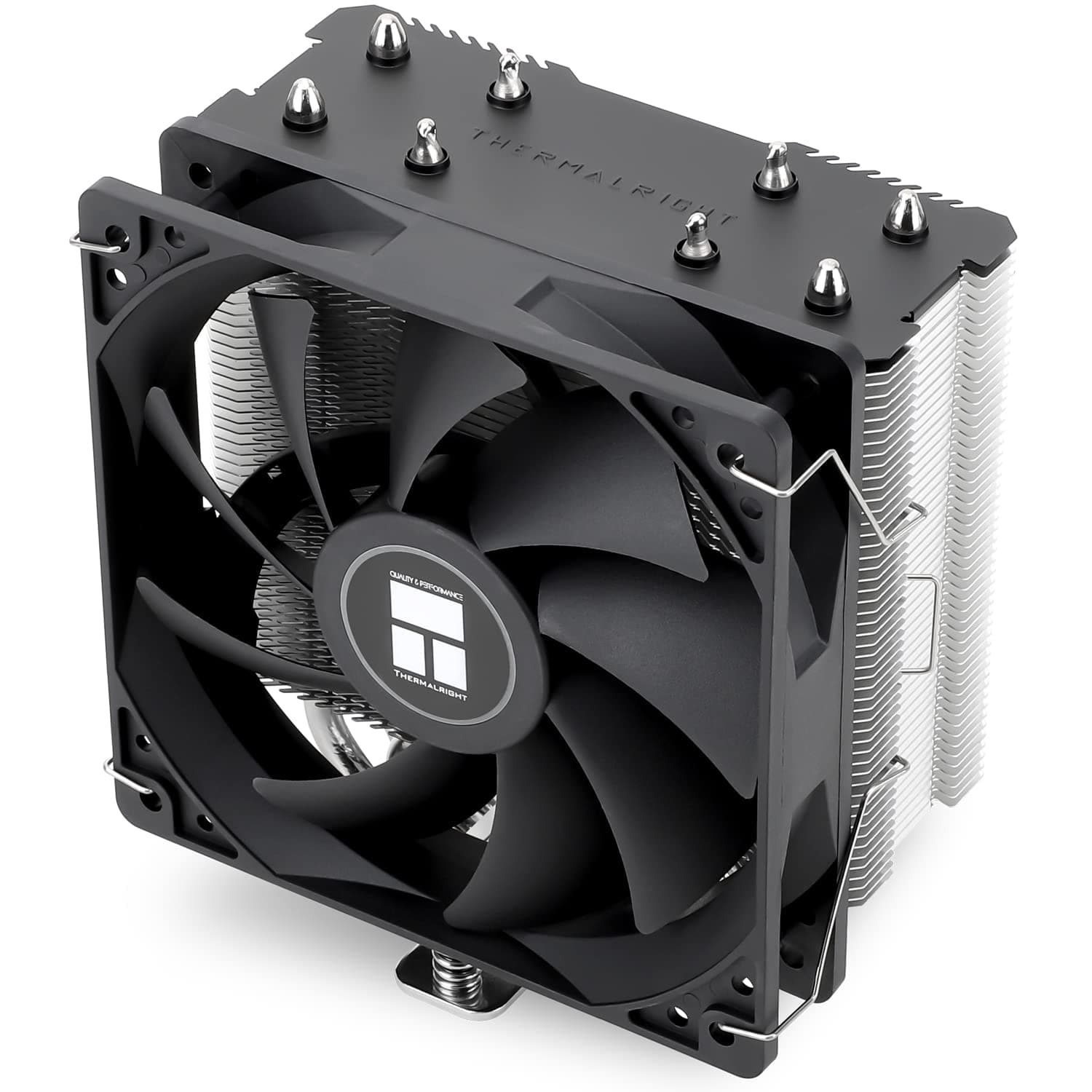
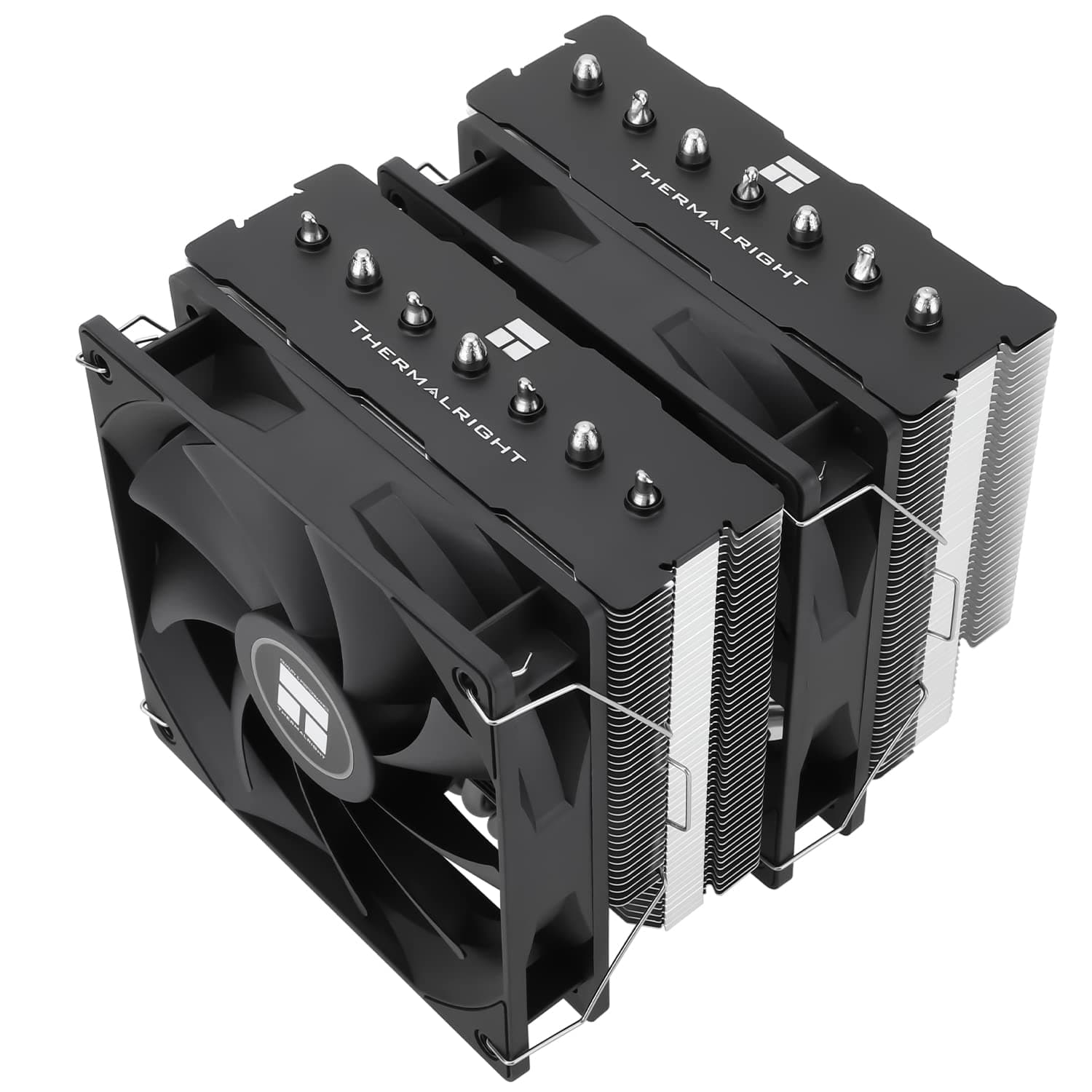
The Thermalright PS120SE is an air CPU cooler built around seven 6mm heat pipes and two 120mm PWM fans. It is rated for 280W of TDP, stands 154mm tall, and ships with mounting hardware covering Intel LGA1700/1200/115x and AMD AM5/AM4 in a single kit.
The short version: this is a cooler for builders who want to avoid an AIO but have outgrown mid-range air cooling, and the one thing you must verify before buying is your case's cooler clearance.
On Amazon.co.jp it carries 443 reviews at an average of 4.8/5 — a 96% positive rate as captured in May 2026.
A product with a review count in the hundreds has usually surfaced whatever problems exist with missing mounting hardware or early failures, so the rating is more trustworthy than a high score on a handful of reviews.
Compatibility Guide
Supported sockets are Intel LGA1700 / LGA1200 / LGA1156 / LGA1155 / LGA1151 / LGA1150 and AMD AM5 / AM4. That covers roughly Intel's 6th through 14th generation and AMD from Ryzen 1000 through the current AM5 parts.
Because both mounting kits are included, switching platforms later does not mean buying a new cooler — assuming you kept the hardware bag.
| What to check | This cooler | Where to look |
|---|---|---|
| Cooler height | 154mm | Case spec: max CPU cooler clearance |
| Footprint | 135mm × 125mm | Distance to DIMM slots, VRM heatsink height |
| Weight | 0.9kg | Motherboard backplate, horizontal orientation |
| Fans | 120×120×25mm × 2, 4-pin PWM | Available CPU_FAN / CPU_OPT headers |
Height is where builds actually fail. 154mm sits in an awkward band: fine in most mid-towers, but not in slim mid-towers or cube cases.
If your case lists a maximum cooler clearance below 155mm, skip this one — the side panel either will not close or will press against the cooler. A case rated for 160mm or more leaves comfortable room.
Memory clearance is described as single-tower-equivalent, so standard DDR4 or DDR5 modules with ordinary heat spreaders are unlikely to cause trouble. Tall RGB memory with heatsinks above roughly 45mm may require shifting the front fan upward, which pushes total height past 154mm.
Budget extra case clearance if you plan to run tall memory.
Both fans use 4-pin PWM connectors, so the motherboard controls speed. You can either use CPU_FAN and CPU_OPT, or combine them onto a single header with a Y-splitter.
Two 120mm PWM fans stay within the current capacity of a typical header, but do not chain additional fans onto that same connector.
Reading the Cooling Numbers
Rated fan speed is 1500 RPM ±10% (up to 1650 RPM), airflow is 66.17 CFM, and noise is listed at 25.6 dBA.
The low RPM ceiling is the interesting part: this is tuned toward quiet operation rather than brute airflow. The design leans on seven heat pipes and fin area to shed heat at low fan speeds instead of spinning hard.
So this is not a cooler that gets loud to get cold — it is quiet by default, and the question is how much heat it clears in that state. If you want it quieter still under load, set a BIOS fan curve that holds 60–70% duty until the CPU passes about 70°C.
Conversely, swapping in higher-static-pressure fans yields diminishing returns once the heatsink itself becomes the limiting factor.
Treat the 280W TDP rating as a manufacturer ceiling, not a promise. Two CPUs pulling the same 280W can land at very different temperatures depending on die area, IHS thickness, paste application, and case airflow.
Intel's high-end K-series parts in particular are limited by heat density at the die more than by the cooler, so "280W rated" does not mean any CPU will run cool.
Product Info
The key specifications: seven 6mm AGHP 4.0 heat pipes, aluminum fins, a nickel-plated copper base, two 120mm PWM fans on S-FDB fluid dynamic bearings, 0.9kg total weight, and 135 × 125 × 154mm dimensions.
Fluid dynamic bearings generally outlast and run quieter than sleeve bearings, which suits a machine that runs daily. The nickel plating on the copper base resists corrosion and discoloration over time.
In the box you get mounting hardware for both Intel and AMD, thermal paste, and a manual. Warranty terms vary by seller, but Thermalright's standard coverage is typically one to two years.
The cooler launched around 2022 and sits in the mid-to-high-end segment.
Pricing needs a warning. The captured Amazon.co.jp listing price is ¥23,916 (captured 2026-05-28), which is plainly out of scale for an air cooler in this class. The eBay US figure captured in July 2026 is $47.14, which is much closer to what this product actually is.
The ¥23,916 value most likely reflects a listing error or a price scraped from a different item or bundle. Check the product page directly for the current price rather than trusting any figure in this article — prices move with exchange rates and stock anyway.
Best Use Cases
First, builders running higher-end CPUs on air. If you keep a Core i7 or Ryzen 7 class chip under sustained load — gaming, video encoding, compiling — and you would rather not introduce a pump as a failure point, this is a reasonable choice.
Second, people who prioritize quiet. The modest 1650 RPM ceiling matters if the machine sits on your desk, or if you stream or take calls near it.
Third, anyone planning a long service life. AIOs realistically invite pump and tubing concerns after three to five years; on an air cooler the only wear item is the fan, and 120mm fans are trivially replaceable.
Conversely, if you only run 65W-class Core i5 or Ryzen 5 chips, this is overkill. A cheaper, shorter single-tower will do the job.
Compared to the Alternatives
Within Thermalright's own range, the Peerless Assassin 120 family occupies adjacent territory, differentiated by heat pipe count, finish, and color options. Choose on aesthetics and in-case clearance: a white model if you are building a white system, the standard finish if cost is the priority.
Against 240mm and 360mm AIOs, the real question is not raw cooling but where the heat goes. Air coolers dump heat around the socket, which raises VRM and memory temperatures but also means airflow passes over them.
Liquid cooling carries heat to a radiator and out of the case. On a board with weak VRM cooling, air can actually be the safer option.
If you have a large case that fits a 360mm front radiator and you want the lowest possible CPU temperature, liquid wins.
Versus entry single-towers such as the Hyper 212 line, the performance gap is real but only shows up under load. The rough dividing line is whether your CPU actually draws more than about 150W.
Things to Check Before Buying
Case height is the biggest risk. 154mm fits most mid-towers, but in cases rated for around 155mm, tolerances and motherboard standoff position can leave you short.
Read the case spec sheet first, and pick something else if the margin looks thin. The 0.9kg weight is also worth noting for shipping a built system or running it on its side.
Watch the listing price discrepancy. As noted, the captured ¥23,916 does not match this product class.
If the page shows a similarly inflated price, or a bundle or gray-import listing, check the seller and product images before ordering. The same ASIN can carry different contents and prices depending on the seller.
Installation deserves an honest note. It uses a backplate, so mounting it with the motherboard already in the case is not practical.
Either remove the board or confirm your case has a large enough CPU cutout. Retrofitting this onto an existing build is more work than it looks.
Another common misconception: a 280W rating does not guarantee low temperatures, only that the cooler can dissipate that much heat continuously. Hitting the low 80s °C under heavy load is normal for this class of CPU.
Judge by whether thermal throttling occurs, not by the number alone.
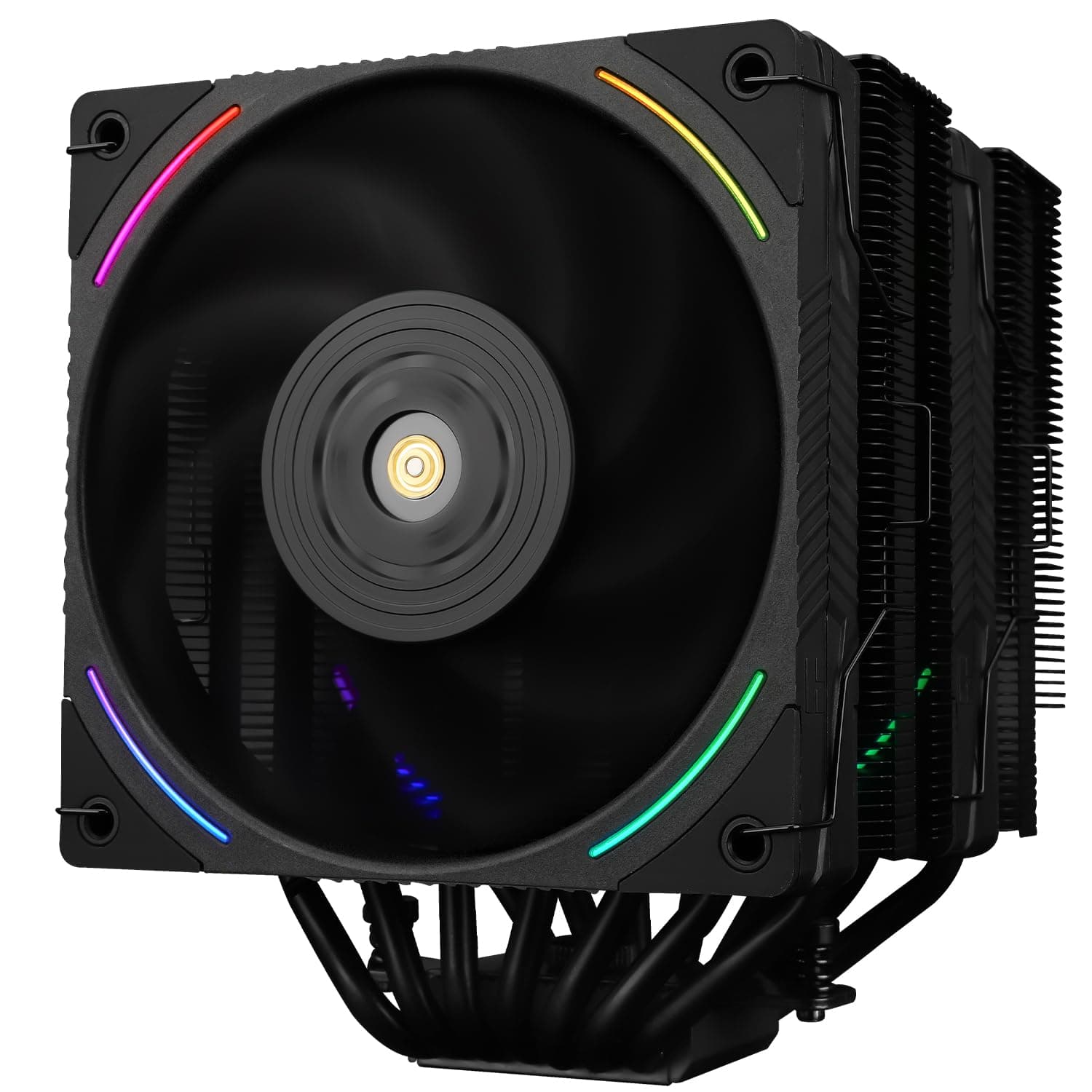
Finally, there is no RGB lighting. If your build is lit, this will be the one dark component in the case.
Choose an ARGB model if visual consistency matters to you.
FAQ
Q. Will 154mm definitely fit a mid-tower? A.
Usually, but not guaranteed. If your case lists 160mm or more of cooler clearance you are fine.
At around 155mm, measure before you buy.
Q. Does it interfere with memory? A.
Standard-height modules with normal heat spreaders are unlikely to conflict. Tall RGB memory may require raising the front fan, which increases overall height.
Q. Can I run both fans from one motherboard header? A.
Two 120mm PWM fans are within the capacity of a typical CPU_FAN header. Do not add further fans to that same header.
Q. Is it enough for a Ryzen 7 7800X3D? A.
In terms of heat output, yes. Final temperatures still depend on case airflow and paste application, so confirm you have adequate front intake.
Q. Do I need to buy thermal paste separately? A.
No, paste is included and is fine for the initial install. Buy a larger tube only if you expect to remount often.
Q. Is it worth switching from an AIO? A.
Worth it if you want to remove pump failure risk or prioritize quiet. If you only want lower temperatures, repasting and refanning your existing AIO may be more cost-effective.
Product Disclosure (Amazon)
- Manufacturer: THERMALRIGHT(サーマルライト)
- Seller: soragadgetshop
- Fulfilled by: soragadgetshop
- ASIN: B0BNH1W546
- Note: This article covers a manufacturer-made product based on Amazon listing details.
![GIGABYTE Z690 AORUS XTREME Rev. 1.0 マザーボード E-ATX [Intel Z690チップセット搭載] MB5567](/_next/image?url=https%3A%2F%2Fm.media-amazon.com%2Fimages%2FI%2F81clBZAVo5L._AC_SL1500_.jpg&w=1920&q=75)