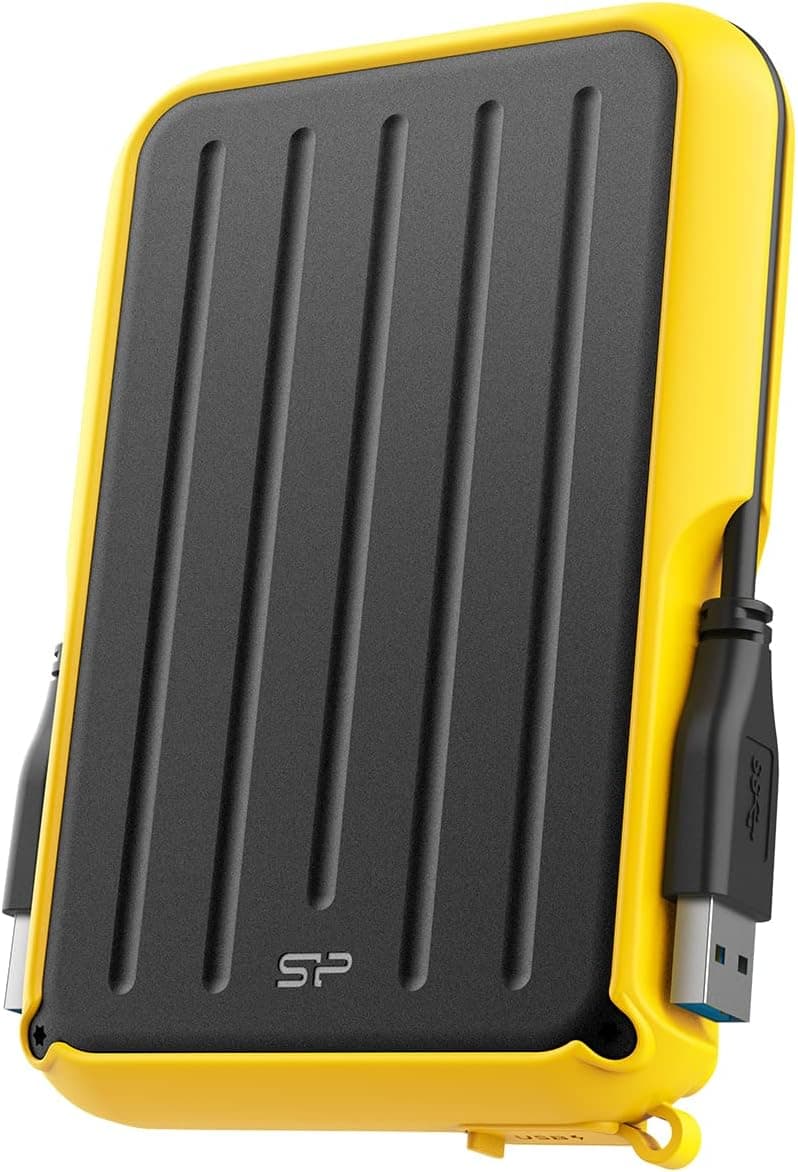
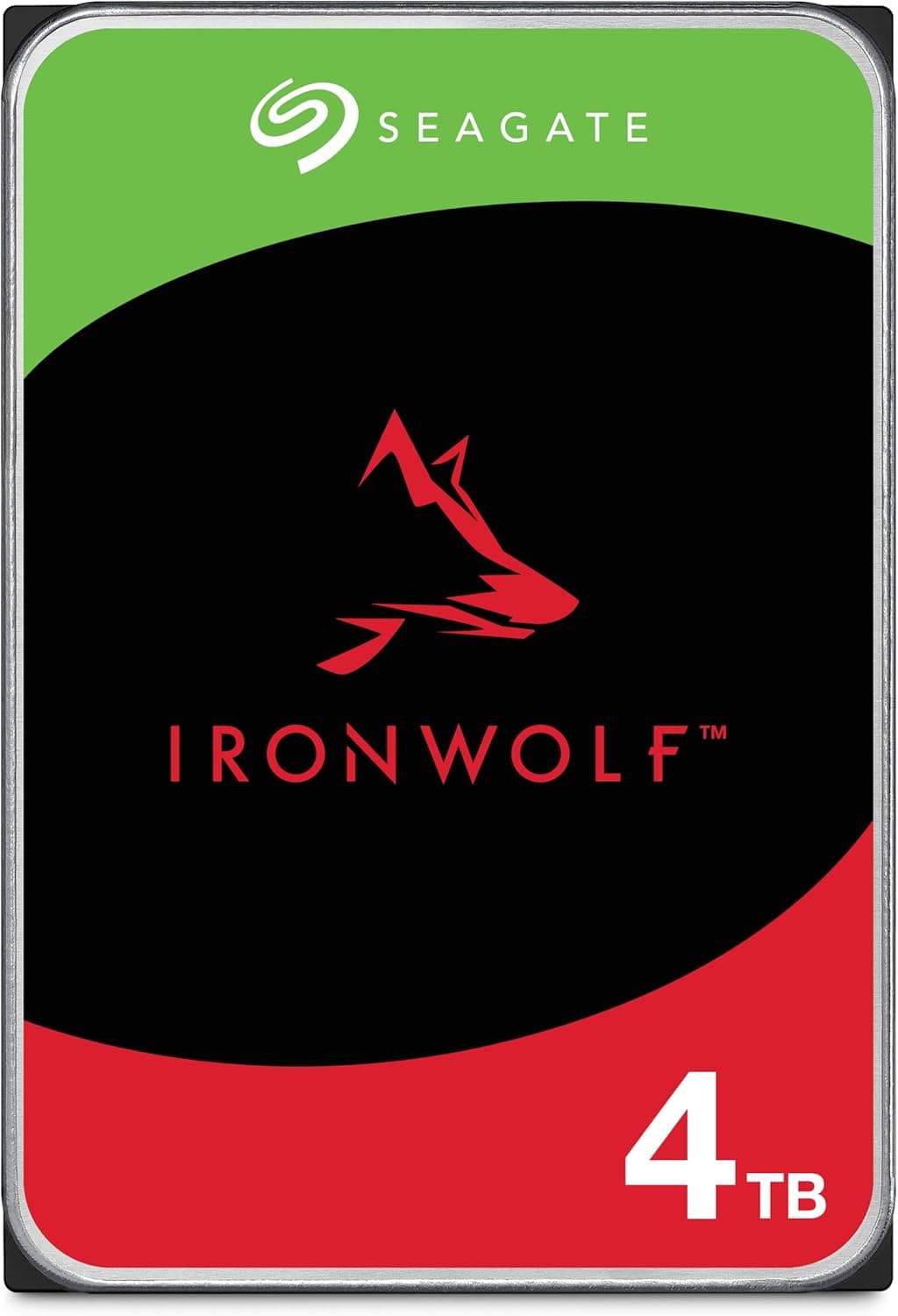
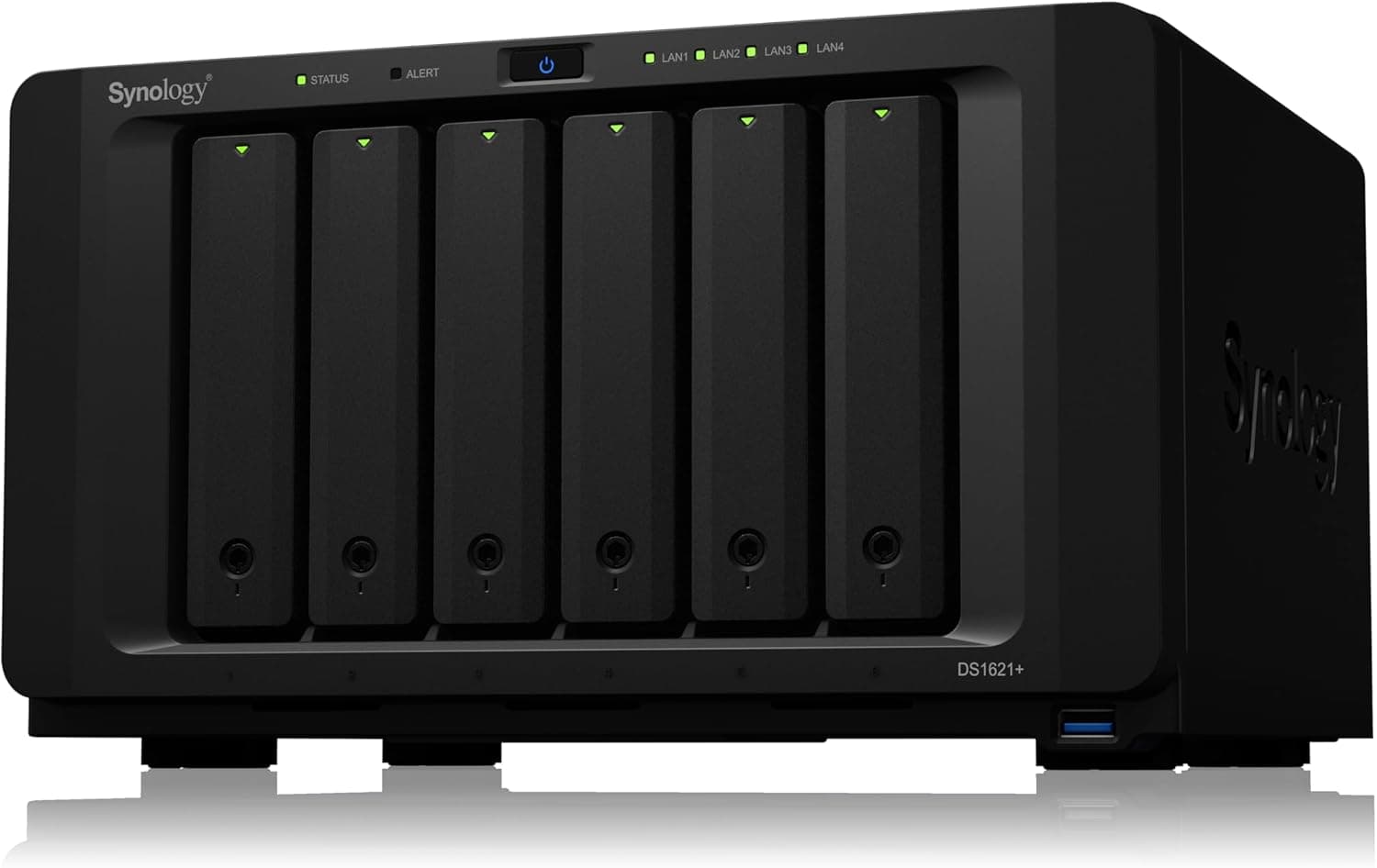
This article covers Synology DiskStation DS214+ NAS サーバー.
Overview
The Synology DiskStation DS214+ is a 2-bay NAS server designed for home users and small offices. It features a dual-core 1.33GHz CPU and 1GB of DDR3 RAM, making it well-suited for file sharing, backups, and basic media serving. Its compact black chassis can hold up to two 3.5-inch or 2.5-inch SATA HDDs/SSDs (sold separately), giving you the flexibility to choose your own storage capacity and configuration. In a Windows environment, the DS214+ achieves average read speeds of 208MB/s and write speeds of 153MB/s, thanks in part to its dual Gigabit LAN ports with link aggregation support.
Connectivity & Compatibility
The rear panel includes two Gigabit LAN ports (with link aggregation), two USB 3.0 ports, one USB 2.0 port, one eSATA port, and one SD card slot. You can expand storage via USB 3.0 external drives or connect high-speed external storage through eSATA. Supported file systems include ext4 (default) and Btrfs (with some feature limitations). Clients running Windows, macOS, and Linux can all access the NAS. The device runs Synology's DSM (DiskStation Manager) operating system, which provides an intuitive web-based interface for configuration and app management.
Product Info
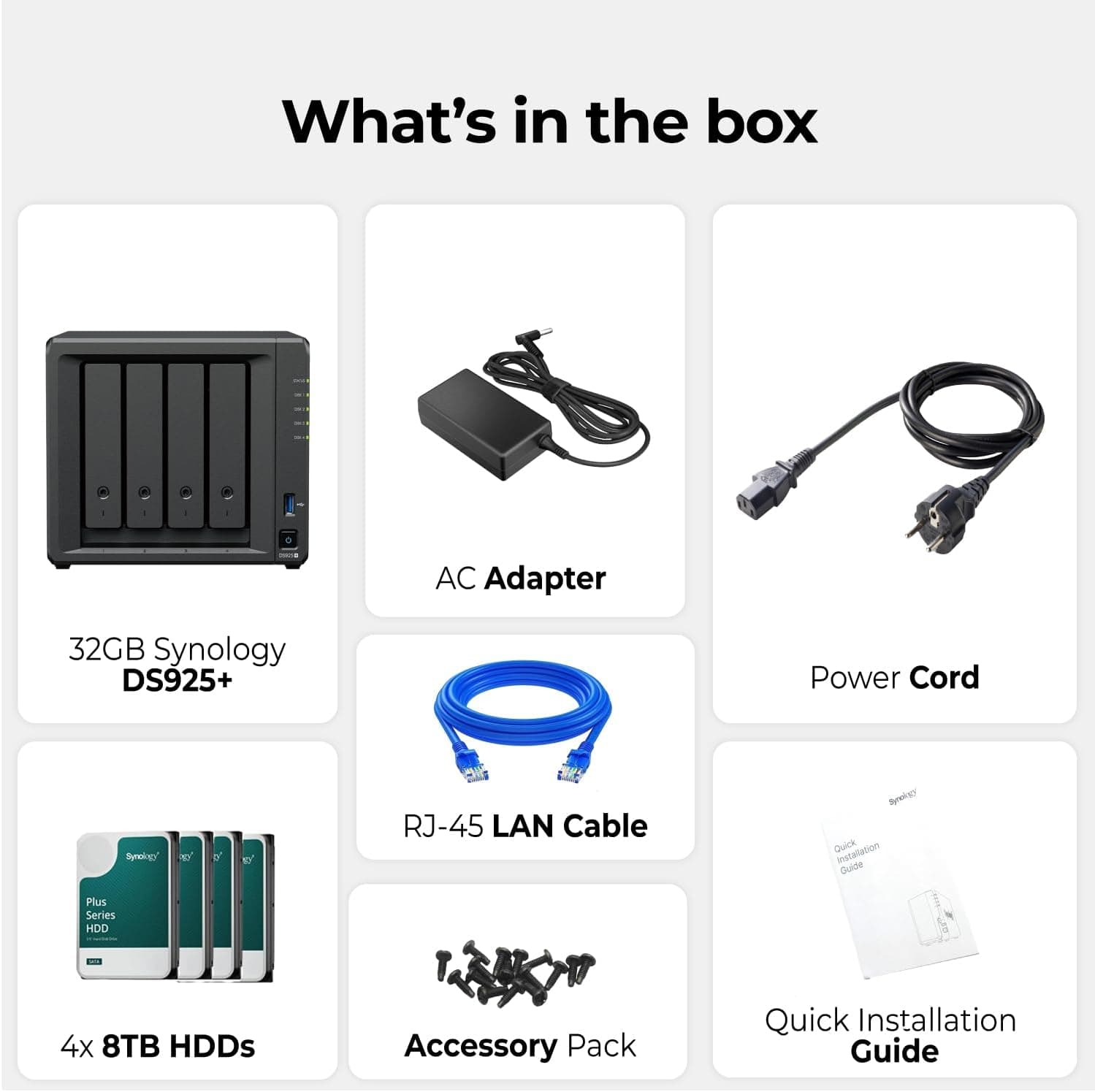
The DS214+ was originally released around 2013 and is still available through retailers like . Pricing varies between new and used units, with a reference price of approximately ¥228,800 (tax included). The standard warranty is two years (requires product registration). In the box you'll find the power adapter, Ethernet cable, quick installation guide, and drive mounting screws. Market positioning is mid-range: it offers more performance than the entry-level DS2xx series while being more affordable than the DS4xx series.
Best Use Cases
Home users wanting centralized photo and video storage: The DS214+ excels at file sharing and media serving, with easy access from smartphones and tablets. However, it does not support 4K video transcoding, so treat it as a storage and basic media server rather than a real-time transcoding powerhouse. Small offices needing a file server and backup target: Configure RAID 1 (mirroring) to protect data if one drive fails. The dual Gigabit LAN ports can be teamed for improved throughput when multiple clients access the NAS simultaneously. * NAS beginners starting with a 2-bay unit: DSM's setup wizard is beginner-friendly, making initial configuration straightforward. That said, the older dual-core CPU limits heavy multitasking — don't expect to run many Docker containers or virtual machines.
Things to Consider
This NAS ships without hard drives — you'll need to purchase two 2.5-inch or 3.5-inch SATA HDDs/SSDs separately. The dual-core 1.33GHz CPU is modest by modern standards, so it's best suited for file sharing, backups, and light media serving rather than running many concurrent applications. Memory is fixed at 1GB DDR3 with no upgrade option, so virtual machines or heavy packages are out of the question. Stick to core NAS tasks and you'll get reliable performance. ## FAQ
Q: Can this NAS transcode 4K video? A: No. The CPU lacks the necessary processing power for real-time 4K transcoding. Video files are stored as-is and must be played back on the client device. Q: What RAID configurations are supported? A: RAID 0, RAID 1, JBOD, and Synology Hybrid RAID (SHR) are all supported. For data protection, RAID 1 (mirroring) is recommended. Q: Can I connect an external drive for backups? A: Yes. You can attach an external drive via USB 3.0 or eSATA and use DSM's backup tools to set it as a backup destination for internal volumes.
Product Disclosure (Amazon)
- Manufacturer: Synology
- Seller: New Oriental Technology
- Fulfilled by: New Oriental Technology
- ASIN: B00G6AX604
- Note: This article covers a manufacturer-made product based on Amazon listing details.
![WD20EFZX [WD Red Plus(2TB 3.5インチ SATA 6G 5400rpm 128MB CMR)]](/_next/image?url=https%3A%2F%2Fm.media-amazon.com%2Fimages%2FI%2F81Azd8UAViL._AC_SL1500_.jpg&w=1920&q=75)