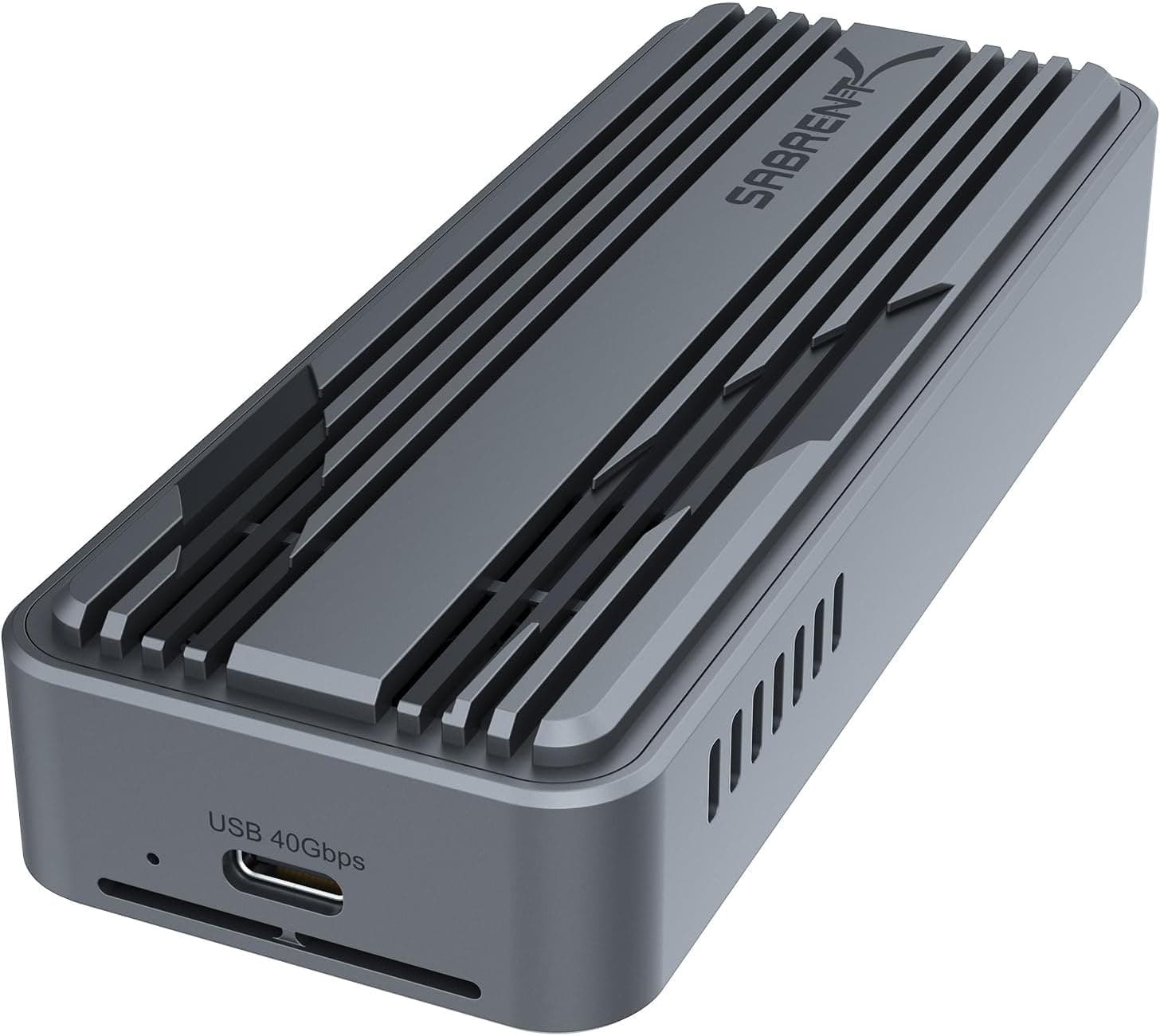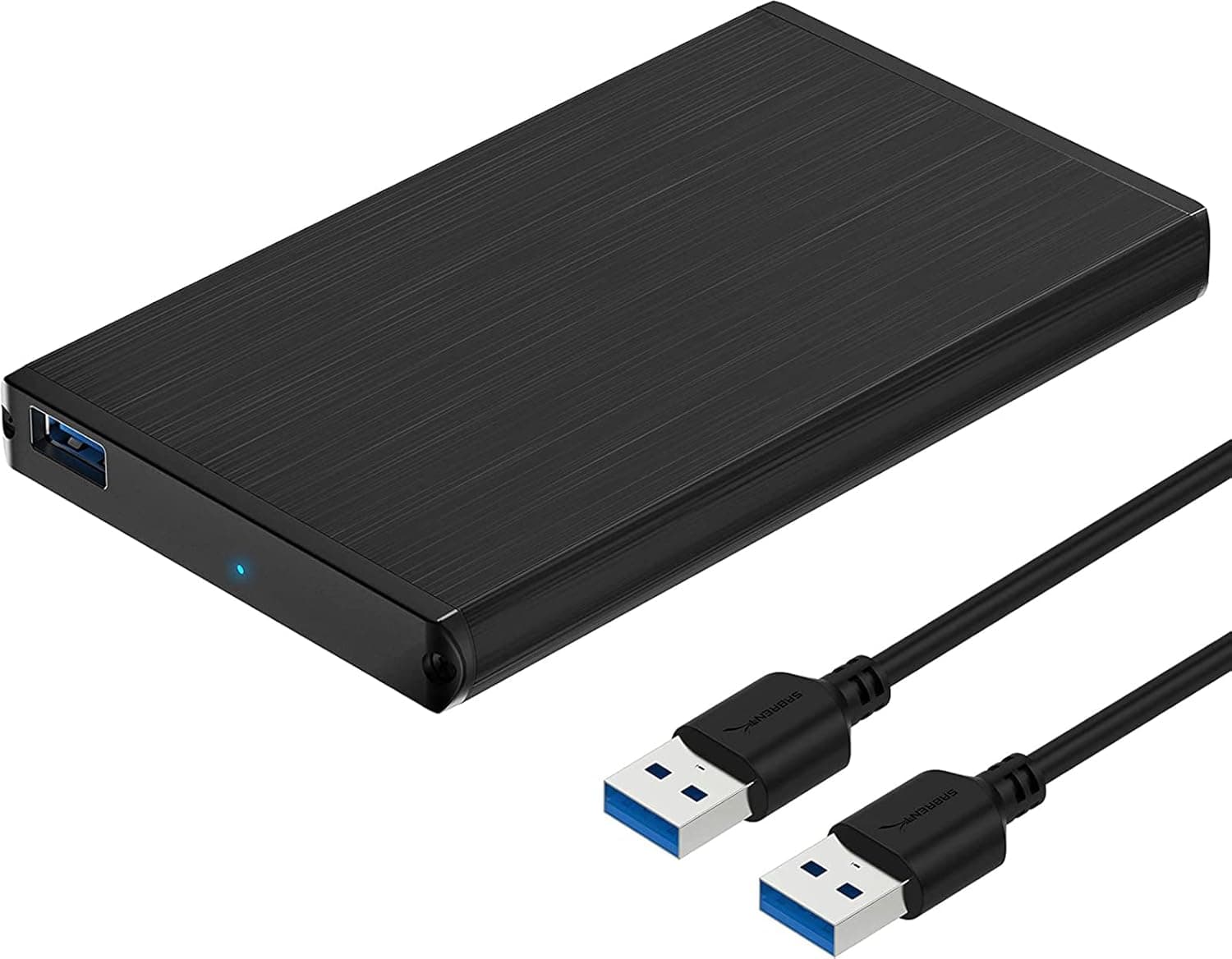
The SABRENT EC-UK30 is an aluminum enclosure that turns a spare 2.5-inch SATA SSD or HDD into an external drive without tools.
For anyone with a leftover drive in a desk drawer, it is one of the highest-return small purchases in PC hardware. For anyone hoping to build fast working storage from scratch, it is the wrong product.
This article separates what it does well from where it runs out of road.
Overview
The EC-UK30 does one thing: it bridges a SATA drive connector to USB and wraps it in a 124 x 76 x 13 mm aluminum shell weighing about 50 g. The interface is USB 3.2 Gen 1 (formerly USB 3.0, 5 Gbps theoretical), the port is USB Micro-B, and a cable is included.
No drivers are needed on Windows, macOS, or Linux, and hot-swap support means you can attach or remove the drive with the computer running.
The natural use cases are a drive pulled from a laptop after an SSD upgrade, a 2.5-inch HDD rescued from a dead machine, or a stationary backup target.
If you are buying storage new, a finished portable SSD will beat this combination on speed, durability, and connector standard. Think of the EC-UK30 as a tool for reusing what you already own, not as a way to acquire storage.
On Amazon.co.jp it holds 4.3 out of 5 (86% favorable) across 5,865 reviews as captured in May 2026.
That is not a standout score, but sustaining 4.3 over more than five thousand ratings suggests the failure rate is not unusually high for the class.
What 5 Gbps Actually Means Here
The 5 Gbps figure is theoretical. After USB protocol overhead and the SATA III ceiling, real-world throughput tops out around 400-450 MB/s as a rough guide.
That is enough to let a SATA SSD run at essentially full speed, so the enclosure is rarely the bottleneck when paired with a SATA SSD.
The limits show up elsewhere. A 2.5-inch HDD typically manages 100-150 MB/s, so the drive, not the enclosure, is the constraint; paying more for a 10 Gbps enclosure changes nothing with a hard disk.
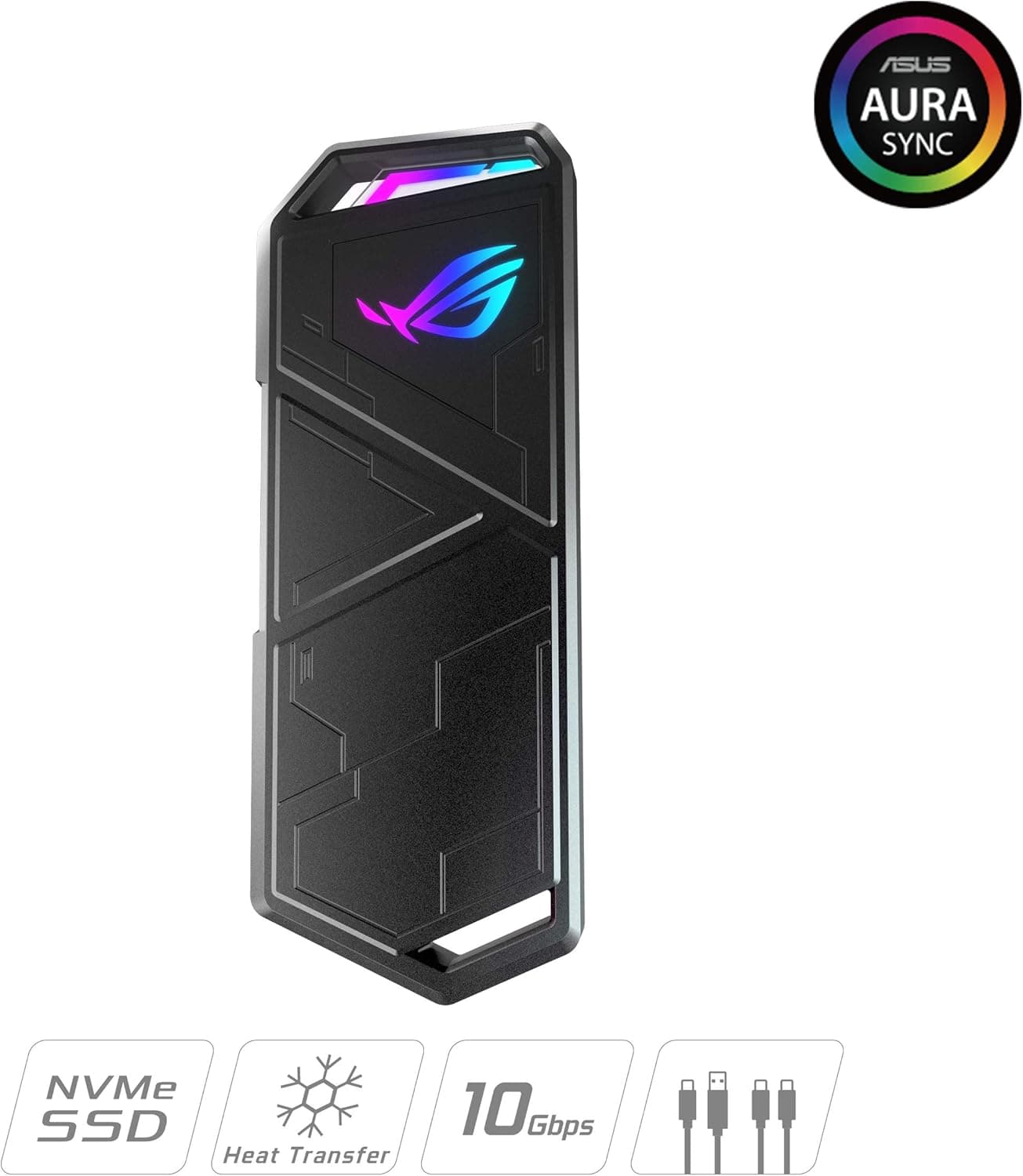
NVMe SSDs, meanwhile, use the M.2 form factor and simply do not fit here at all.
One caveat: the supplied specifications do not state whether UASP is supported. Most USB 3.0-era bridge chips do support it, but that is not something to assert as fact.
If small-file performance matters to you, check the product page for an explicit UASP mention before buying.
Compatibility Guide
Supported drives are 2.5-inch SATA SSDs and HDDs only, in thicknesses from 7 mm to 9.5 mm, with capacities listed up to 16 TB.
The common failure points are worth spelling out.
| Drive type | Fits? | Notes |
|---|---|---|
| 2.5-inch SATA SSD (7 mm) | Yes | Best-matched pairing |
| 2.5-inch SATA HDD (9.5 mm) | Yes | Thickness limit; watch label bulge |
| 2.5-inch HDD (12.5 / 15 mm) | No | Physically will not fit |
| M.2 NVMe or M.2 SATA | No | Different form factor entirely |
| 3.5-inch HDD | No | Wrong size and power draw |
| mSATA SSD | No | Needs a separate adapter board |
Drives thicker than 9.5 mm will not fit. This trips people up with used high-capacity 2.5-inch HDDs and with drives harvested from other external enclosures.
Measure the drive edge before ordering rather than assuming "2.5-inch" is sufficient information.
Power matters too. The enclosure is bus-powered with no AC adapter included.
SSDs draw little and are unproblematic, but spinning up a 2.5-inch HDD demands a brief current surge. Through an unpowered hub or a weak front-panel port, that can show up as a drive that never mounts or that disconnects mid-write.
Moving to a motherboard-rear port is the first fix to try.
Note the connector: the bundled cable is USB Micro-B (the wide USB 3.0 variant), not USB-C.
On a laptop or Mac with only USB-C ports you will need an adapter or a hub with a USB-A socket. The cable is also short at roughly 50 cm, which often leaves the enclosure dangling behind a desktop; a longer compliant cable is worth buying for stationary use.
OS support is straightforward on Windows, macOS, and Linux with no drivers. On macOS, an NTFS-formatted drive mounts read-only, so format as exFAT if you need read/write on both platforms.
For TVs and consoles, check the host device's supported formats and capacity limits first.
Product Info
The key specifications: USB 3.2 Gen 1 (USB 3.0) interface, support for 2.5-inch SATA SSDs and HDDs 7-9.5 mm thick, up to 16 TB capacity, 124 x 76 x 13 mm dimensions, roughly 50 g weight, aluminum construction, hot-swap support, and driver-free plug-and-play operation.
The only accessory is a roughly 50 cm USB 3.0 cable; no software is bundled.
That 50 g figure is the empty enclosure. A 2.5-inch SSD adds another 40-60 g and an HDD 90-120 g, so an SSD build lands near 100 g in practice - light enough to forget it is in your bag.
The aluminum body genuinely helps with heat compared with plastic enclosures at the same price, but keep expectations modest. Heat only escapes efficiently if the drive contacts the shell, and long transfers over a 5 Gbps link run for a while.
An HDD build getting noticeably warm is normal; running long transfers on bedding or fabric is not a good idea.
Pricing on Amazon.co.jp was ¥1,980 as captured in May 2026.
Prices move often with sales and stock, so confirm the current figure on the product page before ordering. That number is typical for a 2.5-inch SATA enclosure - neither a bargain nor a premium.
Unbranded options exist for less, and that is where bridge chip quality and warranty support tend to differ. Warranty terms vary by region and listing, so check the order page.
How It Compares
Choices for "reuse a spare 2.5-inch drive" split along three questions: do you need speed, do you need portability, and do you already own the drive?
If you own a 2.5-inch SATA drive and want minimum cost, a plain enclosure like this is the right answer.
Spending more on a 10 Gbps enclosure cannot pay for itself when the SATA SSD inside is the ceiling. If you are buying everything new, a finished portable SSD wins on speed, durability, and connector standard.
If your spare drive is an M.2 NVMe SSD, you need an M.2 enclosure instead - there is no adapting around the form factor.
And if the drive will be carried through rough conditions, consider a purpose-built rugged external drive. The aluminum shell here aids cooling; it is not marketed as shock- or water-resistant.
Best Use Cases
This is a clear buy for the following people.
- You upgraded a laptop to an SSD and the old drive is idle. Roughly ¥2,000 turns a drawer ornament into backup storage. This is where the value is highest.
- You need to recover data from a dead PC. Pull the drive, connect it elsewhere, copy the contents off. Hot-swap makes checking several drives in sequence painless.
- You keep multiple SATA SSDs and swap between them. Tool-free opening suits a rotating-drive workflow.
- You care about size and weight. About 50 g and 13 mm thick travels well alongside a laptop.
- You want an always-connected backup target. A large 2.5-inch HDD parked on a desk as a scheduled backup destination is a realistic setup.
Before You Buy
This is the section that matters most - the surprises that arrive after the box does.
1. NVMe SSDs do not fit. Buying an "SSD enclosure" expecting to install an M.2 NVMe drive is the single most common mistake in this category.
Only the flat, card-deck-shaped 2.5-inch SATA drive works here; the gum-stick M.2 board does not.
2. Anything over 9.5 mm thick will not close. Used high-capacity 2.5-inch HDDs are often 12.5 or 15 mm.
Measure rather than trusting the "2.5-inch" label alone.
3. Do not expect headline speeds. Roughly 400-450 MB/s is the practical ceiling.
A SATA SSD gets to stretch its legs; NVMe-class throughput is impossible by design. If you planned to edit video off this drive or run games directly from it, expect disappointment.
4. It is bus-powered. No AC adapter is included.
Underpowered setups with HDDs produce non-detection, mid-transfer dropouts, or clicking. Skip the hub and use a rear motherboard port first.
Drives that still misbehave belong in an externally powered enclosure.
5. The port is USB Micro-B, not USB-C. USB-C-only laptops need an adapter, and a poor adapter can make transfers unstable.
The included cable is also short at about 50 cm, and USB 3.0 Micro-B cables are less common than USB-C, so a spare is worth having.
6. Treat cooling as "better than plastic," nothing more. There is no fan.
Sustained multi-hundred-gigabyte writes to an HDD will get warm. Keep it on a hard, flat, ventilated surface during transfers.
7. Listing metadata is not always right. Amazon product pages attach manufacturer, model, and ASIN data automatically, and details from other products occasionally leak in, or a long-selling item quietly changes revision under the same ASIN.
Before ordering, confirm the product images, the title, and what reviewers describe all match the item you intend to buy.
8. Never make this the only copy of important data. If the bridge chip fails, the drive survives but is unreadable until you pull it out again.
Keep at least two backup paths.
FAQ
Q. Can I use an M.2 NVMe SSD?
A. No. This enclosure accepts 2.5-inch SATA drives only. M.2 drives need an M.2 enclosure.
Q. What speeds should I expect? A.
Roughly 400-450 MB/s as a guide with a SATA SSD over USB 3.2 Gen 1, and 100-150 MB/s with an HDD, where the disk is the limit.
Actual results depend on the drive and host port.
Q. Does 16 TB support really work? A.
The specification lists up to 16 TB. In practice you are limited by which drives exist as 2.5-inch units at 9.5 mm or less, so check the thickness of any drive you plan to buy.
Q. Does it work on a Mac out of the box? A.
Yes, no drivers needed. NTFS-formatted drives mount read-only, so use exFAT if you share the drive with Windows.
Q. Are tools required to install a drive? A.
No. Open the case and seat the drive on the SATA connector.
Give it a gentle shake afterward - a loose fit can cause intermittent contact when carried.
Q. Can I use it with a PS4, PS5, or a TV? A.
That depends on the host device. It should present as USB mass storage, but supported formats, capacity limits, and available bus power vary.
Check the device manual first.
Q. Is it safe to unplug while powered on? A.
Hot-swap is supported, but always eject through the OS first. Removing during a write risks file system corruption.
Product Disclosure (Amazon)
- Manufacturer: SABRENT
- ASIN: B00LS31KQG
- Note: This article covers a manufacturer-made product based on Amazon listing details.