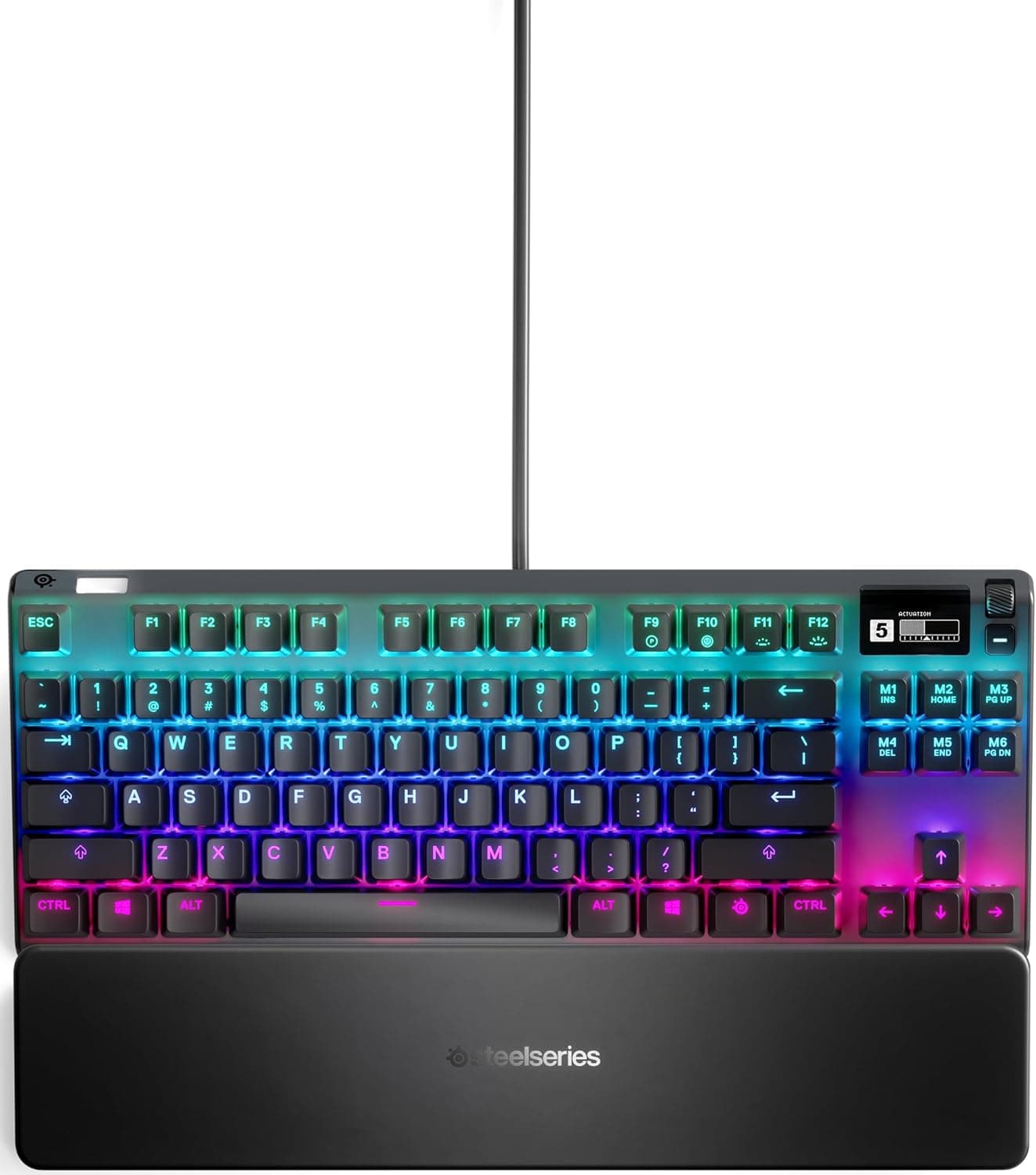
This article covers the SteelSeries Apex Pro TKL US 64734 Black — a wired, tenkeyless, US-layout gaming keyboard with Rapid Trigger — including how to actually set it up and where buyers get caught out.
Overview
The SteelSeries Apex Pro TKL US 64734 Black uses OmniPoint 2.0 Adjustable HyperMagnetic switches on every key.
Put plainly, this is a keyboard for people who want to decide how deep a key must travel before it registers — not for people whose top priority is typing feel or quiet operation. Actuation is adjustable from 0.1mm to 4.0mm in 0.1mm steps, response time is 0.54ms, and Rapid Trigger mode is supported.
The reception is worth noting too. As captured on 2026-05-26, Amazon.co.jp shows 2,443 reviews at 90% positive (4.5 out of 5 stars).
Holding that level across more than two thousand reviews means this is not a case of a small group of enthusiasts propping up the score. In a category where price complaints usually drag ratings down, that number is genuinely strong.
What Rapid Trigger and Actuation Tuning Actually Do
The point of a magnetic (Hall effect) switch is that it reads how far the key has travelled as a continuous value rather than as a simple on/off contact. Where a traditional mechanical switch fires at a fixed 2.0mm, this board lets you move that threshold in 0.1mm increments.
Rapid Trigger builds on the same reading: input registers the moment you press and resets the moment you lift, which matters most for repeated presses such as strafing in an FPS.
Shallower is not automatically better. Extreme settings in the 0.1mm–0.5mm range invite accidental inputs from simply resting your hands on the keys.
A practical starting point is around 1.0mm for FPS keys and roughly 1.5–2.0mm for keys you also type with, then adjust deeper if you get misfires and shallower if input feels late.
Because settings are per key, a realistic compromise is shallow WASD with deeper Enter and Space.
Up to five profiles are stored in onboard memory. Once saved, your settings travel with the board to another PC, which helps at events or LAN sessions.
The OLED smart display also exposes the adjustment menu, so you can fine-tune on the spot without launching software.
Compatibility Guide
The connection is wired only, via a detachable USB Type-C cable. Any PC with a USB-A port will generally work, and laptops and game consoles can be connected as well.
How much console-side functionality you get (key assignment, lighting control) varies by system, so check the manufacturer's compatibility information first if consoles are your main target. Saving profiles onboard lets you carry tuned actuation into environments where you cannot install software.
The board measures 355×128×42mm and weighs 960g. The width is fairly typical for a tenkeyless, but 960g makes clear this is not a travel-oriented product.
The flip side is that it stays put during aggressive mouse work, which is a real advantage on a fixed desk. If you use the bundled magnetic wrist rest, budget several more centimetres of depth — measure first if you are on a keyboard tray or a shallow desk.
Three cable routing channels make it easy to run the cable behind a monitor or out either side.
One thing buyers overlook: this is a US ANSI layout. Symbol positions differ from a Japanese layout and there are no henkan/muhenkan keys.
On Windows, Japanese input toggling is typically handled with Alt+`, and you may need to tell the OS to treat the keyboard as a US layout. That is a non-issue for a gaming-only board, but if you also write documents on it, factor in the transition cost.
Product Info
Key specifications: OmniPoint 2.0 Adjustable HyperMagnetic mechanical switches; actuation from 0.1mm to 4.0mm in 0.1mm steps; 0.54ms response time; wired USB Type-C; US (English) layout; 355×128×42mm; 960g; switches rated for 100 million presses; onboard memory for 5 custom profiles; a 32-bit ARM processor; per-key RGB illumination; and a premium magnetic wrist rest.
The frame is aircraft-grade aluminium alloy, and the warranty is one year.
The 100-million-press rating reflects the fact that magnetic switches have no wearing contacts. Even at a heavy 5,000 presses a day, that is decades of use on paper — in practice the cable, keycap shine, or wrist rest surface will age long before the switches do.
Pricing needs a caveat. The amount captured from the referenced Amazon listing (ASIN: B07XV1S1FH) is clearly too low for a product of this class, with an OLED display, aluminium frame, and magnetic switches.
It most likely reflects a collection error or a different configuration or generation, so this article does not quote a figure. Prices also move a lot, so check the product page for the current price — and confirm that it is the price of the Apex Pro TKL itself.
How It Compares
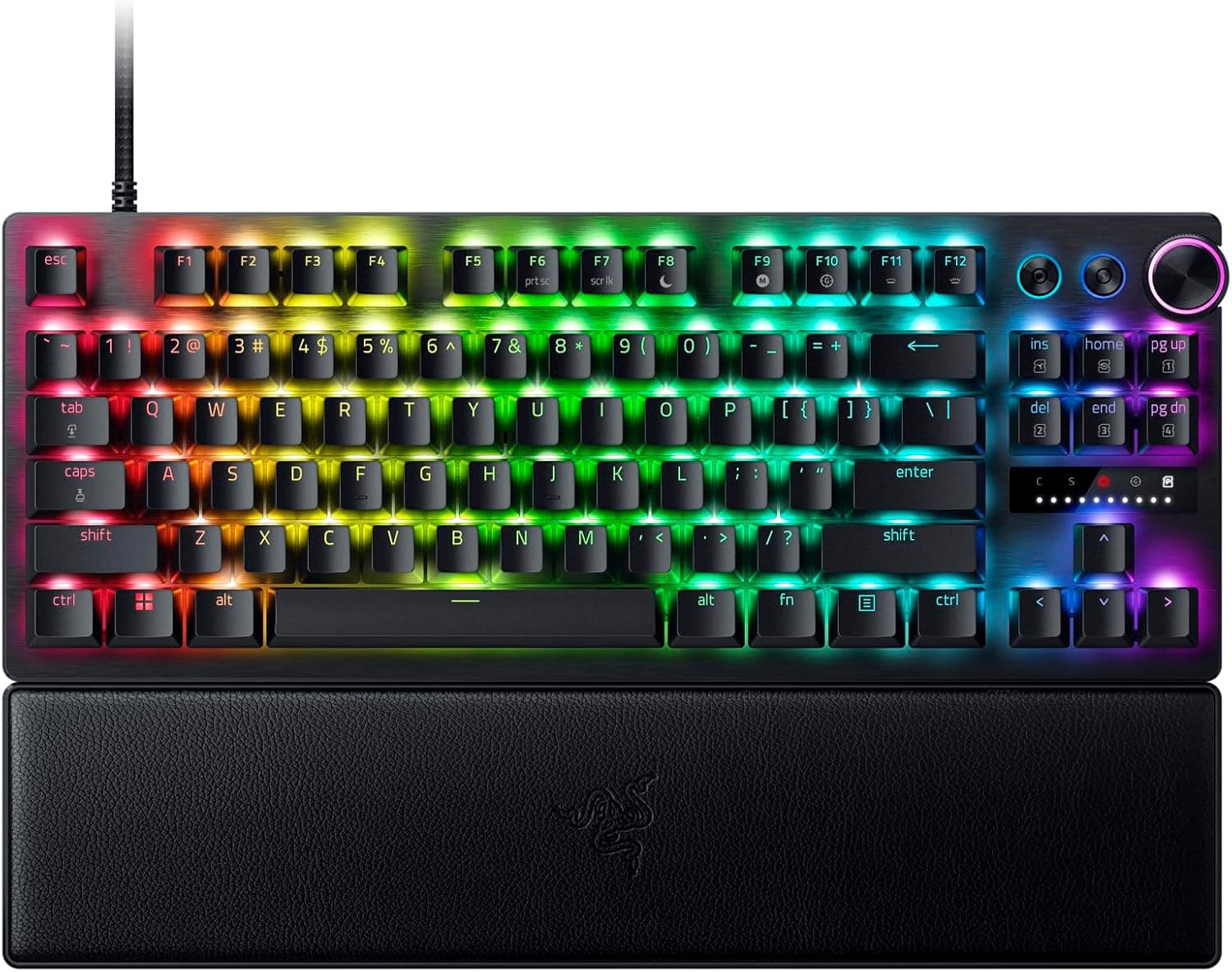
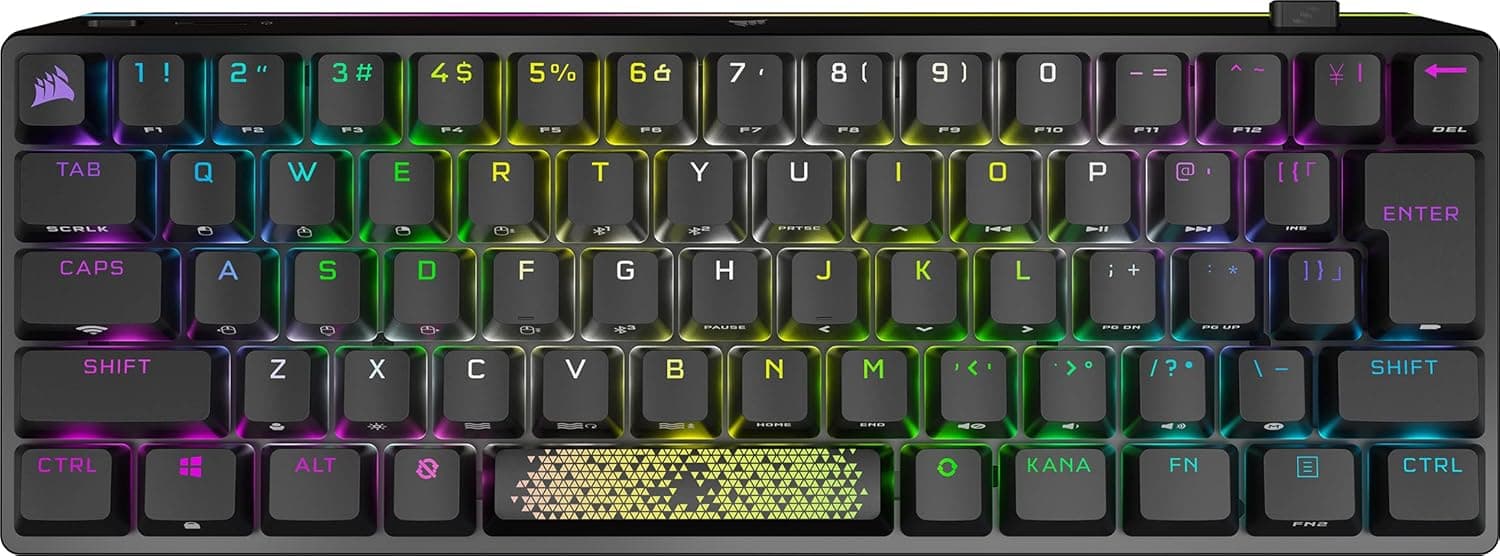
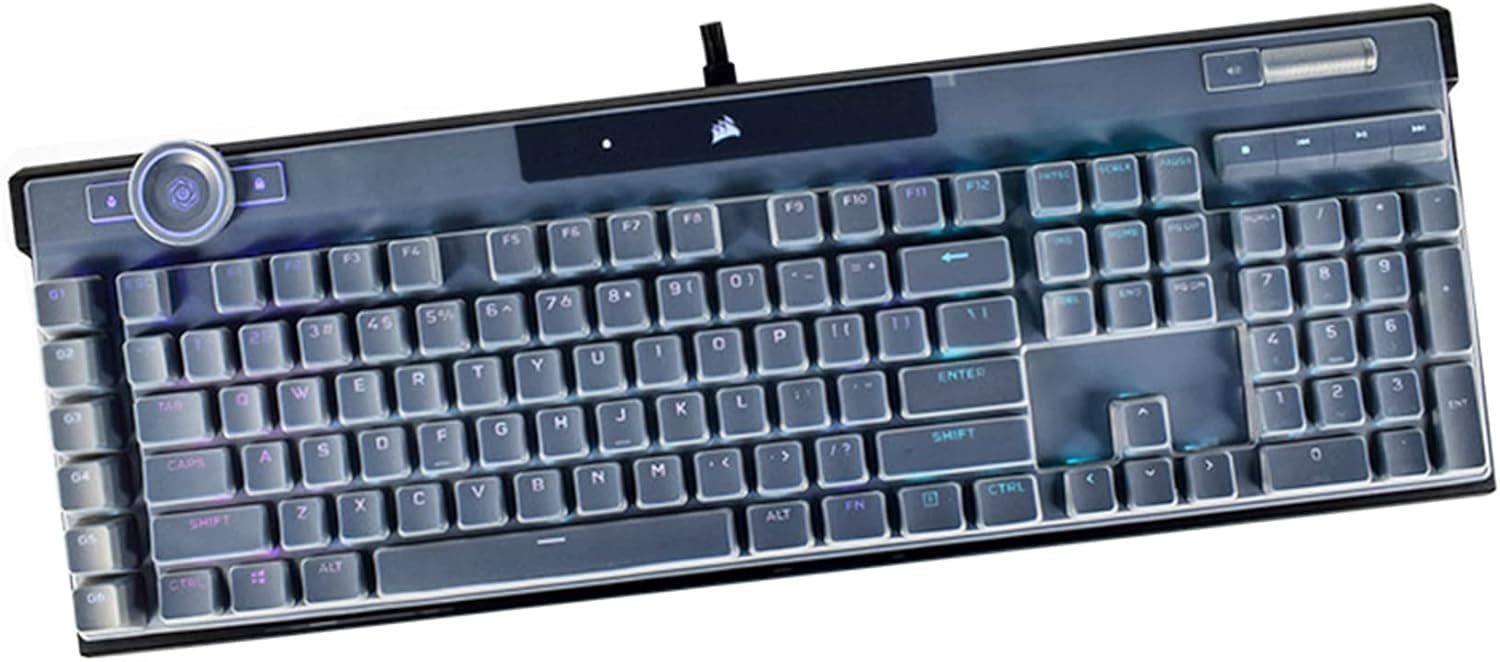
The closest rivals in the "read the key's depth" category are the Razer Huntsman V3 Pro TKL (analogue optical) and the CORSAIR K70 PRO TKL (MGX Hall effect). The sensing method differs — optical versus magnetic — but from the user's side the feature sets are close, with adjustable actuation and Rapid Trigger equivalents on all of them.
In practice the deciding factors are less about headline speed numbers and more about configuration software, layout availability, and the parts you actually touch, such as the wrist rest and materials.
What sets the Apex Pro TKL apart is the OLED smart display plus five onboard profiles. If you want to switch settings from the board itself without opening an app, or you move between several PCs, that combination pays off.
Conversely, if you want to shape the typing feel yourself, a hot-swappable custom board such as the Keychron Q1 will satisfy you more. The honest split is: buy speed here, buy tinkering elsewhere.
Best Use Cases
The biggest beneficiaries are competitive FPS players who want to dial in per-key actuation. Rapid Trigger and 0.1mm steps matter most in movement where releasing a key precisely counts as much as pressing it.
Next are people who want one board for both gaming and typing: shallow WASD with deeper everything else is exactly the problem per-key tuning solves.
It also suits people who want to save desk space without giving up rigidity, those who would rather avoid wireless latency and battery management, and anyone who moves between multiple PCs and wants identical settings on each. If you already use a US layout — or are willing to switch — the barrier to entry drops further.
Before You Buy
Start with the price and the listing itself. The captured Amazon price was implausibly low for this product class.
Amazon pages often merge generations, variants, and bundle differences, so the displayed price is not necessarily the price of the main unit. Before ordering, check the product images, title, and seller, and confirm you are buying an OmniPoint 2.0 generation Apex Pro TKL.
It is possible the ASIN points to an earlier generation. Treat listing metadata as something that can be wrong.
Do not expect quiet operation. Magnetic switches in an aluminium frame give a near-linear press, but the sound is far from subdued.
If keystrokes bleeding into voice chat or carrying across a shared room would bother you, a silent mechanical or capacitive board is the more rational choice.
There is no hot-swap support. The switches are adjustable in firmware, but swapping in third-party switches, lubing, or adding films is simply not what this product is for.
If that kind of customisation appeals to you, buy a hot-swappable board instead.
The sheer depth of adjustment can itself become a trap. Being able to tune in 0.1mm steps means you can keep tuning forever, and it is common for people to spend more time in settings than in the game.
Build one profile and leave it alone for a week before touching it again. Note too that detailed configuration and RGB syncing assume the companion software is running in the background, which matters if you keep your startup list lean.
Finally, 960g and the wrist-rest depth do not suit travel or cramped desks. If you were picturing taking it to a café or office, understand that this is a stay-put design.
FAQ
Q. Should Rapid Trigger always be on? A.
It helps in game profiles but causes unintended repeats while typing, so split your profiles by use case. With five onboard slots, keep one for gaming and one for work.
Q. What actuation point should I use? A.
There is no single right answer, but around 1.0mm for FPS keys and roughly 1.5–2.0mm for typing keys is a reasonable starting point.
Go deeper if you misfire, shallower if input feels late, in 0.1mm steps.
Q. Is there a Japanese-layout version? A.
This article covers the US layout model. Availability and part numbers for other layouts vary by region and stock, so check the layout on the manufacturer or retailer page.
Q. Does it work on consoles? A.
It will connect to anything with a USB-A port, but supported functions vary by system. Check compatibility information first if consoles are your main use.
Onboard profiles let you carry tuned settings into environments without software.
Q. Do I need the wrist rest? A.
Not strictly, but a 42mm body height can angle your wrists upward. The magnetic rest attaches and detaches easily, so try it for a few days and remove it if it does not suit you.
Product Disclosure (Amazon)
- Manufacturer: SteelSeries
- ASIN: B07XV1S1FH
- Note: This article covers a manufacturer-made product based on Amazon listing details.