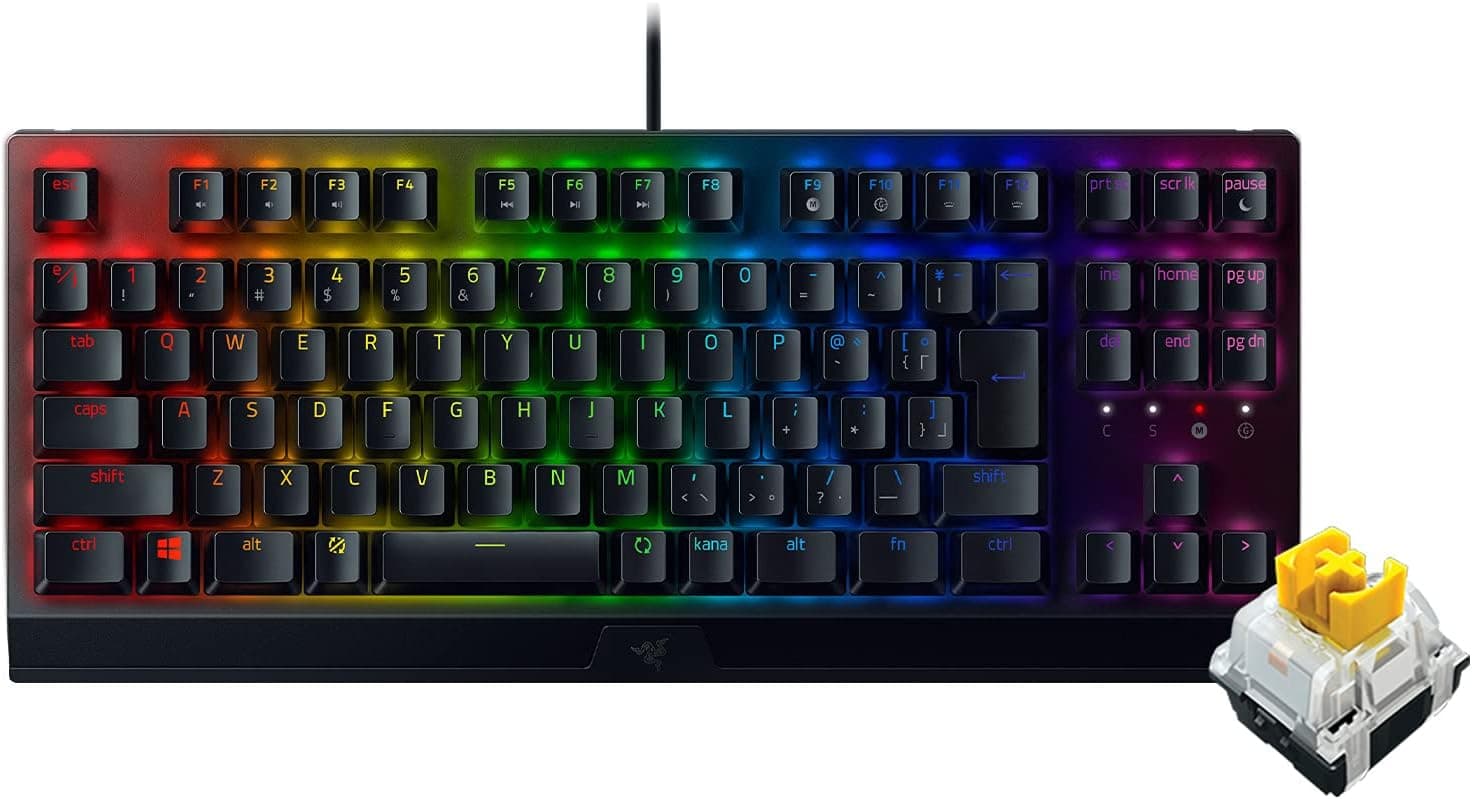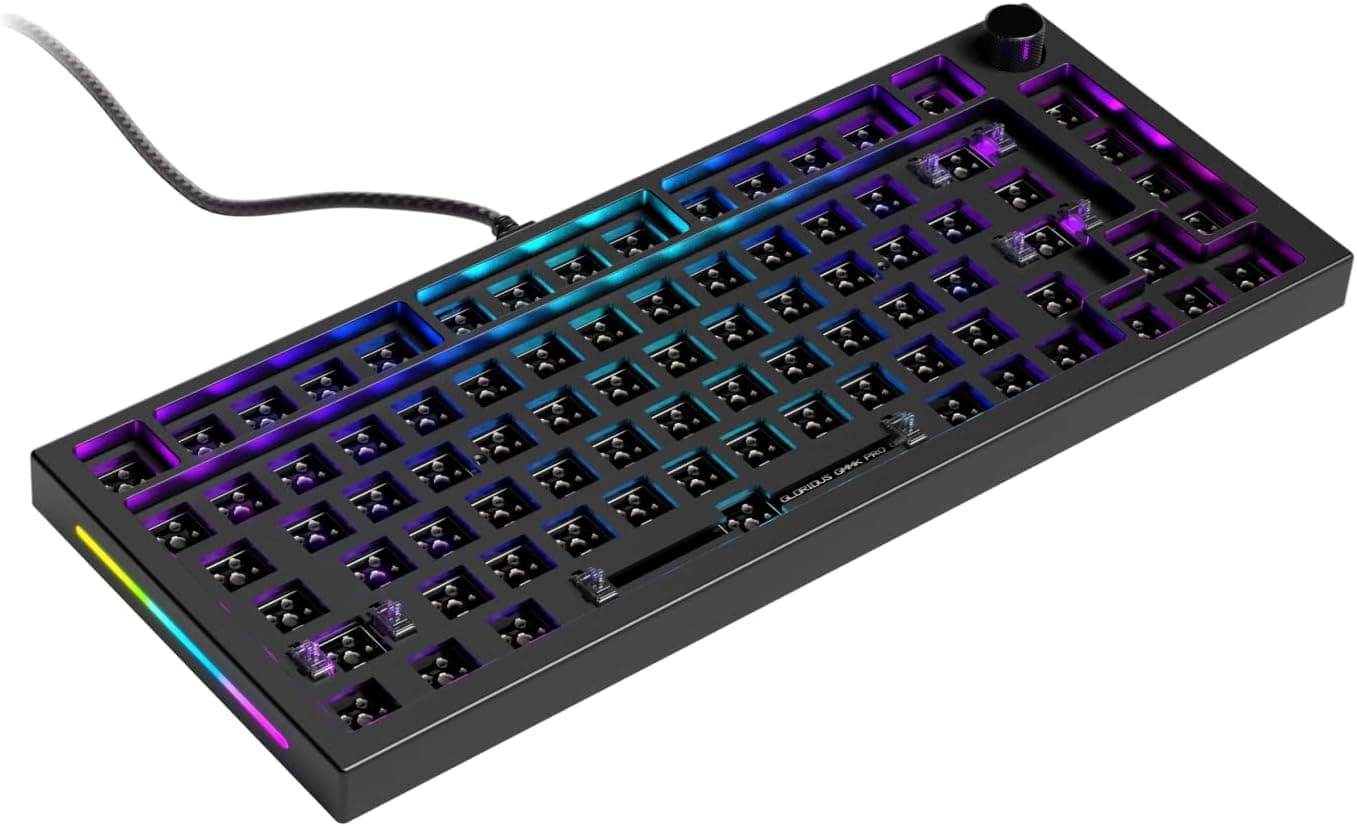
The Glorious GMMK Pro (ANSI) is a 75% barebone keyboard designed around the assumption that you will choose your own switches and keycaps. This article works through the published dimensions, review data, and captured pricing to explain who will be happy with it and who should walk away.
Overview
The GMMK Pro is a 75% modular mechanical keyboard from Glorious PC Gaming Race. Its chassis is CNC-machined from solid aluminum, giving it real rigidity and a premium feel, and the gasket mount design produces a softer bottom-out and a lower, rounder acoustic profile than a tray-mounted board.
Because it is a barebone kit, it ships without switches or keycaps. Put bluntly, the board you unbox cannot type.
Understanding that up front is the single biggest factor in whether buyers are satisfied — the freedom to pick your own feel is the product's core value, not a bonus feature.
It connects over USB-C with a detachable 2m braided cable, and a rotary knob sits at the top left for volume, scrolling, or whatever you map to it. On Amazon.co.jp it holds 4.4 out of 5 stars across 301 reviews (roughly 88% positive), which is a steady score for a category that is explicitly not for everyone.
Compatibility Guide
The interface is USB-C, and the board works with Windows, Mac, PS4, PS5, and Xbox. Console support depends on how each game and system handles USB keyboards, so treat "it connects" and "it works in-game" as separate questions.
It is wired-only — there is no Bluetooth and no 2.4GHz wireless.
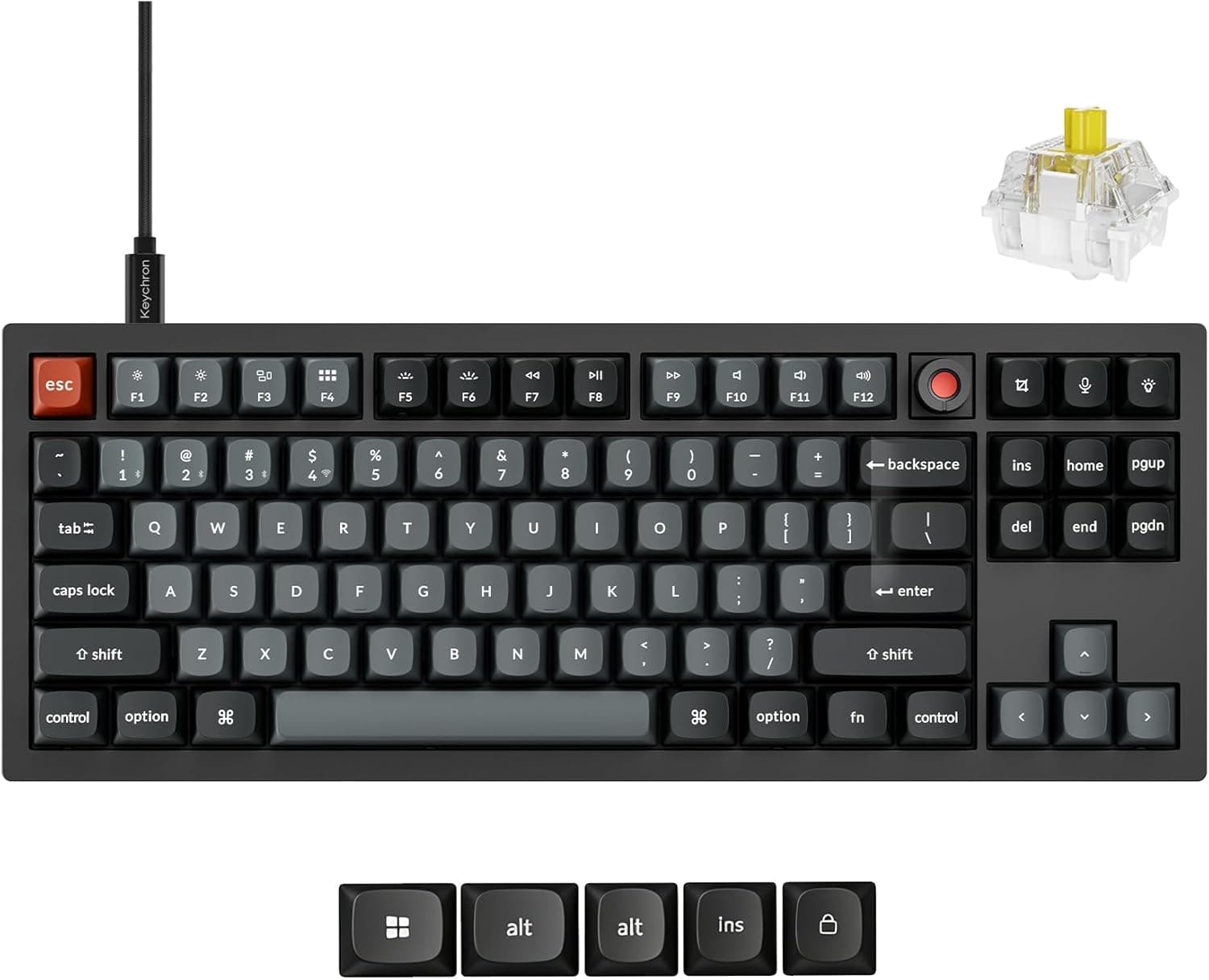
The hot-swap sockets accept both 3-pin (plate-mount) and 5-pin (PCB-mount) MX-compatible switches with no soldering, covering Glorious, Kailh, Gateron, Cherry, and most other mainstream brands. Five-pin support is genuinely useful: you do not have to clip legs off the switches you buy.
Optical and electro-capacitive switches will not physically work.
Keycaps must use a Cherry MX cross stem. The most common mistake here is kit coverage rather than stem type.
A 75% layout uses a 1.75u right Shift and a row of 1u modifiers, so cheap full-size-oriented sets often leave gaps around right Shift and the bottom row.
Check the kit contents list for a 1.75u right Shift and the correct spacebar length before ordering.
The footprint is 332 × 135 × 32 mm. The 135mm depth is roughly the same as a typical tenkeyless board, while the 332mm width saves several centimeters over a full-size layout.
Measure your deskmat and any under-monitor clearance first. The 32mm height is the case without keycaps, and since the aluminum body is fairly tall and angled, plan on pairing it with a wrist rest for long sessions.
Product Details
Released in 2021, the GMMK Pro sits in the mid-to-high tier of barebone keyboards. A CNC aluminum case, gasket mount, hot-swap sockets, a rotary knob, and RGB lighting in one package made it a long-running default recommendation for people entering custom keyboards.
Pricing was captured at ¥17,261 for the Amazon US listing on 30 May 2026, and ¥17,930 on Amazon Japan on 27 August 2026. Both are prices as captured on those dates and move with exchange rates and sales — the roughly ¥700 shift across three months shows how little a single quoted figure means.
Always confirm the current price on the product page.
One caution: the marketplace price field carries a figure far too low for this product class. It almost certainly belongs to a different listing — a keycap set or accessory rather than the barebone itself — so this article does not use it.
If you see a surprisingly cheap listing, verify from the title and photos that it is the actual barebone.
| Item | Detail |
|---|---|
| Layout | 75% (ANSI) |
| Dimensions | 332 × 135 × 32 mm |
| Connection | USB-C, detachable, wired |
| Cable | 2 m braided |
| Switches | 3-pin / 5-pin MX hot-swap |
| Keycaps | Cherry MX stem |
| OS support | Windows / Mac / PS4 / PS5 / Xbox |
| Reviews | 4.4/5 from 301 (88%) |
In the box: the keyboard frame, a 2m USB-C braided cable, a switch puller, and a keycap puller. The manufacturer warranty is one year.
It is sold through the Amazon listing and the Glorious official store.
What It Actually Costs to Finish
The most-missed part of any barebone purchase is that the board price is not the total. To get a GMMK Pro typing you need three things at minimum:
- The barebone — in the ¥17,000 range as captured
- About 80–90 switches — a 75% layout populates roughly 80 keys, so a common 70-piece pack is not enough
- A keycap set — with a kit layout that covers 75%
Switch and keycap prices vary too much to state precisely, but budget several thousand yen to well over ten thousand on top of the board. That combined figure, not the sticker price, is what you should compare against a prebuilt keyboard.
Barebone vs. a Prebuilt Board
For similar money you could buy a finished 75% keyboard. The difference is not performance — it is where the cost and the effort go.
| Angle | GMMK Pro (barebone) | Comparable prebuilt |
|---|---|---|
| Out of the box | Cannot type yet | Ready to use |
| Tuning feel | Switches, plate, foam all swappable | Essentially fixed |
| Case | CNC aluminum | Usually plastic |
| Total cost | Board + parts | Listed price |
| Common failure | Wrong parts ordered | Feel isn't to your taste |
If you have not settled on your ideal typing feel, being able to change it later is real insurance. If you already know exactly which prebuilt gives you the feel you want, building one buys you little.
Living With It
Gasket mounting suspends the plate in gasket material instead of screwing it to the case, which generally softens the bottom-out and lowers the pitch of the sound. That said, "gasket" does not automatically mean soft — your switch spring weight and keycap material (ABS vs.
thick PBT) affect the result more than the mount does. If quiet is the goal, silent switches and thicker PBT caps are the more reliable levers.
The rotary knob handles volume, zoom, or scrolling and earns its place during video editing or live streams. Software support covers remapping and RGB control, which is more freedom than most prebuilt boards offer.
The aluminum case buys rigidity and feel, but it is heavy and not a travel keyboard. Treat it as a desk fixture.
Before You Buy
1. It cannot type out of the box. This is the number one disappointment.
"I bought a keyboard and there were no switches or keycaps" is the specification, not a defect. Order only if you accept what barebone means.
2. Switch count trips people up. A 75% layout needs around 80 switches.
The widely sold 70-piece packs will leave you short. Buy a 90+ pack, or one you can top up later.
3. Check the keycap kit layout. Cheap full-size sets can miss the specific sizes a 75% board needs.
Look for sets explicitly listing TKL/65%/75% coverage, or high key-count sets.
4. Wired only, no numpad. If you need wireless, or you enter numbers all day for accounting work, this is the wrong board.
Neither can be added later.
5. ANSI, not JIS. This is a US layout.
If you rely on a Japanese layout's conversion keys or kana input, expect to change your key mapping and IME settings.
6. Listing data can disagree with the product. In particular, the price fields can surface an amount belonging to a different item.
As noted above, a listing that looks far too cheap for this class is probably not the barebone. Confirm from the product photos and title that you are buying the frame itself, and cross-check the ASIN and seller against the page you actually opened.
7. Warranty and wear parts. Coverage is one year.
Hot-swap sockets are consumables — repeated swapping can cause intermittent contact. If you plan to change switches often, pull straight up with the tool and check for bent pins every time.
Best Use Cases
First-time custom builders get the most out of it. No soldering, a well-finished base, and a build that comes down to choosing switches and keycaps.
Because it is such a widely covered model, help and build examples are easy to find when you get stuck.
Intermediate users chasing a specific sound and feel are the other strong fit. Plate swaps and foam let you tune it, and if you dislike the result you can replace every switch.
It suits people who want to grow a keyboard rather than replace it.
Desk-bound gamers and creators will find it practical: RGB lighting, the rotary knob, and a 75% layout that keeps arrow keys and the function row while freeing mouse space. For anyone making wide mouse sweeps in FPS games, that width is a clear improvement over full-size.
It is a poor fit if you want to type immediately, need wireless, use a numpad, or require a Japanese layout. If any one of those applies, a prebuilt model will serve you better.
FAQ
Q. How many switches and keycaps do I need? A.
A 75% layout populates roughly 80 keys, so plan on 90+ switches including spares. For keycaps, choose a kit that explicitly lists 75%/TKL coverage.
Q. Is soldering required? A.
No. Three- and five-pin MX-compatible switches press straight into the sockets, and both a switch puller and a keycap puller are included.
Q. Is there a Japanese layout version? A.
This article covers the ANSI (US) model. If you need a JIS layout, look at a different product.
Q. Does it work on a Mac? A.
Yes, over USB-C. Just note the ANSI layout and Windows-oriented legends; modifier assignments can be adjusted in the OS or via software.
Q. What does it cost? A.
As captured, ¥17,261 on the Amazon US listing (30 May 2026) and ¥17,930 on Amazon Japan (27 August 2026). Prices move a lot, so check the page before buying — and remember this is the barebone alone.
Q. How is it reviewed?
A. 4.4 out of 5 stars from 301 reviews on Amazon.co.jp, about 88% positive.
Product Disclosure (Amazon)
- Manufacturer: GLORIOUS
- Seller: Amazon US
- Fulfilled by: Amazon US
- ASIN: B09963YS4P
- Note: This article covers a manufacturer-made product based on Amazon listing details.