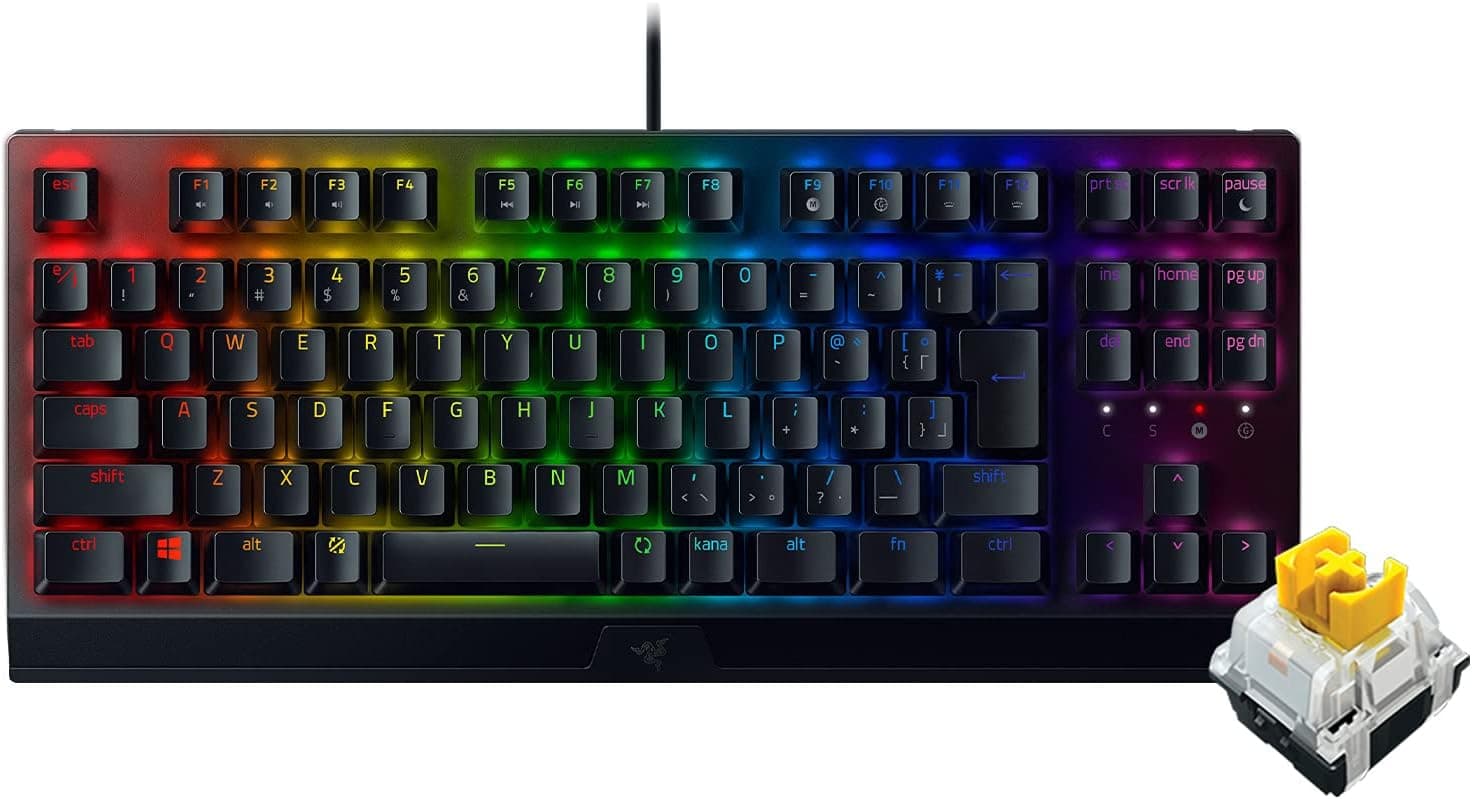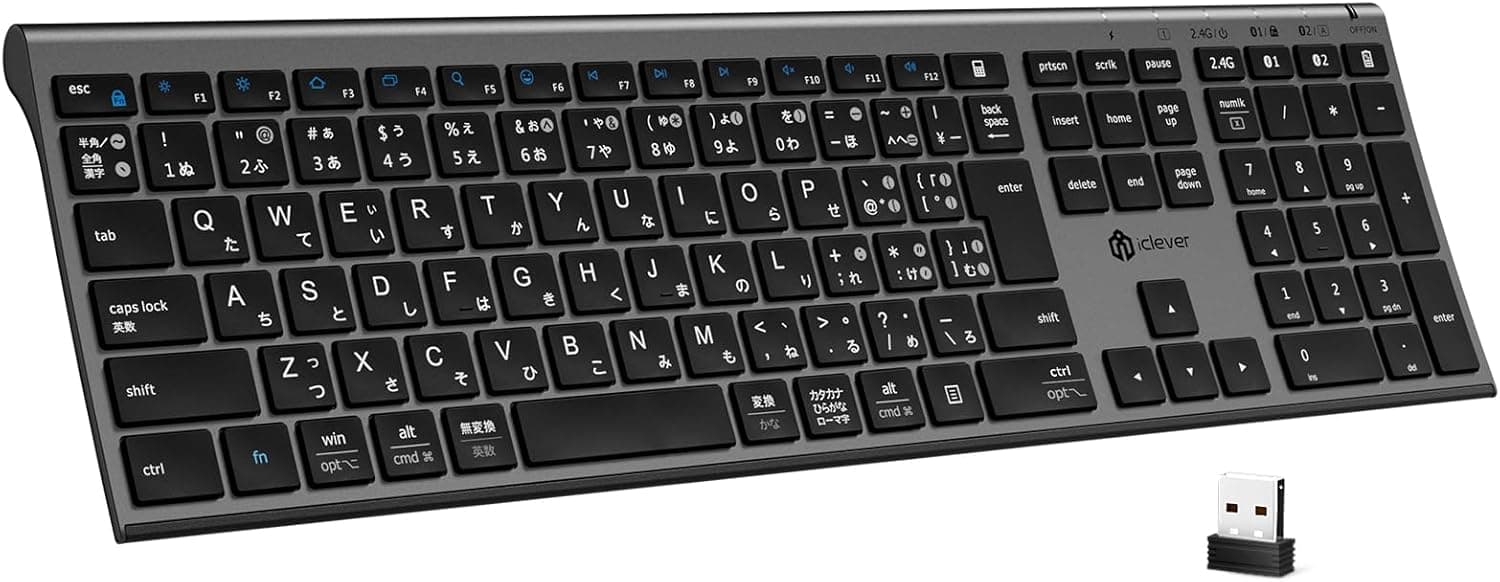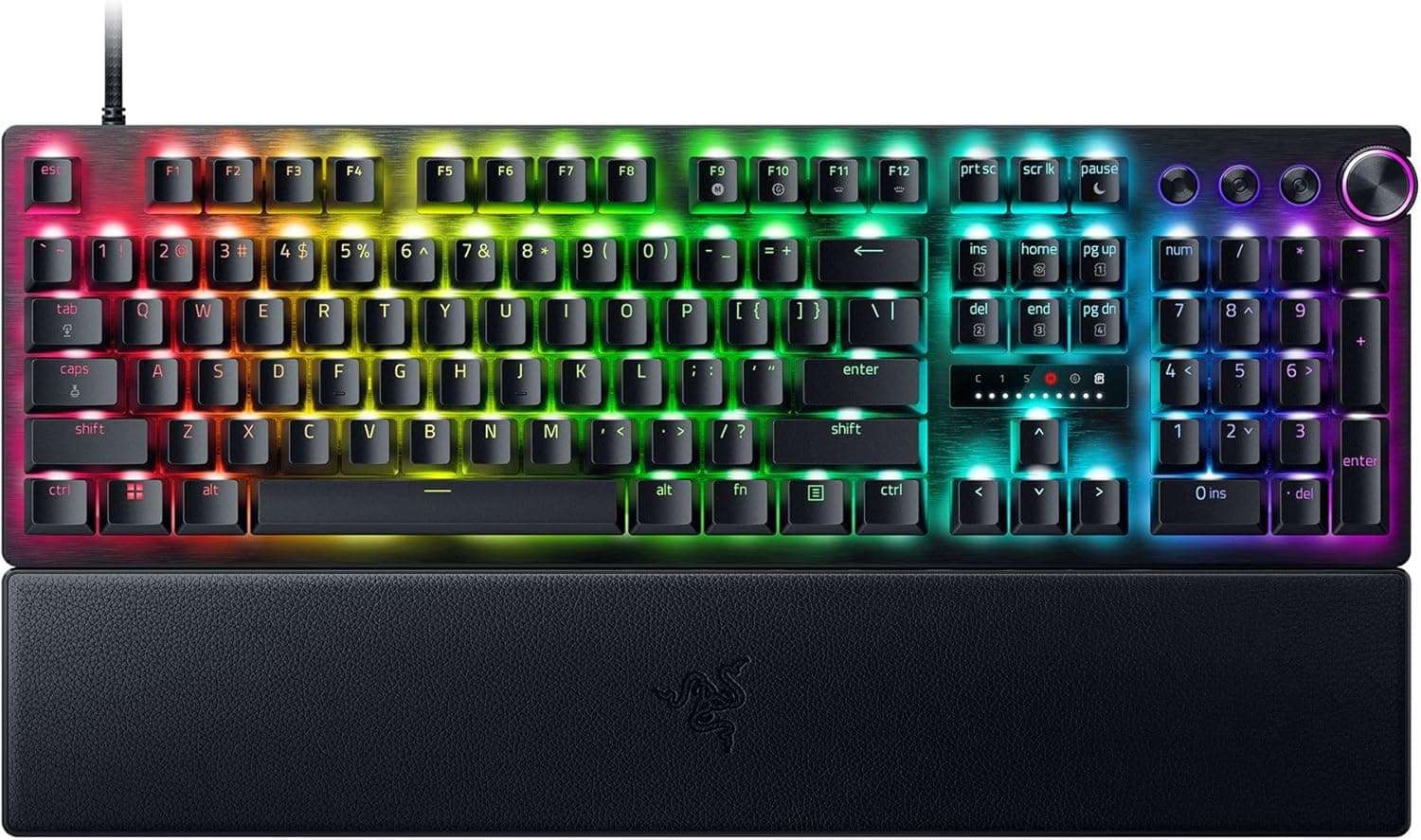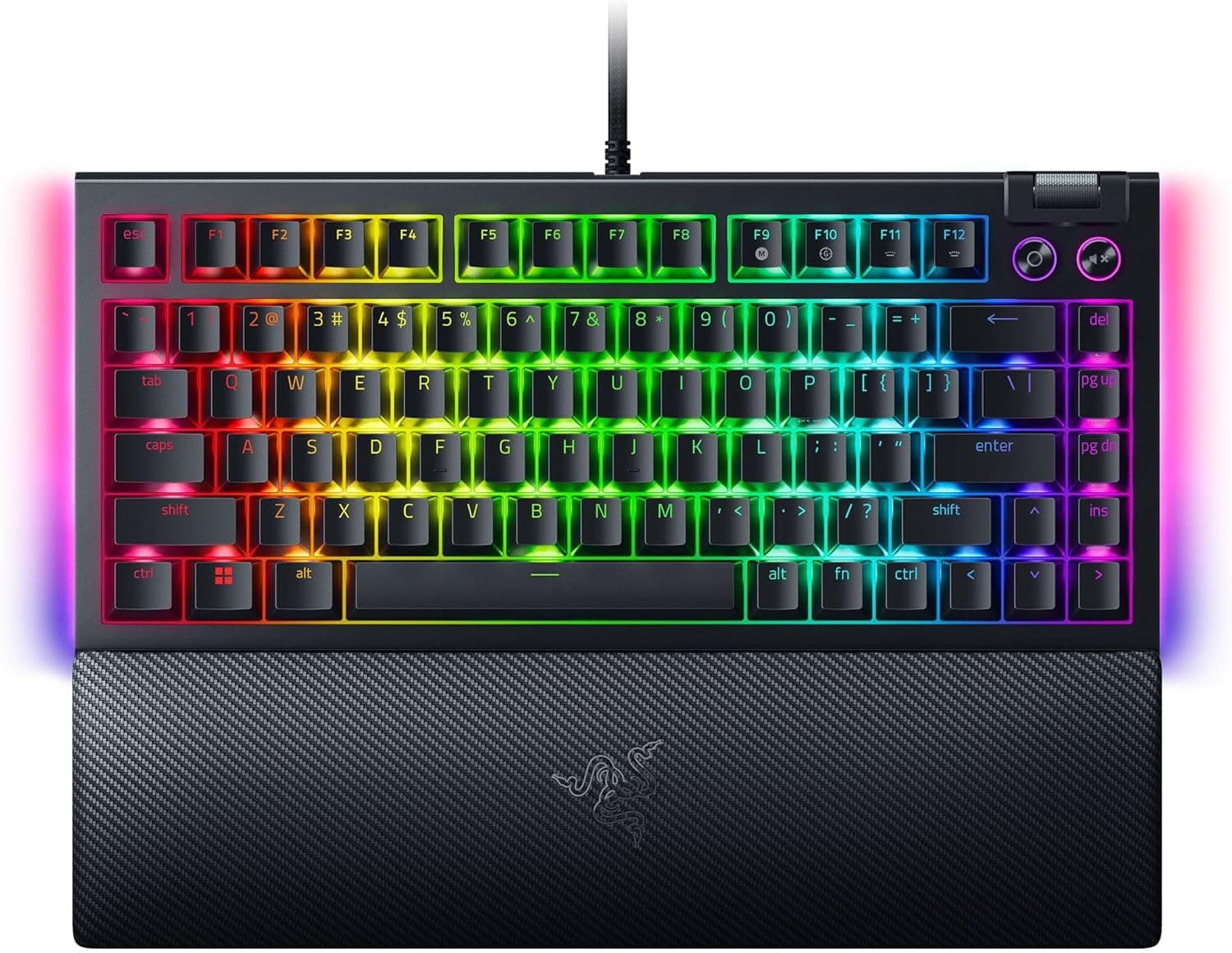
The Razer BlackWidow V4 75% is a wired mechanical keyboard that puts a hot-swappable PCB into an 84-key, 75% layout. This article digs into what the spec sheet does not tell you: how far you can actually customize it, what it will and will not plug into, and who should walk away.
Overview
Three things define this board. It uses an 84-key 75% layout that keeps the function row and arrow keys inside a 321 x 156 x 24 mm footprint.
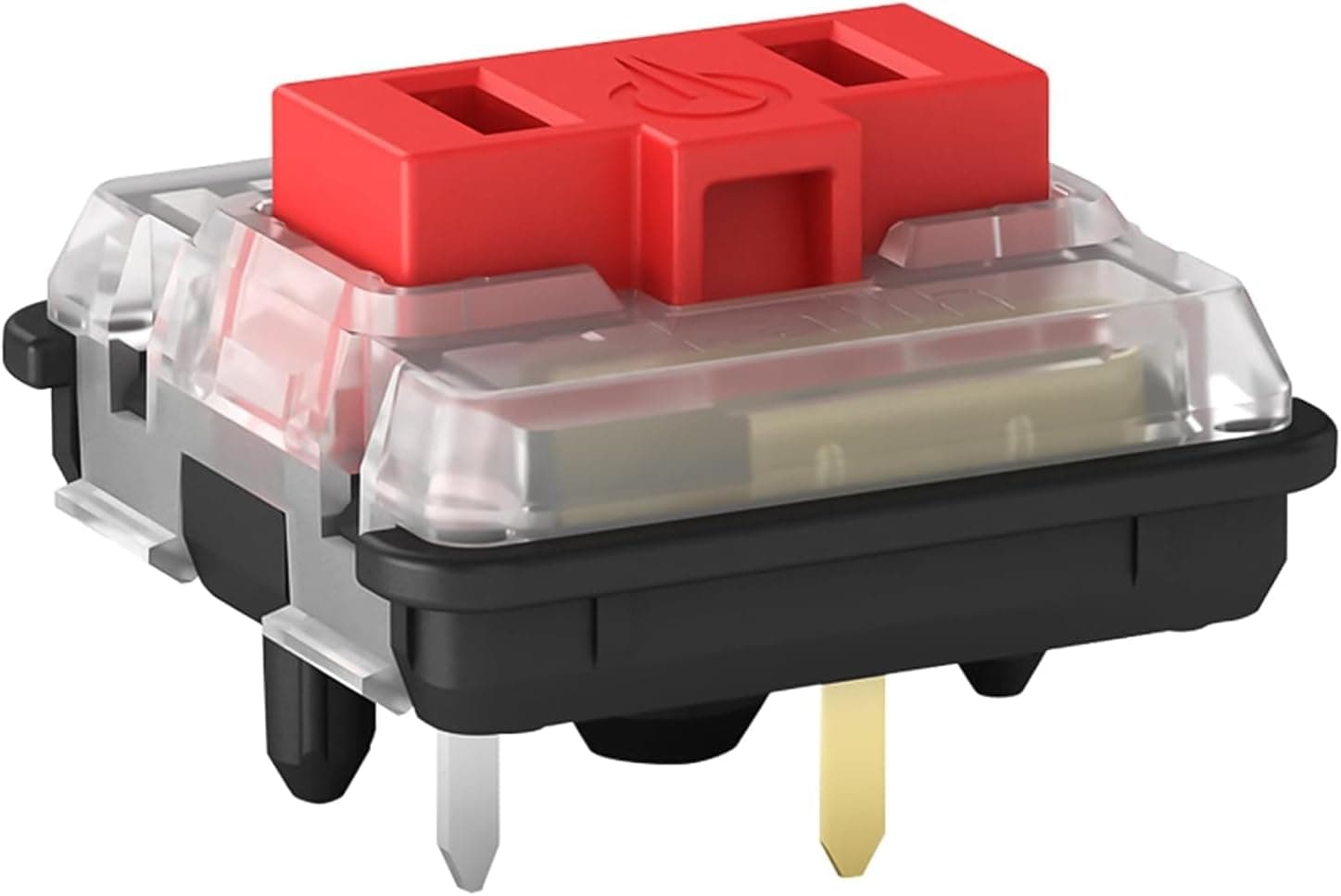
It has hot-swap sockets accepting both 3-pin and 5-pin switches, so you can change the feel without soldering. And it ships with Razer Orange Tactile switches — a tactile bump without the audible click of a clicky switch.
Put differently, the feel you get on day one is not the final feel. It targets people who find full-size boards too wide but cannot live without arrow keys, and who want the option to tune the typing experience later.
It is aimed at users who want one board for both gaming and long typing sessions.
Compatibility Guide
Connection is a fixed USB-A cable. Per the supplied compatibility notes, it works with Windows PCs and notebooks and requires a USB-A port or hub.
Many recent thin notebooks ship with USB-C only, so plan on an adapter or dock in that case. The cable is not detachable, which matters if you carry the board around or rework your cable routing often.
The layout is ANSI (US) English only. There is no JP variant.
If you are used to a Japanese layout, you will need to set the OS keyboard layout to English (101/102-key); otherwise the printed symbols will not match what you type. Nearly all first-day confusion with this board traces back to that setting.
For switches, both 3-pin (plate-mount) and 5-pin (PCB-mount) MX-compatible switches fit. Optical switches with non-standard stems and unusually tall or wide housings are outside that scope.
Keycaps with standard MX cross stems fit as well, but 75% boards often use non-standard widths in the bottom row and right column, so a full-size keycap set may leave a few keys uncovered.
Dimensionally, 321 mm wide and 156 mm deep is a step smaller than a tenkeyless. The magnetic-friendly wrist rest adds effective depth, so measure your keyboard tray before committing.
The 24 mm height is typical for a mechanical board and does not force an extreme wrist angle even without the rest.
Product Info
The key specs: 75% layout with 84 keys, Razer Orange Tactile switches, hot-swap support for 3-pin and 5-pin switches, wired USB-A with a fixed cable, Razer Chroma RGB with per-key lighting plus dual-side underglow, and 321 x 156 x 24 mm dimensions. In the box you get a wrist rest, the USB-A cable, a switch puller, and a keycap puller — every tool you need for a swap is already included, which quietly lowers the barrier for first-time modders.
The price was ¥31,900 as captured on 28 May 2026. That is expensive for a keyboard, but reasonable for a hot-swap board with an aluminum chassis and full RGB.
Treat that figure as a snapshot: sales, exchange rates, and retailer differences move it, so check the current listing before ordering. The marketplace (eBay) entry has no individual price captured and listing conditions vary, so do not use it as a price comparison.
Reviews stood at 10 total with a 4.8/5 average (96% positive) as of 28 May 2026.
The score is high, but ten reviews is a small sample. At that count you cannot infer defect rates or one-year durability.
Weigh the review text and the design trade-offs below rather than the star rating alone.
Typing Feel and Hot-Swap in Practice
Razer Orange Tactile gives a clear bump partway through the press without the click bar noise of a clicky switch. It sits between clicky switches that are too loud for shared rooms and linears that can feel vague.
For voice chat and calls, it is the more practical of the two.
The swap procedure is simple. Grip the switch housing tabs with the included puller, lift straight up, verify the new switch's pins are straight, and press down vertically.
Almost every failure is a bent pin — force a misaligned switch and the pin folds, leaving that key dead. Removing the keycap first and checking pin alignment in good light prevents nearly all of it.
One caveat: hot-swap changes the switch and nothing else. The case, plate, internal foam, and stabilizer tuning stay as they are.
So the feel can change a lot, while the acoustic character stays largely bound to the chassis design. If you want a fundamentally different sound, that is a different keyboard, not a different switch.
How It Compares
| Axis | BlackWidow V4 75% | Typical wireless 75% | Tenkeyless (TKL) |
|---|---|---|---|
| Connection | Wired USB-A, fixed cable | Often wireless + wired | Varies |
| Key count | 84 keys | Roughly the same | Around 87 |
| Approx. width | 321 mm | Roughly the same | Around 355 mm |
| Switch swapping | 3/5-pin supported | Increasingly common | Varies |
| Latency stability | Stable, wired | Some environmental factors | Varies |
The important reading of that table: the gap between 75% and TKL is width, not key count. Eighty-four versus about eighty-seven keys is trivial, but packing the arrow and navigation keys against the right edge saves roughly 3 cm of desk width.
Low-sensitivity players who swing the mouse widely will feel that. The flip side is tighter spacing around the arrow cluster, so touch typists who feel for that area will mis-hit at first.
Against wireless boards, the fixed cable is the clear weakness. In exchange you keep the wired advantages: no battery to manage and fewer latency variables.
For a desk-bound setup the downside is small; if portability and cable freedom matter, look elsewhere.
Best Use Cases
- People who want to tune the feel later. No soldering, puller included — a low-friction entry into switch customization.
- People for whom 60% loses too much but full-size takes too much desk. The 84-key 75% layout is the direct answer to that gap.
- People who cannot use clicky switches. Tactile feedback without the click noise suits calls and shared rooms.
- People building a unified Razer Chroma setup. Per-key lighting plus dual-side underglow makes it a solid centerpiece.
- People who prefer wired on purpose. No battery management, no wireless variables.
Before You Buy
The ANSI-only layout is the biggest fork in the road. Coming from a JP layout, you will hit three friction points: symbol positions, the Enter key shape, and the missing conversion keys.
Switching the OS layout to English fixes the mismatch between legends and output, but IME toggling moves to a key combination. Picture your actual daily typing before buying — if this does not fit, no other strength compensates.
The cable is not detachable. For frequent travel or cable reroutes, that is a real constraint.
Repeatedly flexing the cable near the housing invites failure, so treat this as a stay-on-the-desk board.
Do not overestimate hot-swap. It changes switches only.
If your goal is a quieter board, silent switches lower the strike noise but will not remove case resonance or stabilizer rattle. Replacement switches are sold separately, and a set of roughly seventy adds meaningfully to the total.
Budget for the customization, not just the board.
Note the small review sample. A 4.8/5 average across 10 reviews as of 28 May 2026 is positive, but not enough to speak to long-term durability or unit variance.
Do not read the high score as a well-tested verdict.
Check the listing itself. Price labels on retail pages can shift with capture timing and regional settings, so the currency or amount shown may not match this article.
Beyond that, Amazon listing metadata — manufacturer, model number, compatible devices — is genuinely wrong sometimes. Before ordering, confirm from the product images and title that you are looking at the BlackWidow V4 75% in the ANSI layout, not the Pro model or a JP-layout variant.
The names are easy to conflate.
FAQ
Q. Is there a Japanese layout version? A.
This product is ANSI (US) only. If you need a JP layout, choose a model explicitly labeled as such.
Q. Can it run wireless?
A. No. It is wired-only via a fixed USB-A cable. If wireless is required, look at a model that advertises it.
Q. Which switches fit? A.
MX-compatible 3-pin (plate-mount) and 5-pin (PCB-mount) switches. Optical or non-standard stems are out of scope.
Q. Does it work on a Mac? A.
The stated compatibility covers Windows PCs and notebooks. It will be recognized as a USB HID keyboard physically, but confirm official support — including the configuration software — on the product page.
Q. Does swapping switches void the warranty? A.
Hot-swap is an intended use and the tools ship in the box. Physical damage such as bent pins is generally not covered.
Check the warranty terms with your retailer or the authorized distributor.
Q. How do I make it quieter? A.
Swapping to silent switches helps most, but case resonance and stabilizer noise remain. It will be quieter, not silent.
Product Disclosure (Amazon)
- Manufacturer: Razer(レイザー)
- Seller: Amazon.co.jp
- Fulfilled by: Amazon.co.jp
- ASIN: B0CJMC76S1
- Note: This article covers a manufacturer-made product based on Amazon listing details.