Overview
The PXN CB1 is a USB button box that pulls the controls scattered across your keyboard — farming, trucking, and racing sim commands — into physical switches under your hand. The short version: 30 programmable buttons, two push-capable rotary knobs, and one 8-way lever, listed at ¥14,999 as captured on 26 May 2026, puts it at the entry-to-mid tier for this class of peripheral.
It is the box you add after you already own a wheel and discover that what you're short of is not grip, but somewhere to put your commands.
Amazon.co.jp showed 11 reviews at 4.7 out of 5 stars (roughly a 94% positive rate) as captured on 26 May 2026.
The score is high, but eleven reviews is a small sample. That is not enough data to say anything about defect rates or how the switches hold up after a year, so treat the rating as "probably not a lemon" rather than as proof of durability.
What It Actually Improves
The value of a button box is not that you gain buttons — it's that you gain commands you can hit without looking. In Farming Simulator 22, raising and lowering implements, toggling the PTO, folding, work lights, and unloading pipe controls are spread across the whole keyboard, and every second spent hunting for a key is a second off the wheel.
The CB1's 30 buttons exist to delete that hunting time.
In Euro Truck Simulator 2 and American Truck Simulator, the transformative bindings are cruise control set/cancel, engine brake stages, wipers, hazards, left and right indicators, and the horn. Indicators in particular are used constantly, and mapping them to the 8-way lever is a natural fit.
Because both rotary knobs also press in, they suit stepped values — wiper speed, light stages, mirror selection — where you turn to choose and press to confirm.
For racing, the usual layout puts brake bias, traction control, ABS, and fuel maps on the knobs, with pit requests, reset, and camera changes on buttons. Placement matters more than count here.
Having 30 inputs does not mean you should fill all 30. Assigning eight high-frequency commands to positions you can never mistake, and pushing the rest to rare actions, produces better real-world accuracy than a fully populated panel.
Compatibility Guide
Connection is wired USB, and the listed OS support is Windows PC. It operates through keyboard emulation: plug it in, it is recognized without special drivers, and each button sends a key input.
The upside is that setup is trivial — open any game's key config screen, press the button, done. Even titles with no controller support will accept it, as long as they take keyboard input.
The same design carries a limitation. Because the OS sees a keyboard rather than a joystick, titles that split bindings into separate "controller" and "keyboard" columns will generally only accept the CB1 in the keyboard column.
If you wanted every input listed alongside your wheel's buttons, or handled as an analog axis, it may not behave as expected. Check how your target titles handle key config before buying.
Wheel pairing is part of the design. Connected to a supported wheel such as the PXN V9 GEN 2, it works as an accessory with detailed settings adjustable through the PXN WHEEL application.
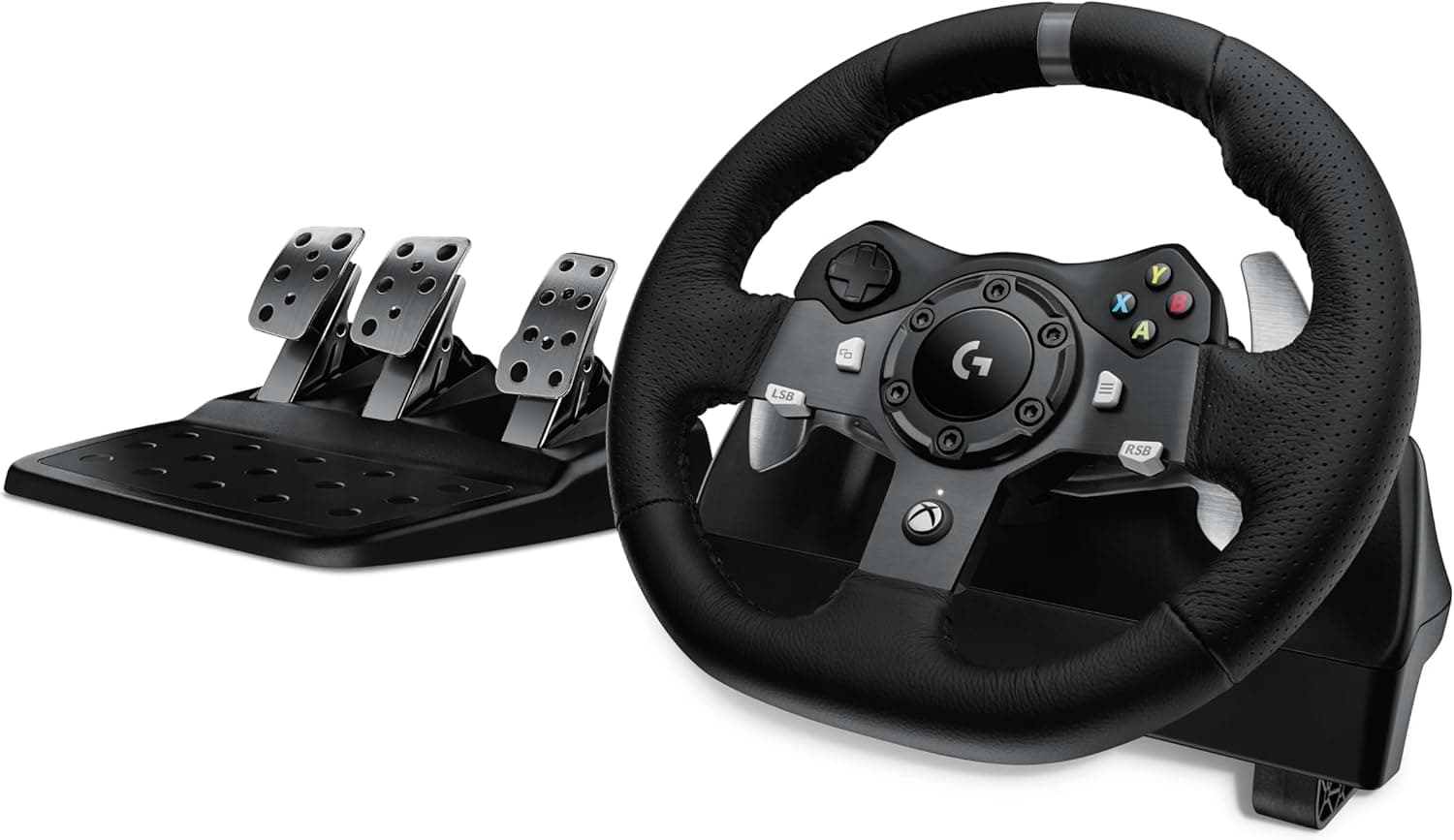
Listed wheel compatibility covers Logitech G29/G920/G923, Thrustmaster T128/T248/T150/T300, and PXN V9/V99/V10/V12 Lite. Note that "sharing a desk on separate USB ports" and "attached as a wheel accessory" are different modes — know which one applies to your gear.
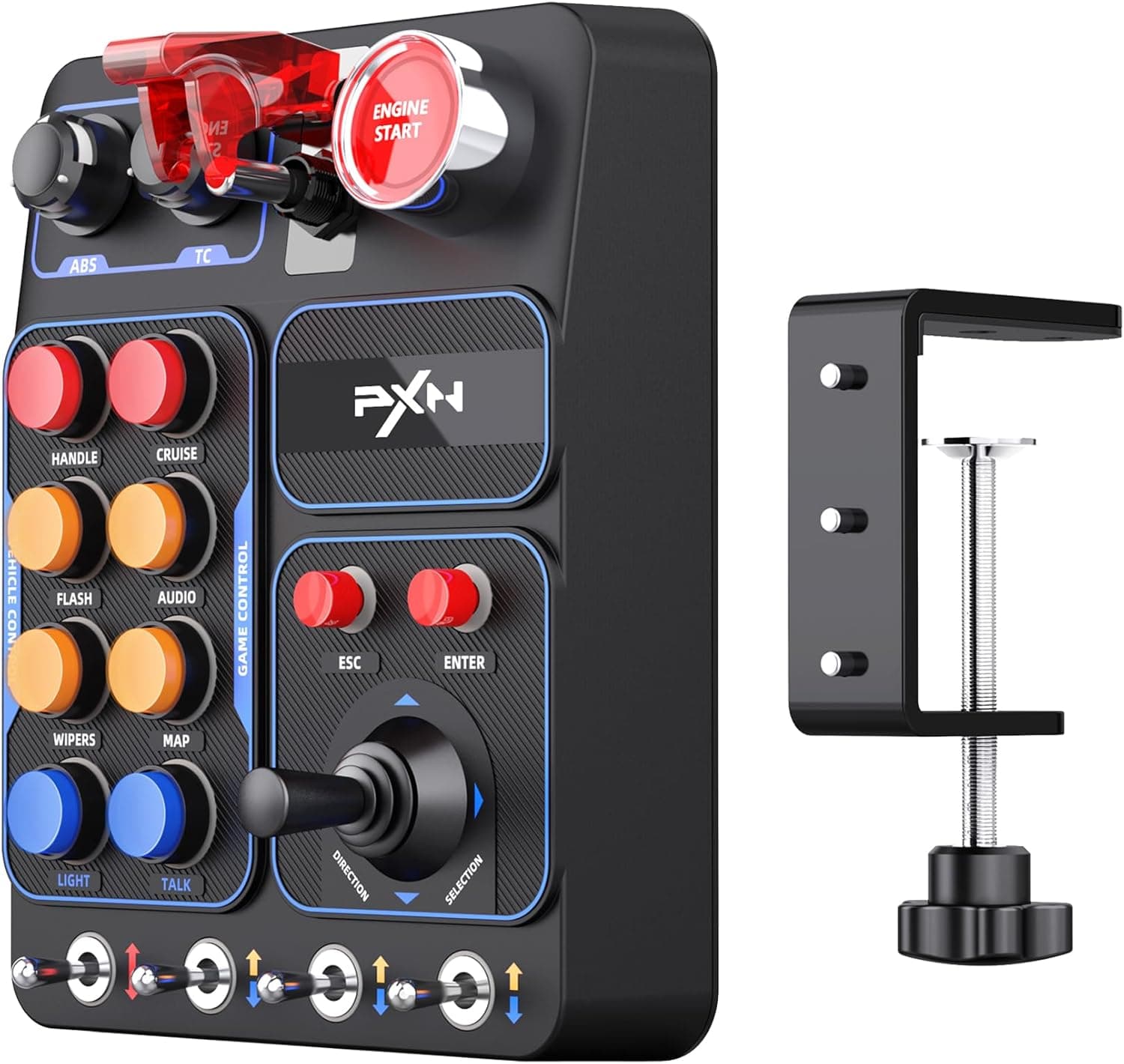
Physical fit is the easiest thing to overlook. The unit measures 24.4 × 23.9 × 12.7 cm and weighs 1.02 kg, and the included clamp bracket handles desks up to 7.5 cm thick.
Thick sit-stand tops, or desks with reinforcing frames and cable trays underneath, leave few usable clamp positions. Four extra mounting holes on the rear allow rig or arm mounting, but confirm screw specs and any needed adapter on the product page.
Whether you place it in front of or beside the wheel also changes how the rim clears it, and a roughly 24 cm square footprint eats more desk than you'd guess under a monitor arm.
Product Info
Release date is 25 December 2024. The listed Amazon price was ¥14,999 as captured on 26 May 2026.
Prices move often through revisions and sales, so always confirm the current figure on the product page. One data note: the captured price entry is labeled "Amazon US," yet both the link and the currency are the Japanese Amazon store in yen.
The figure itself is entirely plausible for this product class, so this article references it, but be aware that displayed store labels and actual sellers can diverge. The other reference, eBay, is a search results page with no specific figure captured.
Core specs: 30 programmable buttons, two rotary knobs with push function, one 8-way lever, and seven-color RGB lighting. The lighting is described as adjustable for color and brightness to taste; there is no stated function tying it to in-game state such as RPM or warnings.
If you were hoping the lights would mean something, set that expectation aside. The included accessory is the adjustable clamp bracket, and warranty follows the manufacturer's standard policy.
Versus the Alternatives
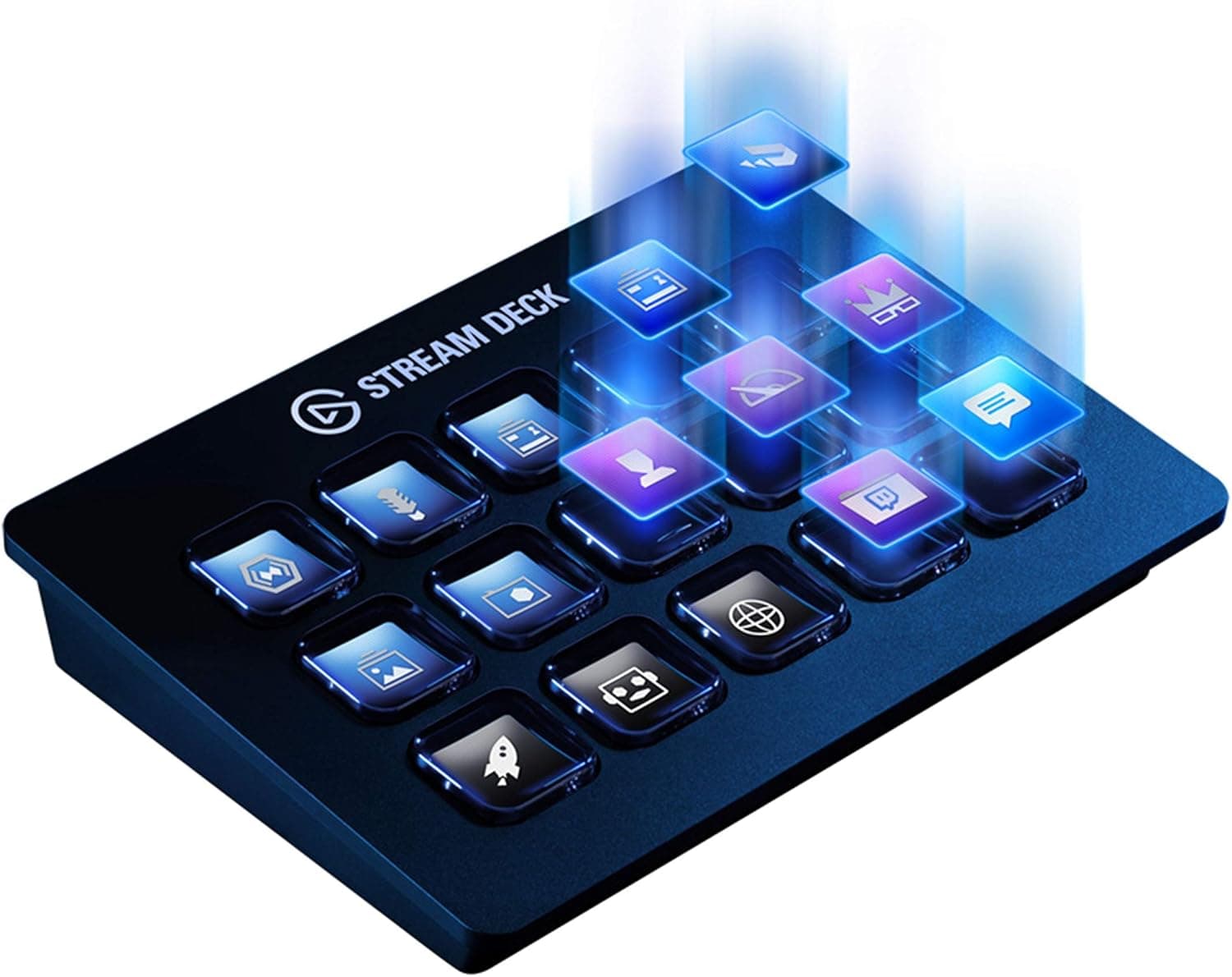
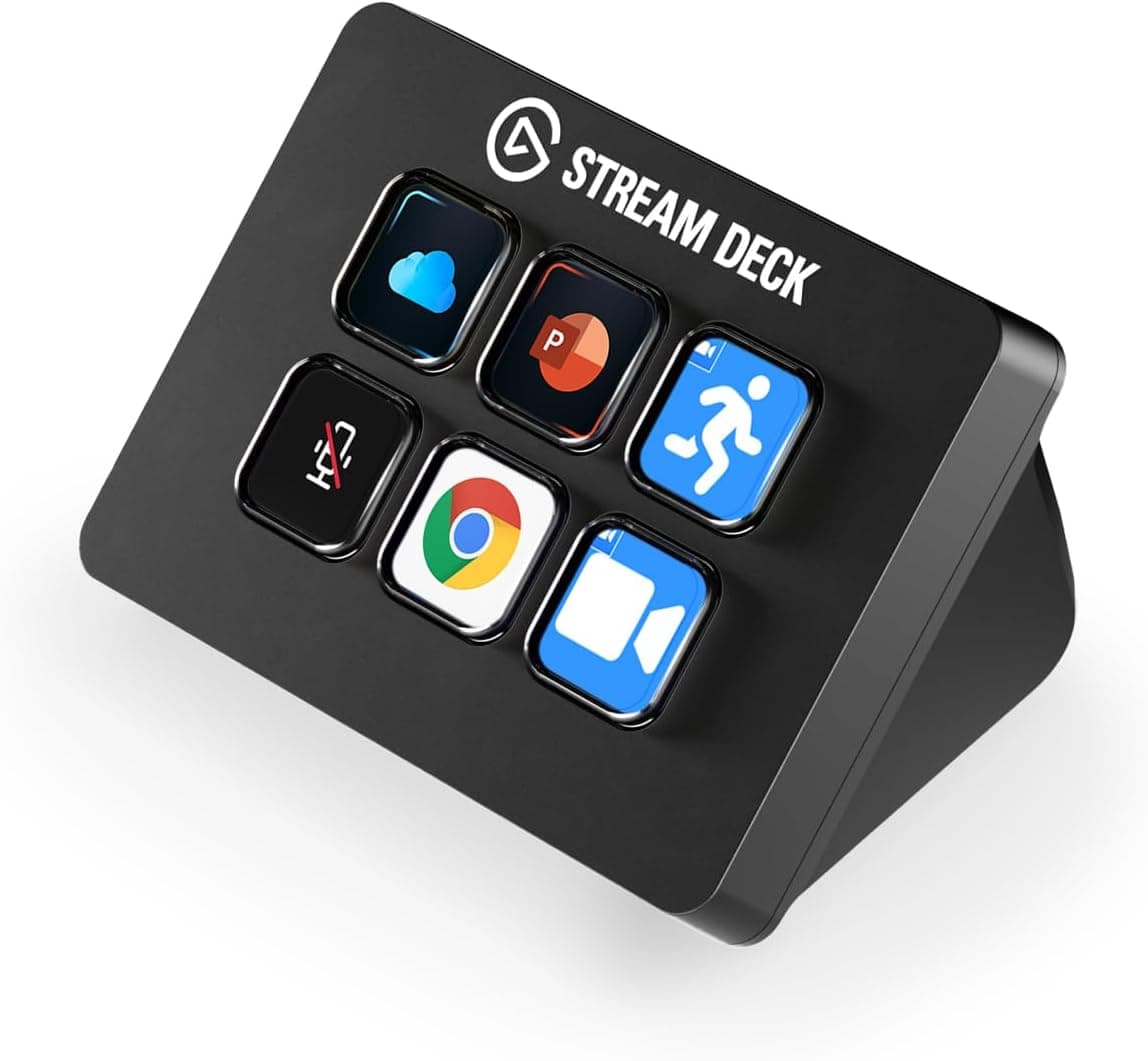
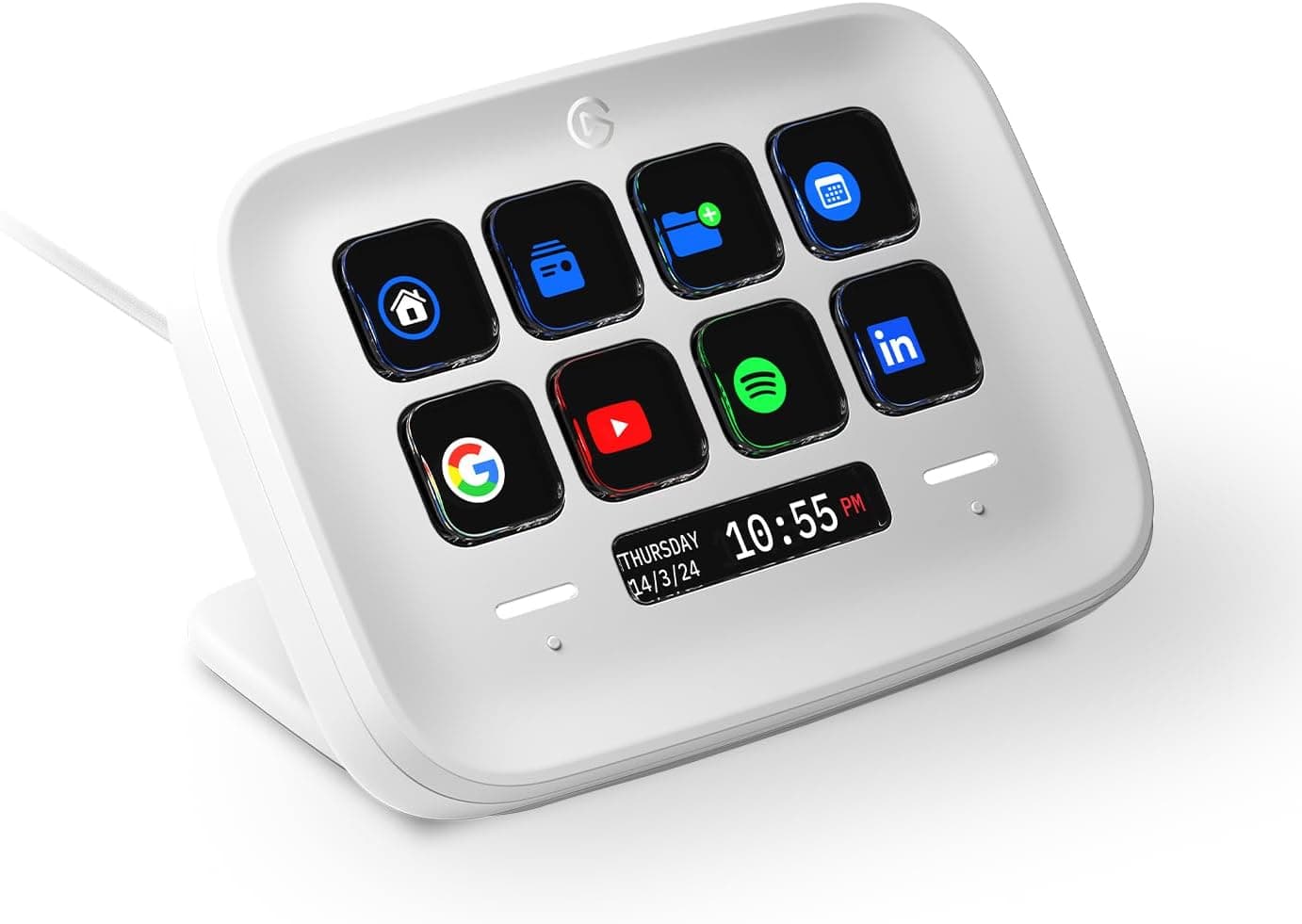
Elgato's Stream Deck family adds buttons too, but for a different purpose. Stream Deck's strength is LCD keys that display icons and fire macros in streaming software and applications — you can see what each key does.
The CB1's strength is tactile: pressing without looking, turning through stages, throwing a lever. Whether a device has knobs and a lever is the practical dividing line for simulator use.
Dedicated cockpit panels such as the Thrustmaster MFD Cougar occupy yet another role. Those are designed around flight sim display controls, and their flexibility as generic key boxes — and their mounting options on a racing rig — varies a lot by product.
The CB1 is not a genre-specific replica; it is a generic box of 30 keys you assign yourself. The flip side is that it lacks the self-documenting labeling of a purpose-built panel, so plan on either memorizing your layout or labeling it.
Best Use Cases
The strongest fit is a Farming Simulator player who has hit the ceiling of managing implements from the keyboard. Moving implement raise/lower, PTO, and lights under your hand alone changes how the game feels.
Next are Euro Truck Simulator 2 and American Truck Simulator drivers doing long hauls, where fixed positions for indicators, wipers, engine brake, and cruise control pay off more the longer the session runs.
In racing sims, it suits people who already own a wheel and have run out of buttons on the rim. Offloading pit and setup adjustments to knobs and switches lets you reserve wheel buttons for what genuinely must be reached mid-corner.
It also suits people who bounce between genres: keyboard emulation makes bindings simple enough that reshuffling the layout per title is easy.
Before You Buy
Start with the sample size: 11 reviews as captured on 26 May 2026. A 4.7 average is good, but eleven reviews cannot tell you the defect rate or whether switches start chattering after a year.
Don't expect the confidence of a long-established product. Test every button, both knobs, and all eight lever directions the day it arrives, so any fault surfaces inside the return window.
Second, keyboard emulation is not right for everyone. Titles whose binding screens have controller-only entries, or that treat keyboard and controller bindings as mutually exclusive, may not accept the assignments you want.
"More buttons" is not the same as "more wheel buttons." Likewise, the knobs send stepped key inputs and are not suited to continuous analog values.
Mounting is the third trap. The clamp covers desks up to 7.5 cm thick; thicker tops, or underside bracing that blocks the jaw, rule the clamp out.
The 1.02 kg weight is stable when properly secured and slides around when it isn't.
If you plan to mount it on a stand or rig, verify beforehand that a workable fixing method exists using the rear holes. Cable length is not stated in the available data, so confirm on the product page that it will reach your PC behind a rig.
Finally, stay within the stated Windows PC support; console behavior is outside the available information. And a general warning: listing metadata — seller names, price labels — sometimes disagrees with the actual product or store, and it did here, where the price label and the real storefront did not match.
When buying, confirm from the product images and title that you are looking at the CB1 itself, and check the price on the spot rather than trusting text copied into any article.
FAQ
Q. Do I need to install drivers? A.
Not for basic operation. Over USB it is recognized as a keyboard, and you bind it by pressing buttons in a game's key config screen.
Attached to a supported wheel as an accessory, detailed settings are available through the PXN WHEEL application.
Q. Are all 30 buttons recognized as distinct keys? A.
The spec lists 30 programmable buttons. For exactly which keys ship by default and how to change them, check the included documentation or product page.
In practice, don't try to fill all 30 — group your high-frequency commands where you can't mis-hit them.
Q. Can I use it without a racing wheel? A.
Yes. It works as a standalone peripheral connected directly to a PC over USB, and remains useful purely for consolidating keyboard-heavy simulator controls.
Q. What desks does it fit? A.
The included clamp handles desks up to about 7.5 cm thick.
The unit is 24.4 × 23.9 × 12.7 cm and 1.02 kg, so allow that much clear space around the clamp point.
Four rear mounting holes are available for rig installations.
Q. Can the lighting sync with the game? A.
It offers seven-color RGB lighting with adjustable color and brightness. No in-game synchronization feature is documented, so treat it as decoration and low-light visibility rather than a functional readout.