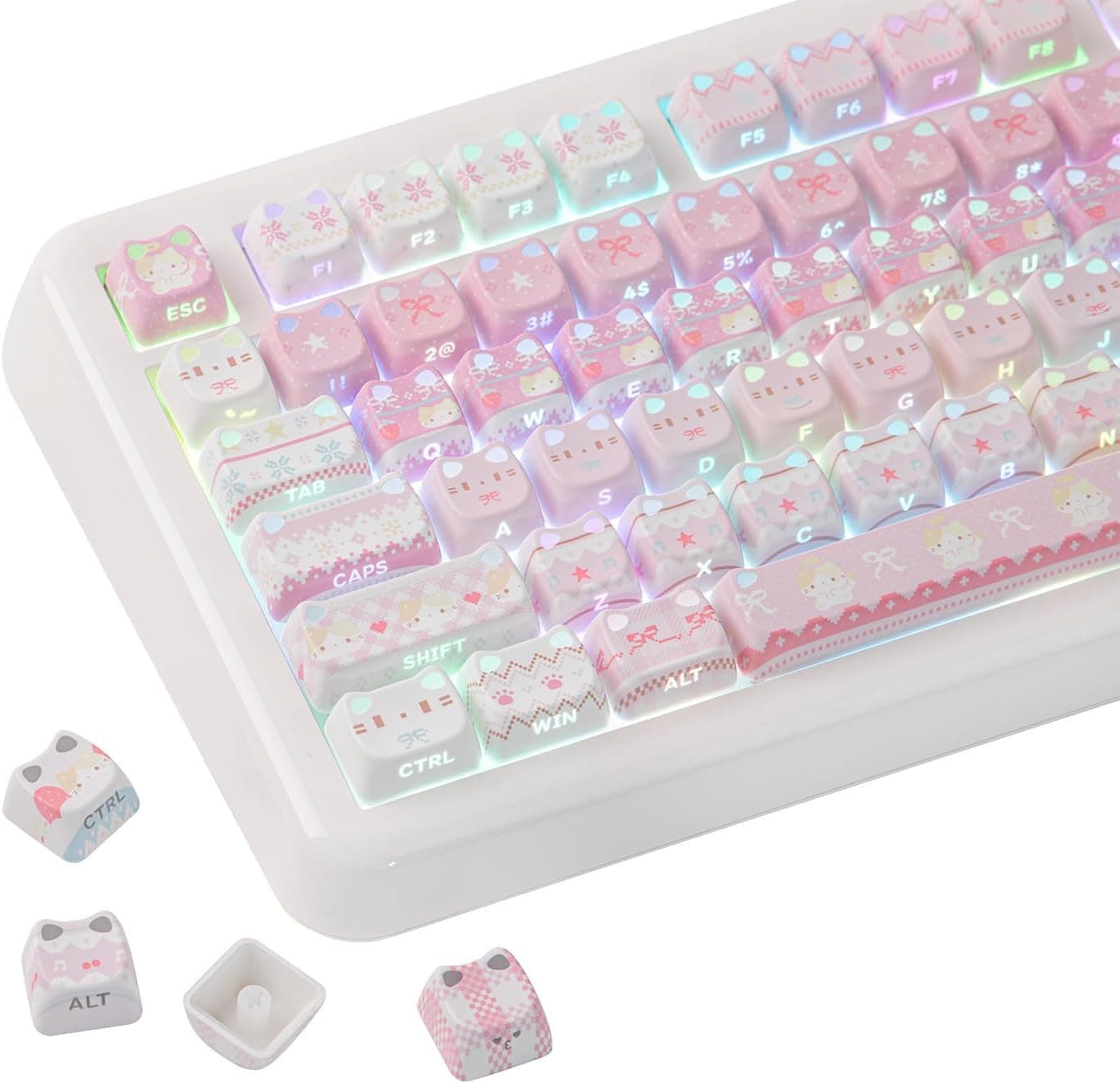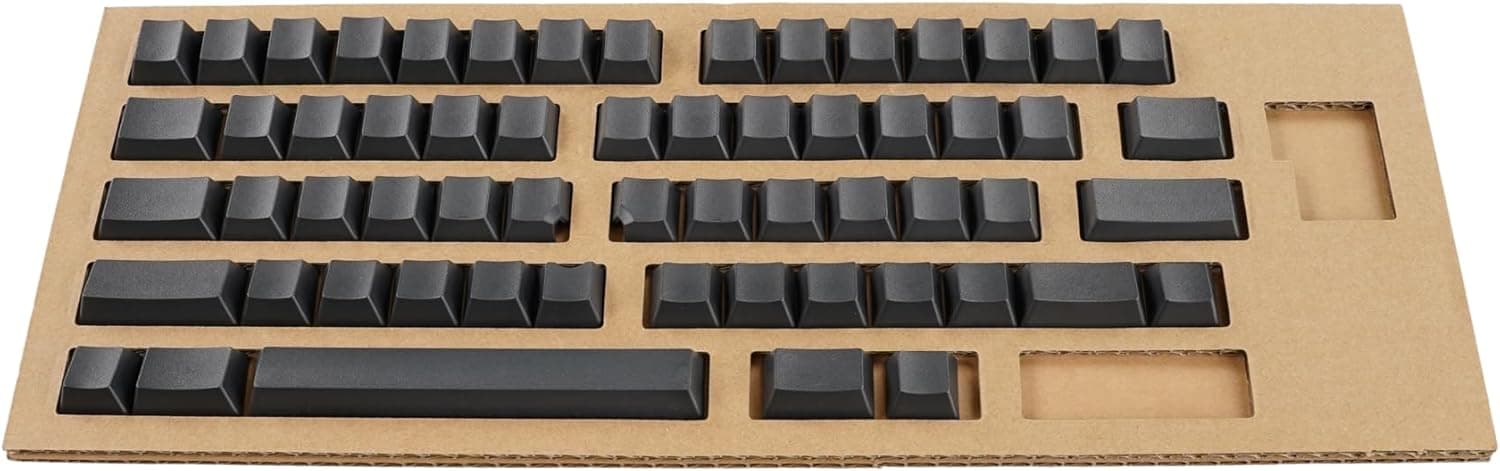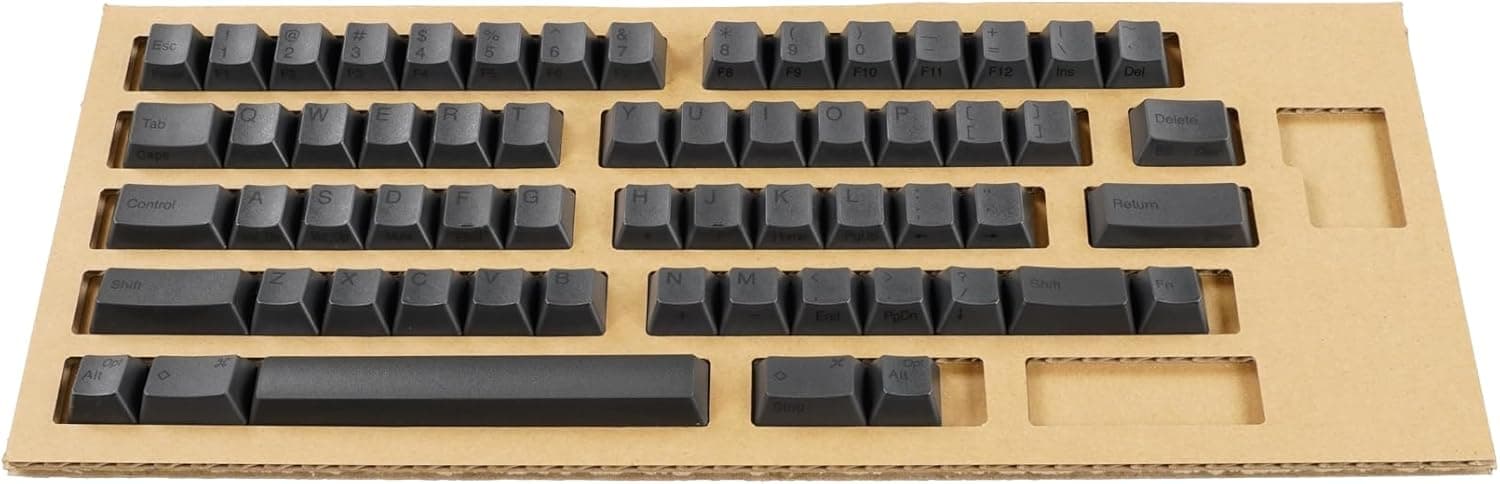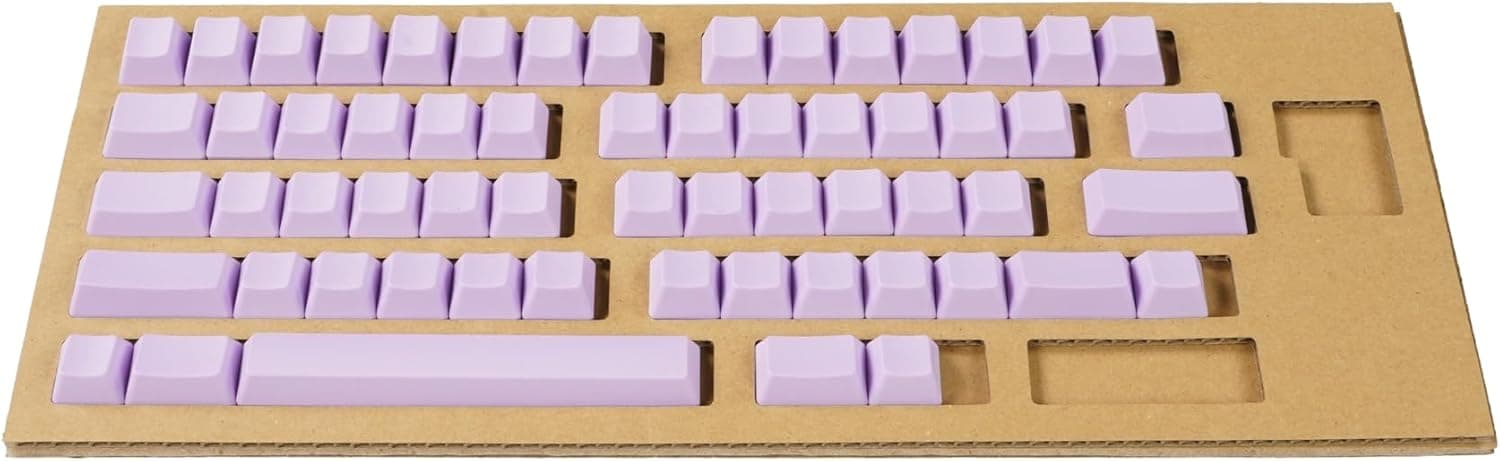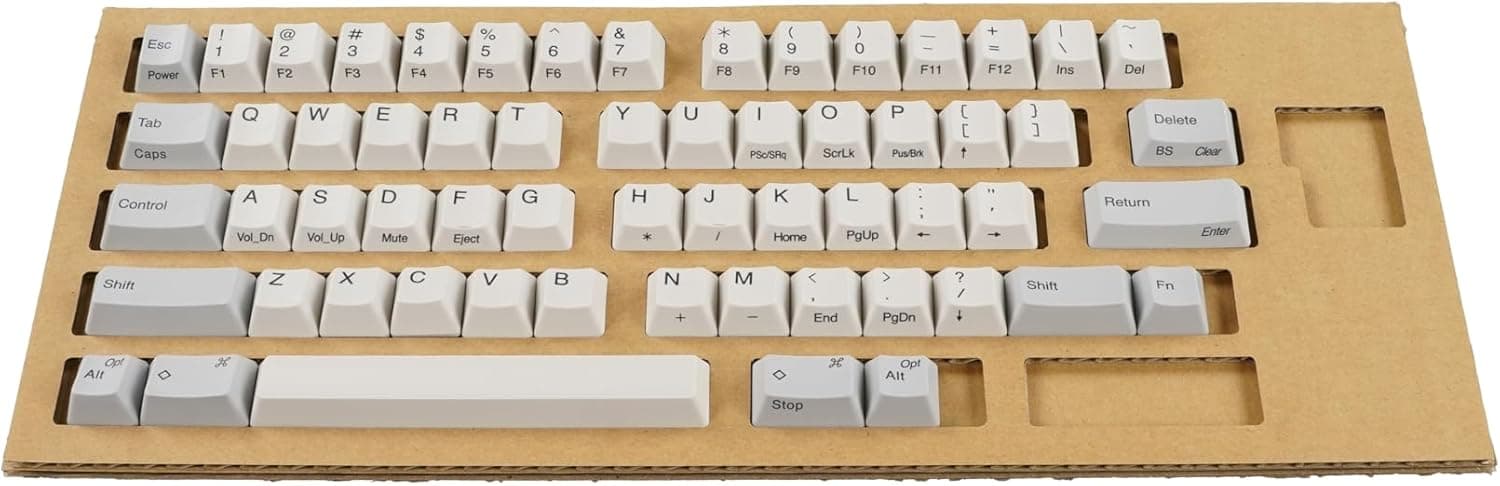
This article covers the PFU HHKB Professional Series Key Top Set, White, Top-Printed (English Layout) PD-KB400KTW — how to confirm compatibility, how to swap the caps cleanly, and when you should not buy it.
Overview
The PD-KB400KTW is the official replacement keycap set for English-layout HHKB Professional series keyboards. To be blunt about what it is: this is not an upgrade part.
It is a consumable replacement part that restores the look and feel your board had when it was new. The caps are identical to the ones factory-installed on the HHKB, so typing feel, key height and slope stay exactly the same after the swap.
The package contains 60 replacement keycaps, a keycap puller tool, and an instruction manual with a key arrangement diagram. Individual keys are not sold separately; the kit ships only as a complete set.
The color is white, legends are top-printed in an English layout, and the material is listed simply as "plastic" (no specific resin name is given in the product data, so we will not claim one).
On Amazon.co.jp the set has 126 reviews at 4.6 out of 5 stars — roughly 92% positive.
That is a stable score for an official replacement part, and it suggests there is no widespread fitment problem. As covered below, the complaints that do appear follow a predictable pattern, and nearly all of them come down to not checking compatibility before ordering.
What Legend Position and Blank Caps Actually Change
HHKB keycap sets exist in several variants: layout (English or Japanese), legend position (top or center), printed or blank, and color. This product is the English layout / top-printed / white combination.
A separate white English-layout set with center-printed legends (PD-KB400KTWC) also exists, so you have to read the model number to the last letter or you will order the wrong one.
Two practical differences matter. First, visual impression: top-printed legends leave open space on the front half of the cap, so the characters sit high in your field of view.
Second, consistency with your board: if you plan to swap only some keys, mismatched legend positions look obviously wrong. With a full-set swap this is a non-issue, since every cap ends up matching.
| Goal | Set to buy |
|---|---|
| Restore a worn English-layout HHKB to stock appearance | This set (top-printed white) or the center-printed white |
| Practice touch typing | A blank set — this printed set will not do it |
| You own a Japanese-layout HHKB | The Japanese-layout model numbers (not compatible here) |
| Change the look with color | The Fuji or Tanpopo colored sets |
If anything other than the first row describes you, buy a different model number. Getting this wrong means a return and a re-order.
In particular, choosing this set to "go blank for touch-typing practice" is a mistake — buy the blank version instead.
Compatibility Guide
This keycap set is exclusively for English-layout HHKB Professional series keyboards. The supported models are:
- HHKB Professional
- HHKB Professional2
- HHKB Professional2 Type-S
- HHKB Professional BT
- HHKB Professional HYBRID
- HHKB Professional HYBRID Type-S
- HHKB Professional Classic
It is not compatible with Japanese-layout models, the HHKB Lite, or the HHKB Studio. This is where most purchase mistakes happen.
Every HHKB looks broadly similar from a distance, so the case shape will not tell you which layout you own. The reliable check is the bottom row and the keys flanking the spacebar: the English (US) layout keeps the bottom row simple, while the Japanese layout adds conversion keys around the spacebar.
When in doubt, read the model number on the label on the underside of the keyboard.
A note on key count: the 60-piece set covers every key on an English-layout HHKB Professional. Put another way, it is not an add-on kit for filling gaps.
Even if you broke exactly one key, you are buying all 60.
One more point worth knowing if you are comparing against third-party caps. The HHKB layout is unusual even among 60% boards — the widths around the right Shift and the spacebar do not match a typical mechanical keyboard, and the switch stem is a different design entirely.
A generic "Cherry MX 60% keycap set" will leave you with keys that simply do not fit. In practice, the official set is the dependable choice for an HHKB.
Product Info
Key specifications:
| Item | Value |
|---|---|
| Keycap count | 60 |
| Supported layout | English layout |
| Legend position | Top-printed |
| Color | White |
| Material | Plastic |
| Included accessories | Keycap puller, instruction manual |
Pricing varies noticeably by channel. As captured on 2026-05-28, Amazon.co.jp listed it at ¥6,600, and as captured on 2026-08-18, Rakuten (Allmight Rakuten Ichiba store) listed it at ¥8,910.
That is a gap of roughly ¥2,300, or about 35%. For an identical official part, that difference is worth a few minutes of comparison shopping.
No concrete figure was captured for eBay, so availability there depends on current listings. All of these are capture-time prices and will move with sales and stock.
Check the product page for the current price before ordering.
The seller and shipper are both PFU Direct, and the manufacturer brand is HHKB — consistent with the product this article covers, so there is no brand mismatch in the listing data. As for warranty, keycaps are generally treated as consumables and may not carry the same coverage as the keyboard itself; confirm the seller's return and exchange policy at the time of purchase.
The bundled puller is a small but genuinely useful inclusion. Prying caps off with fingernails or a thin piece of metal is how people scratch cap sidewalls and stress switch stems.
Since you do not need to buy a tool separately, the listed price is the real cost.
How to Swap the Caps
The job is not difficult, but care shows in the result.
Photograph your board first. The manual includes a key arrangement diagram, but a photo of your own layout removes all doubt.
Power down or unplug the keyboard. On wireless models, pull the batteries to avoid stray input while you work.
Seat the puller from directly above and lift straight up. Pulling at an angle stresses the stem.
Rock gently side to side while applying vertical force. 4.
Clean the board while it is bare. You rarely have every cap off at once — take the chance to clear dust with compressed air or a soft brush.
- Press each new cap straight down until it seats with a definite click.
Never force a cap on at an angle. 6.
Test every key. Type through all 60 in a text editor and watch for dead or double-firing keys.
Budget 15 to 30 minutes for the full set. The work is done at your own risk, and caps can pick up scratches during removal.
Working calmly, one row at a time, ends up being the fastest route.
Best Use Cases
- Long-time English-layout HHKB Professional owners bothered by shine or faded legends. You get the surface and appearance back to as-new without replacing the keyboard. Set against the price of an HHKB body, extending its life with a cap swap is easy math.
- Anyone rehabilitating a used HHKB. Keycaps carry the previous owner's wear more than any other part; replacing them transforms the impression of the board.
- People who specifically do not want the feel to change. Third-party caps alter profile and height; identical OEM caps guarantee that nothing changes. If you were not looking for change, that is the whole point.
- Anyone who has damaged several keys. With no single-key sales, a full set is the rational choice once two or three caps are gone.
Things to Check Before Buying
This is a printed set, not a blank one. Choosing it to build a blank board for touch-typing practice is a mistake — buy the blank variant instead.
The "top-printed" wording in the product name is the giveaway, and this is the single most common misunderstanding.
It will not work on Japanese-layout boards, nor on the HHKB Lite or HHKB Studio. Confirm from the model number on the underside of your keyboard before ordering.
Discovering this after opening the package turns into an awkward return.
It is expensive if you only need one key. With no individual sales, a single broken cap costs you a 60-piece set — several thousand yen at capture-time pricing.
For a single broken key, it is worth asking manufacturer support whether they can help first.
Do not expect a dramatic change. These caps are identical to the factory-installed ones, so nothing gets quieter and nothing feels different under the finger.
If you want to change the typing experience itself, look at a Type-S model or at dampening approaches instead of keycaps.
Mind the price spread. As noted, the captured data showed more than ¥2,000 between Amazon and Rakuten.
Official parts are identical wherever you buy, so the spread is pure profit or loss to you.
Listing details on shopping sites sometimes do not match the physical product. That is true of online retail generally, and it bites harder here because HHKB keycap sets come in many near-identical variants across layouts, legend positions and colors — it is easy to land on the wrong model's page from search.
Before ordering, confirm that the page title, the product images, and the model number (PD-KB400KTW) all agree.
FAQ
Q. How do I confirm my HHKB is the English layout? A.
The label on the underside of the keyboard is definitive. Visually, check the bottom row and the keys around the spacebar — the Japanese layout adds conversion keys there.
If you are unsure, ask the manufacturer or seller before buying.
Q. Can I buy just one keycap?
A. No. Individual keys are not sold; it ships as a 60-piece full set.
Q. Will the typing feel change after the swap? A.
No. These are the same caps the HHKB ships with, at the same height and profile.
Which also means they will not improve the feel.
Q. Do I need to buy a puller separately?
A. No. A keycap puller and an instruction manual with a key arrangement diagram are included.
Q. Can I damage the keyboard doing this? A.
Following the manual and pulling straight up, problems are unusual — but the work is done at your own risk. Angled, forceful pulls stress the stems, so seat the puller from directly above and lift gradually.
Caps can also pick up scratches during removal.
Q. Can I use a third-party 60% keycap set instead? A.
Not recommended. HHKB key widths and the switch stem design differ from typical mechanical keyboards, so some keys will not fit.
The official set is the safe route.
Q. How often should these be replaced? A.
It depends entirely on use. Replace them when shine or faded legends start to bother you — this is a cosmetic and surface-texture question, not a functional lifespan.
Product Disclosure (Amazon)
- Manufacturer: HHKB
- Seller: PFUダイレクト
- Fulfilled by: PFUダイレクト
- ASIN: B00FPGOZTQ
- Note: This article covers a manufacturer-made product based on Amazon listing details.