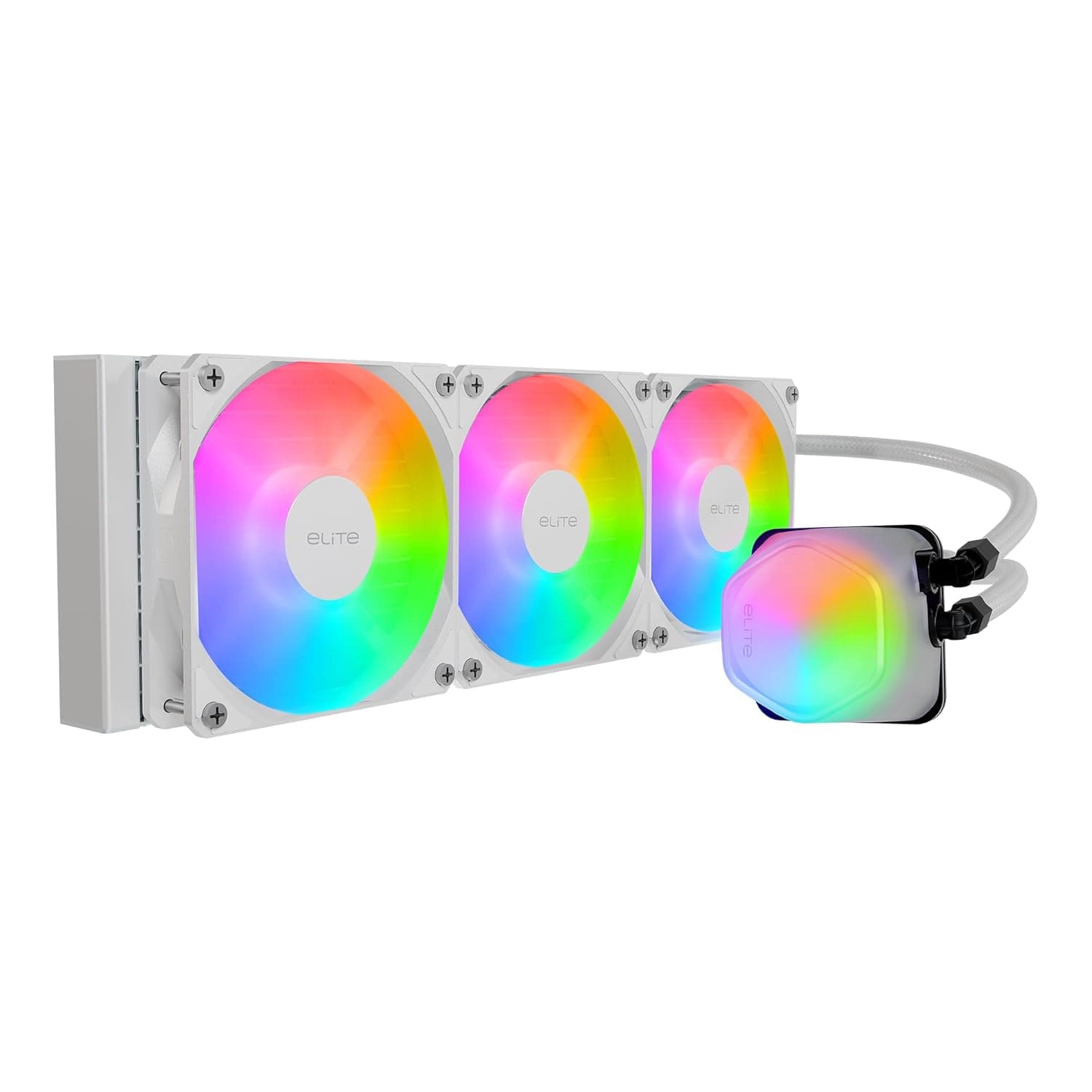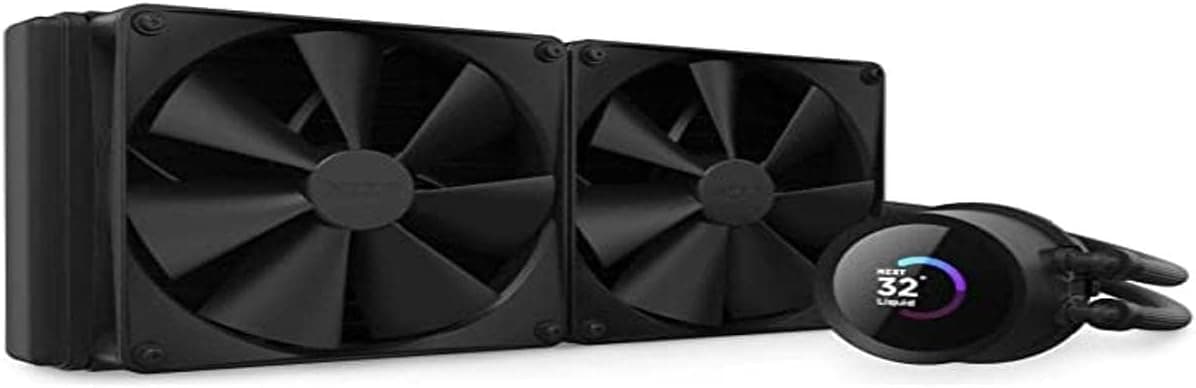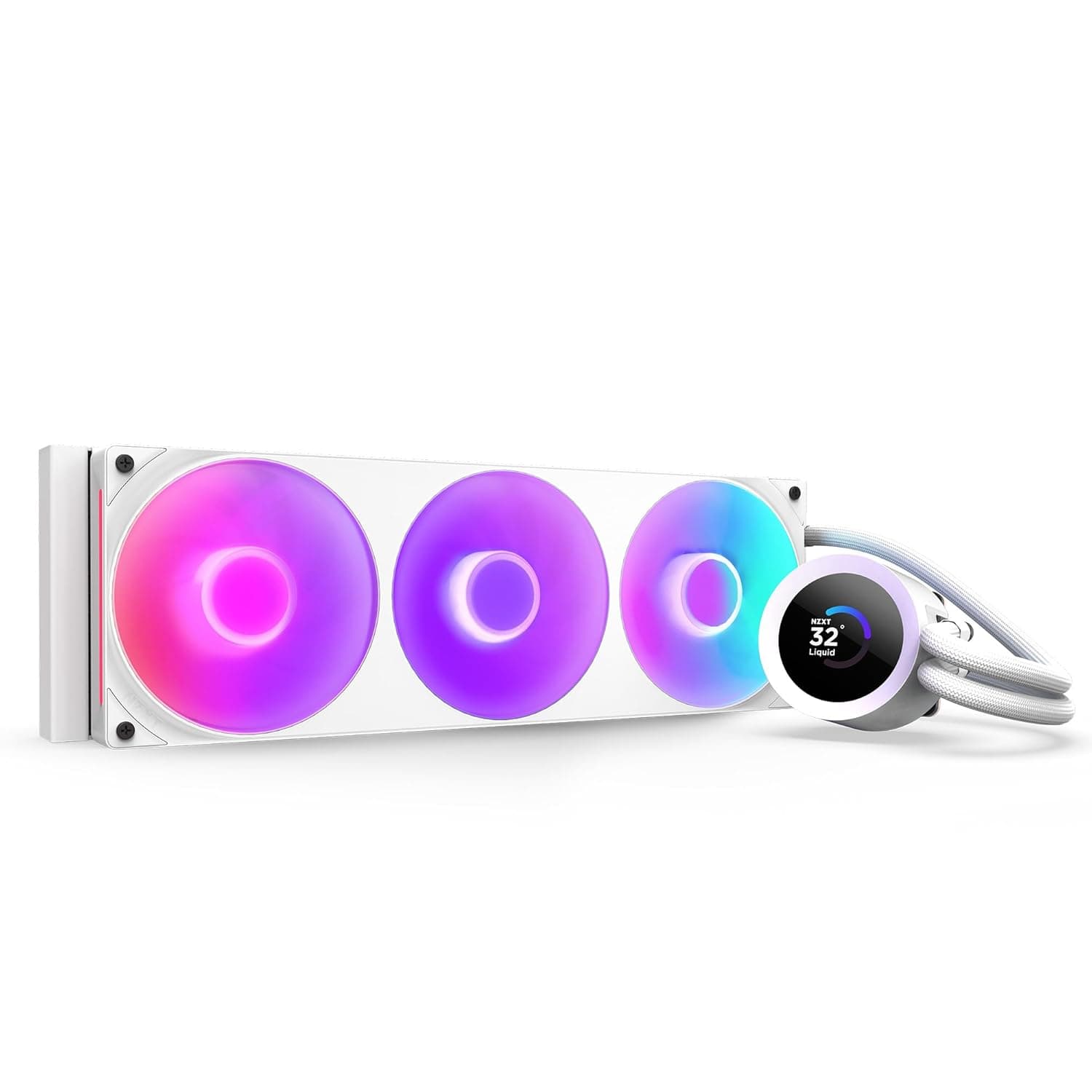
The NZXT Kraken Plus 360 RGB v2 White (RL-KR360-W2 / FN2488) is the white version of a 360mm all-in-one liquid CPU cooler. This article uses the actual review numbers and captured pricing from Amazon.co.jp to answer the two questions that matter most: will it physically fit your case, and is it the right class of cooler for your CPU?
Overview
The short answer: this cooler is for people who already have a case with confirmed 360mm radiator clearance and who want a white, RGB-coordinated build. The value of a 360mm AIO is that it can cool a high-wattage CPU at low fan speeds; getting the same result from air means either spinning fans hard or fitting a very large dual-tower heatsink.
The flip side is that if your CPU sits around 65W, this much cooling capacity is simply wasted money.
On the numbers: as captured on 31 May 2026, Amazon.co.jp listed 492 reviews with an average of 4.4 out of 5 stars, roughly 88% positive.
For an AIO with a few hundred reviews, that is a solidly good result. As always in this category, part of the remaining negative share comes not from cooling performance but from fitment problems and software complaints — both covered below.
What Choosing a 360mm AIO Actually Means
"360mm" describes three 120mm fans in a row. Exact dimensions vary by manufacturer, but a typical 360mm radiator is around 395mm long, 120mm wide and about 27mm thick, plus roughly 25mm of fan thickness on top.
In practice you need a mounting surface that can accept about 52mm of total thickness across nearly 400mm of length. Whether your case can do that decides almost the entire buying question.
The upside of liquid cooling is that heat leaves the socket area physically. Nothing large hangs over your memory slots or the top PCIe slot, and the VRM area stays less congested.
The trade-off is a pump: a moving part that air coolers do not have, with a service life that is harder to predict over several years. That is worth accepting knowingly rather than discovering later.
Compatibility Guide
Work through these five checks in order:
| Check | Where to look | Common failure |
|---|---|---|
| Radiator length | Case spec for "360mm radiator support" and which panel supports it | Front supports 360mm but the top caps at 240mm |
| Top clearance | Distance from the board surface to the roof panel (assume ~52mm total) | VRM heatsinks or RAM block it by a few millimetres |
| Memory height | Overlap between radiator and DIMM slots on a top mount | Tall heat-spreader RAM will not seat |
| Socket support | Whether the included bracket covers your socket | Newest-socket brackets are sometimes sold separately |
| Cables and headers | Pump power, fan headers, ARGB, internal USB | No free internal USB 2.0 header |
Current AIOs generally cover Intel LGA1700 / LGA1851 and AMD AM5 / AM4, but confirm the included bracket list on the product page and the manufacturer's compatibility table before buying. This part changes with every socket generation, and the retail listing overrides anything written in an article.
AM4 and AM5 in particular can differ in how the backplate is handled, so do not rely on a blanket "AMD supported" claim.
NZXT coolers are typically managed through NZXT CAM, which usually consumes one internal USB 2.0 header on the motherboard.
If you also run RGB peripherals or a capture device internally, headers run out quickly — count your free headers before you build. An internal USB hub solves it, but that is a separate purchase.
Orientation matters too. Mount the cooler so the pump sits below the top of the radiator: top-mounted with the tubes low, or front-mounted with the tubes low.
Front-mounting with tubes exiting at the top tends to collect air in the pump, which is a classic source of gurgling noise. If your case forces a compromise here, decide in advance whether you can live with it.
Product Info
rmation
As captured on 27 August 2026, Amazon.co.jp listed this cooler at ¥22,299.
Prices move often and sales can push this lower, so check the current listing before you buy. For a 360mm unit shipping with three RGB fans, that figure sits in the normal range for the class.
There is also an overseas listing: eBay US showed $325.78 as captured on 16 July 2026.
That is clearly a premium over the domestic price and is typical of grey-import or resale listings. There is little reason to buy from an overseas listing when domestic retail stock exists, and warranty handling is simpler through normal domestic channels.
The white finish deserves one practical note. On white AIOs, the final look depends on how much of the assembly is actually white — radiator, fans, tubing, pump head and even screws can differ.
Tubing colour is especially hard to judge from marketing photos, so check the product images for tube and hardware colour before ordering if you are building an all-white system. "The tubes turned out to be black" is the single most common regret in white builds.
What Matters in Daily Use
AIOs are judged less by day-one temperatures than by how quiet they still are six months later. Radiator fins are fine-pitched and collect dust quickly on a front intake mount.
A case with decent dust filtering, or a blast of compressed air through the fins every few months, prevents most of the performance drift. If you know you will never do that maintenance, a top exhaust mount keeps the fins less exposed.
Fan curves matter as well. The point of 360mm of radiator area is cooling at low RPM, so build a gentle curve that does not spike on brief load bursts.
A constant pump speed is fine, but if idle pump noise bothers you, dialing the pump back slightly often fixes it.
How It Compares
Among 360mm AIOs, raw cooling differences are usually within a few degrees when radiator thickness and fans are similar. What actually differs is the pump head design, the control software, cable routing, and price.
The case for NZXT is unified control through CAM and an unusually complete white product line.
Conversely, if you dislike resident background software or want everything driven from motherboard fan headers, NZXT's software-centric approach counts against it. In that case a competitor AIO that runs entirely off standard PWM headers is less friction.
And if 240mm is enough for your CPU, stepping down a class is a perfectly rational way to save money.
Best Use Cases
- Users running high-wattage CPUs under sustained load — video encoding, 3D rendering, large compiles. Long jobs are where 360mm of radiator earns its keep.
- All-white builds — white AIO options are limited, so this is a strong candidate alongside a white case and white fans.
- Builders who want clearance around the socket — no giant heatsink over the DIMM slots, and room for tall memory.
- Existing NZXT owners — if you already run CAM, lighting and pump control stay in one place.
Things to Check Before Buying
First, be careful with the listing metadata. At the time of writing, the source product database for this article contained specifications belonging to a completely different product — a high-capacity portable battery (entries such as "26800mAh capacity", "3× USB-A", "495g").
Those values have nothing to do with a CPU cooler and none of them were used in this article. If you see similar inconsistencies on the retail page (capacity ratings, unrelated accessories, a different brand name), treat them as listing errors.
Confirm the product from the images and the model number (RL-KR360-W2) before ordering.
The most common failure is that it does not fit. Many cases advertised as "360mm compatible" only support 360mm on the front panel while the top caps out at 240mm.
Even where the top accepts 360mm, radiator plus fan thickness can collide with VRM heatsinks or tall memory. Check both the supported radiator size per panel and the clearance above the motherboard in your case manual.
Consider whether it is overkill. For a 65W-class CPU, this much cooling is surplus.
The same money spent on a better power supply, more memory or faster storage will be more noticeable. 360mm starts to make sense when real package power climbs past roughly 150W under sustained load.
Accept the moving part. A pump is a wear item; it does not have the "still spinning after ten years" character of an air cooler.
If the pump stops, cooling collapses immediately, so keep pump RPM monitoring visible. If your priority is zero maintenance and minimum failure risk, a large air cooler is the more honest choice.
Expect software in the loop. Without NZXT's control software, pump behaviour and lighting may stay at defaults.
If you avoid resident applications on principle, decide in advance whether that is acceptable.
FAQ
Q. Does it support my socket? A.
Current AIOs generally cover Intel LGA1700 / LGA1851 and AMD AM5 / AM4, but bracket contents can change between production runs. Verify on the product page and the manufacturer's compatibility table before purchase.
Q. What size case do I need? A.
A mid-tower or larger explicitly rated for a 360mm radiator. Confirm that roughly 395mm of length and about 52mm of radiator-plus-fan thickness will fit, and check whether that support applies to the top panel, the front, or both.
Q. How is it reviewed? A.
As captured on 31 May 2026, Amazon.co.jp showed 492 reviews averaging 4.4 out of 5 stars (about 88% positive) — a good result at that review volume.
Q. Is it clearly better than a high-end air cooler? A.
For sustained heavy loads on a hot CPU, yes. For a 65W-class chip the gap is small, and air wins on price and long-term risk.
Q. Does mounting orientation matter? A.
Yes. Keep the pump below the top of the radiator — tubes low on a top mount, tubes low on a front mount.
The reverse traps air in the pump and invites gurgling noise.
Q. Should I buy from an overseas listing? A.
eBay US showed $325.78 as captured on 16 July 2026, well above the ¥22,299 domestic figure captured on 27 August 2026.
Domestic retail is cheaper and simpler for warranty support.