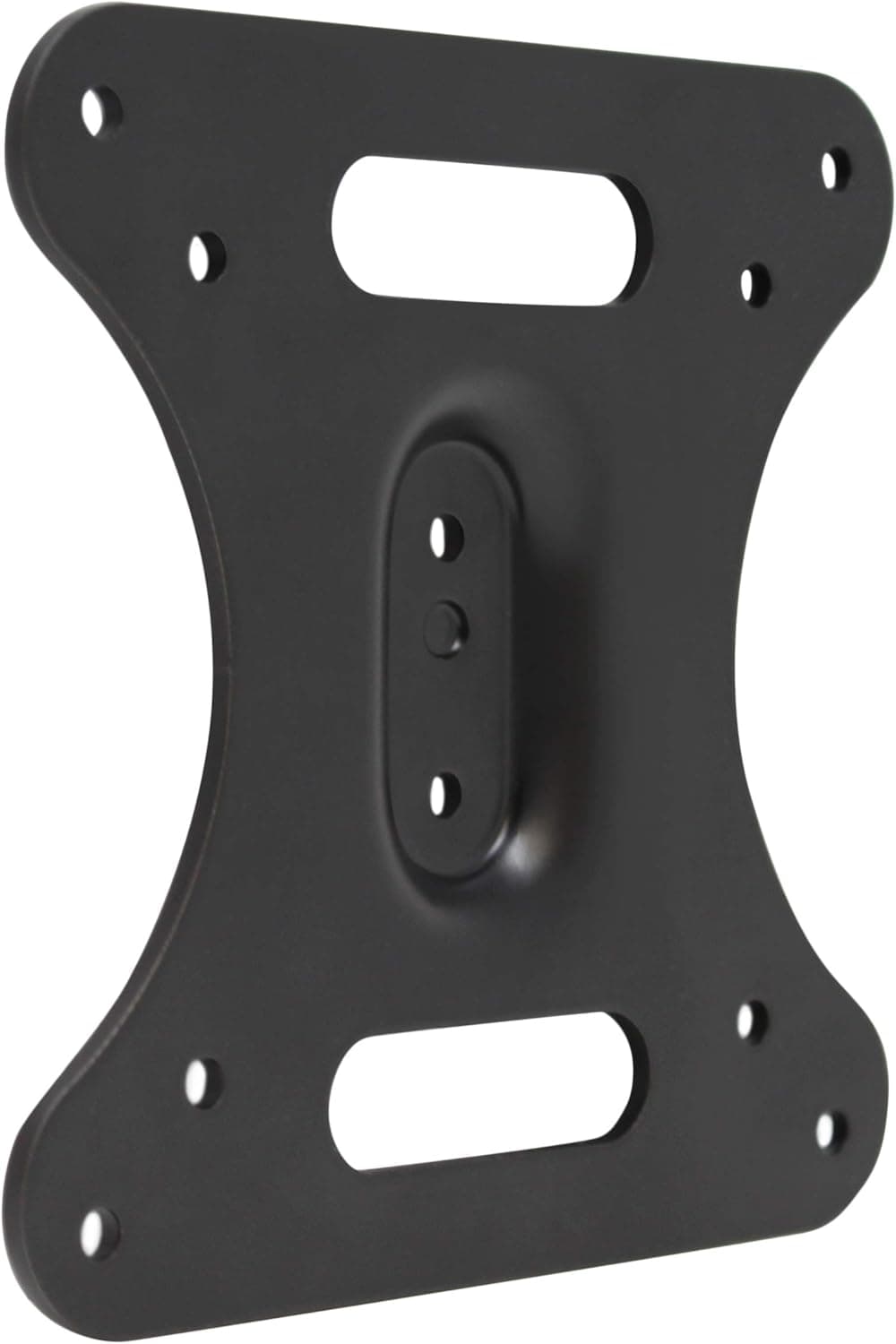
This article covers HumanCentric VESA Mount Adapter for MSI Optix Monitors.
Overview
The HumanCentric VESA Mount Adapter is a dedicated bracket designed for specific MSI Optix monitor models that lack standard VESA mounting holes. By attaching this adapter, you can use any VESA-compatible monitor arm or wall mount with your MSI display. It supports models including MAG341CQ, AG32C, AG32CQ, G24C, G27C, and G27C2, but notably does NOT fit the MAG24C. The adapter is made of metal and allows up to 10 degrees of tilt adjustment. Installation takes under two minutes with a single screwdriver — no special tools required.
Connectivity & Compatibility
Installation involves removing the original monitor stand and securing the bracket to the back of the monitor using the provided screws. Once attached, the bracket exposes a standard 100x100mm or 75x75mm VESA pattern, allowing connection to most monitor arms, wall mounts, or multi-monitor stands. Compatibility is strictly limited to the listed MSI models; using it with other monitors is not guaranteed. Double-check your monitor model before purchase, especially avoiding the MAG24C. The adapter works well in dual- or triple-monitor setups when paired with individual arms.
Product Info
Released around 2019, the adapter typically sells for about ¥4,500 at major online retailers. It comes with the bracket, mounting screws, and a basic instruction manual. A single Phillips screwdriver is all you need for installation. This product fills a niche gap for MSI Optix owners who want to upgrade their monitor setup without replacing the display itself. It's a mid-range accessory that solves a specific compatibility problem, and HumanCentric has tested it thoroughly with the supported models.
Best Use Cases
- Users wanting to mount their MSI Optix monitor on an arm or wall: Without this adapter, these monitors are stuck on their original stands. An arm frees up desk space and improves ergonomics. - Multi-monitor enthusiasts: If you have multiple compatible MSI Optix monitors, using arms with this adapter allows precise alignment and a cleaner setup. - DIY-minded individuals: Installation is straightforward (under 2 minutes with a screwdriver), but it does require removing the original stand. It's easy enough for most users, but care is needed to avoid damaging the monitor. - Not for: Owners of non-listed MSI models or monitors that already have VESA holes. Also, if you need full articulation (swivel, rotation), you'll need to pair this with a capable arm. Budget-conscious users might consider generic VESA adapters, but compatibility risks are higher.
Product Disclosure (Amazon)
- Manufacturer: HumanCentric
- Seller: ⭐にゃんころSTORE⭐【適格請求書発行事業者】
- Fulfilled by: Amazon
- ASIN: B0829F278W
- Note: This article covers a manufacturer-made product based on Amazon listing details.