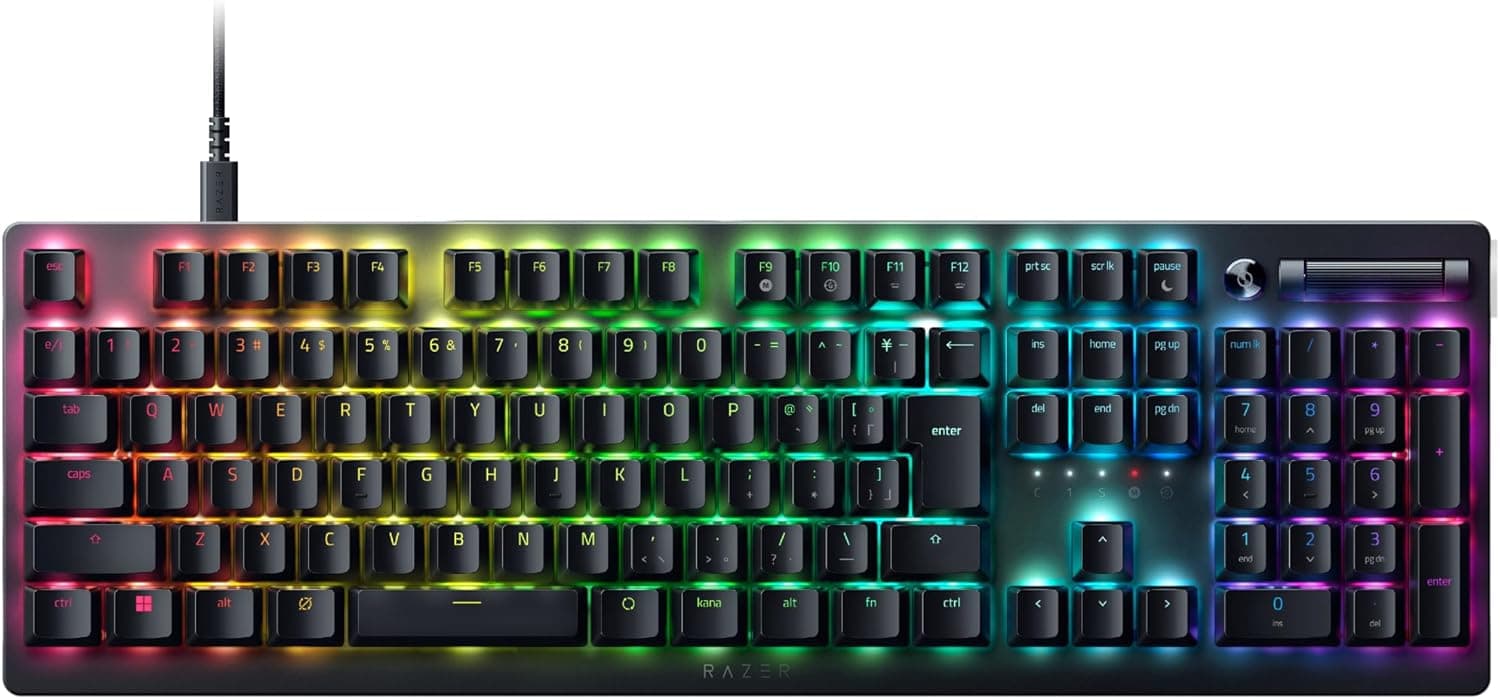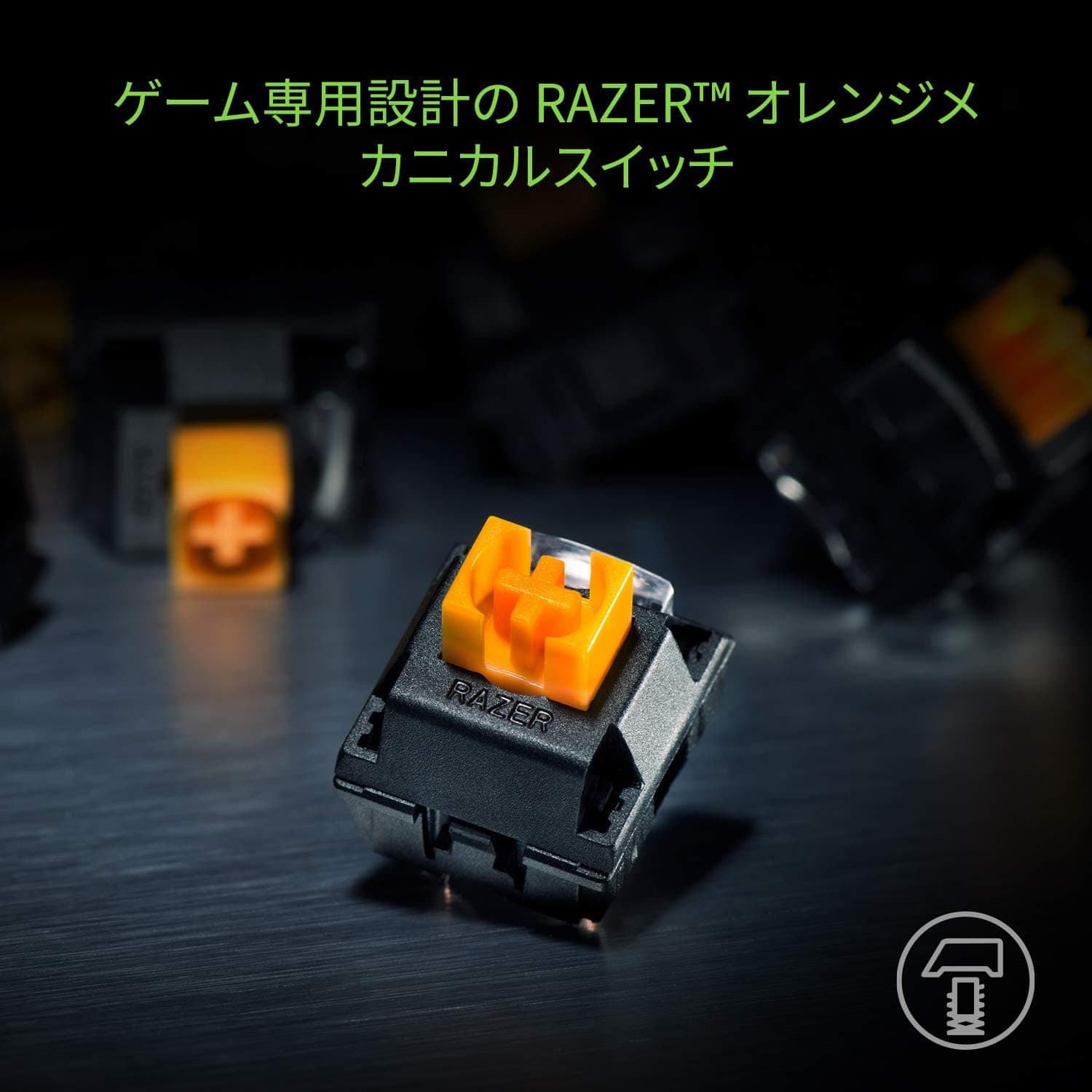
The Razer BlackWidow Lite JP (model RZ03-02640700-R3J1) answers one specific question: can you have a mechanical typing feel without the noise? It pairs silent-oriented Razer Orange switches with O-rings in the box, on a Japanese-layout tenkeyless frame.
This article goes past the spec sheet to where it fits, and where it does not.
Overview
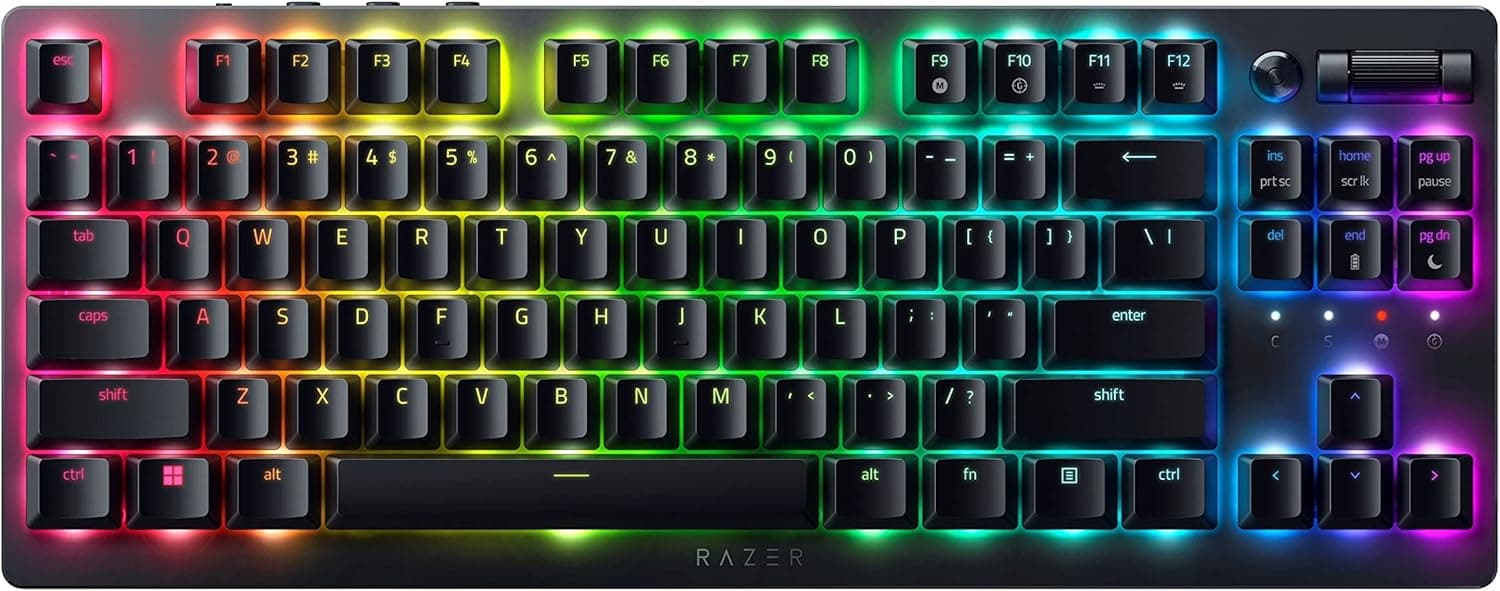
This is a JIS (Japanese) layout tenkeyless mechanical keyboard. The short answer: it suits people who share an office or a room and want one board for both typing and gaming.
It is sold as a gaming keyboard, but what it actually leads with is quietness and a small footprint, not RGB or competitive switch tech.
The Razer Orange mechanical switch is rated for 80 million keystrokes. Within Razer's lineup, Orange is the tactile-but-not-clicky option — clearly different from the sharp, audible Green switch.
Adding the bundled O-rings under the keycaps softens the bottom-out thud on top of that. Backlighting is single-color white LED, not Chroma RGB; treat it as a practical way to find keys in a dark room rather than a lighting feature.
On Amazon.co.jp it holds 4.4 out of 5 across 1,372 reviews (88% positive).
A sample above a thousand suggests consistency rather than luck of the draw.
What the Quiet Actually Means
"Silent" covers two different noises, and confusing them leads to disappointment. One is the switch mechanism itself; the other is the impact when the key bottoms out against the plate.
Orange switches address the first, O-rings the second. Having both is the design intent here, and it is why this board travels into noise-sensitive offices more easily than most mechanicals.
It is not silent, though. Compared with a membrane or a quiet scissor-switch board, you will hear it.
If you need it inaudible on a video call, pair the O-rings with microphone placement and noise suppression settings. Note also that O-rings shorten travel slightly and make the bottom-out feel softer — some people read that as cheap.
Use the board without them first, and add them only if the noise bothers you.
The body weighs 660.9g.
That is not light for a tenkeyless, and that is a benefit: it stays planted during fast movements instead of sliding, so you spend less time repositioning it mid-game.
Compatibility Guide
Connection is wired USB only, with Windows 7 or later listed as supported. One free USB port is all it needs, and basic typing works without any driver.
Remapping keys, adjusting backlight brightness, and recording macros require Razer Synapse 3.
| Check | Detail |
|---|---|
| Connection | Wired USB only. No Bluetooth, no 2.4GHz wireless |
| Cable | 2m, detachable — replaceable and easy to pack |
| OS | Windows 7 or later. Basic input often works on Mac, but Synapse assumes Windows |
| Software | Razer Synapse 3 (may require an account) |
| Layout | JIS tenkeyless, including hankaku/zenkaku and kana keys |
A detachable cable helps beyond portability: you can unplug at the keyboard end when redoing desk wiring. If you plan to swap in a third-party cable, confirm the connector type on the product page first, since detachable designs differ by model.
On a Mac the board will usually enumerate as a standard USB HID device, but JIS legends and macOS key mapping do not line up perfectly, so symbol positions can shift. Combined with the Windows-only software, this is not a keyboard to buy for a Mac-first setup.
Choosing a Japanese layout is its own decision. If you are used to US layouts, the symbol placement and Enter key shape are a different world.
If you type Japanese heavily, the dedicated hankaku/zenkaku key is genuinely faster. This board is for the second group.
Product Info
| Spec | Value |
|---|---|
| Switch | Razer Orange mechanical (quiet tactile) |
| Durability | 80 million keystrokes |
| Layout | Japanese tenkeyless (JP TKL) |
| Backlight | White LED, single color |
| Cable | 2m, detachable |
| Weight | 660.9g |
| OS | Windows 7 or later |
| In the box | O-rings, USB cable |
The price captured on Amazon.co.jp on 29 May 2026 was ¥17,000.
That figure reflects one point in time and moves with sales and stock, so check the listing for the current price. The eBay side had no fixed price at capture, and per-listing variation makes it unhelpful as a reference.
Buying from overseas sellers may also mean losing the Japanese distributor warranty.
An 80-million-keystroke rating works out to over twenty years even at a heavy 10,000 keystrokes a day. In practice, keycap legends, the cable, or the USB connector give out first — read the number as "the switches will not be your failure point."
Warranty is typically one year through the official Japanese distributor. That is the practical reason to pay for a domestic-warranty unit rather than a parallel import.
How It Compares
Within Razer's own range, the position is clear. The BlackWidow V4 family is newer, with Chroma RGB, dedicated macro keys, and hot-swap variants — more features, higher price, and no particular focus on quietness.
The Huntsman V3 Pro TKL brings analog optical switches with rapid trigger for competitive play, again not a silence-oriented product.
Wireless hot-swap boards such as the Keychron K4 Pro win on freedom: no cable, and you can change switches later. If your philosophy is "build the quiet yourself by picking switches," that path has more headroom.
The BlackWidow Lite JP's advantage is that the quiet configuration is finished the moment you fit the O-rings, and the Japanese layout is there from the start. The less you want to tinker, the better this trade looks.
Best Use Cases
- Mechanical in an office or shared space. Orange switches plus O-rings make it a realistic pick where noise matters.
- Heavy Japanese typing. JIS tenkeyless options are genuinely scarce; that requirement alone narrows the field.
- Small desks or wide mouse sweeps. The missing numpad returns roughly 8cm of mouse room.
- Late-night use. White LEDs are plain but sufficient for finding keys in the dark.
- People who carry a keyboard. A detachable cable is a small thing that keeps bags tidy.
It is a poor fit for accounting and data entry that leans on a numpad, for a living-room PC that assumes wireless, or for anyone building an RGB desk.
Before You Buy
Do not underestimate losing the numpad. Spreadsheets, calculator-style entry, and some games' numpad bindings are all affected.
If you need one, plan on an external numpad alongside it.
This is wired-only. No Bluetooth, no 2.4GHz.
A detachable cable is not the same as wireless — if you want a cable-free desk or device switching, look elsewhere from the start.
The backlight is single-color white. Buying a Razer board expecting Chroma RGB and then being let down by the lighting is a real pattern.
Lighting is not what this product is for.
Assume the switches are not hot-swappable. If the feel does not suit you, swapping switches is not an available fix, and it is a weak base for lube or tape mods.
Calibrate the word "silent." The noise is reduced, not removed.
Large keys like Enter and Space are louder by stabilizer design. For a room where someone is sleeping, a non-mechanical board is the safer choice.
Customization needs Razer Synapse 3. Without it you get a plain USB keyboard; remapping and macros are off the table.
Decide whether another background app is acceptable.
Finally, check the listing itself. Amazon product data sometimes carries wrong manufacturer, model, or brand fields, or details from a different item.
This article covers model RZ03-02640700-R3J1 — Japanese layout, Orange switches, tenkeyless. BlackWidow Lite also exists in other layouts and switch variants, so confirm the image, title, and model number before ordering, and check that the listed price matches your cart.
FAQ
Q. How quiet is the Orange switch? Does it click? A.
No click. Orange gives a tactile bump without a click mechanism, unlike Green.
The included O-rings further reduce bottom-out noise. It is still louder than a quiet membrane board.
Q. Should I install the O-rings right away? A.
Use it without them for a few days first, then add them if the noise or the hard bottom-out bothers you. They shorten travel slightly and change the feel.
Installation just means pulling keycaps and seating the rings; no tools needed.
Q. Can I use it on a Mac? A.
Basic input usually works, but the listed support is Windows 7 or later. Between JIS legend mismatches on macOS and Windows-only Synapse, it is not a good Mac-first choice.
Q. Can I replace the cable with a third-party one? A.
The cable detaches, but connector shape and the recess around the port can block generic cables. Confirm the connector type on the product page if you plan to swap.
Q. Is it better for work or gaming? A.
Both, with quietness as the priority. It has no rapid trigger or 8000Hz polling, so competitive FPS players wanting the latest input tech should look at higher models.
For long typing sessions plus casual gaming on one board, it fits well.
Q. How trustworthy are the review scores? A.
1,372 reviews averaging 4.4/5 (88% positive, captured 29 May 2026) on Amazon.co.jp.
Above a thousand reviews, extreme skew is unlikely. Most negative comments come down to expectation mismatches — no numpad, plain lighting.
Product Disclosure (Amazon)
- Manufacturer: Razer(レイザー)
- ASIN: B086Z14W7L
- Note: This article covers a manufacturer-made product based on Amazon listing details.