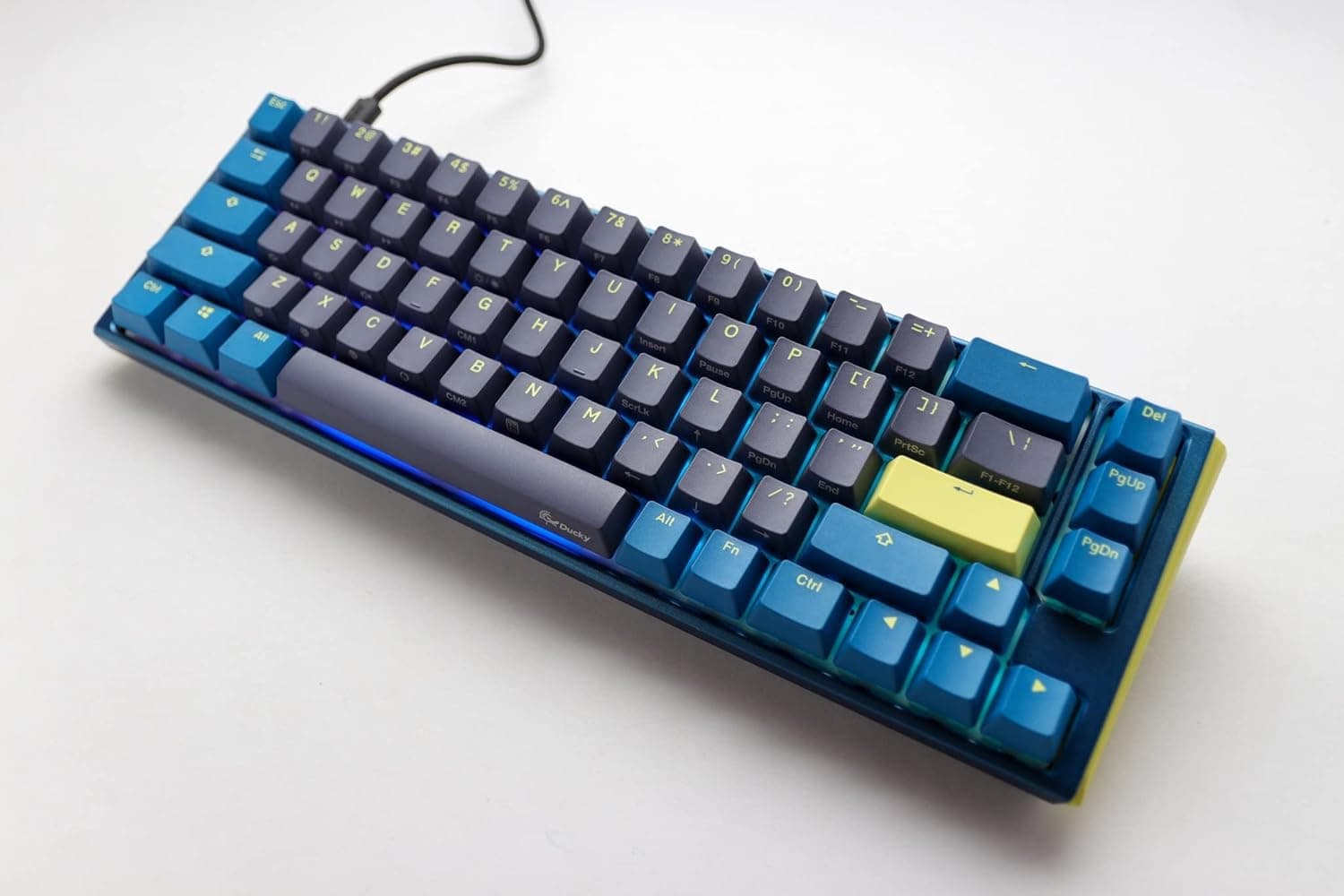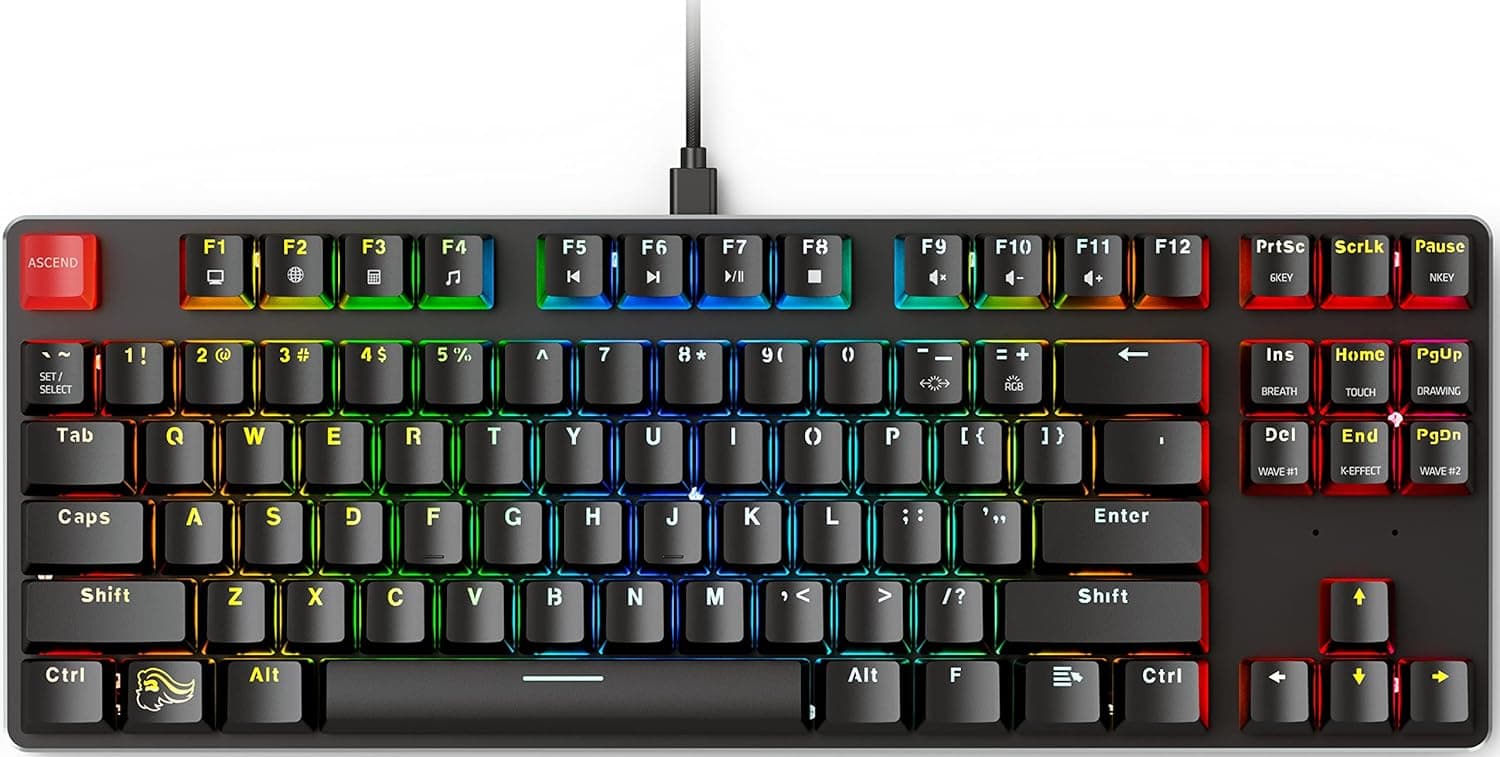
The Glorious GMMK1 tenkeyless (87-key) is a wired mechanical keyboard built around hot-swap switch sockets. This article goes beyond the spec sheet to cover what actually works, what breaks, and where you should compromise.
Overview
GMMK stands for Glorious Modular Mechanical Keyboard, and modularity is the point: you can change switches without a soldering iron. This model is a tenkeyless 87-key layout shipping with Gateron Brown tactile switches pre-installed.
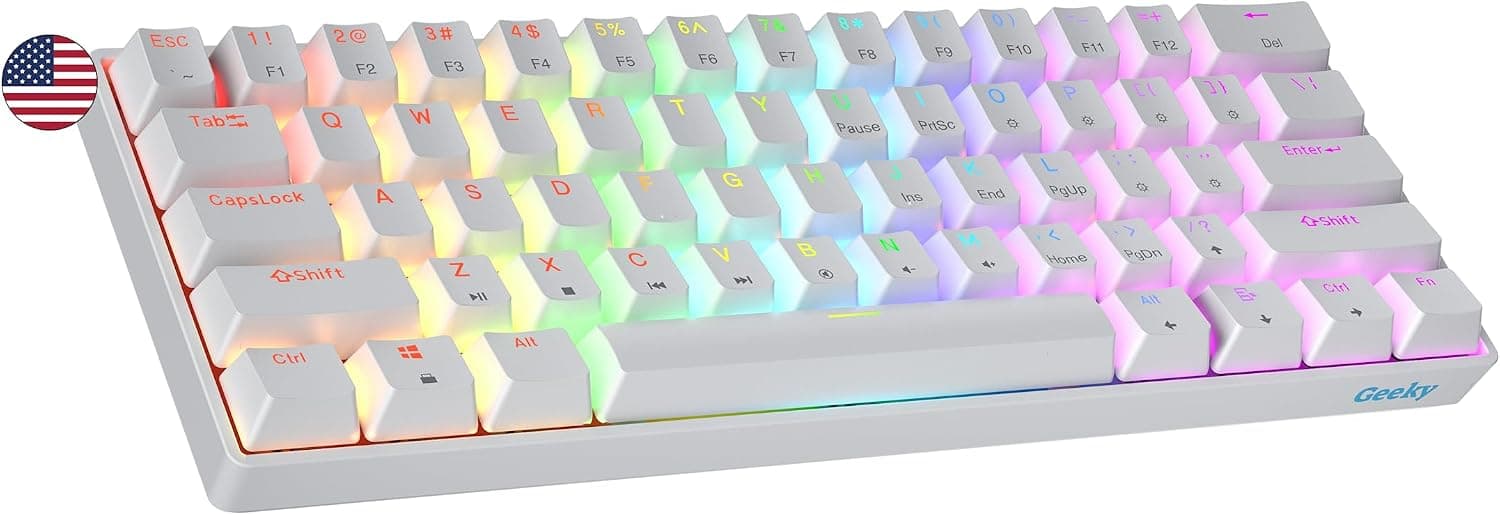
Per-key RGB SMD LEDs are onboard, and the main lighting modes can be cycled with hotkeys even without software.
It sits in the entry-to-mid gaming keyboard tier. On Amazon.co.jp it was ¥17,370 as captured on 2026-06-17, but this segment moves a lot with sales and exchange rates, so always check the current price on the product page.
As captured on 2026-06-18, it holds 789 reviews averaging 4.6 out of 5 stars (roughly 92% positive).
With a sample in the hundreds, that score reads as a product-wide trend rather than a lucky batch.
The short version: this board is for people who want to try switch swapping without buying a soldering iron. If you need wireless, use a numpad daily, or just want a finished feel straight out of the box, look elsewhere.
Compatibility Guide
Switch compatibility is straightforward: the GMMK1 accepts 3-pin, plate-mount Cherry MX-style switches. Gateron, Kailh, and most MX-style switches drop right in.
The common mistake is buying 5-pin (PCB-mount) switches, which have two extra plastic alignment legs and will not physically seat in a 3-pin socket. You can clip those two legs off, but that limits reuse on other boards later, so buying 3-pin from the start is safer.
Always check that the metal pins are straight before pressing a switch in; a bent pin pushed in hard will snap.
Keycaps use standard US-layout key sizes, so aftermarket MX-compatible sets fit. Still, right Shift, spacebar, and modifier widths vary between boards, so pick a set that explicitly states TKL support or lists its key sizes.
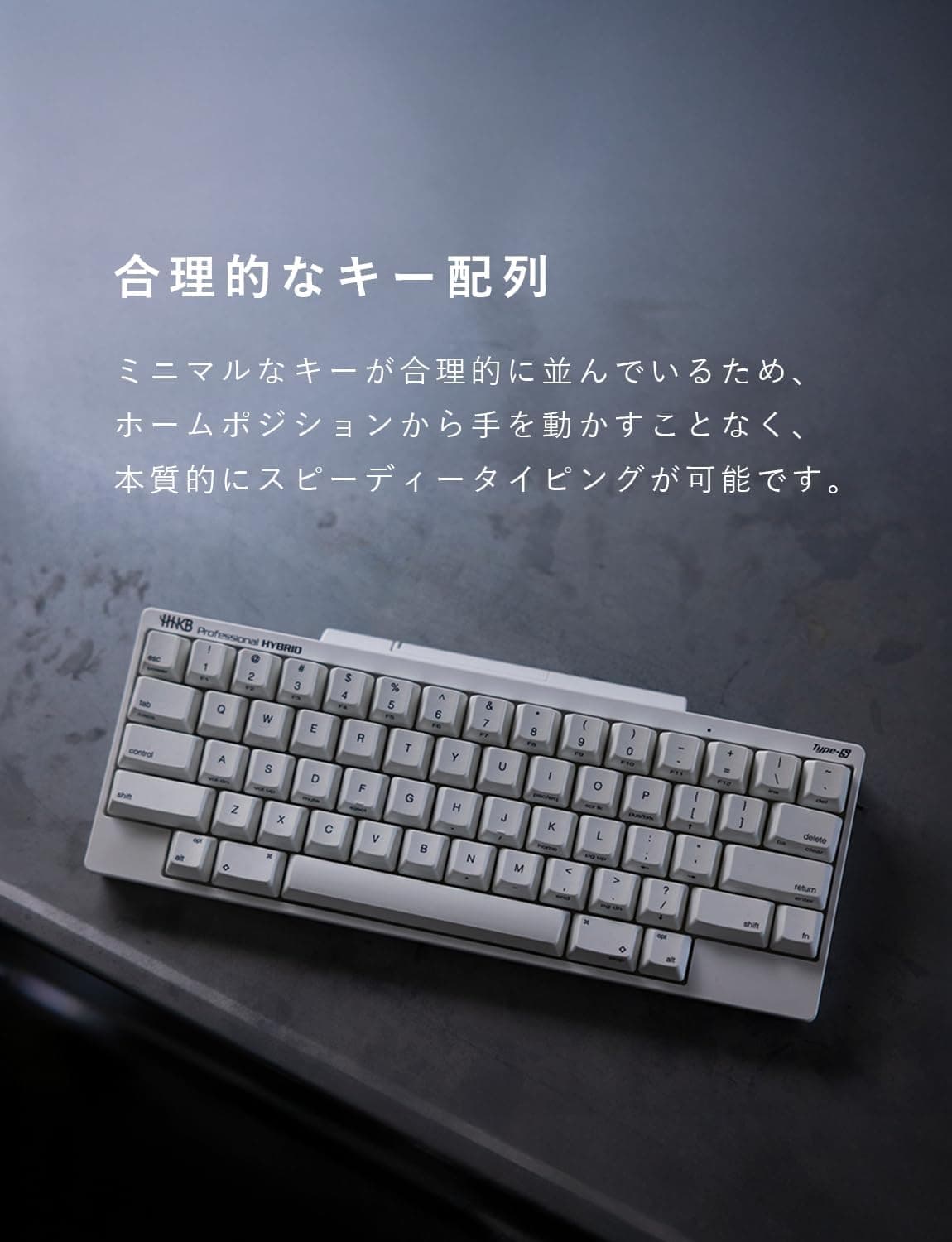
Japanese-layout keycaps will not fit.
Connection is a detachable USB Type-C cable, wired only. There is no Bluetooth and no wireless receiver.
Power comes from USB bus power (USB-C, 5V, up to roughly 500mA), so no separate adapter is needed. The flip side: running full RGB through an underpowered USB hub can cause dim lighting or flaky detection.
If you keep RGB on, plug directly into the PC.
It works as a standard HID keyboard on Windows, macOS, and Linux. However, the Glorious Core configuration software is Windows-only, so key remapping, macros, and detailed RGB settings are unavailable on macOS and Linux — you get hotkey control only.
The braided cable is about 1.8m, enough for a PC placed under the desk.
| Item | Value | What it means in practice |
|---|---|---|
| Keys | 87 (tenkeyless) | Arrows and function row kept; mouse sits closer |
| Switches | Gateron Brown (tactile) | A light bump mid-press. Not a silent switch |
| Supported switches | 3-pin plate-mount MX-style | 5-pin switches need their legs clipped |
| Keycaps | ABS double-shot | Legends last, but the surface gets shiny |
| Backlight | Per-key RGB SMD LED | Hotkey control without software |
| Interface | USB-C (detachable) | Wired only; easy cable swaps and transport |
| Cable | ~1.8m braided | Standard reach for under-desk setups |
| Frame | Aluminum top plate + ABS bottom | Rigid enough, but cost and weight controlled |
Product Info
The key specs are in the table above. Here is what the table does not convey.
The frame pairs an aluminum top plate with an ABS bottom. Compared with fully machined aluminum boards in higher tiers (Keychron Q series and similar), typing sound is lighter and the internal cavity tends to resonate.
The upside is that foam or silicone mods placed inside have an audible effect, so if you enjoy tuning sound yourself, there is more room to work with here than on a sealed high-rigidity case. The aluminum plate also adds weight over all-plastic boards in the same class, so it rarely slides during normal typing.
Gateron Brown tactile switches come pre-installed. They give a light bump partway through the press, making the actuation point clearer than a linear (red-style) switch.
A common misconception is that brown switches are quiet — they are not. Tactiles are quieter than clicky blues, but bottom-out and spring noise are still there.
If you share an office or a room, plan on swapping to a silent switch. Thanks to hot-swap, that takes one tool and a few minutes.
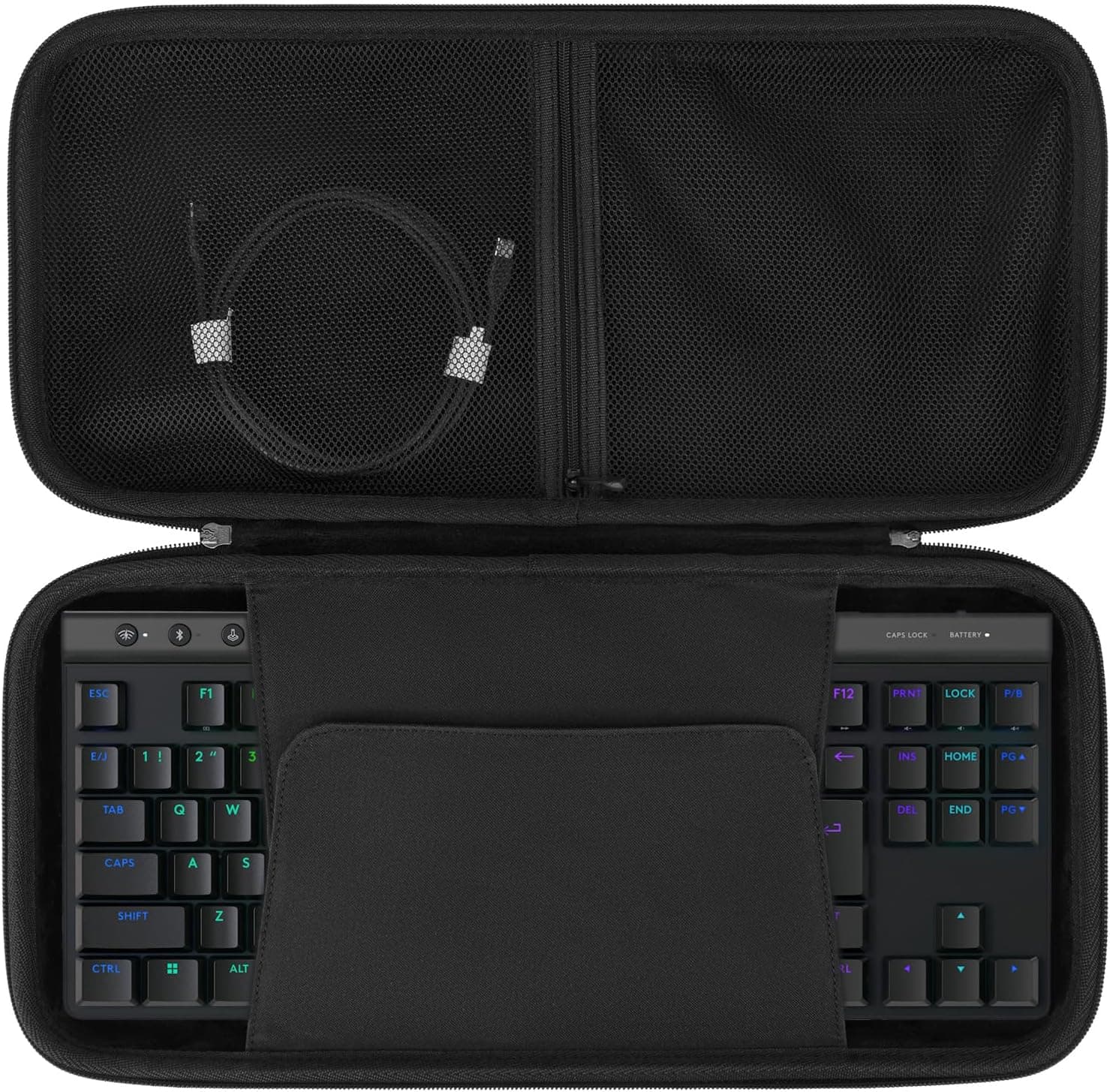
Included are a keycap puller, a switch puller, a braided USB-C cable, a manual, and stickers. Bundling the switch puller has real value for a first hot-swap board: you can experiment on day one without buying tools.
The price was ¥17,370 on Amazon.co.jp as captured on 2026-06-17.
That is reasonable for the class, but keyboards move in price often. Treat the figure as a snapshot and decide based on the live listing.
eBay listing prices vary widely per seller, so no figure is quoted here.
Using and Customizing It
Hot-swapping is simple. Grip the switch top with the included puller and pull straight up — pulling at an angle bends the pins.
Confirm both pins on the new switch are straight, then press it in perpendicular to the board. Swapping all 87 keys takes roughly 15–20 minutes once you have the rhythm.
Afterward, verify every key registers using an online key tester. A single half-seated switch shows up as a dead key or as chatter.
As a rough guide: pick a silent linear if quiet matters most, a light linear if game response matters most, and stay with tactiles like the stock Gateron Brown if you write for long stretches. The real benefit of hot-swap is not having to decide before you buy.
Use the stock Browns for a few weeks, then change only what actually bothers you.
Moving from ABS to PBT keycaps reduces shine and changes the texture. Note, though, that most PBT caps are more opaque, so if RGB visibility matters, choose a set explicitly labeled shine-through.
Durability versus lighting is a genuine trade-off here.
Alternatives
The usual comparisons are Razer's optical-switch Huntsman boards and Ducky's Cherry MX models.
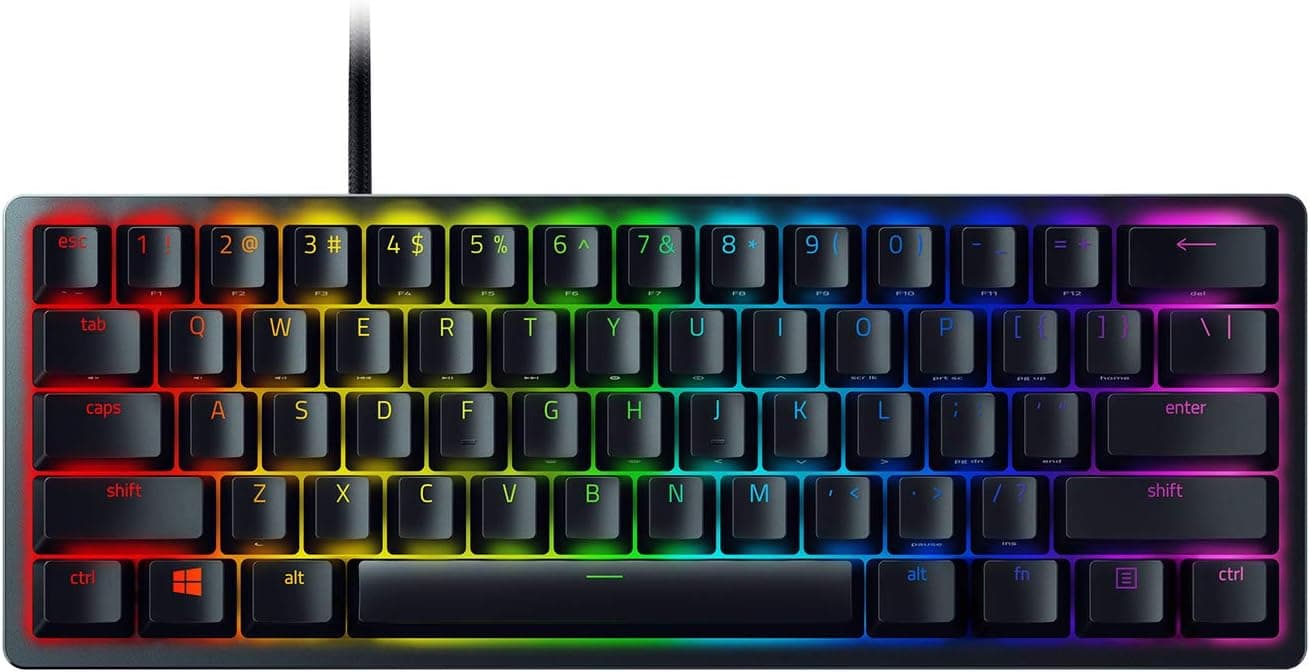
Razer's optical switches detect actuation with light instead of a physical contact, which helps response and avoids contact chatter. But they are Razer's own optical stems and are not interchangeable with standard MX switches.
Ducky boards lean on the long-proven reliability of genuine Cherry MX, though non-hot-swap models require soldering to change switches.
The GMMK1's differentiator comes down to one thing: you can keep re-choosing your switches afterward. Conversely, if you never intend to swap switches, the board's biggest strength goes unused, and you would be better served by picking on out-of-box feel and build quality.
If hot-swap is what you want, it is worth comparing against gasket-mounted options like the Keychron Q1 V2 as well.
Best Use Cases
- Mechanical keyboard beginners — no soldering, and the tools are in the box. The stock Gateron Browns have a clear enough bump to serve as a reference point for deciding whether you prefer tactile or linear.
- People who want to tune feel and sound — switches and keycaps are both replaceable, and the ABS bottom means internal foam mods are audibly effective. Good if you see "room to modify" as a feature.
- Cramped desks — the TKL layout lets you keep the mouse closer, which matters most if you make large mouse sweeps in FPS titles. Arrows and the function row remain, so you avoid the compromises of a 60% layout.
- US-layout users — this is an English-layout board, so you should be comfortable with US symbol placement and Enter key shape.
Things to Consider
There is no wireless. Wired only, no Bluetooth, no receiver.
The detachable cable helps routing, but it will not get the cable off your desk. If wireless is a requirement, rule this out immediately.
Do not read too much into the "85%" in the product name. The spec sheet says 87 keys, which is the standard tenkeyless layout.
If you expect the tightly packed spacing of a true 75%/80% board, the physical size may surprise you. Listing text often varies by shop, so check the product photos for the actual key arrangement before buying.
Along the same lines, manufacturer and model-number fields on Amazon listings occasionally contain errors — confirm the product from the title and images with your own eyes.
Keycaps are ABS. Double-shot molding means legends will not wear off, but the touched surfaces develop shine over time.
That is material behavior, not a defect. PBT replacements fix it at extra cost.
The software is Windows-only. On macOS or Linux, remapping, macros, and fine RGB control are unavailable; you get hotkeys.
On Mac, plan to use OS-level remapping or a third-party tool instead.
"Brown means quiet" is false. Tactiles are just less loud than clicky switches.
If you type late at night or in a shared space, budget for silent switches and keycap choice as part of the purchase.
Switches must be 3-pin. Buying 5-pin switches by mistake is extremely common; check for "3-pin" in the listing.
Who should skip it: anyone doing heavy numeric entry, anyone who needs wireless, anyone who wants a finished feel with zero tinkering, and anyone who requires a Japanese layout. If one of those four describes you, another board will make you happier.
FAQ
Q. Do I need to solder to change switches? A.
No. Hot-swap sockets are standard, so the included puller is all you need.
Only 3-pin plate-mount MX-style switches are supported.
Q. Can I use 5-pin switches? A.
Not as-is. Clipping the two alignment legs makes them fit physically, but modification is at your own risk.
Buy 3-pin switches instead.
Q. Does it work on Mac? A.
It works as a keyboard. But Glorious Core is Windows-only, so remapping, macros, and detailed RGB are unavailable — hotkey control only.
Q. Can I fit Japanese-layout keycaps? A.
Generally no. This is a US-layout board, and Enter and Shift shapes differ.
Choose US-layout, TKL-compatible sets.
Q. How is it reviewed? A.
As captured on 2026-06-18, Amazon.co.jp shows 789 reviews averaging 4.6 out of 5 stars (about 92% positive).
With hundreds of samples, that suggests few extreme misses. Ratings change over time, so check the listing for current figures.
Q. What does it cost? A.
¥17,370 on Amazon.co.jp as captured on 2026-06-17.
Keyboards fluctuate with sales and stock, so treat this as a snapshot and confirm the live price when buying.
Product Disclosure (Amazon)
- Manufacturer: GLORIOUS
- ASIN: B071KGHZY4
- Note: This article covers a manufacturer-made product based on Amazon listing details.