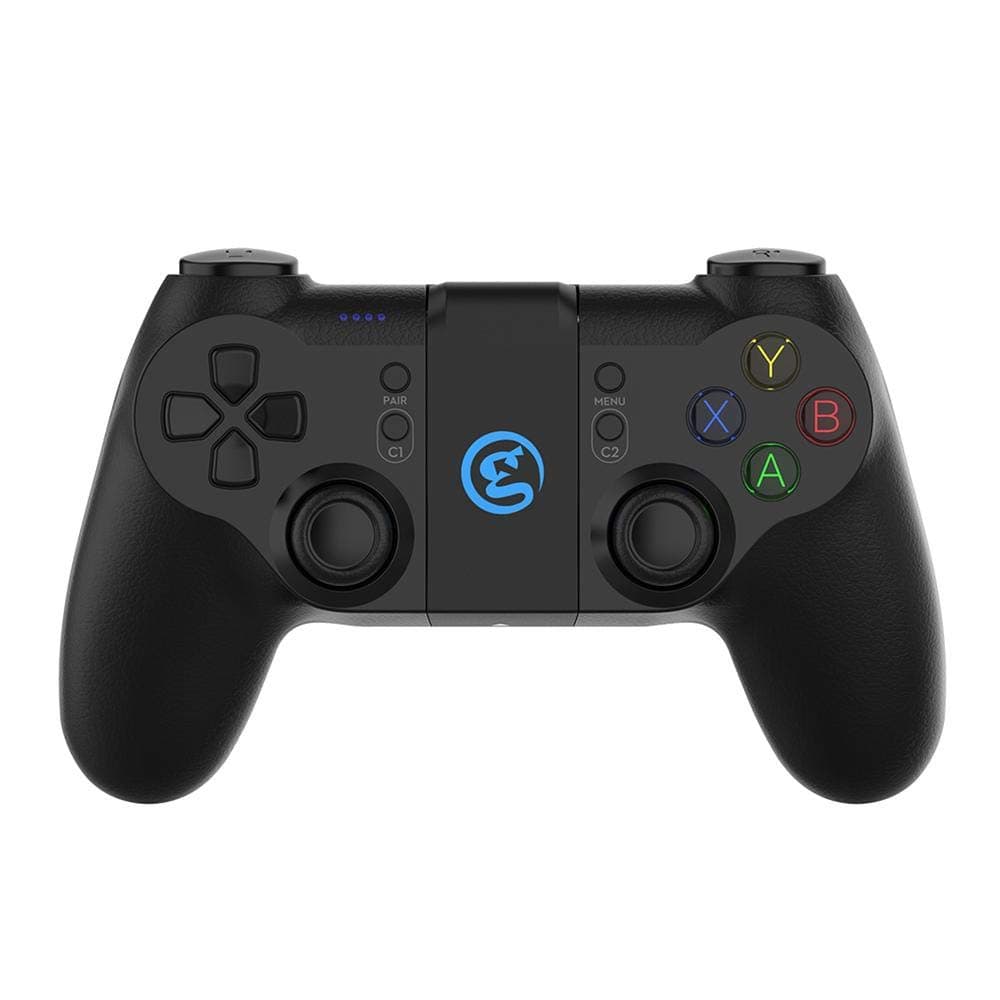
The GameSir G4 Pro is a do-everything gamepad: Bluetooth, a 2.4GHz dongle, and USB Type-C wired, across PC, iOS, Android, and Nintendo Switch.
But its Amazon.co.jp rating sits at 3.4 stars from 1,105 reviews (68% positive, captured 2026-06-02) — respectable feature list, divided owners.
This article breaks down where that split comes from and which setups it actually suits.
Overview
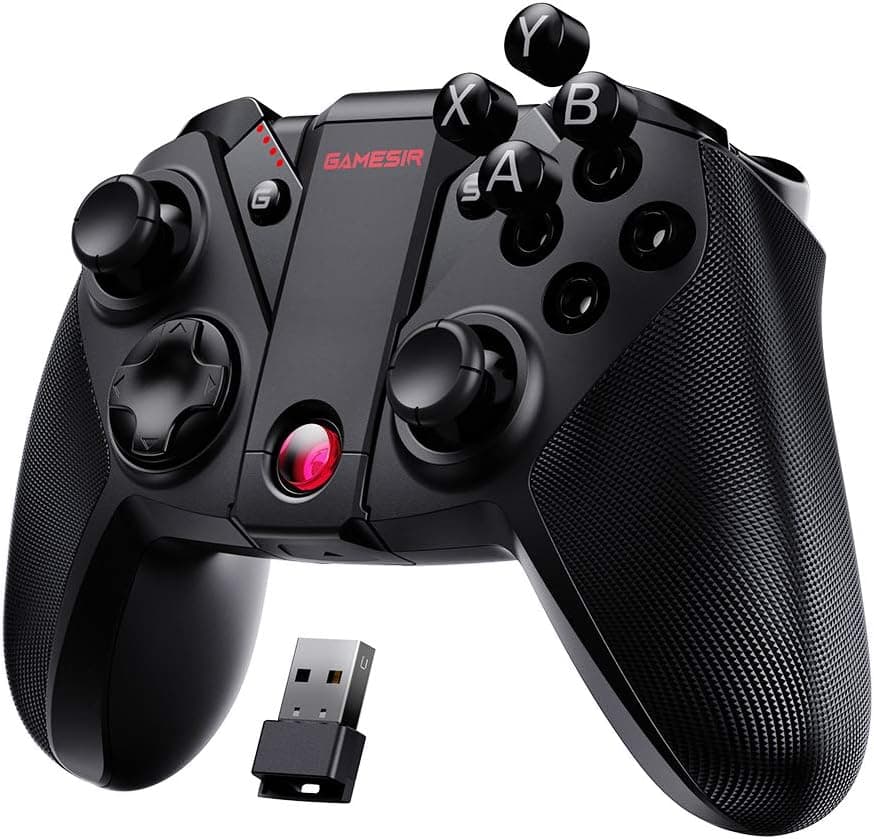
The G4 Pro is a general-purpose multi-platform pad built on an Xbox layout, with magnetic ABXY caps you can pull out and re-seat in Nintendo order. It has a six-axis gyroscope, dual asymmetrical rumble motors, and an 800mAh battery charged over USB Type-C.
The short version: this pad makes sense if you move between ecosystems and don't want three controllers on the shelf. If you only ever play on one platform, a first-party or platform-specific pad at a similar price will likely satisfy you more.
Read the 3.4-star average not as "it lacks features" but as "covering four platforms means it isn't the best on any single one."
Compatibility Guide
Matching the connection type to the platform up front prevents most of the "it won't connect" frustration.
| Connection | Best for | What to know |
|---|---|---|
| USB Type-C wired | PC / docked Switch | Lowest latency, no battery worries. The default for long sessions |
| 2.4GHz dongle | PC / Switch | The most stable wireless option. Don't lose the dongle |
| Bluetooth | iOS / Android / Switch | Most convenient, most dependent on app-side support |
On Windows the pad enumerates as an Xbox 360 controller via Xinput, which is the practically important part: most Steam and Game Pass titles assume Xinput for button prompts and rumble, so no driver install is needed. If you use Steam, check the Steam Input settings once to avoid the classic double-input problem where a stick moves both the camera and the character.
macOS support varies far more by title — don't assume Windows-like behavior.
On Switch the pad registers as a Pro Controller. Expect the usual third-party caveats: pairing can drop after a deep sleep and may need re-pairing from the console, and system updates have historically changed how third-party pads behave.
There is no NFC, so amiibo will not work.
iOS is the strictest environment. Input only reaches a game if the app itself supports controllers, so "recognized in system settings but dead in-game" is a real outcome.
Apple Arcade titles generally advertise controller support; many mainstream mobile games do not. Check the App Store listing for your specific game before buying.
The same split applies to gyro: the pad having a sensor and the app accepting gyro input are two separate things.
Android is more permissive — most titles treat it as a standard HID gamepad over Bluetooth, and cloud services like Xbox Cloud Gaming usually work once the OS sees the pad. Remember that in cloud gaming, network and server latency dominate controller latency; test on a solid connection before blaming the hardware.
Product Info
The 800mAh battery is typical for this class, and runtime swings noticeably with how much rumble you use. The dual asymmetrical motors let each grip vibrate at a different intensity.
The six-axis gyro enables stick-plus-motion aiming in supported titles.
The standout is the magnetic ABXY cap system: no screws, no tools — pull the caps and re-seat them to switch between Nintendo and Xbox lettering. If you bounce between Switch and PC, it removes a real source of misinputs.
Rubberized grips and metal-plated buttons give it a finish appropriate to its price band.
On pricing: Amazon.co.jp listed it at ¥6,280 as captured on 2026-06-02.
Prices move and sales go lower, so check the product page for the current figure. A marketplace listing collected alongside it showed $119.69 — an order of magnitude out of line for this product class, most likely a resale listing, a different bundle, or a data error.
This article does not use it. If you see a listing at two or three times the domestic retail price, compare against official channels first.
How It Compares
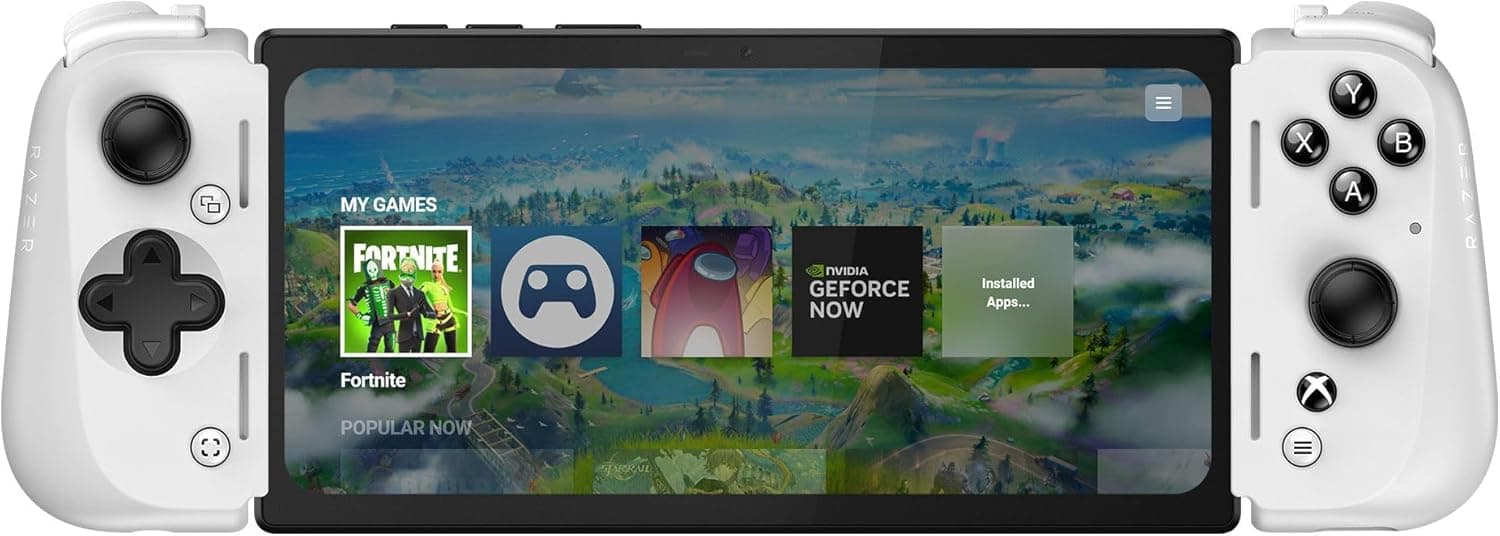
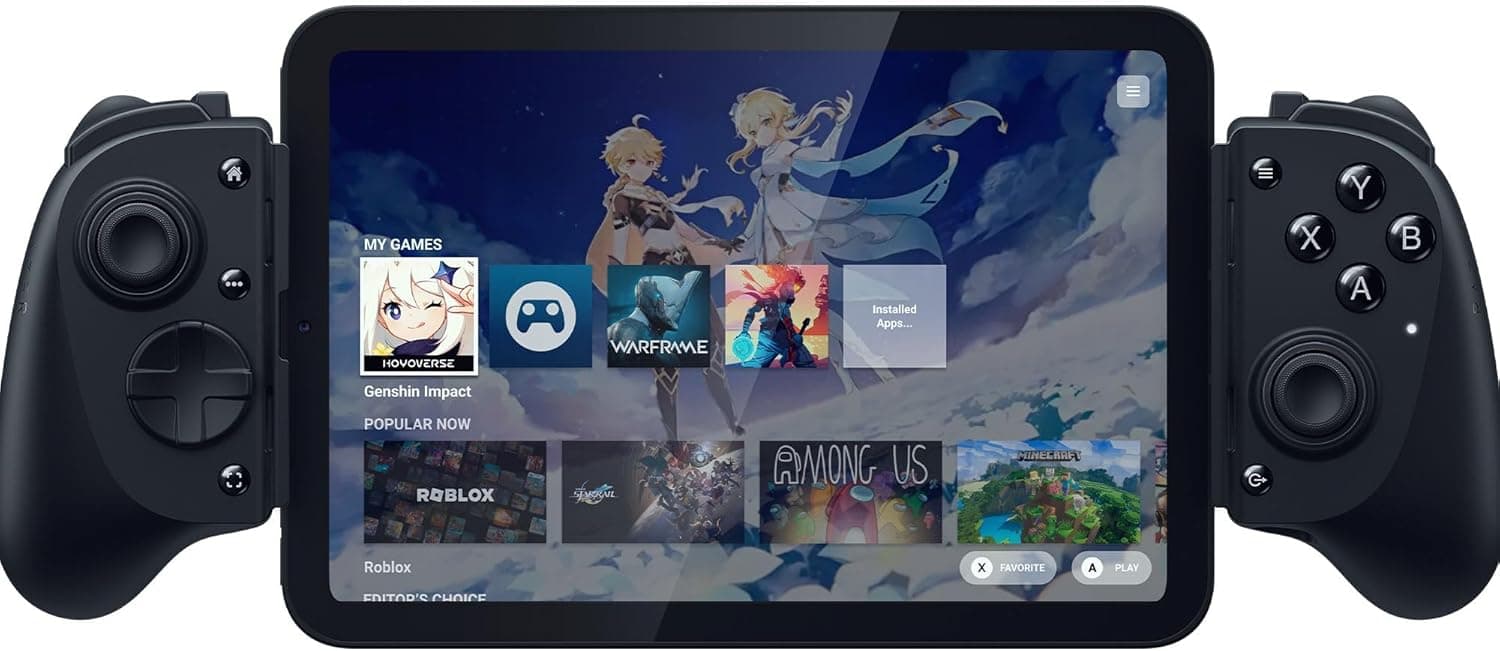
Even within GameSir's own range, the X2 / X2 Pro clip-on models are a different concept: purpose-built for phone gaming, better for portability and direct-connection latency. The G4 Pro is a conventional two-handed pad meant for sitting down in front of a TV or monitor.
Phone-only players should look at the X2 family; PC-and-Switch-primary players who occasionally use a phone are the G4 Pro's audience.
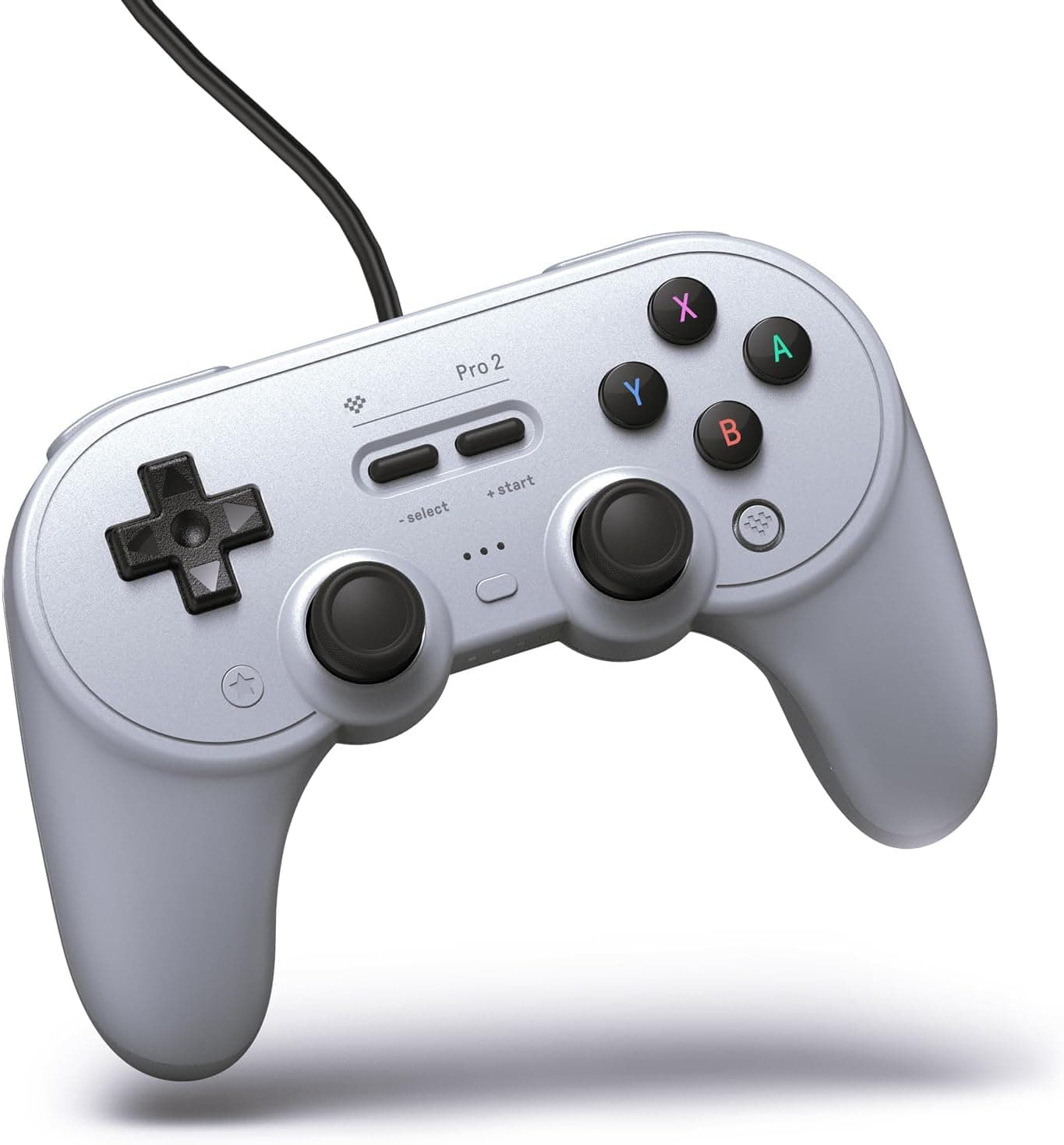
For PC-only use, a wired-only pad or a newer model with Hall effect sticks has a concrete advantage in drift resistance — the single biggest lifespan factor for wireless controllers. That competitive context is a fair way to read the 3.4-star average: specialists exist in every lane.
Getting the Most Out of It
Having a wired option at this price is a genuine advantage. For fighting games and precision action, just use the cable.
Save wireless for couch play, prefer the 2.4GHz dongle when you can, and treat Bluetooth as the fallback for devices with no free USB port.
Where firmware updates are offered, applying one right after purchase often resolves connection quirks — check the manufacturer's support page for your model. Also clean up stale pairings on devices you no longer use; multi-device pairing is a common cause of the pad connecting to the wrong machine.
Best Use Cases
- Players who rotate between PC, Switch, and phone — one pad covers all three, with the button layout physically matched to each.
- Cloud gaming on a tablet or TV — the conventional pad shape suits playing away from the screen.
- A cheap second or guest controller — around the price band seen in mid-2026, it costs roughly half a first-party pad.
- Anyone who wants to swap Nintendo and Xbox lettering — the magnetic caps solve that directly.
If you play on one platform and can afford its first-party pad, you don't need to buy multi-platform flexibility you'll never use.
Before You Buy
Take the rating at face value first: 3.4 stars from 1,105 reviews, 68% positive, captured 2026-06-02.
With a sample that large, this isn't explainable as isolated defects — experience varies sharply by setup. Three connection modes times four platforms is a lot of combinations, and that breadth is also the probability that your combination is a rough one.
Decide which single platform and connection you're actually buying it for.
Be most cautious if iOS is your reason. "iOS" in the product name means it can connect to an iOS device, not that your game will accept its input.
Verify controller support for the specific title. Gyro support works the same way — pad-side and app-side are independent.
Switch use requires compromises too: no amiibo/NFC, possible re-pairing after sleep, and the general third-party risk of behavior changing after a system update. If you need a true Pro Controller replacement, buy the first-party one.
The 800mAh battery drains faster with heavy rumble, so plan on wired as primary and wireless as secondary for marathon sessions. And stick drift — the standard failure mode for wireless pads — applies here as well; treat sticks as consumables or consider a Hall effect model for the long haul.
Finally, about listing data: this article covers the GameSir G4 Pro (ASIN B08HYTBTK2), but retail product pages frequently carry incorrect manufacturer names, model numbers, or mixed-in variant details, and marketplace sellers sometimes list at multiples of retail. Confirm the product images, title, and seller yourself before ordering.
FAQ
Q. Do I need to install drivers on PC? A.
Normally no — Windows sees it as an Xbox 360 controller via Xinput. If you use Steam, check Steam Input once to avoid double-input issues.
Q. Will it work with any iPhone game? A.
No. The app must support controller input.
Check the App Store description; Apple Arcade titles are more likely to support it.
Q. Does amiibo work on Switch?
A. No. There is no NFC reader, so you need a first-party Pro Controller or Joy-Con for amiibo.
Q. How much latency does it add? A.
No figure is published. Generally wired is most stable, then 2.4GHz, with Bluetooth last.
For competitive play, start with the cable.
Q. Does swapping ABXY caps change the button mapping? A.
The magnetic caps only change the physical lettering. How the device reads the inputs depends on the platform, so adjust in-game or system button settings as needed.
Q. Does 3.4 stars mean I should avoid it? A.
Not necessarily. For "one pad across several platforms" there are few alternatives at this price.
For the best experience on a single platform, a specialist pad will serve you better.
Product Disclosure (Amazon)
- Manufacturer: GameSir
- ASIN: B08HYTBTK2
- Note: This article covers a manufacturer-made product based on Amazon listing details.