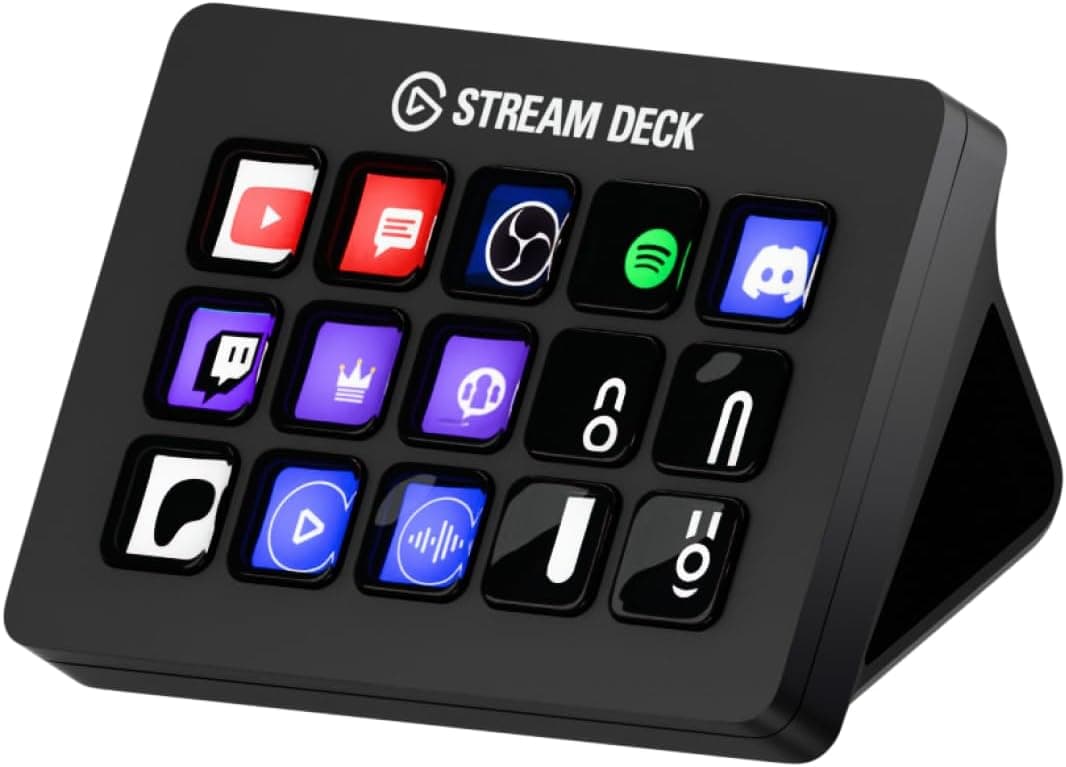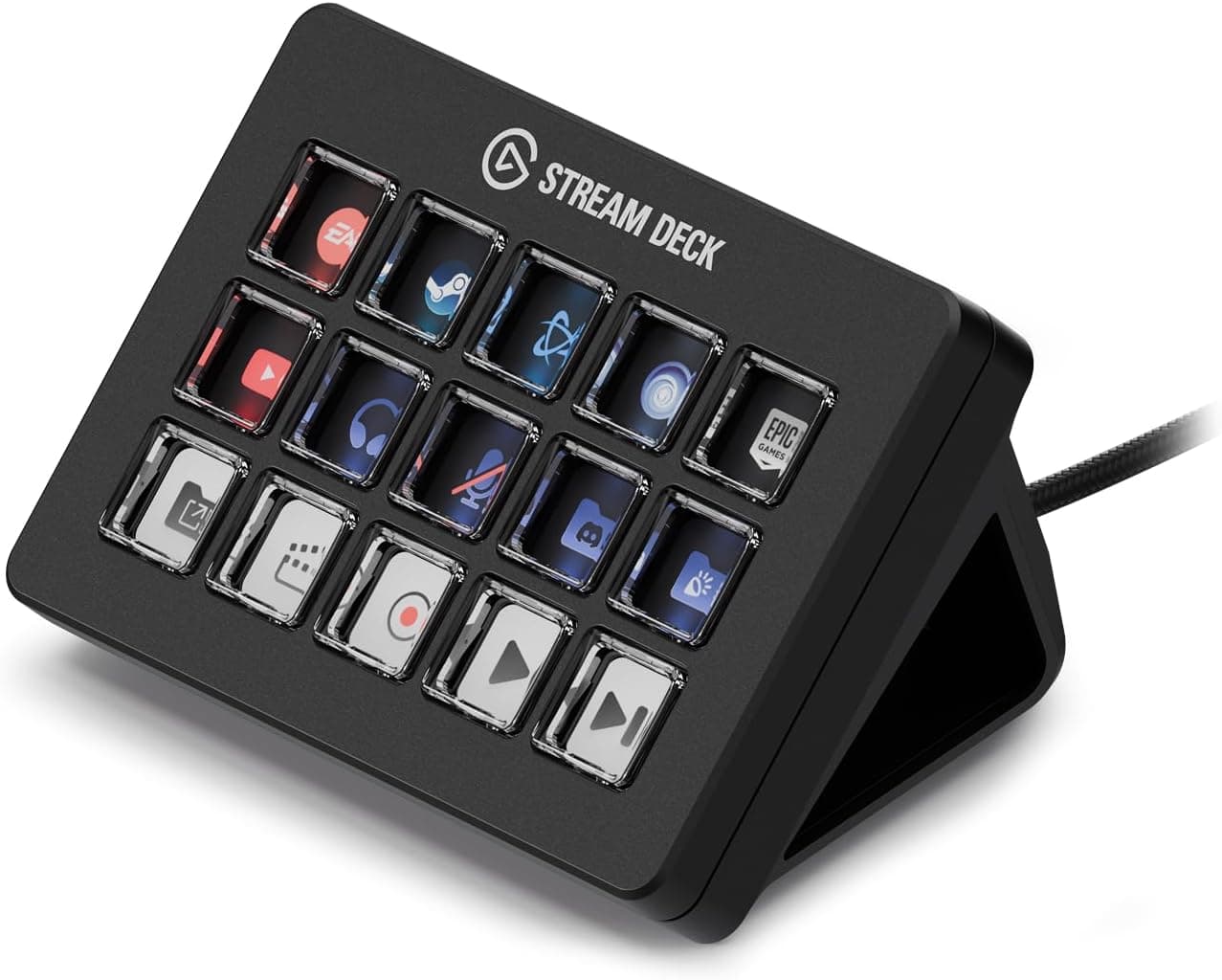
This article covers the Elgato Stream Deck MK.2 White (parallel import), using the published specs and listing data to explain who it actually helps and who can safely skip it.
Overview
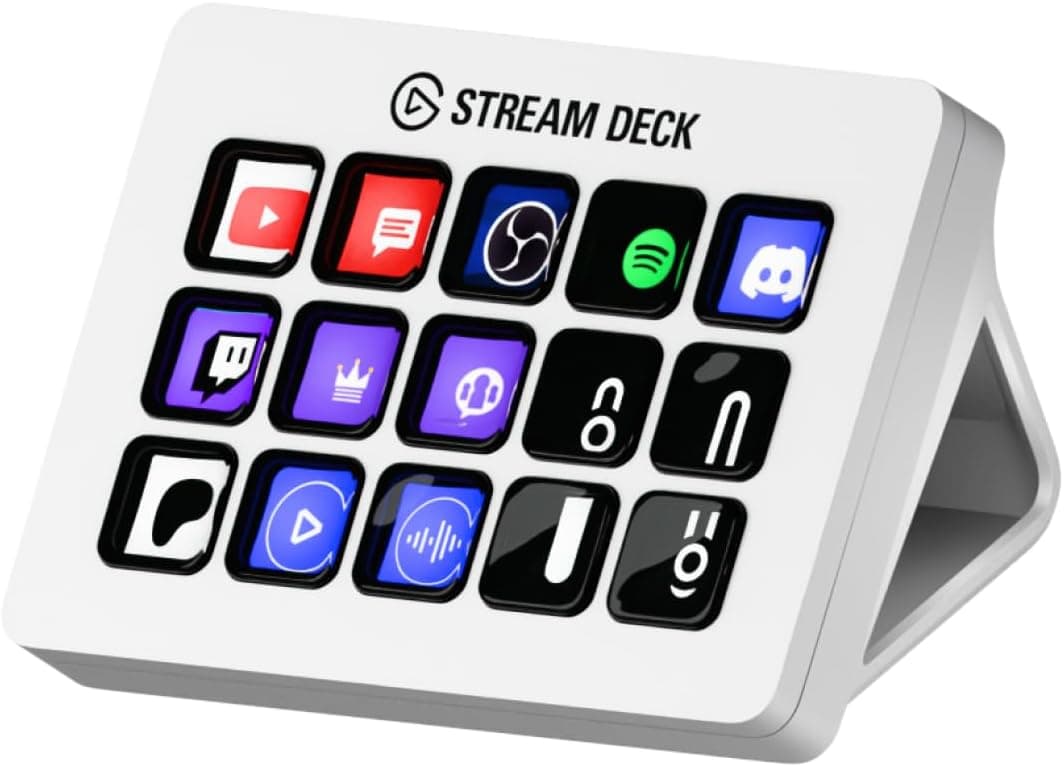
The Stream Deck MK.2 White is a compact controller with 15 customizable LCD keys.
Every key has its own display and backlight, so the icon on the surface reflects the action assigned to it and, in many cases, its current state (muted, live, recording). It turns shortcuts from something you memorize into something you can see, which is the clearest way to understand the product.
The unit measures 118 x 84 x 25 mm and weighs about 256g. That weight matters: it is heavy enough that the body does not slide when you press a key.
As of the 2026-07-08 capture, the Amazon.co.jp listing showed 2,327 reviews at 4.7 out of 5 stars (94% positive).
Holding 4.7 across more than 2,000 reviews is a reasonable signal that unit-to-unit quality is consistent.
This is a parallel import. The hardware is the same as the officially distributed version, but the warranty situation is not, and that difference is the main thing to weigh before buying.
Compatibility Guide
Connection is USB 2.0 Type-A with a 1.5m cable.
Supported operating systems are Windows 10 or later and macOS 10.13 or later.
The device depends on the Stream Deck software, so it does nothing useful on an unsupported OS. It also works with the Stream Deck Mobile app for iOS and Android, which is a separate download.
| Check | Given spec | What to watch in practice |
|---|---|---|
| Port | USB 2.0 Type-A | Type-C-only machines need an adapter or hub |
| Cable | 1.5m | May not reach a desk if the PC sits on the floor |
| Footprint | 118 x 84 x 25 mm | Verify space beside the keyboard or under the monitor |
| Weight | approx. 256g | Consider mounting if you plan to attach it to an arm |
| OS | Windows 10+ / macOS 10.13+ | Older systems and Linux are outside official support |
USB 2.0 bandwidth is never the bottleneck here, but detection can become unreliable on crowded bus-powered hubs.
Plugging directly into a port on the machine is the safest route. Before buying, cutting a 118 x 84 mm piece of paper and placing it on your desk is a quick way to avoid a layout surprise.
The MK.2 generation is generally described as supporting a detachable cable and swappable faceplate, but parallel-import bundles vary by seller.
Confirm the included accessories on the listing itself.
Product Info
| Item | Value |
|---|---|
| Keys | 15 |
| Connection | USB 2.0 Type-A |
| Cable length | 1.5m |
| Dimensions | 118 x 84 x 25 mm |
| Weight | approx. 256g |
| Backlight | Yes (per key) |
| OS support | Windows 10+, macOS 10.13+ |
| Mobile app | iOS/Android (Stream Deck Mobile) |
On pricing, the Amazon listing showed ¥21,000 as captured on 2026-07-08, and the eBay US listing showed $105.95 as captured on 2026-08-17.
Both are point-in-time figures. Parallel imports move with exchange rates and stock, so swings of several thousand yen are normal and you should check the current price on the product page before ordering.
An overseas marketplace figure is only comparable to the domestic price once shipping and import costs are added on top.
The MK.2 launched in 2021, and that age is an advantage: the plugin ecosystem and community icon packs are mature, and the hardware itself is well proven.
How It Works in Practice
Fifteen keys sounds limiting at first. The software adds folders and profiles, though: one key can open a folder, and profiles can switch automatically based on the active application, so your effective button count is not capped at 15.
A workable streaming layout uses four to six keys for scene switching, two for mic and music mute, one or two for start/stop, and two for chat or social apps, leaving the rest empty on purpose. For production work, the payoff scales with how deeply buried the operation is: exports, renders, and multi-step effect chains are worth a key, while Ctrl+C is not.
This device rewards gradual setup. Rather than filling every key on day one, spend a week noting which actions you keep hunting for with the mouse, then assign those.
Choosing Between Models
Elgato's lineup includes the smaller Mini, the 32-key XL, and the Plus models with dials and a touch strip. The deciding question is whether you need more buttons or continuous control.
On/off actions like scene switching fit the MK.2's 15 keys.
Volume balancing, exposure, or timeline scrubbing genuinely suit a dial-equipped model instead. If you routinely need more than 20 buttons live, the folder hopping adds up and the XL is the better buy from the start.
Best Use Cases
The strongest fit is a streamer who wants scene switching, muting, and stream start/stop handled physically, so no on-screen hunting interrupts the talk. Next are video editors and designers who repeat deeply nested menu operations and can collapse them into one key.
Beyond that, heavy meeting users benefit from physical mute and camera toggles, and developers can bind build or deploy commands. The white chassis is also a legitimate reason to pick this variant if your desk is built around light colors.
If keyboard shortcuts already cover your workflow and nothing frustrates you, skip it. This product solves "I can't remember the shortcut" and "I waste time hunting with the mouse." Without those problems, the money is better spent elsewhere.
Before You Buy
The biggest caveat is the parallel import status: no manufacturer warranty, so support depends entirely on the seller. Confirm whether the shop offers its own coverage, and for how long, before ordering.
If the gap versus the domestic official version is only a few thousand yen, the warranty can easily justify paying more.
Second, people underestimate how many keys they need. Write down the actions you actually want bound and count them.
Past 20, look at the XL.
Third, this is a software-dependent product. The Stream Deck application must run in the background, and integration coverage depends on official and third-party plugins.
Check that the apps you care about are supported before buying.
Fourth, the 1.5m cable can fall short if the PC sits under or away from the desk, and a poor-quality extension is a common cause of detection problems even at USB 2.0 speeds.
Finally, listing metadata on marketplaces is occasionally wrong, and parallel-import listings vary more than most because each seller registers their own details. When you open the page, confirm from the images and title that you are looking at a 15-key MK.2 in white, not the original Stream Deck, a used unit, or a display model.
FAQ
Q. Can a parallel import unit be used in Japanese? A.
Yes. Language is selected in the Stream Deck software, though the printed quick-start guide may not be in Japanese.
Q. Are 15 keys enough? A.
Folders and automatic profile switching extend the effective count. If you need more than 20 buttons available at all times, the 32-key XL is more comfortable.
Q. Will it work on a Type-C-only machine? A.
It uses USB 2.0 Type-A, so you need an adapter or hub.
Avoid cheap passive hubs; a direct port connection is the most reliable.
Q. Is it useful outside OBS? A.
Yes. Generic hotkey output, app launching, text input, and multi-actions make it useful for editing and day-to-day work.
Verify plugin support for your specific apps.
Q. What about warranty? A.
Parallel imports fall outside manufacturer warranty, so support depends on the retailer. Weigh that against the price difference with the domestic official version.
Product Disclosure (Amazon)
- Manufacturer: Elgato
- Seller: K's Design
- Fulfilled by: Amazon
- ASIN: B09RMXK59C
- Note: This article covers a manufacturer-made product based on Amazon listing details.