Overview
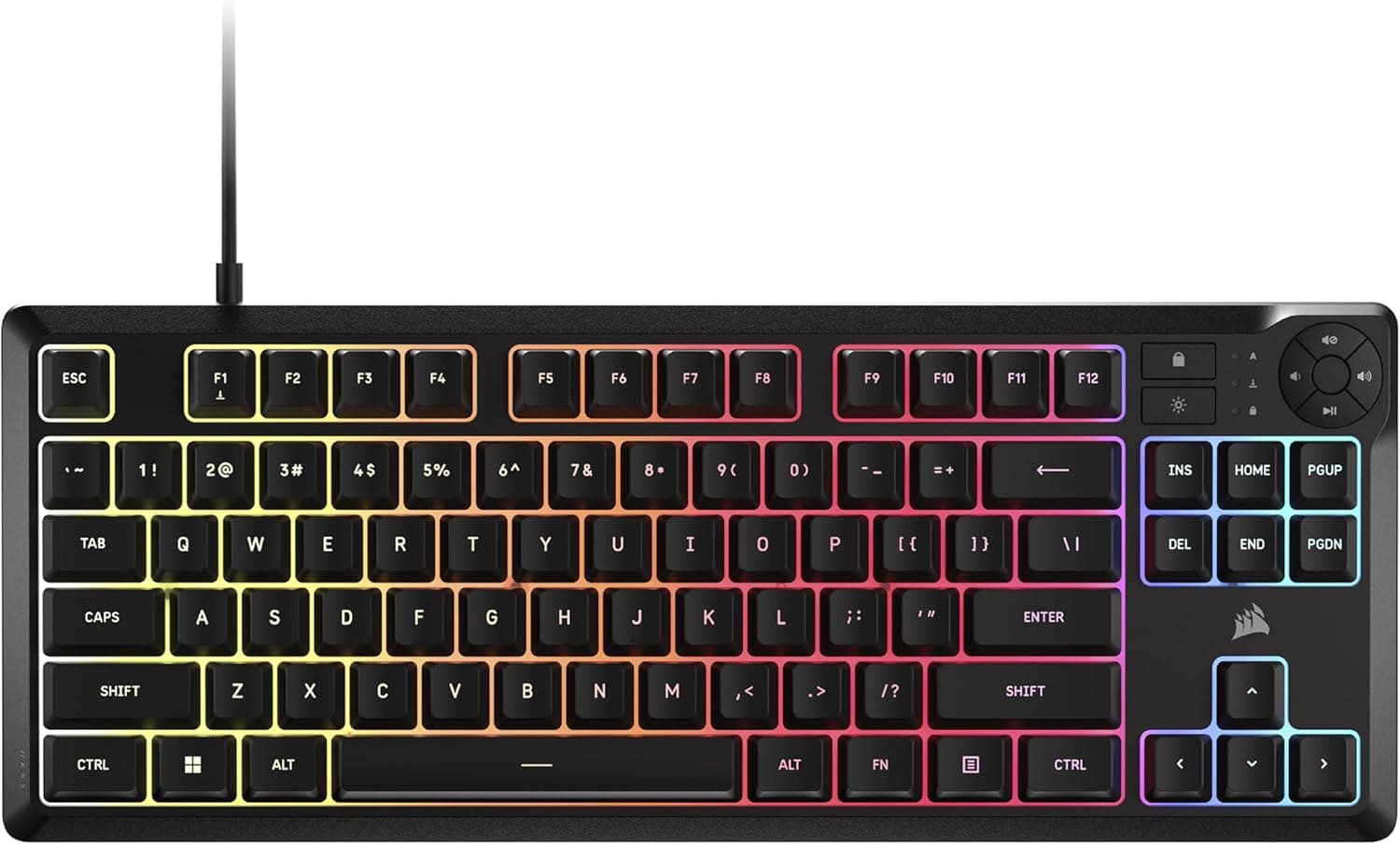
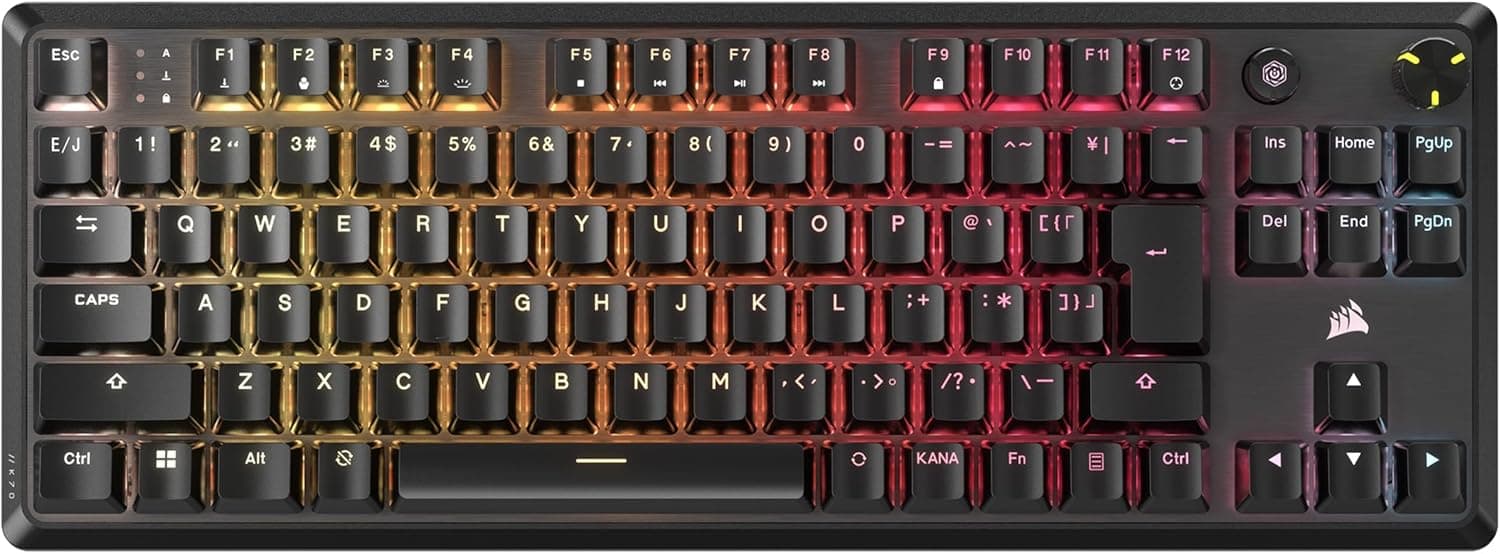
The CORSAIR K70 CORE TKL MLX RED (CH-911911E-JP2) is a wired tenkeyless gaming keyboard. The short verdict: it suits anyone who wants smooth, quiet linear switches in a Japanese JIS layout at a mid-range price.
If wireless, a numpad, PBT keycaps, or Mac support is non-negotiable for you, look elsewhere from the start.
The body measures 366 × 135 × 39 mm, roughly 7–8 cm narrower than a full-size board. It uses factory-lubed MLX RED linear switches, per-key RGB backlighting, a USB-C wired connection, and ABS keycaps.
Within that spec sheet, the pre-lubed switches are the strongest point for the price, and the ABS keycaps are the clearest cost-saving compromise. Judging the board through those two facts makes the decision much faster.
Amazon.co.jp showed 10 reviews at 4.0 stars as of 28 May 2026.
That is a small sample — not enough to call the product proven either way. Read the specs and the construction rather than the star average.
How to Read the MLX RED Switch
MLX RED is a linear switch: no tactile bump partway down, no click, just a consistent weight to the bottom. That uninterrupted travel helps when you are rapidly repeating or micro-adjusting the same key in games.
Writers who rely on tactile feedback to catch typos often prefer a tactile switch instead.
"Pre-lubed" means grease is applied to the stem and housing contact surfaces at the factory. In the custom keyboard world, doing this by hand means disassembling every switch — hours of work for a full board.
Getting it done from the factory means less scratchy friction noise out of the box and a lower-pitched sound overall. At this price point, that is still uncommon in a finished retail keyboard.
Important distinction: pre-lubed is not the same as silenced. Lubrication reduces friction noise, but the bottom-out thock and the return click remain.
It will not match a dedicated silent switch with built-in dampening rings. Detailed figures such as actuation point and force can vary by revision, so check the product page spec table before buying.
Compatibility Guide
Connection is USB-C at the keyboard end to USB-A at the PC end, cable included. The supported OS is Windows, and iCUE requires Windows 10 or later.
This is the practical constraint that matters most: on Mac, iPad, or some Linux setups, basic typing may work but software customization will not. RGB patterns, macros, and key remapping all live inside iCUE.
| Check | Detail | Where people get caught out |
|---|---|---|
| Connection | USB-C (board side), wired | Needs one free USB-A port on the PC |
| OS | Windows (iCUE on Win 10+) | No configuration software on macOS |
| Layout | Japanese JIS, tenkeyless | US-layout config guides won't map directly |
| Footprint | 366 × 135 × 39 mm | 135 mm depth excludes wrist rest space |
| Keycaps | ABS | Replacement sets must be JIS-compatible |
Don't budget desk space from the 135 mm depth alone — allow another 8–10 cm in front for your palms, plus overlap with the mouse pad if you angle the board. The real payoff of going tenkeyless is 7–8 cm of extra horizontal mouse room, which matters most to low-sensitivity FPS players who sweep the mouse widely.
One more note: the RGB draws power over USB. Plugging into a bus-powered hub alongside other devices can cause dim lighting or flaky detection.
Use a port on the PC itself when possible.
Product Info
The listed price was ¥11,980 as of 28 May 2026 on Amazon.co.jp.
Keyboards go on sale often, so verify the current price on the product page — the figure here is a snapshot, not a standing price. The secondary eBay reference returns "See listing" with no concrete figure, and JIS-layout stock on overseas marketplaces is thin, so domestic retail is the realistic purchase route.
Spec summary: MLX RED linear pre-lubed switches, Japanese JIS tenkeyless layout, USB-C wired, 366 × 135 × 39 mm, per-key full RGB, ABS keycaps. This exclusive model is listed with a 2-year manufacturer warranty plus 6 months of distributor coverage, for 2.5 years total.
Warranty terms follow the purchase channel, so parallel imports and used units will not necessarily carry the same coverage.
Reviews stood at 10 entries and 4.0 stars as of 28 May 2026.
With a sample that small, a single defective unit moves the average noticeably. Read the text of the negative reviews rather than trusting the number.
How It Compares
Among wired tenkeyless boards, three axes decide the choice: JIS versus US layout, mechanical versus optical/magnetic switches, and how deep the customization goes.
The Japanese layout is this board's clearest differentiator. Most tenkeyless gaming keyboards ship in US layout, and popular alternatives in the same class are US-layout first.
If keeping your existing layout is a hard requirement, the candidate list shrinks fast.
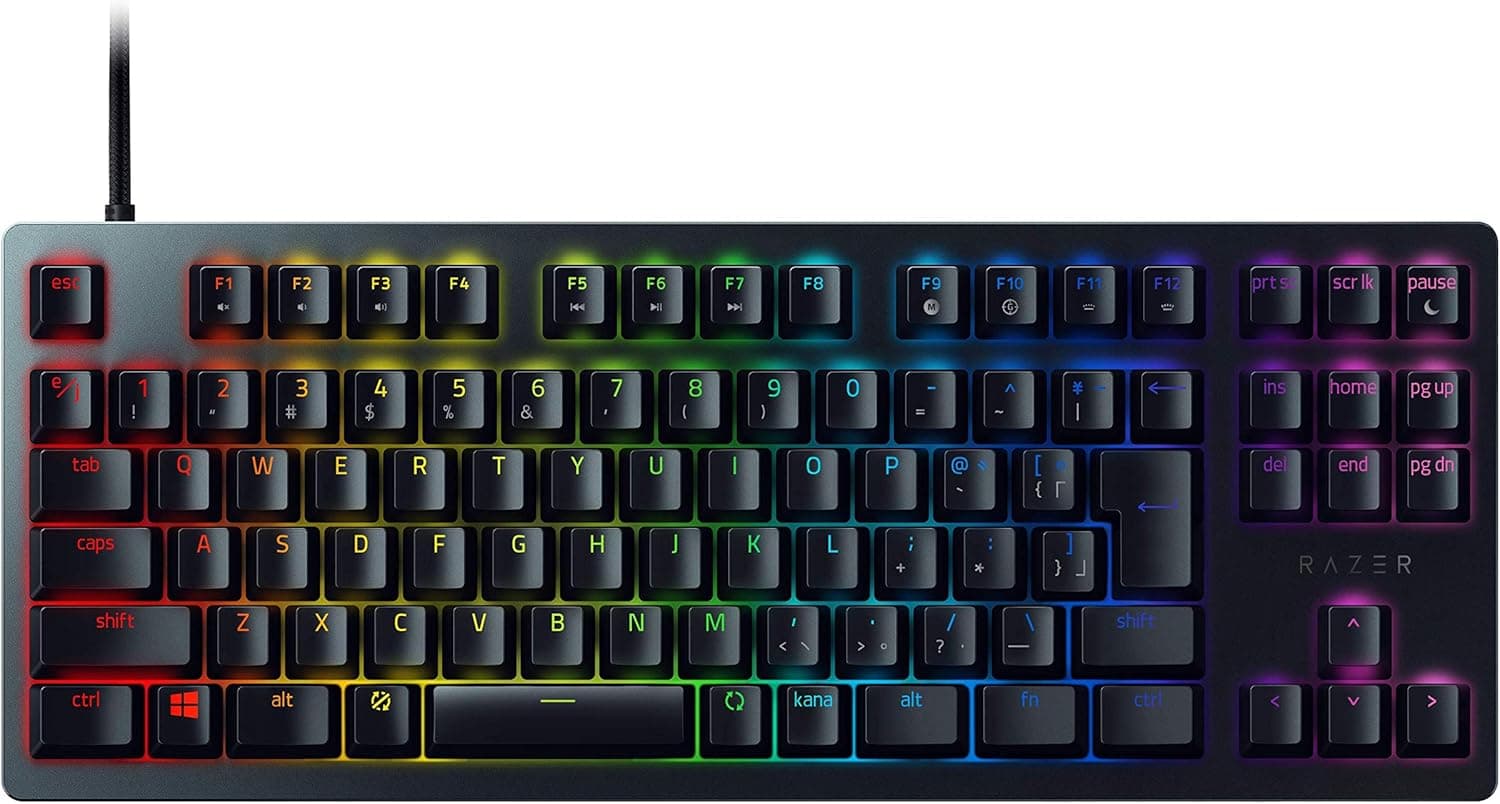
On switch technology, Hall-effect boards like the Razer Huntsman V3 HE offer adjustable actuation and rapid trigger — genuinely ahead for competitive play, at a higher price. The K70 CORE TKL targets the buyer who wants consistent, quiet feel on a sensible budget, not one tuning actuation in tenths of a millimetre.
Misjudging that leads to disappointment.
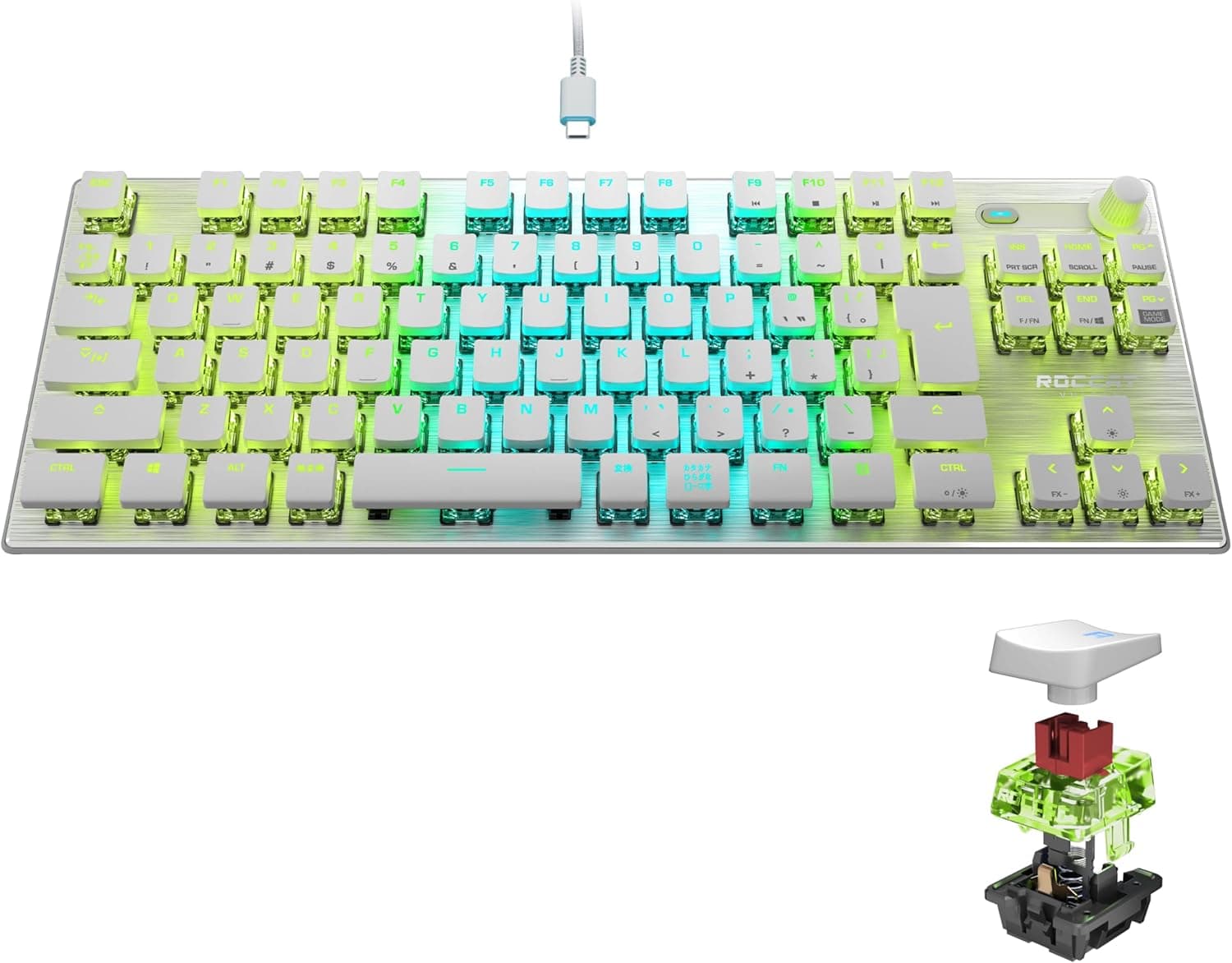
On customization, hot-swap gasket-mount boards let you change switches without soldering, but they also assume you will tune the feel yourself. If you want to be satisfied straight out of the box, a pre-tuned finished product is the safer bet.
Best Use Cases
Late-night and shared-space players benefit most: pre-lubed linears are noticeably quieter than clicky switches and easier on housemates and voice chat.
Anyone committed to the JIS layout should shortlist it — tenkeyless plus JIS plus factory-lubed linears is a rare combination at this price.
FPS and MOBA players with low mouse sensitivity gain 7–8 cm of arm room from dropping the numpad.
Existing CORSAIR owners get lighting and macro sync across iCUE devices, which raises the value of an already-built ecosystem.
It is not for people who enter numbers all day, want a cable-free desk, or work primarily on macOS.
Before You Buy
The ABS keycaps will develop shine. That is a cost decision, not a defect.
ABS wears smooth under skin oil and friction, starting with WASD and the spacebar. With a few hours of daily use, visible change within six months to a year is a realistic expectation.
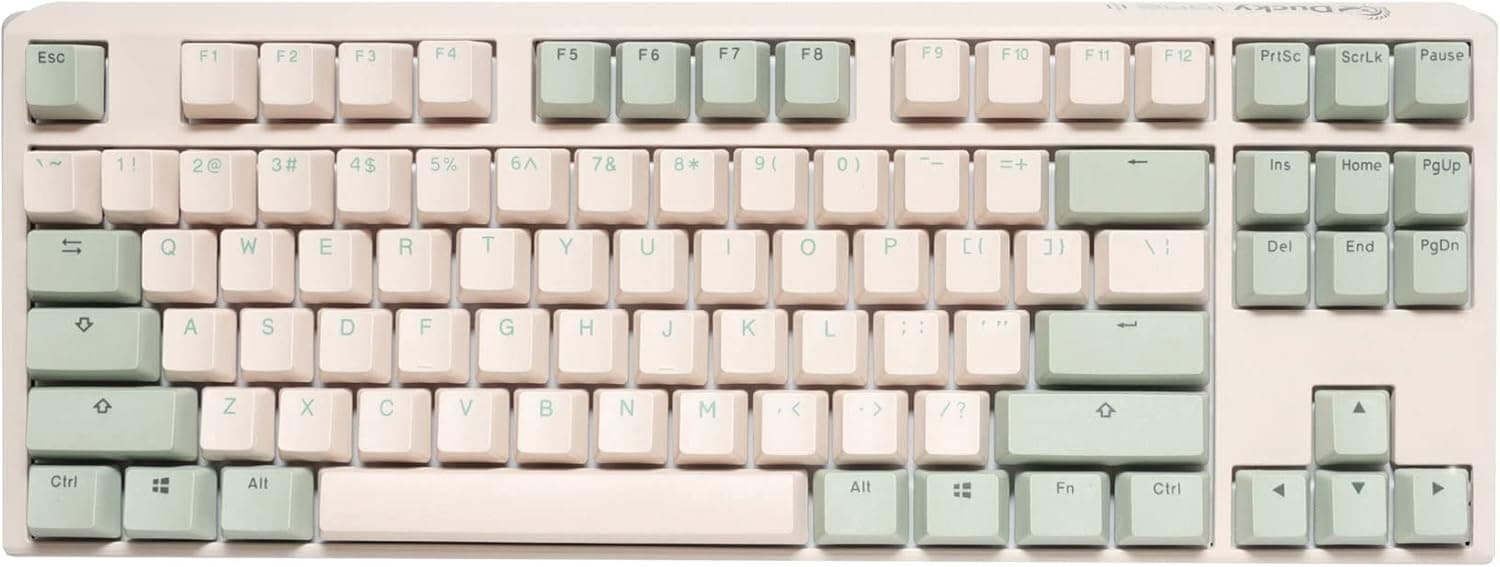
You can swap in PBT caps later, but US-layout keycap sets will not fit a JIS board — the conversion keys and ¥ key differ in size. Buy only sets explicitly marked JIS-compatible; ordering a cheap overseas set without checking is a very common mistake.
Take the Windows-only requirement seriously. Typing may work elsewhere, but without iCUE you cannot change lighting or program macros at all.
If you move between Mac and Windows on one keyboard, most of this board's appeal disappears.
Pre-lubed does not mean silent. Friction noise is reduced; bottom-out noise is not.
A microphone sitting next to the board will pick up keystrokes. Foam or O-rings can help afterwards, but if silence is the goal, buy a dedicated silent-switch model instead.
Warranty depends on where you buy. The 2.5-year figure applies to new units through official distribution.
Third-party marketplace sellers, parallel imports, and used units may not carry the distributor portion. The cheaper the listing, the more worth checking.
Check the listing details yourself. Amazon product pages sometimes carry manufacturer, model, or ASIN metadata that doesn't match the physical item.
On this listing the price label reads "Amazon US" while the currency and storefront are Japanese yen on Amazon.co.jp.
Such inconsistencies are common, so confirm the model number CH-911911E-JP2 and check that the product images show a Japanese layout (with the conversion keys present) before ordering. Where US and JIS variants share a page, it is easy to select the wrong one.
FAQ
Q. Does it work on Mac? A.
Basic input often registers, but the stated OS support is Windows and iCUE requires Windows 10 or later. Assume no RGB or macro customization on macOS.
Q. Can I replace the keycaps?
A. Physically yes, but you need a JIS-compatible set. US sets leave gaps and leftovers.
Q. How quiet is it really? A.
No click, and lubrication cuts the scratchy friction sound, but bottom-out noise remains. Quiet for a linear — not silent.
Q. Is there a wireless version? A.
This model (CH-911911E-JP2) is USB-C wired only. The upside is no latency variance and no battery to charge.
Q. Will I miss the numpad? A.
For spreadsheet and accounting work, clearly yes — a separate USB numpad placed on the left is the usual workaround. For gaming, the extra mouse room outweighs it.
Q. Can I trust the review score? A.
10 reviews at 4.0 stars as of 28 May 2026.
That is few enough that a couple of posts swing the average. Read the complaints, not the number.
Product Disclosure (Amazon)
- Manufacturer: CORSAIR
- Seller: Amazon.co.jp
- Fulfilled by: Amazon.co.jp
- ASIN: B0D7LFBRPL
- Note: This article covers a manufacturer-made product based on Amazon listing details.