Overview
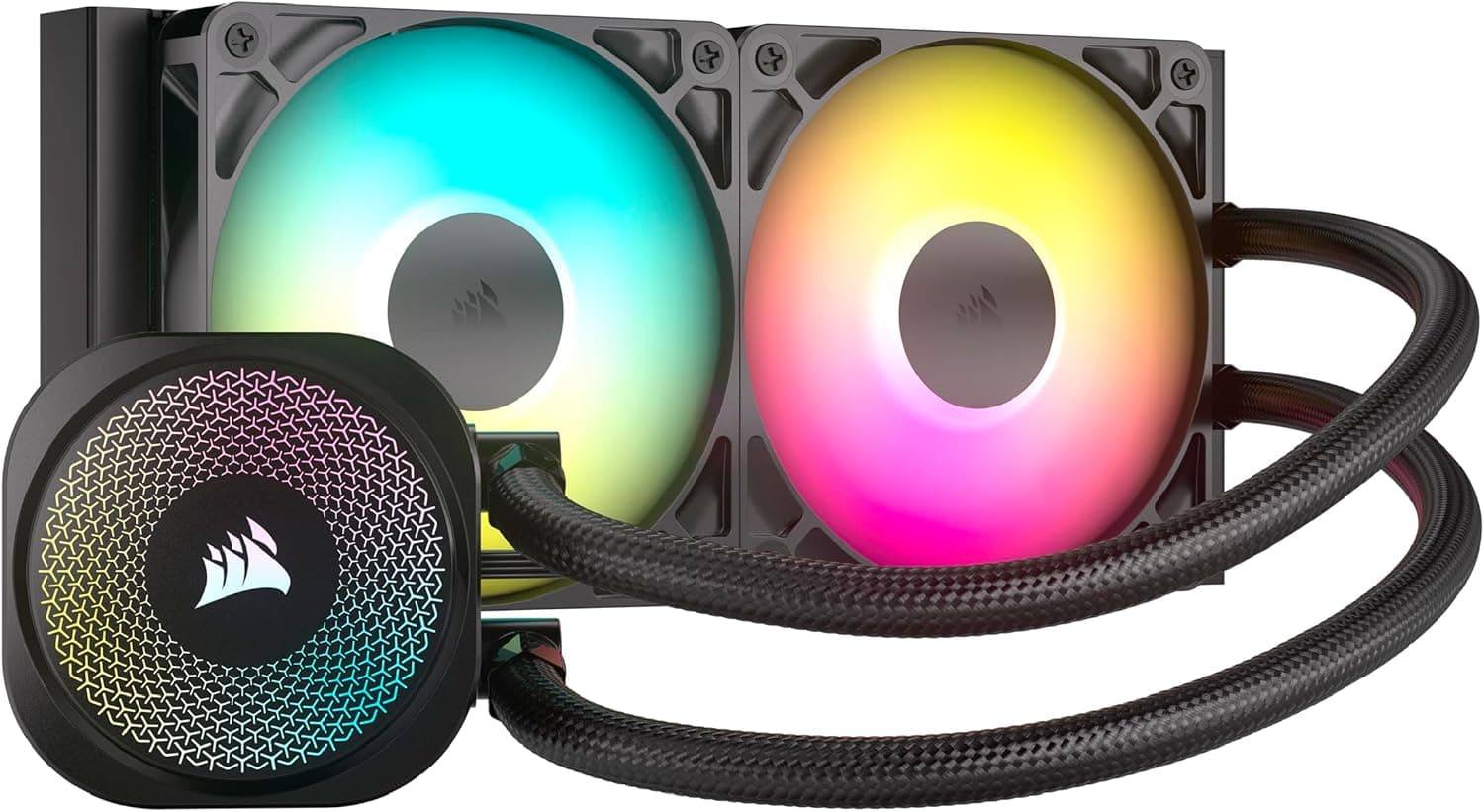
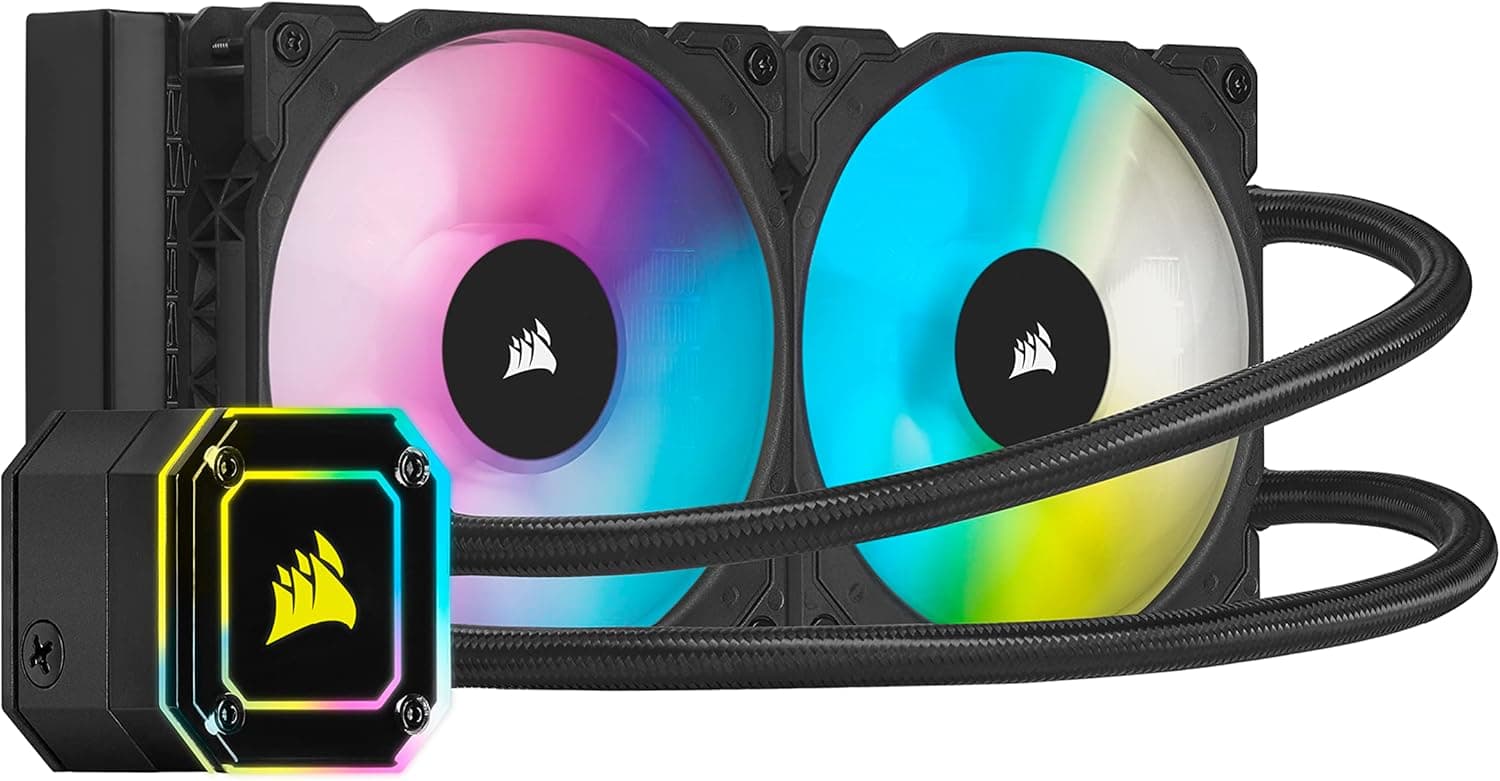
The CORSAIR iCUE H100i ELITE CAPELLIX is a 240 mm all-in-one liquid CPU cooler using two 120 mm fans. In short: it suits builders who want a step above mid-range air cooling and who want fans, pump and lighting managed in one place through iCUE.
It assumes a mid-tower or larger case with room for a 240 mm radiator. At capture time it showed 31,285 reviews with an 86% positive rate (4.3 out of 5), which is solid for this class.
A 240 mm AIO is not automatically better than air, though. Against a high-quality dual-tower air cooler the temperature gap can be small.
The real differentiators here are the CAPELLIX-lit pump head, unified iCUE control, and the clearance you gain above the socket for tall RGB memory.
Which Builds It Fits
| Build / goal | Verdict |
|---|---|
| 65–125 W CPU, gaming focus | Excellent — its core use case |
| Sustained all-core rendering or encoding | Fair — 280/360 mm is safer |
| Tall RGB memory modules | Excellent — socket area stays clear |
| Mini-ITX or slim cases | Poor — verify radiator mounting first |
| Absolute silence, zero maintenance | Fair — good air cooling may win |
The cooler lands most naturally in mid to upper-mid gaming builds. Very hot or very cool systems are usually better served one class up or down.
Compatibility Guide
Nearly every AIO failure comes from not measuring first. Check four things.
Radiator space. A 240 mm radiator is roughly 270–280 mm long, plus 25 mm of fan thickness.
A case spec sheet saying "240 mm supported" does not guarantee clearance for radiator plus fans, and top mounting can collide with VRM heatsinks or the ATX 12V connector.
Socket and brackets. Bracket contents varied across production runs of the ELITE CAPELLIX line.
Whether LGA1700 or AM5 hardware is in the box depends on the batch, so confirm the supported-socket listing on the product page before ordering.
Airflow direction. Front intake feeds the radiator cool air but warms the GPU; top exhaust protects the GPU but feeds the radiator warm air.
Choose based on which component you care about more.
Cabling. This generation routes fans and lighting through a dedicated controller that consumes a SATA power lead and an internal USB 2.0 header.
If your board has no free USB 2.0 header, iCUE control will not work.
Note: the spec data attached to this listing includes wireless-router fields (Wi-Fi standards, LAN ports) that have nothing to do with a CPU cooler. That is a data-collection error, and none of it is used here.
Product Info
The cooler pairs a 240 mm radiator with a CAPELLIX-lit pump head and iCUE software control over fan curves, pump modes and lighting. Multiple pump profiles let you run quiet at idle and shift to performance under load.
On pricing, Amazon.co.jp listed it at ¥19,980 as captured in June 2026.
Prices move often and drop during sales, so check the product page for the current figure. A marketplace entry recorded $37.20, which is an order of magnitude off the going rate for a new 240 mm AIO — likely used, partial, or a scraping error — so this article does not treat it as the product's price.
On reception, 31,285 reviews at 86% positive means high circulation and plenty of troubleshooting information online. It also means the complaints behind the remaining 14% — pump noise and iCUE behaviour — are equally well documented.
Living With It
Settings matter more than the hardware. Running the pump at maximum buys a few degrees but adds constant noise at idle.
For most people, a quiet fixed pump speed with a temperature-linked fan curve is the better balance.
Mount the radiator higher than the pump. If the pump becomes the highest point in the loop, trapped air collects there and produces gurgling within months.
Top mounting, or front mounting with the tubes at the bottom, avoids this classic failure.
Versus The Alternatives
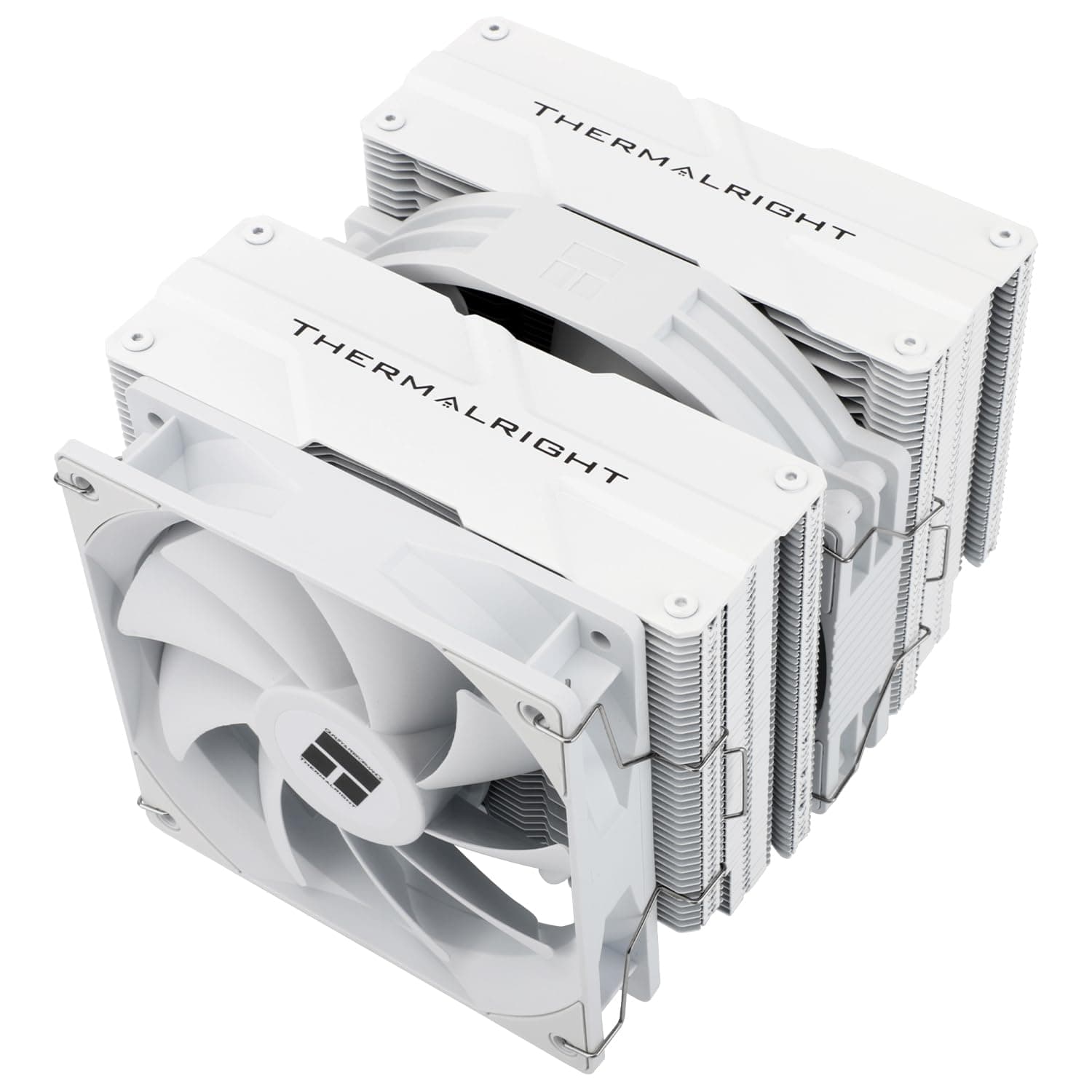
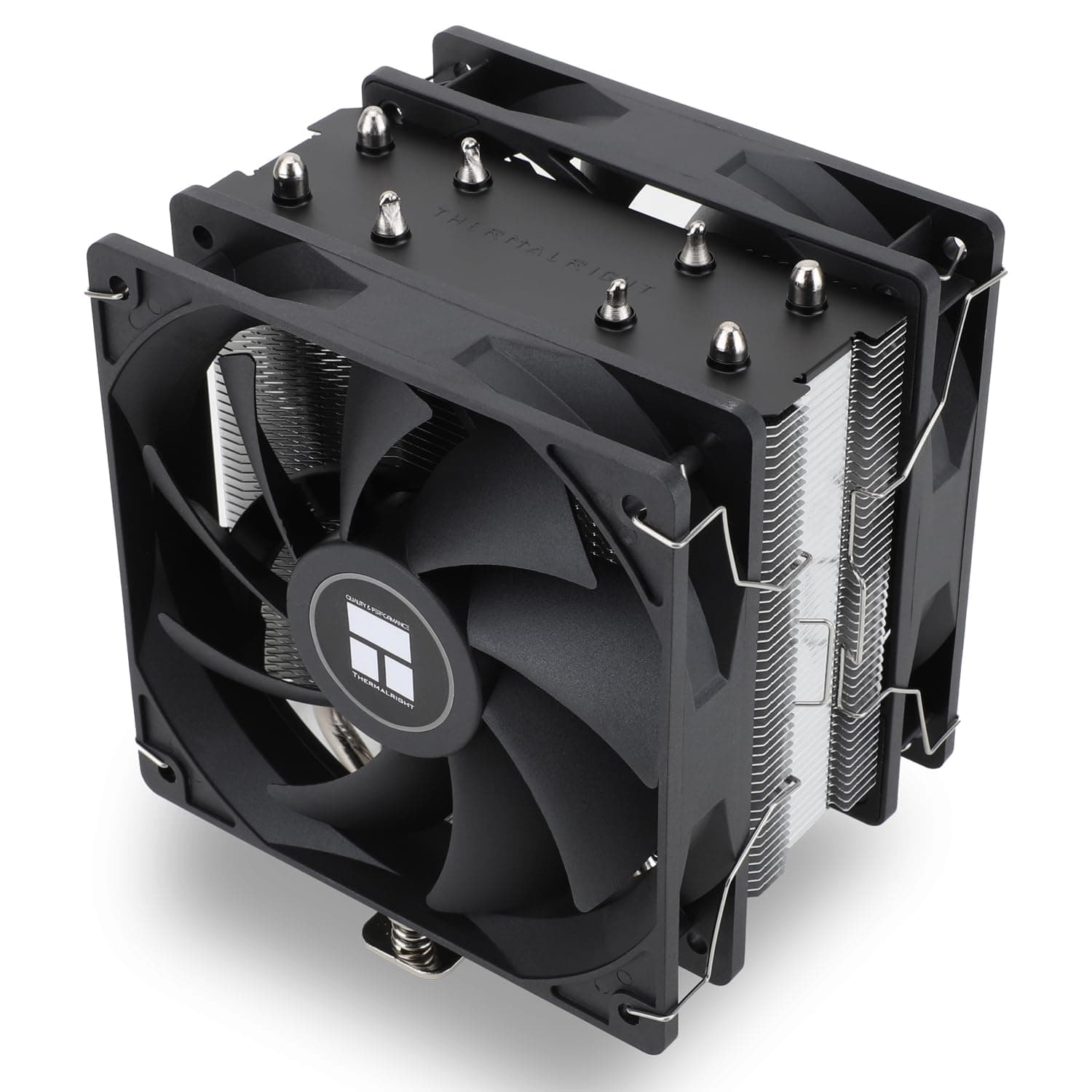
In the same 240 mm class, something like the ASUS ROG Ryujin III 240 adds a display and stronger fans at a higher price. Going the other way, a dual-tower air cooler such as the Thermalright Peerless Assassin 120 SE gets close on real-world CPU temperatures for far less.
Choose air if cooling is the only goal; choose this if lighting and unified control are part of the value. If you want the same temperature more quietly, step up to 280 or 360 mm instead.
Best Use Cases
- Mid-tower or larger cases with confirmed 240 mm radiator mounting
- CORSAIR ecosystem users who want everything lit and controlled via iCUE
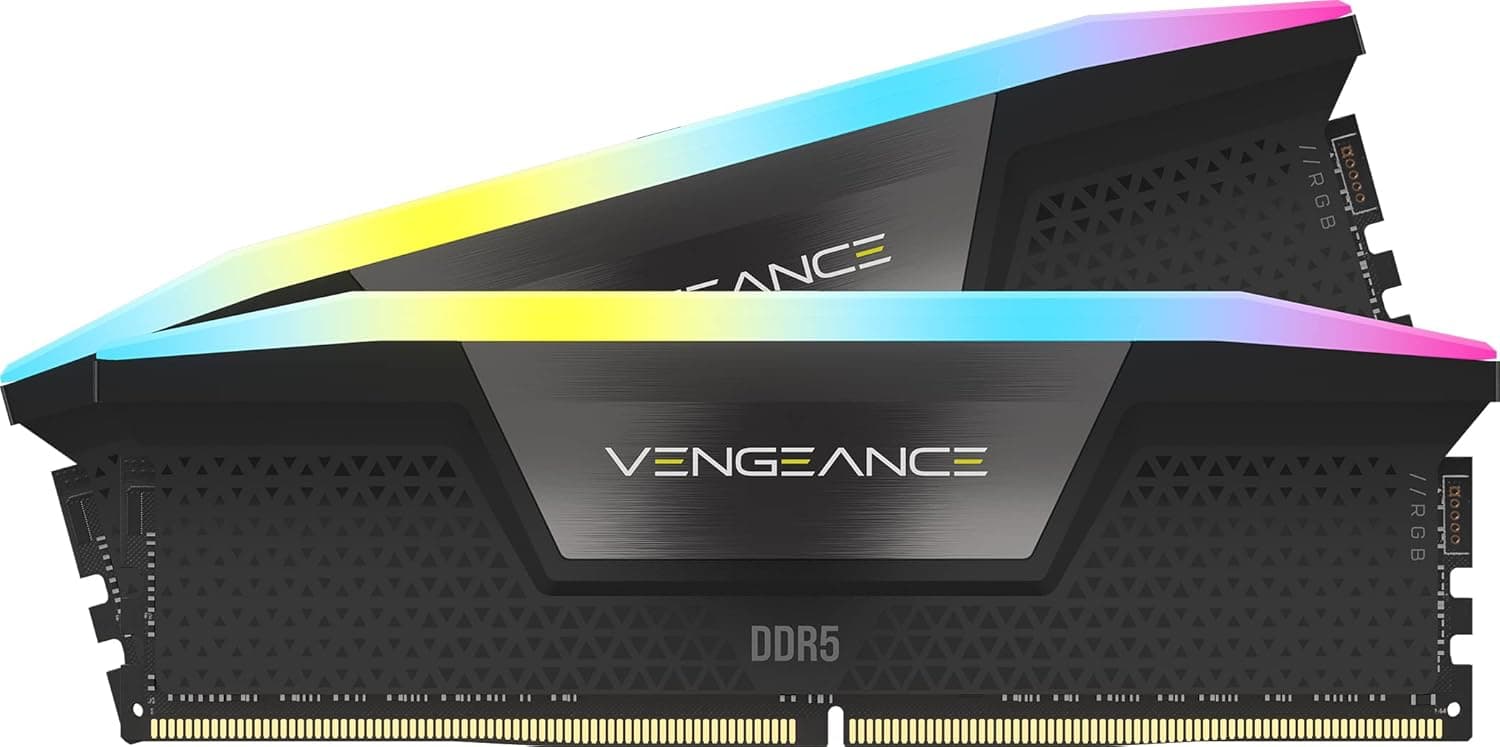
- Builds with tall RGB memory or clearance conflicts with large air coolers
- Gaming-led workloads with bursty rather than sustained CPU load
- Buyers who prefer a widely owned model with abundant support information
Before You Buy
Pump noise never reaches zero. An AIO adds a moving part that air cooling does not have.
At idle, with fans stopped, the pump is what you hear. If you work in a silent room at night, weigh that.
iCUE runs in the background. Detailed fan curves and lighting need the software resident.
It works without it, but you lose half the reason to buy it. If you dislike background utilities, a cooler driven by motherboard ARGB headers is a better fit.
Lifespan differs from air. A sealed loop cannot be topped up; the pump is a wear item measured in years.
If you want a cooler you never touch for a decade, buy air.
On LGA1700 and AM5, confirm the bracket ships in the box. Discovering a missing bracket mid-build is the most common complaint pattern for this generation.
Finally, distrust the listing metadata. This product's data contained router specifications, and the marketplace price is far off market.
Retail listings sometimes mix in another product's information, so verify the product image, the title, the 240 mm radiator size and the socket support before ordering.
FAQ
Q. How much better is 360 mm than 240 mm? A.
Roughly 1.5× the radiator area, so either lower temperatures at the same fan speed or the same temperature more quietly.
For mid-range CPUs, 240 mm is rarely a bottleneck.
Q. Does it beat a good air cooler? A.
It handles bursty loads better, but top dual-tower air coolers are close in practical temperatures. On cooling alone, air remains competitive.
Q. Can I skip iCUE?
A. It cools fine without it, but fan curves, pump modes and lighting are designed around the software.
Q. Is installation beginner-friendly? A.
More steps than air — backplate, brackets, radiator screws, controller wiring — but not difficult. Fit the backplate before installing the motherboard in the case.
Q. Should I worry about leaks? A.
Sealed factory units rarely leak. Avoid sharp tube bends and don't strain the tubing at the mounting point.