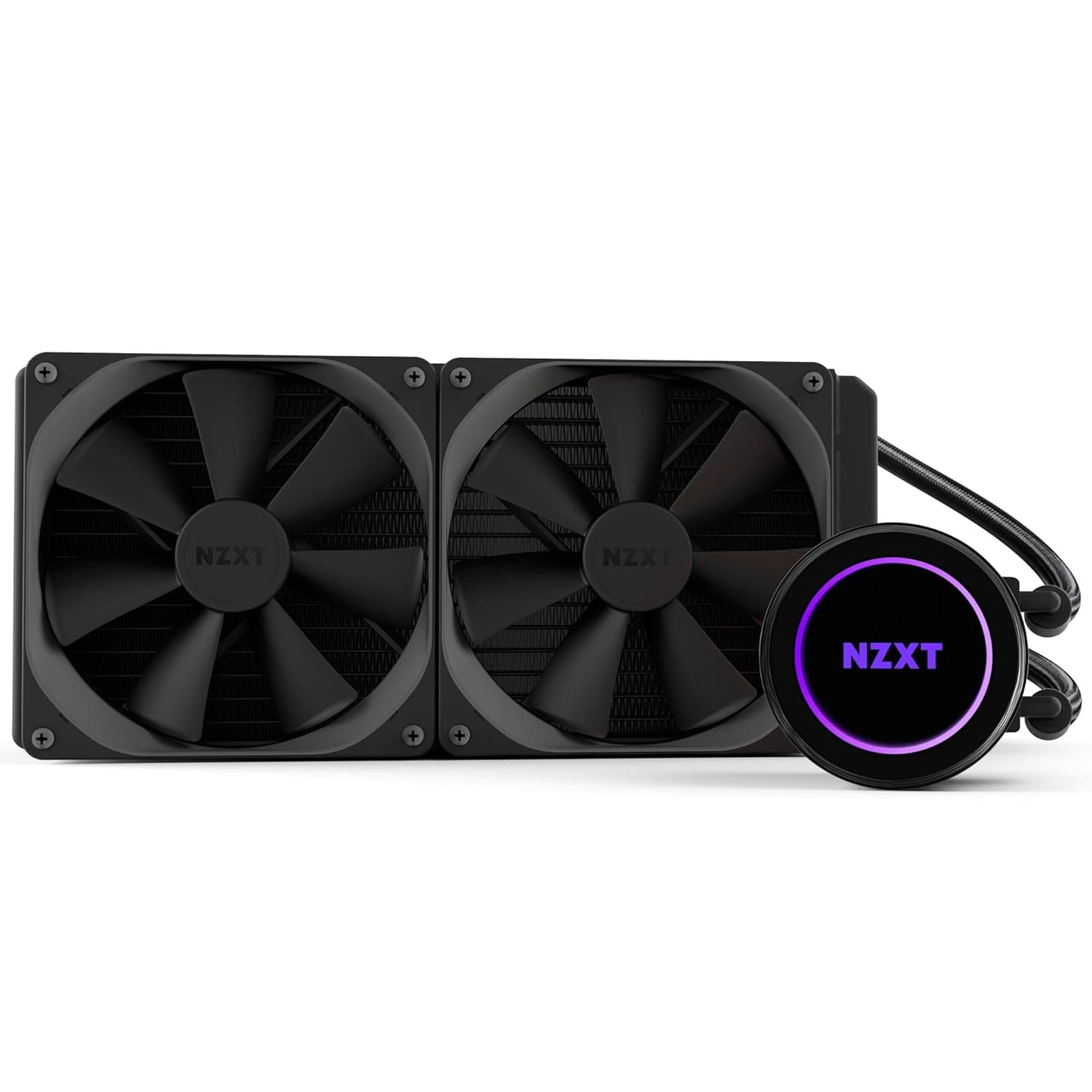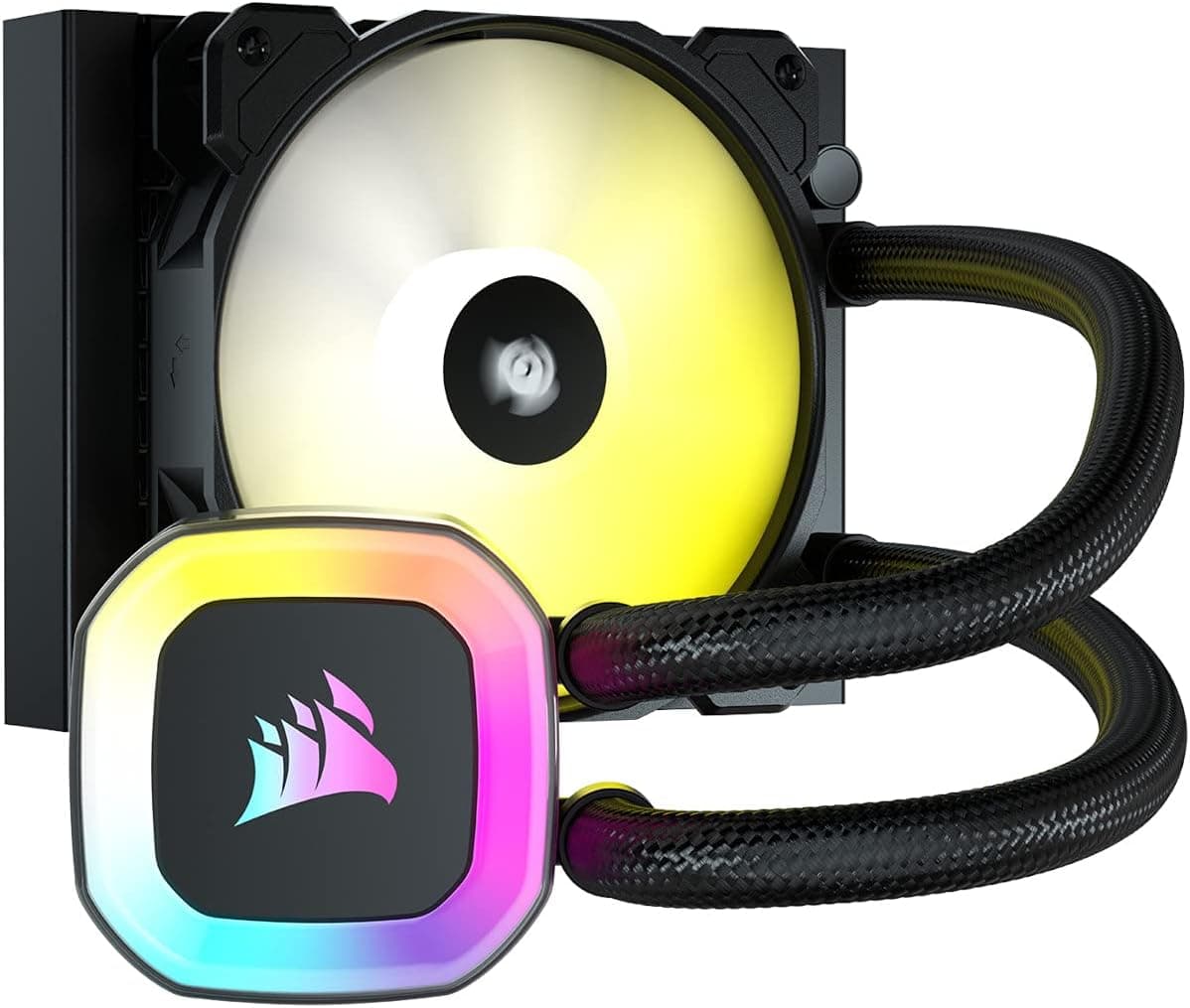
The CORSAIR H55 RGB is a single-fan 120mm all-in-one liquid cooler. This article covers where it fits, where it doesn't, and what people get wrong when buying it.
Overview
The H55 RGB pairs a 120mm radiator with one SP120 RGB ELITE fan. Supported sockets are Intel LGA 1200/115X/2066 and AMD AM4, and the pump head plus fan carry 21 individually addressable RGB LEDs (13 on the pump, 8 on the fan).
It targets users who value compact fitment and lighting over raw thermal headroom.
Here is the short version. If you plan to run a high-core-count CPU at sustained full load, look elsewhere — 120mm of radiator area is a hard physical limit, and even good dual-tower air coolers can match or beat it.
If you need liquid cooling in a mini-tower where a 240mm radiator will not fit, or you want ARGB that syncs with an existing CORSAIR iCUE setup, it makes sense.
Buyer sentiment on the listing was 4.6 out of 5 from 1,338 reviews (92% positive) as of June 2026.
With that sample size, it suggests the unit is not plagued by early failures or pump noise. Satisfaction scores are not a measure of absolute cooling capacity, though — keep the two separate.
Compatibility Guide
Supported sockets are Intel LGA 1200 / LGA 115X / LGA 2066 and AMD AM4. This is the single most important check: LGA 1700, LGA 1851 and AM5 are not on the published support list.
Assume it will not mount on 12th-gen-or-newer Intel or Ryzen 7000-and-later platforms. If you are building on a current platform, choose a cooler that explicitly lists your socket.
Physically, the 120mm format is the selling point. Most mid- and mini-towers have a rear 120mm fan position that the radiator can replace.
The common failure points are:
- Radiator plus fan thickness. Adding 25mm of fan to the radiator can create interference with VRM heatsinks, top-panel cabling, or 5.25-inch bays. Measure the clearance around your rear fan mount first.
- Tube routing. On a 120mm AIO the tubes are neither long nor flexible enough to forgive a bad pump orientation. Pump heads are generally rotatable in 90-degree steps; plan the routing before you mount anything.
- Keep the radiator above the pump. This applies to every AIO. If the pump head sits at the highest point of the loop, air collects there and you get a rattling noise.
Wiring splits into two parts: fan/pump power, and ARGB. The lighting connects to a 5V 3-pin ARGB header — it is not compatible with 12V 4-pin RGB headers, and plugging into the wrong one can damage the LEDs.
Check your motherboard manual. If your board has no 5V ARGB header, you will need the optional CORSAIR iCUE RGB controller, which also enables iCUE sync with other CORSAIR gear.
Product Info
Key specs: liquid (AIO) cooling, 120mm radiator, 120mm x 25mm fan, up to 1,500 RPM, 28 dBA noise level, aluminium radiator with a copper coldplate, 21 RGB LEDs, and a 3-year warranty. The box includes the SP120 RGB ELITE fan, a motherboard ARGB adapter, and mounting hardware.
Some context on those numbers. A 1,500 RPM ceiling is conservative for a 120mm fan, and 28 dBA is on the quiet side — but it also means there is little headroom to "spin up and cool harder." Performance here is dictated by radiator area, not RPM.
Aluminium radiator plus copper coldplate is standard for the class. The 3-year warranty matters more than it would on an air cooler, because a pump is a wear part.
Pricing: ¥16,808 on Amazon.co.jp as captured on 6 June 2026. AIO prices move a lot with stock and sales, and coolers for older sockets can get more expensive as supply thins out.
Check the current price on the product page before buying. eBay listings exist but have no fixed price.
Be honest about value at that number: ¥16,808 is not cheap for a single-fan 120mm AIO. The same budget puts 240mm AIOs and premium dual-tower air coolers on the table.
The two reasons that still justify this cooler are "a 240mm won't physically fit" and "I want iCUE lighting consistency." If neither applies, the value case is weak.
How It Compares
| Alternative | H55 RGB wins on | H55 RGB loses on |
|---|---|---|
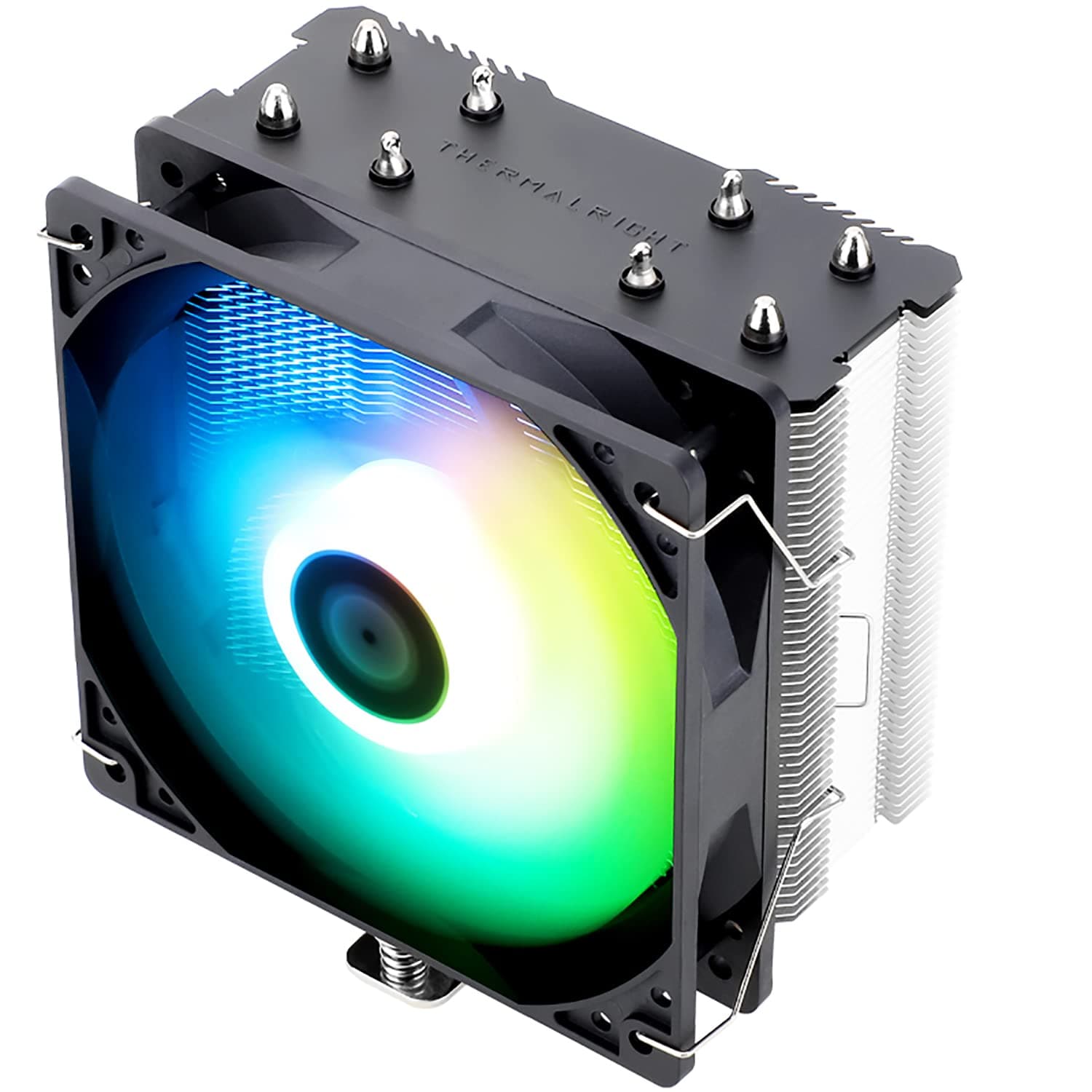
| Dual-tower air coolers | Low profile, no RAM/side-panel clearance issues, lit pump head | Absolute cooling, noise, price/performance, no moving parts |
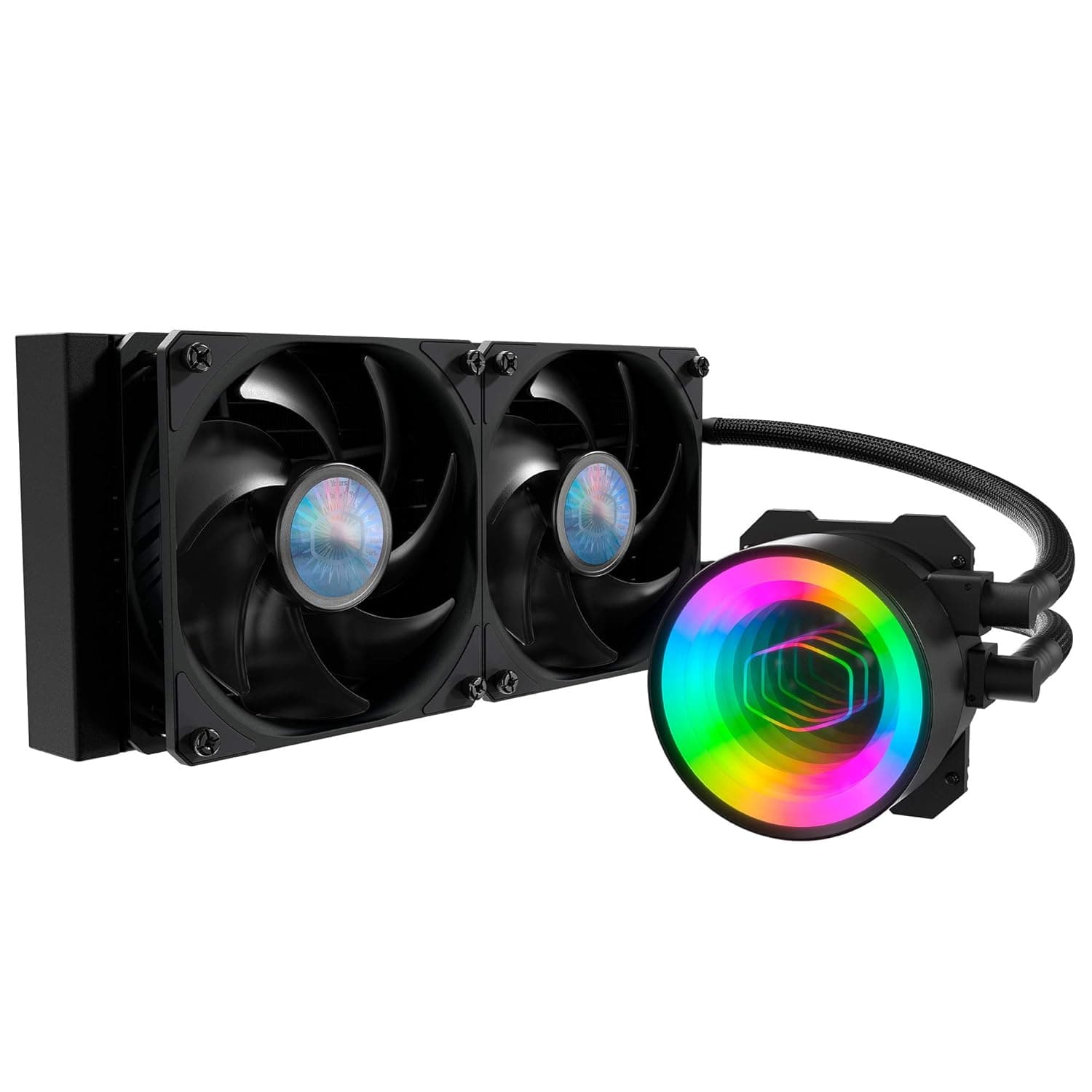
| 240mm / 280mm AIOs | Fits small cases, easier mounting options | Roughly half the radiator area under sustained load |
| Rival 120mm AIOs | iCUE sync with other CORSAIR components | No LGA 1700 / AM5 support |
The first row is the one to internalise. If your case has generous CPU cooler height clearance, a similarly priced dual-tower air cooler will usually cool better, run quieter, and never fail at the pump.
Choose the H55 RGB when height limits or aesthetics give you a concrete reason to.
Living With It: Noise in Practice
Radiator fans push air through dense fins, so at any given RPM they are audible in a way case fans are not. Set a gentle curve for desktop work and let it ramp only under load — that is how you get close to the quoted 28 dBA in daily use.
The pump runs at a fixed speed and produces a low continuous hum, distinct from fan noise. If you hear rattling after installation, suspect trapped air first: tilt the case to move bubbles into the radiator.
If it persists, treat it as a pump fault and use the 3-year warranty.
Things to Check Before Buying
1. It does not cover current platforms. Published support is LGA 1200/115X/2066 and AM4 only.
Treat this as a refresh cooler for an existing LGA 1200 or AM4 machine.
2. It is not enough for hot CPUs. Under long all-core loads (encoding, rendering, compiling) a 120mm radiator can let the CPU throttle.
Fine for mid-range gaming and general use. "AIO therefore colder than air" is simply not true at this size.
3. The fan connector spec is inconsistent across the supplied data. Some material describes the SP120 RGB ELITE as PWM, other material lists a 3-pin non-PWM connector.
On a 3-pin header you depend on DC voltage control, and some headers will just run it near full speed. If quiet operation matters, verify the connector type on the product page yourself — this article cannot settle it.
4. Do not mix up the RGB headers. 5V 3-pin ARGB and 12V 4-pin RGB look similar and are not interchangeable.
No 5V header means buying the optional controller — an extra cost people discover after unboxing.
5. Verify the listing data yourself. Product pages sometimes carry wrong manufacturer, model, or socket-support fields, and socket lists in particular go stale.
Cross-check the product images, title, and ideally the official spec page before ordering. The ¥16,808 figure above is a June 2026 capture, not a current price.
6. Remember it has moving parts. A pump has a finite life, and a failure spikes CPU temperatures immediately.
If long-term peace of mind is your priority, air cooling is the safer choice.
Best Use Cases
- Small-case liquid cooling. Fits the rear 120mm position in mini-towers and slim chassis where 240mm/280mm radiators cannot go, and sidesteps CPU cooler height limits.
- CORSAIR lighting builds. 21 addressable LEDs across pump and fan, syncable with other CORSAIR products through iCUE. Most valuable if you already run iCUE.
- Refreshing an LGA 1200 or AM4 system. That is exactly the supported range, and a cooler swap is a cheap way to modernise the look.
Who should skip it: anyone on 12th-gen-or-newer Intel or Ryzen 7000-and-later, anyone running sustained all-core workloads, anyone with 160mm+ of cooler clearance who wants maximum thermal performance, and anyone who does not care about RGB.
FAQ
Q. Will it fit LGA 1700 or AM5? A.
Neither is on the published support list. Buy a cooler that names your socket rather than hunting for adapters.
Q. How does it compare to an air cooler? A.
With only 120mm of radiator, expect parity with — or a loss to — a similarly priced dual-tower air cooler. Its advantages are low profile fitment and looks, not raw cooling.
Q. Do I need software for the lighting? A.
No, if your board has a 5V ARGB header you can drive it from the motherboard utility. Full iCUE sync with other CORSAIR devices requires the optional iCUE RGB controller.
Q. Is the pump noisy? A.
With 4.6 from 1,338 reviews, most owners appear to find it acceptable.
Rattling right after installation is usually trapped air; reposition or tilt the case to clear it.
Q. Can I run it push-pull? A.
Adding a second 120mm fan on the other side of the radiator is a common mod, but you supply the fan and the extra thickness tightens clearance further. Expect a few degrees at most.
Q. What does it cost? A.
¥16,808 on Amazon.co.jp as of 6 June 2026.
AIO prices fluctuate with sales and stock, so confirm the current figure on the product page.
![CoolerMaster intel LGA 1200 専用 ペルチェ素子搭載 簡易水冷クーラー MasterLiquid ML360 SUB ZERO [ MLZ-D36M-A19PK-12 ]](/_next/image?url=https%3A%2F%2Fm.media-amazon.com%2Fimages%2FI%2F71U4nZj875L._AC_SL1500_.jpg&w=1920&q=75)