Cooler Master's MasterGel Pro V2 is a consumable whose job is to stop your cooler from wasting the capacity it already has. This article works through what it actually fits, where you will have to compromise, and who should not buy it — based on the published specs and the Amazon.co.jp listing data.
Overview
MasterGel Pro V2 is a non-conductive thermal compound rated at 9 W/m·K. Its role is to fill the microscopic gaps between the CPU or GPU heat spreader and the cooler's base plate, since two nominally flat metal surfaces only really touch at a few points.
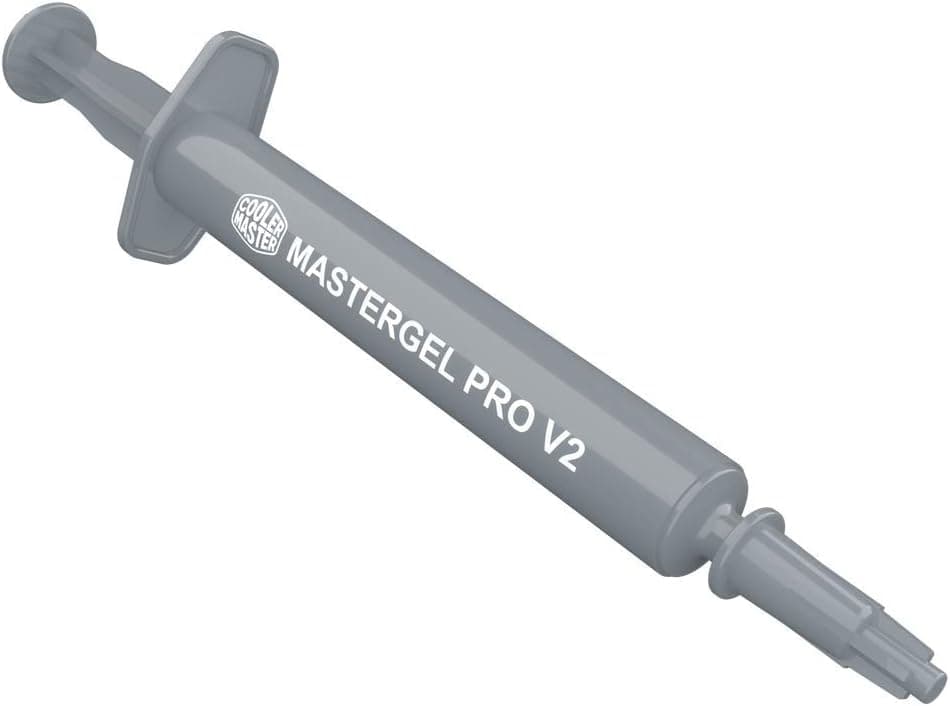
The 1.5 mL syringe holds enough paste for several applications.
It sits in the middle tier: a general-purpose paste for stepping up from bundled cooler paste, or for re-pasting a machine you built a few years ago. On Amazon.co.jp it holds 4.8 out of 5 stars across 278 reviews (96% positive, as captured on 5 June 2026), which is a consistently strong score for the category.
What it is not is a fix for a cooling system that is undersized. Paste only reduces the thermal resistance of the contact interface.
If your cooler is too small or your case has poor airflow, no compound will rescue it.
Compatibility Guide
Thermal paste has no physical fit to worry about, so a socket list means "no problems with that IHS shape" rather than "electrically compatible."
| Item | Value | What to watch |
|---|---|---|
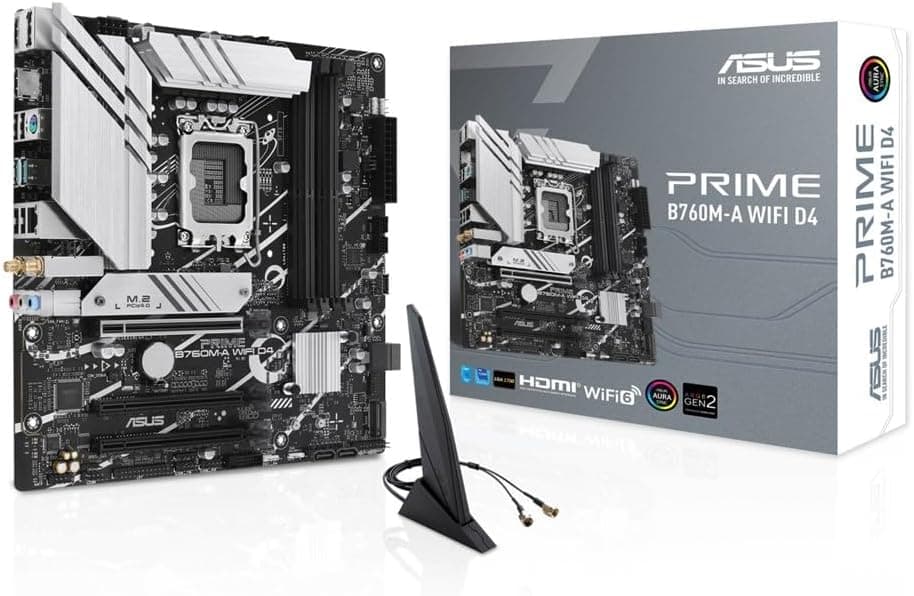
| CPU sockets | Intel LGA1700 / LGA1200 / LGA115x, AMD AM5 / AM4 | AM5's deep IHS cutouts catch squeeze-out |
| Conductivity | Non-conductive | Spills are unlikely to short anything |
| Thermal conductivity | 9 W/m·K | Vendor figure; no industry-standard test |
| Volume | 1.5 mL | Roughly several to a dozen applications |
| Product dimensions | 18.8 x 11.4 x 2 cm | Package size, not the syringe itself |
Intel's LGA1700 IHS is rectangular and longer than a Ryzen square IHS, so a single centre dot sometimes fails to reach the ends. Two thin vertical lines, or slightly more paste, spreads more reliably.
AM5 has large cutouts around the IHS; paste falling in is not dangerous here because the compound is non-conductive, but it is annoying to clean, so avoid over-applying.
You can use it on a GPU, but a GPU die is bare and chips far more easily than a lidded CPU, and mounting pressure works differently. Treat GPU re-pasting as a job for people who also understand thermal pad thickness.
Laptops are physically possible too, but their heatpipe mounts apply low pressure, which makes pump-out — paste being squeezed off the contact area by thermal cycling — more likely. If you rarely open the machine, a higher-viscosity, longevity-focused paste is worth considering.
Product Info
The listed price is ¥3,357 as captured on 12 June 2026. Paste prices move with stock and sales, and different volumes of the same line are often sold side by side, so check the current price and volume on the product page before buying.
The figure here is a snapshot, not a standing price.
The listing shows 278 reviews at 4.8 out of 5 stars (captured 5 June 2026).
Paste is a category where buyers struggle to feel the difference, so scores often scatter; 96% positive suggests few people are disappointed by the basics — it applies as expected and behaves as expected.
Only the syringe is included. There is no spreader, no cleaning cloth, no alcohol wipes.
Removing old paste needs isopropyl or pure ethanol plus a lint-free cloth, so first-timers should buy those separately or the job stalls halfway. Given the price, this bare packaging is a fair complaint and worth knowing in advance.
At a grain-of-rice to pea-sized dot per CPU, 1.5 mL realistically covers five to ten applications.
For a single build that is clearly more than you need. Cap it firmly and store it away from heat and direct sunlight; opened syringes generally stay usable for years, though you may need to discard a small hardened bead from the tip.
How It Compares
What matters in paste selection is the category, not the headline conductivity number. Roughly, there is budget bundled-grade paste, non-conductive high-performance paste, and liquid metal.
MasterGel Pro V2 sits in the middle group.
Moving up from bundled paste can show a few degrees of difference under load. Comparing one good non-conductive paste against another, the gap usually shrinks into measurement noise.
So the upgrade is worthwhile if you are still on the cheap paste that came with a cooler, and close to pointless if you already use a well-regarded compound.
Liquid metal is in another class for conductivity, but it is electrically conductive and corrodes aluminium cooler bases. If you want to apply paste and forget about it, a non-conductive compound is the rational pick.
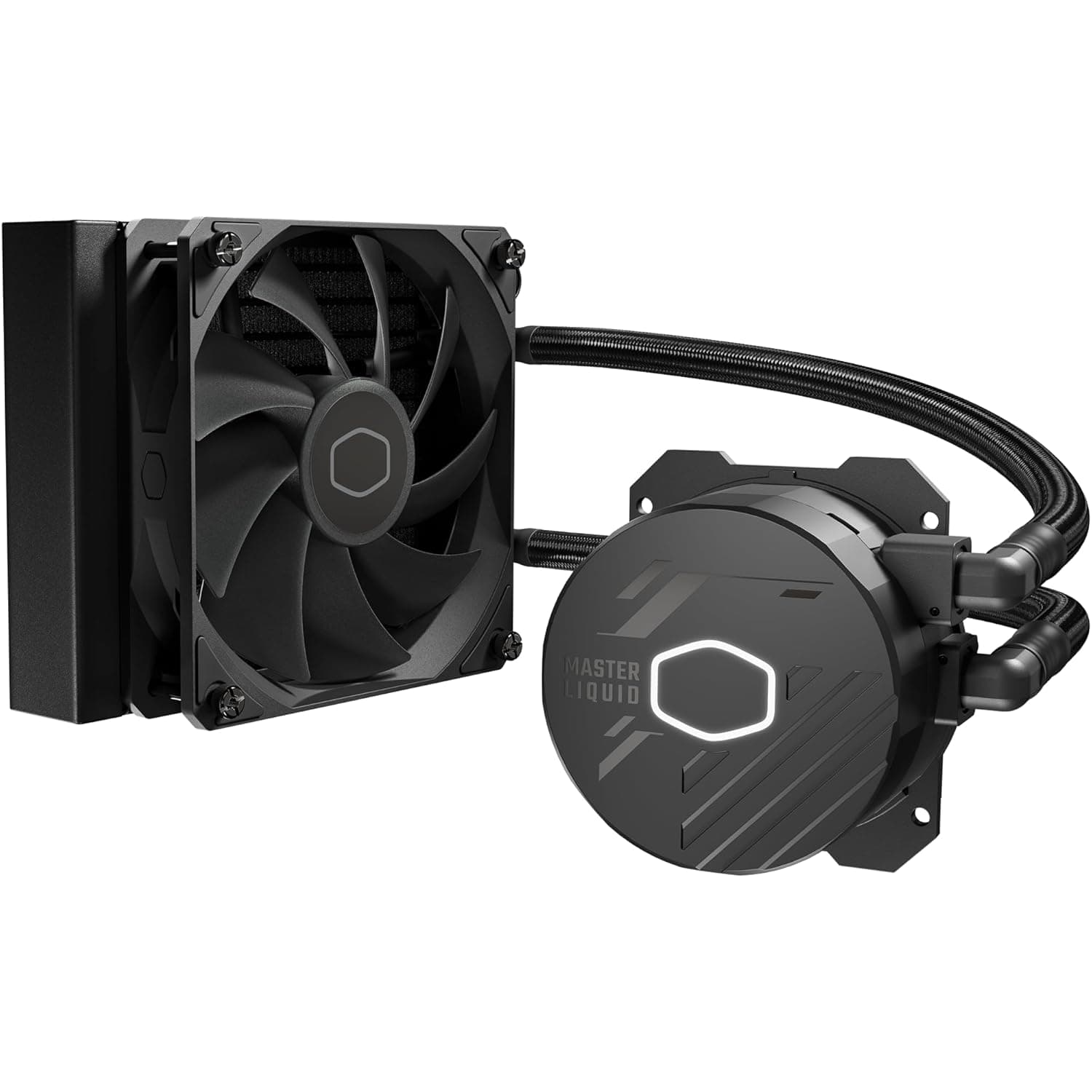
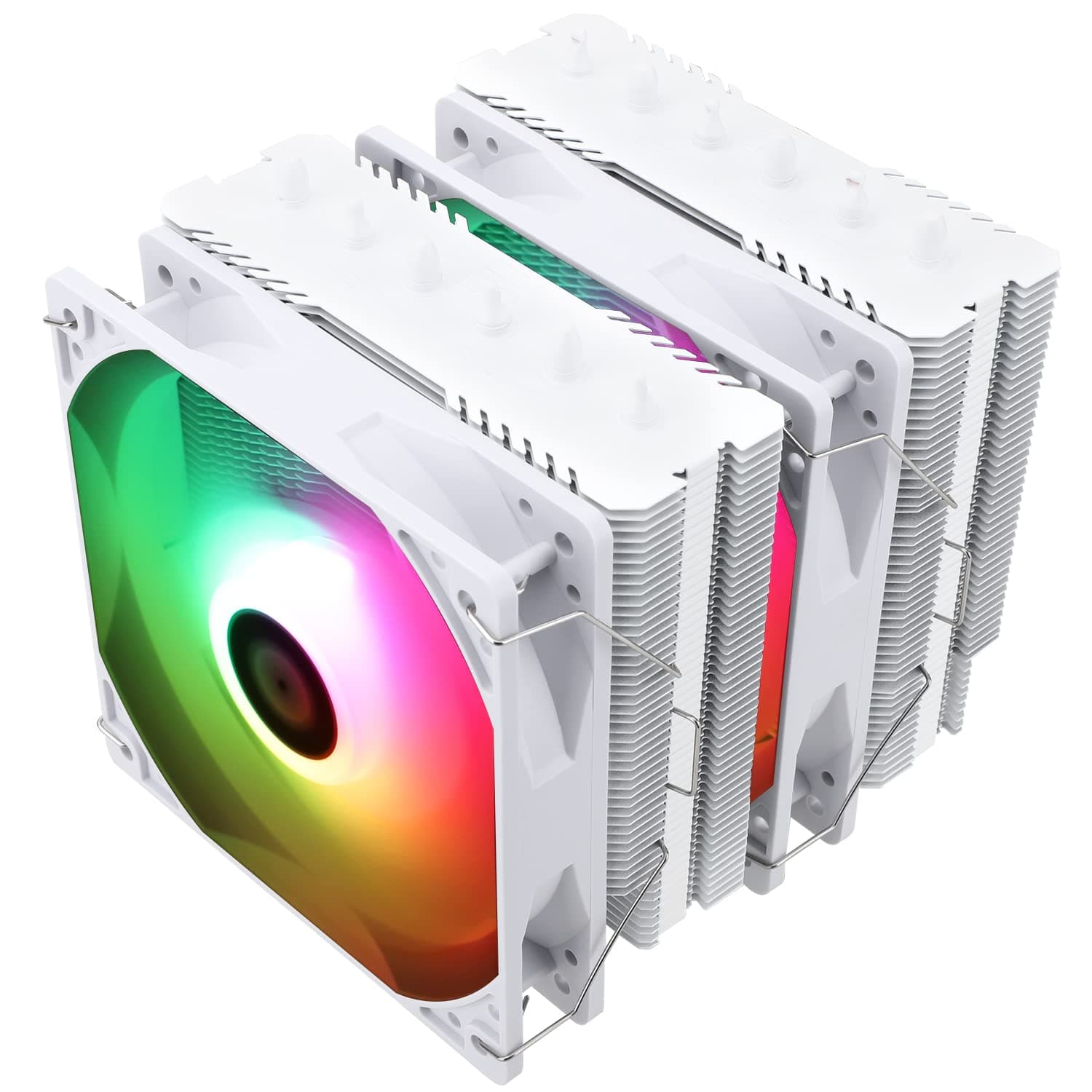
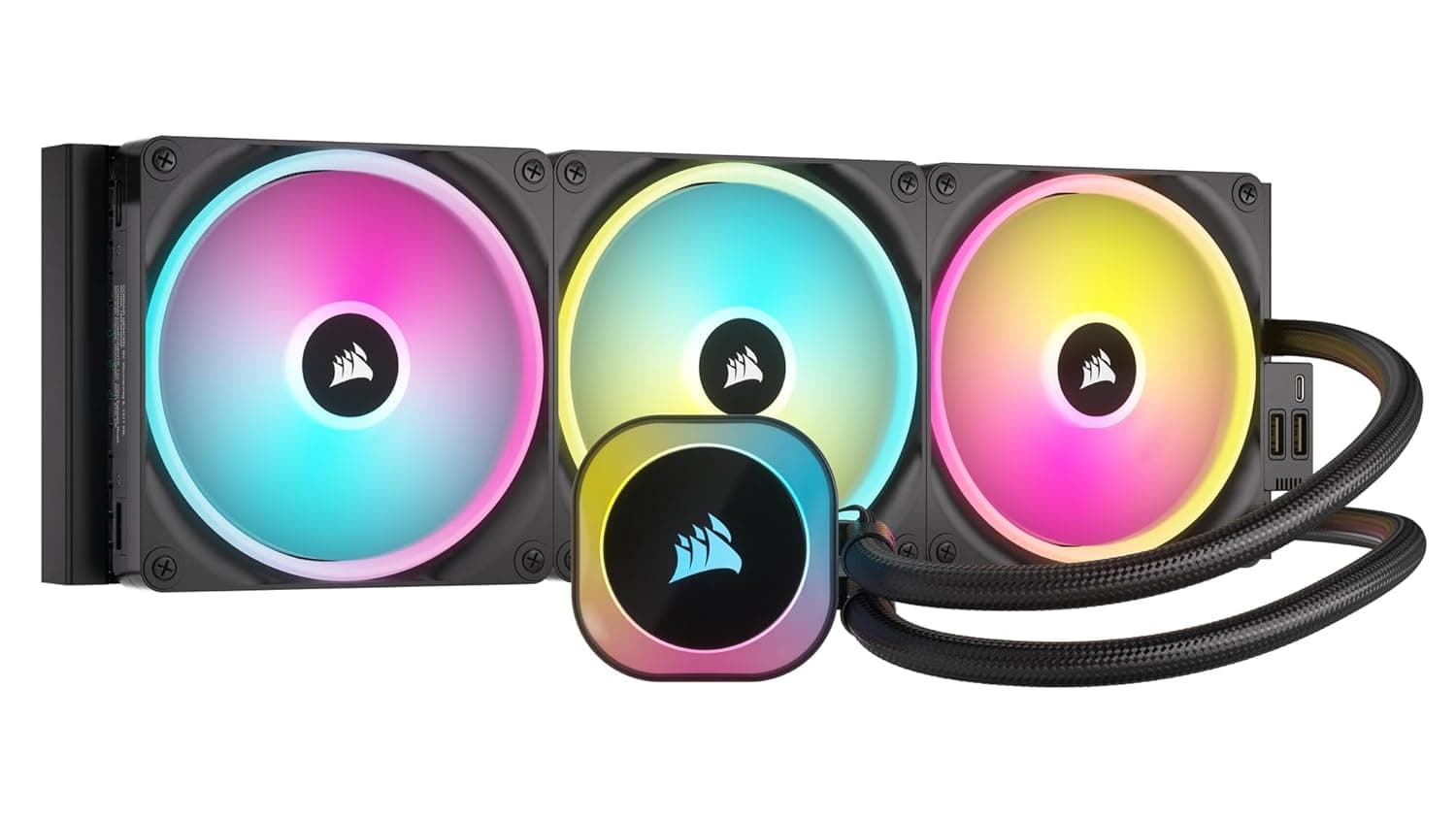
Also be honest about where the money goes furthest. If you are running a small bundled cooler, spending a bit over ¥3,000 on paste will move temperatures less than putting that budget toward a dual-tower air cooler or a 240 mm AIO.
Application and Real-World Handling
A single centre dot is enough. Mounting pressure spreads it; smearing it with a spreader tends to trap air bubbles and can make things worse.
Use slightly more than a grain of rice on a square Ryzen IHS, or two vertical lines on the long LGA1700 IHS.
Tighten cooler screws diagonally and in small increments. Fully tightening one corner first tilts the block and undoes the benefit of fresh paste.
When you next remove the cooler, the spread pattern tells you whether mounting pressure was even.
Remove old paste with a dry wipe first, then finish with pure alcohol. Working with the CPU out of the socket is safer, since paste that creeps into the socket or between capacitors is tedious to clean even though it cannot short anything.
When to Re-Paste
Paste dries out over time and its thermal resistance slowly rises. Two to three years is the common guideline, but the real signal is a clear temperature rise at the same ambient and the same workload.
Clean dust from the fan and heatsink first; if that changes nothing, then suspect the paste.
Some systems never need it on schedule. If your machine runs light workloads with plenty of thermal headroom, judging by measured temperatures beats re-pasting on a calendar.
Best Use Cases
The best fits are people installing a new CPU cooler, people who will remount an existing one anyway, and owners of a few-year-old PC whose temperatures have crept up. The 1.5 mL volume pays off most for anyone maintaining several machines or re-pasting regularly.
It is also a friendly choice for first-time builders. Being non-conductive removes the fear of shorting the board with squeeze-out, and the viscosity is neither stiff nor runny, so a first attempt rarely goes wrong.
Overclockers and anyone running with power limits removed benefit from any reduction in interface resistance — with the caveat below that paste alone does not raise a cooler's ceiling.
Before You Buy
For one build, this is too much paste. 1.5 mL lasts several applications and will sit in a drawer if you only build once.
A smaller, cheaper syringe costs less overall. This product earns its price when you will use it repeatedly.
Calibrate your expectations. Coming from bundled paste you may notice a difference; coming from another good compound, finding a meaningful gap in benchmarks is hard.
If the machine runs hot because the cooler is undersized or the case starves it of air, paste will not fix that.
No spreader, no cleaner in the box. Buy alcohol and a lint-free cloth in advance, or you will be stuck with a half-disassembled PC.
Watch the listing metadata mismatch. The Amazon listing data records the manufacturer as "Lian Li" and the model as "RB-001X," which do not match the product name.
Marketplace listings sometimes carry incorrect registration data. Before ordering, confirm from the page images and title that you are getting an actual Cooler Master MasterGel Pro V2, and check the seller's rating if anything looks off.
Do not compare conductivity figures across brands. The 9 W/m·K rating comes from the vendor's own test conditions, and there is no shared industry standard.
A bigger number does not reliably mean lower temperatures.
Laptops may not be the right home for it. Low mounting pressure in thin machines encourages pump-out, and given how much work disassembly is, a longevity-focused paste may serve better.
FAQ
Q. How much will temperatures drop if I switch from bundled paste? A.
It depends heavily on the system. With a properly mounted cooler the improvement is often a few degrees; if the original application was botched, it can be much larger.
There is no reliable single figure, so do not expect a guaranteed number.
Q. Is it conductive? What if it touches the socket? A.
It is non-conductive, so squeeze-out will not immediately short anything. Clean it off with pure alcohol anyway, since it hardens into grime.
Q. How many applications does 1.5 mL give?
A. At a rice-grain to pea-sized dot per CPU, roughly five to ten.
Q. Can I use it on a GPU? A.
Yes, technically. But bare GPU dies chip easily and thermal pads need managing, so it is not a job for someone new to disassembly.
Q. How long does it keep after opening? A.
Generally years, if capped and kept away from heat and sunlight. Purge a small hardened bead from the tip before reuse.
Q. Should I spread it with a spreader? A.
Usually no — a centre dot spread by mounting pressure traps fewer bubbles. On a long IHS like LGA1700, two vertical lines reach the ends better.