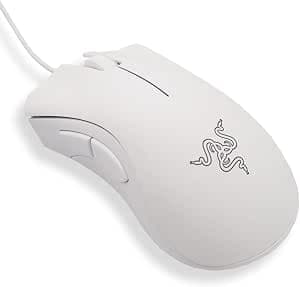
This article covers 【レイザー】Razer DEATHADDER ESSENTIAL 有線ゲーミングマウス 6.
Overview
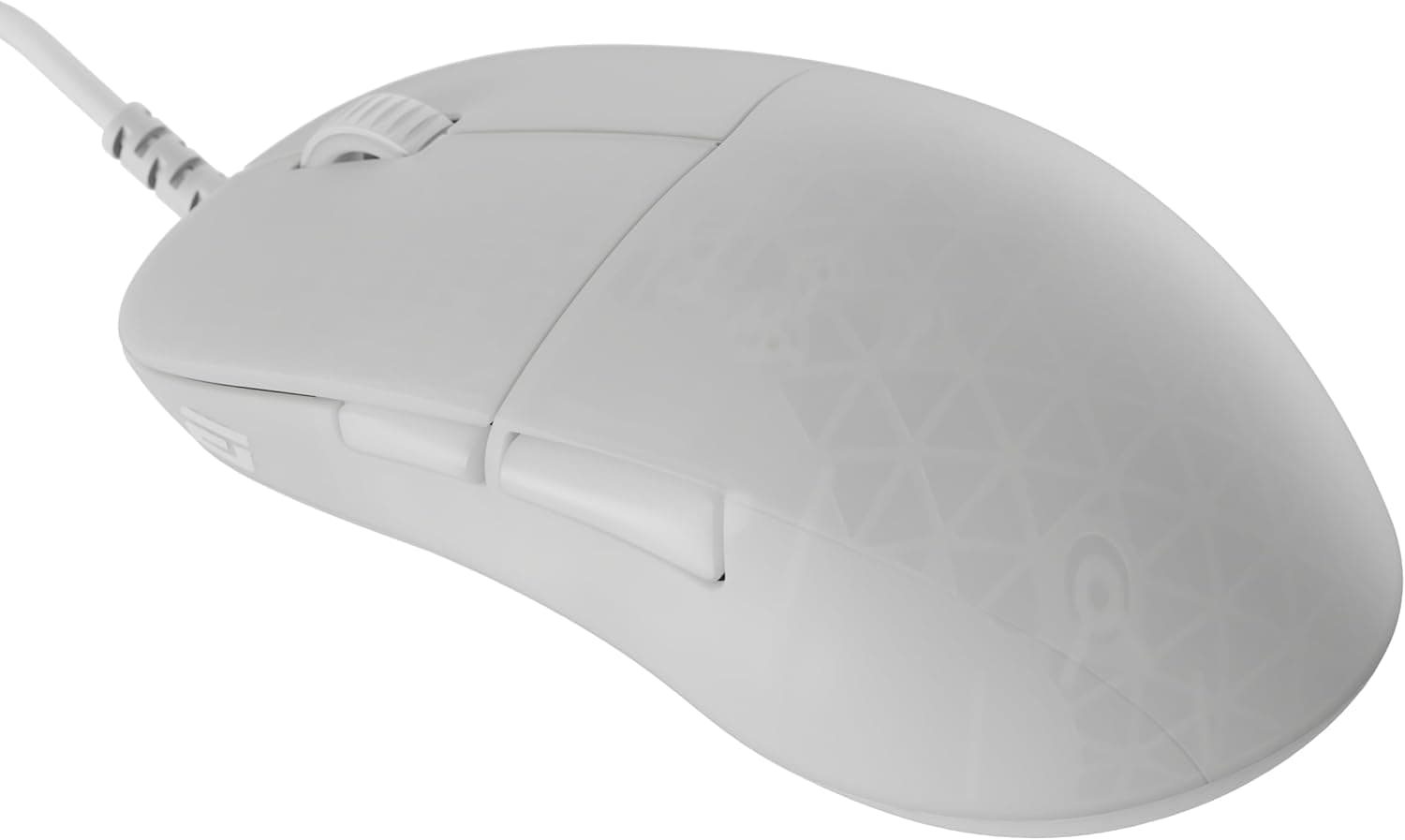
The Razer DeathAdder Essential is an entry-level wired gaming mouse that brings the iconic ergonomic shape of the DeathAdder series to an affordable price point. Equipped with a 6400 DPI optical sensor and Razer mechanical switches rated for 10 million clicks, this mouse is a reliable choice for budget-conscious gamers. The white color variant we are reviewing stands out with its clean look, while the classic right-handed ergonomic design ensures comfort during long sessions. Despite being an entry model, the DeathAdder Essential maintains the core DNA of the series: a comfortable palm-grip shape, five programmable buttons, and support for Razer Synapse 3 software for customization. It connects via a fixed 2.1m USB cable, making it a straightforward plug-and-play device suitable for both gaming and productivity work.
Connectivity & Compatibility
The DeathAdder Essential uses a wired USB Type-A connection. It is compatible with Windows 7/8/10/11 and macOS (with limited Synapse support). Full customization via Razer Synapse 3 is available only on Windows. The mouse requires no driver installation for basic operation, but advanced features like DPI switching, button remapping, and macro recording require Synapse software. Due to its right-handed ergonomic shape, left-handed users will find it uncomfortable. The 2.1m cable is long enough for most desktop setups, but if you prefer a clutter-free desk, you may want to consider a wireless alternative.
Product Info
Released in 2020, the Razer DeathAdder Essential sits at the entry-to-mid tier of the gaming mouse market. It offers excellent value by combining a proven sensor (6400 DPI optical) with a durable mechanical switch rated for 10 million clicks. The market positioning is clear: you get DeathAdder ergonomics and build quality without paying for RGB lighting, wireless connectivity, or higher DPI sensors. Warranty is typically 2 years from the manufacturer, but imported units sold by third-party sellers on may not include official warranty support. The package includes only the mouse and a quick-start guide — no carrying case or extra accessories. Price hovers around ¥3,500 in Japan, making it one of the most affordable entry points into the Razer ecosystem.
Best Use Cases
Budget gamers If you are building your first gaming PC or need a reliable backup mouse, the DeathAdder Essential provides a proven shape and adequate sensor performance for most competitive titles. The five programmable buttons allow you to assign common actions without reaching for the keyboard. Not ideal for professional esports athletes who require higher DPI (up to 20,000) or lighter weight. Right-handed palm grippers The large, sculpted body fits medium-to-large hands perfectly when using a palm or claw grip. Users with small hands or fingertip grip may find it bulky. Left-handed users should look elsewhere. Office productivity Program the side buttons to copy/paste, volume control, or app switching to boost workflow. The DPI button on top lets you quickly switch between sensitivity presets. However, the clicks are not silent — if you work in a quiet shared office, you might prefer a silent mouse. ## Alternatives
Logitech G203 Lightsync — Similar price, ambidextrous design with 8000 DPI sensor. Better for left-handed users and smaller hands, but the G203 has a lighter build and RGB lighting. The DeathAdder Essential offers a more substantial grip. Corsair Katar Pro XT — Ultra-lightweight (73g) and ambidextrous, with a 12,400 DPI sensor. Better for fast-paced FPS gaming, but only two side buttons limit customization. The DeathAdder Essential wins on button count and ergonomic support for larger hands.
Product Disclosure (Amazon)
- Manufacturer: Razer(レイザー)
- Seller: Rusion
- Fulfilled by: Amazon
- ASIN: B08PYLVQFK
- Note: This article covers a manufacturer-made product based on Amazon listing details.