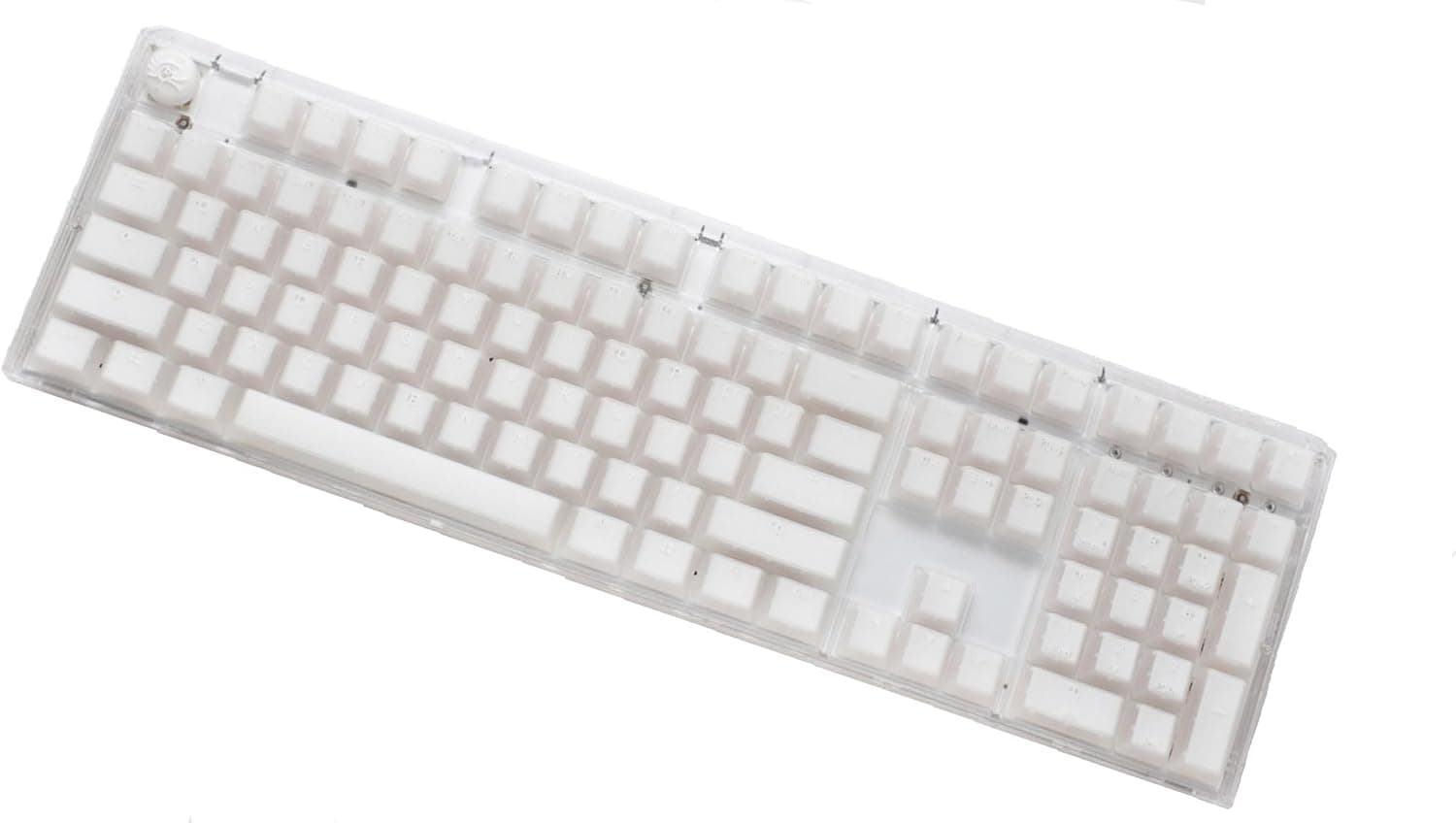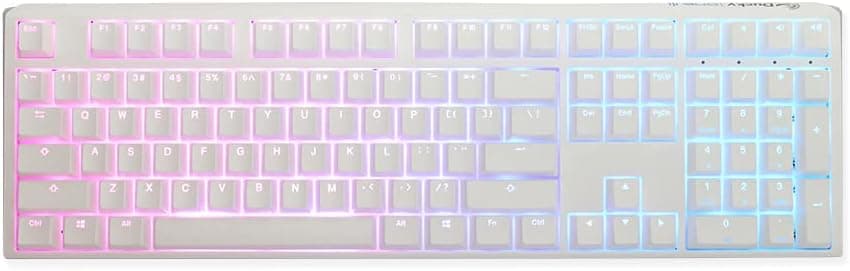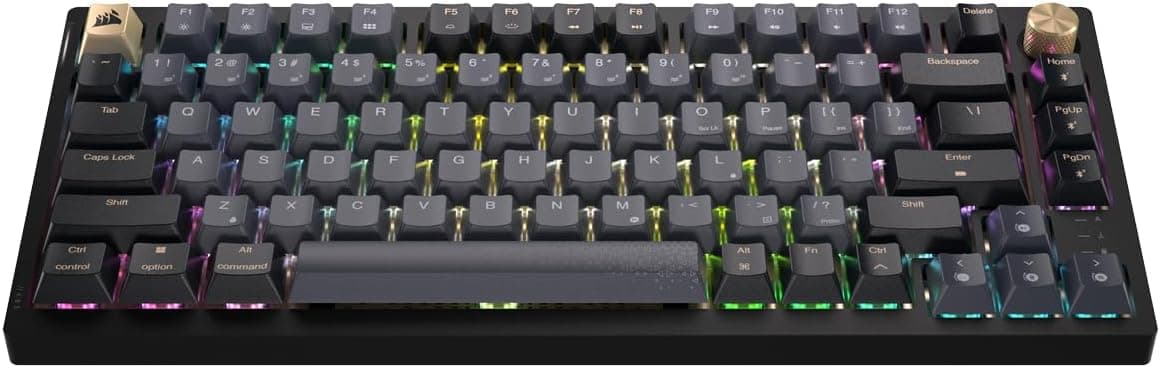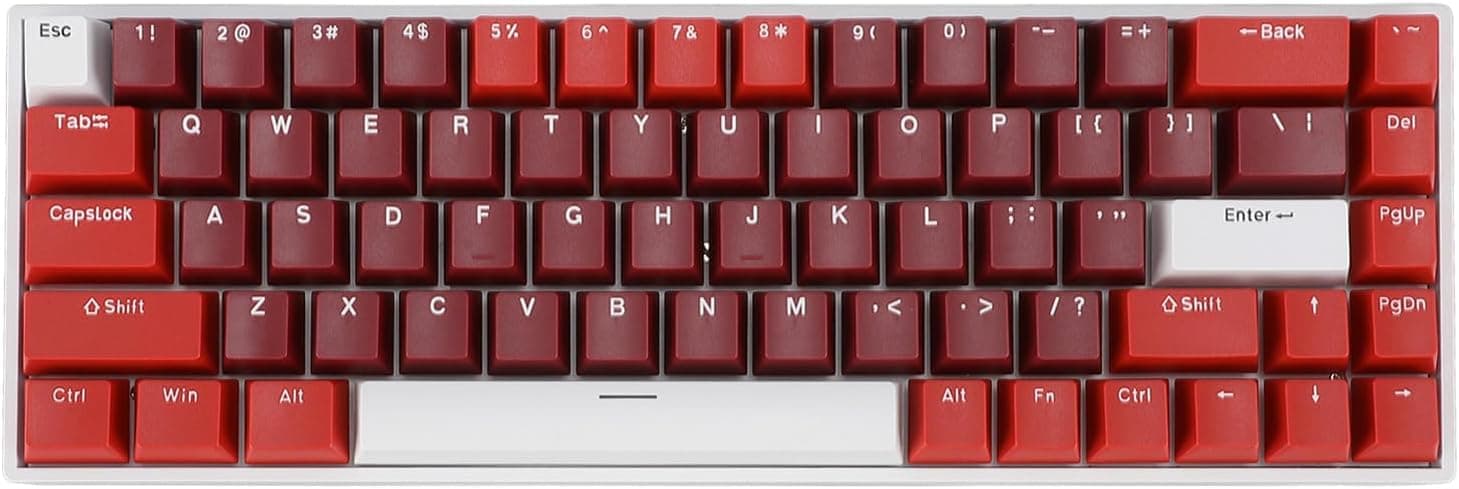
The 68-key wired RGB mechanical keyboard with red linear switches is an entry-level board that lets you try both mechanical switches and a 65% compact layout for a low price. This article looks at what the published specs actually tell you, what they leave out, and who should skip this keyboard.
Overview
The product is built around four published facts: 68 keys, red linear switches, USB Type-C wired connection, and customizable RGB backlighting. That key count places it in the 65% category — 36 keys fewer than a 104-key full-size board, and noticeably narrower than a tenkeyless (TKL) layout.
A 65% board typically keeps the arrow keys but drops the dedicated F1–F12 row, trading function keys for mouse space.
Its natural roles are first mechanical keyboard, secondary board, or travel board. Amazon.co.jp listed it at ¥7,024 as captured on 2026-05-23, but products in this price band move constantly with sales and coupons, so check the product page for the current price.
This is not a flagship with deep customization or long-term vendor support; it is a board whose appeal is how much experience you get per yen.
Connectivity & Compatibility
The listed operating systems are Windows 2000 / ME / Vista / 7 / 8 / 10, HarmonyOS, and macOS (OS X). Note what is missing: Windows 11 is not stated.
As a general rule, USB HID-compliant keyboards are recognized by the OS's built-in driver, so typing will very likely work on current Windows — but since the vendor does not state it, treat it as unverified rather than guaranteed. On macOS, input generally works, but this is a Windows-layout board, so plan on remapping Command and Option in System Settings.
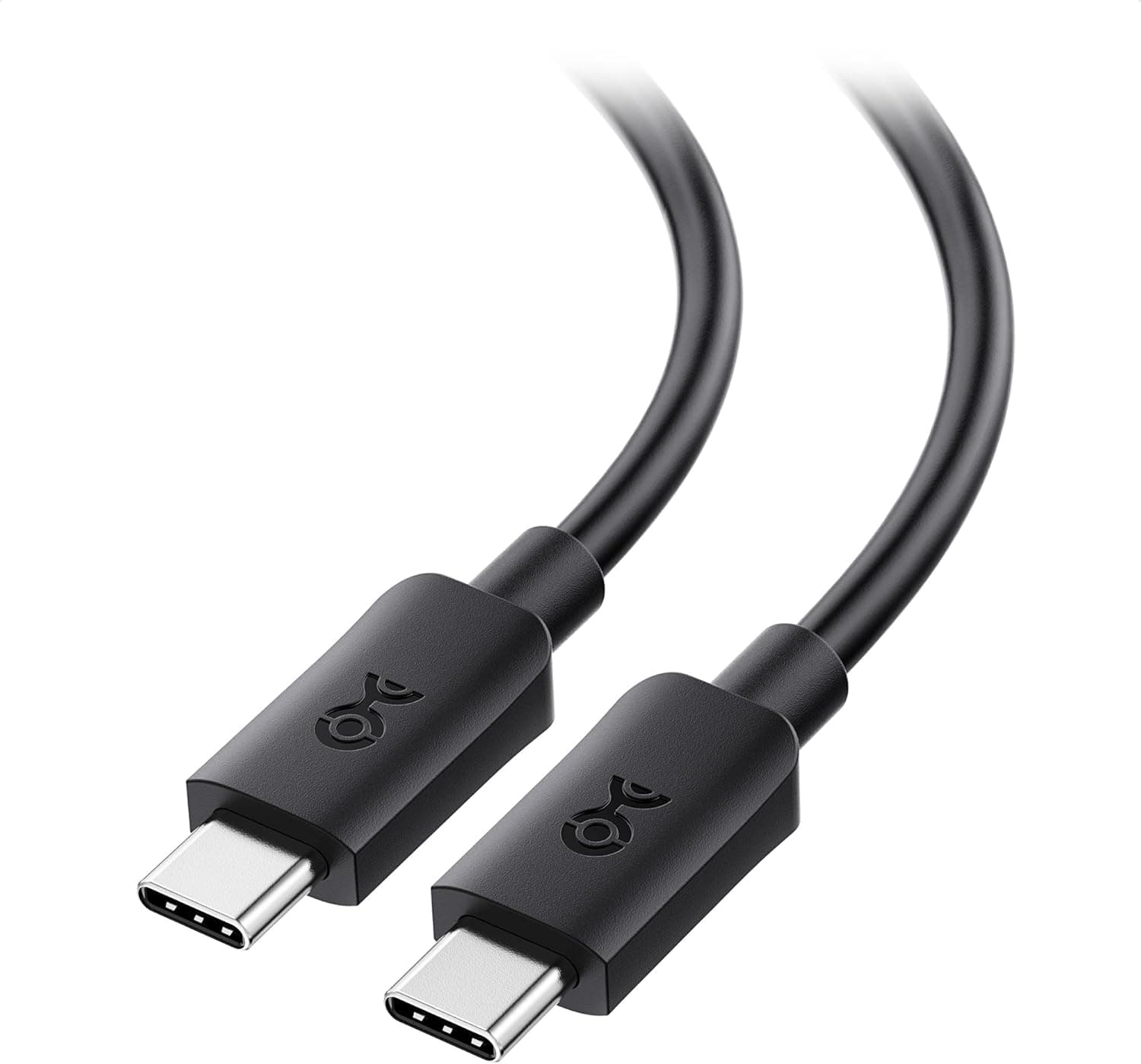
For physical compatibility, check the port. The keyboard end is USB Type-C and the cable is detachable, but whether the PC end is Type-A or Type-C is best confirmed from the product photos.
If your laptop or tablet only has Type-C ports, you may need an adapter. The board also works through a USB hub, though RGB lighting at full brightness draws meaningful power, and bus-powered hubs can cause dimming or unstable detection.
Plug directly into the PC when you can.
| Item | What is stated | What to watch |
|---|---|---|
| OS support | Windows 2000–10 / HarmonyOS / macOS | Windows 11 not listed; likely works via HID, not guaranteed |
| Connection | USB Type-C wired | Confirm the PC-side connector shape on the listing |
| Keys | 68 | No F-row, no numpad — Fn combos required |
| Backlight | RGB, customizable | No software mentioned; assume on-board controls |
The listing says plug-and-play with no driver required. The flip side is that we cannot tell whether a configuration utility for remapping or macros exists.
At this price, Fn-combination control of lighting patterns and brightness is the norm, so assume you will need an OS-level remapping tool if you want a heavily customized layout.
Product Info
The published specs are four: 68 keys, red linear switches, USB Type-C wired connection, and customizable RGB backlighting. The price was ¥7,024 on Amazon.co.jp as captured on 2026-05-23.
One inconsistency is worth flagging: the price entry is labeled "Amazon US" while the link points to Amazon.co.jp and the currency is Japanese yen.
The amount itself is plausible for this class of product in Japan, but confirm which store you are actually buying from.
Red linear switches have no tactile bump and no click mechanism; the keypress travels straight to the bottom. In general terms, that suits rapid repeated inputs and quick direction changes, which is why they are popular for FPS and action games.
But "no click" does not mean silent. Bottom-out noise and stabilizer rattle remain.
If quietness is a hard requirement, choose a silent switch or plan on dampening foam and keycap swaps.
Several things are simply absent from the data, and it is fairer to say so: N-key rollover / anti-ghosting count, polling rate, hot-swap support, keycap material (ABS or PBT), weight and dimensions, and switch actuation force or travel. If any of these matter to you, verify them on the product page rather than assuming.
Comparison With Alternatives
Move up a price tier and the design philosophy changes. A hot-swappable wired board such as the Keychron Q1 V2 lets you replace switches without soldering, so if red linear turns out not to suit you, you swap in tactile or silent switches instead of replacing the whole keyboard.
No hot-swap support is documented here, so assume switch choice is permanent.
On layout, full-size-class boards like the Razer BlackWidow V4 X keep a dedicated F-row and macro keys, which favors heavy numeric entry and streaming controls. The 68-key layout wins clearly on shallow desks and in a bag.
Compared with a wireless option such as the Keychron K4 Pro, this board gives up portability freedom but never needs charging, and a wired link is simply one less variable.
The position is therefore "cheap, small, and reliably wired." If you want customization, expandability, or brand-backed support, a board several times the price will end up more satisfying.
Best Use Cases
The clearest fit is someone trying a mechanical keyboard for the first time. For a few thousand yen you learn whether you actually prefer linear or tactile feel — knowledge that makes your next, more expensive purchase far more likely to land.
The second fit is small desks and frequent travel. A 68-key board is a step smaller than TKL, which matters for low-sensitivity FPS players who sweep the mouse widely, and for students or home workers on a cramped desk.
The detachable cable makes packing it away straightforward.
The third is a backup or second board — a spare for when your main keyboard fails, a unit left at the office or a family PC. Somewhere a failure is inconvenient rather than costly is exactly where this price point pays off.
Things to Check Before Buying
The biggest issue is that the 65% layout does not suit everyone. F1–F12 require an Fn combination, so if you lean on F2 to edit in Excel, F5 to refresh, F12 for developer tools, or quick save/load in games, expect friction.
With no numpad, accounting, inventory entry, and heavy number crunching are poor fits. Placement of Delete, Home, End, Page Up, and Page Down also varies between 65% boards, so study the product photos before ordering.
Choosing on "smaller looks better" alone is a common route to a return.
Second, the spec sheet has gaps. Rollover count, polling rate, hot-swap, keycap material, and dimensions are all unstated.
Simultaneous key recognition directly affects games (move + sprint + crouch + ability at once), so look for wording like "N-key rollover" or "26-key rollover" on the listing. If you cannot find it, assume it is not guaranteed.
Third, treat the listing data itself with some caution. The price entry here is labeled for a US store while linking to the Japanese one.
Similarly, unbranded and OEM products in this bracket often carry recycled manufacturer names, model numbers, or OS lists from other models — an OS list still naming Windows 2000 and ME is a classic sign. You will meet the same inconsistencies on the product page, so confirm the product from the images, title, and reviewer photos rather than the spec table alone.
Fourth, support and unit variance. With no clear brand behind it, defect exchanges depend on the seller, and warranty terms are often less explicit than with a major brand.
The low price partly reflects that risk. For a keyboard at the center of your work, or where downtime is costly, consider something else; if "replace it if it breaks" is acceptable, the value here is strong.
FAQ
Q. Does it work with Windows 11? A.
Windows 11 is not on the stated OS list. HID-compliant keyboards are normally recognized by the built-in OS driver, so typing will likely work, but it is not vendor-guaranteed.
Ask the seller if you need certainty.
Q. Are red switches quiet? A.
Quieter than clicky blues, but not silent — bottom-out noise remains. For genuine quietness, choose a silent switch variant.
Q. Can I swap the switches later? A.
Hot-swap support is not documented. Assume it is not supported, and buy a board that explicitly advertises hot-swap if that matters.
Q. Is the missing numpad a problem? A.
Only if you enter a lot of numbers. Pairing the board with a separate external numpad gives you both compactness and fast numeric entry.
Q. What does it cost? A.
¥7,024 on Amazon.co.jp as captured on 2026-05-23.
This bracket changes often with sales and coupons, so check the listing for the current price.
Q. Does it work on macOS? A.
macOS (OS X) is listed and input should work, but the layout is Windows-style, so remap Command and Option in System Settings for comfortable use.