This article covers ZimaBoard 2 832 x86 ホームサーバー.
Overview
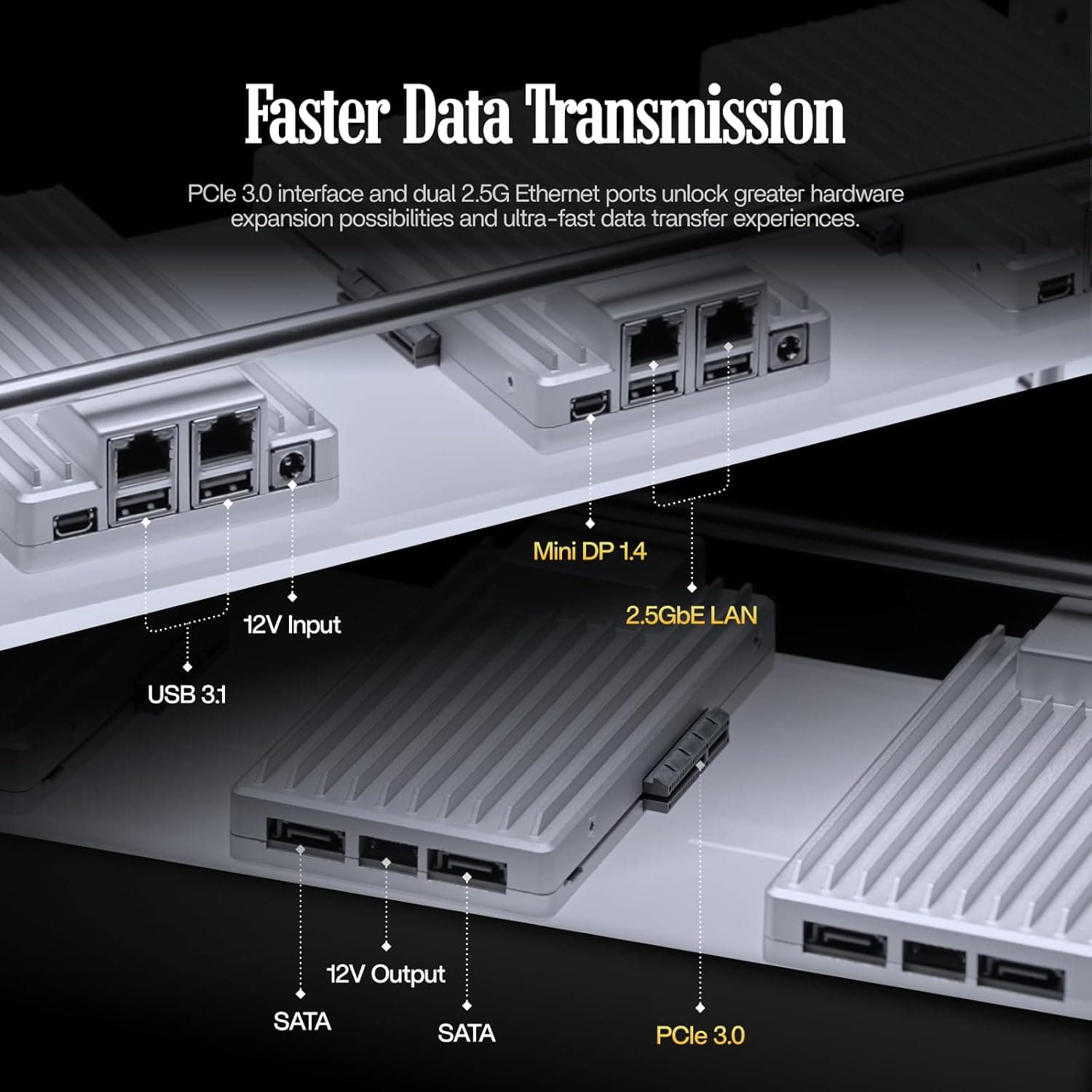
The ZimaBoard 2 832 is a purpose-built single-board server that goes far beyond typical SBCs like the Raspberry Pi. Powered by an Intel N150 quad-core processor (up to 3.6 GHz) with 8GB of DDR5 RAM and 32GB of eMMC storage, it's designed for 24/7 home server workloads. The standout feature is a native PCIe 3.0 x4 expansion slot, allowing you to add a 10GbE NIC, NVMe SSD, GPU, or AI accelerator without the bottlenecks of USB-based solutions. Dual 2.5GbE ports and dual SATA 3.0 ports come standard, making this board an excellent foundation for a DIY NAS, router, Docker host, or all-in-one homelab. It ships with ZimaOS, a clean, ad-free private cloud OS, but you can easily install TrueNAS, Proxmox, Ubuntu Server, pfSense, or OpenWrt for more advanced use cases.
Connectivity & Compatibility
The ZimaBoard 2 832 offers a well-thought-out I/O layout for server applications. Networking: Dual 2.5GbE (Realtek RTL8125BG) ports support link aggregation, routing, and firewall duties with plenty of headroom. Storage: Two native SATA 3.0 (6Gbps) ports let you connect 2.5-inch SSDs or HDDs directly. The PCIe slot can host an NVMe SSD for caching or primary storage. Expansion: One PCIe 3.0 x4 slot (physical x4) accepts a wide range of cards, including 10GbE NICs, NVMe adapters, AI accelerators, and low-power GPUs. Other I/O: USB 3.0 ports (x2), HDMI 2.0 output, 3.5mm audio jack, and a microSD card slot. Because it uses an x86 architecture, compatibility with mainstream Linux distributions and FreeBSD is excellent. However, the PCIe slot's power delivery is limited to around 25W, so high-power expansion cards are not supported.
Product Info
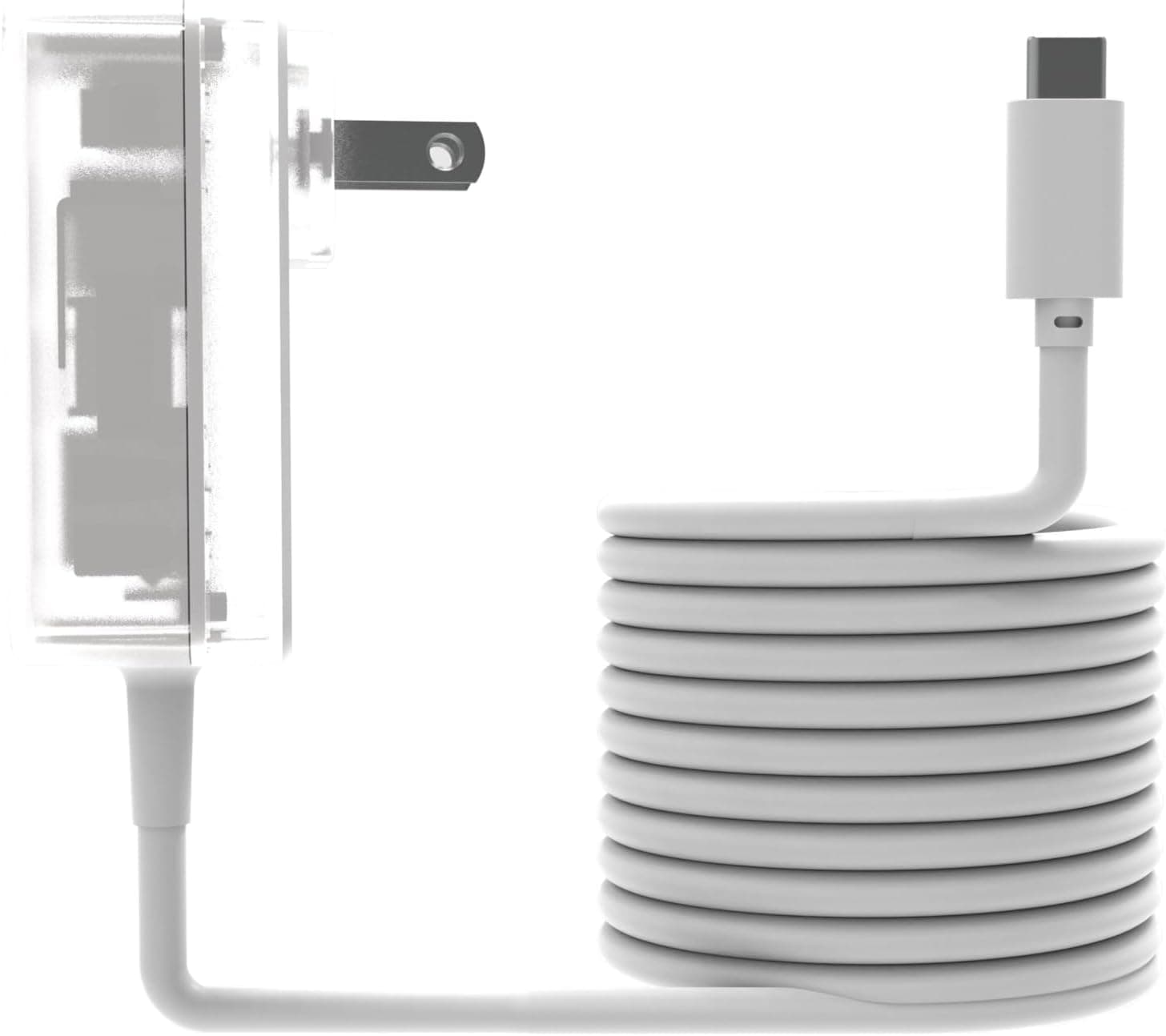
The ZimaBoard 2 832 launched in late 2025, positioning itself as an entry-to-mid-range home server SBC. It targets users who need more expansion and networking capability than ARM-based SBCs like the Raspberry Pi 5 can offer. Priced around ¥82,879 on , it's slightly more expensive than a comparable Mini PC, but the inclusion of a native PCIe slot and dual SATA ports justifies the cost for server-oriented builds. The board comes with a 2-year warranty and 24/7 technical support. In the box, you'll find the board, an AC adapter, and a quick-start guide — you'll need to supply your own SATA cables and storage drives.
Best Use Cases
DIY NAS Builders: The dual SATA ports and PCIe slot allow you to create a flexible, high-performance NAS. ZimaOS provides a user-friendly file dashboard and backup tools, while advanced users can migrate to TrueNAS for ZFS-based storage. Docker & Homelab Enthusiasts: The quad-core N150 and 8GB DDR5 are sufficient for running multiple Docker containers, Pi-hole, a firewall, and a media server simultaneously. Adding an NVMe SSD via PCIe dramatically improves container and database performance. * Always-On, Low-Power Servers: The fanless design and low power draw make it ideal for 24/7 operation without noise or high electricity bills. However, it's not suited for heavy virtualization or real-time transcoding — for those tasks, consider a more powerful Mini PC or dedicated server.
Things to Consider
First, the built-in 32GB eMMC is only enough for the OS and basic applications. You will need to add SATA or NVMe storage for any meaningful data. Second, the PCIe slot's power limit (~25W) means you cannot install a high-end GPU or multiple NVMe drives. Choose your expansion card carefully. Memory is soldered and non-upgradeable at 8GB, which may be a bottleneck for large virtual machines or in-memory databases. Also, while dual 2.5GbE is great, building a 10GbE network will require purchasing a separate NIC. Finally, ZimaOS is beginner-friendly, but its community is smaller than Raspberry Pi's. For troubleshooting and advanced customization, you'll rely on the official forum and GitHub repository.
Product Disclosure (Amazon)
- Manufacturer: zimaboard
- Seller: Jumpupショップ
- Fulfilled by: Jumpupショップ
- ASIN: B0FYP7ZDJ5
- Note: This article covers a manufacturer-made product based on Amazon listing details.
![DS218 [DiskStation 2ベイ NAS クアッドコアCPU 2GBメモリ SATA対応]](/_next/image?url=https%3A%2F%2Fm.media-amazon.com%2Fimages%2FI%2F51zAM3rUO8L._AC_SX300_SY300_QL70_ML2_.jpg&w=1920&q=75)