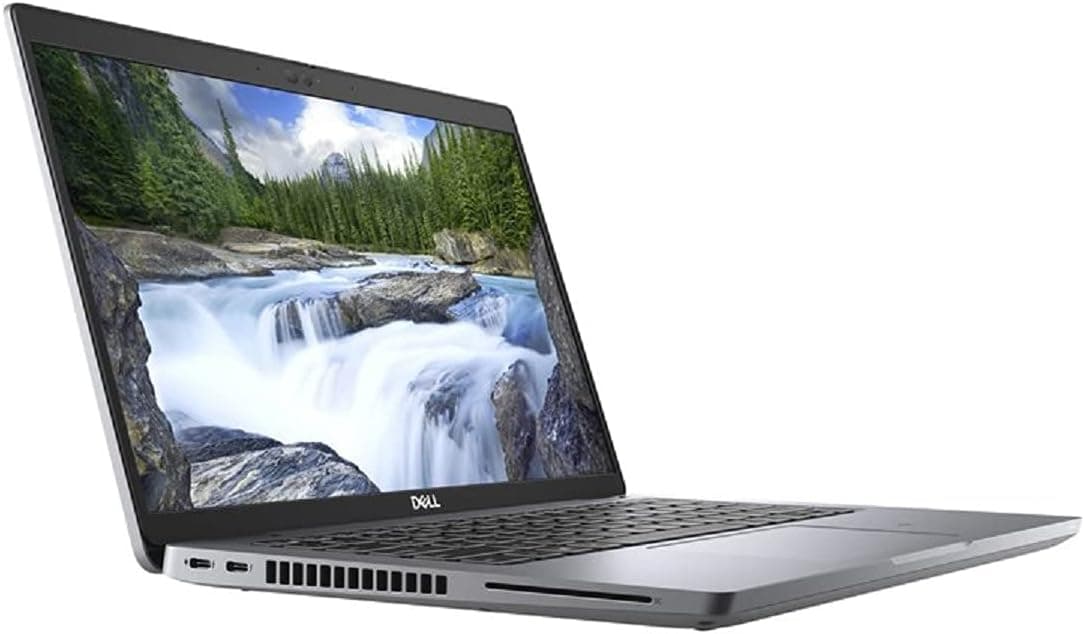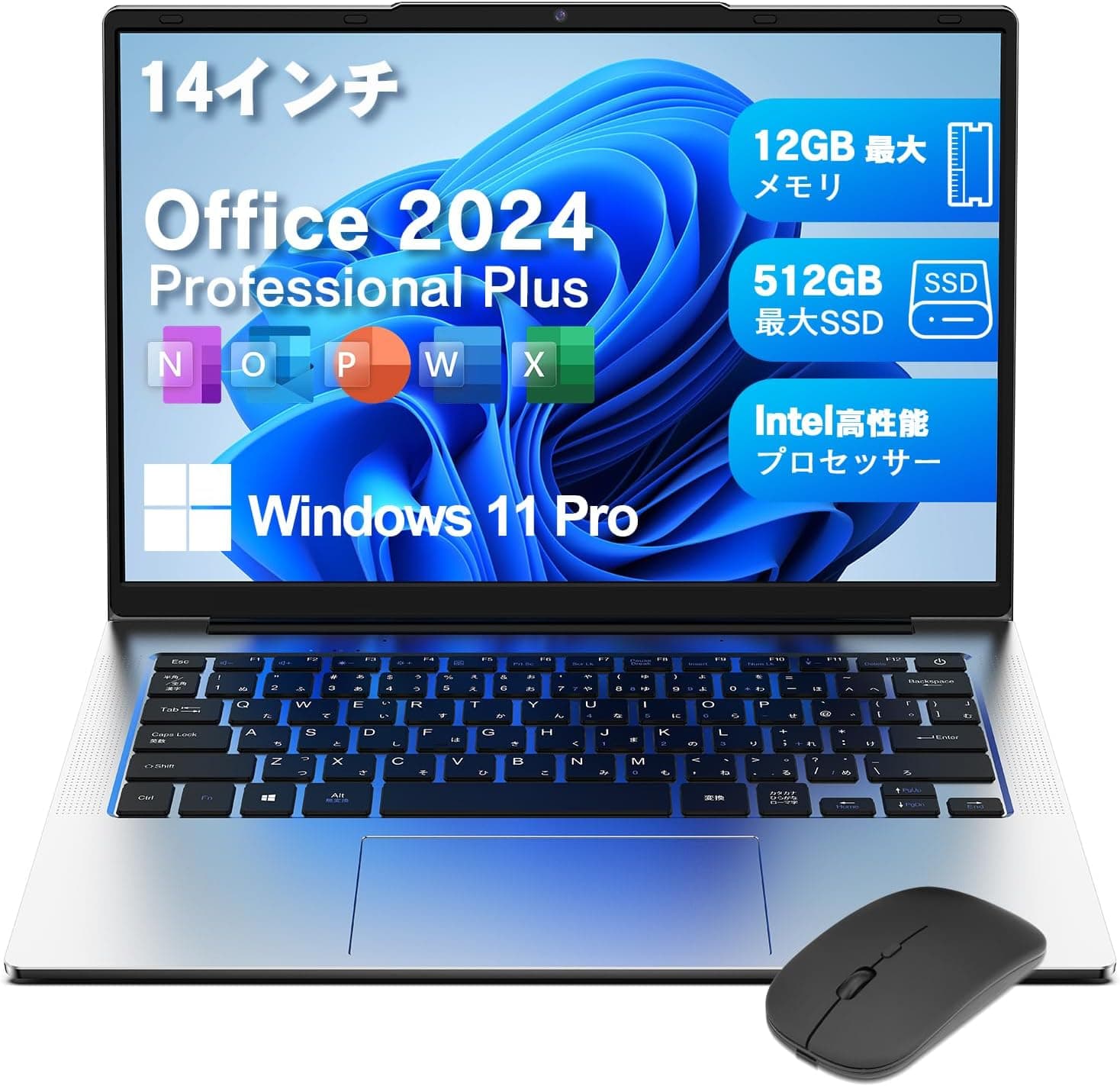
This article takes a closer look at the VETESA 14-inch laptop (Office 2024 pre-installed, Windows 11 Pro, 1920×1200, Japanese keyboard), including the points that most often surprise buyers after the box is opened.
Overview
The VETESA 14-inch notebook is an entry-level Windows 11 Pro machine that ships with Office 2024 pre-installed. It pairs an Intel Celeron N3350 (2 cores / 2 threads, 1.6GHz–2.4GHz) with 8GB of DDR3 memory and a 128GB M.2 SSD.
The target use case is narrow and clear: documents, web browsing, and video playback.
The short verdict: this is a machine for someone who wants one complete, ready-to-use Windows PC with Office included, at the lowest possible outlay. If you plan to run several applications at once, edit photos or video, or keep twenty browser tabs open, this configuration will frustrate you.
The Celeron N3350 is an Apollo Lake–era low-power chip and is old by current standards. Bought with that understanding, it makes sense; bought without it, it is a textbook false economy.
The 14-inch 1920×1200 panel is a genuine strength at this price. Compared with the more common 1920×1080, you get 120 extra vertical pixels and a 16:10 aspect ratio.
For anything tall — Word documents, spreadsheets, web pages — that extra height is noticeable in daily use. At roughly 1.18 kg, the chassis is light enough to live permanently in a school or work bag.
Compatibility Guide
The single most important compatibility fact is that the memory cannot be upgraded. The supplied compatibility notes state plainly that the RAM is soldered.
The 8GB of DDR3 is fixed to the board, so there is no path to 16GB later. Whatever you buy is what this machine has for life.
With Windows 11, Office, and a resident security suite running, 8GB is workable but never generous — and that ceiling is what ultimately determines the machine's useful lifespan.
Storage uses an M.2 SATA SSD, not NVMe.
This distinction matters: the physical slot looks the same, but SATA and NVMe are not interchangeable, and an NVMe drive will most likely not be detected. Since 128GB fills up quickly once Windows 11 and Office 2024 are installed, anyone planning an upgrade should specifically look for a drive labeled M.2 SATA.
That said, opening the chassis may void your warranty, so using the Micro SD slot or an external SSD is the more practical first step.
Ports include USB 3.2, Mini HDMI, a Micro SD card slot, and a combo microphone/headphone jack.
Wireless covers WiFi 5 (802.11ac) and Bluetooth 5.0.
The easily missed detail here is Mini HDMI: a standard HDMI cable will not fit. If you intend to drive an external monitor or TV, budget for a Mini HDMI–to–HDMI cable or adapter.
"I bought it to use with my monitor and the cable didn't fit" is the most common complaint tied to this port. Wireless tops out at WiFi 5, so a modern WiFi 6 router will not be fully exploited — rarely an issue for browsing and streaming, but worth noting if you move large files often.
The OS is Windows 11 Pro 64-bit, which brings Remote Desktop hosting, BitLocker, and group policy management. However, the Celeron N3350 is not from a CPU generation that Microsoft lists among its officially supported processors for Windows 11, so it is worth confirming with the seller or product page how future major updates will be handled.
If you are planning multi-year use, settle that question before buying.
Product Info
| Item | Detail |
|---|---|
| CPU | Intel Celeron N3350 (2C/2T, 1.6–2.4GHz) |
| Memory | 8GB DDR3 (soldered, not upgradeable) |
| Storage | 128GB M.2 SSD (M.2 SATA) |
| Display | 14-inch IPS 1920×1200 |
| OS | Windows 11 Pro 64-bit |
| Weight | approx. 1.18 kg |
| Wireless | WiFi 5 (802.11ac) / Bluetooth 5.0 |
| Battery | Lithium-ion (capacity not disclosed) |
The listed price was ¥46,998 on Amazon.co.jp as captured in June 2026. Prices at this tier move often with sales and coupons, so always check the current figure on the product page.
Whether that number is fair depends almost entirely on how you value Office 2024. If you would otherwise buy a standalone Office package, the effective cost of the hardware looks small.
If you do not need Office — your school or employer provides a license, or Google Docs is enough — the same budget spent on a used business laptop will buy you meaningfully more CPU and memory.
On reviews, the data captured in June 2026 shows 3.8 out of 5 stars across 80 reviews (76% positive). That is not a stellar score, but it is not unusually poor for this class and configuration either.
With only 80 reviews, the average can still shift. Read why the low-star reviews are low — speed, defective units on arrival, or seller support — rather than judging on the average alone.
In the box: AC adapter, wireless mouse, keyboard cover, and a KINGSOFT Internet Security card (3-year license). It is designed to be usable straight out of the box, which lowers the barrier for a first PC.
What Real-World Use Feels Like
Rather than benchmark numbers, here is the practical expectation. The Celeron N3350 has two cores and two threads and was never designed for video encoding or gaming.
It is, however, adequate for reading a few web pages, writing a several-page Word document, working through a few hundred spreadsheet rows, or streaming video.
Performance falls off sharply when you do these things at the same time. Ten browser tabs plus Word plus Excel plus a background security scan will produce visible waiting on 8GB and two cores.
The healthiest way to live with this machine is to treat it as a one-task-at-a-time device.
The battery is listed only as lithium-ion, with no stated capacity or runtime. Since no figure is published, no runtime claim can honestly be made here — if you expect long sessions away from an outlet, plan to carry the AC adapter (or confirm USB PD support on the product page).
How It Compares
The same price bracket increasingly includes entry laptops built on newer N100 / N150 class processors. Those are quad-core parts, and the difference in everyday responsiveness against an N3350 is obvious.
Beyond "Office 2024 is included," there is not a strong positive case for choosing this specific model. Flip that around, though: if the bundled Office is your top priority, the field narrows sharply, and within it this machine holds together.
If 15.6 inches or larger is acceptable, your options widen considerably.
And if gaming or video editing is anywhere in your plans, you should be looking at Ryzen or Core i7 machines rather than this class entirely.
Best Use Cases
- Students and first-time PC owners — Office 2024 is ready on day one, so reports and presentations can start immediately. Minimal setup friction is a real advantage for a first machine.
- A secondary work-from-home unit — The built-in webcam and speakers handle Zoom and Teams calls. Stacking other apps during a call is a stretch, so treat it as a dedicated meeting machine.
- A travel or second laptop — At about 1.18 kg it slips easily into a bag for email, light document edits, and video. Being inexpensive enough to not panic about is quietly valuable in a carry-everywhere device.
- A shared family PC — Browsing, printing, and simple household paperwork are all comfortably within scope.
Before You Buy
1. The 8GB of RAM is permanent. This is the biggest constraint.
When software grows heavier over the years, you have no upgrade path. If you want three to five years of service, look elsewhere now.
2. 128GB fills faster than you expect. Windows 11, Office 2024, and a security suite consume a large share before you save a single file.
Plan on a Micro SD card, an external SSD, or cloud storage from the start. Windows Update failing for lack of free space is a common headache on low-capacity machines.
3. Treat the CPU as light-duty only. Video editing, RAW photo processing, 3D gaming, virtual machines, and local AI models are all outside its scope.
Buying it because it is cheap and then asking it to do heavy work will end badly.
4. Video output is Mini HDMI. A standard HDMI cable will not fit. Buy the adapter at the same time if you plan on an external display.
5. DDR3 memory signals an older platform. Current mainstream machines use DDR4 or DDR5.
The combination of DDR3 and a Celeron N3350 tells you this is not a recent design — do not assume a 2024-era listing means 2024-era internals.
6. Verify the listing details yourself. On Amazon and similar marketplaces, registered manufacturer names, model numbers, and specifications sometimes disagree with the product actually shipped.
This happens more often with no-name or newer brands. Before ordering, cross-check the product images, the title, and recent reviews to confirm the machine you receive matches the configuration described.
7. Check the support arrangement. Warranty handling varies by seller.
Confirm where the contact details and coverage period are stated before you order.
FAQ
Q. Can I upgrade to 16GB of RAM?
A. No. The 8GB of DDR3 is soldered to the board, leaving no physical route to replace or add memory.
Q. Can I replace the storage? A.
The spec supports M.2 SATA SSDs.
NVMe drives most likely will not work, and opening the chassis may affect warranty coverage. Consider Micro SD or an external drive first.
Q. Is Office 2024 a perpetual license or a subscription? A.
The available data states only that Office 2024 is pre-installed. Confirm the license type and validity period on the product page — this detail heavily affects the value proposition.
Q. Can it run games? A.
3D games are out of scope. Browser games and lightweight 2D titles may run, but mid-weight or heavier Steam titles will not meet their recommended specs.
Q. Can I connect an external monitor?
A. Yes, via the Mini HDMI output — but you will need a Mini HDMI–to–HDMI cable or adapter.
Q. Is video playback smooth? A.
YouTube and streaming services are within its intended use. Combining high-resolution playback with other running applications may cause dropped frames.
Product Disclosure (Amazon)
- ASIN: B0H3P74M5W
- Note: This article covers a manufacturer-made product based on Amazon listing details.