Overview
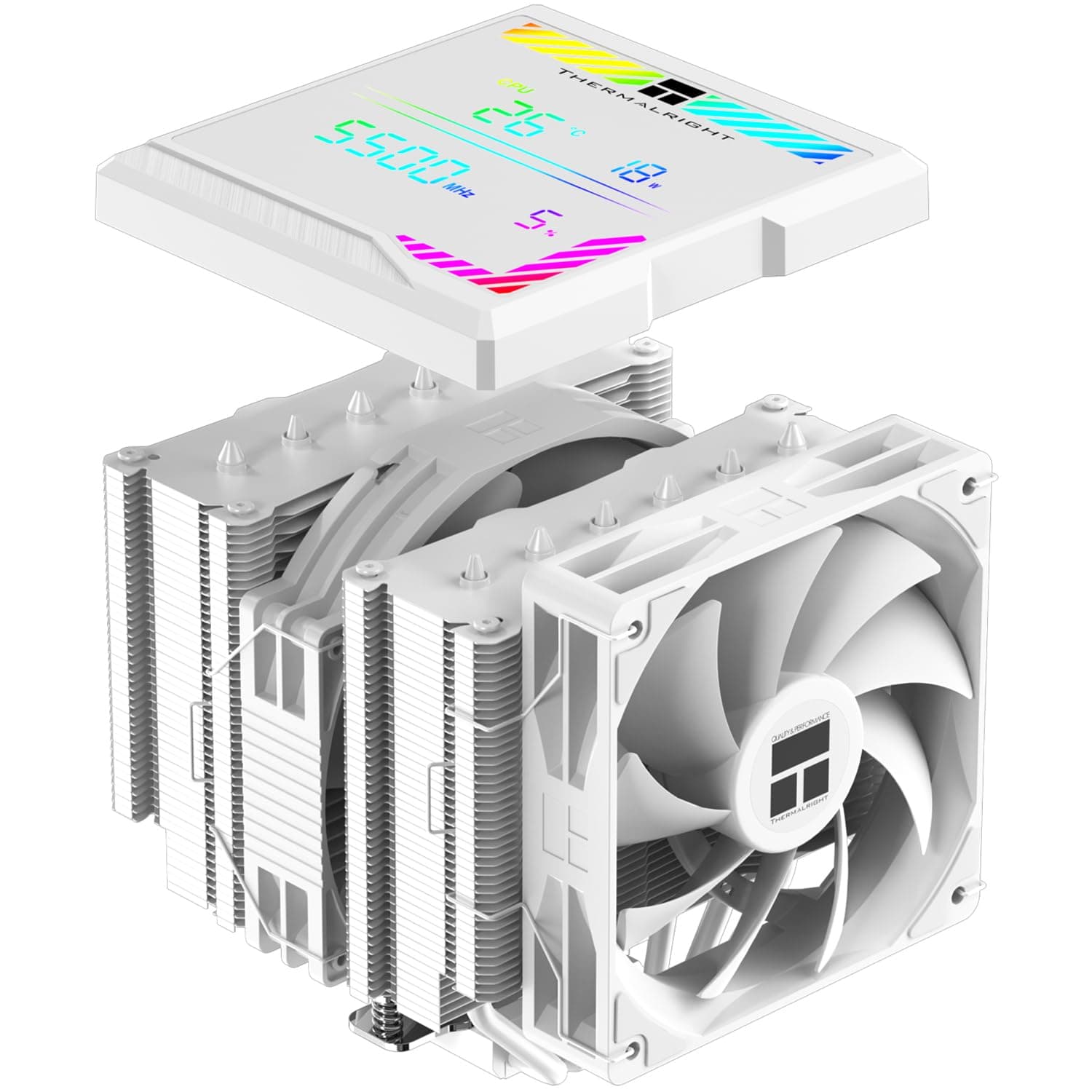
The Thermalright Peerless Assassin 140 Digital White is a dual-tower air cooler with a digital readout on top and a white finish. In short: it is for builders who want water-cooling-class thermals without the pump failure or leak risk that comes with an AIO.
As of the 2026-05-31 capture, Amazon.co.jp listed 33 reviews at 4.7 out of 5 stars (94% positive) — a small sample, but a consistently high one.
This cooler is a textbook case of size being the deciding factor. Whether it physically fits your case and memory matters far more to your purchase decision than raw cooling numbers.
The sections below focus on exactly that.
Why a Dual Tower
Air coolers split into single-tower designs (the Hyper 212 family being the archetype) and dual-tower designs. A dual tower splits the fin stack into two blocks with fans between and outside them, moving more heat at the same fan speed.
The practical payoff is quietness rather than peak cooling. More fin area means the fan can spin slower for the same heat load, and 140mm fans reach a given airflow at lower RPM than 120mm ones, avoiding the high-pitched whine that draws the ear.
If you are eyeing an AIO purely because your current fan roars during games, try this class of air cooler first.
The cost is mass and volume. All that weight hangs off the motherboard, which matters if you ever transport the machine.
Compatibility Guide
Check these before buying, in order of how often they cause trouble:
| Item | What to check | Common failure |
|---|---|---|
| Socket | Your board model vs. the listed socket support | Missing bracket for your generation |
| Case height | The case spec for max CPU cooler height | Side panel misses closing by millimetres |
| RAM height | Memory height including heat spreaders | Front fan sits on top of the modules |
| Top fans | Thickness and position of case top fans | Tower collides with the top fan |
| VRM heatsink | Height of the board's upper heatsink | Blocks mounting on high-end boards |
Thermalright coolers in this series typically cover recent Intel LGA1700-era sockets plus AMD AM4 and AM5, but bundled brackets can vary by production run and region. Match your exact socket name against the product page listing, character by character.
It is a tedious check that prevents a large share of returns.
On height: a 140mm dual tower commonly lands in the high 150mm range, which is tight even in many mid-tower cases. If subtracting the two catalogue figures leaves you under 5mm of slack, choose a different cooler. Manufacturing tolerances and panel bulges routinely eat that margin.
RAM interference is the single most common problem with dual towers. The front fan sits over the memory slots, so tall RGB modules collide with it.
You can usually slide the fan upward on its clips, but that raises overall height and pushes you into the top fans instead. Tall memory in a short case is the worst-case combination for this cooler.
Power supply capacity is a non-issue here. An air cooler adds only the draw of its fans — unlike an AIO, there is no pump to budget for.
Product Info
Amazon.co.jp listed the cooler at ¥10,101 as of the 2026-06-12 capture.
On the marketplace side, an eBay US listing showed $50.00 as of the 2026-07-16 capture.
Those are reasonable figures for a dual-tower air cooler, but prices in this category swing with sales, exchange rates, and grey-import stock. Treat both numbers as point-in-time snapshots and check the current listing before you buy.
Reviews stood at 33 with a 4.7 average (94% positive) as of 2026-05-31.
Thirty-three is statistically thin — a single one-star entry moves the average noticeably. That said, air coolers are simple mechanical products whose ratings rarely split dramatically outside of DOA units.
The digital readout is this model's differentiator. In practice, though, the display often ends up facing a panel or the rear of the case where you cannot read it during use.
Treat it as a fun extra rather than a monitoring tool — OS-side software remains the reliable way to watch temperatures.
Compared With the Alternatives
Thermalright's own Peerless Assassin 120 SE White ARGB is the smaller sibling, built around 120mm fans. If your case height limit is tight or you are worried about memory clearance, it fits far more easily.
The 140 has the airflow advantage, but the everyday-load temperature gap is usually smaller than the spec sheet suggests.
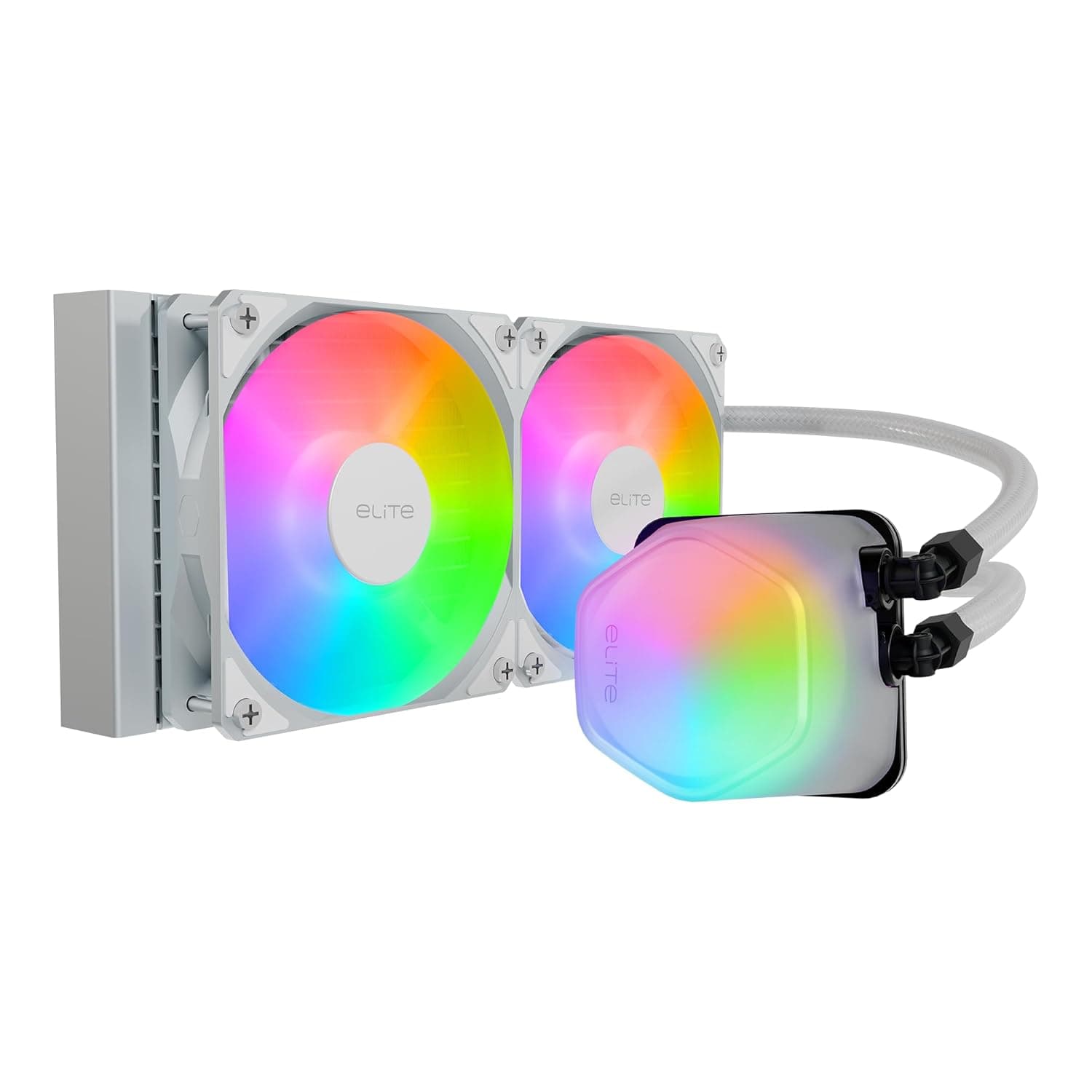
Against single towers like the Hyper 212 EVO V2 or Hyper 212 Halo White, this model costs more but holds the same temperature at lower fan speeds. Flip that around: for a low-TDP CPU where noise is not a priority, a single tower is enough.
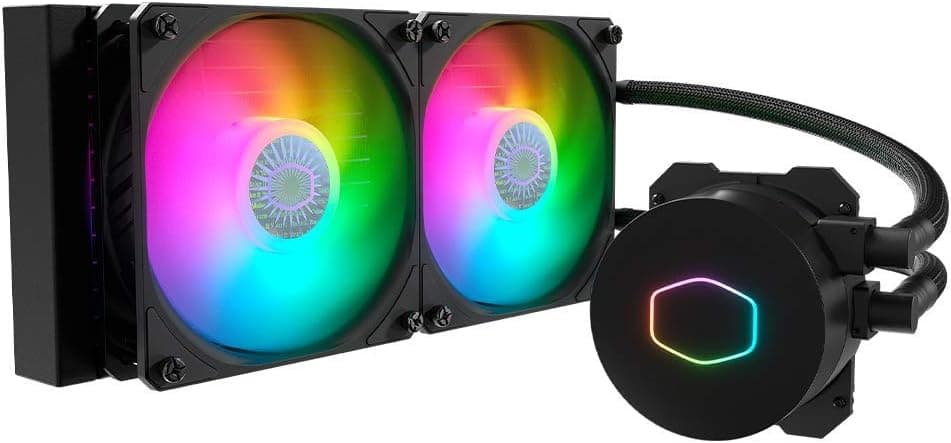
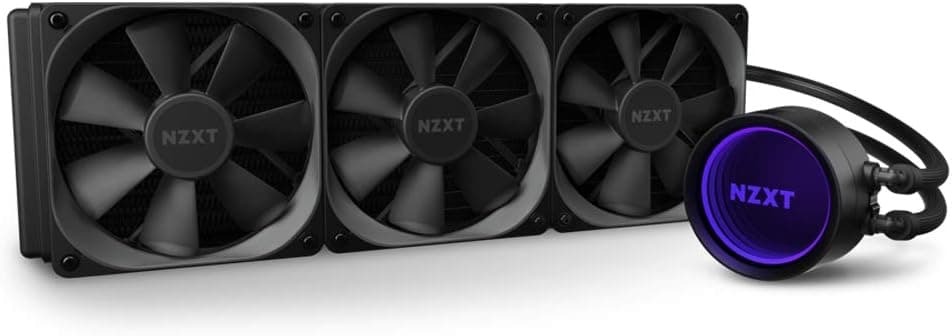
Versus a 240mm or 360mm AIO, the deciding question is how long you sustain full load. All-core rendering and encoding for hours favours the larger radiator.
Gaming, where load fluctuates, favours air — fewer moving parts, longer service life.
Installation Notes
Mount the cooler before the motherboard goes into the case. The backplate installs from behind, so if your case lacks a CPU cutout in the motherboard tray, swapping coolers later becomes a full teardown.
The sequence is: assemble the socket-specific bracket, apply paste, screw down the heatsink, then clip on the fans. Fans go on last — mount them first and you cannot reach the screws.
A pea-sized blob or a thin spread both work; over-application is the more common mistake.
Best Use Cases
Good fit if you:
- Want strong cooling but refuse to accept pump wear or leak risk
- Are bothered by fan noise during gaming and prioritise quiet operation
- Are building a white-themed system and want the cooler to match
- Have a mid-tower or larger case with real internal clearance
- Are building a long-lived daily machine and value fewer moving parts
Poor fit if you use a compact case, already own tall RGB memory, or move your PC frequently.
Things to Check Before Buying
Do not take the listing metadata at face value. The spec table attached to this product page has been observed carrying information from an entirely different category — battery capacity and USB output ports, which belong to a power bank.
Model numbers, ASINs, and spec fields on retail sites do get crossed with other products. Confirm the item from the product images and title, and sanity-check whether the listed specs match a CPU cooler at all (mAh figures on a heatsink are a red flag).
Next, the dimensional traps. Height and RAM clearance are the big two, but two more get overlooked: collision with case top fans and the rear I/O shield protrusion.
If you already run a thick top fan or radiator, the case's advertised cooler height is not trustworthy. Measure it yourself.
Weight demands a compromise too. A dual tower flexes the motherboard.
Failures in normal desktop use are rare, but if you are transporting the machine on its side or packing it for a move, remove the cooler first. If that sounds like too much hassle, large air cooling is not for you.
Adjust your expectations for the display as well. Depending on your layout, it may simply never be visible.
Before buying, picture whether the readout will actually face your tempered-glass panel.
Finally, price. Coolers in this class see wide sale-driven swings, and the figures above may not match today's listing.
Use them as a rough guide and decide based on the price shown at the moment you buy.
Frequently Asked Questions
Q. Is it worth switching from an AIO? A.
Yes, if pump noise or pump lifespan concerns you. If your workload is hours of all-core load, a large-radiator AIO still holds an edge on sustained performance.
Q. My case allows 160mm — will it fit? A.
A 140mm dual tower often measures in the high 150mm range, leaving only millimetres. Check the exact figure on the product page; if the gap is under 5mm, pick a 120mm-class model instead.
Q. I have tall memory. Will it interfere? A.
Likely yes, since the front fan sits over the slots. Raising the fan on its clips solves it, but increases total height — check your top clearance at the same time.
Q. Do I need to buy thermal paste separately? A.
Coolers like this usually include paste, but bundled accessories vary by production run. Confirm on the product page listing.
Q. What does the digital display show? A.
It indicates operating status, but confirm the exact readouts and any software integration on the product page. Either way, pair it with OS-side monitoring for anything you actually rely on.
Q. Are 33 reviews too few to trust? A.
It is a thin sample where the average moves easily. But air coolers are mechanically simple and quality is consistent, so a low count is not by itself a warning sign.
![COOLER MASTER CPUクーラー「Hyper」シリーズ新型「HALO2」ファン2基搭載・デュアルタワーヒートシンクモデルホワイトカラーモデル [ Hyper 622 HALO WHITE ]](/_next/image?url=https%3A%2F%2Fm.media-amazon.com%2Fimages%2FI%2F51E9oHe9EmL._AC_SL1000_.jpg&w=1920&q=75)