This article covers StarTech デュアルモニター対応 USB-HDMI変換アダプター macOS(M1.
Overview
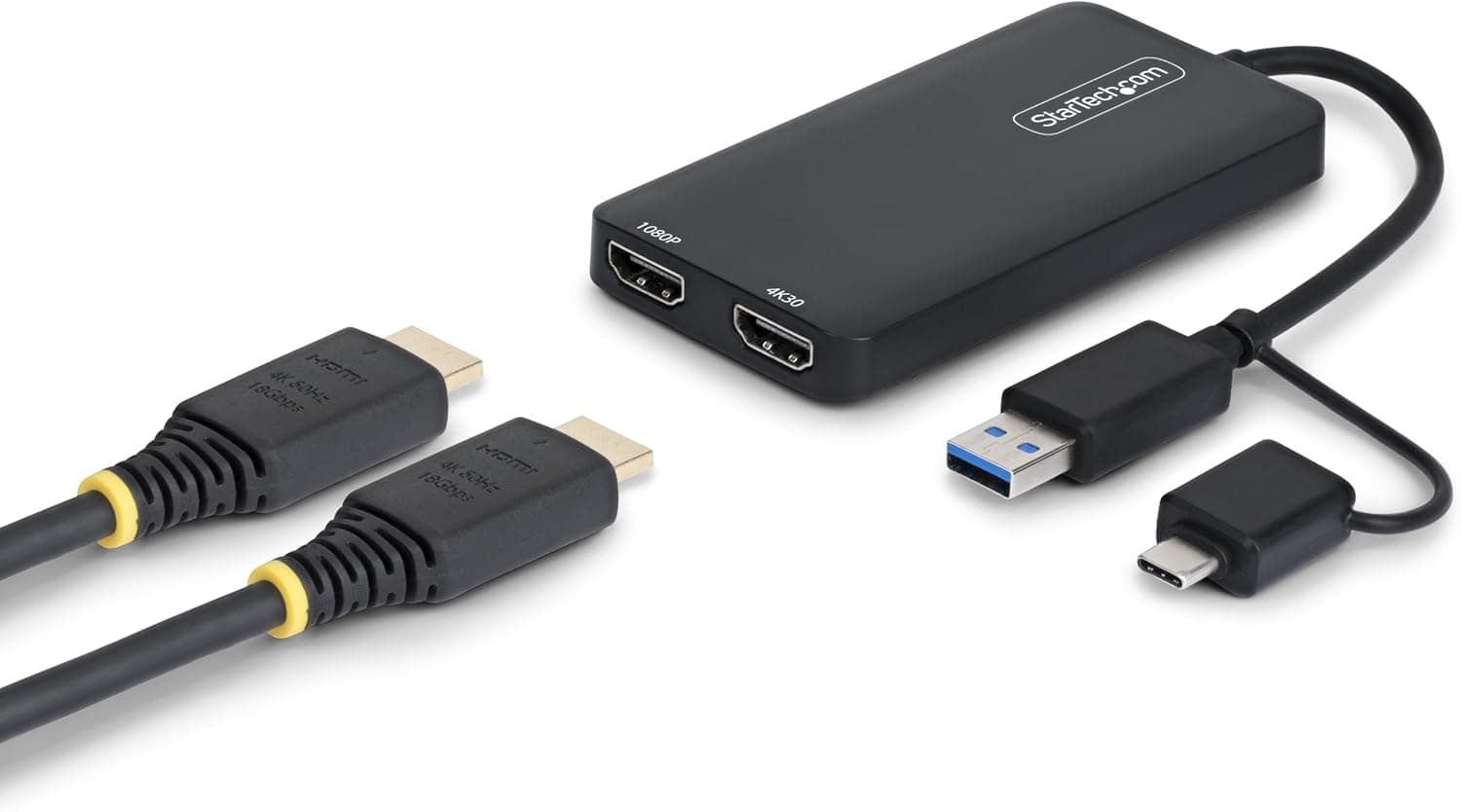
The StarTech 107B-USB-HDMI-2 is a USB-to-HDMI adapter that adds two external displays to your laptop. Simply plug it into a USB 3.0 (5Gbps) or higher port, and you get two HDMI outputs: one supporting up to 4K at 30Hz, and the other at Full HD (1080p). Combined with your laptop's built-in screen, you can run up to three displays total. It uses Silicon Motion's content-adaptive technology to keep CPU load low, ensuring smooth video playback and responsive mouse movements. The adapter is bus-powered, so no external power supply is needed. A short 11cm cable is attached directly to the unit, making it easy to position on your desk.
Connectivity & Compatibility
The adapter works with USB 3.0 / 3.2 Gen 1 (5Gbps) and above, and includes a USB-C converter for use with USB-C, USB4, and Thunderbolt ports. Supported operating systems include Windows, macOS (including Apple M1/M2/M3/M4), ChromeOS (version 98+, Stable channel), and Ubuntu. On Windows and ChromeOS, drivers install automatically; on macOS and Ubuntu, you'll need to download them from the StarTech website. One important caveat: this adapter is not designed for gaming. High refresh rates and low latency are not its strengths, so it's best suited for office work, web browsing, and general productivity.
Product Info
Released in 2025, the StarTech 107B-USB-HDMI-2 is priced around ¥5,000–¥6,000. It comes with a standard 2-year warranty (check your region), and the package includes the adapter, a USB-C converter, and a quick-start guide. It's widely available on Japan and other major online retailers. Positioned as an entry-to-mid-range product, it offers dual HDMI output and 4K support over USB 3.0 at a competitive price. Its proprietary chipset (not DisplayLink-based) provides stable performance, especially on macOS, without the higher CPU overhead typical of DisplayLink adapters.
Best Use Cases
Remote workers and office professionals: If you need more screen real estate for spreadsheets, emails, and presentations, this adapter is a simple, cost-effective solution. It supports both extended and mirrored display modes. However, it's not suitable for GPU-intensive tasks like gaming or video editing. MacBook users (M1/M2/M3/M4): Apple Silicon MacBooks natively support only one external display. This adapter lets you add two external monitors via a single USB-C port, making it ideal for users who need a multi-monitor setup without buying a new laptop. Just remember that macOS requires manual driver installation. * First-time multi-monitor users: If you've never used multiple displays and want to try it without opening your PC, this plug-and-play adapter is a great starting point. Setup is straightforward, and the low price makes it an easy experiment. But if you need 4K at 60Hz, look elsewhere.
Things to Consider
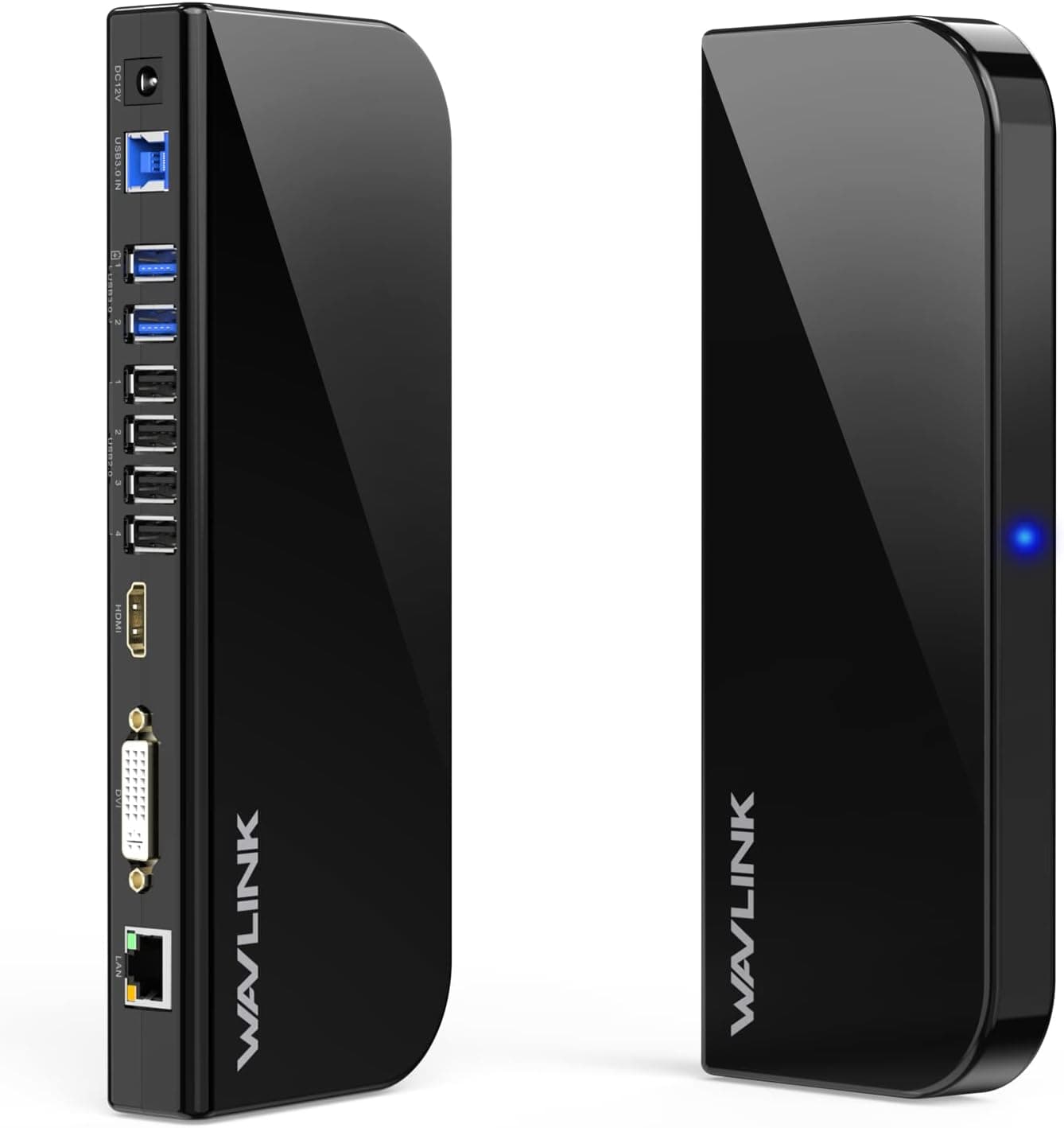
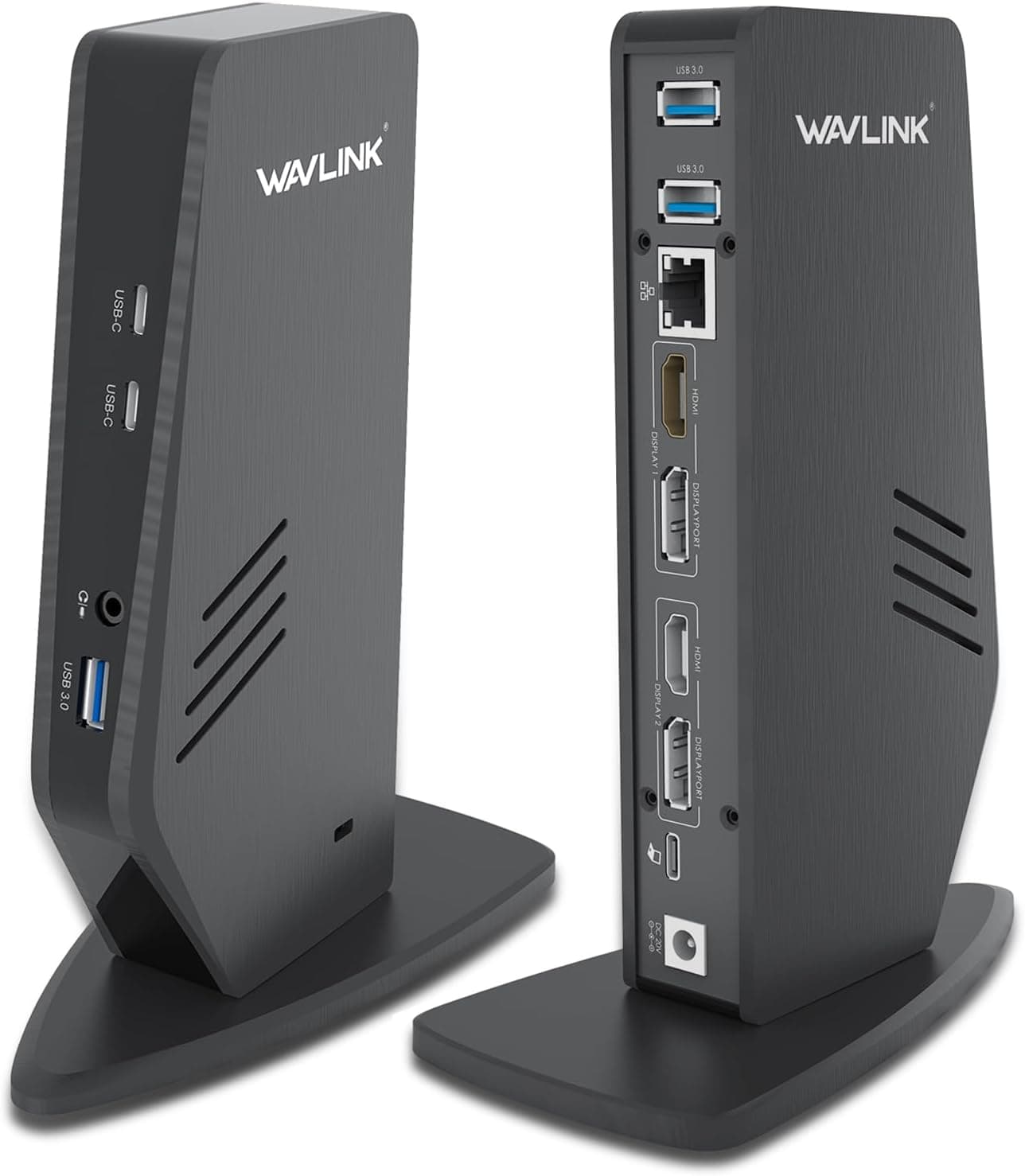
The biggest limitation is the 4K output capped at 30Hz. For video editing or design work requiring smooth 60Hz motion, this adapter won't cut it. Also, it requires a USB 3.0 or higher port — USB 2.0 won't work. Check your laptop's USB specifications before buying. On macOS, you'll need to manually install drivers, which adds a small setup hurdle. Linux (Ubuntu) support is available but may not be as thoroughly tested. And again, this is strictly a productivity tool — don't expect gaming performance. Compared to DisplayLink-based alternatives (e.g., WAVLINK USB 3.0 Dual HDMI Adapter), the StarTech 107B-USB-HDMI-2 offers lower CPU load thanks to its proprietary chip. If you prioritize stability on Windows and want to keep your laptop's processor free for other tasks, this adapter is the better choice.
](/_next/image?url=https%3A%2F%2Fm.media-amazon.com%2Fimages%2FI%2F612BqnvFtCL._AC_SL1500_.jpg&w=1920&q=75)