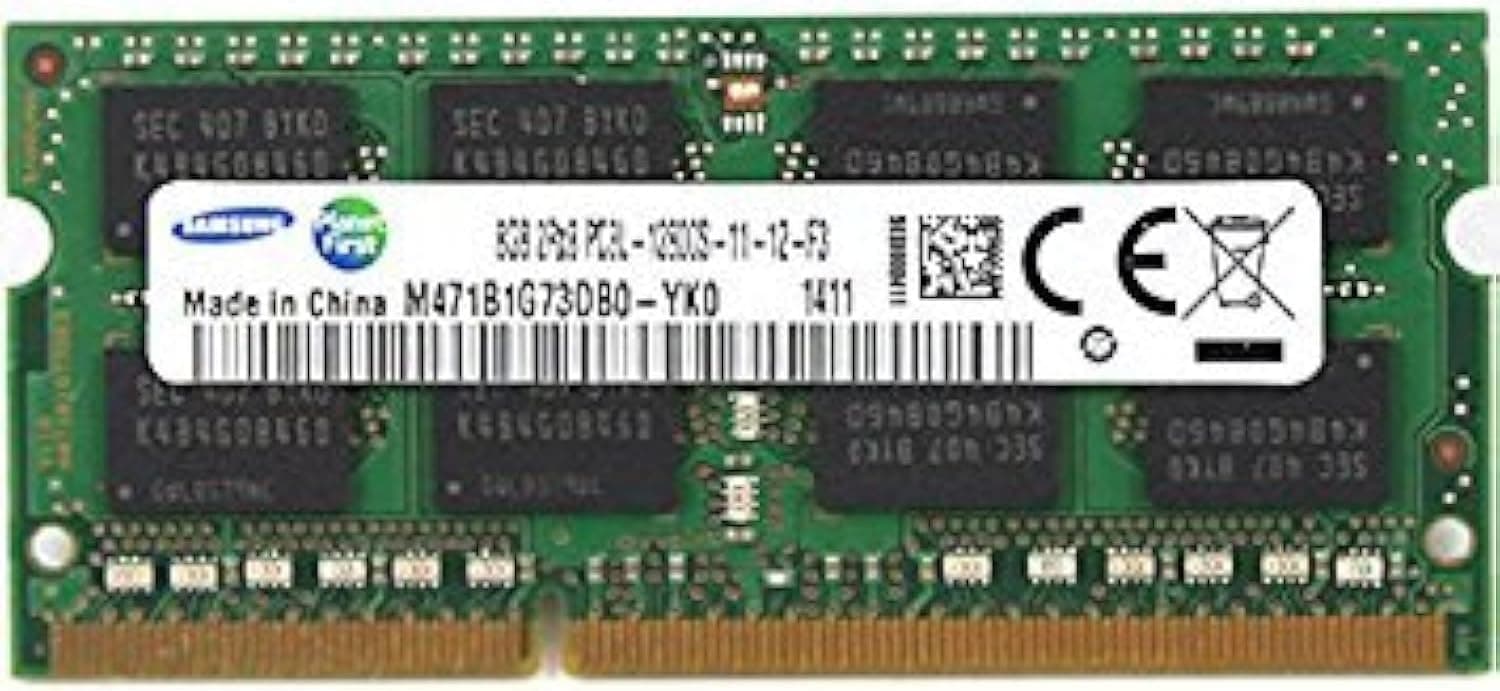
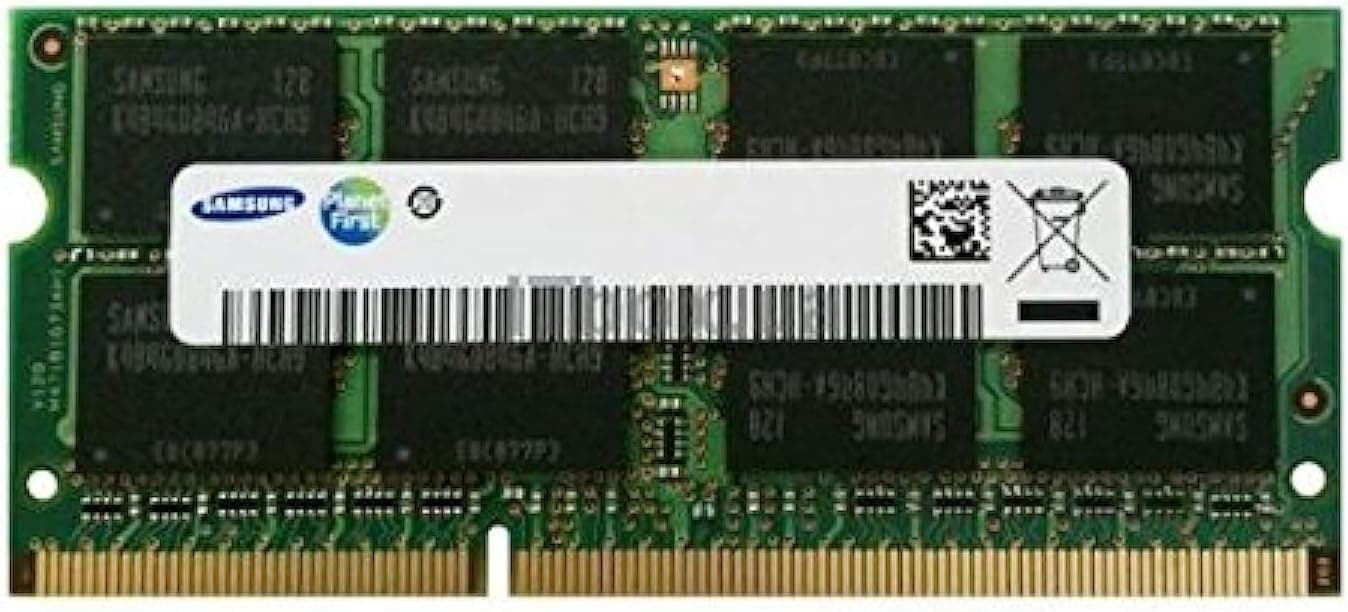
![SAMSUNG 200PIN PC2-5300 DDR2 667 2GB SODIMM [M470T5663CZ3-CE6]](/_next/image?url=https%3A%2F%2Fm.media-amazon.com%2Fimages%2FI%2F61omRch5ntL._AC_SX300_SY300_QL70_ML2_.jpg&w=1920&q=75)
This article covers SAMSUNG 200PIN PC2-5300 DDR2 667 2GB SODIMM [M470T5663CZ3-CE6].
Overview
This article is about the SAMSUNG 200PIN PC2-5300 DDR2 667 2GB SODIMM, part number M470T5663CZ3-CE6. It's a 200-pin SO-DIMM built for laptops, offering 2GB of DDR2-667 (PC2-5300) memory with CL5 latency and a 2Rx8 rank layout. This module represents the generation of memory used in many notebooks from around 2006 to 2010. For people who still run a working DDR2-era laptop, this is one of the few realistic ways to give it more headroom. Swapping out a 512MB or 1GB stick for this 2GB module can make everyday tasks like browsing and document editing far more tolerable. Since it uses genuine Samsung chips, reliability is generally better than no-name DDR2 modules you sometimes see on the used market. Before you buy, you need to verify three things: your laptop must have a 200-pin SODIMM slot, it must support DDR2-667 (PC2-5300), and its chipset must accept a 2GB module in at least one slot.
Compatibility Guide
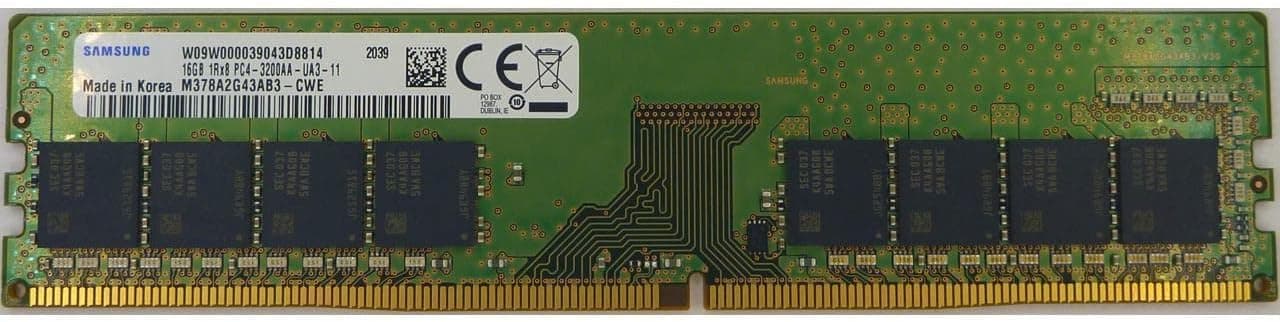
This is a 200-pin SODIMM, which is a notebook form factor. It doesn't fit desktop motherboards that use 240-pin DDR2 DIMMs, nor any system designed for DDR3 or later. The only candidate machines are notebooks and small barebones that explicitly list DDR2 SO-DIMM support. The module is rated PC2-5300 (DDR2-667). If your laptop only supports DDR2-533, there's a chance the memory controller will downclock it, but you should not assume that. Check the official specification sheet first. Also note the 2Rx8 dual-rank construction; a handful of early chipsets are picky about dual-rank DIMMs, so testing one stick before buying two is a smart move. If your laptop has two SODIMM slots and officially supports 4GB, you can install two of these modules. Just remember that many 32-bit operating systems and some older chipsets will still not address the full 4GB. Check the maximum supported memory capacity on your exact model.
Product Info
The M470T5663CZ3-CE6 is a Samsung-made 2GB DDR2-667 module for notebooks. Production dates to the mid-2000s, and today it's sold through third-party sellers on online retail platforms. The typical asking price in Japan is around 6,290 yen, though it can fluctuate with availability. There is no official Samsung warranty for this legacy part, so any guarantee comes from the seller. In the memory hierarchy, this product belongs to the "entry / legacy upgrade" tier. Its performance is far below even modern DDR3, let alone DDR4 or DDR5, but that doesn't matter for the niche machines it serves. Power consumption is only a few watts per module, so battery life impact is negligible.
Best Use Cases
Daily drivers of old laptops: If you still rely on a DDR2 notebook for lightweight tasks, this 2GB module gives you a meaningful boost over a 512MB or 1GB stick. It's enough for web browsing, email, and office work from that era. Just don't expect it to cope with heavy modern webpages, since the CPU and platform are equally dated. Retro-computing hobbyists: People who maintain a collection of old laptops should appreciate a known-good Samsung module like this. It's a reliable way to fill an empty slot or replace a dead stick. If you're stashing it for later, use antistatic packaging and avoid humid storage. * Support teams with legacy hardware: Some businesses still operate old notebooks as point-of-sale terminals or data-entry machines. Keeping a few identical modules on hand lets you swap memory quickly without compatibility checks. When the package arrives, test each stick in a real machine to confirm it POSTs and reports the full 2GB. Conversely, this is not the product for anyone upgrading a modern system. DDR2 will not physically fit or electrically work in any laptop or desktop produced after roughly 2012. Buying it out of confusion is the most common mistake.
Things to Consider
The single biggest concern is compatibility. Before ordering, find the official spec sheet for your laptop and confirm it supports PC2-5300 and a 200-pin SODIMM. Some budget DDR2 notebooks limit per-slot capacity to 1GB, which means this 2GB stick may only be recognized as 1GB or not at all. Price is another factor. Paying around 6,290 yen for 2GB is expensive by modern standards, but DDR2 is a scarce legacy item and the price reflects its rarity. Be alert to relabeled or counterfeit modules; check the chip markings and compare them to known Samsung part numbers. Also note that dual-rank 2Rx8 memory can trigger initialization issues on certain chipsets. Always test the module in your actual machine before committing to a permanent install. If you only need temporary memory, consider whether a cheaper used stick from a reputable seller might be enough. But for long-term use, spending a little more for a genuine Samsung part is often worth the peace of mind. ## FAQ
Q: Does this memory work in a desktop PC? A: No. It's a 200-pin SO-DIMM for notebooks. Desktop boards use 240-pin DDR2 DIMMs, and the two are physica
Product Disclosure (Amazon)
- Manufacturer: サムスン(SAMSUNG)
- Seller: Paramount Ram Japan
- Fulfilled by: Paramount Ram Japan
- ASIN: B0014C6V1U
- Note: This article covers a manufacturer-made product based on Amazon listing details.