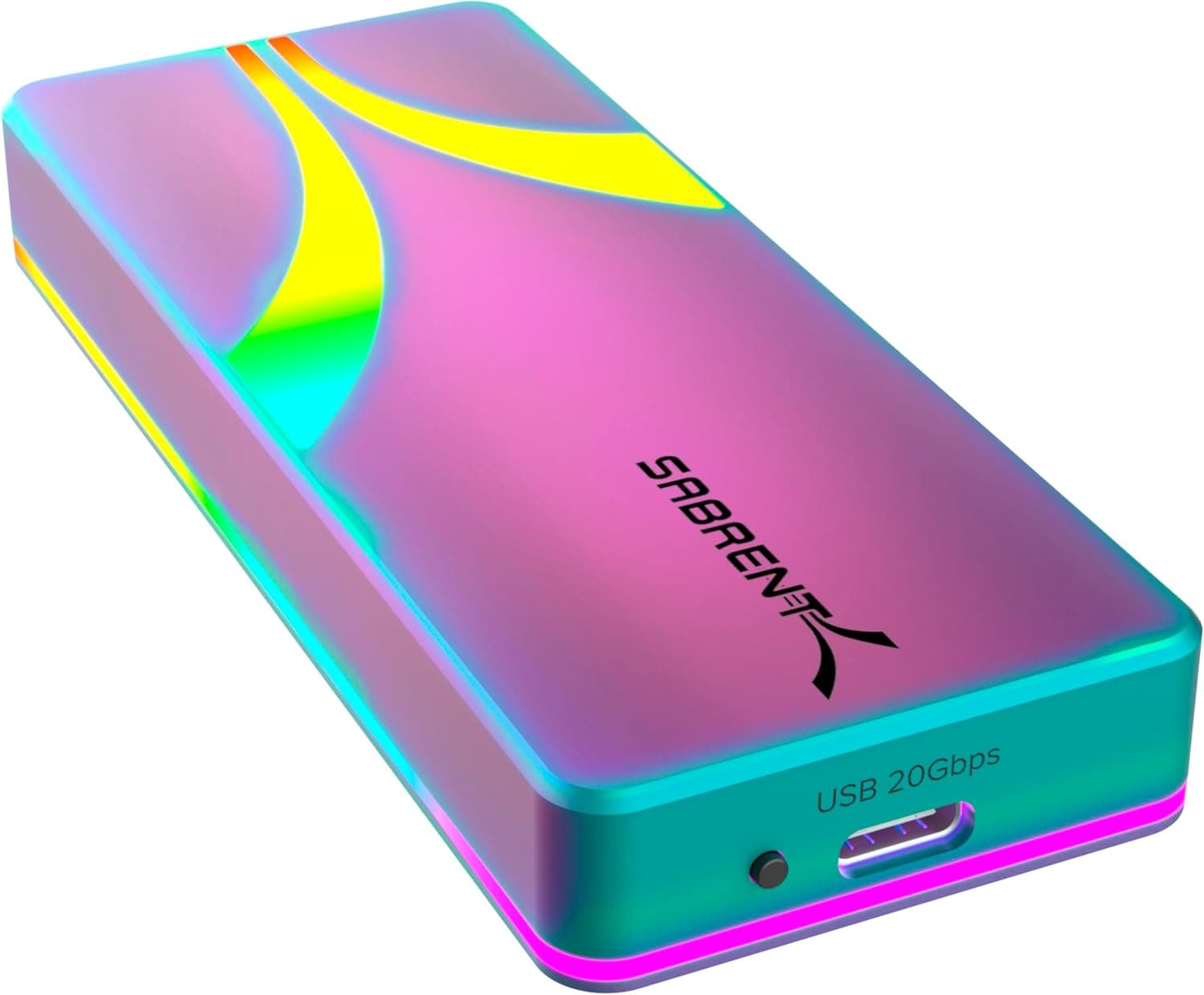
The SABRENT DS-UCMH is a storage converter that handles an M.2 PCIe NVMe SSD and a 2.5-inch or 3.5-inch SATA drive at the same time.
This article looks at where it actually fits, how far the 10Gbps figure gets you in practice, and the cloning pitfalls that catch most first-time users.
Overview
The DS-UCMH connects to a host over USB 3.2 Gen 2x1 (up to 10Gbps) and accepts an M.2 PCIe NVMe SSD alongside a 2.5-inch or 3.5-inch SATA SSD/HDD.
Beyond working as an external enclosure, it performs offline cloning — copying directly between the two installed drives with no computer involved. Installation is tool-less, so a single unit covers SSD upgrades, backups, and pulling data off old drives.
The short verdict: this is for people who handle drives often. If you touch an SSD once a year, it is overkill and a single portable enclosure will do.
If you rebuild PCs, maintain family machines, or refurbish used systems, one device that bridges NVMe and SATA earns its price.
| What you want to do | Is the DS-UCMH the right tool? |
|---|---|
| Migrate your OS to a new NVMe SSD | Yes — clones without booting a PC |
| Pull files off a bare 2.5/3.5-inch HDD | Yes — ships with a 12V DC adapter |
| Carry a portable external SSD | Not really — it is a desktop device |
| Run an NVMe at native speed | No — the 10Gbps ceiling gets in the way |
| Build a RAID array | No — RAID is not part of the spec |
The table follows from the spec sheet, but the real dividing line is simply desktop versus pocket. The bundled DC 12V/2A adapter exists because a 3.5-inch HDD needs it, which also means this unit is happiest near a power outlet.
Connectivity & Compatibility
Supported drives are M.2 PCIe NVMe SSDs (2230/2242/2260/2280), 2.5-inch SATA SSD/HDDs, and 3.5-inch SATA HDDs.
Per the vendor notes, the M.2 side supports PCIe 3.0/4.0 NVMe SSDs and the SATA side supports both 3.0Gb/s and 6.0Gb/s drives.
The host link is USB Type-C, and both Type-C to Type-A and Type-C to Type-C cables are included, so older USB-A-only machines are covered. Windows and macOS are supported.
The most common mistake is the M.2 slot.
The listed support is for M.2 PCIe NVMe — an M.2 SSD that is internally SATA (the B+M key kind) looks identical but is not on the supported list.
Check your SSD's model number before buying, and if you are unsure, confirm against the compatibility list on the product page.
The second issue is the speed ceiling. USB 3.2 Gen 2 is rated at 10Gbps, but that is a raw signalling figure; real-world transfers on this class of interface generally top out around 1GB/s.
A PCIe 4.0 NVMe SSD that reads at several GB/s internally will be capped well below its potential here.
A SATA SSD (6Gb/s, roughly 500MB/s in practice) hits its own limit first and never saturates the USB link, and a hard drive stops far earlier still. So the accurate reading is not "10Gbps means fast" but "10Gbps means NVMe is throttled and SATA is fine."
Host-side requirements matter too. To reach 10Gbps, the PC port must itself be USB 3.2 Gen 2 or better.
Plugging into a 5Gbps USB 3.0/3.1 Gen 1 port roughly halves throughput, and the same generation limit applies through the Type-A cable.
Some laptop Type-C ports are display-only or run at reduced speed, so if you are not seeing the speed you expected, try a different port first. Offline cloning bypasses the host entirely, so that bandwidth limit does not apply to drive-to-drive copies.
Product Info
The DS-UCMH launched around 2023 as a mid-range storage accessory and carries a 12-month warranty. In the box: a Type-C to Type-A cable, a Type-C to Type-C cable, a 12V/2A DC adapter, a silica thermal pad, and a manual.
The black plastic housing includes a clone-direction switch and LED progress indicators.
As captured on 26 May 2026, the Amazon listing price was ¥12,675. On the marketplace side, an eBay US listing showed $72.14 as captured on 10 July 2026.
Both are point-in-time figures that move with sales, exchange rates, and stock, so always check the current price on the product page before ordering. Practically, this sits between a dedicated NVMe cloning stand and a SATA-only dock — the useful question is whether it costs less than buying both.
Review data captured on 26 May 2026 showed 190 ratings at 4.4 out of 5 stars (88% positive).
That is a modest sample rather than a blockbuster, but it is plenty for a niche accessory, and a 4.4 average typically means "the core function works, with some rough edges." For this product class those rough edges usually cluster around drive compatibility quirks, heat, and how long a clone takes.
The bundled thermal pad is not decorative. NVMe SSDs heat up quickly under sustained writes, and thermal throttling will drop your transfer rate partway through a long copy.
Apply the pad properly and keep the unit somewhere with airflow before starting a large clone.
Offline Cloning in Practice
Offline cloning copies data between the two installed drives with no PC at all. You set the direction with the switch, start the copy, and watch the LED progress indicators.
Because it copies a system drive wholesale, you skip cloning-software licences and bootable USB sticks entirely.
There is a structural catch. Hardware cloning of this type generally works sector by sector, which means the destination drive must be at least as large as the source.
If a 500GB SSD holds only 100GB of data, it still will not clone onto a 256GB drive. Clone onto a larger drive and the leftover space stays unallocated, so you will need to extend the partition afterwards in Windows Disk Management or macOS Disk Utility.
Budget the time as well. A sector-level copy walks the whole capacity including empty space, so duration scales with drive size rather than data used.
With a hard drive involved, several hundred gigabytes can easily take over an hour. You can walk away once it starts, but do not plan around ten minutes.
And obviously: start with the direction switch reversed and you overwrite the data you meant to keep. Confirm the drive positions and the switch out loud before pressing start.
How It Compares
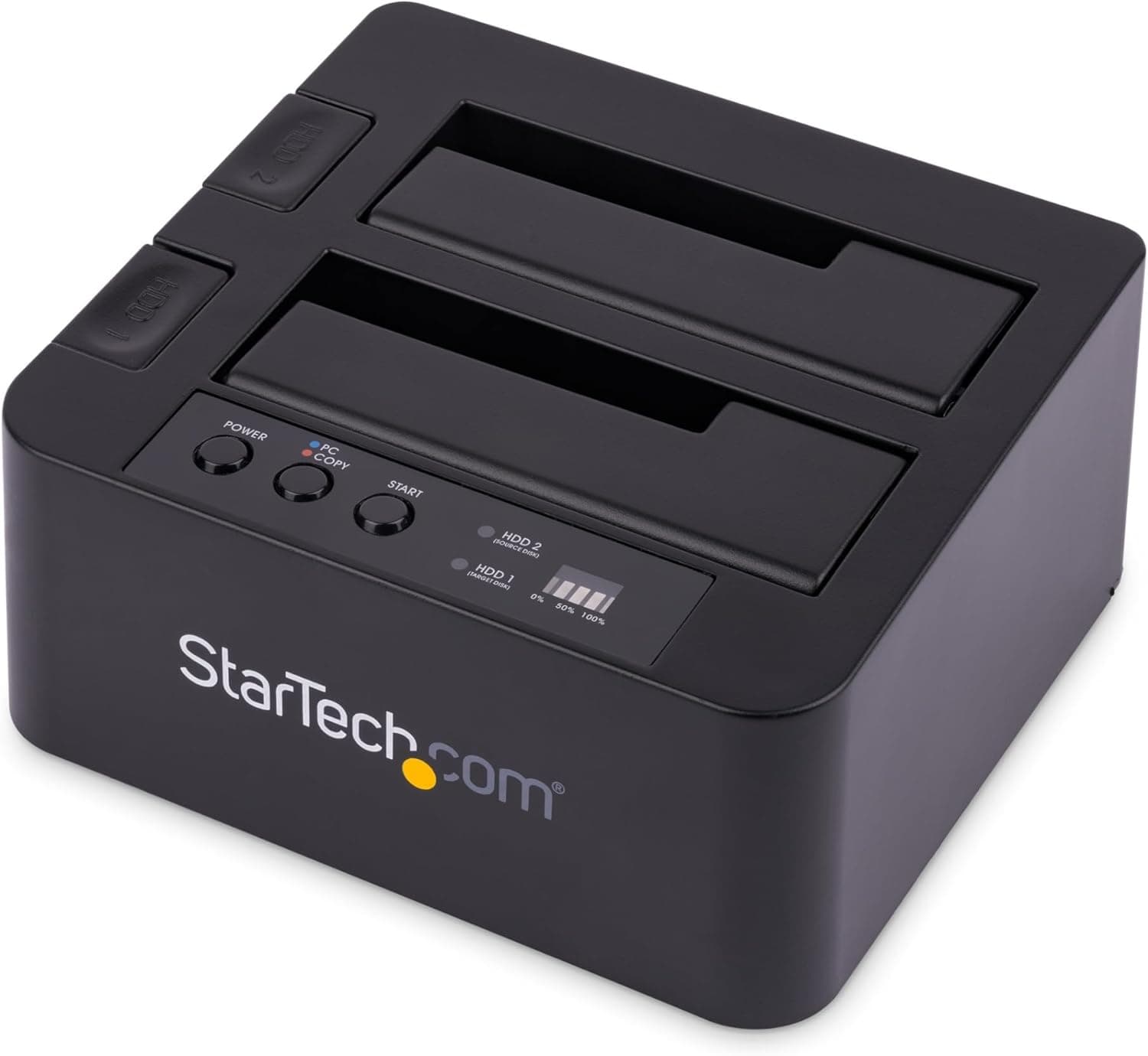
Enclosures that clone differ sharply in what they cover. M.2-only dual-bay cloning cases specialise in NVMe-to-NVMe copies, and higher-end models run on USB4/Thunderbolt-class 40Gbps links.
They are faster, but they cannot touch a 2.5- or 3.5-inch SATA drive.
SATA docking stations are the mirror image: great for old hard drives, useless for NVMe.
The DS-UCMH is the bridge between the two. Its real value shows in cross-generation migrations — an old SATA drive to a new NVMe SSD — work that otherwise needs two dedicated devices or a temporary install inside a PC.
Choose a fast M.2-only unit if throughput is the priority, a single-purpose enclosure if cost is, and the DS-UCMH if breadth is.
Best Use Cases
- Upgrading your PC's storage: migrate an existing system drive to a new M.2 NVMe SSD without booting the machine — most valuable if you are not comfortable with cloning software.
- Recovering data from old hard drives: both 2.5-inch and 3.5-inch drives are supported, with the DC adapter included for the larger ones.
- Repair and maintenance work: one unit spans NVMe and SATA, and offline clones run unattended, so batches move faster.
- Looking after family or office machines: consolidating the kit into a single device makes storage and transport simpler.
It is a poor fit if you just want an always-connected external drive or something to carry around. Treat it as desktop equipment you pull out when needed.
Things to Check Before Buying
You will not get NVMe speeds. USB 3.2 Gen 2 realistically tops out near 1GB/s.
A fast PCIe 4.0 SSD will run at a fraction of its internal rate here.
If the goal is running a high-speed SSD externally at full tilt, look at a higher-bandwidth enclosure instead.
M.2 SATA SSDs are not covered. The stated support is M.2 PCIe NVMe.
Assume a SATA-interface M.2 SSD will not be detected, and verify your drive's type by model number first.
A too-small destination stops the clone. The target must be at least as large as the source, and after cloning you still need to extend the partition.
These two points account for most "the clone function is broken" reports.
Do not ignore heat and time. Skipping the thermal pad costs you speed on long writes, and duration scales with capacity — start the job when you have time to spare.
The warranty is 12 months. That is normal for the category but short if you value long coverage.
Note too that this is an enclosure, not a data-protection system: a clone is a point-in-time copy, not a backup. Keep important data backed up separately.
Verify the listing yourself. Manufacturer names, model numbers, and ASINs on retail pages sometimes carry metadata from a different product.
The details referenced here are consistent with the product, but before ordering, check the product images, title, and supported-drive list to confirm you are getting the model you need. Prices quoted in this article are point-in-time and may differ from the current listing.
FAQ
Q. Can it really clone without a PC? A.
Yes. Power it with the included adapter, set source and destination with the direction switch, and start — the copy runs host-free, with LEDs showing progress.
Q. Can the destination be smaller than the source? A.
As a rule, no. Hardware cloning copies sector by sector, so the destination needs equal or greater capacity.
To shrink during migration, use cloning software on a PC instead.
Q. Will the cloned drive boot? A.
Usually yes if you copied the entire system drive, though you may need to adjust UEFI/BIOS boot order or secure boot settings. Confirm it boots before erasing the original.
Q. Can I use both bays at once? A.
Yes — running an M.2 and a SATA drive together as external storage is the intended use.
Power draw depends on the combination, so always connect the DC adapter when a 3.5-inch HDD is installed.
Q. Does it work on a Mac? A.
Windows and macOS are both supported. Watch the format, though: APFS volumes will not be readable from Windows.
Use exFAT if you need to share drives across both.
Q. It feels slow — is it faulty? A.
Check the PC port generation first; a 5Gbps port roughly halves throughput. Then check the cable and the drive type (HDD, SATA SSD, or NVMe).
If speed drops partway through a sustained write, thermal throttling is the likely cause.
Product Disclosure (Amazon)
- Manufacturer: SABRENT
- Seller: Amazon US
- Fulfilled by: Amazon US
- ASIN: B0BR4GHR9Y
- Note: This article covers a manufacturer-made product based on Amazon listing details.