![Razer DEATHADDER ESSENTIAL 有線ゲーミングマウス [並行輸入品] ホワイト](/_next/image?url=https%3A%2F%2Fm.media-amazon.com%2Fimages%2FI%2F51cHuN2U12S._AC_SL1396_.jpg&w=1920&q=75)
The Razer DEATHADDER ESSENTIAL sits at the entry point of the gaming mouse category. This article looks at how far its modest 6,400 DPI ceiling actually goes in real play, and what you trade away when you buy a parallel-import unit.
Overview
The Razer DEATHADDER ESSENTIAL is a USB wired gaming mouse at the bottom of the DeathAdder lineup. The short verdict: this is a first mouse or a backup mouse, not a competitive pick for anyone chasing ultralight weight.
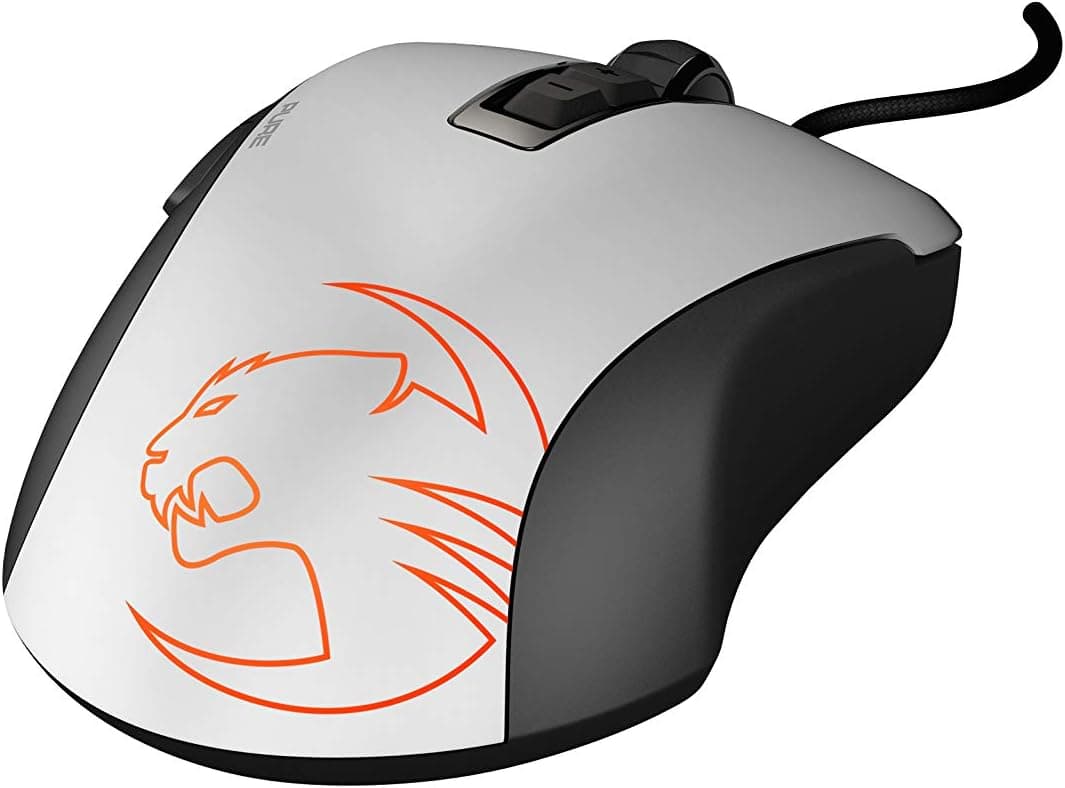
The shell measures 127.0mm x 73.0mm x 43.0mm, which is on the larger side, and the right-handed ergonomic shape suits a palm grip where your whole hand rests on the mouse.
It uses an optical sensor rated to 6,400 DPI, mechanical switches rated for 10 million clicks, five buttons, and Razer Synapse 3 support.
On Amazon.co.jp it holds a 4.4 out of 5 rating (88%) across 1,172 reviews.
For an entry-tier peripheral, that is a large enough sample to say this is not a product plagued by split opinions or frequent DOA units.
How to Read the 6,400 DPI Figure
Modern mice advertise 26,000 or even 35,000 DPI, which makes 6,400 look nearly an order of magnitude behind. That comparison misleads more than it informs.
At 1080p or 1440p, most FPS players actually run somewhere between 400 and 1,600 DPI. A higher ceiling does not make a sensor more accurate; it only means the number can go higher.
For the overwhelming majority of players, 6,400 DPI is not a practical bottleneck.
Where sensors genuinely differ is tracking speed at fast flicks and lift-off distance behaviour, and premium sensors do have more headroom there. If you play at high sensitivity with big arm swings, you may notice that gap.
If you play at low sensitivity with deliberate aim, the difference will be small.
Connectivity & Compatibility
The listed support covers Windows 7 and later, macOS, and Linux, and it needs one free USB port. Plug-and-play means all five buttons work the moment you connect it, with no driver install.
The catch is software scope. Razer Synapse 3 is a Windows application and is not available on macOS or Linux.
The mouse itself works fine on those systems, but DPI stages and button remapping are limited to whatever the OS itself offers. If you are a Mac-first user who wants fine-grained tuning, either rule this out or plan to configure it on a Windows machine first.
Physically you need a USB Type-A port. On a thin laptop with only Type-C, you will need an adapter or hub.
It works through hubs, but plugging directly into the machine is safer for latency and sleep/wake reliability.
One shared pitfall of every wired mouse is cable routing. Given the 127mm body, a mousepad at least 350mm wide keeps things from feeling cramped.
If the cable drags on the desk edge you will feel it as snagging, so a bungee or a light cable clip noticeably improves the feel for very little money.
Console use is outside the intended scope. Some PS5 and Switch titles recognise USB mice, but Razer does not guarantee that, so do not buy this primarily for a console.
Product Info
Key specifications:
| Item | Value |
|---|---|
| Sensor Type | Optical |
| Max DPI | 6,400 |
| Switch Durability | 10 million clicks |
| Number of Buttons | 5 |
| Connection Type | USB wired |
| Dimensions | 127.0mm x 73.0mm x 43.0mm |
| Supported Software | Razer Synapse 3 |
As captured on 4 June 2026, the Amazon listing price was ¥3,480; the overseas marketplace listing showed $18.94 as captured on 15 July 2026.
Both are point-in-time snapshots and move with sales, exchange rates, and stock. Check the product page for the current price before buying.
At this level, it is among the cheapest things in the category that still counts as a gaming mouse.
The five buttons are the standard set: left, right, wheel click, and two thumb buttons. That is not enough for MMO players who want a dozen skills on the mouse, but it is plenty for binding weapon swap and crouch in an FPS, or back/forward while browsing.
Two thumb buttons alone change day-to-day efficiency compared with a three-button office mouse.
This unit is distributed as a parallel import. Warranty handling may differ from Razer's domestic retail channel and in practice depends on the seller.
Treat that as the cost of the lower price.
How It Compares
In the same budget band there are several wired options, and the real choice comes down to shape and button count. This one's strength is a proven right-handed ergonomic shell that most hands get along with immediately.
Its shape is also exactly why left-handed users and fans of symmetrical designs will pass.
A tier up, roughly double the money buys a sub-60g wireless mouse. If competitive flick aim is your priority, stretching the budget there will satisfy you more.
The case for this model is narrower and clearer: stable wired operation, an easy shape, and the lowest price in the category.
Being wired is not purely a drawback. No charging, no battery-level behaviour changes, no wireless interference.
Tidy up the cable path and the practical downside shrinks considerably.
Best Use Cases
The clearest fit is a first-time gaming mouse buyer. A 6,400 DPI sensor is genuinely sufficient for FPS and MOBA play, and it lets you find out what thumb buttons and switchable sensitivity actually do for you.
If it turns out not to suit you, the financial sting is small.
It also suits larger hands and palm-grip users. If your wrist or fingers tense up during long sessions on a flat office mouse, moving to a contoured right-handed shell may change how the session ends.
Beyond that, it makes sense as a backup for people whose main mouse is an expensive wireless model, as a family shared-PC mouse, or as a second unit to leave at the office. At this price, owning more than one is not painful.
Before You Buy
Understand what parallel import means. This is the single biggest caveat.
Parallel-import goods bypass the official distributor, so domestic retail warranty coverage may not apply. Support runs through the seller, and terms vary.
If the price gap to an officially distributed unit is small, paying it for warranty peace of mind is a perfectly rational choice.
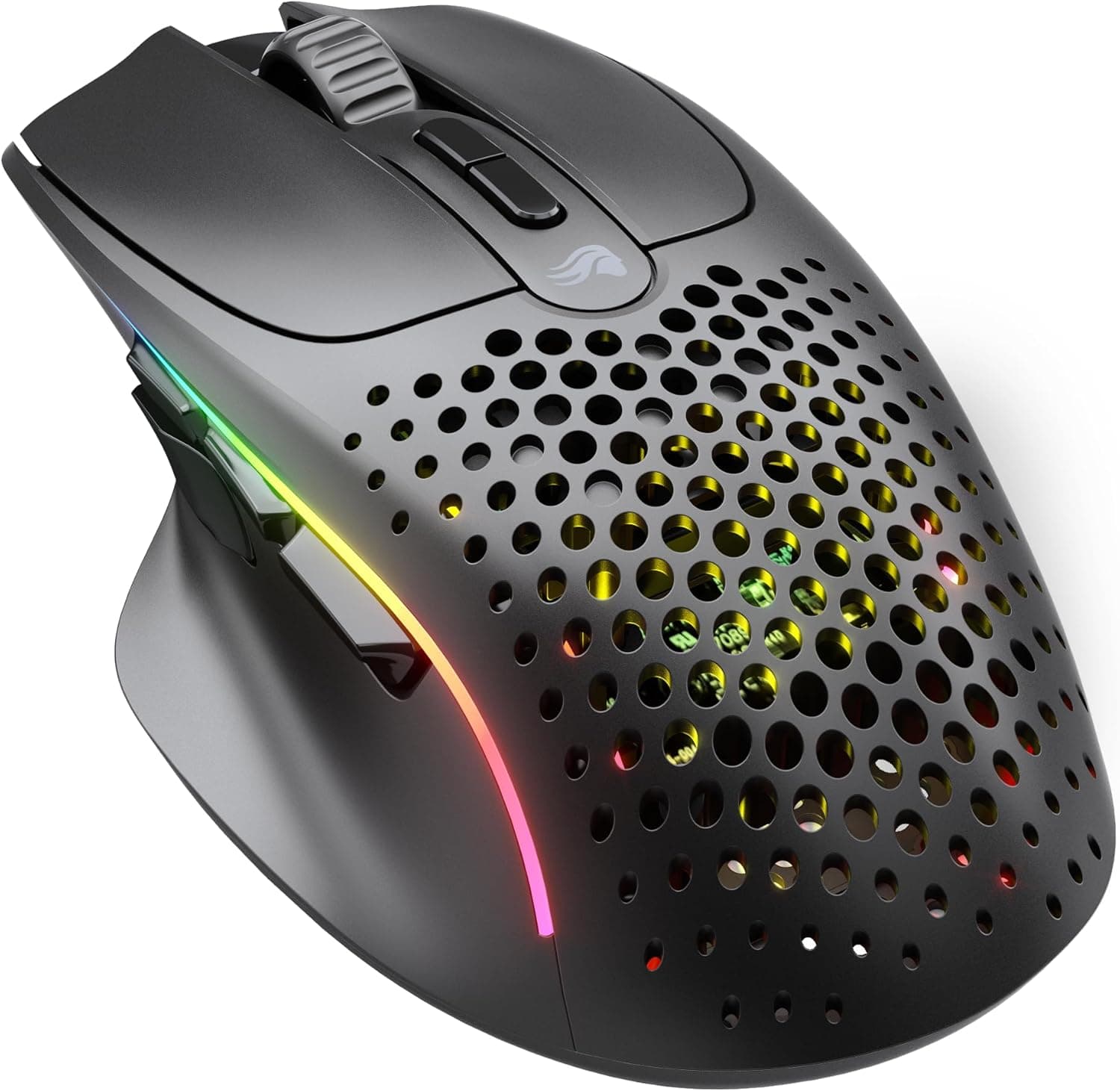
This is not for people who want a lightweight mouse. It belongs to the solid, dense generation of shells rather than the honeycomb ultralight school.
If you are used to a 50-something-gram mouse, this will feel heavy, and no price can fix a difference in character.
Left-handed users cannot use it. The ergonomic shell is right-handed only; held in the left hand the thumb contour lands on the wrong side.
Look for a symmetrical design instead.
Do not expect wireless or elaborate lighting. Connectivity is wired USB only, with no wireless option, and the lighting is entry-level rather than multi-zone.
Verify the listing details yourself. Marketplace listings for peripherals sometimes disagree with the actual item on colour, model suffix, or bundled contents.
At the time of writing the referenced listing shows Razer as the manufacturer and B07P984W33 as the ASIN, but check the product images and title to confirm you are getting the ESSENTIAL, in white. Parallel-import batches can also vary in packaging and printed contents.
Prices in this tier swing hard. Entry peripherals move a lot on sale, and the figures above are only snapshots.
Higher models occasionally drop close to this price, so it is worth checking the rest of the brand's range right before you check out.
FAQ
Q. Is 6,400 DPI enough for FPS? A.
In practice, yes. Most players run 400–1,600 DPI, and the ceiling does not determine accuracy.
Only very high-sensitivity, fast-flick players are likely to feel the gap versus premium sensors.
Q. Does it work on a Mac? A.
The mouse works over USB, but Razer Synapse 3 is Windows-only, so you generally cannot change DPI or remap buttons from macOS. Plan on a Windows machine if you want to customise.
Q. Can I use it without installing software? A.
Yes. It is plug-and-play and all five buttons work with default functions.
Synapse 3 is only needed for DPI stages and remapping.
Q. I have small hands. Will it fit? A.
At 127.0mm x 73.0mm x 43.0mm it is on the larger side.
Claw and fingertip grip users with smaller hands should handle a similarly sized mouse in person before deciding.
Q. Does Synapse work with a parallel-import unit? A.
The software works once it detects the hardware. Parallel import affects warranty and support channels, not features.
Q. What should I upgrade to later? A.
If you like the shape, move up to a higher-end wireless model from the same family; if the weight bothered you, look at 50–60g wireless mice. Learning which shape and weight suit you is exactly what makes the next purchase land.
Product Disclosure (Amazon)
- Manufacturer: Razer(レイザー)
- Seller: Rusion
- Fulfilled by: Amazon
- ASIN: B07P984W33
- Note: This article covers a manufacturer-made product based on Amazon listing details.
![[ 強化ガラス素材 ] TALONGAMES マウスソールマウスフィート Logicool G502 X PLUS LIGHTSPEED ワイヤレス無線 RGB](/_next/image?url=https%3A%2F%2Fm.media-amazon.com%2Fimages%2FI%2F51r7Esela4L._AC_SL1500_.jpg&w=1920&q=75)