This article covers OWC Thunderbolt Hub(Mac.
Overview
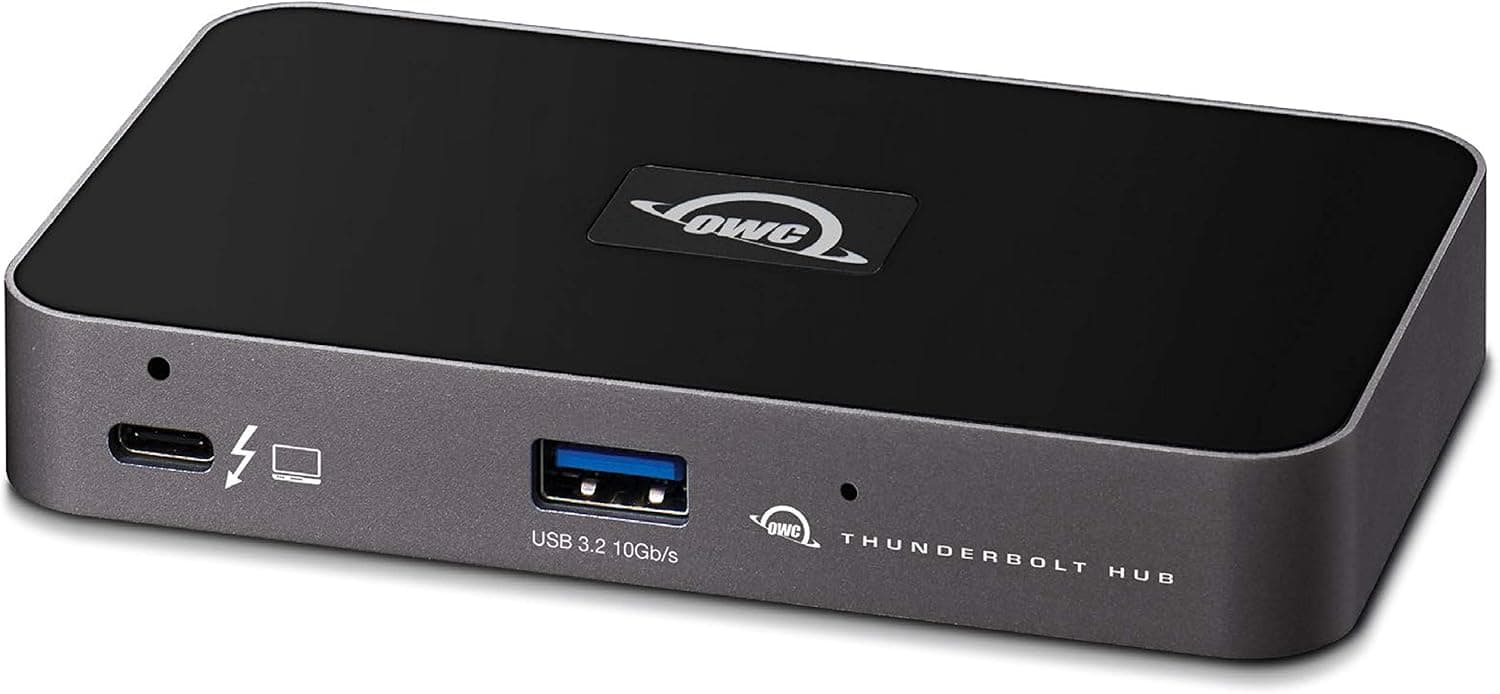
The OWC Thunderbolt Hub is a compact 3-port hub that supports Thunderbolt 4. By connecting it to a single laptop, you can daisy-chain up to three Thunderbolt 4 devices. It works with both Mac and Windows without requiring any drivers, making it a plug-and-play solution for expanding Thunderbolt connectivity. Its small footprint fits easily on any desk, and the included external AC adapter provides power to the hub while supporting pass-through charging for the host device. Data transfer speeds reach up to 40Gbps, ideal for high-speed external SSDs and storage arrays.
Connectivity & Compatibility
Interface: 3x Thunderbolt 4 (USB-C form factor) downstream ports Host connection: Thunderbolt 4 (USB-C) cable to PC or Mac OS support: macOS 11 Big Sur or later, Windows 10 20H1 or later Compatibility: Works with Thunderbolt 4 and Thunderbolt 3 devices (backward compatible) * Important: Does not support standard USB-C (non-Thunderbolt) devices
Product Info
Released in mid-2021, the OWC Thunderbolt Hub typically retails for around ¥27,000 (approximately $180 USD). It comes with a 2-year manufacturer warranty, a 0.8m Thunderbolt 4 cable, an AC adapter, and a quick-start guide. Positioned in the mid-range market, this hub offers a focused Thunderbolt expansion solution at a relatively affordable price. While it lacks the extra ports of full-featured Thunderbolt docks, it excels as a dedicated Thunderbolt port multiplier.
Best Use Cases
MacBook users: Ideal for MacBook Air or Pro owners with limited Thunderbolt ports who need to connect multiple Thunderbolt storage drives or displays simultaneously. However, you will need a separate adapter for USB-A peripherals. Creative professionals and video editors: Perfect for daisy-chaining multiple Thunderbolt SSDs for fast file transfers and large project workflows. The 40Gbps bandwidth ensures smooth performance. * Windows laptop users: Suitable for Thunderbolt 4-equipped Windows laptops (e.g., Dell XPS, ThinkPad X1 Carbon) that need extra Thunderbolt ports without the bulk of a full dock. Note that DisplayPort output and USB-A ports are not included. ## Alternatives
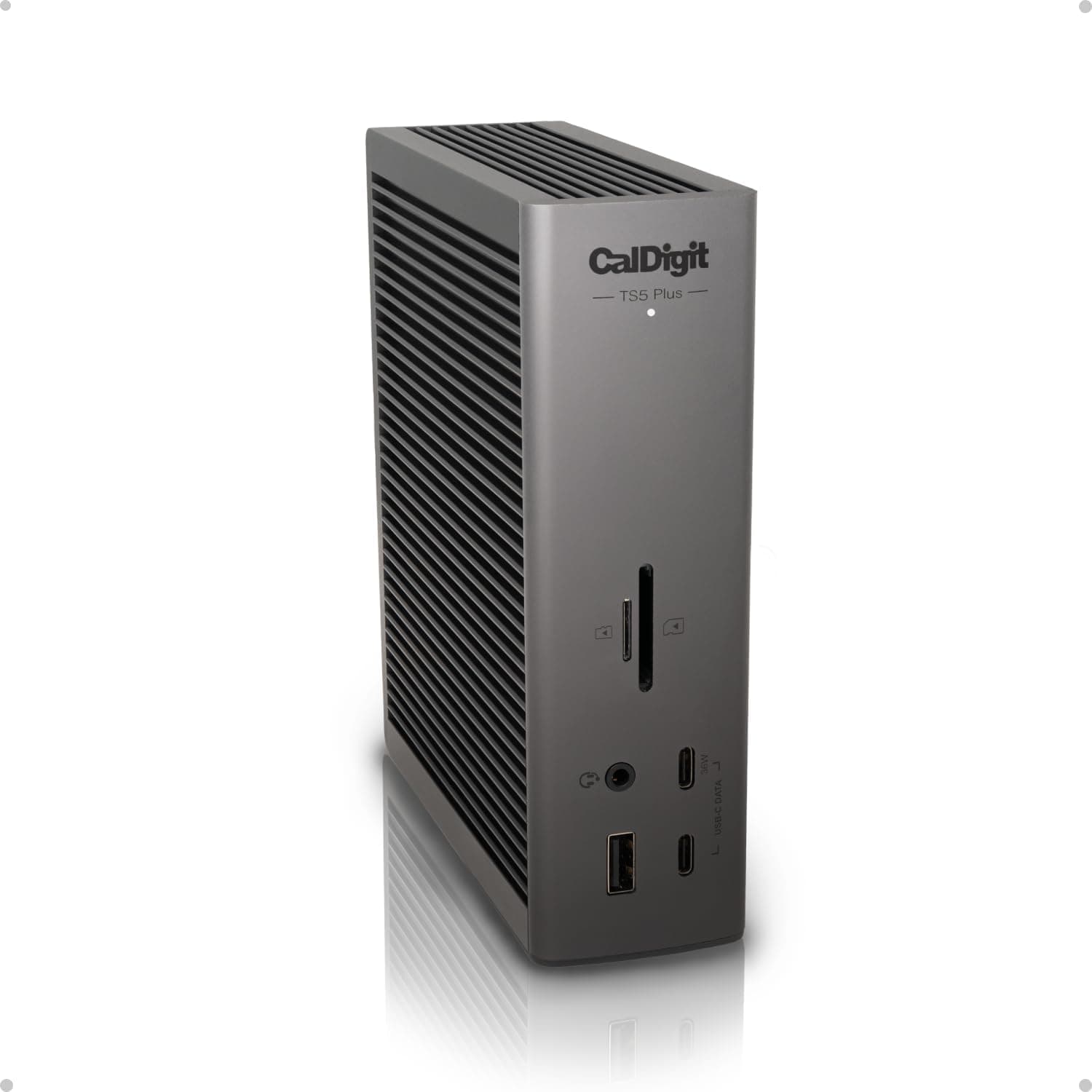
A direct competitor is the CalDigit Thunderbolt 4 Element Hub, which offers four downstream Thunderbolt 4 ports plus one USB-A port. The OWC hub has fewer ports but is more compact and slightly cheaper. Another alternative is the Belkin Connect Thunderbolt 4 Dock, which provides more features (including USB-A, HDMI, and Ethernet) but at a higher price. If you only need Thunderbolt port expansion, the OWC Thunderbolt Hub offers better value.
Things to Consider
This hub is Thunderbolt 4-only and does not support standard USB-C devices. You will need a separate USB hub for USB flash drives, mice, or other peripherals. Pass-through charging delivers up to 60W to the host laptop. For gaming laptops requiring 100W or more, an additional power source may be necessary. When all three ports are occupied, bandwidth is shared, which may reduce performance for simultaneous high-speed storage access. The included Thunderbolt 4 cable is only 0.8m long. If you need a longer cable, purchase one separately.
Product Disclosure (Amazon)
- Manufacturer: アミュレット
- Seller: アミュレット
- Fulfilled by: Amazon
- ASIN: B08ZN671MK
- Note: This article covers a manufacturer-made product based on Amazon listing details.