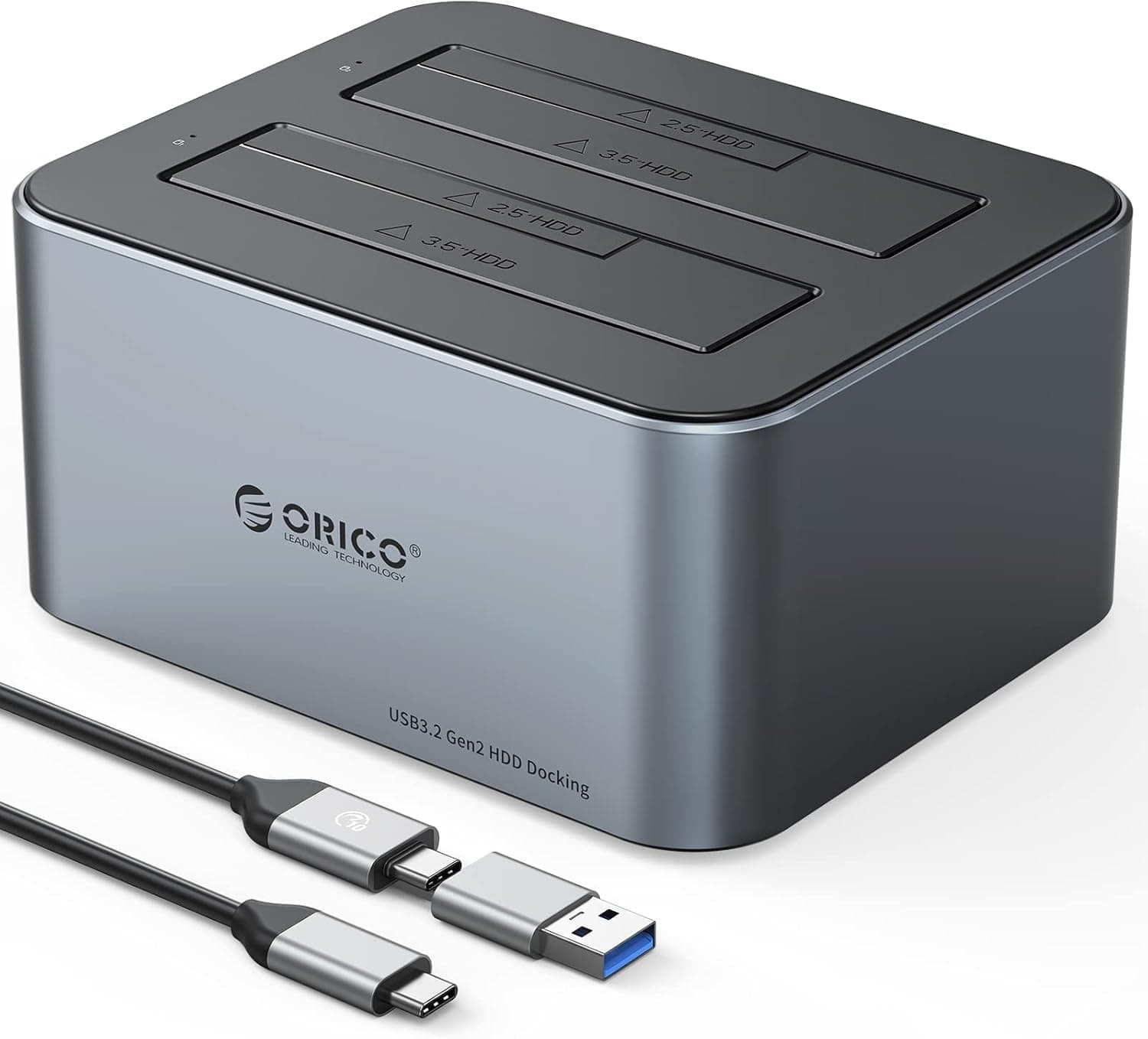
This article covers ORICO HDDスタンド USB C to SATA HDDドッキングステーション USB 3.2 Gen 2 アルミ製 デュアルベイ デュプリケーター 2.5.
Overview
The ORICO 6626C3 is a dual-bay HDD docking station designed for 2.5-inch and 3.5-inch SATA drives. It connects via USB 3.2 Gen 2 (10Gbps) and supports UASP for faster data transfers. Each bay can accommodate drives up to 18TB, giving you a total capacity of 36TB. The aluminum chassis provides efficient heat dissipation, and the tool-less hot-swap design makes drive swapping quick and convenient. Whether you need to back up multiple drives or transfer large files, this docking station offers a solid, no-fuss solution.
Connectivity & Compatibility
The 6626C3 uses a USB Type-C port compliant with USB 3.2 Gen 2. It comes with both a C-to-C cable and a Type-A cable, so it works with modern laptops, desktops, and even older systems with USB-A. It supports 2.5-inch and 3.5-inch SATA HDDs/SSDs (SATA III and backward compatible). UASP is enabled for improved random access performance, but your host system must also support UASP for full benefit. The docking station requires external power via the included AC adapter, as USB bus power alone cannot spin up 3.5-inch drives.
Product Info
The ORICO 6626C3 retails for around ¥7,599 (about $50 USD) on . It sits in the mid-range for dual-bay docking stations, offering a good balance of features and price. The all-aluminum body helps keep drives cool during extended use. Included accessories: USB C-to-C cable, USB A-to-C cable, power adapter, and manual. Warranty is typically one year from ORICO. Compared to RAID enclosures or multi-bay towers, this is a straightforward, low-cost way to access internal drives externally.
Best Use Cases
This dock is ideal for users who need to access multiple drives regularly for backups or data migration. The dual-bay design lets you clone a drive without opening your PC, or quickly shuttle data between two drives. Creative professionals working with large media files will appreciate the 10Gbps transfer speed when using SSDs. However, if you need network-attached storage or RAID functionality, consider a dedicated NAS or multi-bay RAID enclosure instead. Also, because the dock relies on an external power adapter, it's not the most portable option—better suited for a fixed desk setup.