This article covers MOKiN USB Cドッキングステーション 3モニター.
Overview
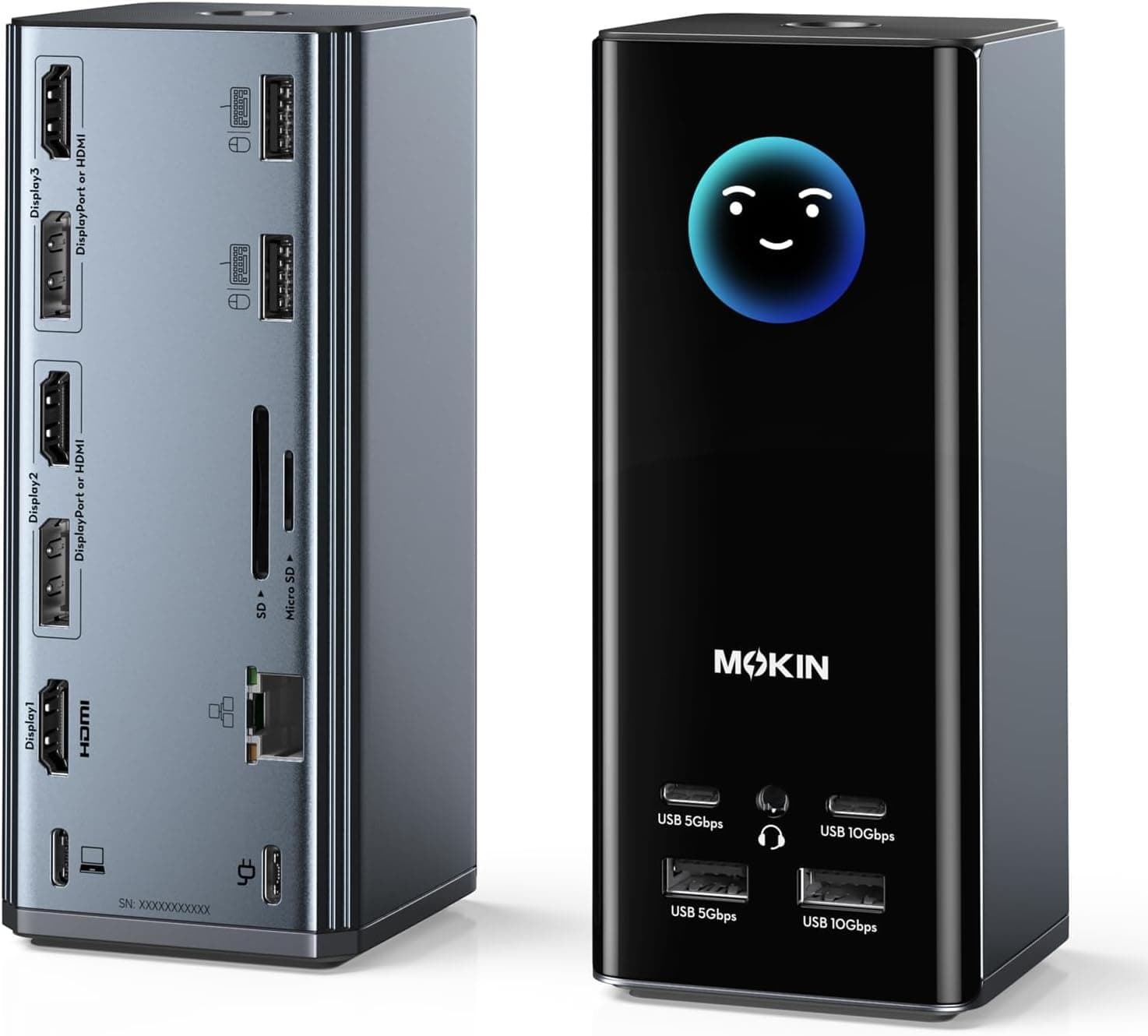
The MOKiN 17-in-1 USB-C Docking Station is a feature-packed hub that turns a single laptop into a triple-4K workstation. Its standout feature is the built-in smart LCD screen that displays real-time charging wattage, port connection status, and even local weather — a rare sight in the docking station market. This dock supports USB-C, USB4, and Thunderbolt 3/4 hosts, making it compatible with a wide range of modern laptops. With three HDMI ports and two DisplayPort outputs, you can mix and match video interfaces to create a three-monitor setup at 4K@60Hz each. It's an ideal solution for creative professionals, programmers, and multitaskers who need more screen real estate.
Connectivity & Compatibility
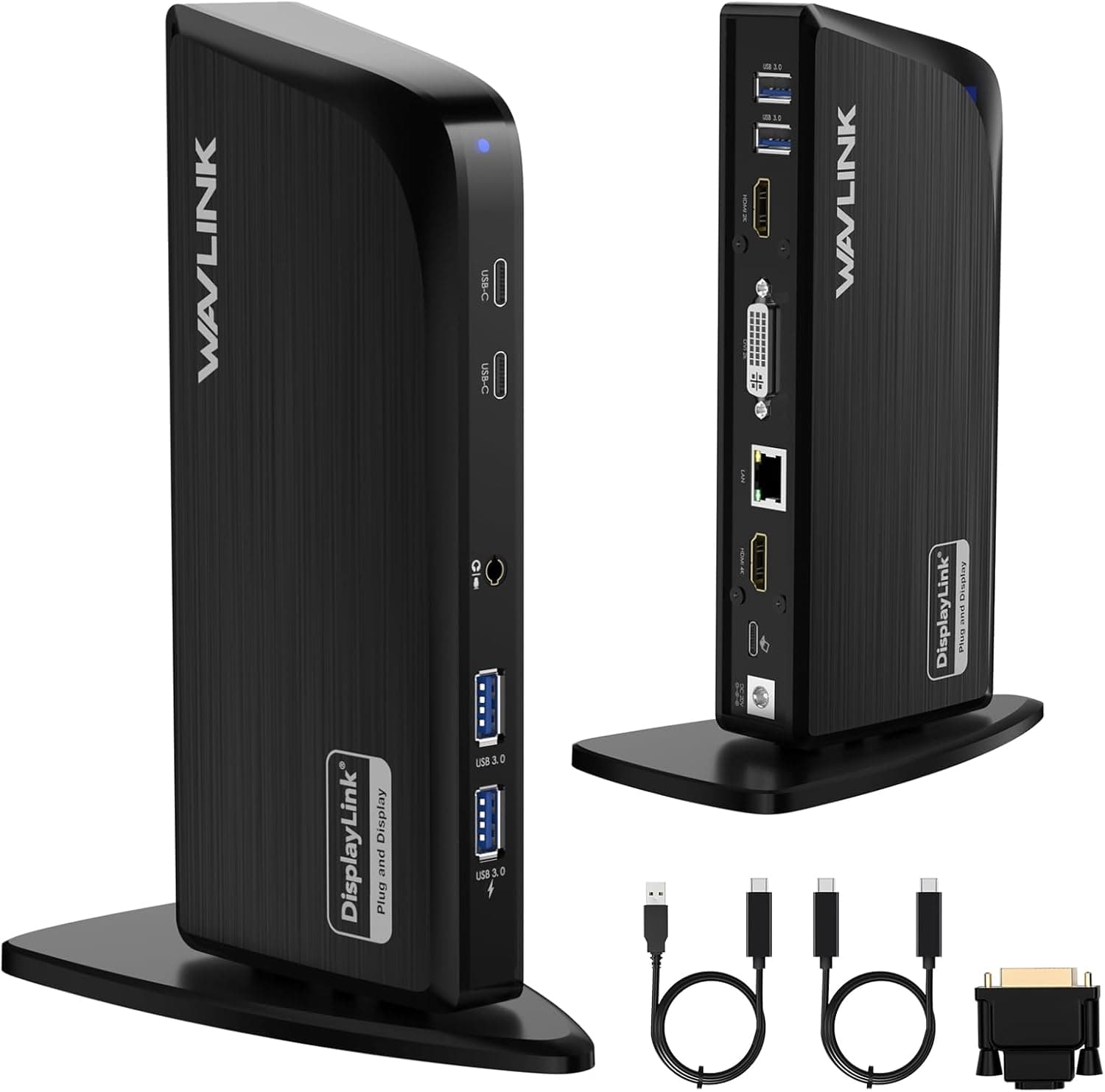
Host interface: USB-C (USB4 / Thunderbolt 3/4 compatible) Video outputs: HDMI×3 (up to 4K@60Hz), DisplayPort×2 (up to 4K@60Hz) Triple display configurations: (2 HDMI + DP), (2 DP + HDMI), (3 HDMI) — flexible combinations Supported OS: Windows (extended display), macOS (mirroring only) Other ports: 10Gbps USB-C/A×2, 5Gbps USB-C/A×2, USB 2.0×2, Gigabit Ethernet, SD/microSD card reader (104MB/s), 3.5mm audio jack Power delivery: Up to 100W PD input (85W pass-through to laptop)
Product Info
Released in late 2024, the MOKiN 17-in-1 dock is priced at approximately ¥14,167 (around $95 USD) on Japan. It comes with the dock unit, a user manual, and two USB-C cables — but no power adapter, so you'll need to supply your own 100W+ charger for full-load use. Warranty is standard one year. Market positioning is mid-to-high tier. Few competitors in this price range offer triple 4K output plus a smart status display. The smart LCD screen is a genuine differentiator, letting you see at a glance whether your laptop is getting full power or if a port is underperforming.
Best Use Cases
Creative professionals: Run three 4K monitors for video editing, 3D modeling, or design work. The 10Gbps USB ports are great for fast external SSDs. Programmers & developers: Keep your IDE, documentation, and terminal windows on separate screens. The built-in SD card reader is handy for quick file transfers. Traders & investors: Display multiple charts and trading platforms simultaneously. The weather widget is a nice bonus for checking conditions before heading out. Remote workers: Turn a single laptop into a full desktop setup with dual or triple monitors. 100W PD keeps your machine charged without an extra power brick.
Things to Consider
Triple display extended mode works only on Windows. macOS users get mirroring only — a significant limitation if you're in the Apple ecosystem. Under full load (three 4K displays + high-speed data transfer), you'll need a 100W+ USB-C power adapter. A standard 65W laptop charger may not provide enough pass-through power. The dock is relatively large and takes up noticeable desk space. The silicone suction cups on the bottom keep it firmly in place, but it's not portable-friendly. Compared to established brands like Anker or CalDigit, MOKiN's support and firmware update track record is less proven. The smart LCD feature is unique, but reliability is a longer-term question.
Product Disclosure (Amazon)
- Manufacturer: ASUS
- Seller: Amazon US
- Fulfilled by: Amazon US
- ASIN: B0GS3JDMGD
- Note: This article covers a manufacturer-made product based on Amazon listing details.