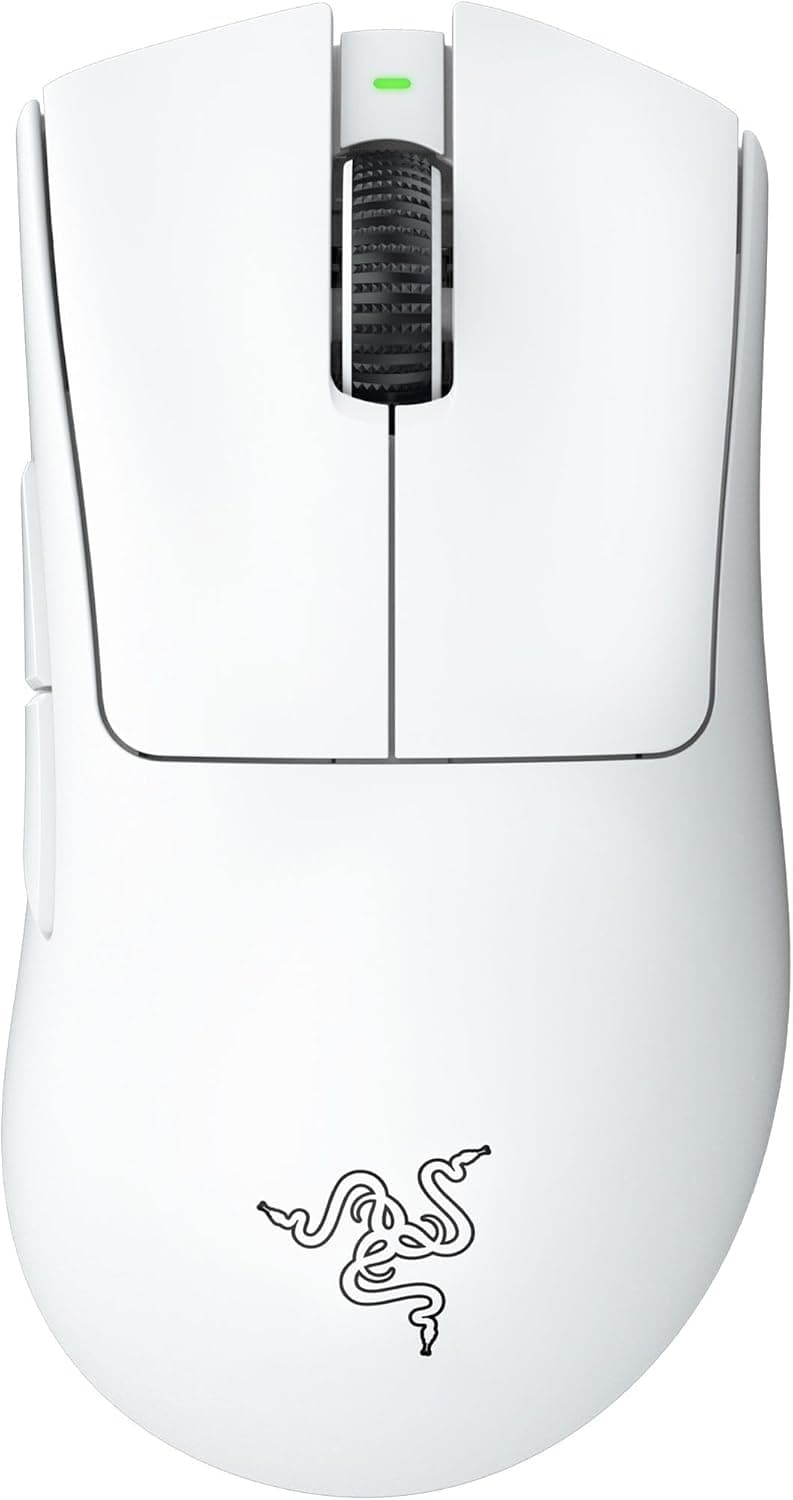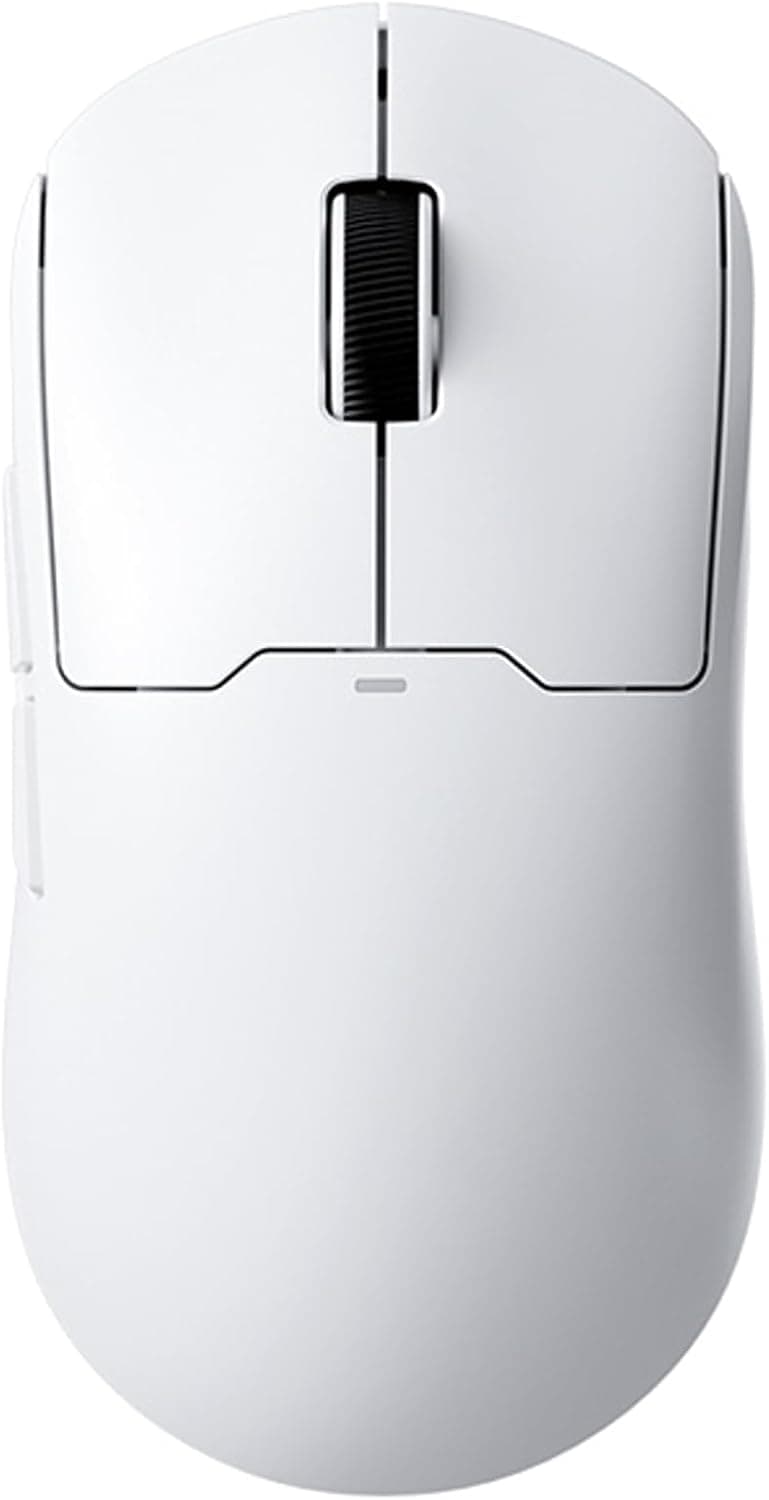
The MCHOSE A5 ProMax pairs a 59g symmetrical shell with a PAW3395 optical sensor. This article looks at how those spec-sheet numbers translate into actual use, and how to judge the one clear compromise: a 1000Hz polling rate.
Overview
The MCHOSE A5 ProMax targets players of fast-paced FPS and TPS titles. The short version: top-tier weight and sensor, standard-tier polling rate, aimed at people who care about price-to-performance more than brand.
The body weighs 59g. The symmetrical shape suits both right and left hands and works well with claw and fingertip grips.
The sensor is PixArt's PAW3395, rated up to 26,000 DPI. Connectivity is tri-mode — 2.4GHz wireless, Bluetooth, and wired USB — with a stated 130-hour battery life.
Switch lifespan is rated at 80 million clicks, which is solid for this class.
As of May 2026, the Amazon.co.jp listing showed 49 reviews averaging 4.2 stars (84% positive).
With a sample that small, treat the average as "no widespread defects reported" rather than a strong endorsement.
How to Read the Specs
| Spec | Value | What it means in practice |
|---|---|---|
| Weight | 59g | Noticeably less wrist and forearm fatigue in long sessions |
| Sensor | PAW3395 | A current mainstream sensor; tracking rarely a complaint |
| Max DPI | 26,000 | Real-world use is 400-1600; the ceiling is headroom, not a target |
| Polling rate | 1000Hz | 1ms intervals — the competitive baseline, not the cutting edge |
| Battery | 130 hours | A few hours a day still means weeks between charges |
| Switch life | 80M clicks | Adequate durability for the price bracket |
The most misunderstood number here is max DPI. 26,000 means the sensor can go that high, not that you should.
Most FPS players sit between 400 and 1600 DPI, and a higher ceiling has essentially no effect on aim. What matters is the quality of the sensor underneath, and the PAW3395 is a proven part used widely across lightweight mice.
Weight, by contrast, is one of the few figures you feel directly. Coming from an 80-100g mouse, both the initial flick speed and the stopping precision change noticeably.
That is this mouse's main selling point.
Connectivity & Compatibility
Three connection modes cover different situations:
- 2.4GHz wireless (included dongle) — the mode to use for gaming. The dongle is USB Type-A, so ultrabooks and Macs with only Type-C ports will need an adapter. Check your port layout before buying.
- Bluetooth — for pairing with laptops and tablets. Power-efficient, but less responsive than 2.4GHz, so it is not the right choice for competitive play.
- Wired USB-C — charge and use simultaneously, which doubles as insurance against a dead battery.
Basic mouse function works on Windows, macOS, and Linux through standard drivers. Detailed customization — DPI stages, button remapping, polling rate — depends on the manufacturer's configuration software, and that kind of utility is often Windows-only.
If macOS is your main platform, plan on configuring the mouse on a Windows machine and saving settings onboard. Confirm supported operating systems on the product page before ordering.
Mousepad surface also matters. Lightweight mice pair well with control-oriented cloth pads; on fast, slick surfaces the low mass can make stopping harder.
If aim feels off right after switching, adjust DPI and pad before blaming the mouse.
How It Compares
The lightweight segment is crowded, so context helps.
If you can live with a cable, the ASUS TUF Gaming M3 Gen II hits the same 59g at a lower price and removes charging from the equation entirely. If raw lightness is the goal, wireless options like the Redragon M916 go down to 49g.
At the other end, a brand mouse such as the Alienware Pro costs more but brings more polished software and support.
The A5 ProMax sits between those. Same PAW3395 sensor as premium models, genuinely light at 59g, priced below the big brands.
That combination is the reason to buy it. If software polish and support responsiveness matter most to you, a major brand will leave you happier.
Product Info
As captured on 29 May 2026, the Amazon.co.jp listing price was ¥13,696 including tax.
Prices move a lot — sales and coupons push them down, stock shortages push them up — so always check the current price on the product page. The figure here is a point-in-time snapshot.
The key specs: MCHOSE brand, white colorway, 2.4GHz / Bluetooth / USB connectivity, PAW3395 sensor, up to 26,000 DPI, 59g, 130-hour battery, 1000Hz polling, 80-million-click switches.
Included accessories and warranty terms can vary by seller and batch, so verify what ships in the box on the listing itself.
The 130-hour rating is a manufacturer figure, typically measured with lighting off at a standard polling rate. Enable RGB or push settings harder and it drops.
Even so, at two to three hours of daily use you are looking at weeks between charges — rarely a practical annoyance.
What Users Report
A 4.2-star average across 49 reviews is neither outstanding nor concerning.
At that sample size, a handful of extreme opinions moves the average significantly. Read the reviews for what people complain about and for which use case, rather than fixating on the score.
One trait common to all ultralight mice is worth knowing in advance: shells are thinned to save weight, and some units creak when squeezed hard. That is the lightness-versus-rigidity tradeoff, not a flaw specific to this model.
Palm-grip users who grip firmly notice it most.
Best Use Cases
This mouse is an easy recommendation for:
- FPS and TPS players in long sessions — 59g pays off most in titles with constant flicks, and reduces wrist and forearm fatigue.
- Left-handed users, or anyone who prefers symmetrical shapes — a natural landing spot for people who never got along with right-hand ergonomic shells.
- Claw and fingertip grip users — light mice suit grips driven by fingertip control, and this shape follows that philosophy.
- People sharing one mouse between desktop and laptop — switching between 2.4GHz and Bluetooth removes the need for a second travel mouse.
- Anyone who wants PAW3395-class tracking below big-brand pricing — this is the model's core reason to exist.
Things to Check Before Buying
The polling rate is 1000Hz. This is the compromise you are accepting.
Many recent competitive wireless mice offer 4000Hz or 8000Hz modes, and against those this model is merely standard. 1000Hz remains perfectly usable for competitive play, but if your motivation is trying a high-polling setup, or upgrading from an 8K mouse, this is not the right purchase.
If you have never felt limited at 1000Hz, the difference will rarely surface.
Larger hands may find it small. Lightweight symmetrical mice tend to be compact, and palm-grip users feel the size shortfall most.
Check the length, width, and height on the product page and compare them numerically against your current mouse. Choosing on weight alone can leave you with a shape that strains your wrist.
Do not expect big-brand software or Japanese-language support. Newer brands like MCHOSE compete on hardware value; software polish, firmware update cadence, and manual quality often lag behind established names.
If those matter to you, a comparable Logitech or Razer model is the safer buy.
Don't lose the dongle. A misplaced 2.4GHz receiver is hard to replace on its own and effectively demotes the mouse to wired or Bluetooth use.
If you travel with it, always return it to the onboard storage slot when one is provided.
Verify the listing details yourself. Manufacturer names, model numbers, and spec tables on Amazon listings are seller-supplied, and information from other products sometimes bleeds in — or multiple colors and model variants share one page.
Since this product ships in several colorways, confirm from the product image and title that you are ordering the white A5 ProMax. The displayed price also changes with the variant you select.
FAQ
Q. Will I ever use 26,000 DPI? A.
Almost certainly not. Practical settings sit around 400-1600 DPI; 26,000 is a catalog ceiling.
What matters is that the PAW3395 tracks reliably at those low settings, which it does.
Q. Can I game over Bluetooth? A.
It works, but it isn't recommended. Bluetooth is built for power efficiency and multi-device pairing, not responsiveness.
Use the 2.4GHz dongle for games and Bluetooth for office work or travel.
Q. What happens when the battery dies mid-game?
A. Plug in the USB-C cable and keep playing while it charges. There is no hard stop.
Q. Is it usable left-handed? A.
The symmetrical shell holds fine in either hand. However, if the side buttons are only on one side, your thumb won't reach them left-handed.
Check the button layout in the listing photos.
Q. Is the 130-hour battery figure realistic? A.
Manufacturer ratings usually assume lighting off and default settings. Keep RGB on and it drops.
Expect less than the rating in practice and judge it by "weeks between charges," which it comfortably clears.
Q. Is it worth upgrading from an 80g mouse? A.
If you play flick-heavy titles for long stretches, yes — the difference is obvious. If you mostly play MMOs or RTS games with precise clicking and feel no fatigue, the upgrade is low priority.
Product Disclosure (Amazon)
- Manufacturer: MCHOSE
- Seller: Dshop11
- Fulfilled by: Dshop11
- ASIN: B0D49N6ZBM
- Note: This article covers a manufacturer-made product based on Amazon listing details.