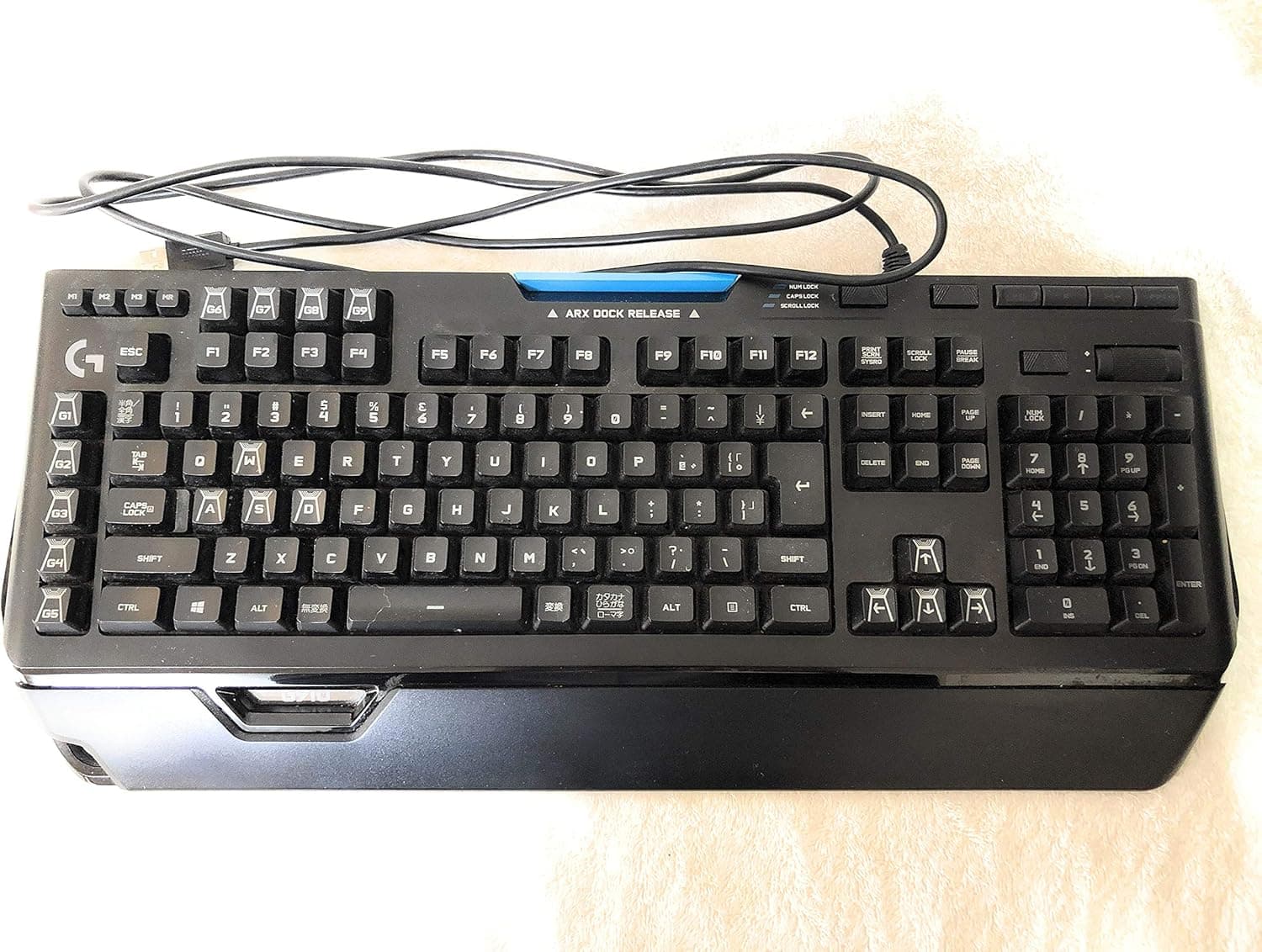
The Logicool G G910r is a full-size wired mechanical gaming keyboard built around nine dedicated G-keys and three memory pattern keys, giving you up to 27 macro assignments. Two things decide whether it is right for you: the proprietary Romer-G tactile switch, and the 505mm-wide chassis.
Amazon.co.jp reviews sit at 4.2 stars across 958 reviews (84%), which is solid but not universal praise.
Overview
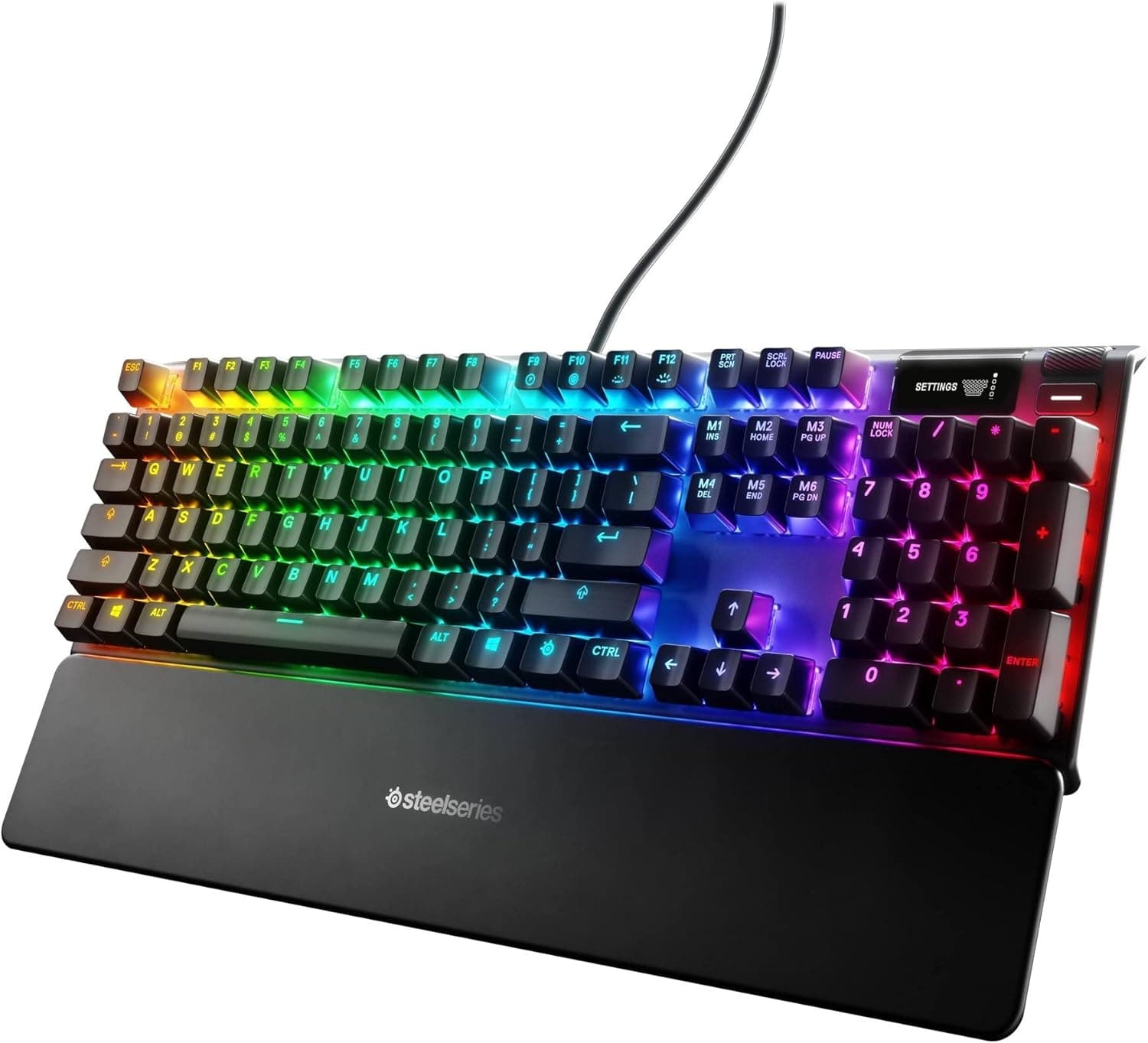
The G910r comes from Logitech's gaming brand, Logicool G. It refines the palm rest and keycap shape over the earlier G910 for more comfortable typing, and uses Logitech's own Romer-G tactile switches, which keep a clear tactile bump while still allowing quick repeated input.
Every key is individually backlit with LIGHTSYNC RGB (16.8 million colors).
Nine G-keys combined with three memory pattern keys yield up to 27 macro slots. Dedicated media buttons and a volume control sit above the numpad so you can adjust things without looking down.
This particular SKU is sold as a Final Fantasy XIV recommended peripheral, which fits its macro-heavy design.
In short, this is a full-size board built for macro workflows. If you never plan to touch the G-keys, the width and weight are harder to justify.
Compatibility Guide
Connection is a single USB 2.0 cable; there is no wireless or Bluetooth option.
The stated OS target is Windows 10 or later, and Logitech's G HUB software is required to configure macros and lighting. G HUB needs an internet connection to download.
Without it the board still types, but the G-keys and lighting features are largely unavailable.
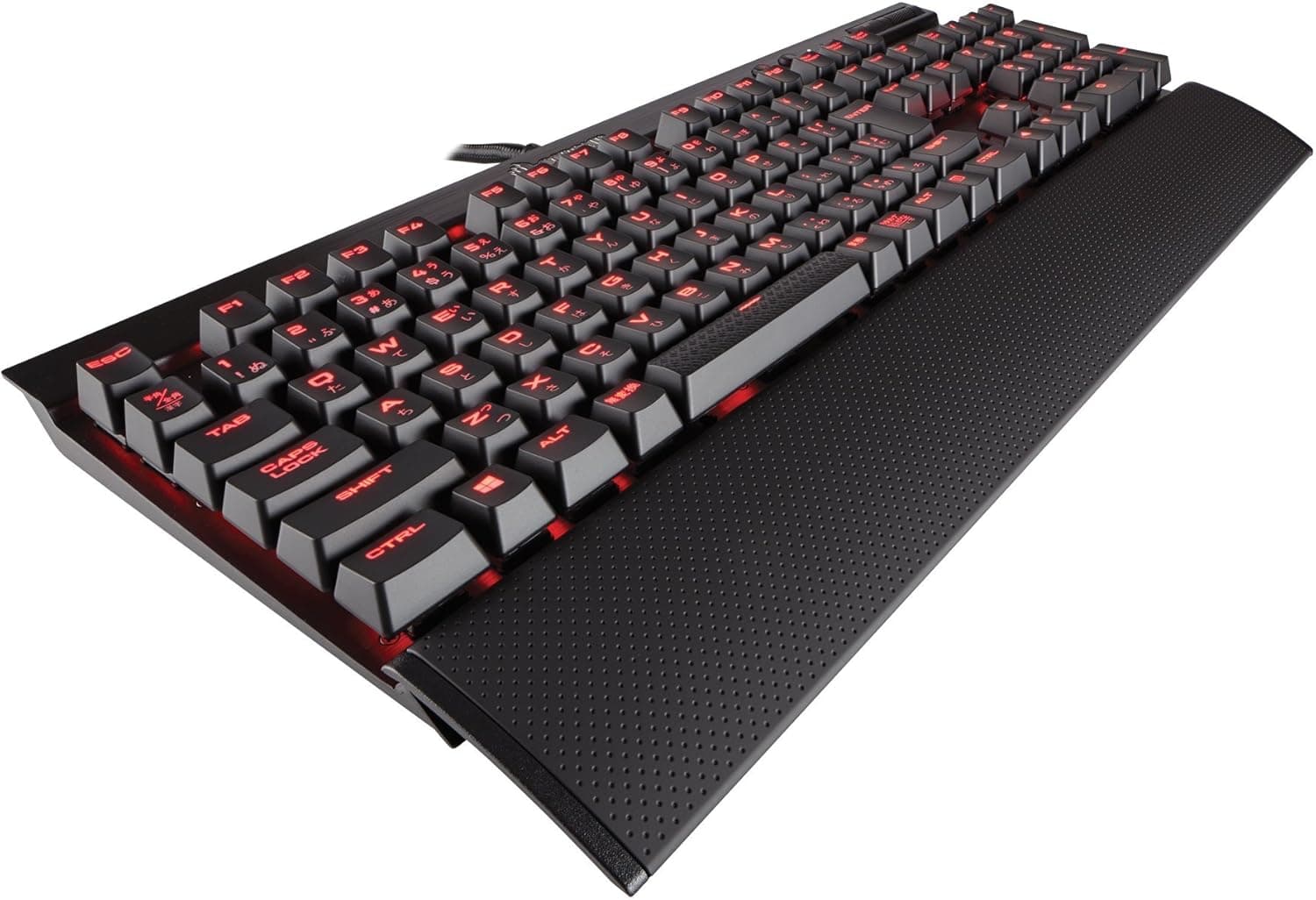
The layout is Japanese JIS. It works natively on domestic Japanese PCs and suits anyone who relies on IME toggle keys, but symbol placement will feel foreign if you are used to US layout.
There is no US-layout version of this SKU, so confirm the layout before buying.
Physical size is where people get caught out. The body measures 505 x 210 x 36 mm, which is best read as excluding the palm rest.
A typical full-size keyboard is around 440mm wide, so the extra G-key column pushes this one noticeably wider. On an 80cm desk, fitting the board plus a mouse pad gets tight, and adding the palm rest extends depth enough that sliding keyboard trays often will not clear it.
Measure 505mm plus your mouse swing area before ordering.
At 1500 g it is clearly not a travel keyboard, but it also will not shift during frantic input. Treat it as a permanent desktop fixture.
Product Info
| Spec | Value |
|---|---|
| Switch | Romer-G tactile |
| Layout | Japanese (JIS) |
| Backlight | LIGHTSYNC RGB (16.8M colors) |
| G-keys | 9 (3 memory patterns = 27 macros) |
| Media | Dedicated buttons + volume control |
| Connection | USB 2.0 wired |
| Dimensions | 505 x 210 x 36 mm |
| Weight | 1500 g |
| Warranty | 2 years |
The listed price on Amazon.co.jp was ¥32,700 as captured on 27 May 2026.
Prices move with stock and sales, so check the current figure on the product page. The domestic retail package includes the keyboard, palm rest, manual and warranty documents, plus a bonus wallpaper download that should not drive your decision.
User rating is 4.2 stars from 958 reviews, or 84% positive, as of the May 2026 capture.
For a product with nearly a thousand reviews, that pattern usually means no major defects but some consistent gripes.
How It Compares
At this price, most rivals use Cherry MX-style switches or offer hot-swap sockets so you can change switches later. The G910r's differentiator is the physical G-key column plus Logitech software integration.
If your priority is tuning typing feel or choosing your own switches, a hot-swap board will satisfy you more.
If instead you want per-game profiles in G HUB with macros mapped to a left-hand key column, this layout still holds up. Pairing it with a Logitech mouse also lets you manage everything in one piece of software.
Before You Buy
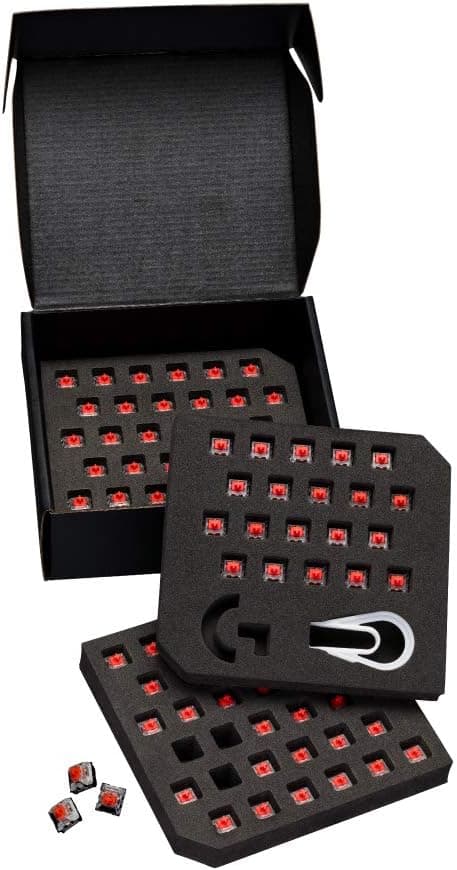
Romer-G is proprietary, and that is the main trade-off. It is not Cherry MX compatible, so there is no hot-swapping switches.
Aftermarket MX keycaps are not guaranteed to fit properly either, so do not buy this planning a keycap swap. Customization fans should look elsewhere.
Confirm you like tactile switches. There is a defined bump partway through the travel rather than a smooth linear press.
If you stream, take calls, or share a room, a silent switch design is a better fit.
Underestimating desk space is the most common regret. At 505mm plus mouse area, low-sensitivity FPS players in particular may run out of room.
A tenkeyless board is the sensible alternative in that case.
This is a software-dependent product. Macros and lighting both assume G HUB is installed and running.
It is also a somewhat older generation, so compare against current models at purchase time.
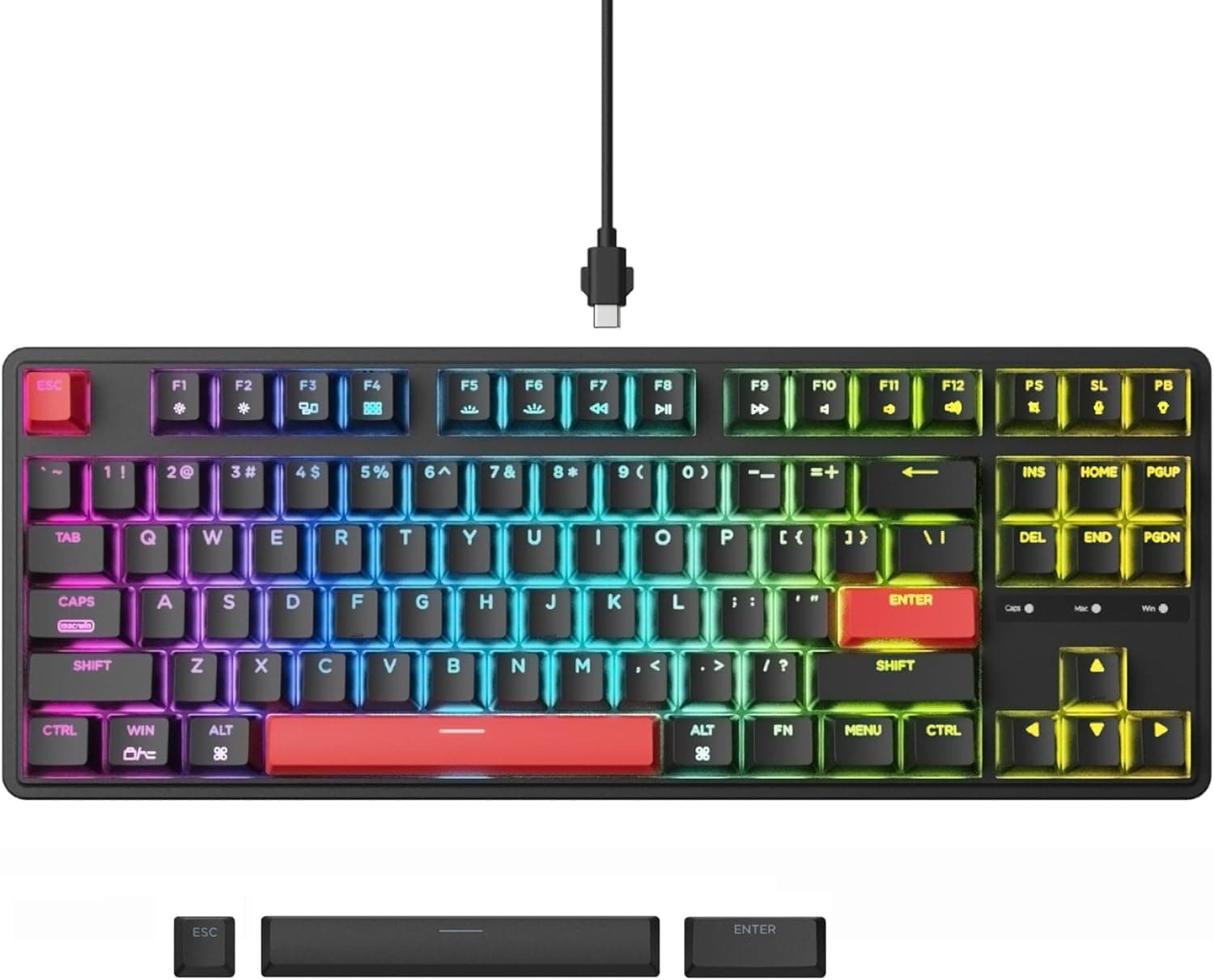
One listing caveat: the price label reads "Amazon US" while the actual link and currency are Japanese Amazon in yen. Auto-collected listing metadata occasionally mixes in details from other products, so verify from the product image and title that you are buying the G910r with JIS layout and palm rest.
Best Use Cases
It suits MMO and MOBA players who map skills, item usage and rotations to dedicated keys. Nine G-keys across three memory patterns pairs well with per-game profiles, which matters in hotbar-heavy titles like Final Fantasy XIV.
It also fits wired-only users who never want to think about battery or pairing, and anyone already running Logitech mice or headsets who wants unified G HUB settings. If your desk is wide and the board stays put, the 1500 g weight reads as stability rather than bulk.
Skip it if you want a compact board, custom keycaps and switches, or wireless. A hot-swap or tenkeyless board at a similar price will serve you better.
FAQ
Q. Can I swap the switches? A.
No. Romer-G is Logitech's own switch and the board is not hot-swappable.
The typing feel you buy is the one you keep.
Q. Can I fit aftermarket keycaps? A.
The Romer-G stem differs from standard Cherry MX, so generic keycaps are not guaranteed to fit. Do not buy this expecting a keycap project.
Q. Does it work on Mac? A.
The stated support target is Windows 10 or later. Basic typing may work, but full G HUB macro and lighting parity is not guaranteed; check the product page if Mac is your main machine.
Q. Do I need G HUB? A.
Basic typing works without it, but macro assignment and RGB customization require G HUB. Practically speaking it is mandatory to get the value of this board.
Q. Will it fit a small desk? A.
You need 505mm plus mouse space. An 80cm desk gets cramped, so measure first and consider a tenkeyless model if it does not fit.
Product Disclosure (Amazon)
- Manufacturer: Logitech
- ASIN: B01MQ4RNBH
- Note: This article covers a manufacturer-made product based on Amazon listing details.