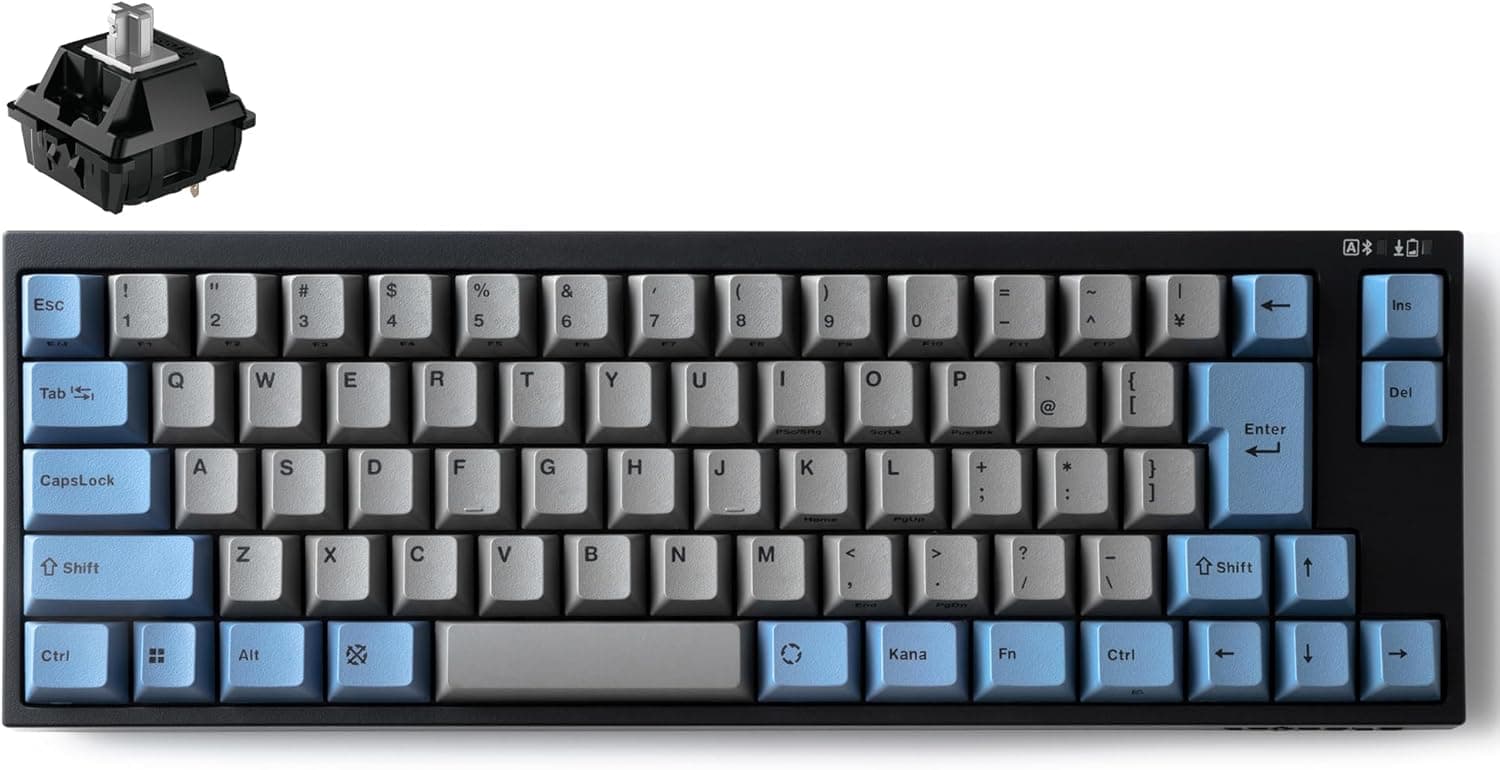
The LEOPOLD FC660MBT GRAYBLUE Bluetooth is a wireless, hot-swappable derivative of the well-known FC660M 65% keyboard. This article works through the published specs and listing data to answer two practical questions: where will it actually work, and what do you have to give up?
Overview
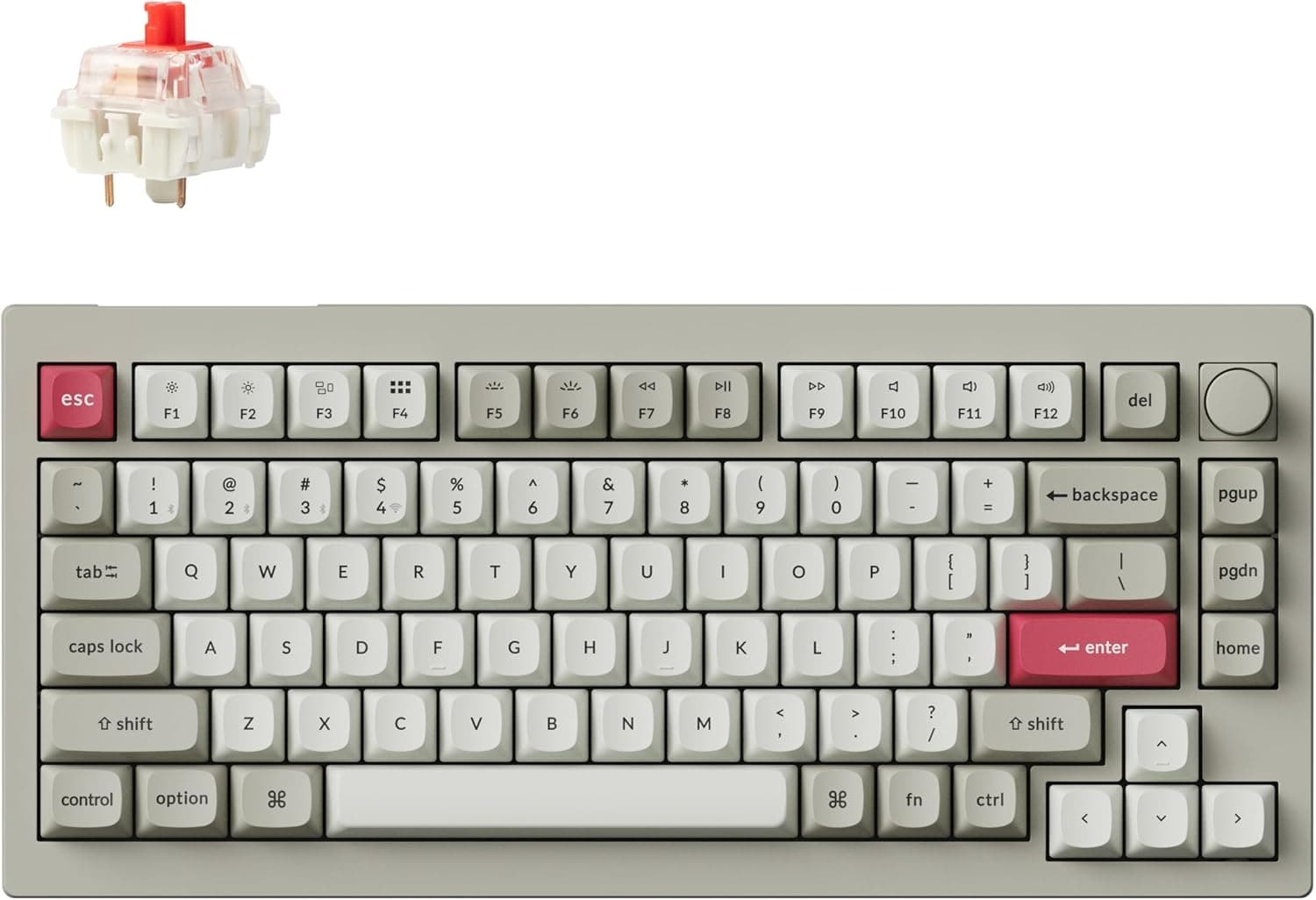
The short version: this is a 65% (70-key) mechanical keyboard for people who find a TKL still too wide but refuse to give up dedicated arrow keys. It is not a flashy gaming board.
It is the kind of product you choose for typing feel, build quality, and desk-space efficiency.
Seventy keys means the numpad and function row are gone, and the TKL navigation cluster is compressed into a single vertical column. The arrow keys stay separate, so the only bindings you have to relearn are things like Delete, Home, End, Page Up and Page Down on a function layer.
Anyone who has bounced off a 60% layout will immediately understand why that matters.
Switches are CHERRY MX2A and the board is hot-swappable. Keycaps are 1.5mm PBT double-shot, with sound-dampening padding layered inside the case.
The Japanese JIS layout ships without kana legends, which keeps the caps visually clean and pairs well with the muted gray-and-blue colorway.
Amazon.co.jp showed 16 reviews at 4.6 out of 5 (92% positive) as of May 2026.
That is a strong rating, but 16 reviews is a small sample — read it as a hint, not as proof.
Compatibility Guide
Connectivity covers Bluetooth wireless and USB-C wired. The stated OS support is Windows and macOS, and DIP switches let you flip the modifier keys into a Mac-friendly arrangement.
If you move between a Mac and a PC, doing that in hardware instead of through a background utility is a real advantage.
Power comes from two AA batteries. Opinions split here.
You never have to tether the board to recharge it, but when the cells die you need spares. If you plan to store it unused for a long time, pull the batteries out to avoid leakage.
Over USB-C the board runs wired and powered, so a desk-bound setup can ignore battery life entirely. Rechargeable AA cells are also a sensible option.
One physical detail people overlook is the USB-C port recess. On many 65% boards the port sits in a recessed cutout, so thick magnetic cables or right-angle connectors may not seat properly.
Confirm operation with the bundled cable before switching to an exotic one.
Keycap compatibility deserves a warning: this is a JIS board. Most aftermarket keycap sets assume ANSI, and the right Shift width, Enter shape, and spacebar row all differ on JIS.
The stock PBT double-shot caps are good enough that leaving them alone is usually the happier outcome.
Hot-swap lowers the barrier to switch changes considerably. MX-compatible switches generally drop in, but check whether the PCB accepts the extra legs of 5-pin switches before forcing them.
Inspect the pins for bends and press straight down — that is the whole trick to not breaking anything.
Product Info
| Item | Detail |
|---|---|
| Layout | 65% (70 keys) |
| Switches | CHERRY MX2A (hot-swappable) |
| Keycaps | PBT double-shot, 1.5mm |
| Connectivity | Bluetooth / USB-C |
| Power | 2x AA batteries |
| OS support | Windows / macOS |
On pricing: Amazon.co.jp listed it at ¥14,480 as captured on 28 May 2026, and the Rakuten LEOPOLD keyboard store listed ¥14,480 as captured on 18 August 2026 — essentially the same domestic price.
On eBay, a listing at $124.98 was captured on 9 July 2026.
All of these are point-in-time figures that move with sales and stock, so check the product page for the current price before you buy. Given roughly ¥14,480 domestically versus about $125 through an overseas marketplace, the domestic route is the easier one once shipping and warranty are factored in.
For a 65% mechanical board, the low-to-mid ¥10,000s is mid-range: above the sub-¥10,000 gasket-mount imports, below the ¥20,000+ custom-adjacent builds. Not many boards in this bracket combine stock PBT double-shot caps, internal dampening, hot-swap, and wireless.
The flip side is that no budget went to RGB lighting or a high-polling-rate proprietary wireless link.
Warranty is typically one year, though terms vary by retailer. The box includes a USB-C cable and documentation.
How It Compares
Among wireless hot-swap boards, the field splits roughly three ways: feature-and-value plays like Keychron, import gasket-mount boards sold on typing acoustics, and boards like this one chosen for layout and build fundamentals.
Where the FC660MBT clearly wins is a JIS layout with no kana legends packed into 65%. Most overseas wireless boards are ANSI-first, and JIS variants are scarce.
If you rely on the henkan/muhenkan keys for Japanese input, that is hard to compromise on.
Where it does not compete is gaming. Magnetic switches with rapid trigger and 4K–8K Hz wireless are simply a different category.
For competitive FPS, look there instead.
What Matters In Daily Use
Layered dampening mainly kills case resonance. Remove the hollow ring and the same switch reads lower and tighter, which makes the board easier to live with in an office or on a call.
It is still not a silent keyboard — in a quiet room, people will hear you type.
The 1.5mm PBT caps resist the shine that ABS develops within months, so the board ages well cosmetically.
The listing describes a low-profile cap shape, which suggests a lower overall stack than typical OEM profile, but perceived height is personal — try one in person if you can.
Best Use Cases
- You want arrow keys but a TKL still eats too much desk. The narrower the desk, the bigger the payoff in mouse room.
- You want to stay on JIS but hate kana legends. Very few 65% wireless boards meet both conditions.
- You switch between Windows and macOS. Hardware DIP switching works where you cannot install background software.
- You want to try different switches later. Hot-swap means no soldering; start stock and change only what bothers you.
- You type for a living and want to invest in the tool. PBT caps plus dampening pay off over long days.
Before You Buy
Make peace with AA batteries. If you are used to built-in rechargeable packs, two AA cells will feel dated.
Without rechargeables there is a running cost, and if the cells die away from your desk you need a cable or spares. For desk use, running it wired over USB-C is simply the most stable choice.
Bluetooth latency limits some uses. Compared with a dedicated 2.4GHz gaming receiver, Bluetooth is at a disadvantage.
You will not notice while writing or coding, but frame-accurate input in games is a different story. Plan on plugging in for gaming.
Hot-swap is not full customization. Only the switches change.
The plate, case and mounting style are fixed, and those dominate the sound and feel. Do not expect a switch swap to turn it into a different board.
Confirm the switch variant on the product page. CHERRY MX2A is a switch family, not a single part — it spans linear, tactile and clicky options.
Listings under the same model name can differ, so treat the retailer's own switch designation as final. Hot-swap lets you change your mind later, but starting with the variant you want saves money.
JIS 65% is a poor fit for keycap collecting. Most sets assume ANSI.
If aftermarket caps are a main goal, an ANSI board opens far more options.
Factor in the small review count. A 4.6 average is good, but 16 reviews cannot tell you anything reliable about unit variance or early failure rates.
Buy from a seller with clear return and exchange terms.
Listing metadata is sometimes wrong. Manufacturer, model number and OS fields on retail pages are often auto-populated, and information for a different model can end up there.
Cross-check the product images, title and seller before ordering to confirm you are getting the GRAYBLUE FC660MBT. In particular, FC660M (wired) and FC660MBT (Bluetooth) differ by only a couple of characters, which makes mix-ups easy.
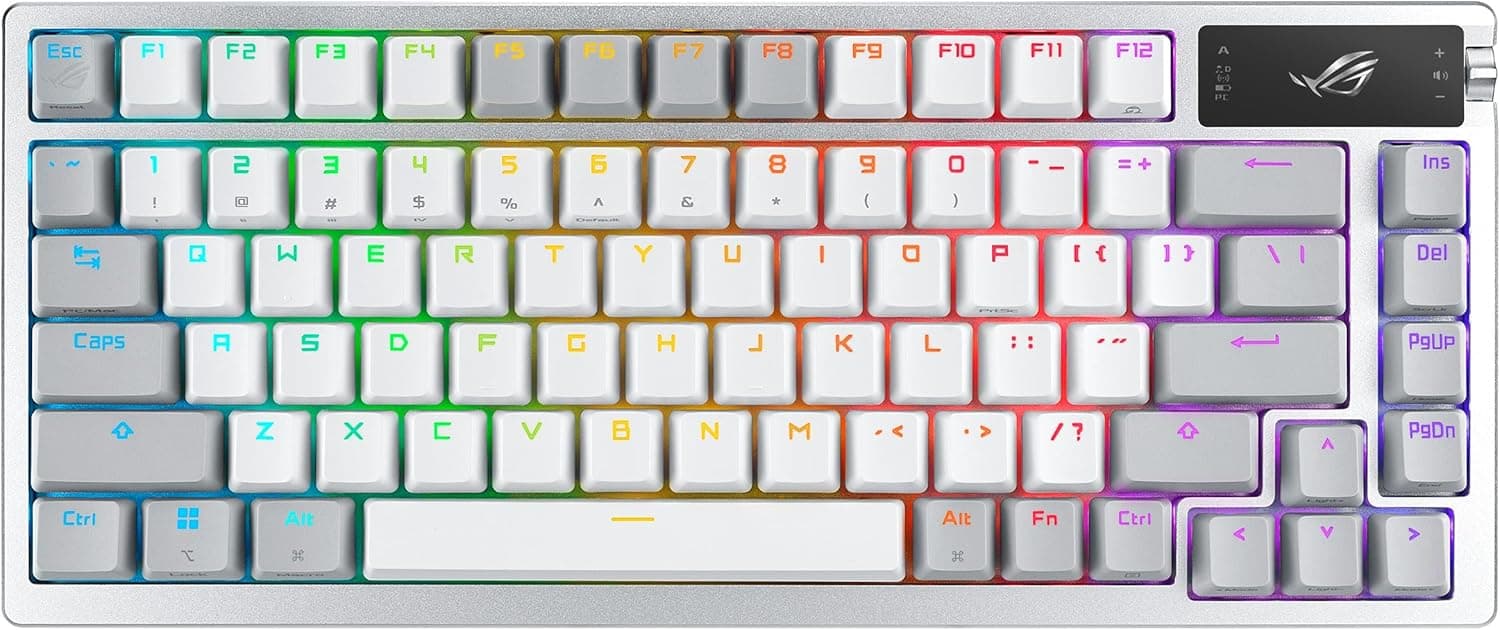
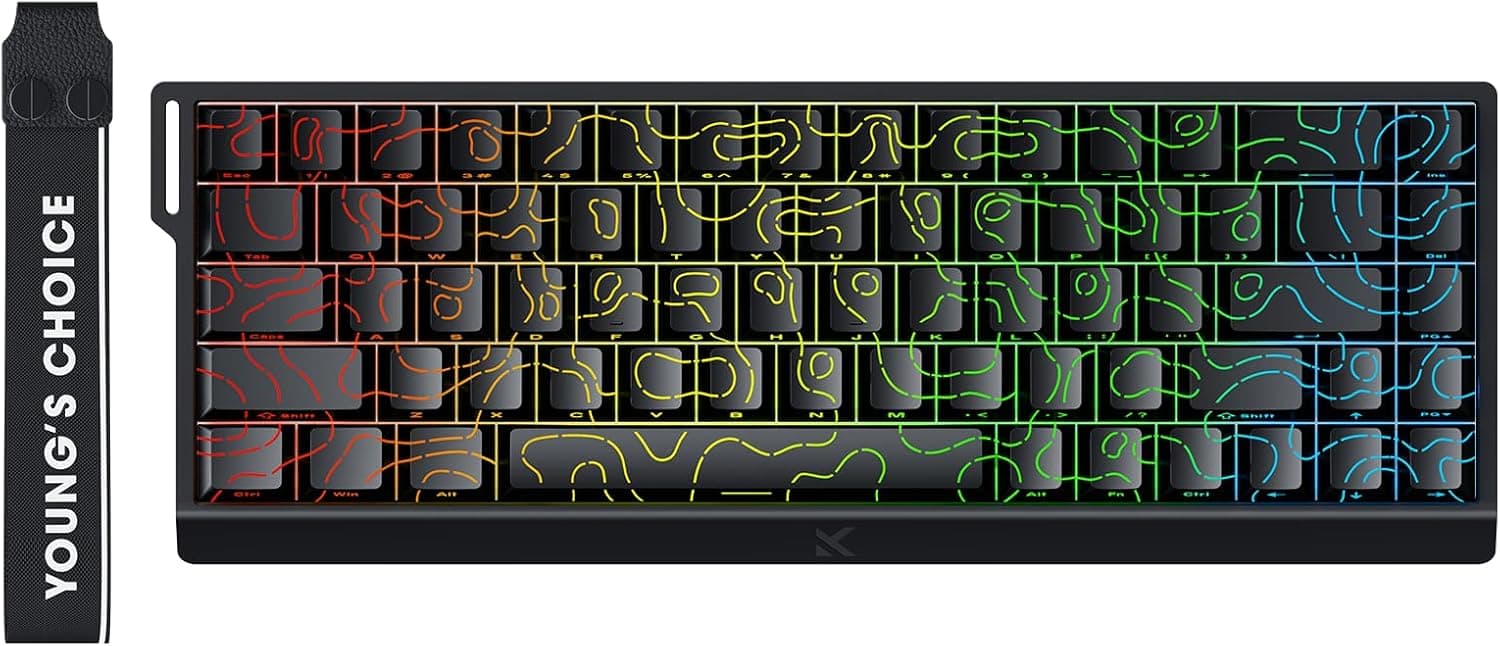
Do not expect RGB. Lighting is not what this board sells.
If you want illuminated keys or a color-matched gaming setup, start in a different category.
FAQ
Q. How long do the batteries last? A.
It depends heavily on usage and sleep settings, so there is no single answer. Power-efficient operation is claimed, but check the product page for any stated figure.
At a desk, running it wired over USB-C uses no battery at all.
Q. Does it work properly on a Mac? A.
macOS is listed as supported, and DIP switches remap the modifiers for Mac. Because it is handled in hardware, it works even on managed Macs where you cannot install utilities.
Q. Can I use it with an iPad or Android phone? A.
Stated OS support covers Windows and macOS only. It may pair as a Bluetooth keyboard, but modifier behavior and some keys are not guaranteed.
If tablets or phones are your main target, choose a board that advertises that support.
Q. Are all keys hot-swappable? A.
Hot-swap is advertised, but confirm the exact scope on the product page. The process is just pulling switches with a puller and dropping in replacements — keep the pins straight and vertical.
Q. Is it quiet? A.
Layered dampening reduces resonance, but this is not a silent-switch board. If quiet is the priority, swap in silent switches or look at boards marketed specifically for low noise.
Q. Is wired-only use fine? A.
Yes. USB-C supplies power as well, so running it with no batteries installed is a perfectly reasonable setup.
Product Disclosure (Amazon)
- Manufacturer: LEOPOLD
- Seller: LEOPOLDキーボードオンラインストア
- Fulfilled by: Amazon
- ASIN: B0DMV7JS1J
- Note: This article covers a manufacturer-made product based on Amazon listing details.