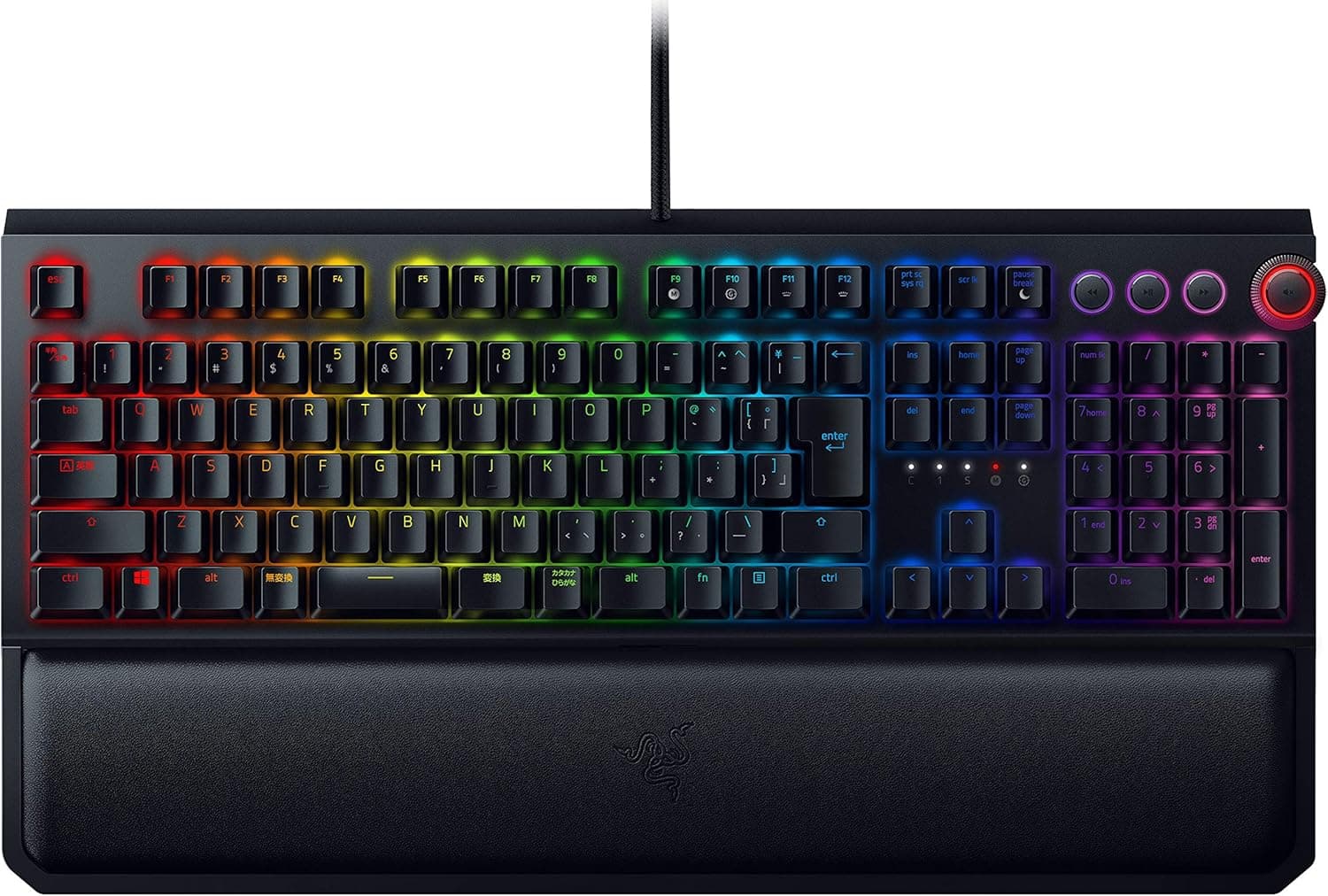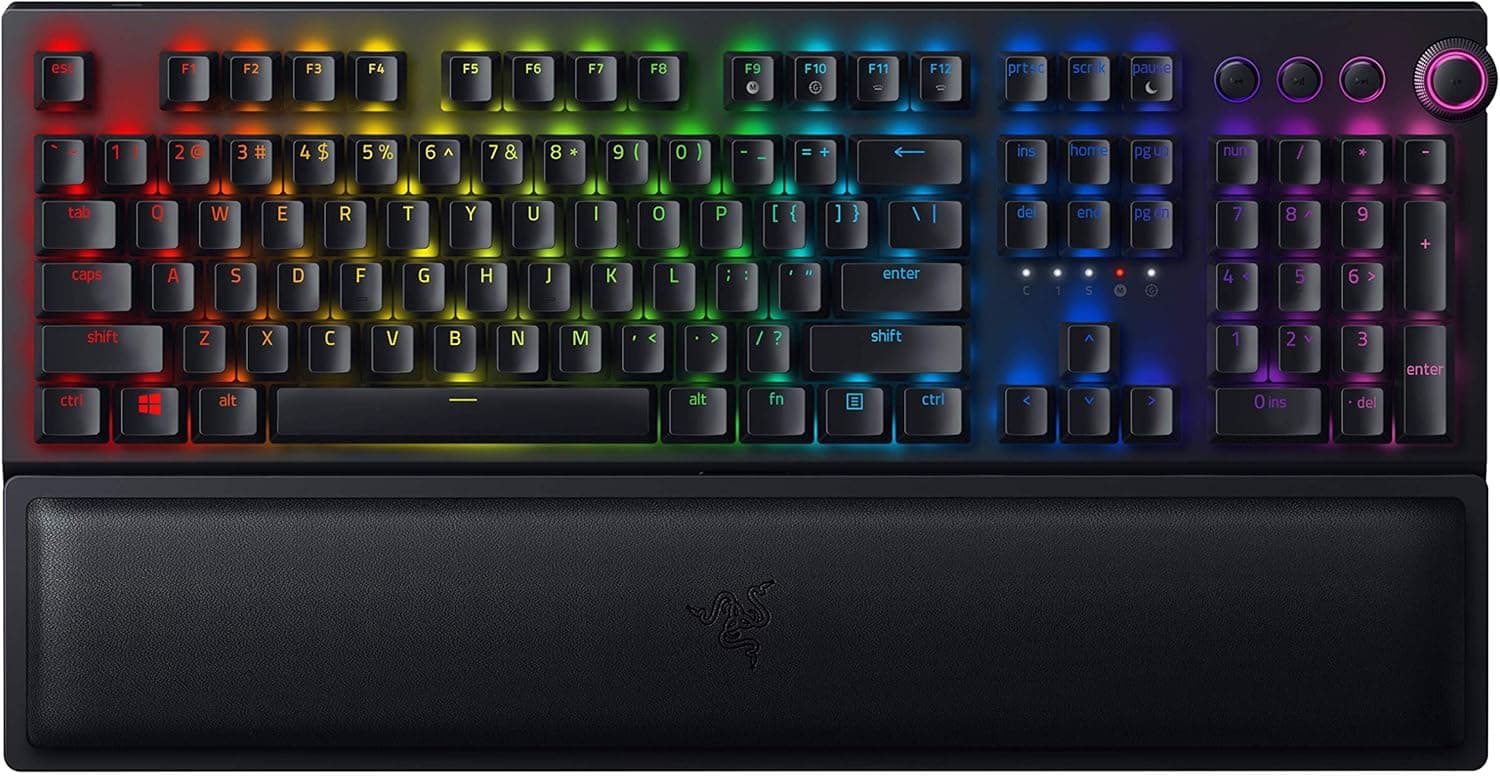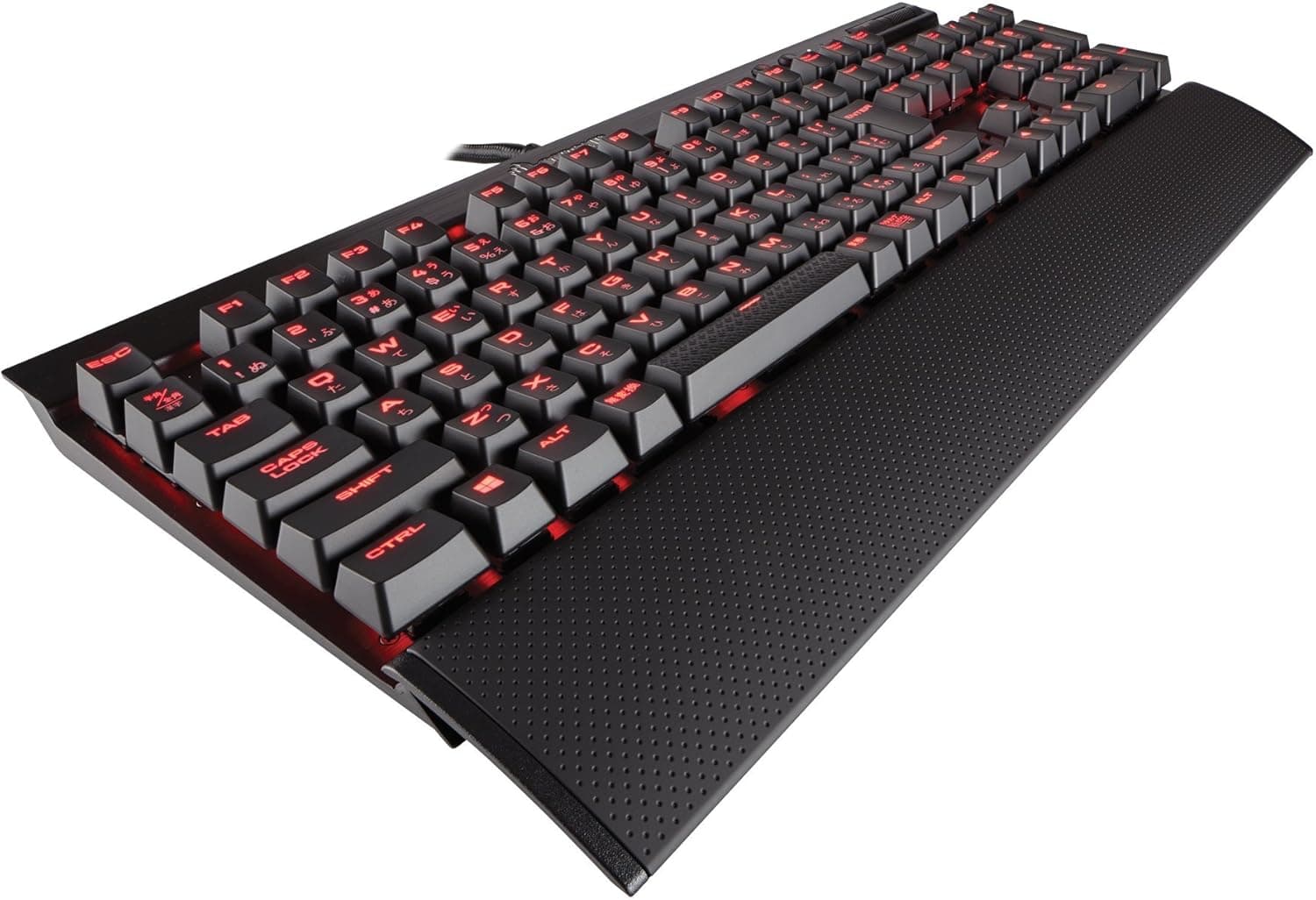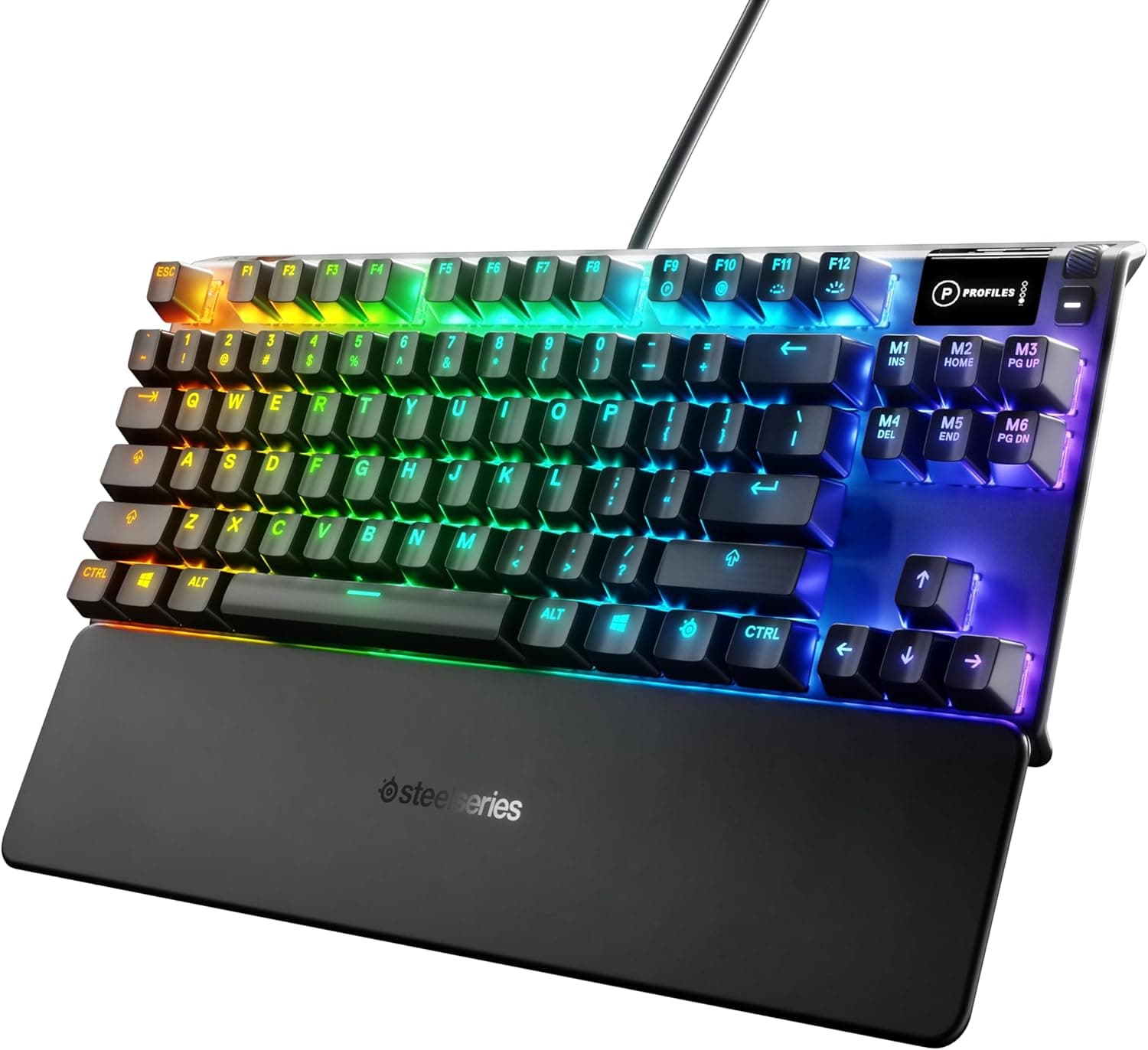
This article covers the SteelSeries Apex 7 TKL (US Red Switch, 64646), using its published specs plus captured pricing and review data.
Overview
The SteelSeries Apex 7 TKL is a mid-to-high tier wired gaming keyboard that pairs a numpad-free layout with a small OLED smart display. The short version: it suits low-sensitivity FPS players who also value having information surfaced on the board itself.
It is a much harder sell for anyone whose main workload is Japanese text entry, purely because of the US layout.
The switch is specified as a mechanical linear red switch, meaning there is no click or tactile bump on the way down. Rated key life is 50 million actuations, which sits at the higher end for mechanical switches.
The frame is aircraft-grade aluminum alloy, and the body measures 355 x 139 x 40 mm — a typical tenkeyless footprint, though depth grows once the magnetic wrist rest is attached.
As captured on 25 May 2026, Amazon.co.jp showed 443 reviews averaging 4.4 out of 5 (88% positive).
With a sample that large, a 4.4 indicates consistent quality rather than a lottery.
The roughly 12% of lower ratings still matter, and the layout and pricing issues discussed below are the most likely explanations.
Compatibility Guide
Connection is wired USB 2.0 only — no wireless, no Bluetooth.
As the compatibility note states, a USB-A port is required. Thin laptops and small-form-factor PCs that only offer USB-C will need a USB-C to USB-A adapter or a hub with a USB-A port.
Because a keyboard with an OLED panel and per-key RGB draws a meaningful amount of power, cheap bus-powered hubs can cause instability. Plug directly into the PC when you can.
Consoles will work, but as the note says, some features are PC-only. In practice, OLED content and RGB profile configuration are managed through companion software, so on a platform where that software cannot run, treat the board as a well-built keyboard with lighting.
Basic input working is not the same as full functionality working.
Physical fit is the compatibility question people forget. A 355 mm width coexists with a mouse pad even on a 600 mm desk.
But 40 mm of height is not slim, and without the wrist rest your wrists sit at a sharp angle. If you use a keyboard tray, measure the depth including the wrist rest first.
The cable routes three ways, which helps when running it under a monitor arm or into a cable tray.
Product Info
| Item | Detail |
|---|---|
| Switch type | Mechanical red (linear) |
| Key life | 50 million actuations |
| Backlight | Per-key RGB illumination |
| Interface | USB 2.0 (wired) |
| Dimensions | 355 x 139 x 40 mm |
| Layout | English (US) |
On pricing: ¥19,300 on the Amazon listing as captured 25 May 2026, and ¥23,821 at Rakuten (Aqua Daily Store) as captured 21 August 2026. Both are point-in-time figures that move with sales, points programs, and exchange rates — check the current price on the product page before buying.
A gap of roughly ¥4,500 between retailers on the same product usually reflects differing stock levels. This is an older model, so remaining channel inventory tends to swing the price.
Per-key RGB is not purely cosmetic here. Highlighting only the keys you actually use is genuinely helpful in MOBA and MMO titles with dense keybinds.
The OLED display works the same way: not something you stare at, but a spot where information sits when you happen to glance down.
How It Compares
The tenkeyless segment is crowded. Roughly speaking:
| What you want | Where the Apex 7 TKL lands |
|---|---|
| On-board information display | Rare at this price. A real strength |
| Rapid trigger / adjustable actuation | Not supported by this generation |
| Build quality | Aluminum frame, upper tier |
| Switch swapping | No hot-swap, limited flexibility |
| Japanese text entry | US layout requires workarounds |
Recent gaming keyboards increasingly lead with magnetic switches offering rapid trigger and adjustable actuation points. If competitive input speed is the goal, a newer board fits that goal better.
If you care about feel, build, and having information on the board, the Apex 7 TKL still holds up.
In Everyday Use
Linear switches have even resistance to the bottom and a clean return, which suits repeated taps and held movement keys. The trade-off is a lack of feedback: coming from tactile browns, expect more typos at first.
Linear also does not mean silent. Switch noise is subdued, but bottoming-out and resonance from the aluminum case remain.
If you buy this expecting a quiet board for late-night voice chat, it may be louder than you pictured.
The aluminum frame pays off in stability. A heavier body stays put during frantic input and flexes less under typing pressure.
The flip side is portability — this is a keyboard meant to stay on one desk.
Best Use Cases
- Low-sensitivity FPS players. Dropping the numpad to 355 mm width buys mouse swing room directly.
- People already on US layout, including developers who prefer US symbol placement. The board's biggest weakness simply does not apply to them.
- Players who want status on the keyboard — profile state or notifications visible without switching windows.
- Buyers who care about materials. The aluminum top plate and magnetic wrist rest feel appropriate for the price tier.
- Tinkerers who will actually use per-key RGB and per-game profiles.
Before You Buy
The single biggest caveat is the English (US) layout. Anyone used to a JIS layout will hit three specific walls.
First, there is no hankaku/zenkaku key and no henkan/muhenkan keys, so IME toggling has to be remapped — commonly to the left and right Alt keys via a remapping utility. Second, symbol placement differs substantially; the positions of @ and :, and the Shift-plus-number pairings, all move, which stalls password entry until muscle memory catches up.
Third, the Enter key shape and the widths of right Shift and Backspace change, so your fingers have to relearn where they land. People who say you adapt in a few days are right — but those days are measurably less productive. If this will double as your work keyboard, factor that in.
Second, generation. This model arrived around 2019 and remains available, but it lacks adjustable actuation and rapid trigger, features that have become common since.
If raw input capability is what you're paying for, a current magnetic-switch board at a similar budget is the more direct answer. This keyboard's value is polish, materials, and the display — not cutting-edge input.
No hot-swap support is another compromise to accept consciously. If a switch degrades in a few years, you cannot simply drop in a replacement to extend the board's life.
If you haven't settled on a switch preference and might want to try tactile or silent switches later, a hot-swap board will serve you better.
Also watch the price spread. At capture time, Amazon and Rakuten differed by roughly ¥4,500.
Prices move a lot on this product, so compare several retailers rather than deciding from a single listing.
Finally, a note on listing data. Product pages are populated and updated automatically, and manufacturer names, model numbers, and layout descriptions sometimes disagree with the actual item.
The listing data here shows SteelSeries and is consistent with the product, but confirm the product image, title, and especially the layout (US vs JIS) with your own eyes before ordering. Layout mismatches are one of the most common reasons for returns.
FAQ
Q. Are red switches quiet enough for late-night use? A.
Clearly quieter than clicky blues, but not silent. Bottom-out noise remains and the aluminum case adds resonance.
If you need true near-silence with someone else in the room, look for switches explicitly marketed as silent.
Q. Does it work on PS5 or Nintendo Switch? A.
Basic input generally works over USB-A. But as the compatibility note says, some features are PC-only — OLED content and detailed profile setup assume a PC.
Whether a given console game accepts keyboard input also varies by title.
Q. Can I type Japanese on it? A.
Yes, but the US layout has no physical IME toggle key. You'll need to configure OS settings or a remapping tool — assigning IME off to left Alt and IME on to right Alt is the usual approach.
Whether that setup effort is acceptable is the deciding factor.
Q. Is the OLED display actually useful? A.
It depends. Checking profile state or notifications without leaving the game screen is convenient, but you rarely have spare attention to read text mid-match.
Treat it as a nice extra, not a core feature.
Q. What does 50 million key life mean in practice? A.
It's a durability rating for a single key. In normal use, keycap wear or cable failure typically arrives before the switches do, so the figure is more than sufficient for everyday use.
Q. Do I need the wrist rest? A.
At 40 mm tall, resting your wrists on the bare desk tends to force a sharp angle. The magnetic wrist rest attaches and detaches instantly, so start with it on and remove it if you find you don't want it.
Product Disclosure (Amazon)
- Manufacturer: SteelSeries
- Seller: Liberte ms
- Fulfilled by: Amazon
- ASIN: B07VFK33Q6
- Note: This article covers a manufacturer-made product based on Amazon listing details.