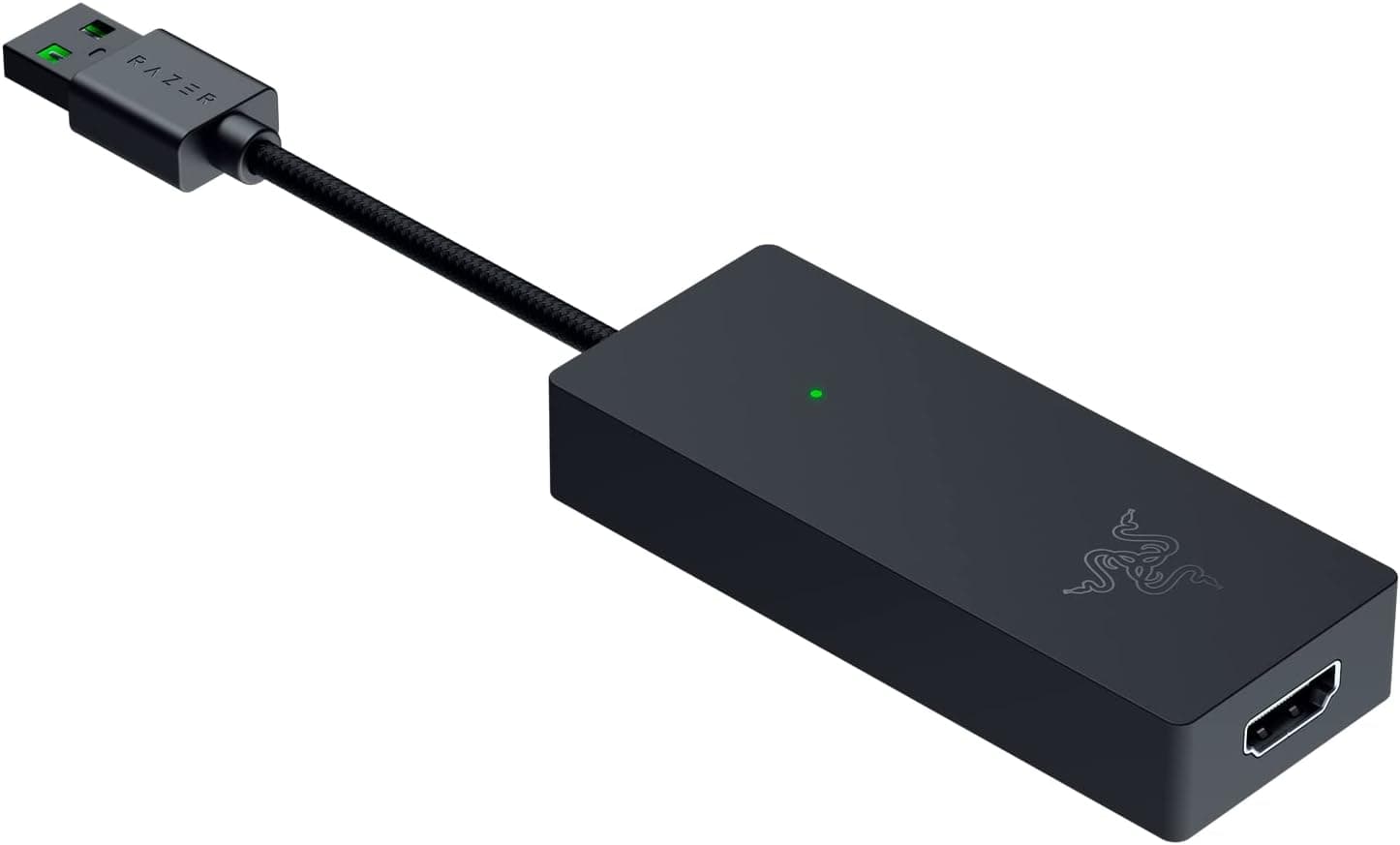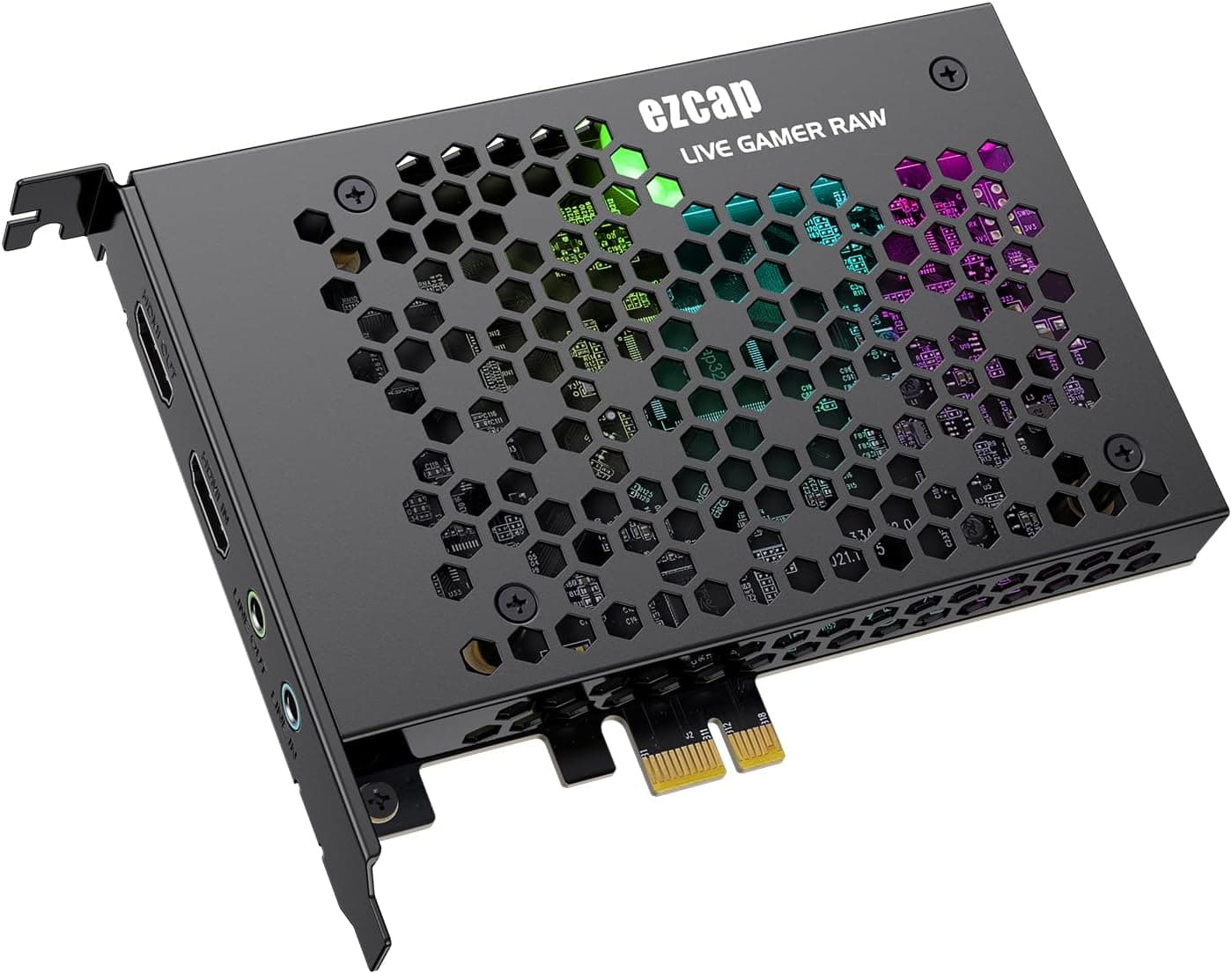
This article covers ゲームキャプチャーカード HDMI PCI-E 4K 30fps ゲームシステム ビデオカメラ デジタル一眼レフカメラ ゼロディレイHDMIループアウト対応.
Overview
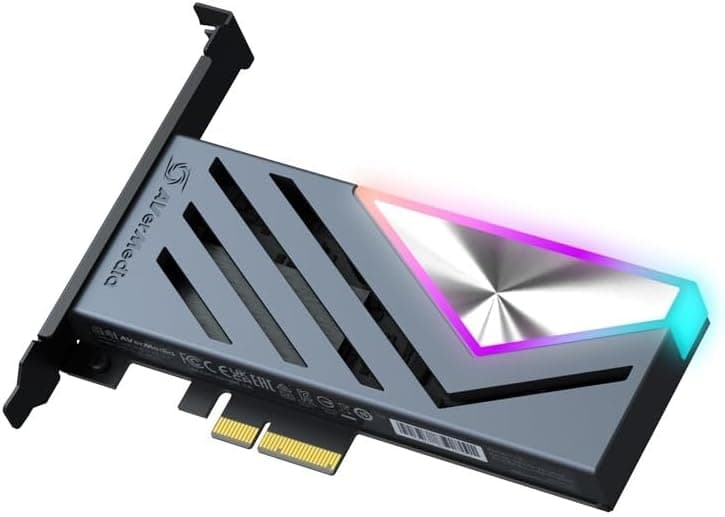
The MYPIN HDMI PCI-E capture card is an internal video capture board that fits into a free PCIe slot on your desktop PC. It accepts a 4K 30fps HDMI signal and brings it into the computer for recording or live streaming, which makes it a practical fit for console gameplay, camera work, and online presentations. The standout feature is the zero-delay HDMI loop-out: the game feed can pass straight through to your monitor while a separate capture signal goes to the PC, so your play experience does not pick up extra latency. Going internal has real advantages. The PCI Express x1 interface allows up to 500MB/s of transfer bandwidth, which the listing positions as faster than USB 3.0 capture devices. It is also plug-and-play, with no dedicated driver installation required, so beginners can get started with just an open slot and a streaming app. At roughly ¥14,000, it sits comfortably in the entry-to-mid tier of capture hardware.
Connectivity & Compatibility
The card uses a PCI Express x1 interface but fits x4, x8, and x16 slots, and a low-profile bracket is included for small-form-factor or slim builds. The single HDMI input accepts video from a wide range of sources: PS4/PS3, Xbox One/360, Wii U, Nintendo Switch, Blu-ray and DVD players, digital SLR cameras, video cameras, and TV boxes. Audio can be captured over HDMI or through the 3.5mm line-out port. On the software side, UVC and UAC protocol support means the card shows up in OBS Studio, VLC, Zoom, and similar tools without custom drivers. It works with Windows 7/8/8.1/10 and newer, plus macOS and Linux. Because the card is plug-and-play, setup is mostly about selecting the capture device inside your streaming app. Keep in mind that this is an internal card only, so a laptop or a desktop without a free slot will need an external capture solution instead.
Product Info
This is an entry-to-mid level capture card that combines 4K 30fps capture with the bandwidth headroom of a PCIe connection. Compared with USB capture boxes in the same price range, it keeps your desk cleaner and avoids external-cable clutter. The street price is around ¥14,323 at the time of writing. The included accessory is a low-profile bracket, which you swap in for the standard bracket when building in a compact case. The manufacturer has not published a specific launch date, but the card is readily available through major online retailers. Warranty terms are not clearly listed on the product page, so it is worth confirming them with the seller before purchase. Overall, this is a practical entry-focused model that delivers 4K capture and zero-delay loop-out without a premium price tag.
Best Use Cases
- Aspiring streamers and lets-play creators: connect a Switch or PS4 via HDMI and use OBS Studio to capture it at low cost. If you plan on 4K 60fps streaming from day one, this card's 30fps ceiling will feel limiting. 2. Camera users for webinars and video work: plug a mirrorless or DSLR camera into the HDMI input to record or livestream its feed for online classes and meetings. Check your camera's HDMI output settings beforehand, since this card offers no camera-control features. 3. SFF builders who want internal capture: the x1 interface and included low-profile bracket make it easy to fit into compact cases and secondary PCs. If you have no free slot or use a laptop, an external capture device is the better route. 4. Console players who value low-latency play: the HDMI loop-out feeds the monitor directly, so you keep a natural feel while recording, without depending on the capture path for your gameplay image. Just remember that 120Hz console output will still be captured at the card's supported frame rates.
Product Disclosure (Amazon)
- Manufacturer: MYPIN
- Seller: Amazon US
- Fulfilled by: Amazon US
- ASIN: B0BG2QZ8HH
- Note: This article covers a manufacturer-made product based on Amazon listing details.