Overview
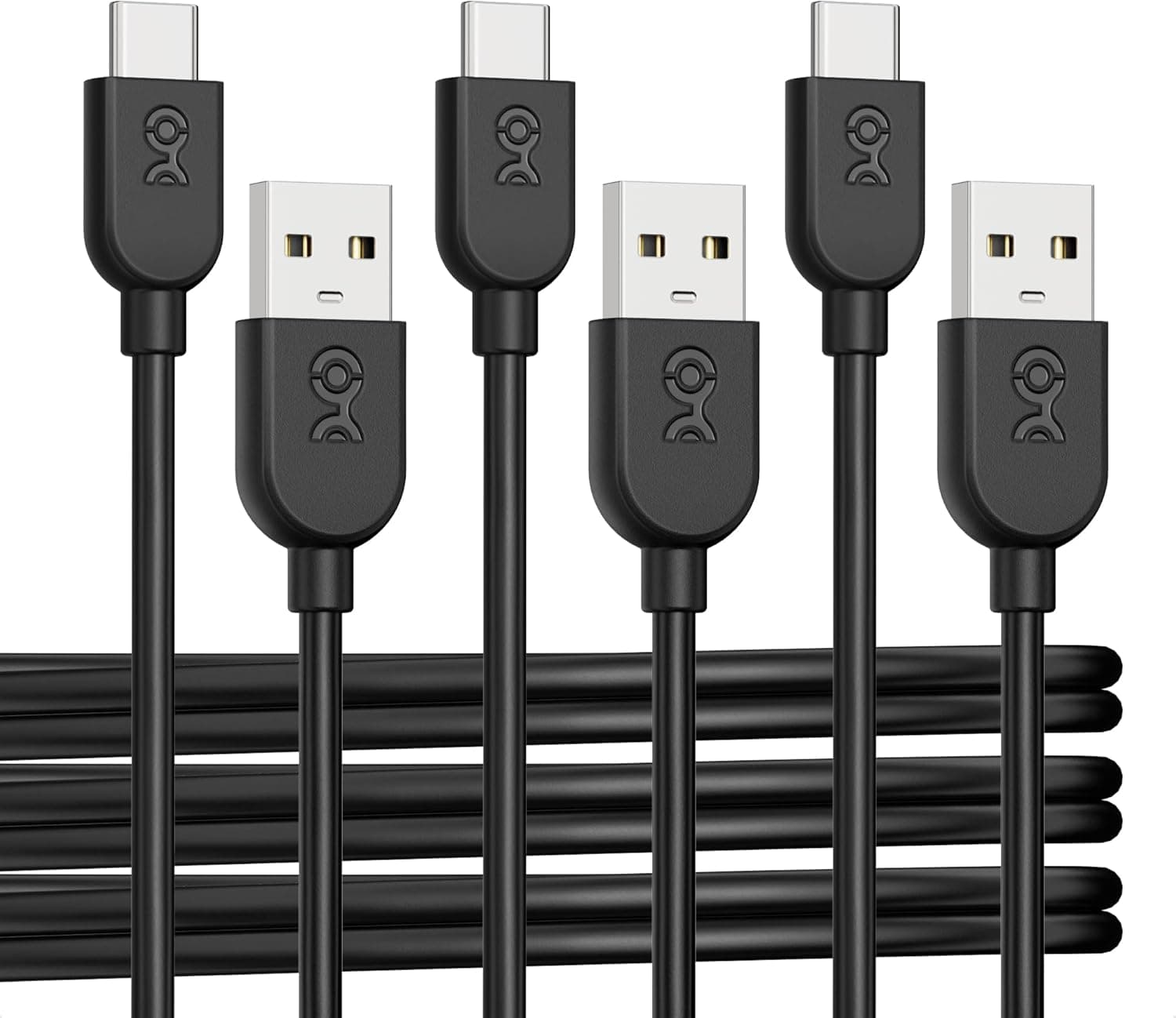
The kamikakushi USB 3.0 Type-C to USB-A cable is a 1 m (3.3 ft) data cable for connecting external capture devices such as the Elgato HD60 S+ to a PC.
To be direct: this is not a product that improves capture quality. It is a replacement part for people who lost, broke, or outgrew the cable that shipped with their capture device.
No cable raises the image quality or frame rate your capture card can deliver.
It was listed at ¥3,430 on Amazon Japan as captured on 19 May 2026, and carries a 4.9 out of 5 rating from 43 reviews (98% positive) as captured on 21 May 2026.
Those numbers look strong, but 43 is a small sample — more on that below. Generic USB-A to USB-C cables start around a third of this price, so the question is whether confirmed compatibility is worth the premium to you.
Why the cable matters for a capture device
A-to-C cables look interchangeable but are not. Many are wired for charging with USB 2.0 data lines, capping throughput at 480 Mbps.
USB 3.0 (SuperSpeed) handles the 5 Gbps class.
Devices like the HD60 S+ assume a USB 3.0 link; on a 2.0-grade cable you get symptoms such as the device enumerating but showing no preview, a shortened list of available resolutions and frame rates, or dropouts in your streaming software.
The frustrating part is that almost nobody suspects the cable first. People reinstall drivers, rebuild their OBS scene, then assume hardware failure.
The real value of owning a cable explicitly rated for USB 3.0 is diagnostic: it removes one variable.
Compatibility
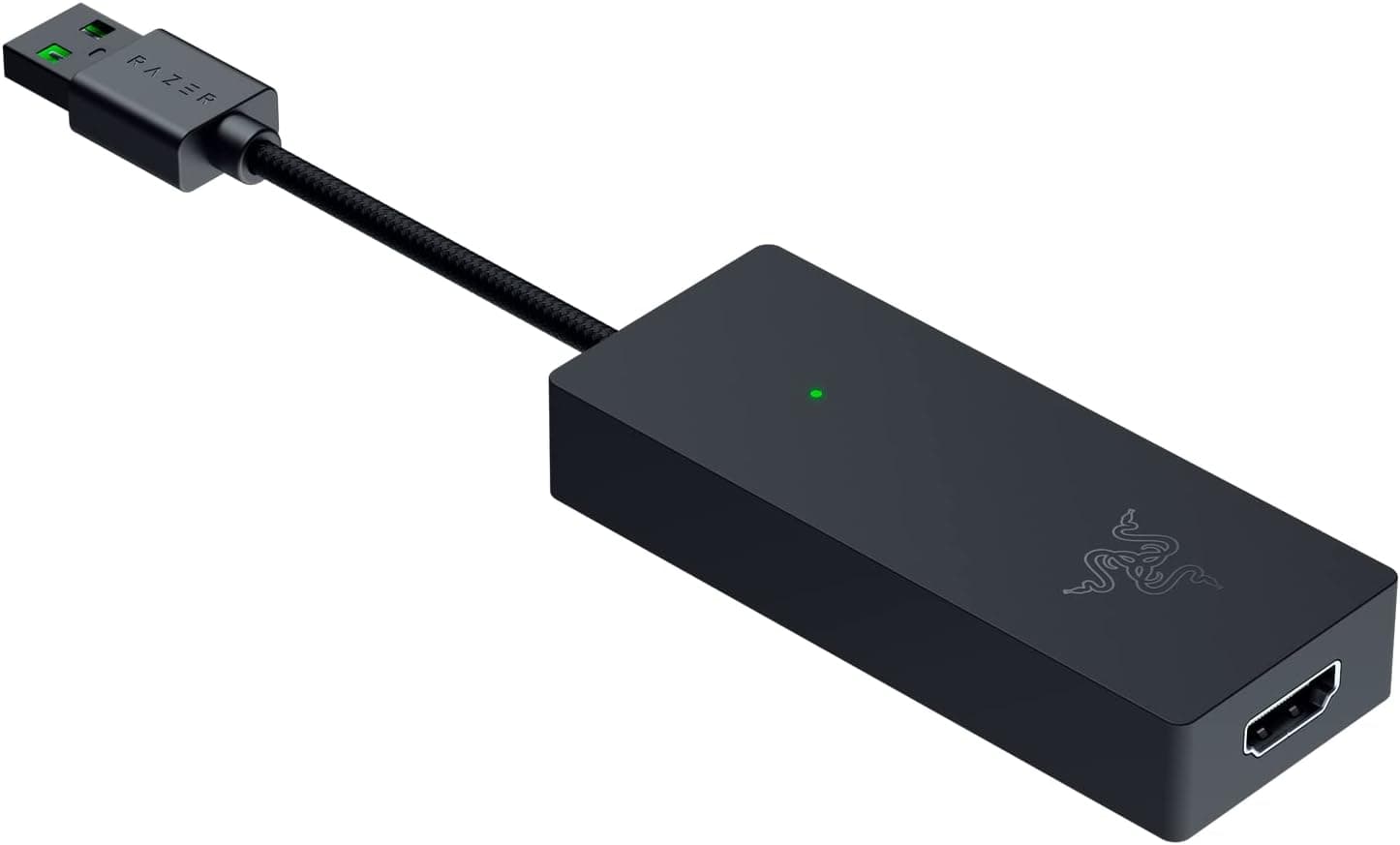
The listed devices are the Elgato HD60 S+, HD60 S, 4K60 S+, and Razer Ripsaw HDUCEC GAM Live Ultra — all USB Type-C on the device end and USB Type-A on the host end. Any capture device with that wiring should work.
No drivers or utilities are needed.
Where people actually run into trouble is the port, not the cable.
- Use a USB 3.0 or newer Type-A port. Look for a blue interior or an "SS" marking. Rear motherboard ports are more reliable than front-panel headers.
- Avoid hubs. USB 2.0 hubs and crowded bus-powered hubs are a common source of instability, and docking stations cause problems often enough to be worth ruling out.
- Don't share a controller with other high-bandwidth gear. External SSDs and webcams on the same controller compete for bandwidth and power.
- 1 m is short. It suits a capture device sitting next to the PC. If your tower is under the desk, it may simply not reach. Passive USB 3.0 cables are generally practical up to roughly 3 m; if you need more length, buy a longer single cable rather than adding an extension.
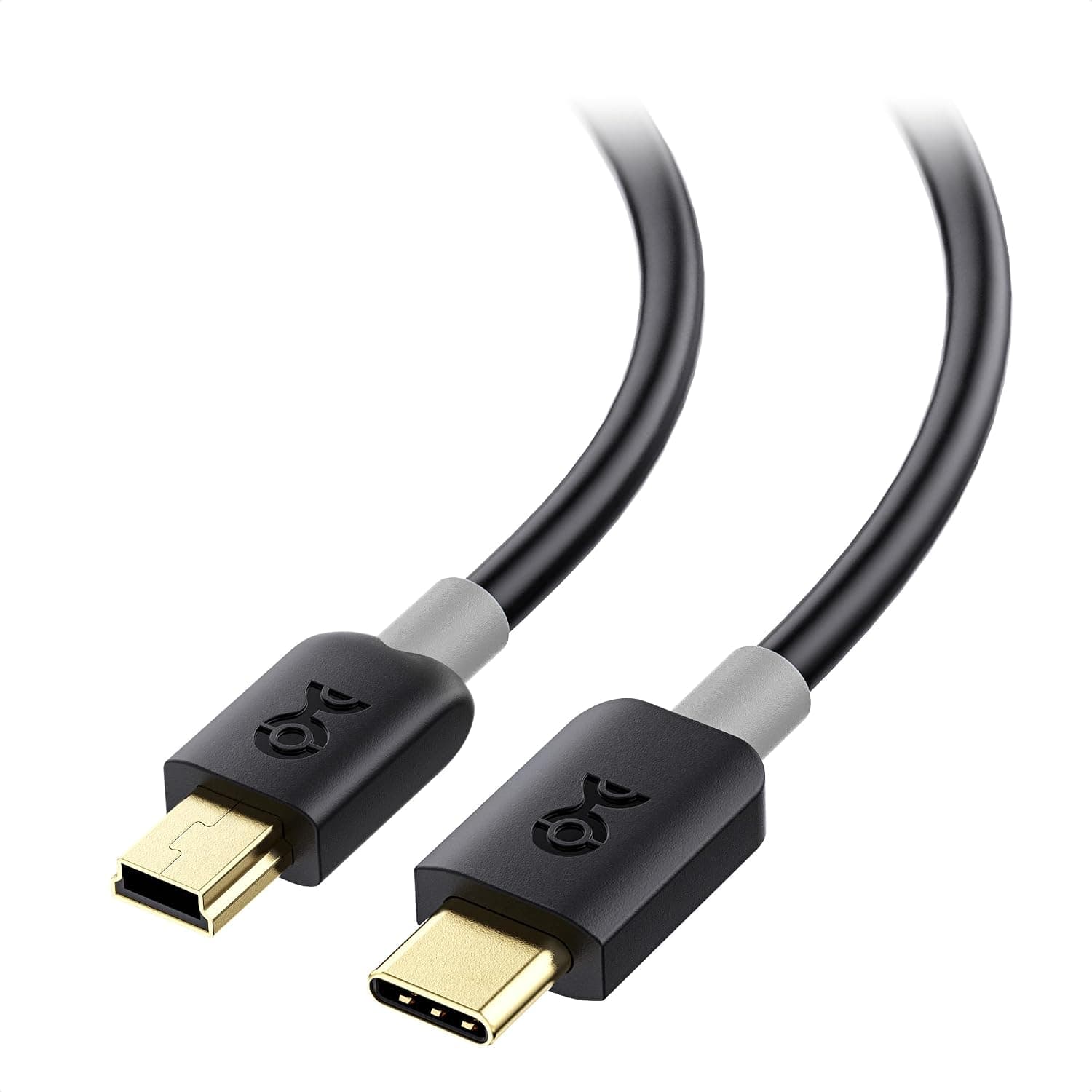
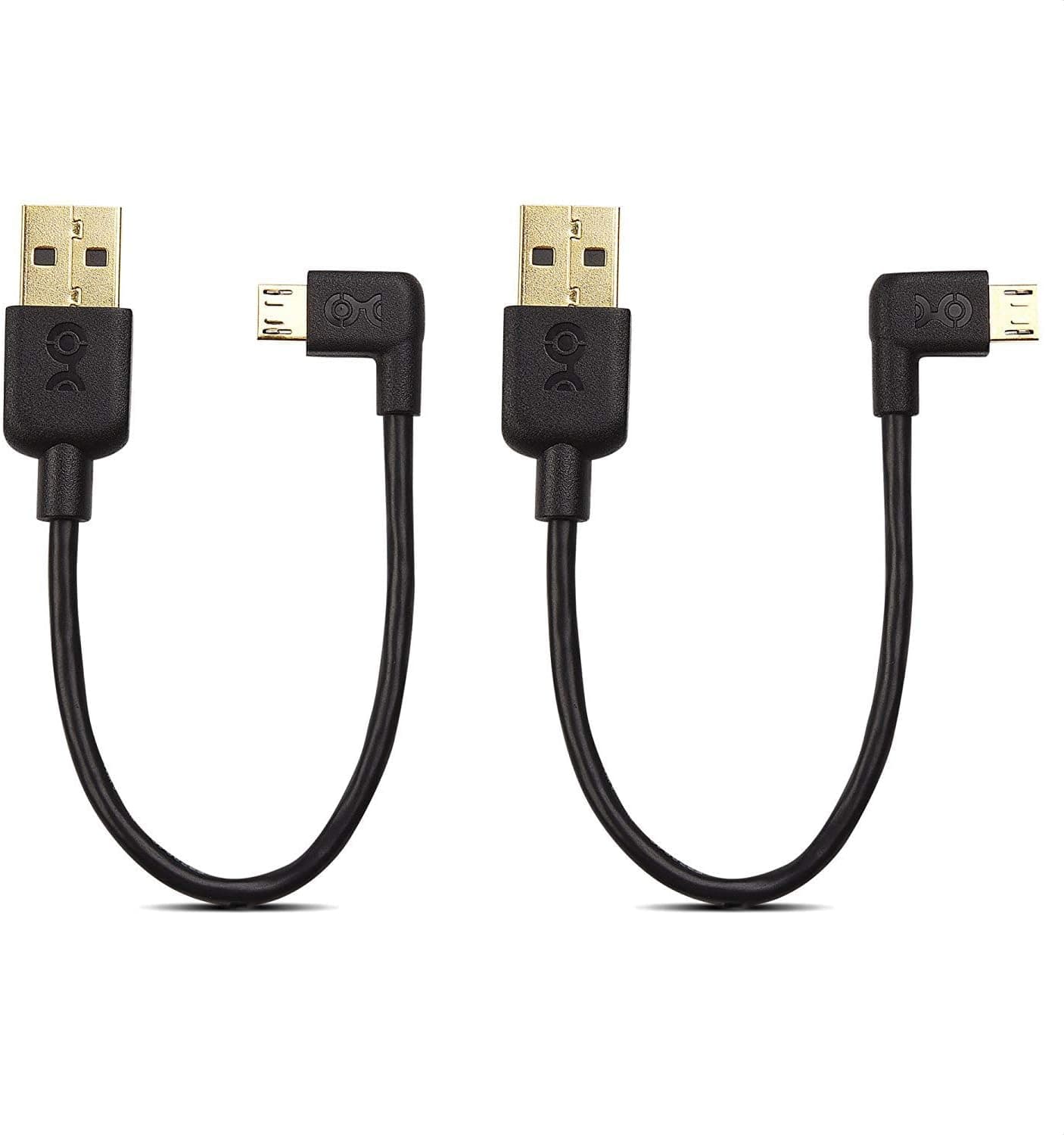
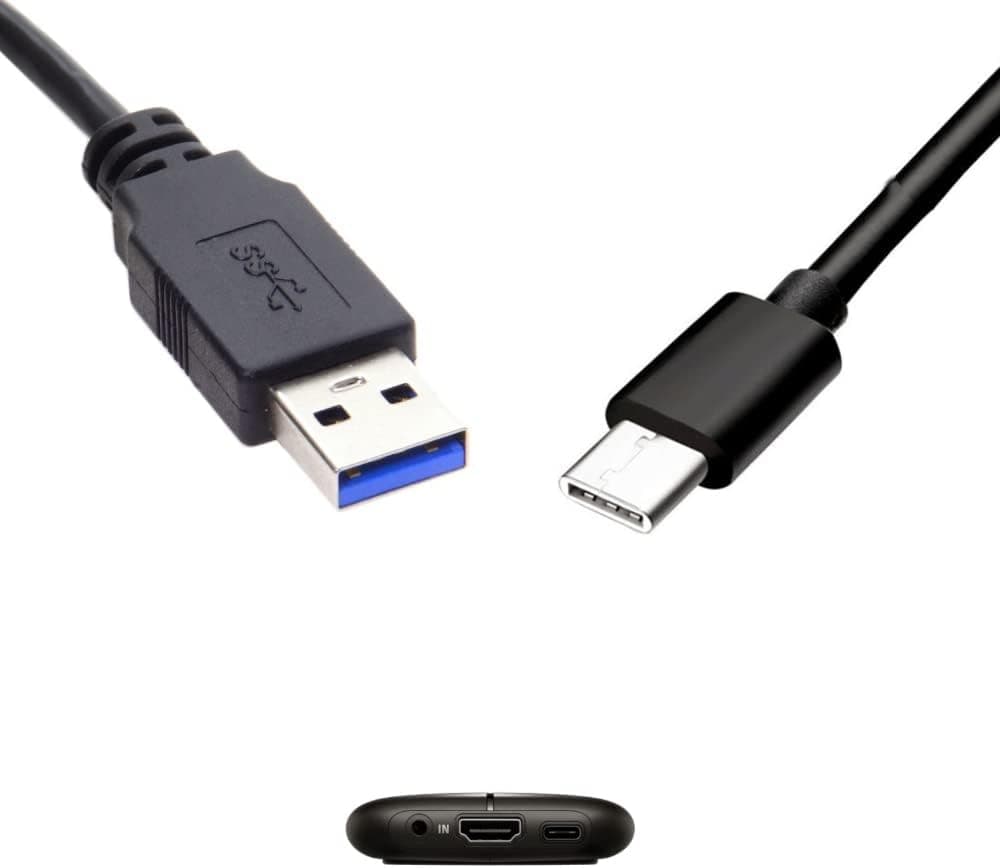
- Check the connector shape in the product photos. The listing text is inconsistent about whether the USB-A end is male or female. Male-to-male is the normal assumption, but this is exactly the detail the listing gets wrong, so verify visually before ordering.
Product Info
| Item | Specification |
|---|---|
| Cable Type | USB Type-C to USB-A |
| Standard | USB 3.0 |
| Cable Length | 3.3 ft (1.0 m) |
| Compatible Devices | Elgato HD60 S+ / HD60 S / 4K60 S+ / Razer Ripsaw HDUCEC GAM Live Ultra |
Those three specs are all that is published. Shielding construction, conductor gauge, and USB-IF certification status are not disclosed — and those are the things that actually separate a good cable from a bad one.
The "1,000+ bend tests" claim comes with no stated bend radius or load, so it isn't a figure you can compare against other brands. Judge it simply as a 1 m A-to-C cable that claims USB 3.0 support.
The price was ¥3,430 on Amazon Japan as captured on 19 May 2026; it moves with sales and stock, so check the current figure on the product page. The eBay listing had no concrete price at capture time.
Reviews stood at 43 with a 4.9/5 average (98% positive) as of 21 May 2026.
Nothing is bundled — it is the cable alone.
How It Compares
Within the A-to-C category there are three broad options. First, short "capture-card" cables like this one, sold on stated compatibility at a higher price.
Second, mainstream cables that publish their data rate — an ELECOM USB3.2 Gen1 (5 Gbps) A-to-C cable meets the same technical requirement and comes with a real support channel.
Third, accessory specialists such as Cable Matters or StarTech.com, which offer 1.8 m and 3 m lengths for setups where the PC sits further away.
"Dedicated" rarely means anything special inside the cable. If the connectors and the standard match, it works.
So if you already own a cable explicitly rated for USB 3.0 data, test that one before spending anything.
Best For
- Owners who lost or damaged the HD60 S+ bundled cable. The device list saves you cross-referencing part numbers. This is the core use case.
- Streamers who want a known-good spare for troubleshooting. Swapping in a cable you trust narrows down a mid-stream failure fast.
- Desks where the capture device sits next to the PC. 1 m leaves no slack to manage.
- Portable setups. Short and light enough to live in a laptop bag.
It is a poor fit if your PC is under the desk, if you need to run through a hub or dock, or if you already own a properly rated cable.
Before You Buy
That 98% is 98% of 43 reviews. A 4.9 average is appealing, but 43 samples cannot tell you the defect rate or how the jacket holds up after a year of plugging and unplugging.
A 4.5 from several thousand reviews carries more information than a 4.9 from 43.
The brand is effectively unknown, with no manufacturer support page or contact. If something fails, your only recourse is the marketplace return window.
If streaming is your job and downtime is expensive, a branded cable with a warranty is the more rational purchase.
The listing data itself is inconsistent. The seller and fulfiller are recorded as Amazon US while the reference page is the Japanese storefront, and as noted the USB-A connector gender is described both ways.
Listing metadata on products like this is genuinely unreliable. Confirm the product and connector shape from the images and title before ordering, and be aware that an overseas-fulfilled item can mean longer delivery and a different returns process.
Many capture problems are not cable problems. HDMI-side HDCP, console output settings, OBS frame-rate configuration, and USB controller bandwidth cause more failures than cabling does.
Before buying, try the free fixes: move to a different USB 3.0 port and remove any hub from the chain.
Finally, this is a 5 Gbps-class cable. For workflows that demand more bandwidth, verify the device's own interface specification first — the cable is not the limiting factor there.
FAQ
Q. Can I use a USB-C cable I already own? A.
Probably, if it explicitly states USB 3.0 / USB 3.2 Gen1 (5 Gbps) data support.
Most phone charging cables carry USB 2.0 data lines and won't have the bandwidth.
Q. What happens on a USB 2.0 port? A.
The port caps the link regardless of the cable. The device may enumerate but show no preview, or offer fewer resolution and frame-rate options.
Use a blue or "SS"-marked port.
Q. Will it work through a hub or dock? A.
Sometimes, but it isn't recommended. Capture devices draw sustained bandwidth and power, which is exactly what hubs handle worst.
Connect directly to the PC first.
Q. What if 1 m is too short? A.
Buy a single longer USB 3.0 cable rather than adding an extension.
Passive USB 3.0 runs are generally practical to around 3 m; beyond that, look at active or optical cables.
Q. Will this improve my capture quality? A.
No. Cables carry data; quality is set by the capture device and your output settings.
Replacing a substandard cable can restore intended performance, but it cannot exceed it.
Product Disclosure (Amazon)
- Manufacturer: kamikakushi
- Seller: Amazon US
- Fulfilled by: Amazon US
- ASIN: B09QW99KDP
- Note: This article covers a manufacturer-made product based on Amazon listing details.