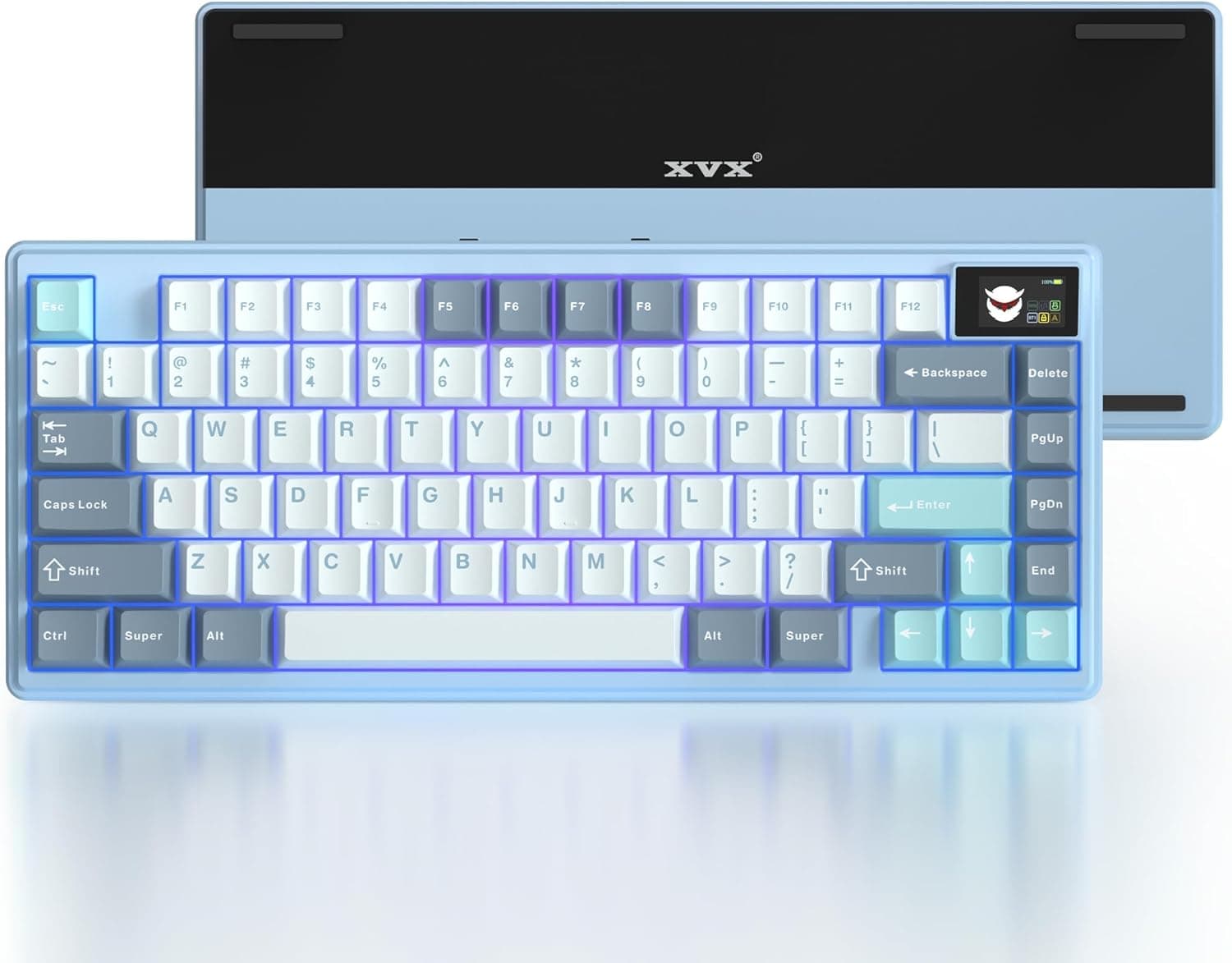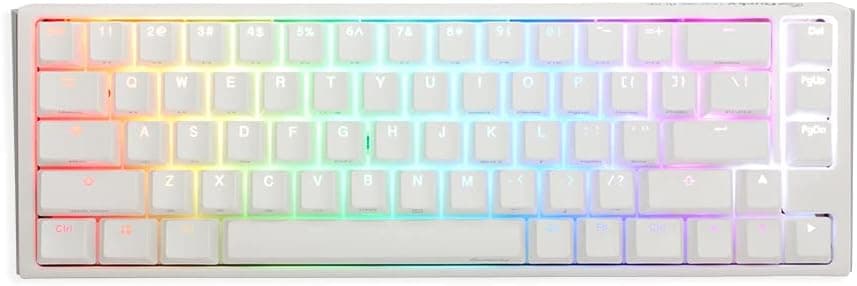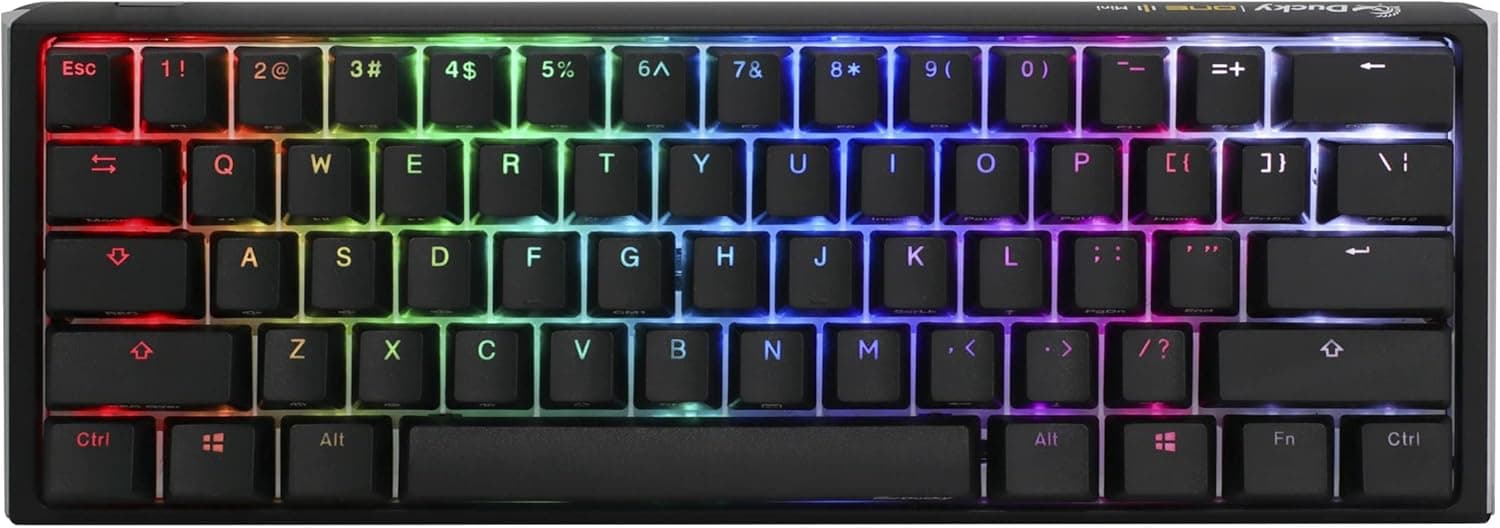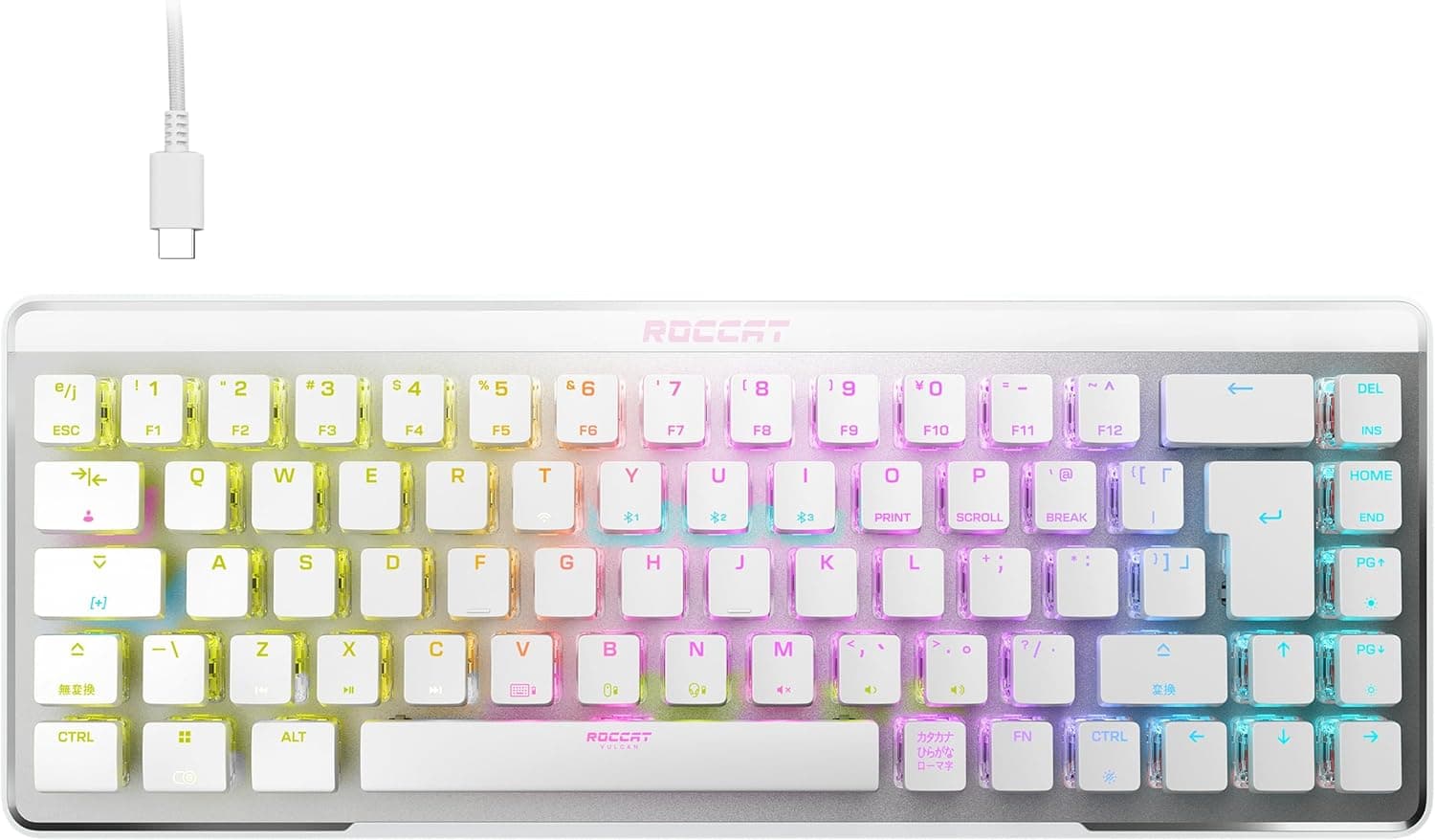
The Ducky One 2 Pro Mini pairs a 60% layout with Cherry MX Silver (Speed) switches, targeting players who put input speed above everything else. This article focuses on what a spec sheet won't tell you: where it gets in your way, what environments it works in, and who should skip it.
Overview
Short version: this board suits someone who plays wide-sweep FPS or rhythm games and can live without dedicated arrow keys and a function row. If you spend your day in spreadsheets or an IDE hitting Delete, arrows, and F5, the friction has nothing to do with build quality and everything to do with the layout.
Cherry MX Silver switches are commonly specified at a 1.2mm actuation point, roughly 45g operating force, and about 3.4mm total travel.
That's roughly 0.8mm shallower than a standard Red (2.0mm), and that 0.8mm is what you feel during rapid counter-strafing and quick direction changes.
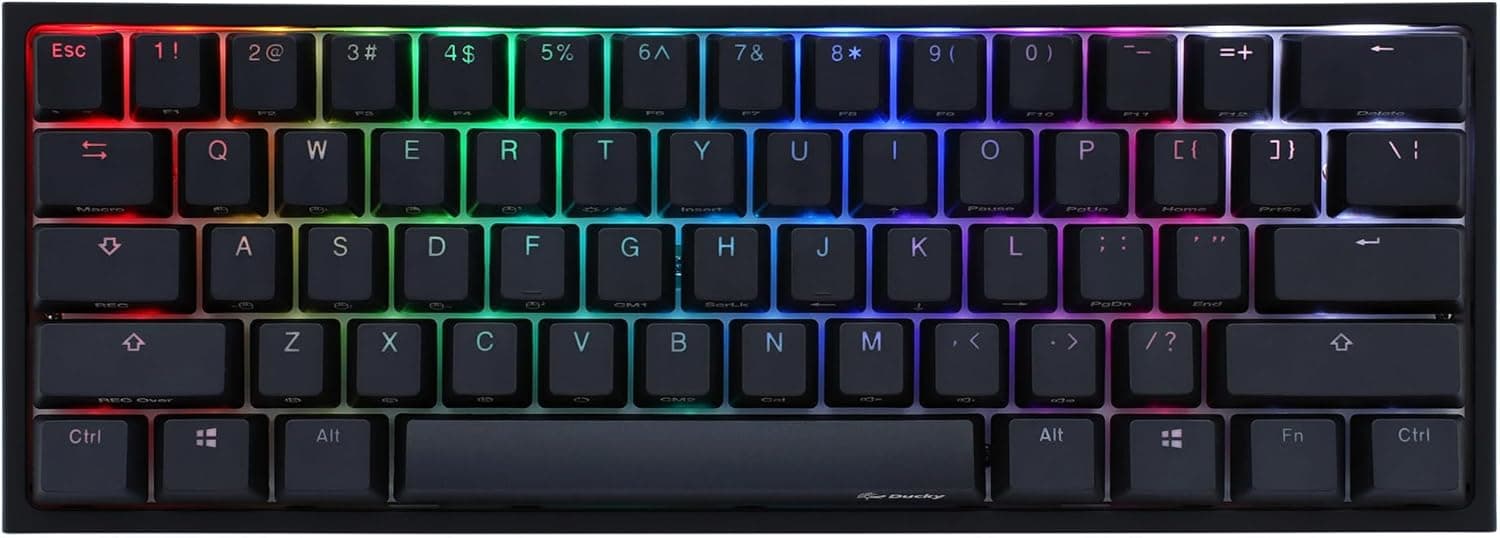
The chassis uses Ducky's QUACK Mechanics construction with a silicone plate damper and an EVA foam case damper to cut internal echo. Keycaps are double-shot PBT: they resist the shine that ABS develops from skin oils, and the legends are part of the keycap structure, so they cannot wear off.
RGB shine-through keeps legends readable in the dark.
As of June 2026, the Amazon.co.jp listing showed 23 reviews at 4.4 out of 5 (about 88% positive).
With only 23 data points, read that as "no major complaints surfaced" rather than a statistically settled verdict.
Compatibility Guide
Connection is USB 2.0 over a detachable USB-C cable.
Windows, macOS, and Linux all work, and no dedicated driver is needed for standard typing. Configuration lives in the on-board Fn layer rather than in a software suite, which means you can carry your settings to a locked-down work PC or a shared tournament machine.
USB N-key rollover (NKRO) is supported, so simultaneous presses register reliably. Because NKRO involves a USB mode switch, very old motherboard BIOS screens and some KVM switches may fail to detect the board.
If you can't reach BIOS, plan on toggling to 6KRO mode.
The layout is US ANSI 60%. There is no Japanese layout, so no dedicated IME toggle keys.
Japanese input switching typically relies on the Alt+grave shortcut in Windows IME settings or a remapping utility. Confirm you're comfortable with that before buying.
Physical size is 30.2 × 10.8 × 4.0 cm.
A full-size board with a numpad usually runs 44–46 cm wide, so you reclaim close to 15 cm of desk width — which, for a low-sensitivity player, converts directly into mousepad travel. At 10.8 cm deep it also fits shallow keyboard trays and sits in front of a laptop stand.
| Item | Value | What it means in practice |
|---|---|---|
| Layout | US ANSI (60%) | Arrows, F-row, numpad live on the Fn layer |
| Switch | Cherry MX Silver | Shallow actuation; good for rapid inputs |
| Interface | USB 2.0 (USB-C) | Detachable; replace the cable, not the board |
| Keycaps | Double-shot PBT | Resists shine, legends never wear off |
| Rollover | USB NKRO | Simultaneous presses register reliably |
| Backlight | RGB shine-through | Legends readable in the dark |
| Dimensions | 30.2 × 10.8 × 4.0 cm | Large desk-width savings vs. full size |
These are spec-sheet values. Real-world satisfaction hinges mostly on how quickly you adapt to the Fn layer.
Product Info
Ducky is a Taiwanese keyboard maker, and this unit is distributed in Japan as an authorized-retailer warranty product. Compared with parallel imports, the practical difference is a domestic support channel for DOA units or chatter.
Mechanical switches always carry some unit-to-unit variance, so a working warranty channel can be worth more than the price gap.
The price captured on 9 June 2026 at Amazon.co.jp was ¥16,982.
Keyboards move a lot with stock levels and sales, so treat that as a snapshot from that date and check the product page for the current figure before ordering. An eBay search listing also exists for this model, but prices vary per seller, so no figure is quoted here.
Despite the 60% footprint, hardware macro recording and on-board mouse-cursor control are built into the keyboard itself. No background software means nothing extra competing for resources during a match and no anti-cheat compatibility questions.
Compared With the Alternatives
The same price bracket now includes magnetic (Hall effect) boards with rapid trigger and analog input, where you set the actuation point yourself and the key resets the instant you lift off. If raw input responsiveness is your only criterion, magnetic boards currently win.
The reasons to still pick the One 2 Pro Mini are the maturity of the Cherry MX platform, software-free operation, the texture of real PBT, and the muted, contained sound the internal damping produces. It appeals to people who want something that feels identical ten years from now, not the newest gimmick.
It does not suit anyone who wants to swap switches on a whim. One 2 generation boards generally have switches soldered to the PCB, so changing them means desoldering.
Verify this on the listing's spec section before you buy.
What You'll Notice in Daily Use
That 1.2mm actuation is a weapon in games and a liability in prose.
Resting your fingers on the home row can register a keystroke, so typos increase until you adapt. Practical fixes include taller-profile keycaps to shift your finger weight upward, or O-rings to soften bottoming out.
Sound is on the quieter side for a linear switch, but it is not silent. If near-silence matters, look at boards with dedicated silent switches instead — and if mic pickup during voice chat concerns you, this is a trade-off you'll have to accept.
Things to Check Before Buying
It is not a Japanese layout. US ANSI 60% means anyone used to a dedicated IME toggle key has to relearn input switching on day one.
IME settings and remapping tools solve it, but decide up front whether that effort is acceptable. This is the single most common reason these boards get returned.
There are no physical arrow keys or function keys. Everything is an Fn combination.
That's irrelevant mid-match but constant during spreadsheet navigation, video scrubbing frame by frame, F5 reloads, and Alt+F4. If this board doubles as your work keyboard, count how often you actually reach for the arrow keys in a day first.
Silver switches are not for everyone. A shallow actuation point buys speed and costs error tolerance.
Choosing Silver as your first mechanical switch, before you know what suits your hands, is an advanced move. Try a switch tester or a store demo unit if you can.
The cable is detachable, but the port recess is narrow. Third-party cables with thick connector housings may not physically seat.
If you plan to fit a custom cable, choose one with a slim connector.
Don't take the listing metadata at face value. Depending on the seller and the variation you select, the switch type or layout shown on an Amazon page can differ from what actually ships.
This model has many switch variants, so before confirming your order, verify that the selection reads Silver (Speed) and that the product image and title match the product you intend to buy. The seller field also tells you whether it's the authorized-distributor warranty version.
The review count is small. 23 reviews at 4.4/5 as of June 2026 suggests no obvious landmines, but the sample is too small to estimate defect rates.
That's another argument for the version with a domestic warranty channel.
Best Use Cases
Wide-sweep FPS and TPS players. For low-sensitivity players, 30.2 cm of width translates directly into extra mouse travel.
"You can't go back to full size after 60%" is the standard sentiment from this group.
Rhythm game players. The 1.2mm actuation helps with both rapid repeats and fine differentiation between presses, and NKRO keeps simultaneous inputs from dropping.
People who carry a keyboard. At 30.2 × 10.8 × 4.0 cm it slides in next to the laptop sleeve of a backpack, and the detachable cable means nothing to wrap around the case.
People who won't run background software. Settings live on the board, so they follow you to shared or managed PCs.
Skip it if you need a Japanese layout, want one board for both gaming and heavy office work, want hot-swap switch experimentation, or need near-silent typing. If any of those four apply, another board will make you happier.
FAQ
Q. How do I switch Japanese input on a US layout? A.
There's no dedicated key. On Windows, use the Alt+grave IME toggle or remap a key such as right Alt with a remapping utility.
On macOS, Caps Lock or the Command key handles switching by default.
Q. How different are Silver and Red switches? A.
Both are linear with no tactile bump, but Red actuates around 2.0mm versus roughly 1.2mm for Silver, with similar ~45g force.
Silver feels faster in games and more error-prone when typing. Choose by use case.
Q. Can I hot-swap the switches? A.
One 2 generation boards are generally soldered, so replacement requires desoldering. If you want easy switch swaps, choose a board that explicitly advertises hot-swap sockets, and confirm on the listing before buying.
Q. Is the lack of arrow keys a problem? A.
Rarely during gaming; reliably during browsing and document editing. They exist on the Fn layer, but some actions stop being one-handed.
If the board doubles as a work keyboard, consider a 65% or larger.
Q. Do I need to install a driver?
A. No. Typing, RGB control, and macro setup are all handled on-board via the standard USB HID driver.
Q. What does it cost? A.
¥16,982 at Amazon.co.jp as captured on 9 June 2026.
Keyboard prices move often, so check the product page for the current figure.
Product Disclosure (Amazon)
- Manufacturer: Ducky
- Seller: Amazon.co.jp
- Fulfilled by: Amazon.co.jp
- ASIN: B0BWJPHNMF
- Note: This article covers a manufacturer-made product based on Amazon listing details.