Overview
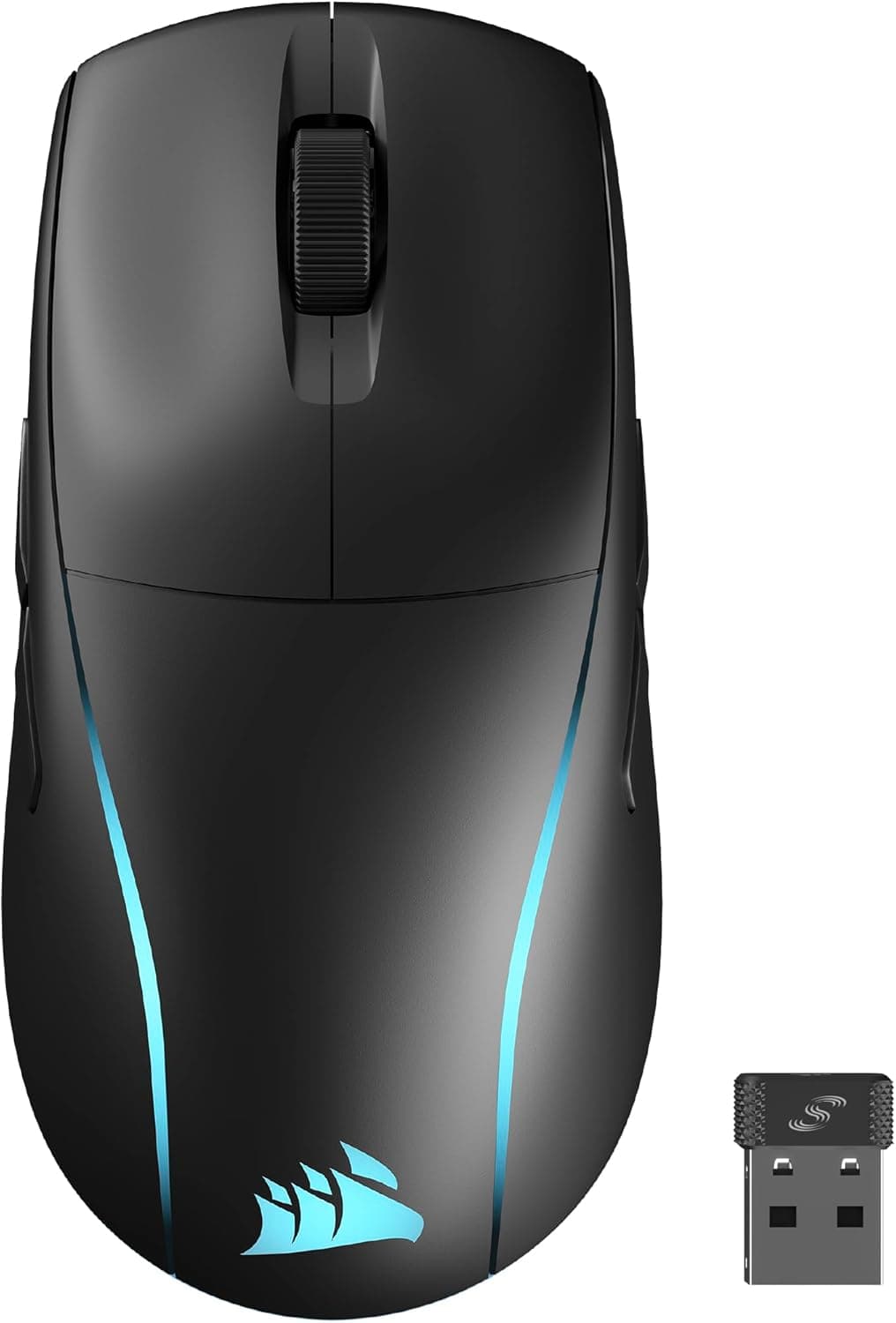
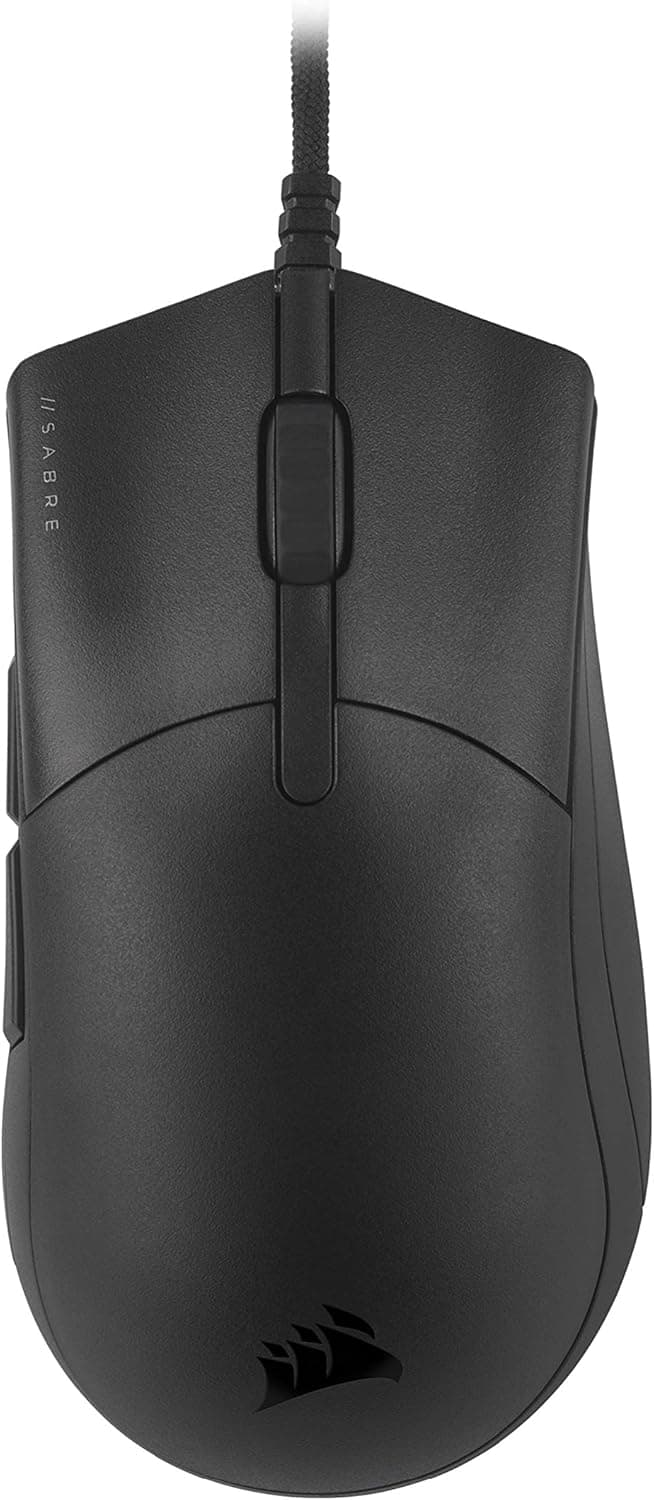
The CORSAIR SABRE PRO CHAMPION SERIES (model CH-9303101-AP) is a wired gaming mouse developed with input from professional esports players. The short version: it suits players who value low weight and straightforward input over wireless convenience.
If you want many buttons or cable-free freedom, other options fit better.
It pairs a 69g body with a PixArt PMW3392 optical sensor (up to 18,000 DPI) and supports polling rates up to 8,000Hz. The paracord cable is light and flexible, reducing drag against the desk.
There are six buttons — enough for FPS play, not enough for MMO-style skill mapping.
On Amazon.co.jp the mouse held a 4.3 out of 5 rating across 31 reviews as of May 2026 (roughly 86% positive).
That is a small sample, so read it as "generally well received" rather than as a statistically strong verdict.
Compatibility Guide
Connection is USB wired only; there is no wireless mode. It works with any desktop or laptop running Windows 10 or later, or macOS, that has a free USB port.
No driver is required for basic operation — plug it in and the cursor and buttons work immediately.
The part that deserves attention is the 8,000Hz polling rate. Reporting 8,000 times per second puts real load on the USB controller and the CPU.
As a general rule, plug the mouse directly into a port on the PC rather than through a hub, and be prepared to drop to 1,000Hz or 2,000Hz if frame times get unstable. A higher number is not automatically better; check your own frame pacing before settling on a value.
DPI tuning, button remapping, macros, and RGB changes require the CORSAIR iCUE software. A DPI switch on the underside cycles through five levels stored on board.
Without iCUE you are stuck with the default profile, so anyone who wants fine adjustment should plan on installing it. iCUE runs resident in the background, which is a matter of taste if you keep your startup list lean.
Mouse surface and cable routing also matter. The paracord cable is soft, but it is still a cable — a mouse bungee removes most of the friction complaints people have with wired mice.
Product Info
| Item | Value |
|---|---|
| Sensor | PixArt PMW3392 |
| Max DPI | 18,000 |
| Polling rate | Up to 8,000Hz |
| Buttons | 6 |
| Cable | Paracord (wired) |
| Weight | 69g |
| Software | CORSAIR iCUE |
The mouse launched in 2021 and carries the standard two-year manufacturer warranty. The box contains essentially just the mouse — no extra weights, no spare grip tape.
This is a finished product out of the box rather than a platform you tune with accessories.
On pricing, the Amazon.co.jp listing showed ¥3,796 as captured on 29 May 2026 and ¥5,478 as captured on 27 August 2026.
The same page moved more than ¥1,600 in three months, which tells you sales and stock levels swing this product a lot. Treat both figures as point-in-time references and check the listing for the current price.
The 18,000 DPI ceiling looks impressive, but most players run 800–1,600 DPI in practice. Read max DPI as an indicator of sensor headroom, not as the deciding factor.
What Actually Matters in Use
69g was firmly light for 2021. Today, sub-60g mice are common, so this is no longer a record-setting figure — but it is still light enough that wrist and forearm fatigue over a long session is noticeably lower than with a heavy multi-button mouse.
The shape is an ergonomic, right-hand asymmetric design that supports palm and claw grips. Fingertip-grip players and left-handed users are not the target.
Grip style and hand size affect satisfaction more than any spec on the sheet, so try one in person if you can.
Six buttons — two main, wheel click, two side buttons, and DPI — cover FPS play completely. For MMO or MOBA skill binding, they do not.
How to Compare It
This price and weight class is crowded. Among wired lightweights, the ASUS TUF Gaming M3 Gen II is lighter at 59g with an IP-rated body, the ROCCAT Burst Core sits at 68g with a similarly simple layout, and the Logitech G203LIGHTSYNC is a cheaper entry-level option.
If wireless is acceptable, the field widens further; modern budget wireless mice are latency-competitive. The reasons to still pick this one are concrete: no charging to manage, no battery weight, and unified settings with the rest of a CORSAIR iCUE setup.
Compare on weight, shape, button count, and software preference rather than max DPI. At this tier, sensor differences rarely show up in play.
Best Use Cases
First, FPS and battle royale players who flick often and make constant small aim corrections. Light weight plus a low-drag paracord cable pays off directly here.
Second, anyone who prefers wired reliability. No charge cycles, no dongle to lose, no crowded 2.4GHz band to think about.
Third, existing CORSAIR iCUE owners, who get one piece of software for lighting and macros across keyboard, headset, and mouse.
Finally, it is an easy first step into lightweight mice at a modest price. Coming from a heavy multi-button model, the change in arm fatigue is the first thing you notice.
Before You Buy
Left-handed and fingertip-grip users should look elsewhere. The asymmetric right-hand shell makes left-hand use impractical, and smaller hands may find the rear hump under-filled in a palm grip.
Do not buy it expecting many buttons. Six is a deliberate FPS-focused choice.
For MMO skill binding or productivity shortcuts, start with a multi-button model instead.
8,000Hz is not a setting to leave on by default. It raises CPU load and can make frame times worse on mid-range systems.
Run 1,000Hz first and raise it only if your PC has headroom.
iCUE running in the background is part of the deal. Settings persist in onboard memory, but every tweak means opening the software again.
If you prefer minimal utilities, factor that in.
Be careful with listing data and pricing. In the data referenced here, an Amazon.co.jp page was labeled as "Amazon US," and a marketplace listing carried a price far below what this product class would normally command.
Used, parallel-import, and incomplete-accessory listings are often mixed in. Check the product images, the title, and the seller before ordering.
If a manufacturer name or model number on the page looks inconsistent with the product, the listing metadata itself may simply be wrong.
Take the "limited edition" framing calmly. Restricted distribution means prices spike when stock runs low and fall sharply during sales.
If you are not in a hurry, watch the price for a few weeks first.
FAQ
Q. Is there a wireless version of this model?
A. This product is wired only. If you need wireless, look at a different series or brand.
Q. Does it work without iCUE?
A. Yes, as a basic mouse. iCUE is required for DPI tuning, remapping, macros, and RGB changes.
Q. Does 8,000Hz polling actually help? A.
It depends on your PC. With CPU headroom, input feels smoother; without it, frame times can suffer.
Verify against 1,000Hz on your own system before committing.
Q. Do I need 18,000 DPI?
A. Almost certainly not. Most players use 800–1,600 DPI; the ceiling indicates sensor headroom.
Q. Will it fit small hands? A.
It supports palm and claw grips but is right-hand asymmetric. Smaller hands usually get on better with a claw grip.
Try it in person if possible.
Q. Are extra skates or grip tape included? A.
No extra weights or replacement grip tape are in the box; buy them separately if you want them.
Product Disclosure (Amazon)
- Manufacturer: CORSAIR
- Seller: Amazon.co.jp
- Fulfilled by: Amazon.co.jp
- ASIN: B09234BYKG
- Note: This article covers a manufacturer-made product based on Amazon listing details.