Overview
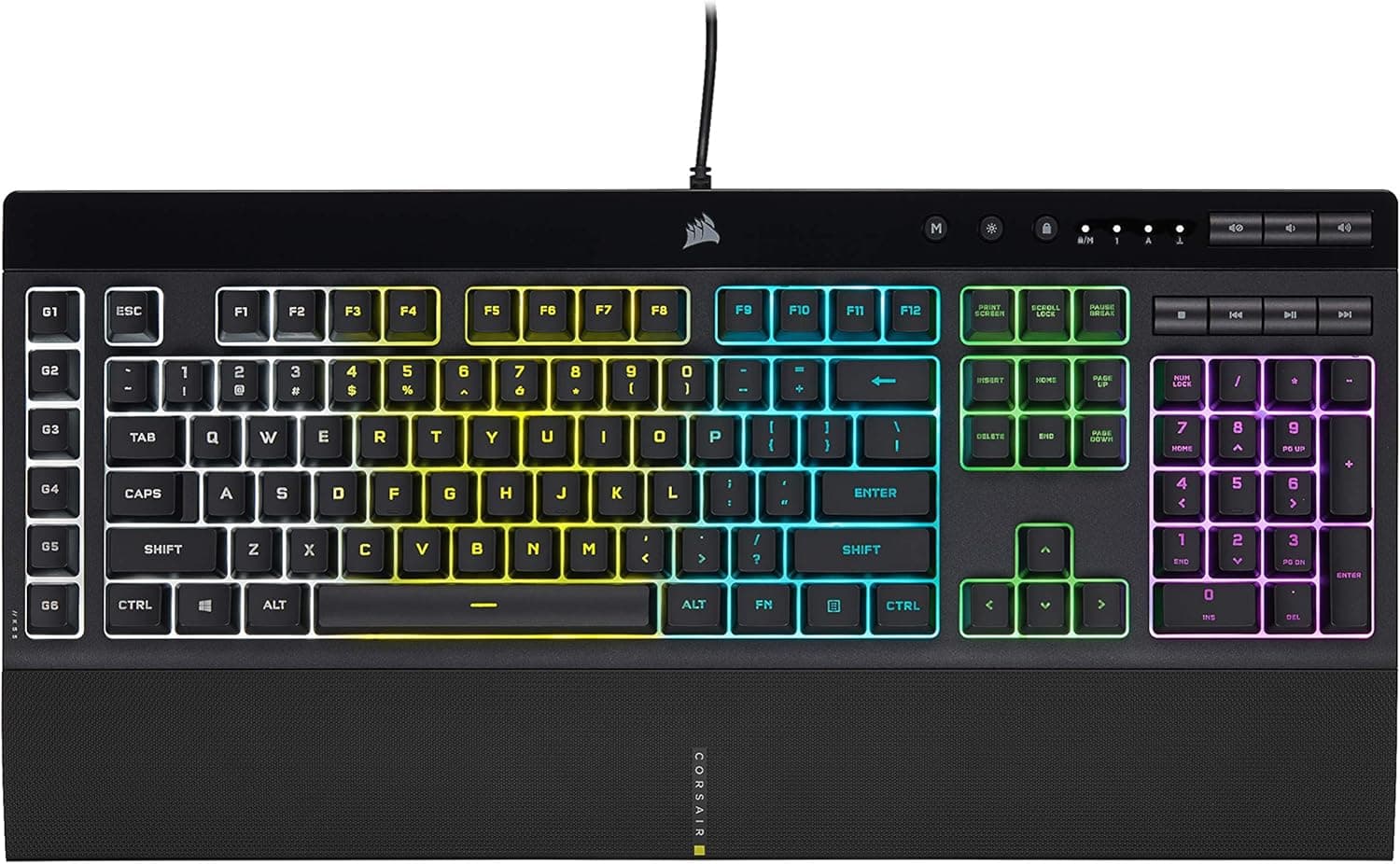
The Corsair K55 RGB PRO is an entry-level gaming keyboard that keeps its price down by using membrane switches rather than mechanical ones. The short verdict: if typing feel is your top priority, look elsewhere — but if you want RGB lighting, macro keys, and spill protection in one affordable package, it is a reasonable pick.
On Amazon.co.jp it held a 4.4 out of 5 rating from 78 reviews as captured on 2026-05-30, which is solid for this class.
Three features define it. First, IP42-rated dust and spill resistance.
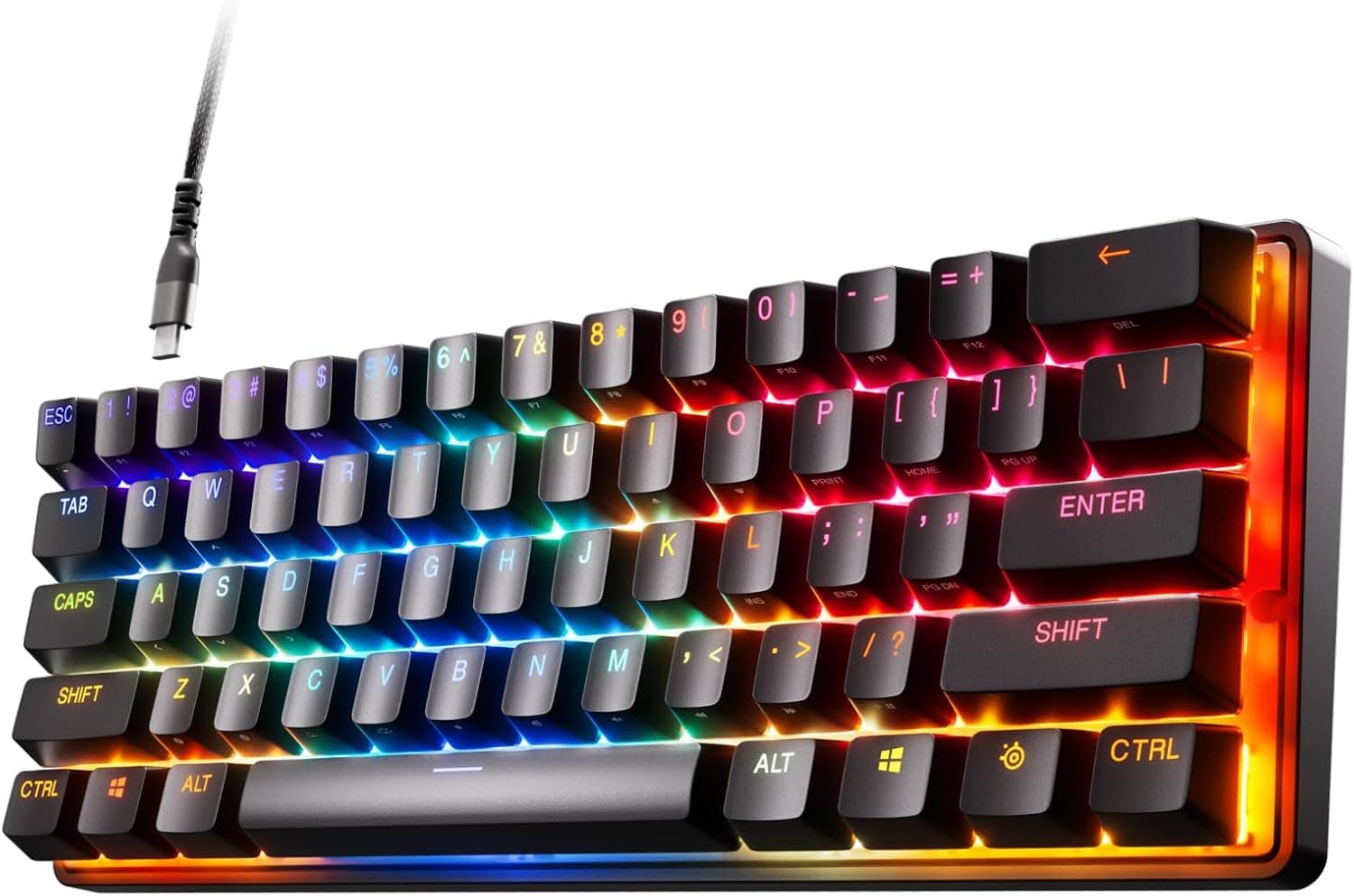
Second, five-zone dynamic RGB backlighting controlled through Corsair iCUE. Third, six dedicated macro keys with Elgato Stream Deck software integration, usable for stream controls as well as in-game commands.
Connectivity is wired USB-A only — there is no wireless model here.
Compatibility Guide
Supported platforms are Windows, macOS, and Xbox. The connection is wired USB-A only: no Bluetooth, no 2.4GHz dongle.
This is where people actually get caught out — modern thin laptops and MacBooks that only have USB-C ports will need an adapter or hub. The keyboard is bus-powered and generally works through a hub, but chaining it onto an unpowered hub alongside other peripherals can dim the RGB or cause flaky detection.
Plug directly into the PC where you can.
PS4 and PS5 are not guaranteed. PlayStation consoles often accept USB keyboards for text entry, so chat typing may work, but in-game controls and macros are not assured.
If PlayStation is your main platform, choose a different keyboard. Xbox support is stated, but console titles with keyboard support are limited, so verify your specific games first.
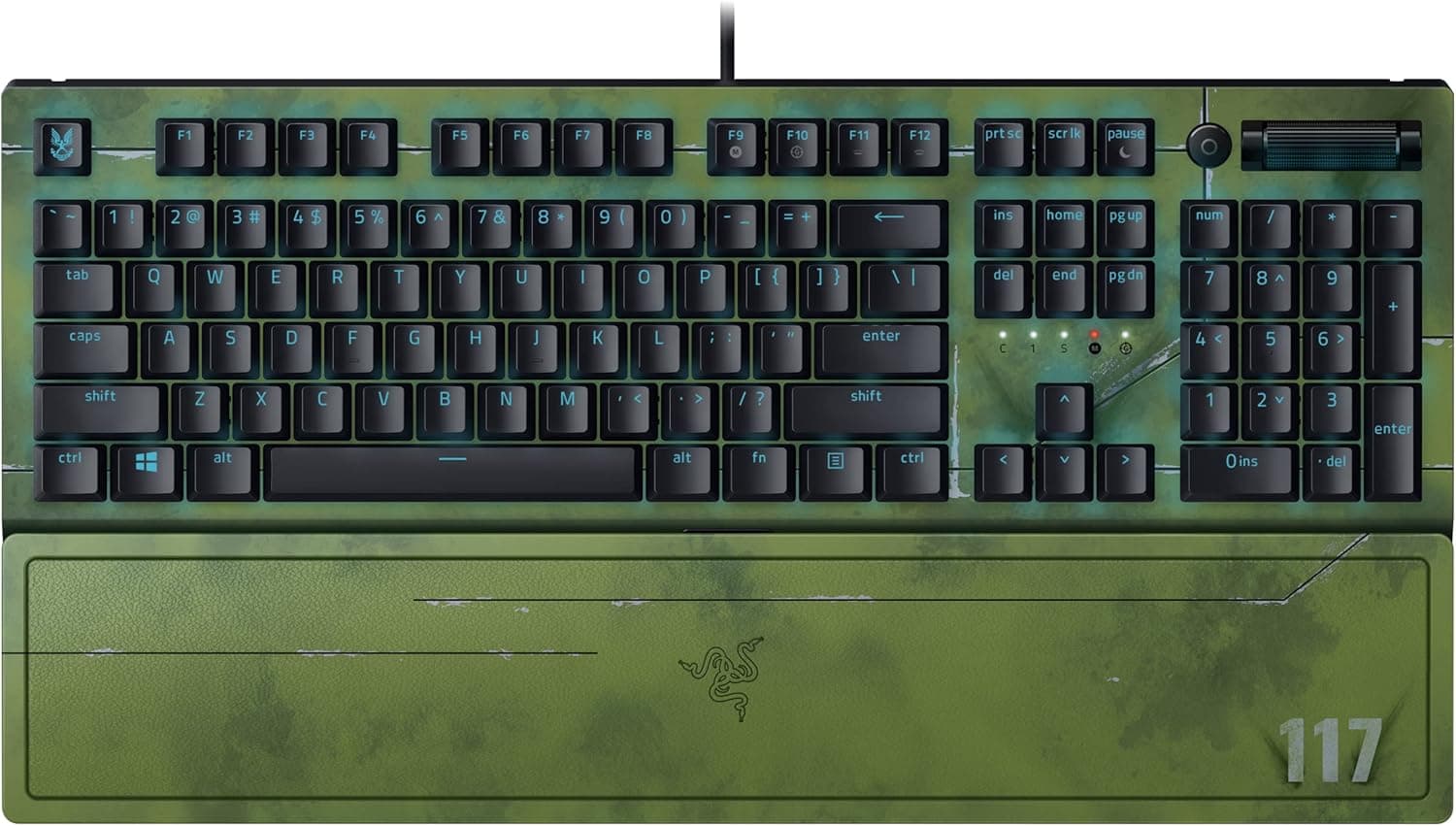
Physical size is 48.3 × 16.7 × 3.6 cm.
That is wide even for a full-size board, and the detachable palm rest adds depth on top of that. On a desk around 40cm deep, or one with a keyboard tray, it eats far more mouse space than people expect.
Measure 50cm on your actual desk before buying — low-sensitivity FPS players will feel this width immediately.
iCUE (Windows/macOS) is required for lighting and macro configuration. On platforms where iCUE cannot run, such as Xbox, you configure on a PC first and rely on whatever profile storage the hardware supports; check the product page and Corsair's support material for the exact behaviour.
Membrane vs Mechanical: What You Are Trading
Switch type is the central question with this board. Membrane switches collapse a rubber dome to make contact, which gives a soft, slightly vague travel that firms up only at the bottom.
You do not get the crisp "it actuated" feedback of a mechanical switch, so some users initially feel like keys are being missed.
| Aspect | Membrane (this board) | Mechanical |
|---|---|---|
| Price | Low | Higher |
| Typing feel | Soft, less defined | Clear feedback |
| Durability | Switches not replaceable | Often long-life, sometimes hot-swappable |
| Noise | Bottom-out thud, less clack | Varies hugely by switch |
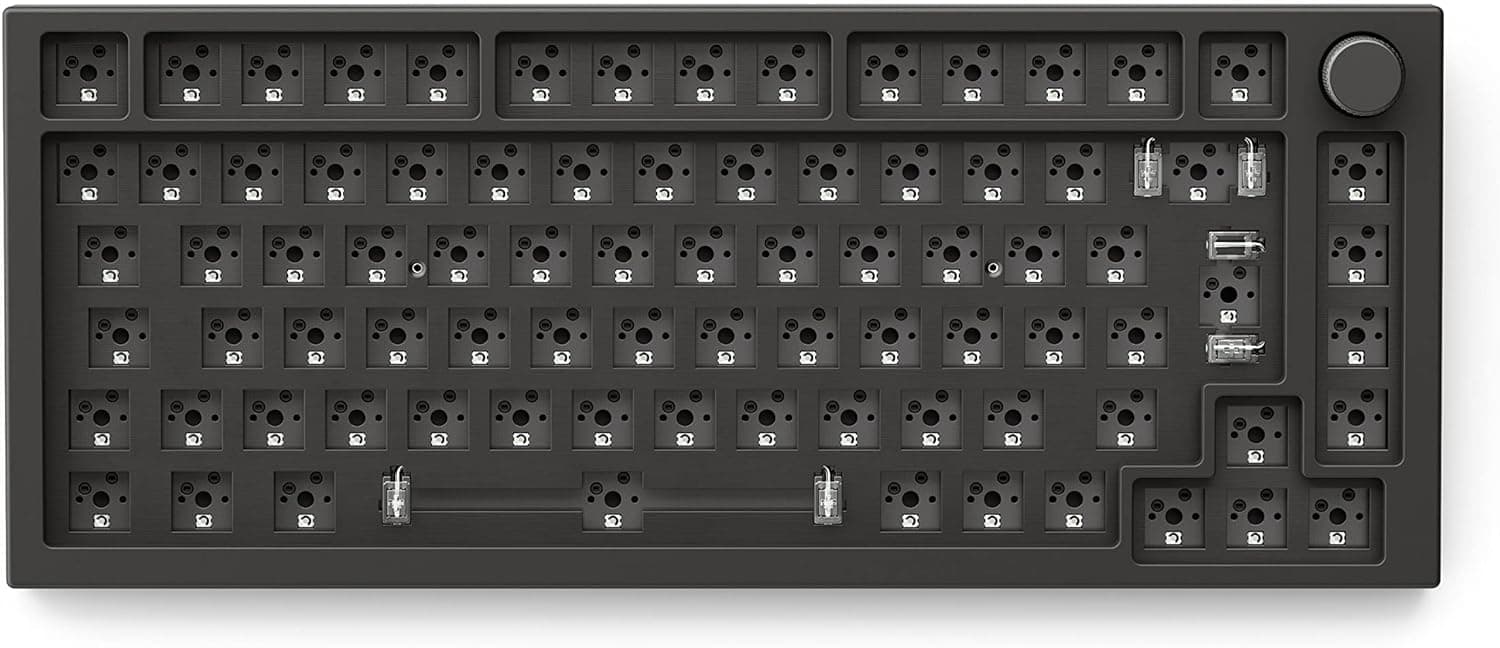
| Keycap swaps | Generally not supported | Usually expected |
Membrane trades feel and upgradeability for price. Flip that around and it reads differently: if you have been using a laptop or bundled keyboard until now, this board will feel familiar rather than disappointing.
The question is not "is mechanical better" but "where do you want your money to go."
Product Info
Key specs: wired USB-A, membrane switches, five-zone RGB backlighting via iCUE, six dedicated macro keys, IP42 rating, 48.3 × 16.7 × 3.6 cm, a detachable rubber-surface palm rest, Windows/macOS/Xbox support, and compatibility with Corsair iCUE plus Elgato Stream Deck software.
The listed price was ¥12,810 as captured on 2026-05-30. Prices in this segment move frequently with sales, stock, and exchange rates, so always check the current figure on the product page.
That matters here because this price overlaps with entry-level mechanical boards — a sale can flip the ranking. The eBay entry only provides a search link with no confirmed price, so this article makes no claims about overseas pricing.
The review score was 4.4 out of 5 from 78 reviews at the same capture date, which works out to roughly 88% positive.
Seventy-eight reviews is not a large sample, so the average may still shift. Read the negative reviews yourself and separate defective-unit complaints from genuine complaints about the design.
A standard manufacturer warranty applies, but the term and conditions can vary depending on whether you buy through an authorized domestic distributor or a parallel importer. If support matters to you, confirm the sales channel on the listing.
What Five-Zone RGB Can and Cannot Do
The most common misunderstanding is zone count. This board has five zones, not per-key RGB.
Colour changes happen in five horizontal blocks across the keyboard. Wave effects, single-colour setups, and block-by-block colour schemes all work fine.
What you cannot do is light only WASD in red, or recolour a single key to track a cooldown.
That has practical consequences. If you planned to use lighting as a visual aid for specific keybinds in a MOBA or MMO, this board will not deliver it.
If you simply want ambient desk lighting or colour sync with other Corsair gear through iCUE, five zones is plenty.
What IP42 Actually Protects Against
In IP42, the "4" covers solid objects larger than 1mm — dust and crumbs — and the "2" covers dripping water at up to 15 degrees from vertical. In other words, it is designed for liquid that falls onto the board from above, not waterproofing.
Getting this wrong is expensive.
Practically: a tipped-over cup is the scenario it may survive. Submerging the board, rinsing it under a tap, or leaving it exposed to a large volume of liquid is not covered.
Sugary drinks such as juice or energy drinks also leave sticky residue as they dry, so unplug immediately, wipe it down, and let it dry fully before use. Treat IP42 as damage limitation, not permission to be careless.
How It Compares in This Segment
At this price you will also see "mecha-membrane" boards aiming for a more mechanical-like feel, and true entry-level mechanical keyboards. Prioritise typing feel and you should go mechanical; prioritise price plus spill resistance and this board makes sense.
Further up the range sit hot-swappable and rapid-trigger competitive boards, which live in an entirely different budget bracket.
Three questions make the decision easier: how much are you willing to pay for typing feel; do you want to swap keycaps or switches and keep the board for years; and is spilling a genuinely likely risk in your setup? A yes on the second question points you toward a hot-swappable mechanical board instead.
Best Use Cases
- First-time gaming keyboard buyers on a budget. You get macros, RGB, and a palm rest to discover what you actually care about.
- Anyone who keeps a drink on the desk or works in a dusty room. This is where IP42 earns its keep.
- Streamers. Six macro keys plus Elgato Stream Deck software cover scene switches and mute toggles — a low-cost trial before buying physical Stream Deck hardware.
- Shared family PCs or a second machine. Spill resistance at this price is less stressful than another expensive mechanical board.
- People who cannot use loud mechanical boards because of housemates or family.
Before You Buy
Check the listing details yourself. In the data behind this article, the seller and fulfiller were recorded as "Amazon US" while the product link pointed to Amazon.co.jp.
Listing metadata mismatches genuinely happen. Confirm seller, fulfiller, delivery estimate, and warranty handling on the page before ordering — parallel imports may not qualify for domestic support.
The layout is QWERTY NA — a US English layout. This is the biggest trap.
If you are used to a Japanese JIS layout, the symbol positions, the Enter key shape, and the missing hankaku/zenkaku key will all be a shock. Decide in advance how you will handle IME toggling in Windows.
Buying an English layout purely on price is a common source of returns.
Membrane means no switch or keycap swaps. If a key stops registering, there is no drop-in switch replacement — you replace the board.
Custom keycap sets are also effectively off the table. Accept that trade or buy mechanical.
Watch the footprint. 48.3cm of width will squeeze your mouse area on a narrow desk, and the palm rest adds depth.
If you never use the numpad, a tenkeyless board may simply be more comfortable.
Do not over-trust IP42. It is not waterproof. Unplug, wipe, dry thoroughly — skip that and a spill can still kill the board.
Calibrate your expectations on feel. The 4.4 rating should be read as "good for the price," not as a claim that it rivals a mechanical board.
Coming from mechanical, you will almost certainly be disappointed.
FAQ
Q. Does it work on PS5? A.
Not guaranteed. Text entry may work, but in-game controls and macros are not assured.
Choose another board if PlayStation is your main platform.
Q. Can I set colours per key? A.
No. It is five-zone lighting, so colour is controlled in horizontal blocks.
You need a per-key RGB board for that.
Q. Is it a Japanese JIS layout?
A. No, it is QWERTY NA (US English). Symbol placement and the Enter key differ from JIS.
Q. Do I need iCUE?
A. Basic typing works on plug-in. iCUE is required for macro assignment and detailed lighting customisation.
Q. Is it safe if I spill a drink? A.
IP42 covers dripping liquid, not immersion. Unplug immediately, wipe it clean, and let it dry completely before reuse.
Q. How much does it cost? A.
The Amazon listing showed ¥12,810 as captured on 2026-05-30. Prices move often, so check the product page for the current figure.
Product Disclosure (Amazon)
- Manufacturer: CORSAIR
- Seller: Amazon US
- Fulfilled by: Amazon US
- ASIN: B0FWRWFNVR
- Note: This article covers a manufacturer-made product based on Amazon listing details.